Your customers are not robots.
Nobody buys on autopilot. A shopper's decision shifts and re-forms at every step of the journey, from the first look at your homepage through the product page and on to what happens after the sale. What tips that decision is the quality of what you put in front of them and the way you present it. A strong product page removes the doubt that stops a sale. In this guide, you'll learn the ten details on a Salla product page that consistently turn browsers into buyers.
A product page sells when it answers every question a customer has before they think to ask it. Choose a theme suited to your products, name each item clearly, show it from several angles, organize your catalog, offer real choices, explain delivery and returns, and let existing reviews do the rest.
📌 Article overview
- Choosing a theme that suits your business
- Writing a clear product name
- Adding multiple images that show real detail
- Organizing products into categories
- Using tags to link related products
- Managing product options
- Writing a short, complete description
- Explaining delivery and returns
- Running offers and discount coupons
- Showing ratings and purchase counts
- Frequently asked questions
1. Choose a theme that suits your business
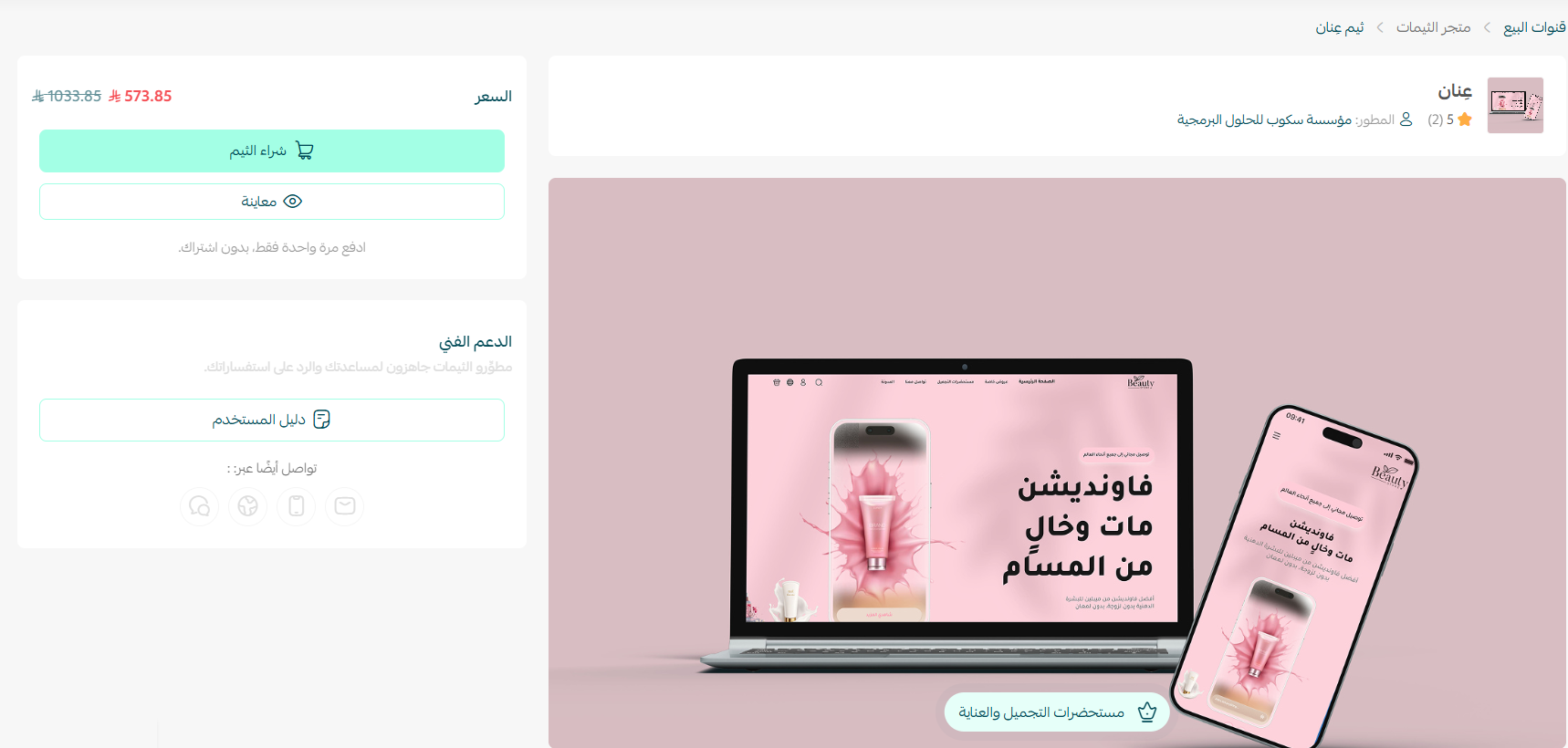
Your theme is your storefront. Pick it deliberately: it should match what you sell and make browsing effortless.
💡 Example: If you sell beauty products, you want a clean, detailed design that lets each item breathe, and the Click theme may be the right fit. If your store is built around one hero product, Fareed suits that model, because it gives a single product exceptional prominence.
Compare the features of each theme before you commit, and choose the one that fits your business.
Read more:
- Managing and installing themes
- Building a homepage that increases sales
- How to choose the right theme for your store
2. Use a clear product name
Name each product the way customers actually describe it, using the common term for the item. Clear names help shoppers find the product through your store search and improve how it appears in search engines. Check your spelling, skip symbols inside words, and keep the name short rather than turning it into a sentence.
💡 Example:
- Weak product name: sportt shoe
- Strong product name: running shoes
3. Add multiple images that show the product's detail
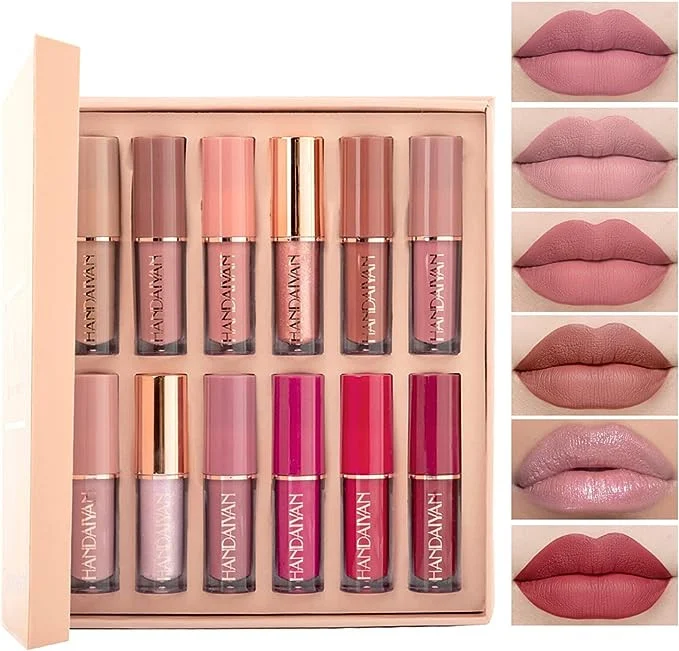
For a customer to trust what will arrive at their door, the product page needs a realistic image showing the item's color, size, and brand.
Add several images covering dimensions, colors, and finer details, so the customer can inspect the product properly and find every detail they need. That is what convinces them it is the right item and moves them to buy.
💡 Example: For a beauty product such as a lipstick, the images should show how the shade reads on different skin tones, along with its texture and size.
4. Categorize your products cleanly
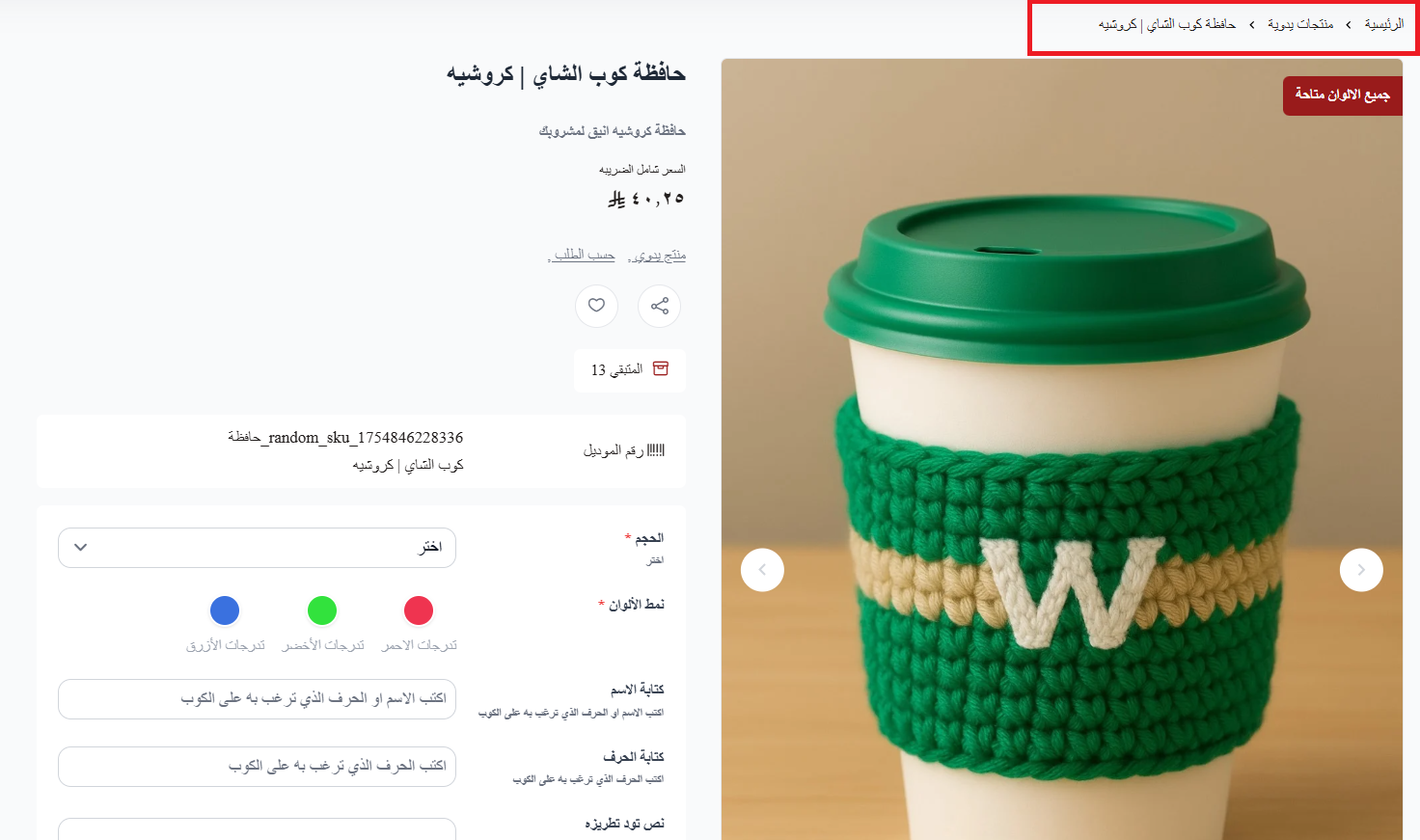
Organize products into well-divided categories so shoppers can browse similar items easily. Grouping everything a customer is looking for into one category lets them compare and land on the right choice.
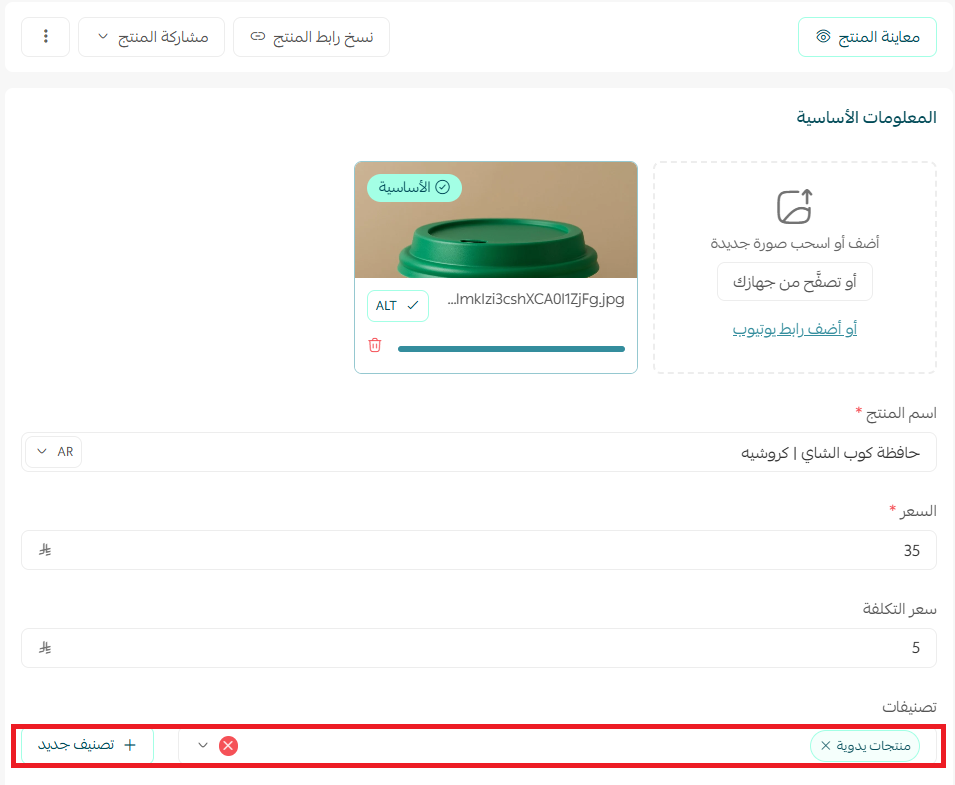
Customers then reach your products without friction.
5. Use tags to link related products
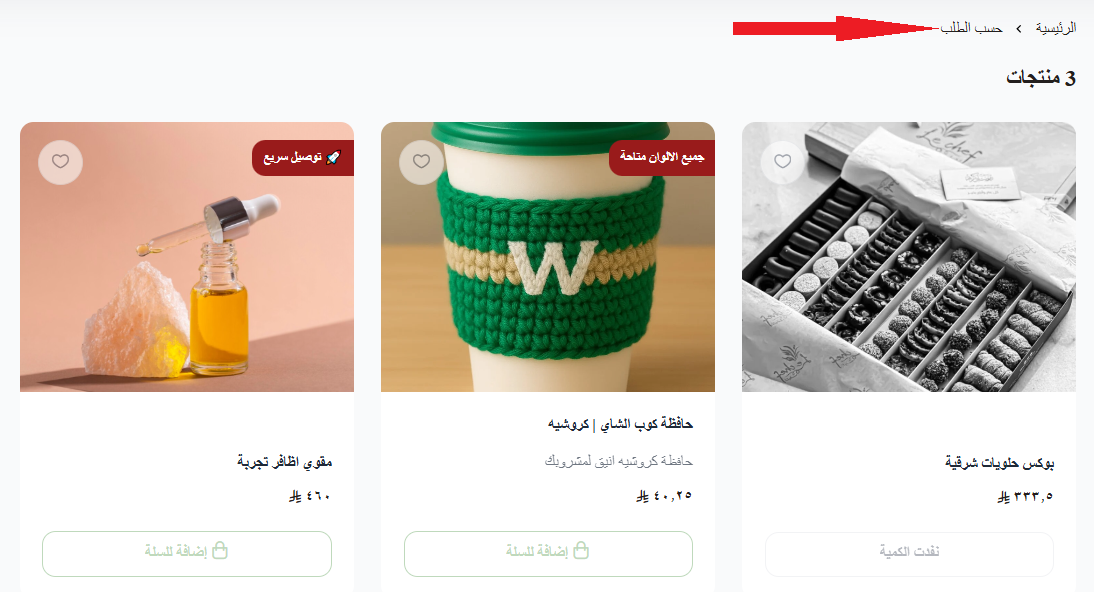
Attach a shared tag to a group of related products so similar items are easy to surface and the customer can see everything carrying that tag in one place. Tag a set of products with (summer sale) or (cotton products), for example, and shoppers can pull up every discounted item or every cotton piece in a single click.

This is how tags appear to customers in your store:
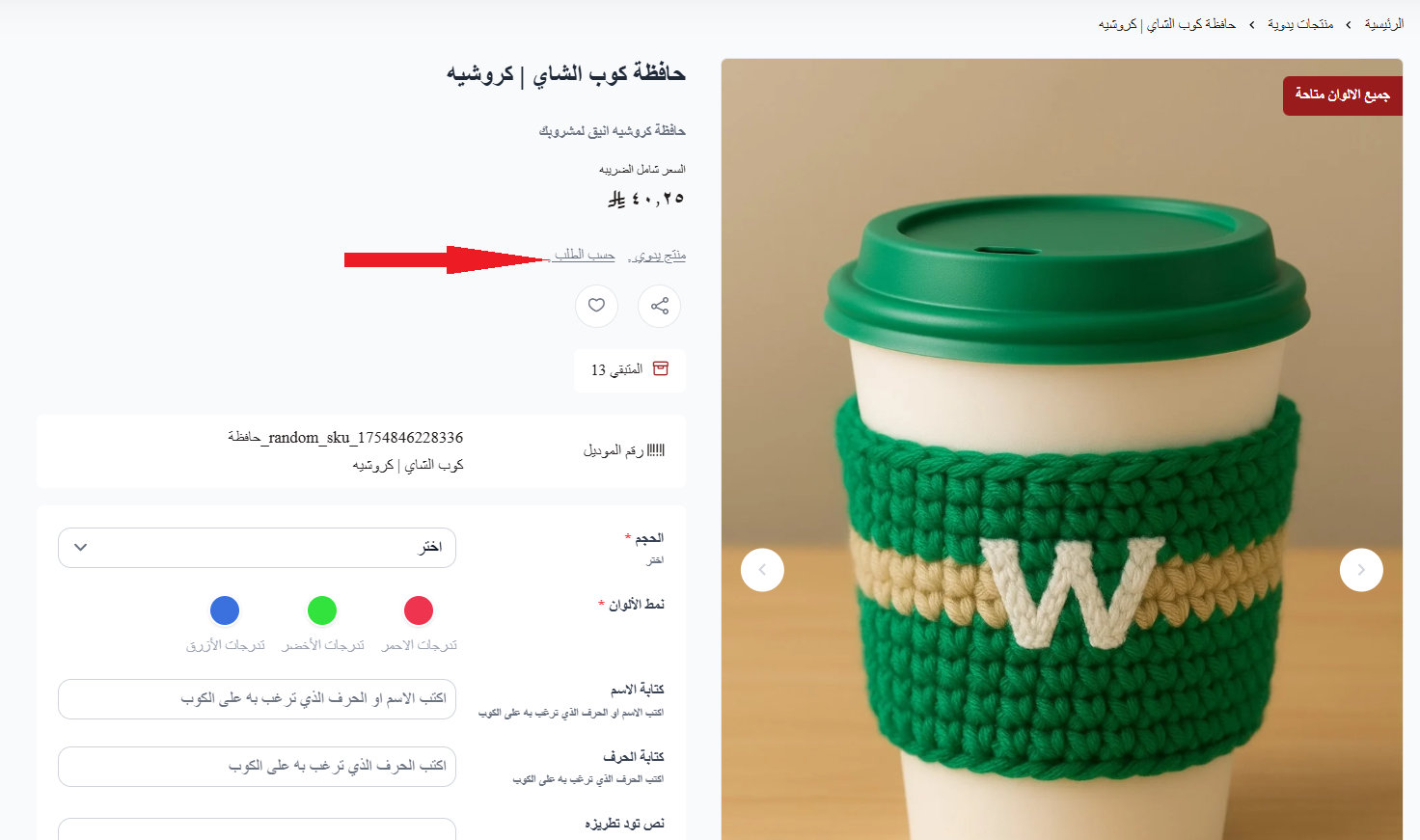
Clicking any tag shows every product carrying it.
6. Manage your product options
The more control a customer feels over their purchase, the more comfortable they are continuing to shop and buy. Give them a real range of sizes and colors so they can pick what matches their preference and their need.
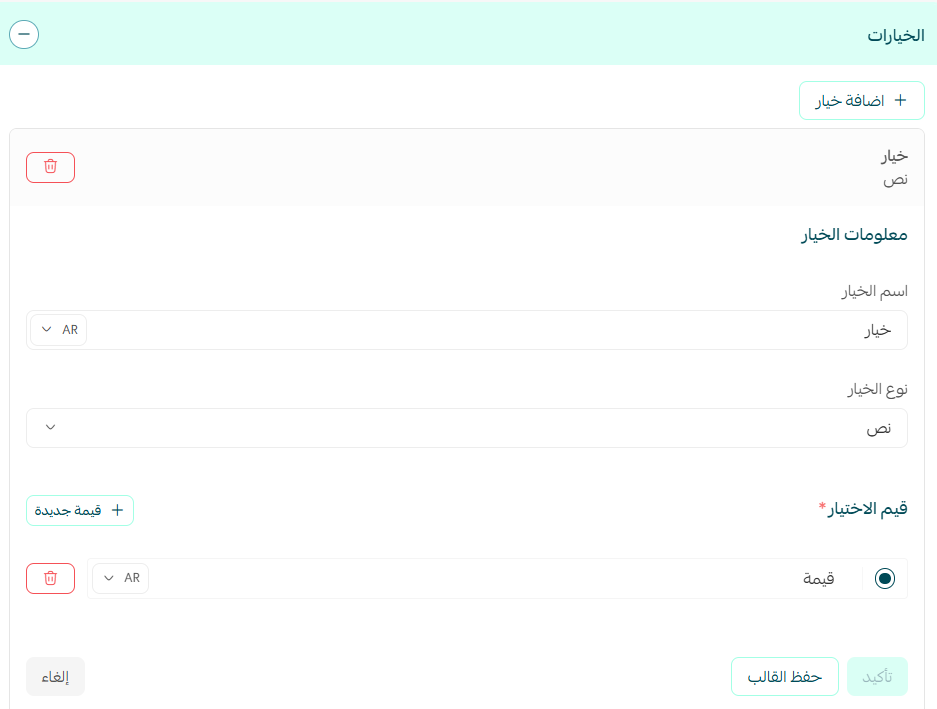
Product options as they appear in the store:
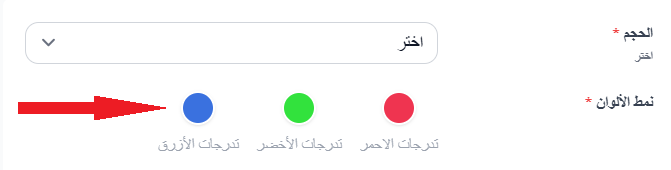
Read more about multiple product options.
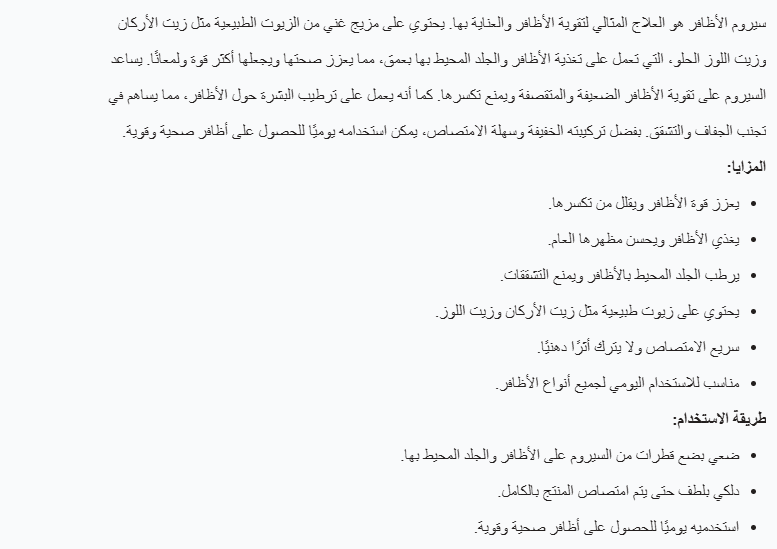
7. Write a short description that covers the product's value
Use the product description to explain, briefly, what the product's features are, what it is made of, how to use it correctly, and what the customer gets out of it, so they can make the most of what they bought.
8. Explain your delivery and return terms
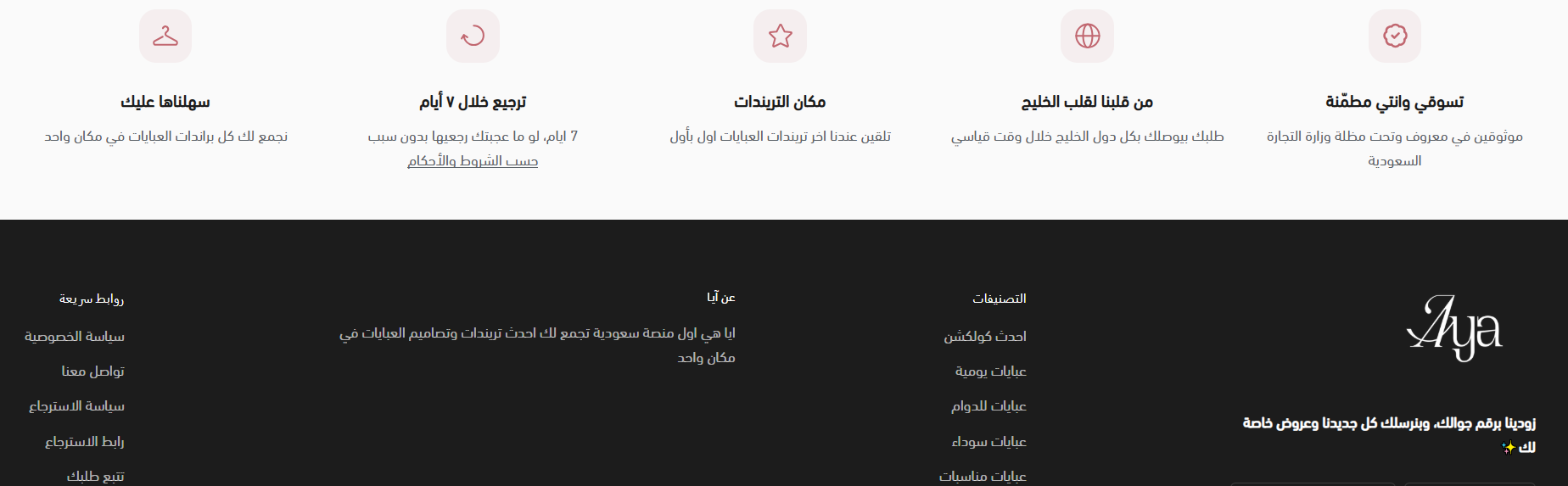
Reassure the customer by being clear about how fast you deliver, how straightforward your after-sales service is, and how they can reach you with a question.
9. Run offers and discount coupons on your products
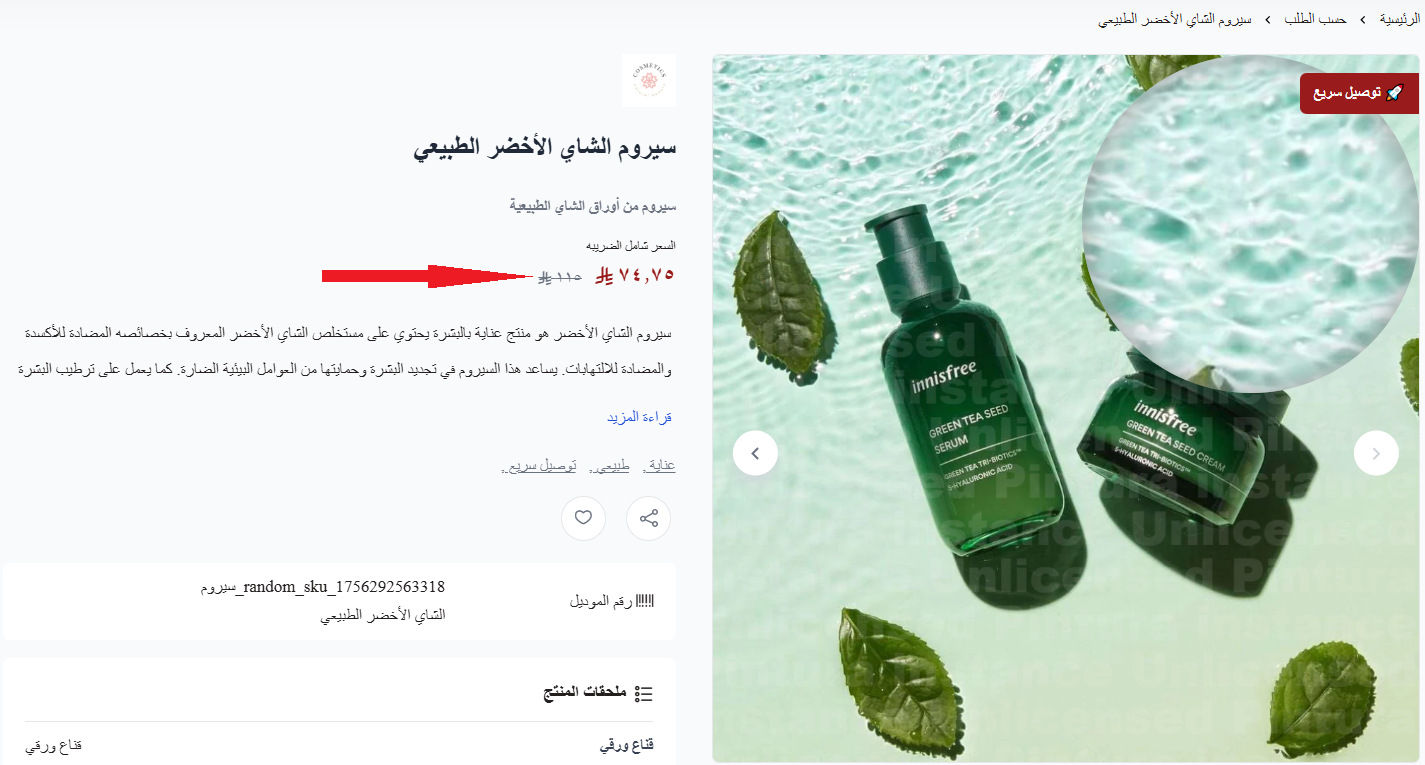
Give new customers a reason to try your store, and keep existing ones coming back to browse. Their likelihood of buying is highest when you put a discount or a reduced price on the products they already want.

A discount can appear on the product like this:
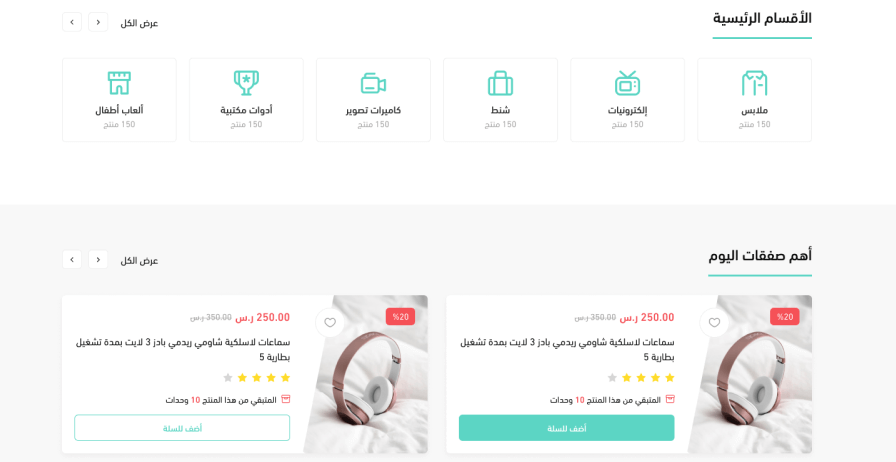
Some themes give discounts extra prominence through a (Today's deals) component.
Read more:
- Customizing discount coupons
10. Back up your product quality with ratings and purchase counts
Strengthen the confidence of everyone who visits your store by showing what other customers thought of the product. Other people's ratings are one of the most effective nudges toward a purchase.

Read more:
- Building trust in your store
- Showing the number of times a product has been purchased
📝 Important notes
- Not every theme displays the same product page elements in the same way. Check how your chosen theme presents images, options, ratings, and discounts before you finalize your product pages.
- Categories and tags do different jobs. Categories are the structure of your catalog; tags cut across it to group products that belong together for a season, a material, or a campaign.
❓ Frequently asked questions
How many images should a product page have?
Enough for the customer to inspect the product without guessing. Cover the dimensions, every color you sell, and the details that matter for that category, such as texture on a beauty product or the fit on clothing.
What makes a product name good?
The common name for the item, spelled correctly, with no symbols inside words and no long sentences. "Running shoes" works; a misspelled or padded name does not.
What is the difference between a category and a tag?
A category is where a product lives in your catalog structure. A tag is a label you attach to a group of related products, such as (summer sale), so customers can pull up everything sharing it.
Do I need to add product options?
Add them whenever a product comes in more than one size or color. Letting the customer choose keeps them in control, and that keeps them shopping.
Why show ratings on the product page?
Because other customers' experiences carry weight that your own description cannot. Ratings and purchase counts give a hesitant visitor the evidence they need to buy.
A product page is where interest turns into an order. Get the theme, the name, the images, the options, and the proof right, and you remove the reasons a customer had to leave.