Do you know what actually draws visitors into your store — and which sections quietly push them away?
If you want to understand visitor behavior on your site — how people react to your pages, what attracts them, and what they avoid — Salla covers that need and more through its integration with Hotjar. In this guide, you'll learn what Hotjar is and which of its tools help you understand how visitors really use your store.
Hotjar is a behavior analytics tool that shows how visitors use your site and what they think of it. It combines analytics and feedback through heatmaps, session recordings, conversion funnels, and surveys — so you can see what users do and hear why they do it, then improve your store accordingly.
📌 Article overview
- What is Hotjar?
- Incoming feedback surveys
- Visitor recordings
- Heatmaps
- Conversion funnels
- Feedback tools
- Frequently asked questions
🎯 What is Hotjar?
Hotjar is a powerful tool for monitoring the behavior and reactions of your site's users. It helps you understand how users behave and collect their feedback through tools like heatmaps, session recordings, and surveys — combining analytics and feedback in one place.
For more details, see connecting Hotjar to your store.
Each part of this Hotjar series covers one of the key tools that help you understand how users behave on your site. Here is what they do:
✅ Incoming feedback surveys
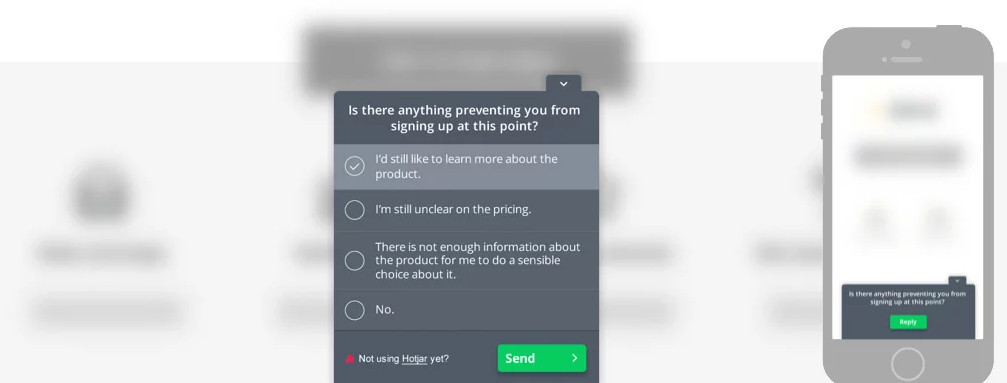
Hotjar's unique selling point is combining analytics with user feedback features. Surveys help you ask web visitors why they did — or didn't — take a specific action, like filling in a form or clicking the buy button.
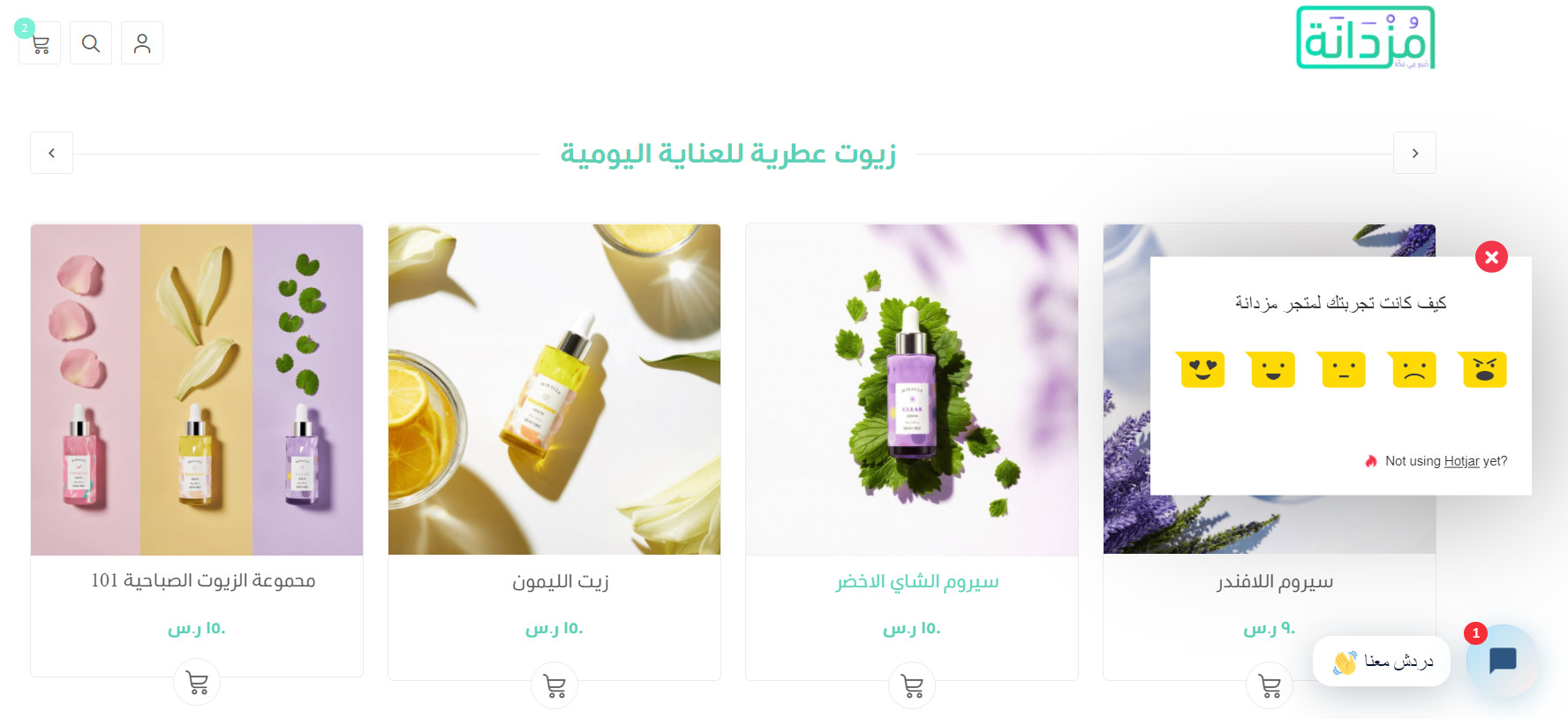
For more details, see asking your visitors what matters most to improve, with instant feedback in Hotjar.
✅ Visitor recordings
Analytics starts with measuring and watching user behavior — seeing what users actually do. Hotjar was the first analytics tool to offer visitor recordings: it screen-records user sessions so you can watch how visitors interact with different page elements, such as how they scroll.
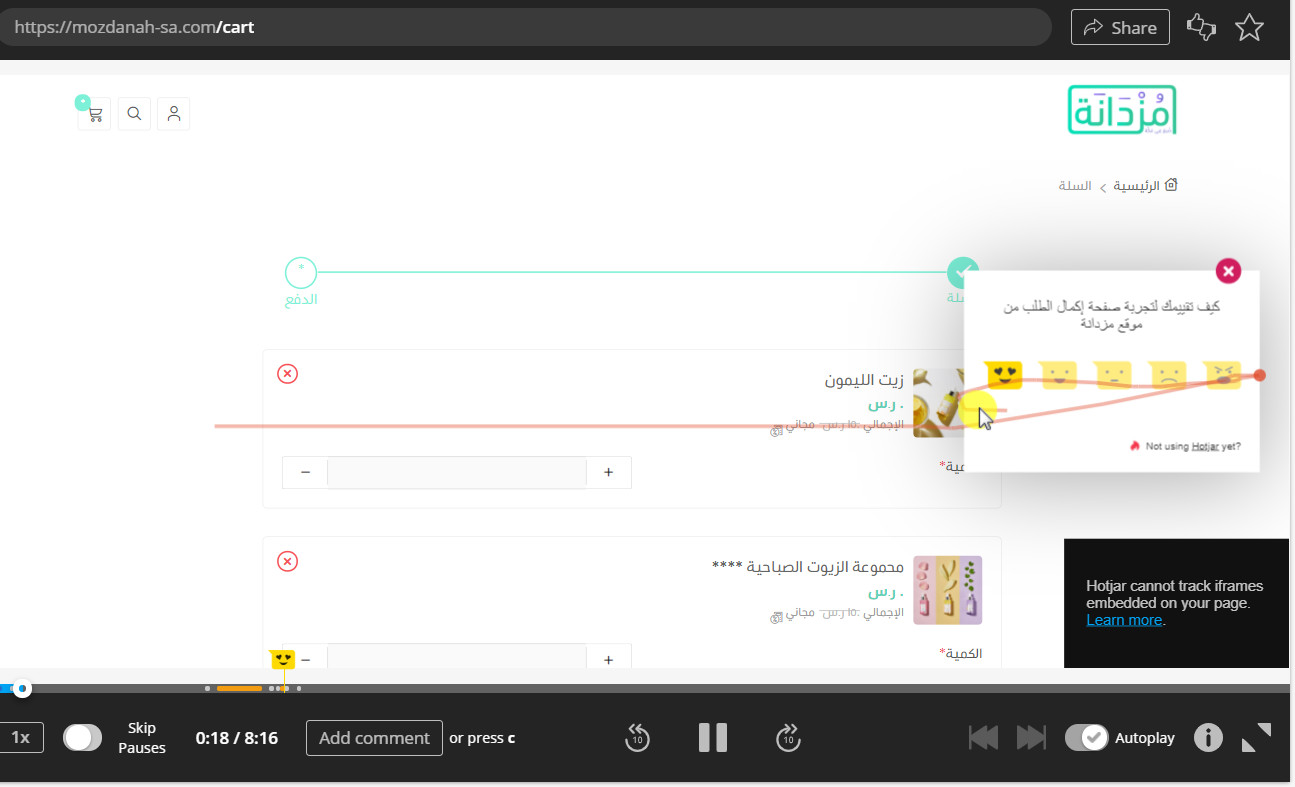
For more details, see watching real video of users interacting with your store pages, with Hotjar session recordings.
✅ Heatmaps
Heatmaps show you where people click. They reveal which sections of a page get the most clicks and which receive the least attention.
You can then place strong call-to-action (CTA) buttons in the spots with the most clicks — and even add an incentive to the spots that get the least attention, to reduce bounce rates.
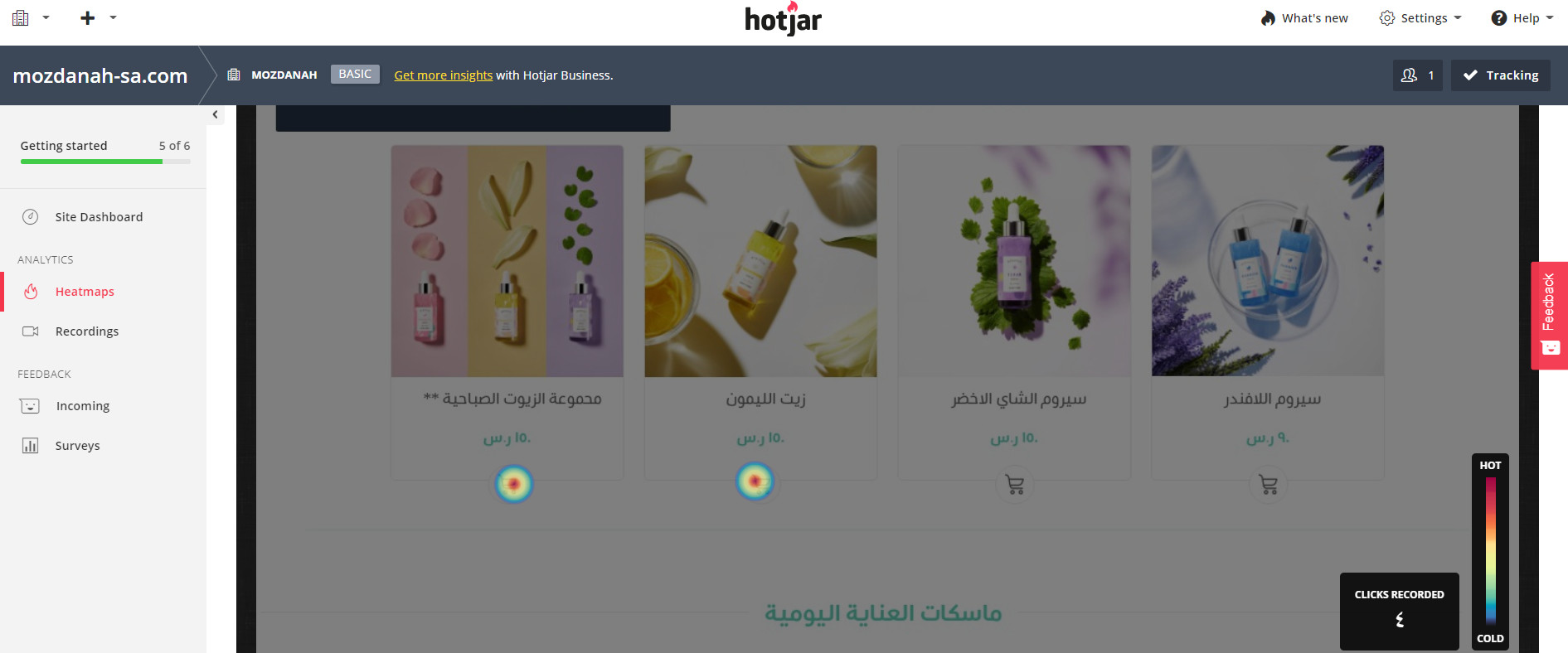
For more details, see finding the store sections visitors overlook, with Hotjar heatmaps.
✅ Conversion funnels
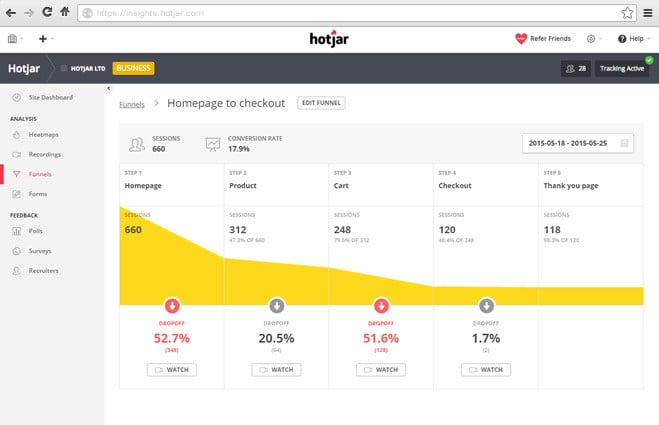
Conversion funnels show you where visitors drop off before becoming customers. Hotjar gives you a visual overview of where people leave your site, so you can reduce your bounce rate.
✅ Feedback tools
Feedback tools let you "hear" what users are saying — the voice of the user. The incoming feedback feature adds a widget to your page, giving users an outlet to leave comments whenever they run into a problem.
❓ Frequently asked questions
What makes Hotjar different from a regular analytics tool?
It pairs behavior analytics (recordings, heatmaps, funnels) with direct user feedback (surveys and feedback widgets) — you see what visitors do and hear why they do it, in one tool.
How do I connect Hotjar to my Salla store?
Through Salla's Hotjar integration — the connecting Hotjar guide linked above walks through the setup step by step.
What can heatmaps tell me about my pages?
Which areas get the most clicks and which get ignored — so you can position your CTA buttons where attention is highest and rework the sections nobody engages with.
How do visitor recordings help me improve my store?
They replay real user sessions, showing how visitors scroll and interact with each element — the fastest way to spot confusing layouts or elements nobody uses.
Watch what your visitors do, then ask them why. When analytics and feedback point at the same weak spot, you know exactly what to fix first.