With the widespread growth of e-commerce in Saudi Arabia and the rapid increase in online stores, a system was introduced to regulate e-commerce, protect consumer rights, and organize the relationship between the merchant and the customer.
This system includes 26 articles that organize the operation of online stores, which e-commerce store owners must adhere to in order to manage their businesses successfully and effectively without any legal issues.
For more details on the key articles included in the e-commerce law
In this article, you will find answers to some questions such as:
- What are the requirements for opening an online store in Saudi Arabia?
- What do you need to open an online store in Saudi Arabia?
- Do I need a license to open an online store?
Key information you must include in your Salla store to ensure your business is compliant:
1. Add the commercial registration number or freelance document and tax number
2. Add a link to the business platform
3. Store location and contact and technical support details for receiving and responding to complaints
4. Add terms of use and privacy policy
5. Add exchange and return policy
6. Add reliable electronic payment methods through approved banking channels
7. Support Arabic language in the store, products, and conversations
The method to add them in order is:
First - Add the commercial registration number and tax number
From the side menu of the control panel, go to the settings section and click (Wallet and Invoices).

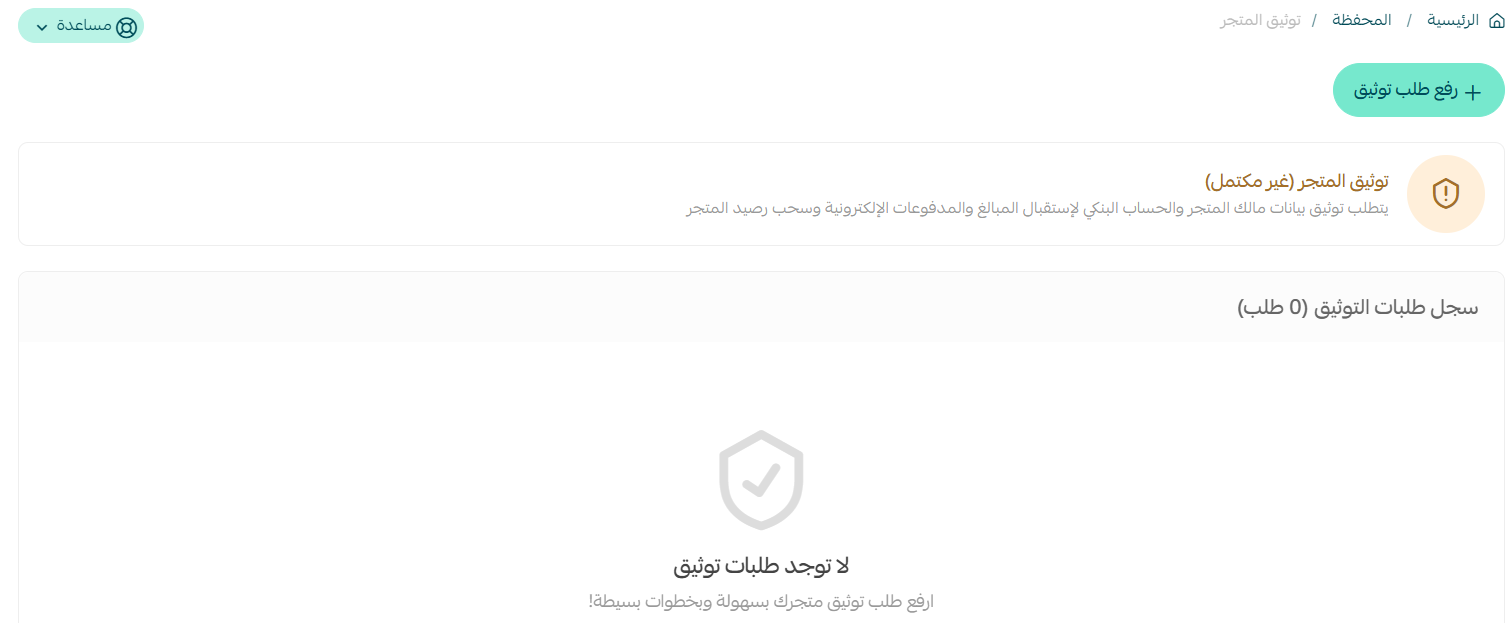
The status of your store verification will appear at the top of the Wallet and Invoices page, then click (Incomplete)

From the store verification page, click (Submit Verification Request), and enter the required verification data.
For more details on store verification
Important notes:
If you do not have a commercial registration yet, you can check out steps to obtain a commercial registration
If you have a previous commercial registration, it is important to ensure adding the electronic activity and store link in the commercial registration.
If you are not yet registered with the Zakat, Tax and Customs Authority, you can check out Zakat, Tax and Customs Authority
It is advised to consult a financial advisor to review the registration regulations with the Zakat, Tax and Customs Authority.
Second - Add the business platform link
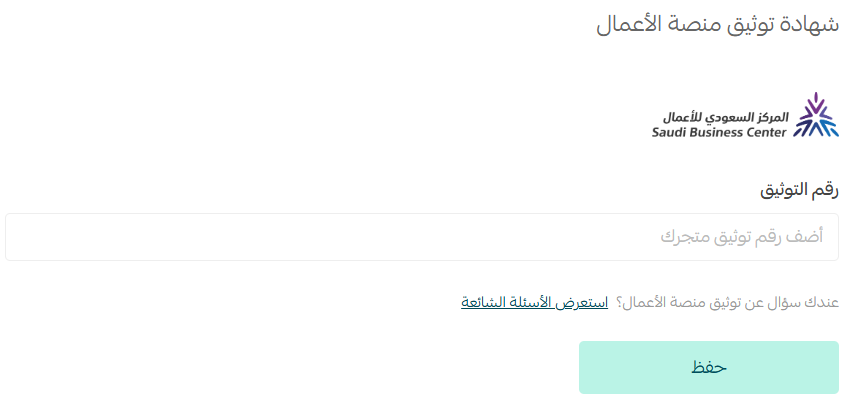
From the (basic settings) page of the store, enter the business platform verification number and click (Save).
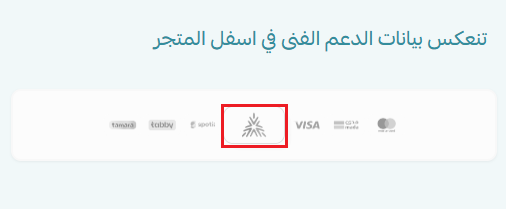
The verification code will appear at the bottom of your store as follows:
If you do not have a business platform certificate, you can issue it by
verifying your store on the business platform instead of Maroof
Third - Store location and contact and technical support details for receiving and responding to complaints
From the (basic settings) page of the store, click (Select) to specify the store location.
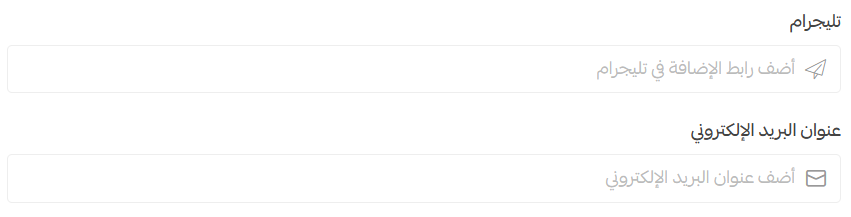
You should have at least a mobile number and WhatsApp, as follows:
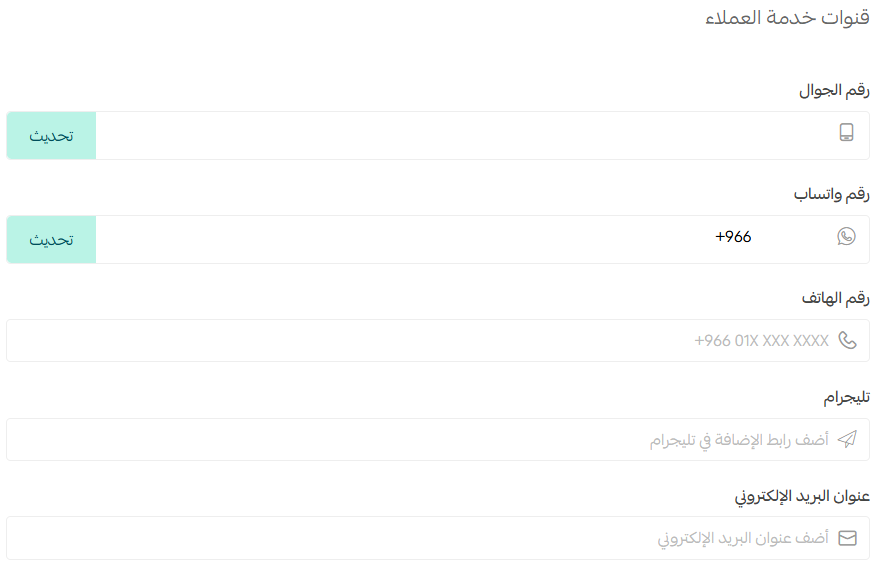
Enter one of your store's social media accounts, and click (Save).
Fourth - Add privacy policy, exchange and return policy, terms and conditions
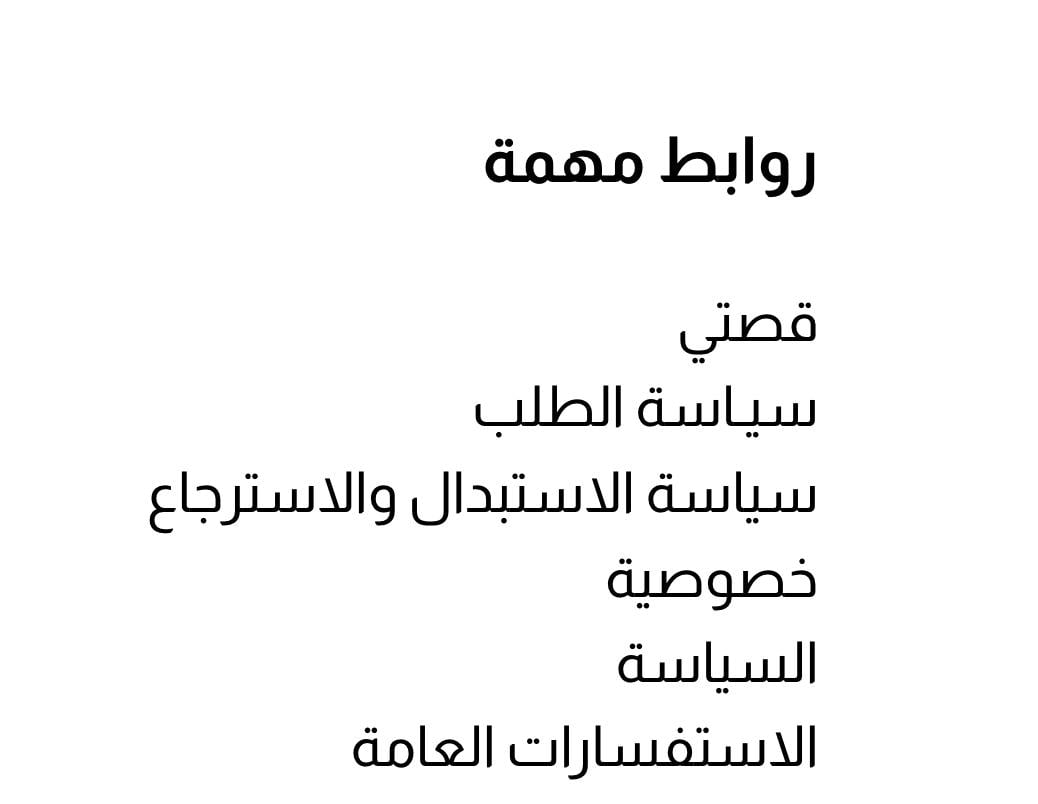
They are added as an informational page.
You must create at least two informational pages and ensure they are effective in this manner.

They will appear in your store as follows:
For more details on creating a new informational page
Fifth - Add reliable electronic payment methods
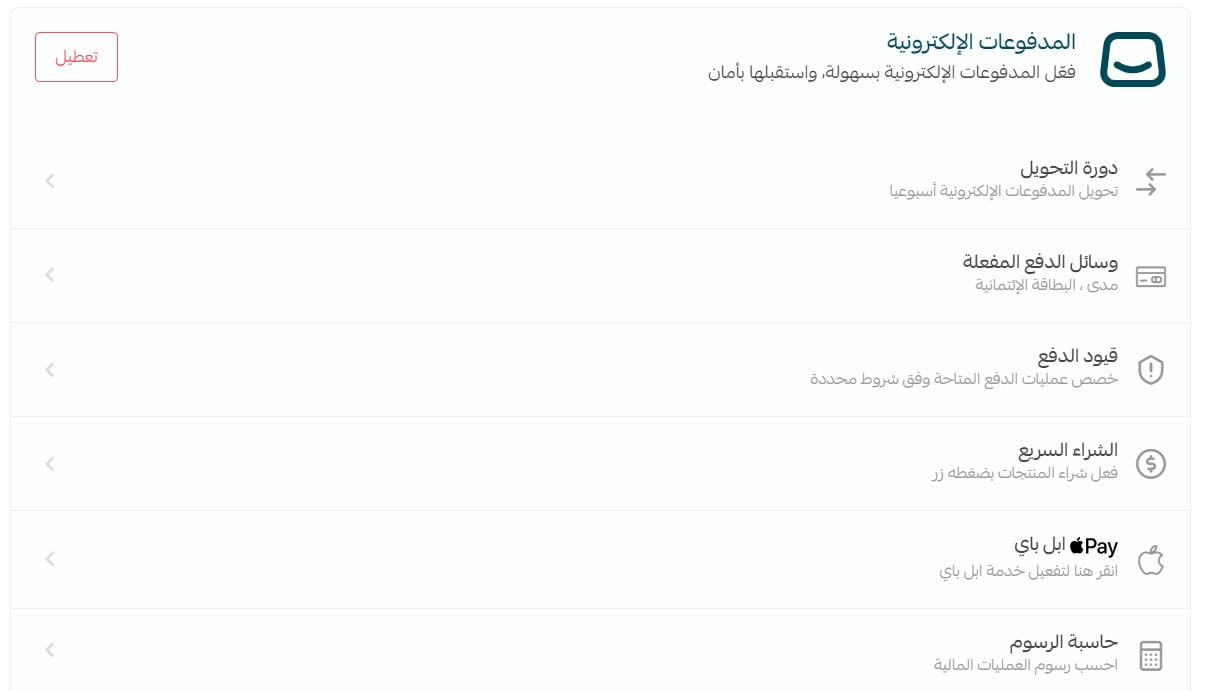
From the side menu of the control panel, click on (Store Settings). Then from the store settings page, click on (Payment Methods) and choose the payment methods you wish to activate.
For more details on managing payment methods and activating electronic payments
Support Arabic language in the store, products, and conversations
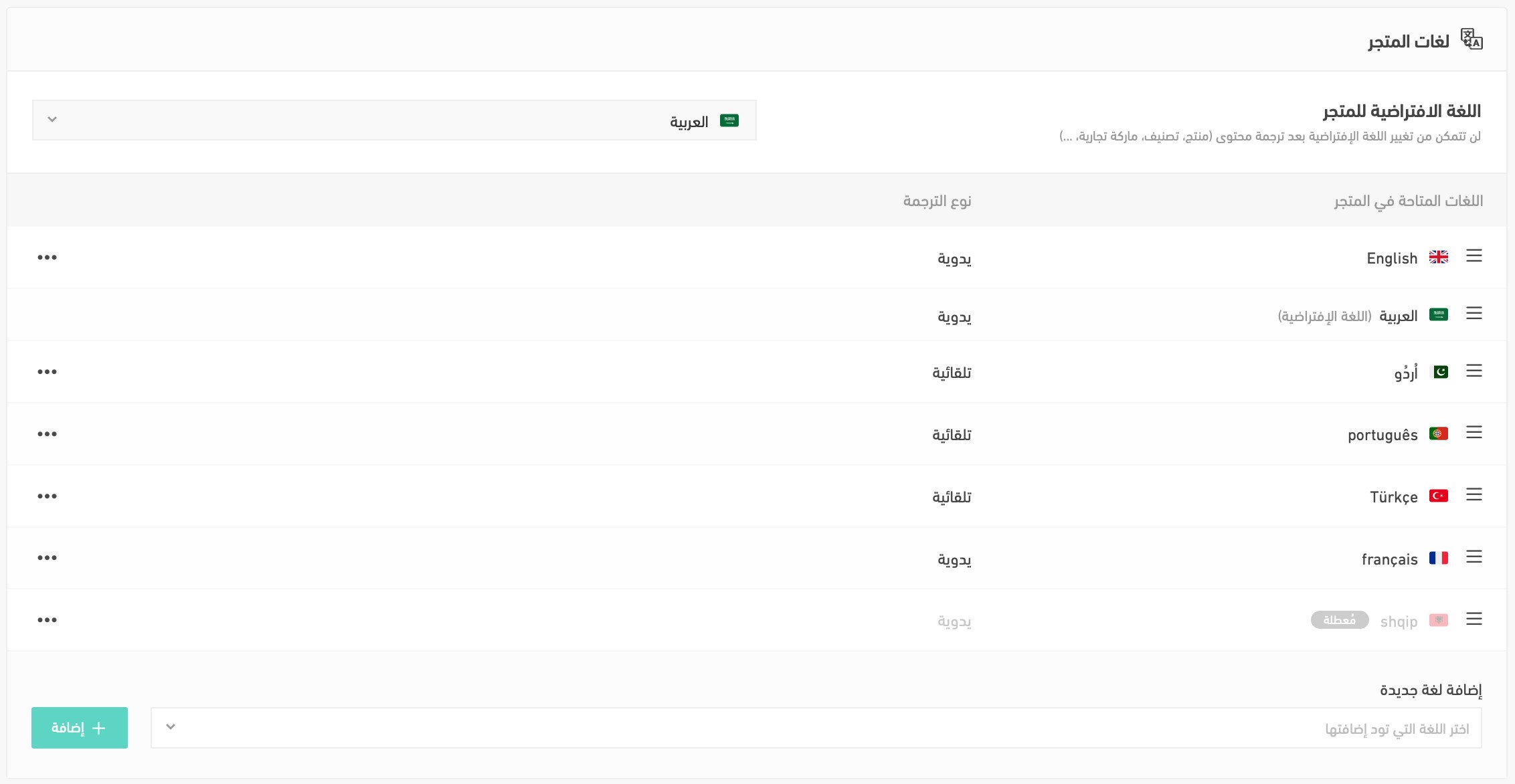
From the side menu of the control panel, click on (Store Settings). Then click on (Languages) and add the Arabic language.
For more details on activating multiple languages in your store
Frequently Asked Questions
What is the privacy policy?
The privacy policy provides valuable protection for your store and your users. Most importantly, it enhances the level of trust. By offering straightforward privacy policies in simplified Arabic that describe tangible data protection, your website will have an advantage over competitors with complex and confusing privacy policies.
What is the terms of use agreement?
The terms of use agreement serves as a general agreement governing the rules of interaction between the user and the site, and it applies to all services provided by the site to the user.
Can a foreigner engage in e-commerce in Saudi Arabia?
Others may ask: Is Salla for Saudis only? Is a foreigner allowed to open an online store in Saudi Arabia? Is a resident allowed to open an online store?
E-commerce services are available to Saudis after fulfilling the regulatory requirements, such as issuing a freelance document or commercial registration.
For foreigners, after fulfilling the regulatory requirements, such as obtaining a license to engage in e-commerce through the Ministry of Investment.
A tool to help you find the best verification method step by step: here