Founding Day is one of the biggest shopping moments of the year — is your store dressed for it?
Shoppers are already in a celebratory mood, and the stores that show up with the right look and the right offer are the ones that get the order. Good Founding Day marketing is not a single discount; it is a storefront, a product catalog, and a set of promotions that all point at the same occasion. In this guide, you'll learn how to restyle your store for the occasion and how to build offers that convert.
To market your store on Founding Day, restyle your storefront in the occasion's colors, update product titles and descriptions so they surface in Founding Day searches, and build time-limited offers. Promote them on your homepage, in slider banners, through deferred payment options, and in a Mailchimp campaign.
📌 Article overview
- Restyle your store for the occasion: logo, product data, colors, banners
- Build your Founding Day offers: homepage, special offers, sliders, deferred payment, Mailchimp
- Frequently asked questions
🚀 Restyle your store for the occasion
Lean on the colors of the Founding Day emblem so visitors can see at a glance that your store is part of the celebration.
Change your logo and icon
Add the Founding Day emblem to your store logo, or recolor your existing logo in the shades used in the emblem.
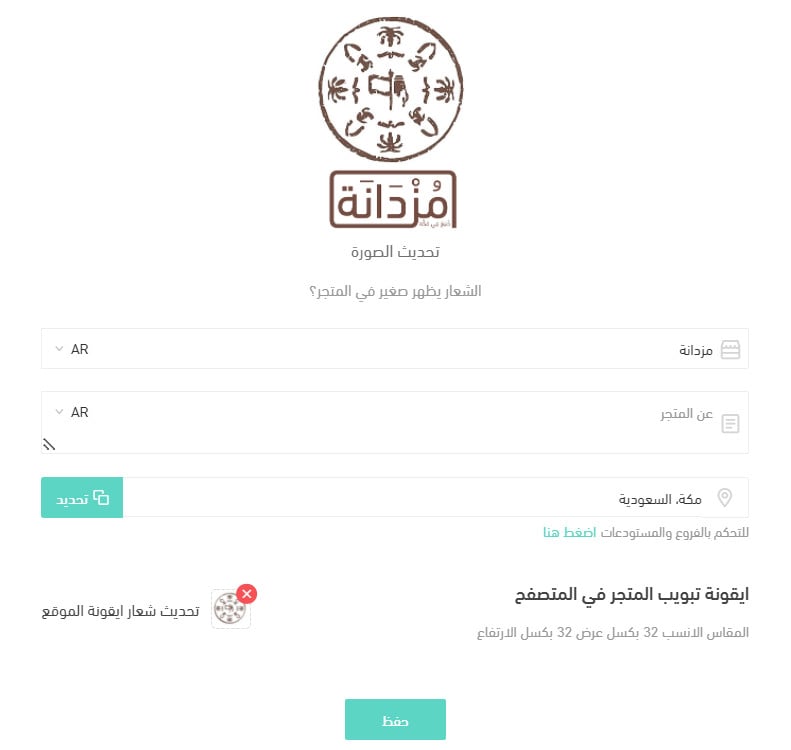
For more details, see the basic store settings.
Update your product data for Founding Day
Rewrite the page title and description of the products going into your Founding Day offers so they show up in searches tied to the occasion.
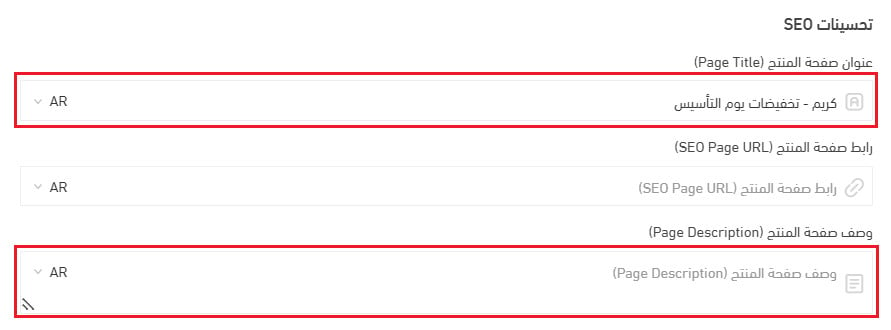
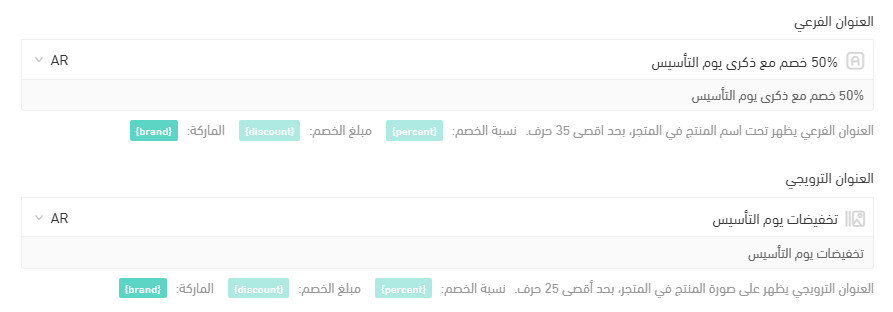
Update the product description, subtitle, and promotional title too, so shoppers immediately spot which products are part of the offer.
Then add a Founding Day tag to every product included in the offers.

The tag then stands out on the product for the customer.
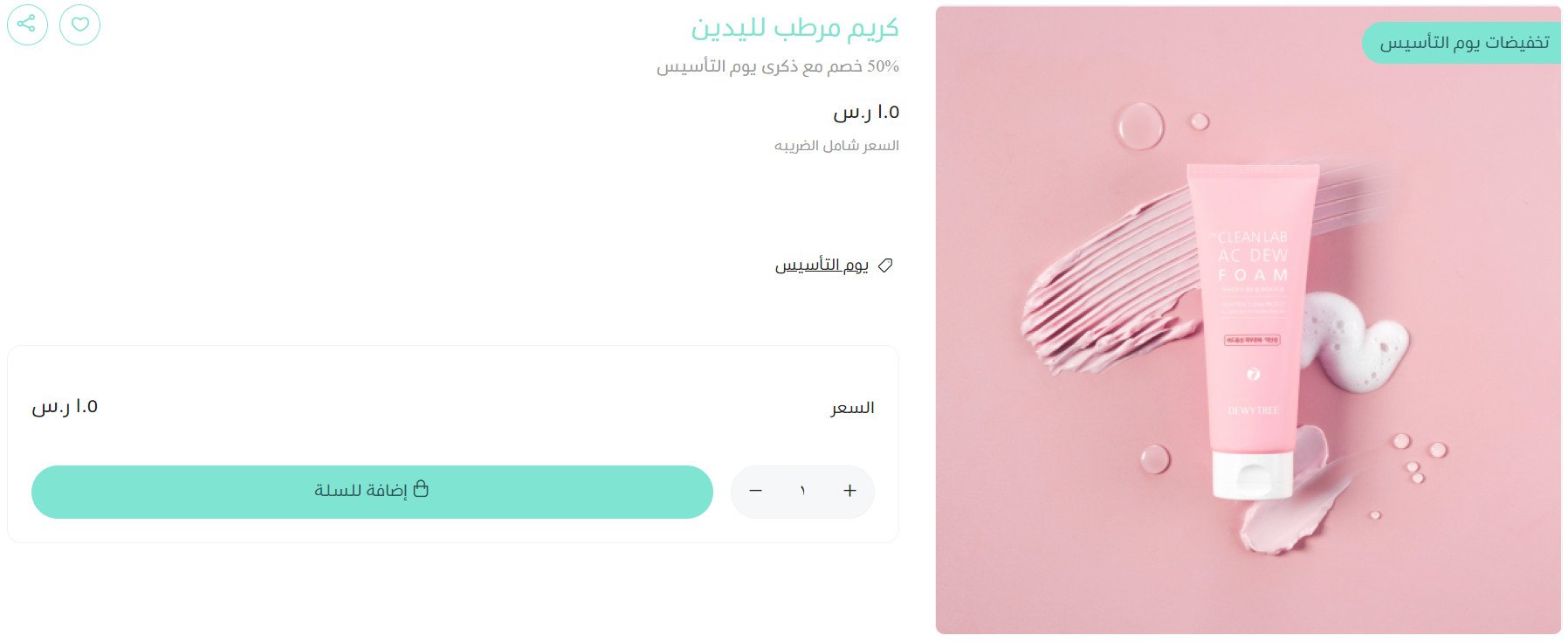
For more details, see the product card and adding a new ready product.
Change your store design
Switch your store colors to match the Founding Day palette, and update the announcement banner at the top of your store.
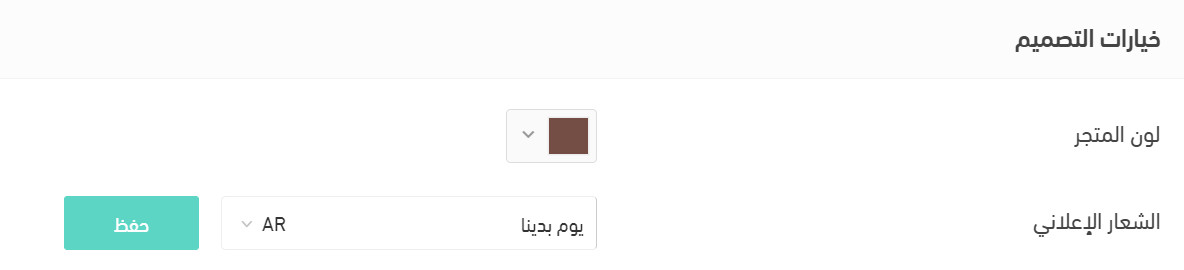
Your store colors will then look like this:
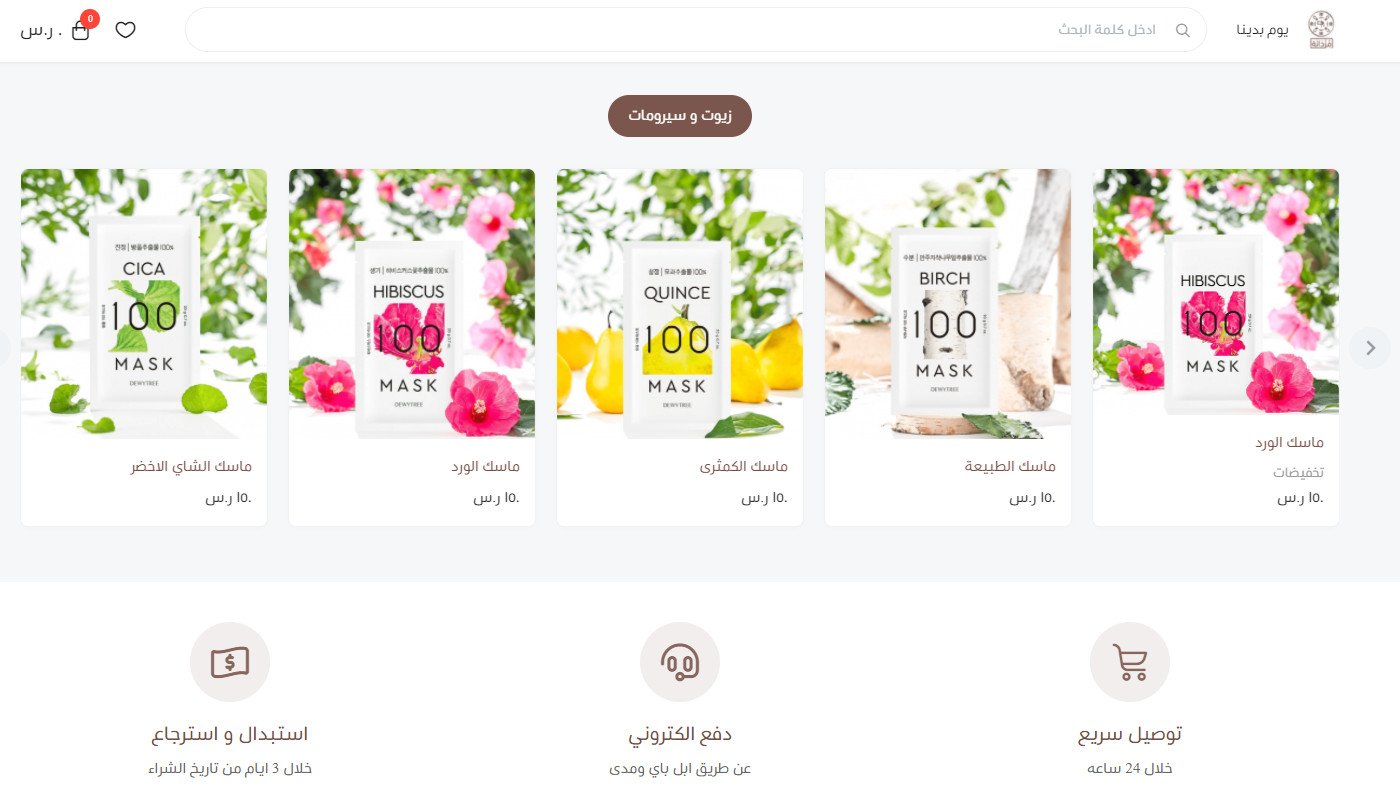
For more details, see customizing your store design.
Designs and banners
Create occasion designs and banners, add them to the home screen of your app, and link them to your Founding Day sale page or to the discounted products themselves.
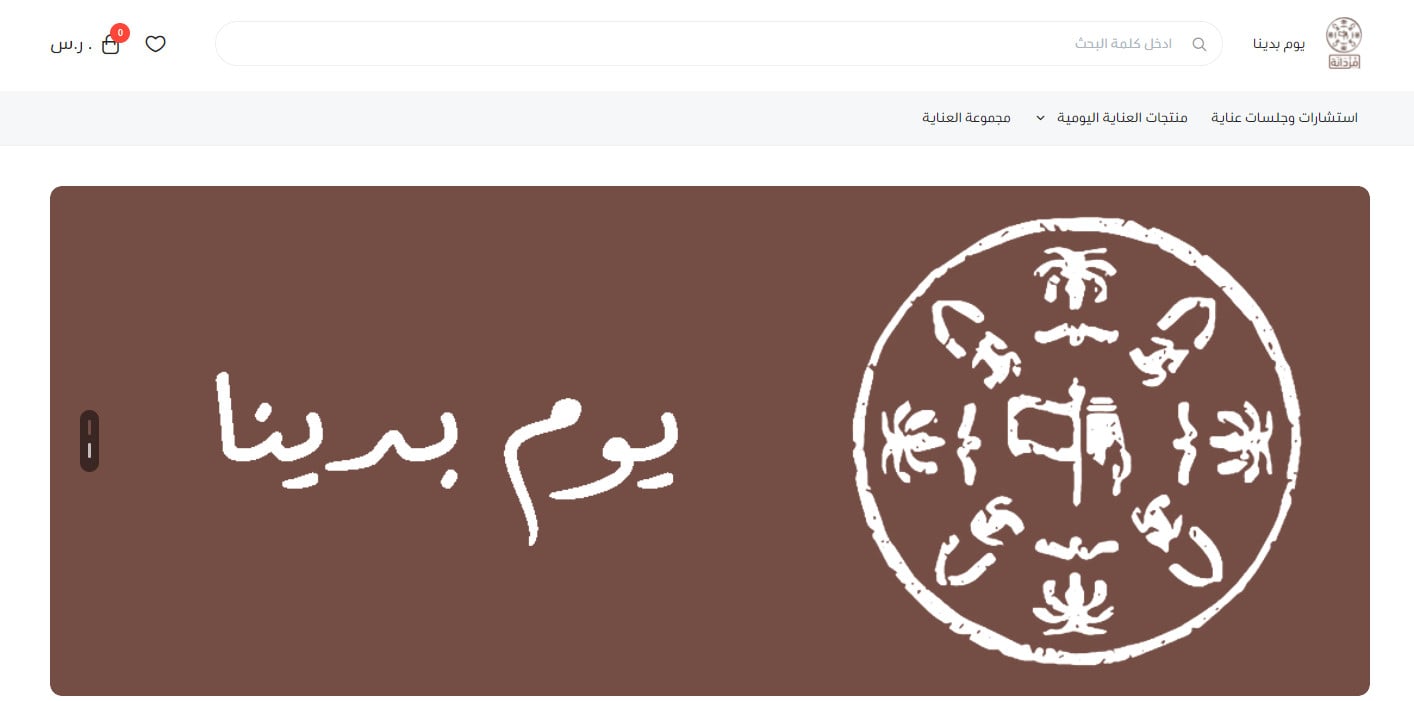
For more details, see customizing your store design.
🎯 Build your Founding Day offers
A few angles that tend to land well around the anniversary of the Kingdom's founding:
- Highlight what is made locally, and remind customers which of your products are made in the Kingdom.
- Run a flash sale: deep discounts on a short timer. Build the offer around urgency, because that is what pushes shoppers to act now.
- Offer free delivery. Free shipping is still the single strongest reason people add one more item to the cart.
- Run a fun Founding Day contest on social media — another simple way to grow your store's audience.
- Play with the symbols in the Founding Day emblem, and consider discounting every product that carries one of them to steer shoppers toward those styles.

Here is how to put those ideas into practice.
Put your offers on the homepage
Give your strongest offers the top of your store homepage using advertisements.

For more details, see advertisements.
Create Founding Day special offers
Set up offers built for the occasion, either on specific products or on the cart total, as a percentage or as a fixed amount.
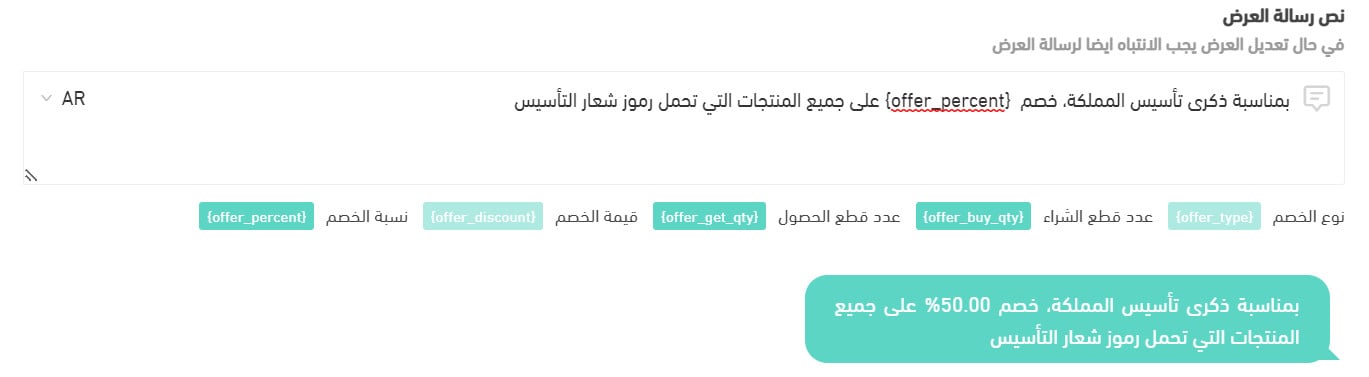
If the discount applies to the cart total, the customer sees it like this:
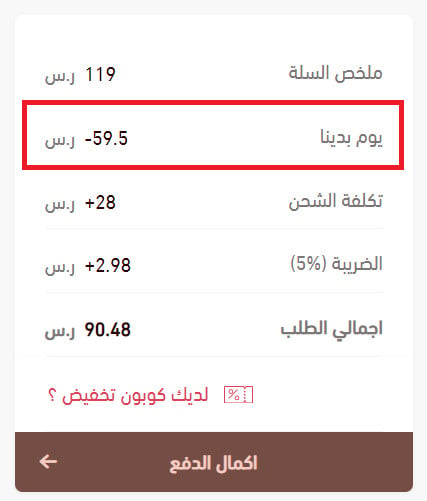
For more details, see managing special offers and adding a new special offer.
You can also run a marketing campaign alongside the offer. Set the campaign goal to buying a specific product, choose the product, and send the notification — when a customer taps it, they land straight on that product page.
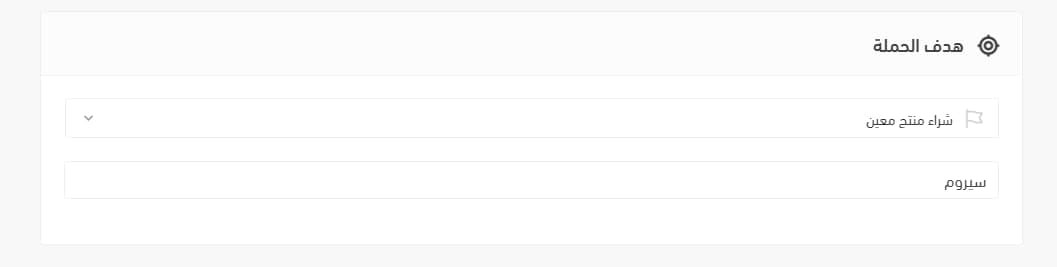
For more details, see working with marketing campaigns.
Make the most of slider offers
Moving images pull the eye, so put your Founding Day offers and the products they cover into the store slider.
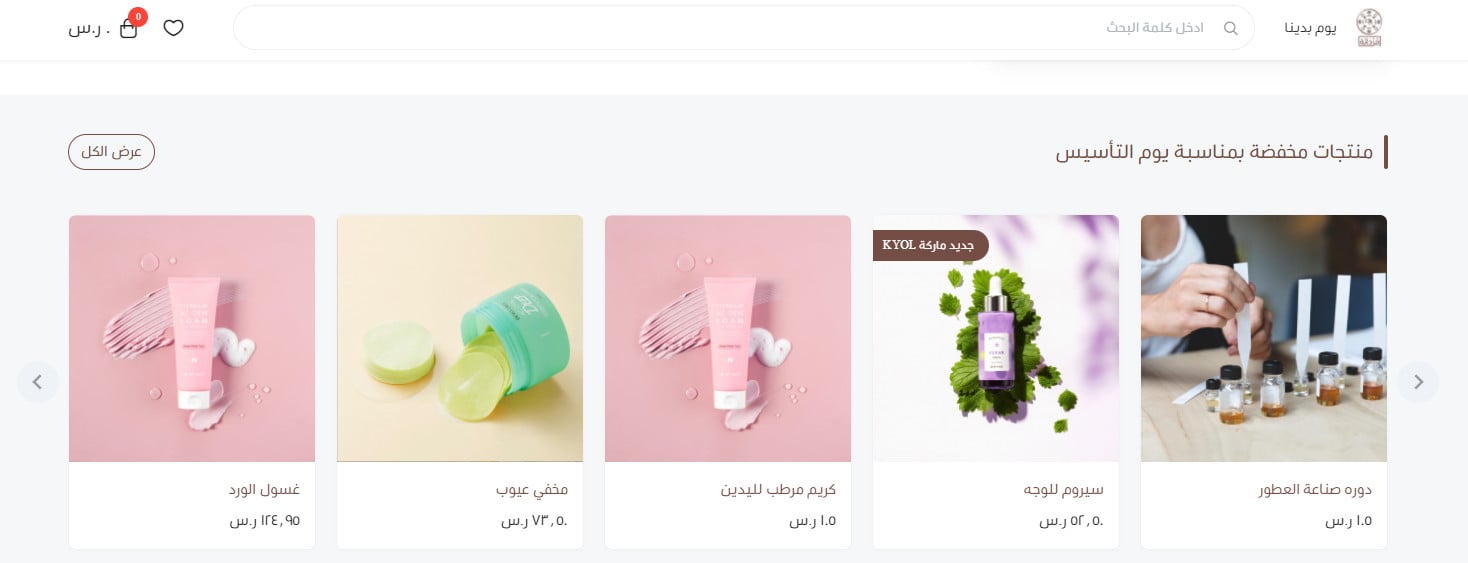
For more details, see customizing your store design.
Lean on deferred payment
Lift your sales by letting customers buy now and pay later with the deferred payment methods Salla supports:
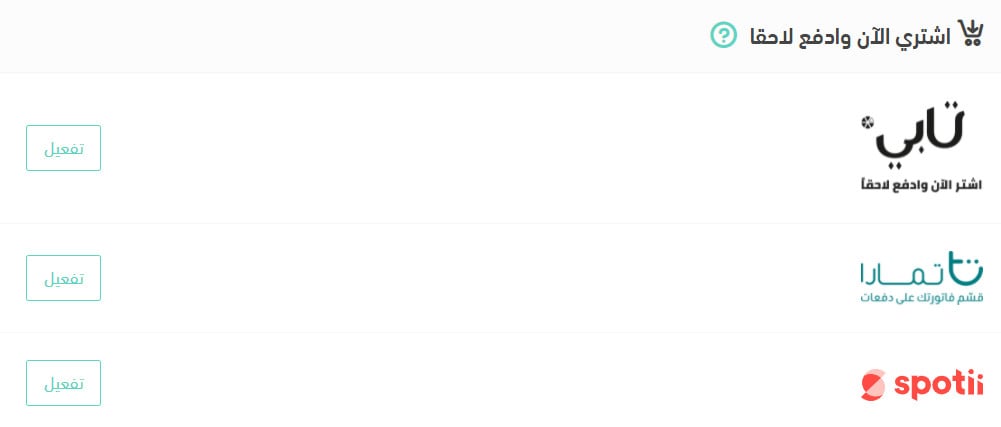
Click (Activate) to make any of these deferred payment methods available to your customers.
For more details, see activating the Tabby deferred payment method.
For more details, see activating the Tamara deferred payment method.
For more details, see activating the Spotii deferred payment method.
Send your offers through Mailchimp
Add your store customers to Mailchimp and email them offers built for the occasion. [Verify: the Arabic says "National Day" here, while the rest of the article is about Founding Day.]

Mailchimp is a leading email marketing service with strong features for reaching customers. It helps you manage subscribers and see click-through rates, and it generates custom reports and tracks your emails.
For more details, see connecting to the Mailchimp email service.
For more details, see adding your store customers to Mailchimp.
❓ Frequently asked questions
Where do I change my store logo and colors for the occasion?
The logo and icon come from your basic store settings, and the colors and announcement banner come from your store design settings.
Do I have to discount every product?
No. You can build a special offer on selected products only, or apply the discount to the cart total instead, as a percentage or a fixed amount.
How do customers find out about my Founding Day offers?
Put them where shoppers already look: homepage advertisements, the store slider, a marketing campaign notification that opens the product page, and an email campaign through Mailchimp.
How does deferred payment help during the occasion?
It lets customers buy now and pay later, which usually means fewer abandoned carts on higher-value items. Click (Activate) on the method you want to offer.
We also recommend reading marketing ideas for National Day through your store app.