National Day is one of the busiest shopping weeks of the year — is your store app dressed for it?
This guide walks through National Day marketing ideas you can run entirely from your store app: ways to share the celebration with your audience, put your products in front of them, bring in new customers, and hold on to the ones you already have. In this guide, you'll learn how to restyle your app for the occasion, put your offers where shoppers will see them, and read the numbers afterwards.
National Day is a short, high-intent window. The fastest wins in your store app are a themed icon and splash screen, National Day keywords in your app store listing, banners linked to your sale page, and push notifications that send shoppers straight to the discounted product.
Before you pick ideas, answer a few questions about your own audience:
- What is my audience interested in on National Day?
- Where does my audience gather on National Day?
- What connects my products to the celebration?
- What would surprise my audience on National Day?
Don't have an app yet? Start by getting to know your store app from the Salla app builder.
📌 Article overview
- First: restyle your app to match the occasion
- Second: put your National Day offers front and center
- Third: review your app's National Day analytics
- Frequently asked questions
🚀 First: restyle your app to match the occasion
Bring shades of green into your store to make your National Day promotions stand out.
1. Change the icon
Add the National Day emblem to your store icon, or switch the icon colors to National Day colors.
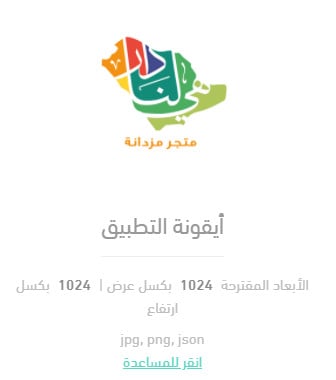
For more details on checking how your app icon appears on the app store.
2. Tune your app's ASO for National Day
Update the description, keywords, or promotional text for your store app so it surfaces in National Day searches.
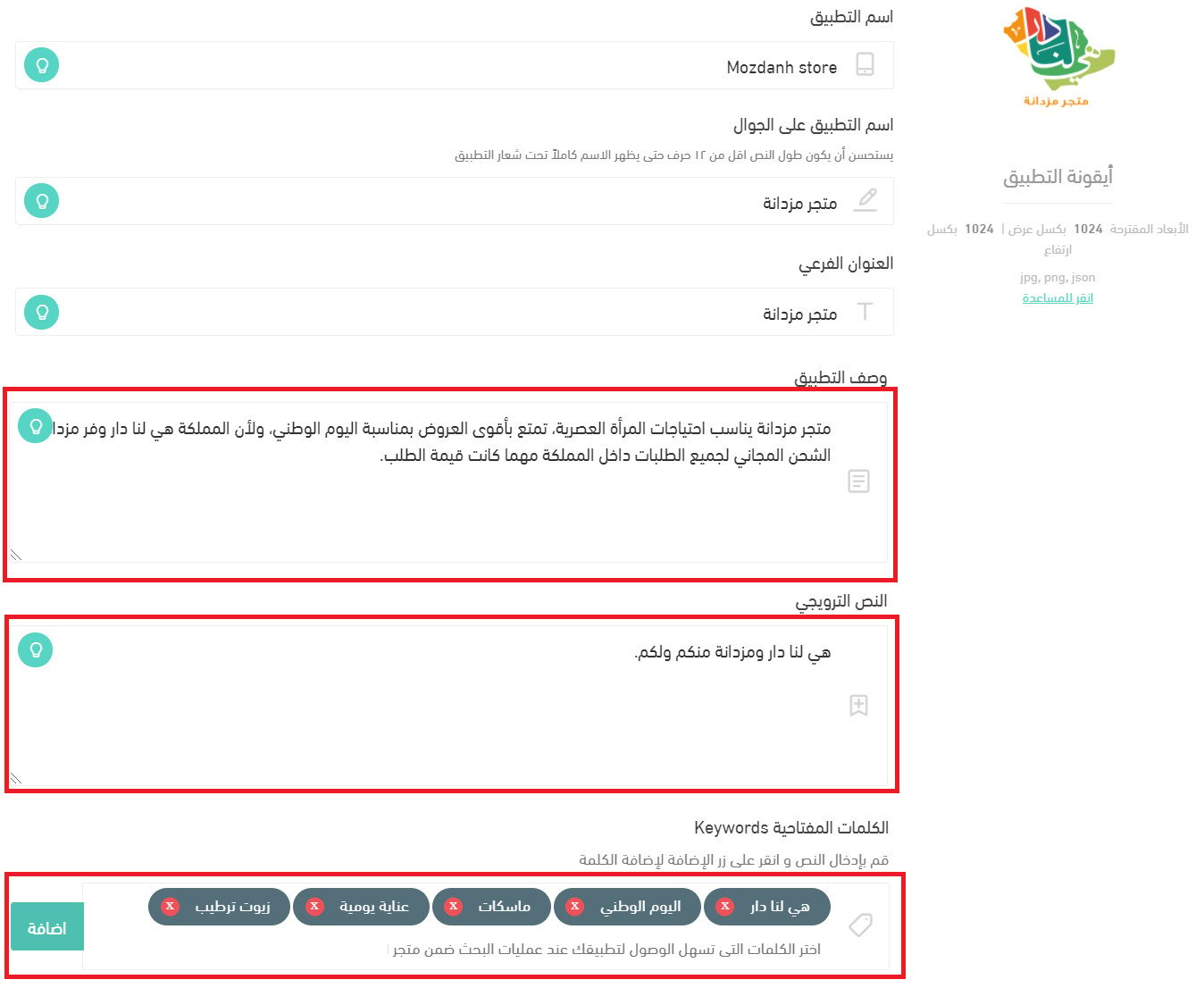
App Store Optimization (ASO) means improving your app's visibility so it ranks higher in app store search and browsing, which in turn lifts your download rate.
Note: updating your app icon and core data requires the app data update service. For more details on buying an app data update.
3. Change the app colors
Switch your app colors — icons, menus, buttons, and the rest — to match the National Day palette.
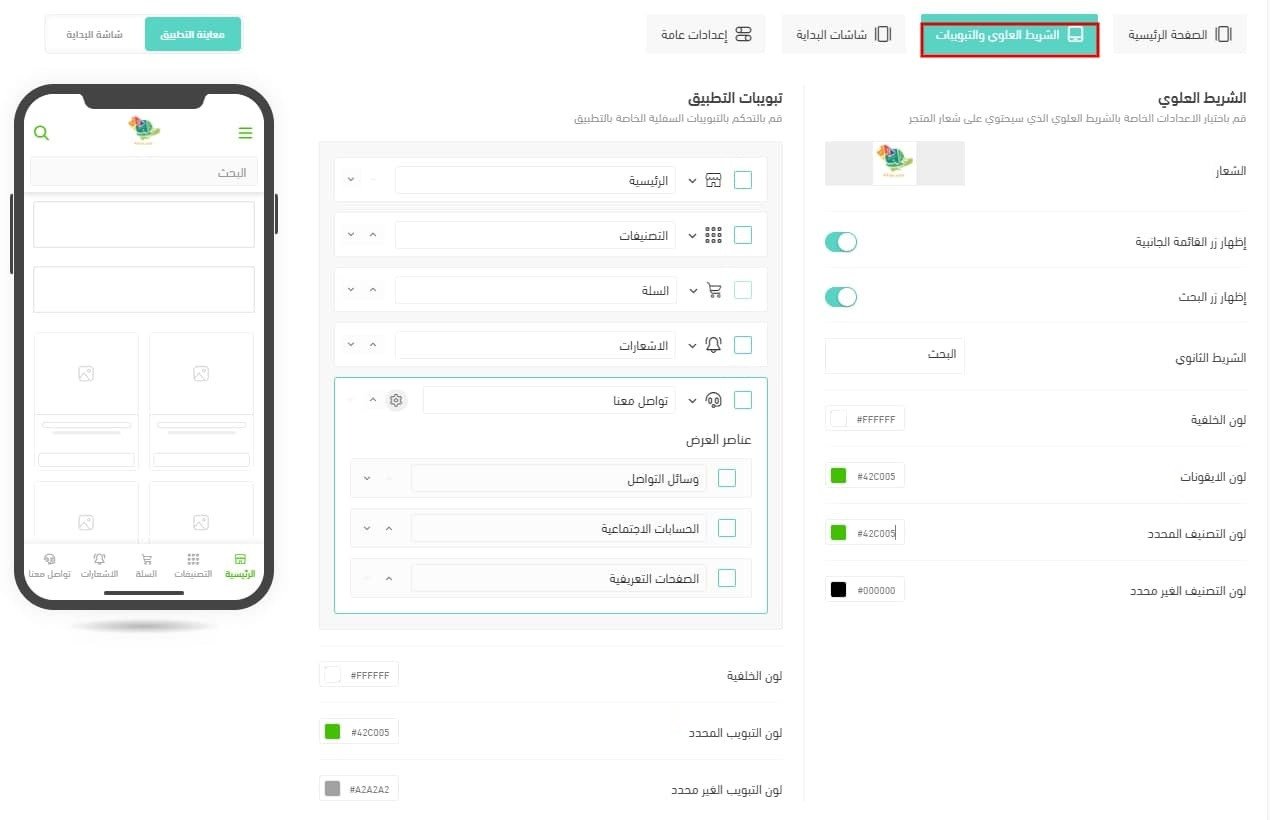
For more details on app publishing steps — part two (designing with the default template).
4. Designs and banners
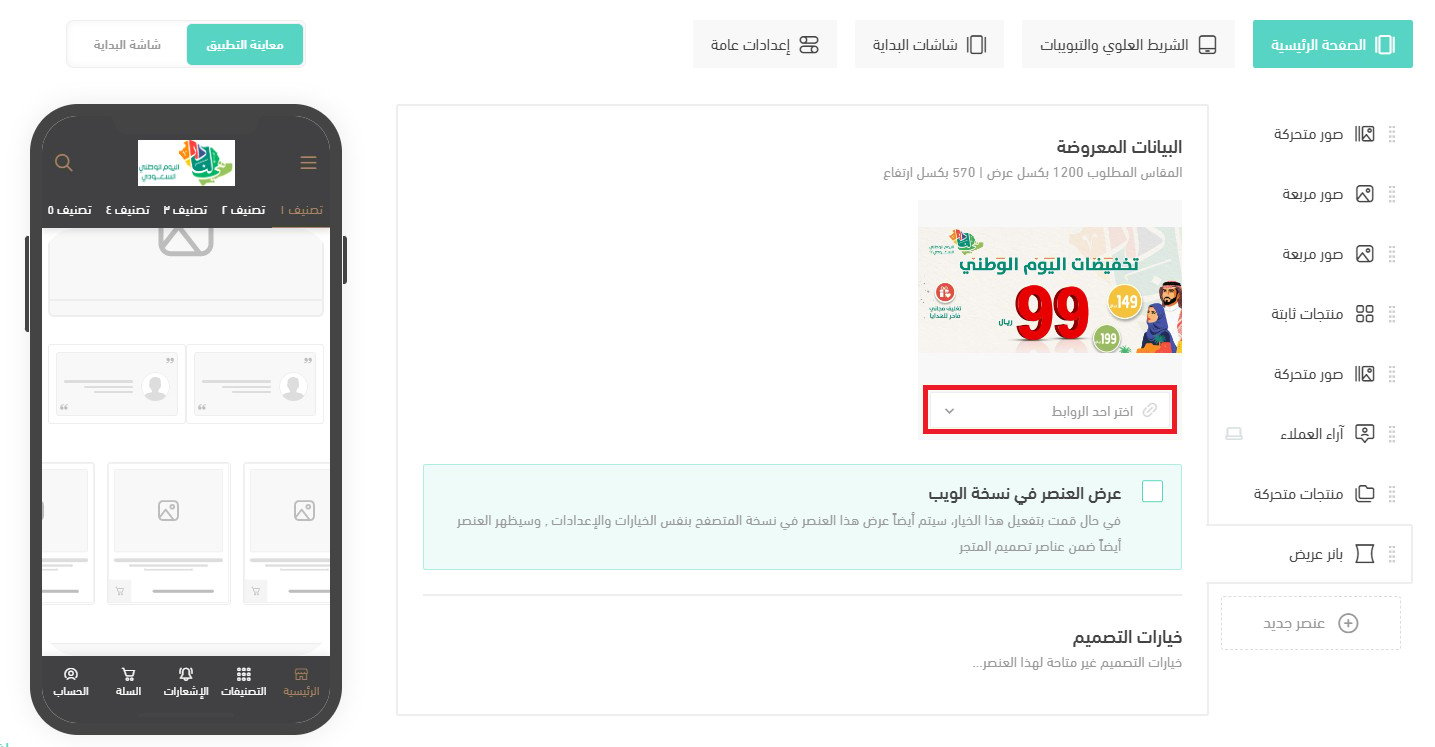
Create banners and add them to your app's home page, then link them to your National Day sale page or to the discounted products.
5. Splash screen
Put animated visuals celebrating the Kingdom's symbols on your app's splash screen.
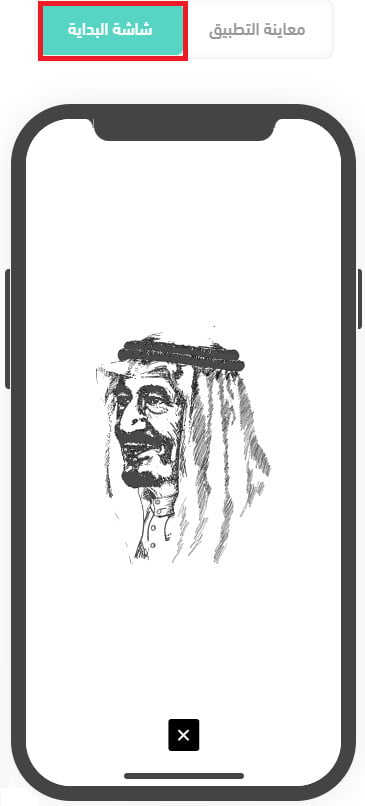
For more details on motion graphics support in the app builder.
For more details on improving your app's visibility with ASO.
✅ Second: put your National Day offers front and center
Ideas that tend to land well during National Day:
- Spotlight made in the Kingdom. National Day is the best day of the year to remind customers which of your products are local.
- Show off the sword and palm. Consider discounting every product carrying the sword-and-palm motif to encourage customers to shop those designs.
- Make it sparkle. Fireworks are part of how National Day is celebrated, so put every product with a glossy or metallic finish in the spotlight. Fireworks imagery in your graphics adds some of that energy to your campaigns.
- Run a flash sale by offering products at deeply cut prices for a short window. Build the flash sale around urgency — that is what pushes shoppers to act quickly.
- Offer free delivery. Free shipping is the single biggest incentive to buy more, so it is no surprise that it is one of the levers that helps you sell more on National Day.
- Run a fun contest on social media for National Day — another way to help your store grow.
Here is where you put those ideas to work:
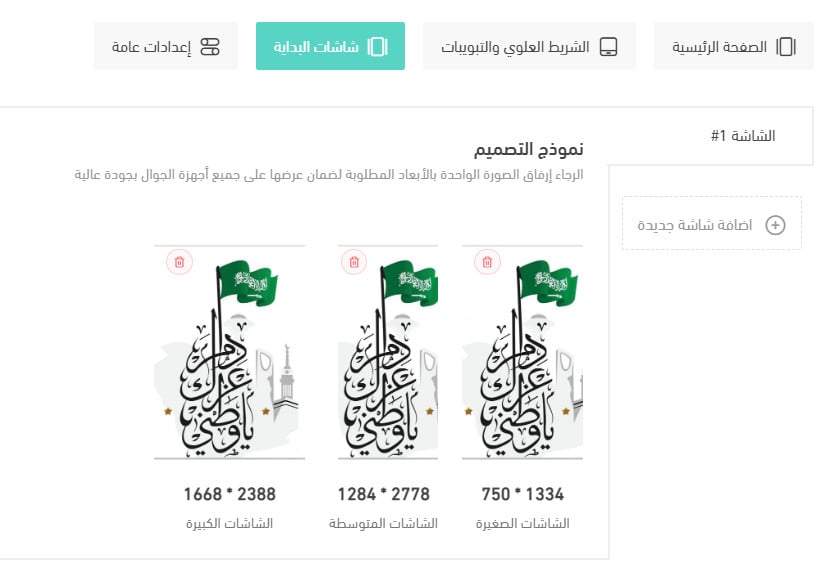
Add offers to your splash screens
Place your headline offers on the app's splash screens.
Add app-only offers
Choose the platform the offer will run on.

For more details on managing special offers and adding a new special offer.
Send in-app alerts for your National Day offers
Build a marketing campaign around mobile notifications for your National Day offers.
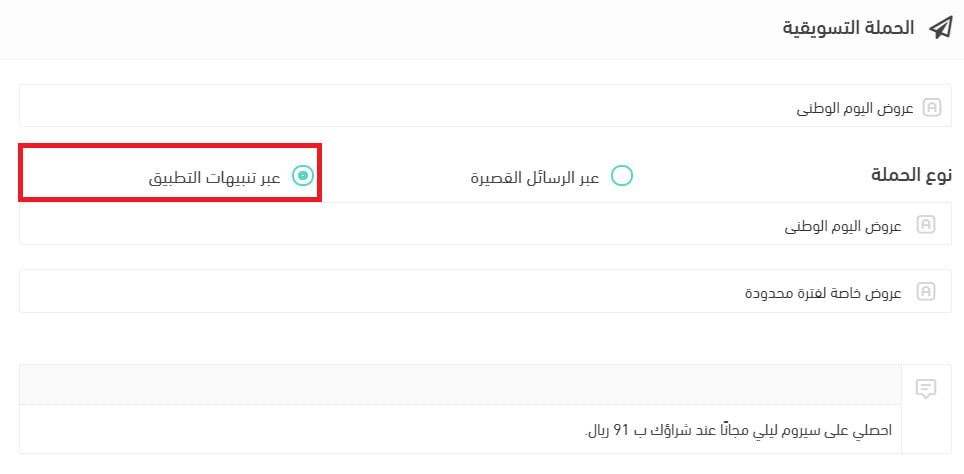
The customer sees it on their phone like this:
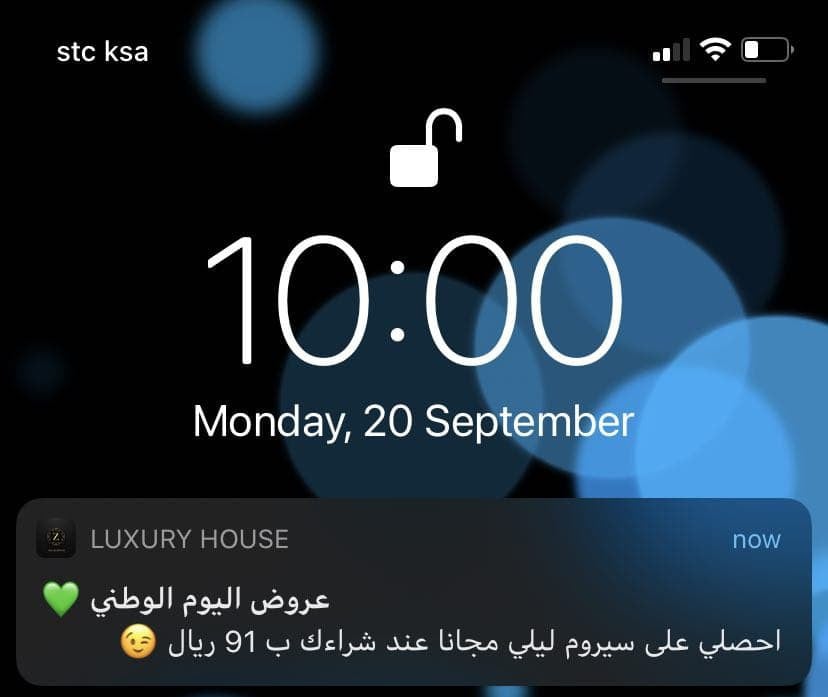
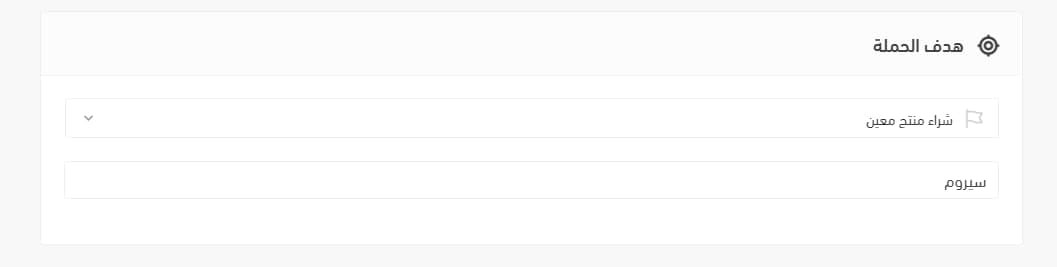
You can set the campaign goal to the purchase of a specific product, pick the product, and send the notification. When the customer taps it, they land on that product page.
For more details on working with marketing campaigns.
Lean on buy now, pay later
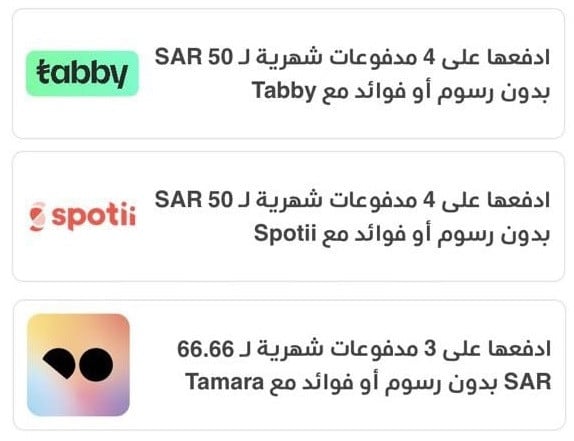
Grow your sales by encouraging customers to buy now and pay later with deferred payment tools such as Tamara and Tabby.
For more details on:
- Enabling Tabby as a deferred payment method
- Enabling Tamara as a deferred payment method
- Enabling Spotii as a deferred payment method
- Enabling MISPAY as a deferred payment method
🎯 Third: review your app's National Day analytics
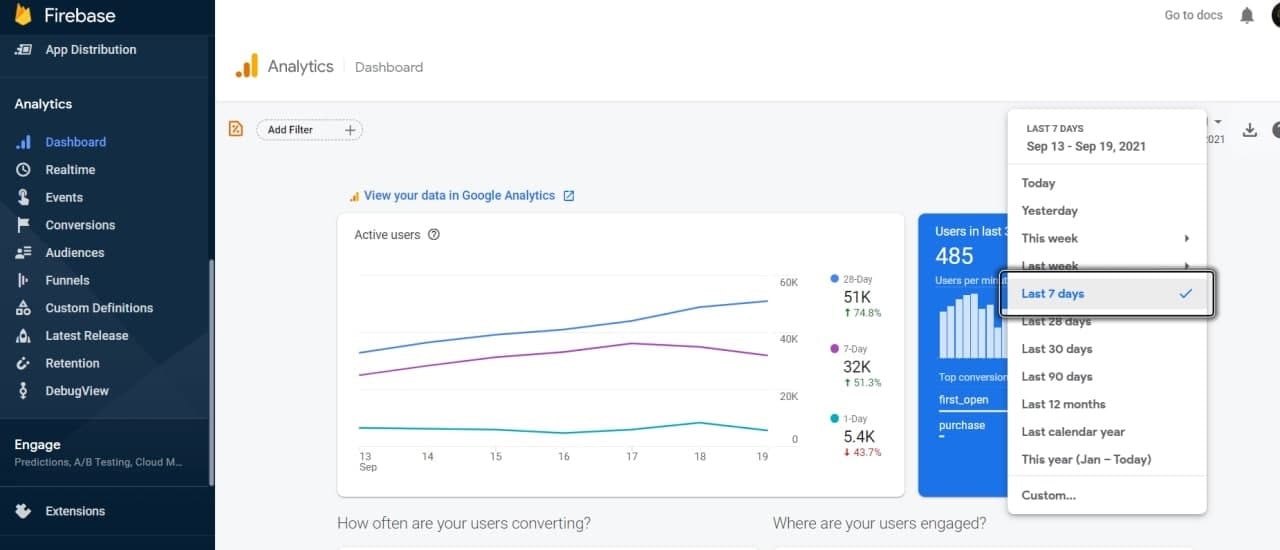
Track National Day performance in Firebase
Firebase lets you spend your time solving your customers' problems instead of pulling app data apart by hand.
For more details on connecting your app to the Firebase analytics service.
Use your developer accounts for statistics
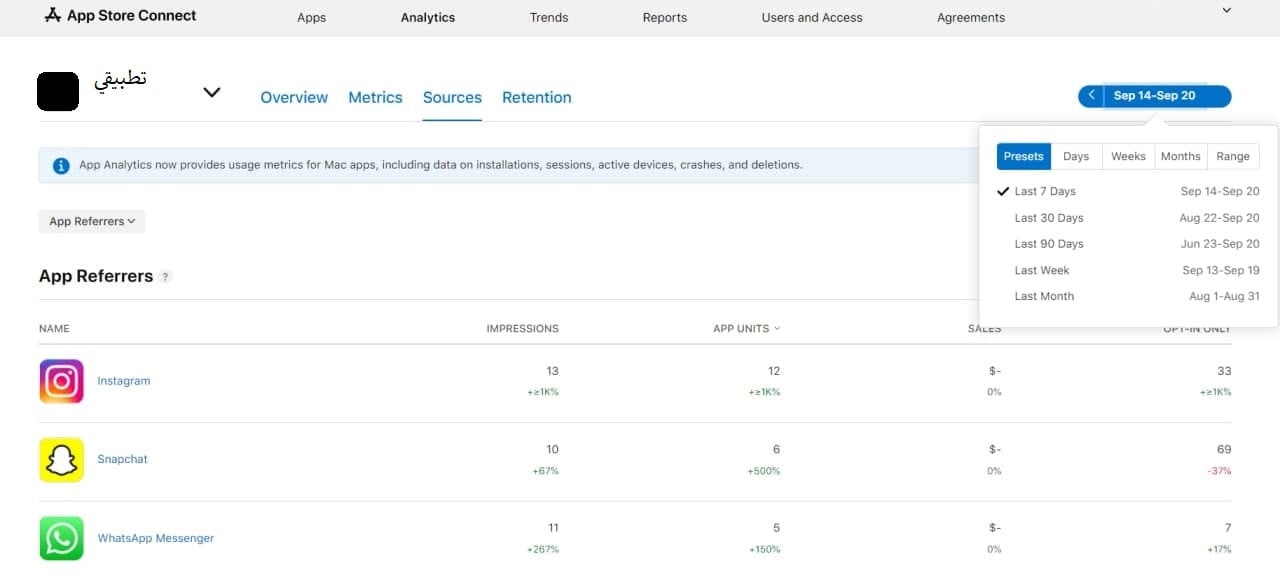
Pull app statistics for a set period — downloads by source, for example — across the run of your offers, so you can see how your campaigns performed.
An example from the Apple app dashboard:
An example from the Google app dashboard:
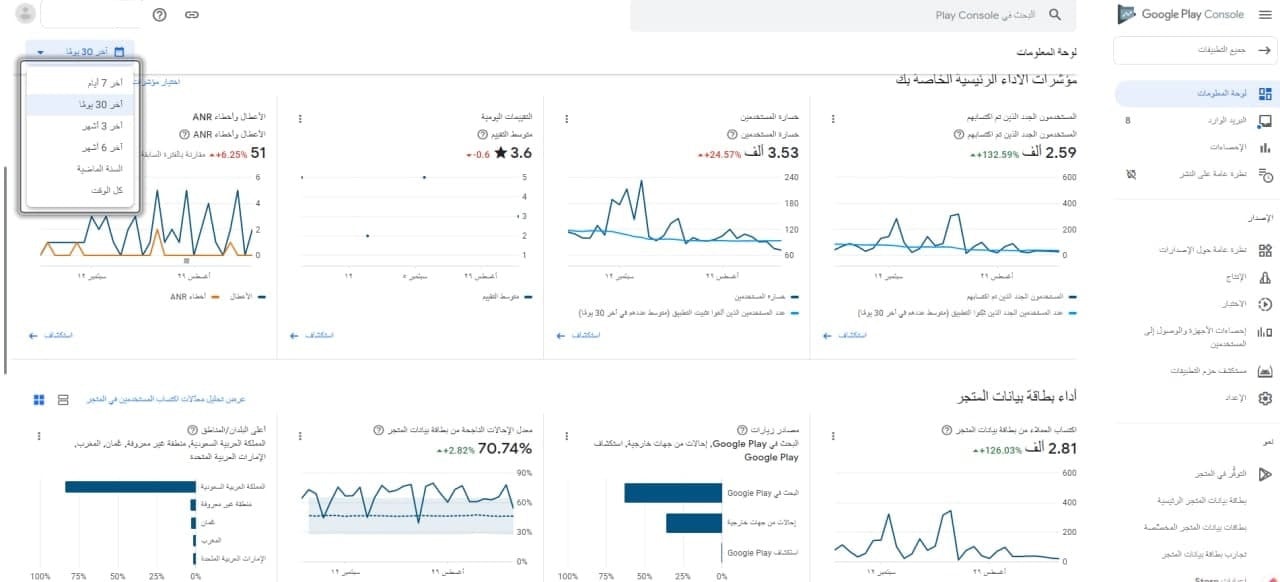
For more details on:
Viewing app performance statistics on Google Play
Viewing Apple App Analytics for your app
📝 Important notes
Changing your app icon and core listing data requires the app data update service, so plan that step before the week itself.
Decide what you will measure before the campaign starts — downloads, campaign conversions, product page visits — or the numbers afterwards will not tell you much.
❓ Frequently asked questions
How early should I start preparing my app for National Day?
Early enough to cover the app data update service, since your icon and core listing data can only change through it. Design work, banners, and campaigns can follow once that is in motion.
Can I run an offer only in my app and not on the web store?
Yes. When you create a special offer, you choose the platform the offer runs on.
Where does a customer land after tapping a push notification?
Wherever you point the campaign. If you set the goal to a specific product, tapping the notification opens that product page.
How do I measure whether the campaign worked?
Use Firebase for in-app behavior, and your Apple and Google developer dashboards for downloads and traffic sources over the offer period.
National Day rewards preparation more than spend. Restyle the app, put the offer where shoppers already look, and decide up front which numbers you will check the week after — that is what makes next year's campaign better than this one.