Salla is your first destination to start a successful abaya store project.
One of the most promising and motivating sectors in e-commerce is those that originate from our Arab identity and Gulf culture, with the women's abaya sector (the abaya) at the forefront. The abaya is no longer just a garment, but has become a product that reflects taste, identity, and lifestyle, which has garnered wide attention and increasing demand within the Saudi and Gulf markets, with clear support from the Saudi Fashion Authority.
This growth makes the abaya trade a real opportunity, but at the same time requires a platform that understands the specificity of this sector. Here, Salla comes as an integrated solution that enables you to launch a professional abaya store, manage it, and develop it step by step.
In this tip, we take you practically inside Salla, sharing the most important tools and tips that help you establish a successful abaya store, linking each step to its direct impact on sales and customer experience
Launch your store in the fashion world with confident steps, discover the solutions designed for your growth now 👗✨
Basics of creating an abaya store on Salla
First: Adding abaya store products
Adding the product correctly is the foundation of any successful store, as it is the first point where the customer makes a purchase decision.
Steps to add a new product
1. From the main menu, click (Products).

2. From the list (+ Create a new product), click Add (Tangible Product).

3. Enter the product details
The most important data to focus on:
Product name: Write a clear name that includes the main specifications such as (model – color – embroidered/plain).
Product classification: Helps organize the store, improve browsing, and display accurate performance reports.
Promotional title: Use it to highlight a discount, brand, or attractive feature that catches the customer's eye.
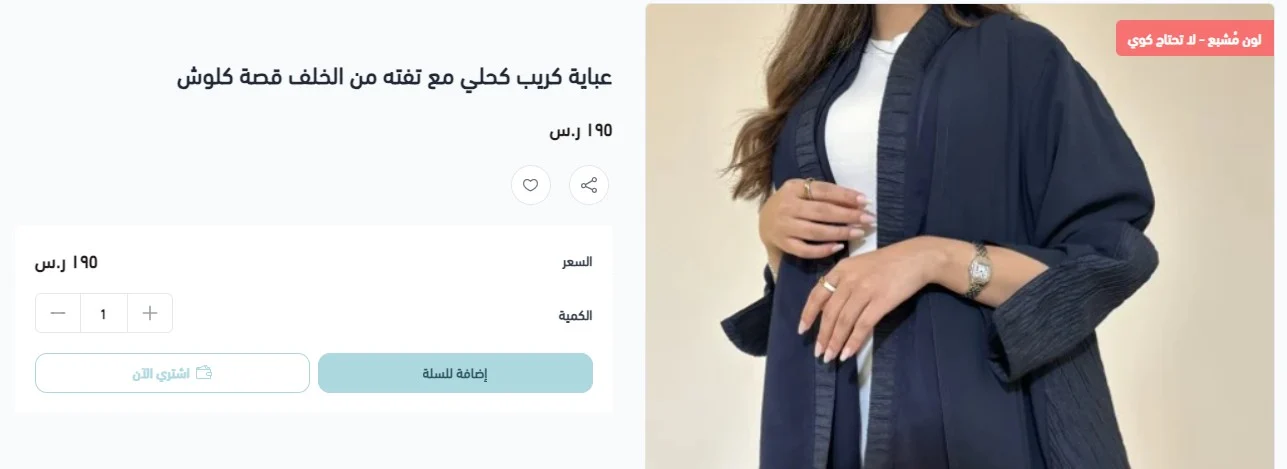
The clearer the product name and description, the more customer confidence increases and inquiries decrease before purchase.
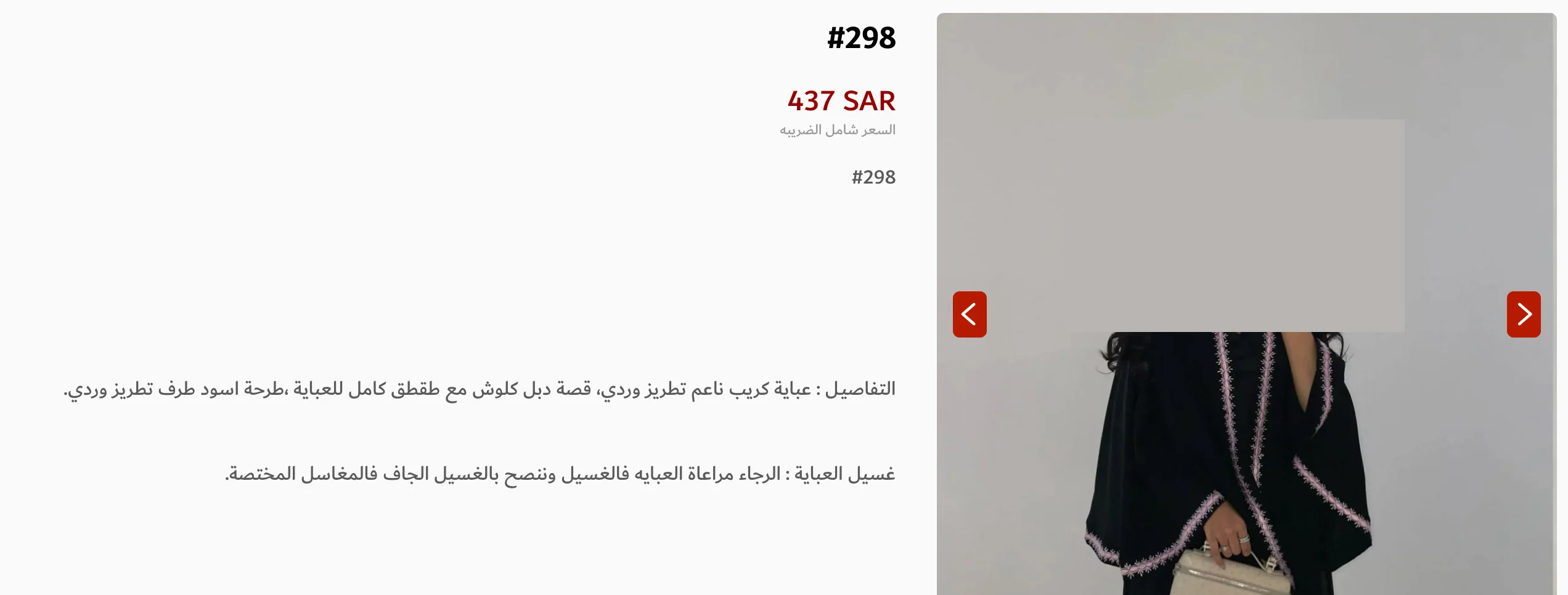
Add a precise description of the abaya details
The detailed description is the customer's alternative to touching and trying the product, and it is a decisive factor in reducing hesitation and increasing purchase demand.
Make sure to clarify:
- Design and cut (cloche, bisht, straight, etc.)
- Fabric type and material
- Color and shade
- Suitable season (summer/winter)
- Type of embroidery or crystal if present
How can I do that?
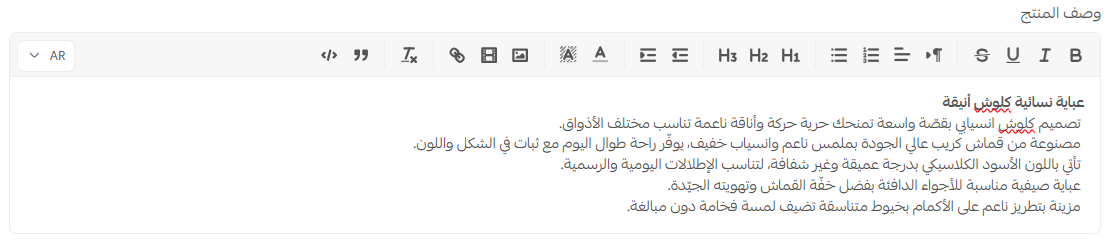
From the product card, go to product data, then from the details section, enter the text and format it in an organized and easy-to-read manner.
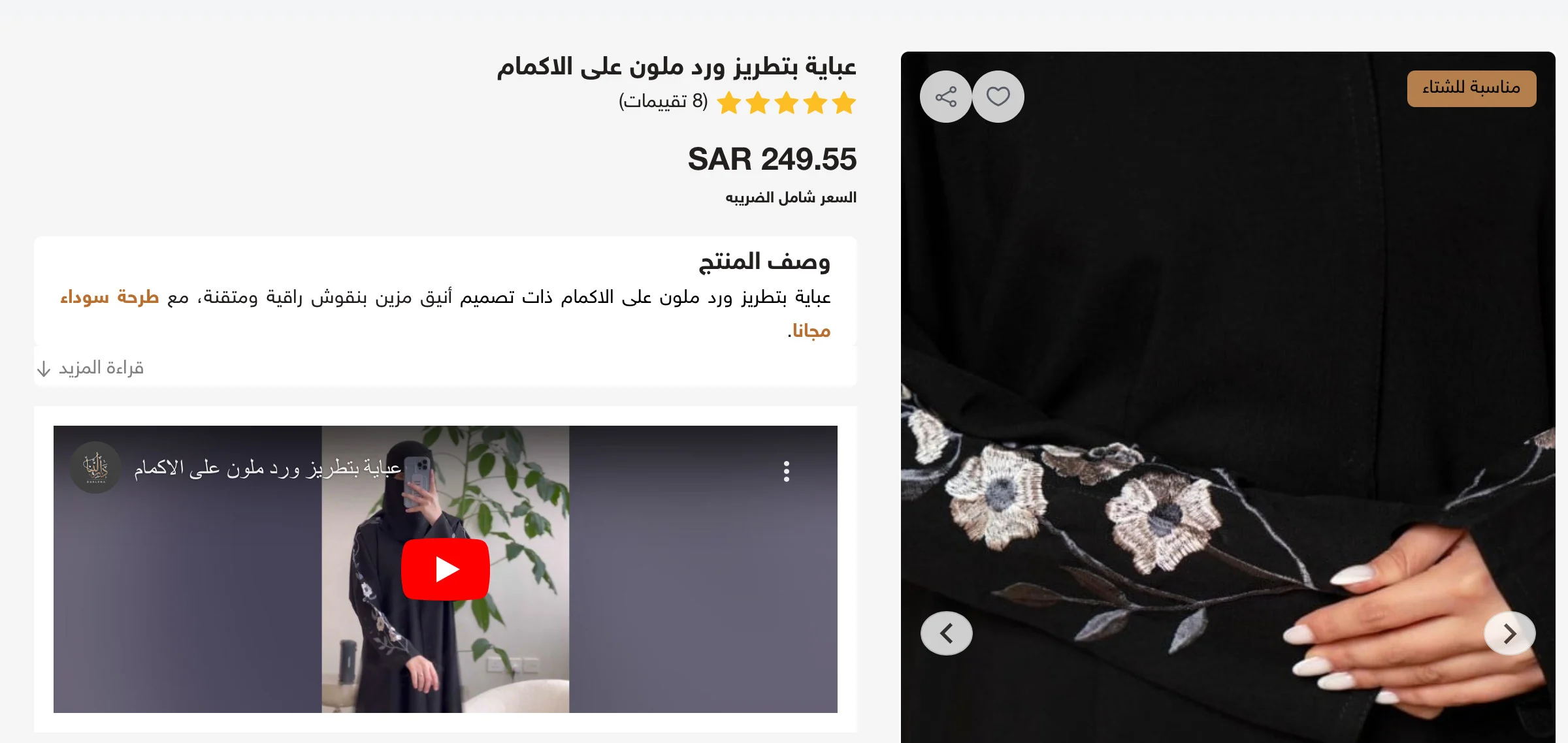
Add real images or a short video of the product
Images and videos are the most influential element in the purchase decision in fashion stores, and the clearer and more professional they are, the higher the likelihood of completing the order.
It is preferred:
- To add several images from different angles
- To show fabric and embroidery details
- To use a short video showing the abaya when worn
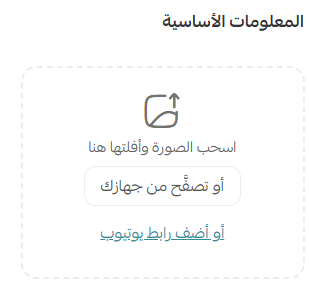
How can I do that?
From the products page, and from the product card, click on the product image, then add the images or video link from YouTube.
Good visual content not only increases sales but also reduces return requests later.
📖 For more details on adding product images and videos
Second: Adding product options
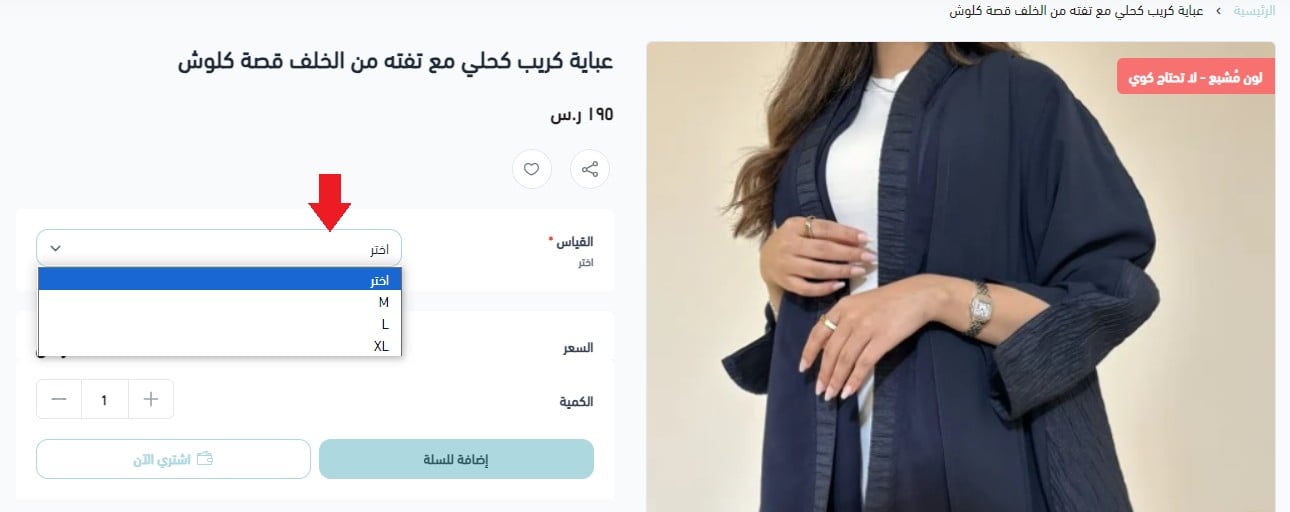
Abaya stores rely heavily on multiple options, such as size, color, and type of embroidery.
Activate product options, and enter the basic data such as:
- Size
- Color
- Embroidery color or type
These options will appear to the customer on the product page, giving them a clear and smooth selection experience.
📖 Manage options smartly within Salla to help you organize inventory and price products flexibly.
Third: Adding clear and organized classifications
Organized classifications make it easier for the customer to quickly find what they are looking for, and improve the browsing experience within the store.

You can:
- Insert the product within a suitable classification from the product card
- Or create a new classification that reflects the type of abayas (daily, evening, embroidered, winter...)

Fourth: Adding a clear size chart
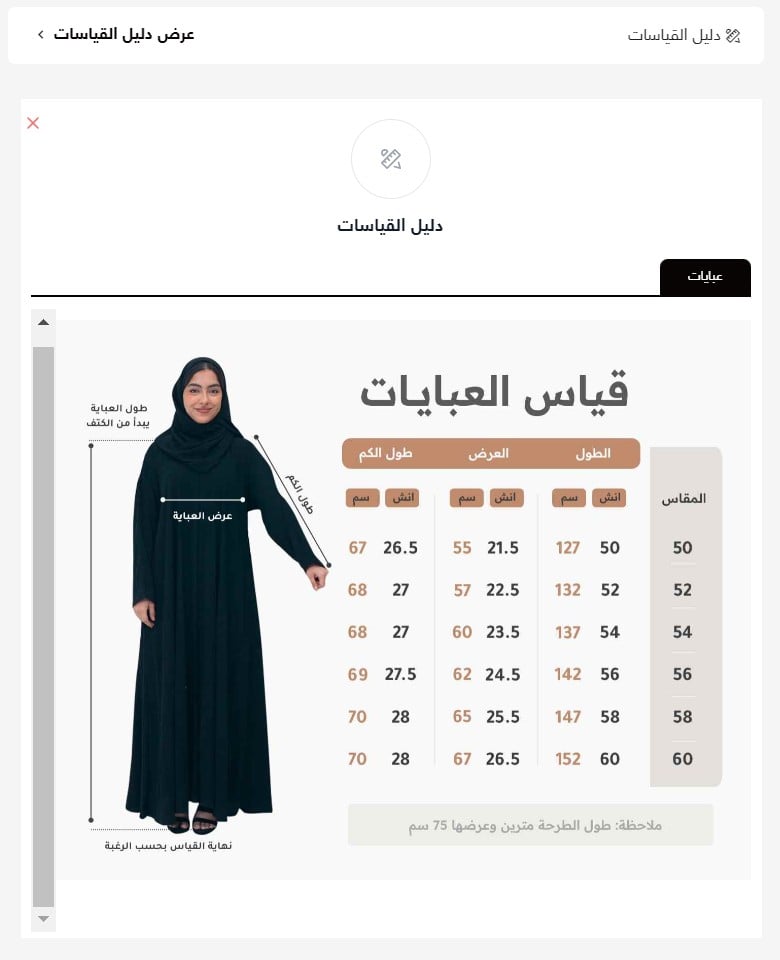
The size chart is one of the most important factors in reducing returns in abaya stores.
Make sure to:
- Clarify the measurements for each size accurately
- Use a fixed and clear size chart
📖 Salla provides tools and applications that help you install and customize the size chart easily.
The clearer the size chart, the more confident the customer will be in choosing the right size the first time.
🌟 Tips that make a difference in the performance of abaya stores
1. Clarify communication channels with customer service
Easy communication reflects the professionalism of the store and reassures the customer before purchase.

📖 Add a dedicated support number from the store's basic settings.
2. Create a FAQ page
The FAQ page reduces repetitive inquiries and helps the customer make a confident purchase decision.
Among the most recommended questions to add:
- What payment methods are available?
- Can the order be modified or canceled?
- How can the order be tracked?
- Can the size be changed?
- Is shipping available to Gulf countries?
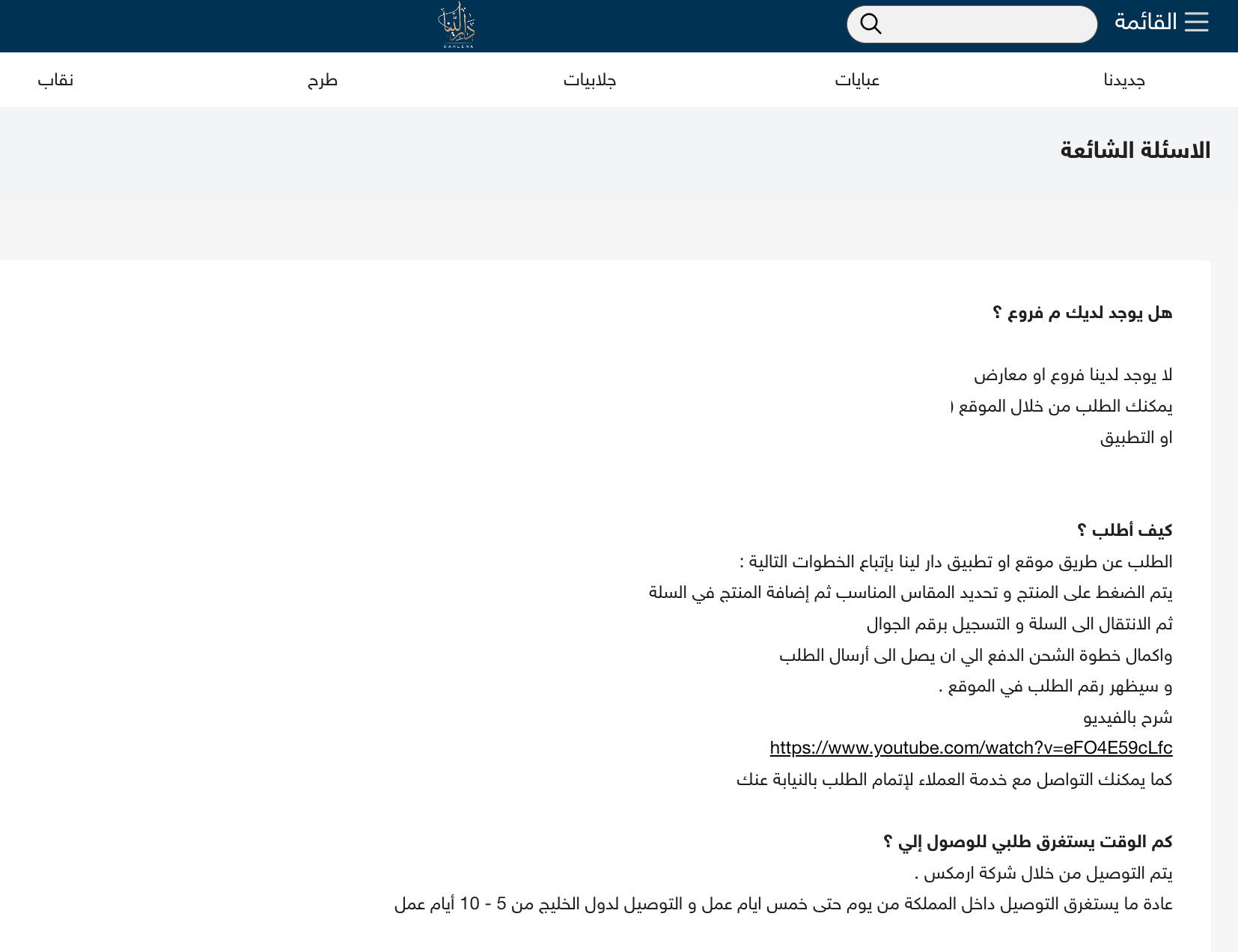
📖 You can create the page from informative pages.
3. Clarify the exchange and return policy
A clear policy enhances the customer's sense of security and protects you as a merchant from misunderstandings.
Add the exchange and return policy within the informative pages, clarifying the duration and conditions.
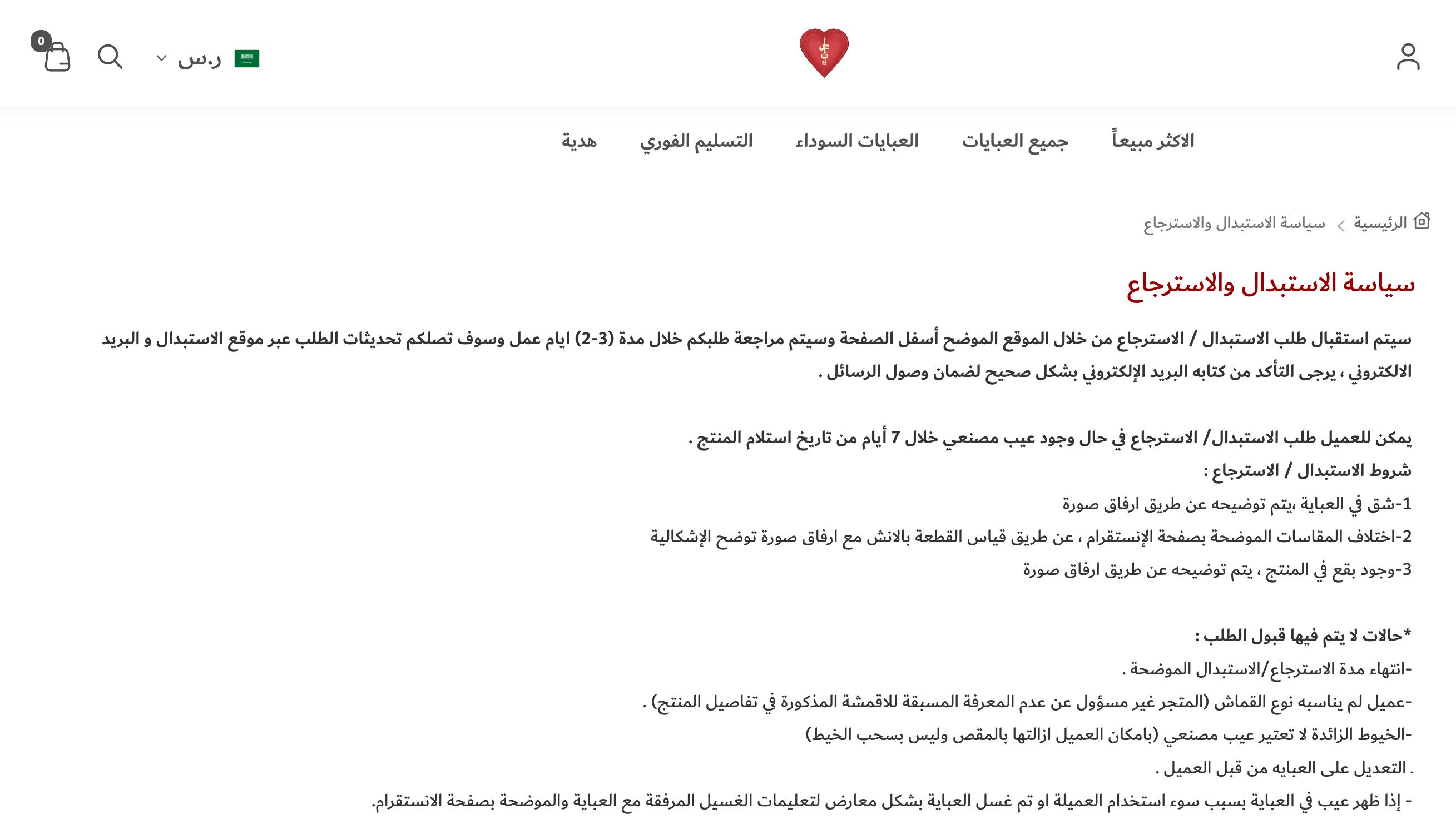
📖 You can create the exchange and return page from informative pages.
4. Display customer reviews
Displaying customer reviews helps the visitor make a purchase decision when seeing real experiences of previous customers.
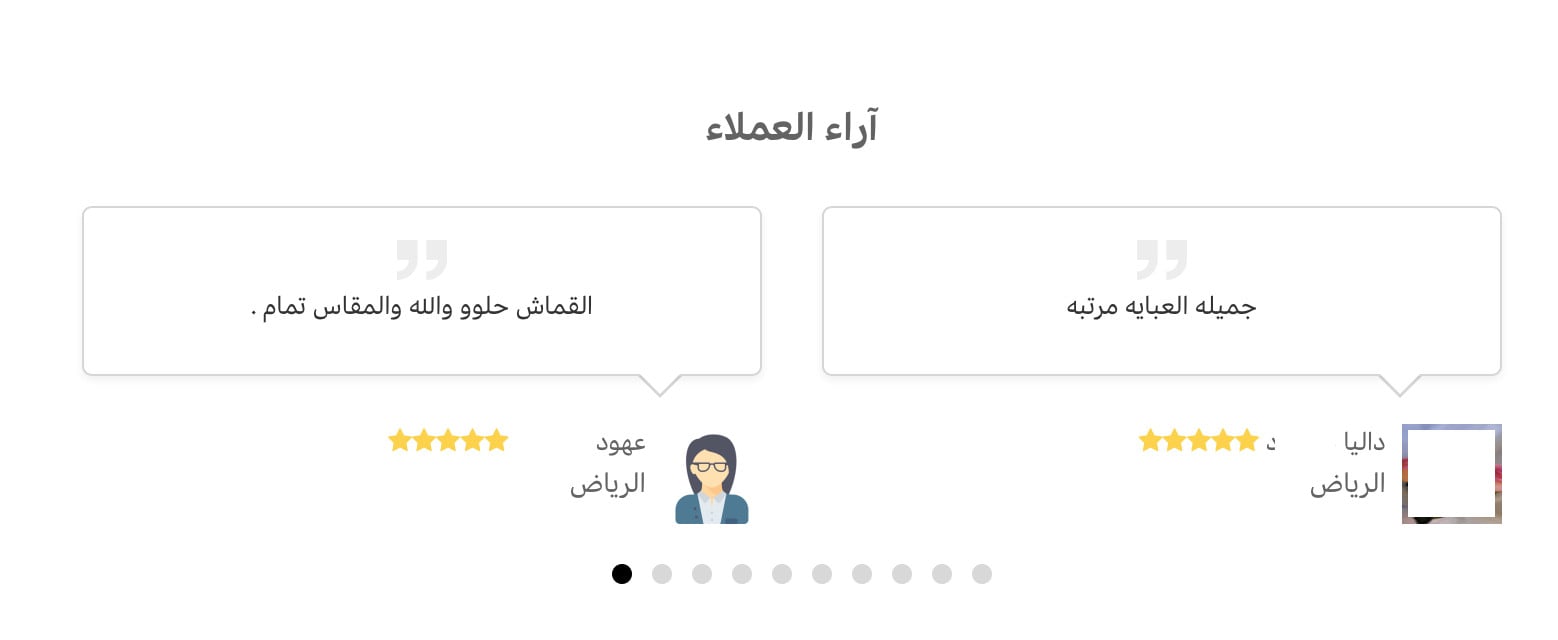
📖 From the store settings, go to review settings and activate the display of reviews in the appropriate format.
5. Activate the "Notify me when available" tool
This tool keeps the customer's interest in unavailable products and gives you an accurate indicator of demand.
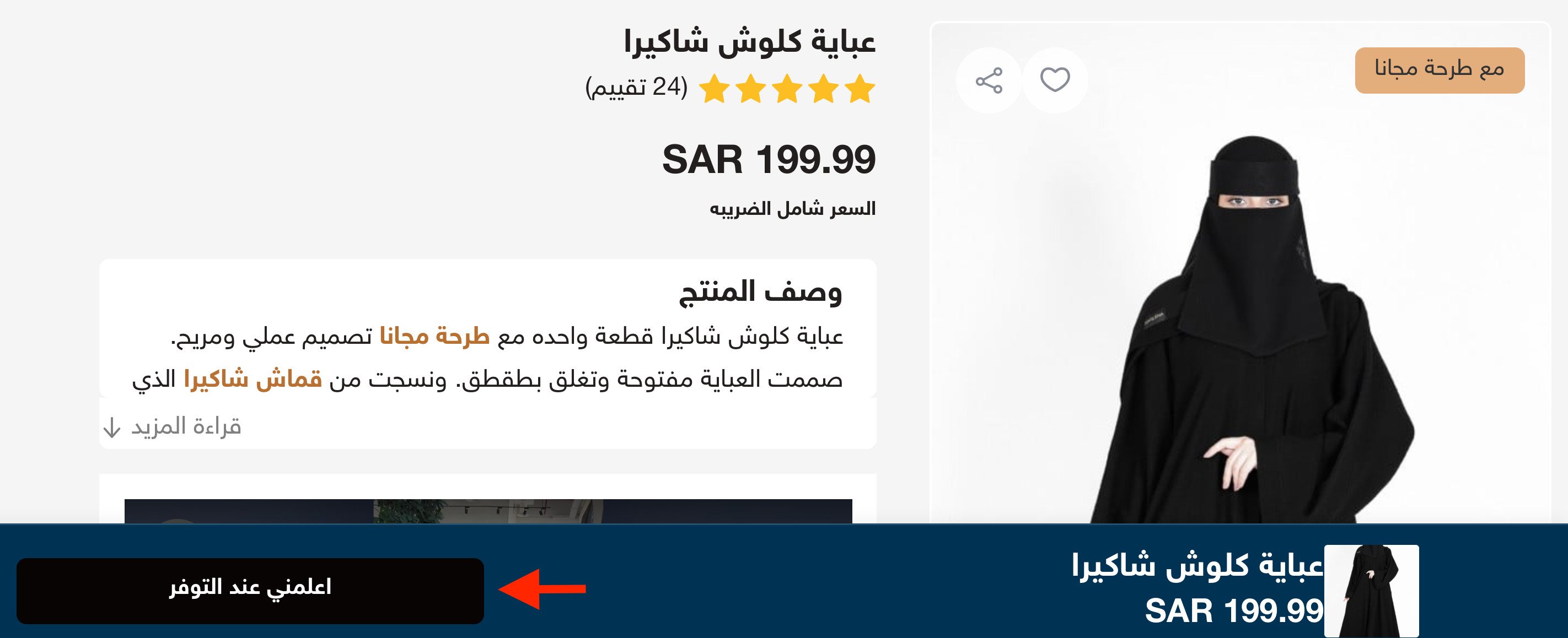
📖 Activate it from product settings, and learn more about innovative uses to activate the Notify me when available feature
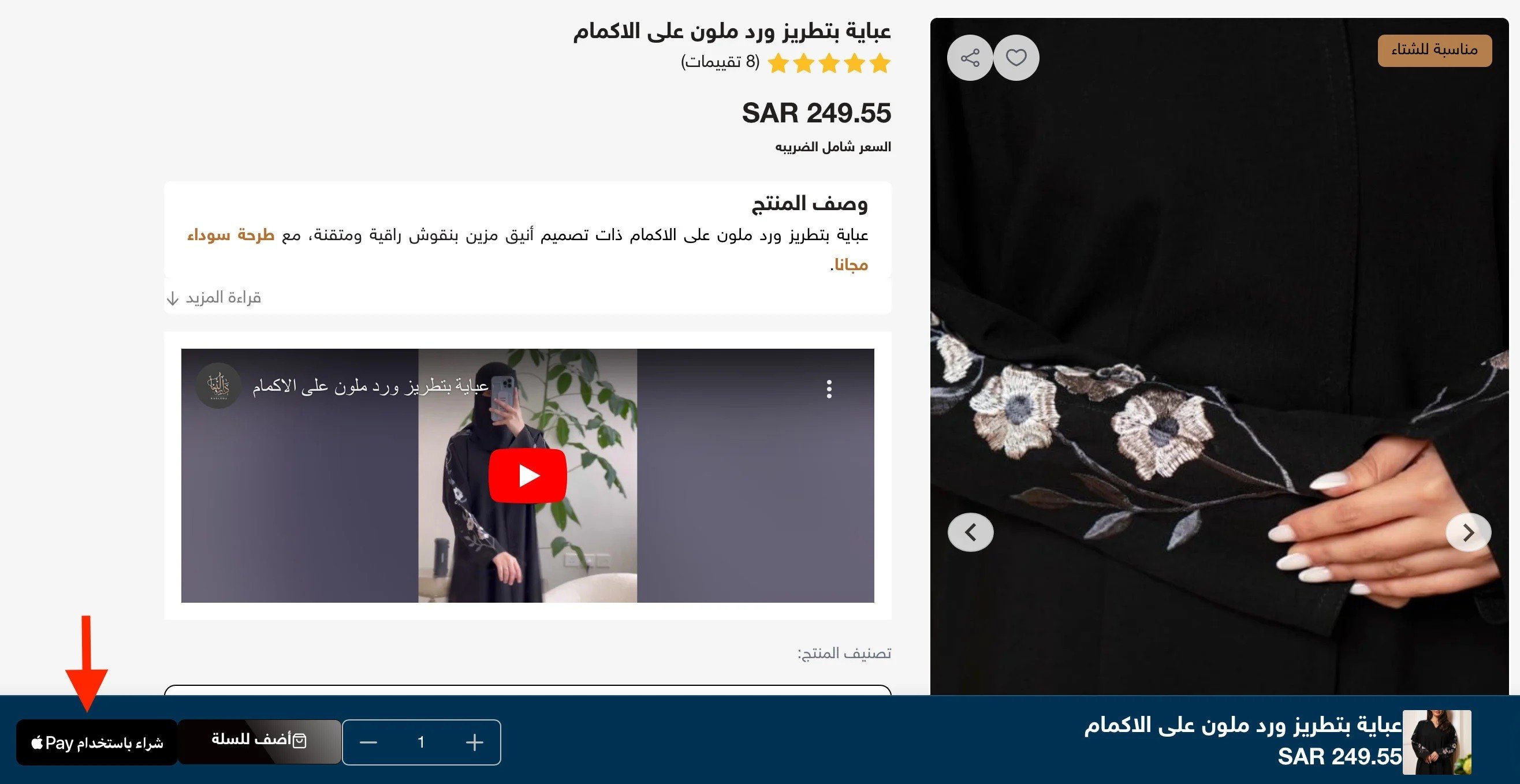
6. Activate quick purchase
The quick purchase feature allows customers to complete the order quickly, especially via Apple Pay, which increases the conversion rate and reduces cart abandonment.
For more details on activating quick purchase
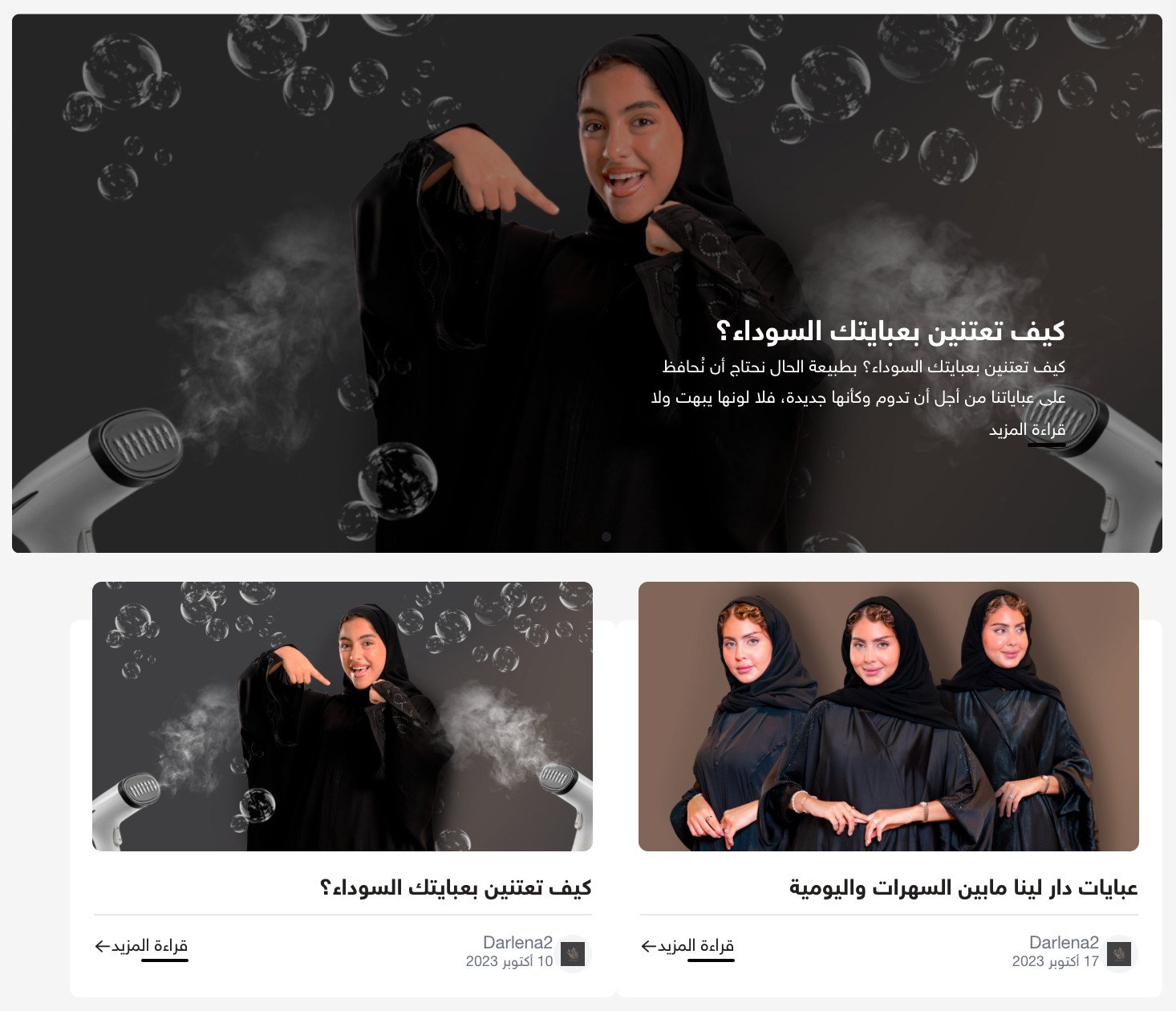
7. Create a blog for your store
The blog helps you market and build a long-term relationship with customers through content such as:
- Abaya care methods.
- Types of fabrics.
- Coordinating abayas according to the occasion.
📖 For more details on managing your store's blog on Salla
8. Activate the live chat button
Live chat shortens communication time and increases the chances of completing the order.
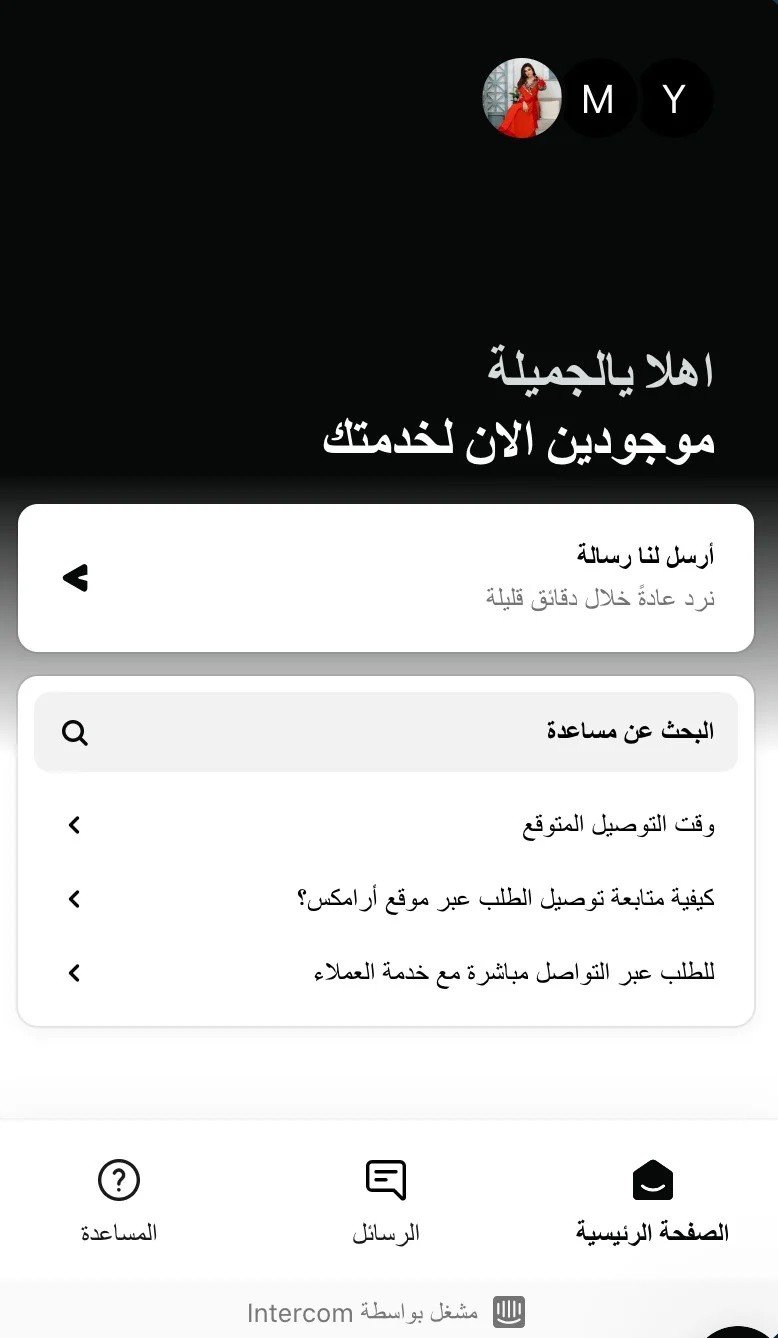
Choose the appropriate app from the app store – chat section.
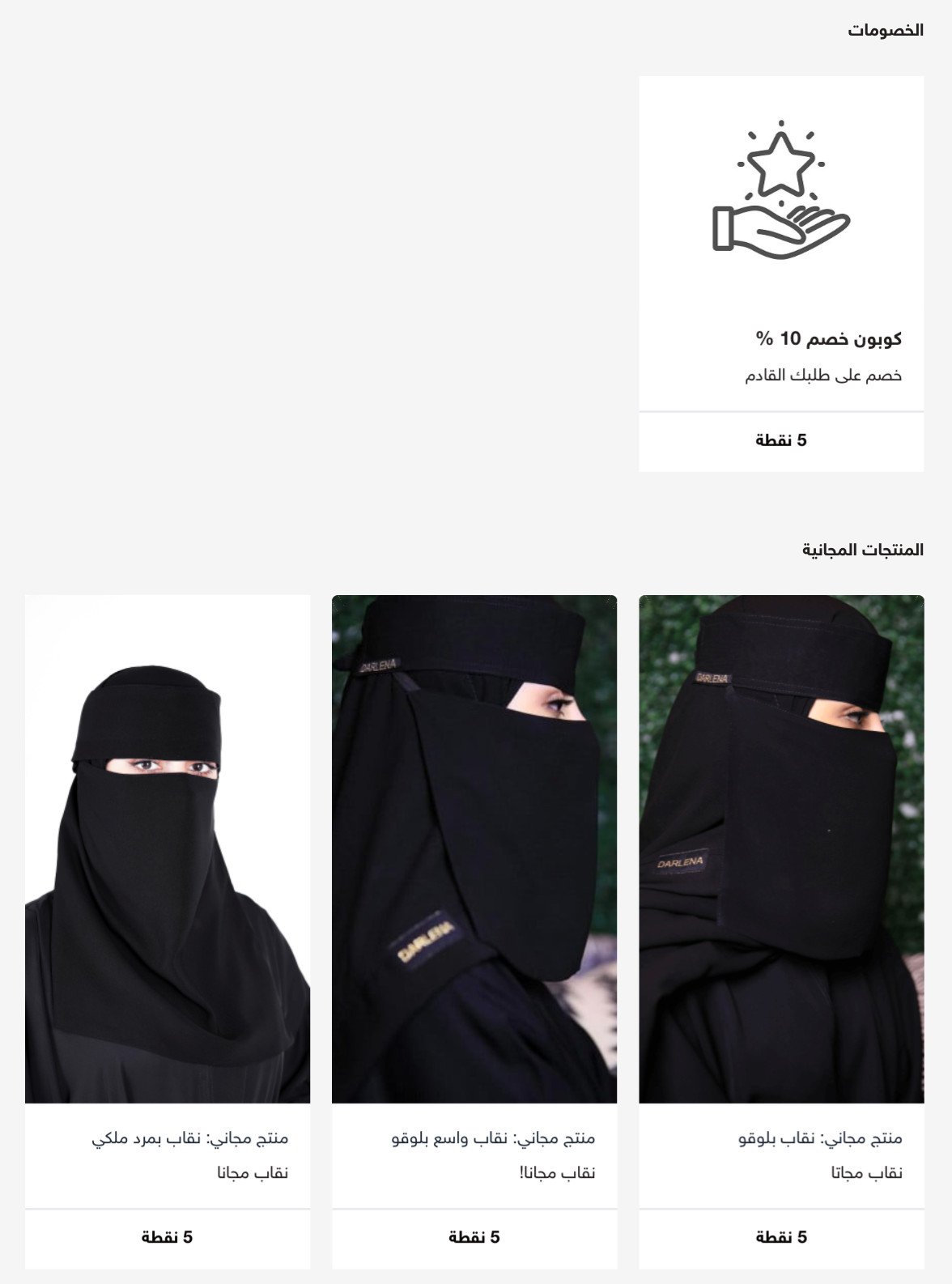
9. Activate the loyalty program
Loyalty programs encourage customers to repeat purchases, whether through points, discounts, or free shipping.
For more details on managing the loyalty system
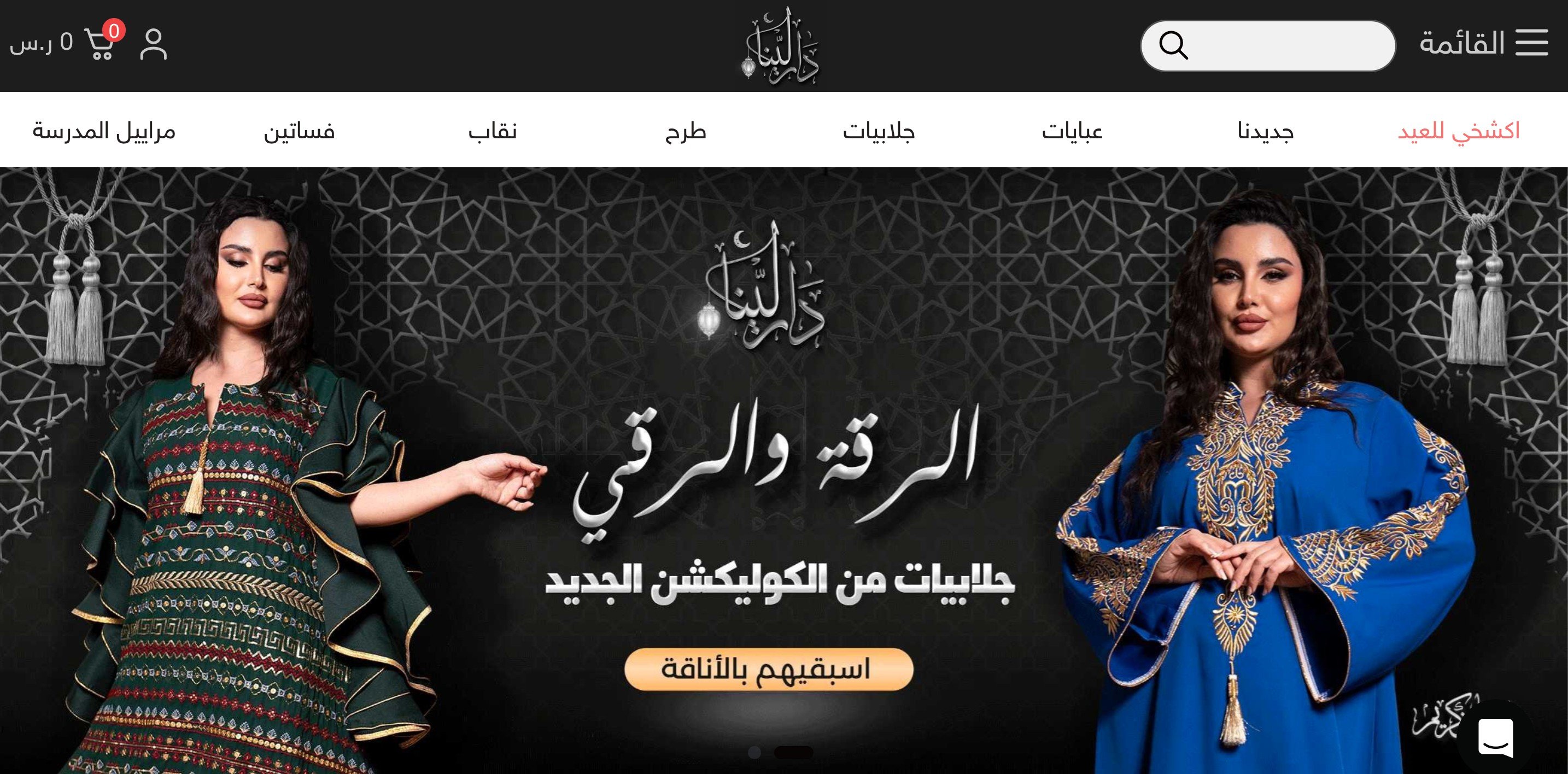
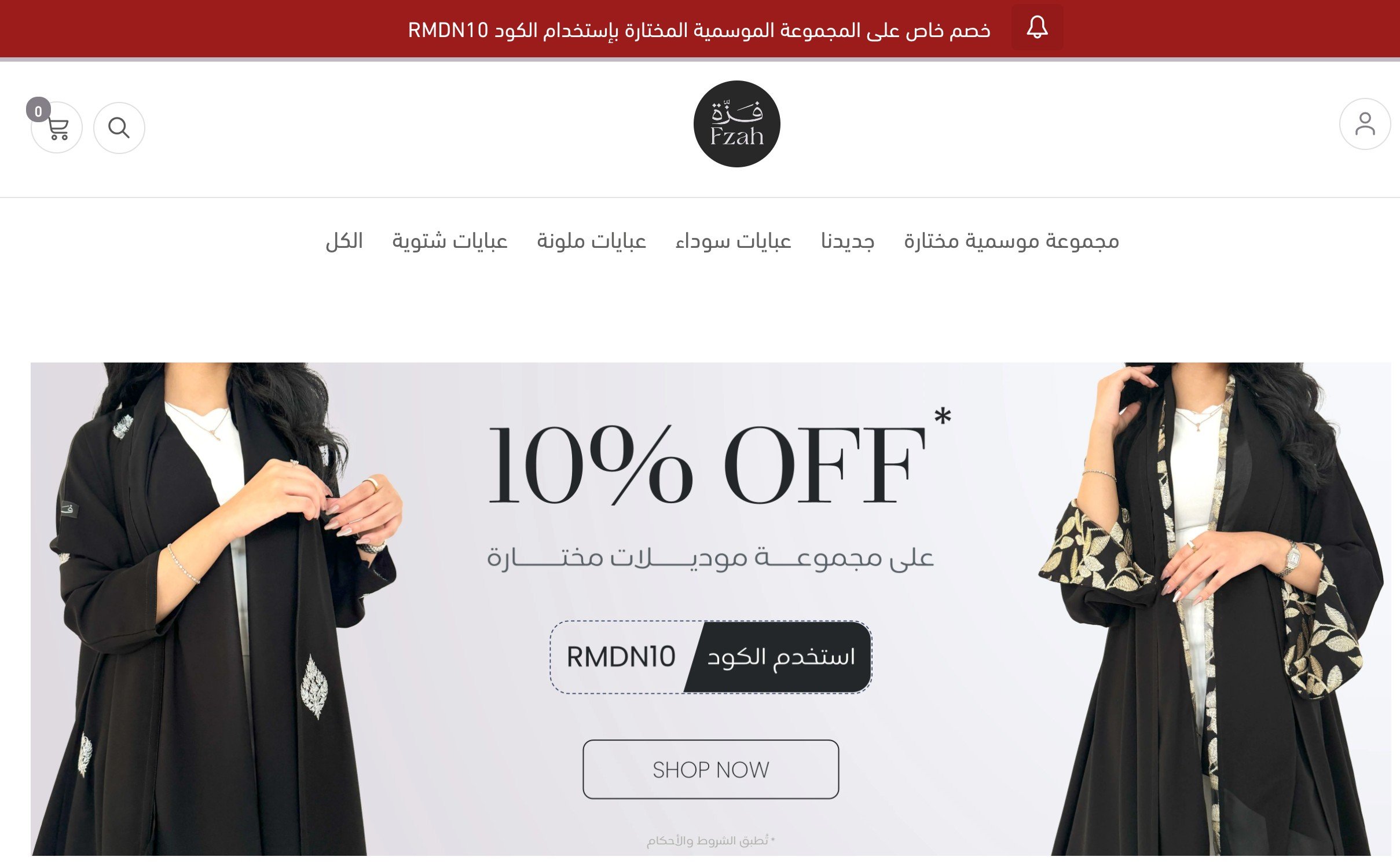
Prominent abaya stores on Salla
In conclusion
The success of an abaya store does not depend solely on the beauty of the product, but on the complete experience from browsing to post-receipt. With Salla's tools, you can build a professional abaya store with clear steps, and capable of development as your project grows.
And if you need additional support in marketing, content, design, or building identity, you will find specialists ready to assist you through merchant services.
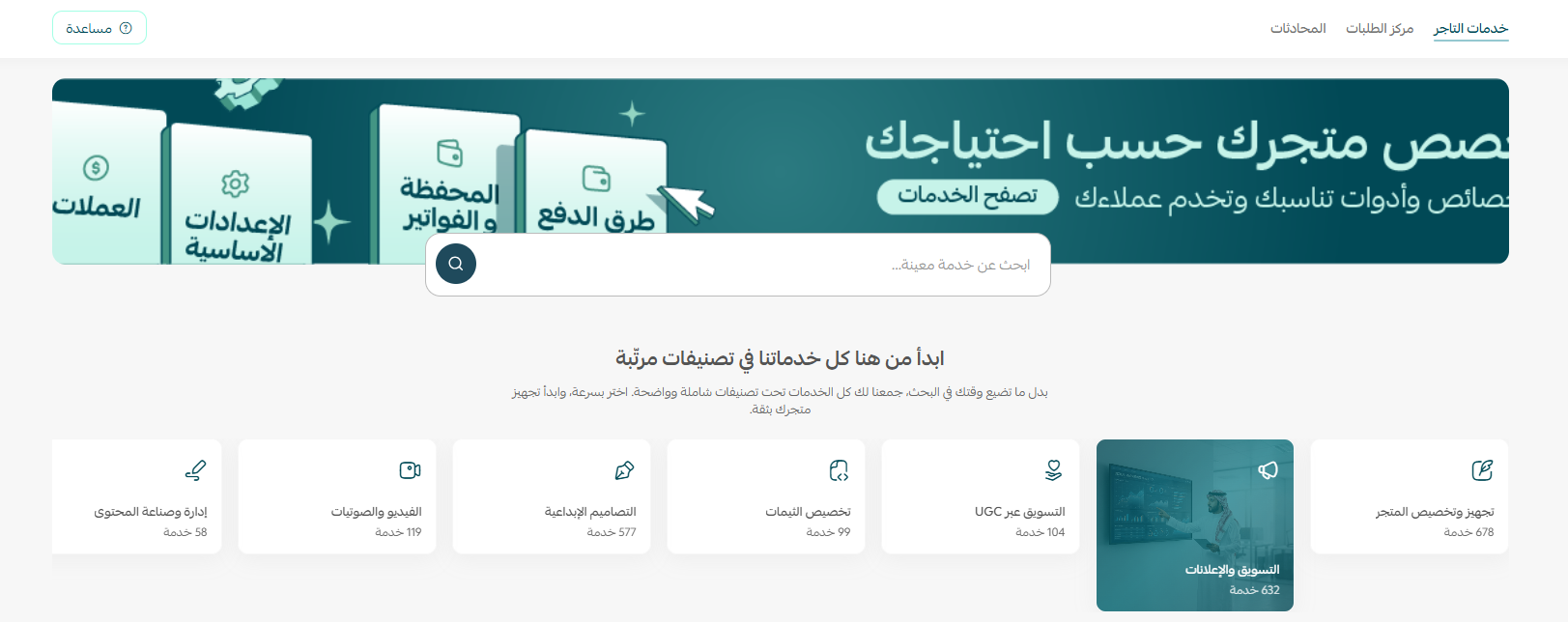
And because building a strong fashion brand starts from the details, you can also enhance your knowledge through the course on how to establish a clothing brand at Salla Academy, to discover your journey towards a brand that reflects your identity and values.