What if thousands of new customers could find your products without you paying for a single ad?
Getting found is the hardest part of running a small store. The Mahally platform is a sales channel from Salla that puts your products in front of shoppers browsing tens of thousands of local stores in one place, free of charge, where they can search by product name, category, and city. In this guide, you'll learn what Mahally is, the conditions for joining, how to connect your products, and how to tell when the connection is not finished.
Mahally is a Salla sales channel where merchants list and market their products to new customers at no cost. To join, you need a Salla store on a paid plan such as Plus or Pro, a verified store, and acceptance of the Mahally terms. You then connect your products from your dashboard.
Mahally is a local shopping experience of its own.
📌 Article overview
- What the Mahally platform is
- The conditions for joining Mahally
- How to join Mahally
- Frequently asked questions
🎯 What are the conditions for joining Mahally?
1. You have a store on Salla.
2. You are subscribed to one of the paid plans, such as Plus or Pro.
3. Your store is verified.
4. You accept the Mahally privacy and usage terms.
🔔 Heads up: Once you join Mahally, you cannot leave the platform, and your activated products stay visible.
If anything goes wrong, get in touch with your merchant success manager.
🚀 How to join the Mahally platform
1. From the (Sales channels) menu in the side menu of your dashboard, click (Mahally).

2. On the Mahally page, click (Connect your products to Mahally) at the bottom of the screen.
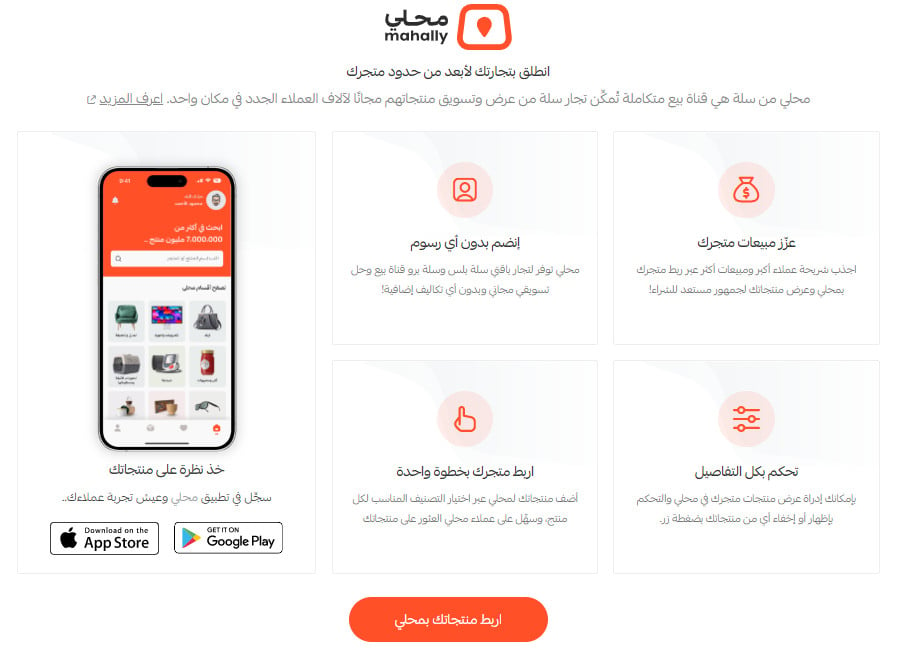
If you do not meet one of the conditions for joining Mahally, a message tells you which one.
3. If you meet all the conditions, you go straight to the products page in your Salla store, where you match your products to the right Mahally categories.

For more details, see:
Managing your merchant account on Mahally
Frequently asked questions about Mahally
❓ Frequently asked questions
How do I know the Mahally connection is not finished?
You see the notice below whenever not all of your store's products have been connected to Mahally.

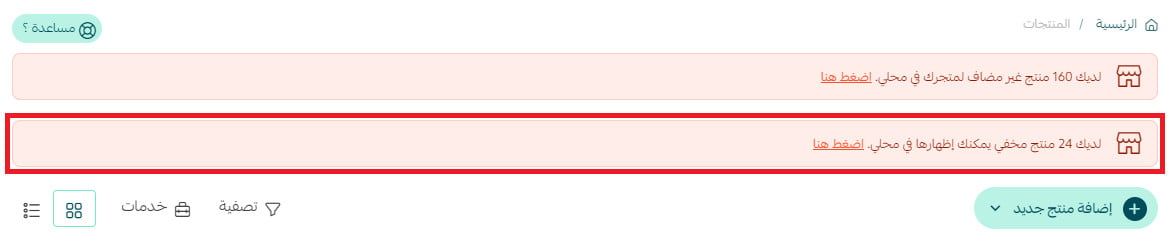
How do I know if I have hidden products?
If a category contains hidden products, you are notified at the top of the products page.
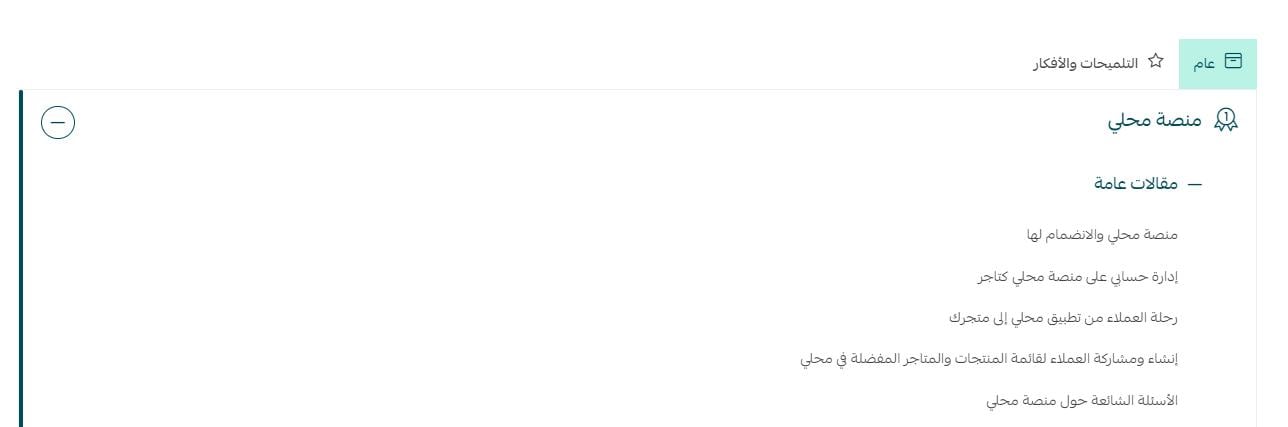
Where do I find the Mahally help center articles?
From the help center home page, you'll find a section dedicated to everything related to Mahally.
A second storefront costs you nothing but the time it takes to categorize your products well. Do that part carefully, because on Mahally the category is how new customers find you.