Ready to sell online but not sure how to make the business official?
A commercial registration is what turns your online activity into a licensed business, and you can now issue one entirely online through the Saudi Business Center — no branch visit needed. The whole process runs through Nafath sign-in, a short form about your business name, activities, and address, and a payment invoice sent to your phone. In this guide, you'll learn every step of issuing a commercial registration, what it costs, and when you need one.
To get a commercial registration, open the Saudi Business Center e-services page, start the (Issue commercial registration) service, and sign in with Nafath. Then register your trade name, choose your activities, set the registration period, city, capital, and fiscal year, add your address, appoint a manager, and submit. Pay the invoice, and print the registration.
📌 Article overview
- Steps to get a commercial registration
- Frequently asked questions
👣 Steps to get a commercial registration
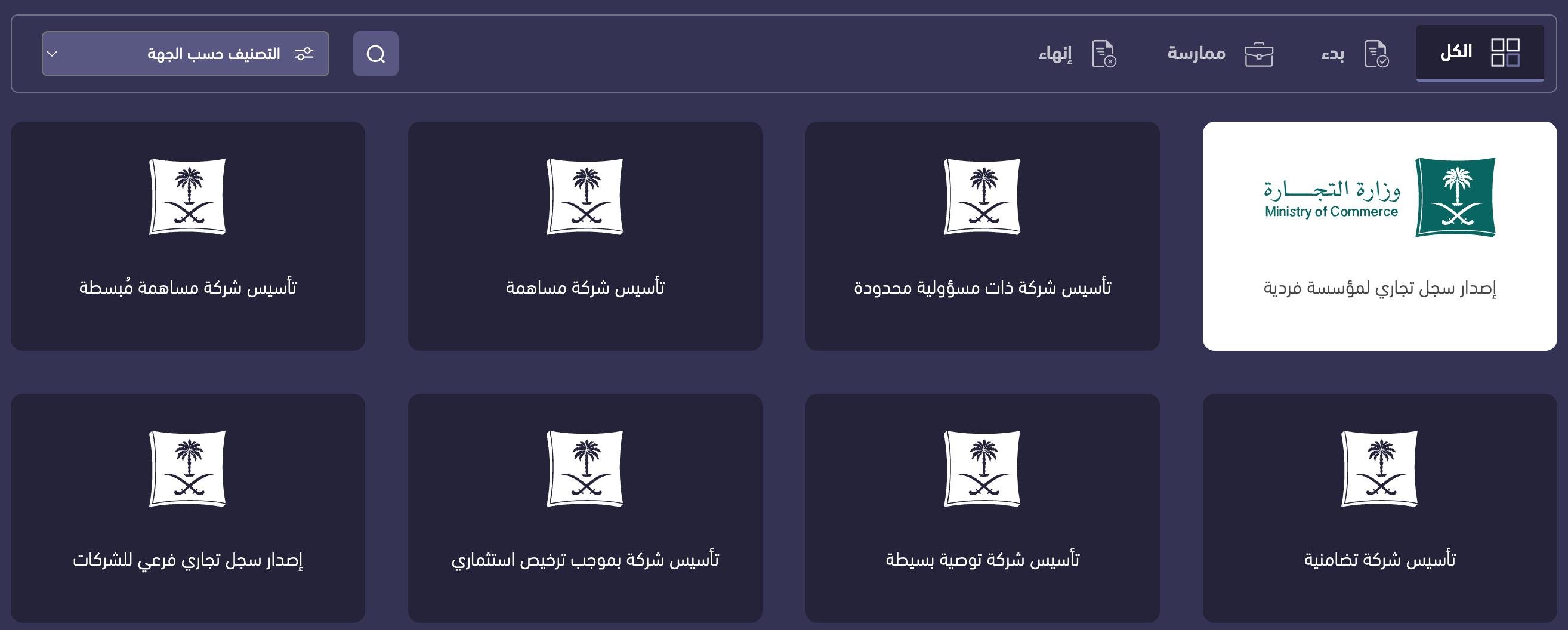
1. Go to the Saudi Business Center, open the e-services page, then click (Issue commercial registration).
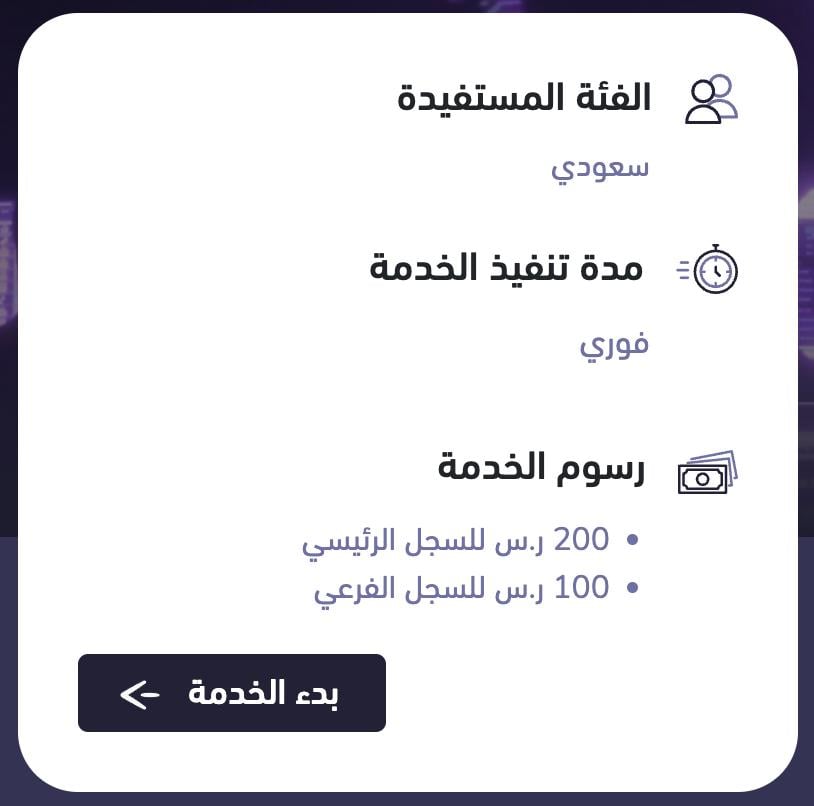
2. You'll be taken to the service details page. Click (Start service).
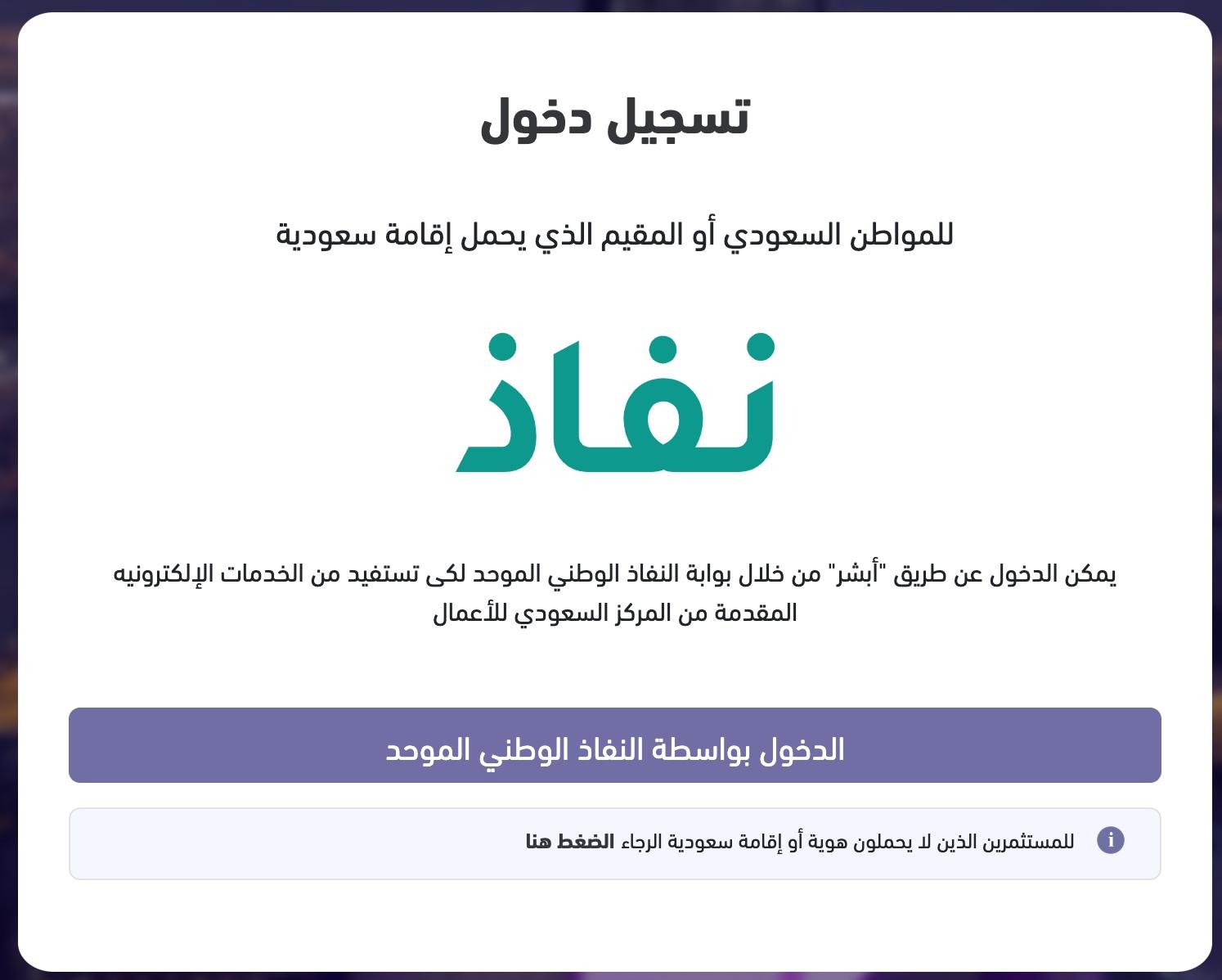
3. You'll be sent automatically to the Nafath sign-in page.
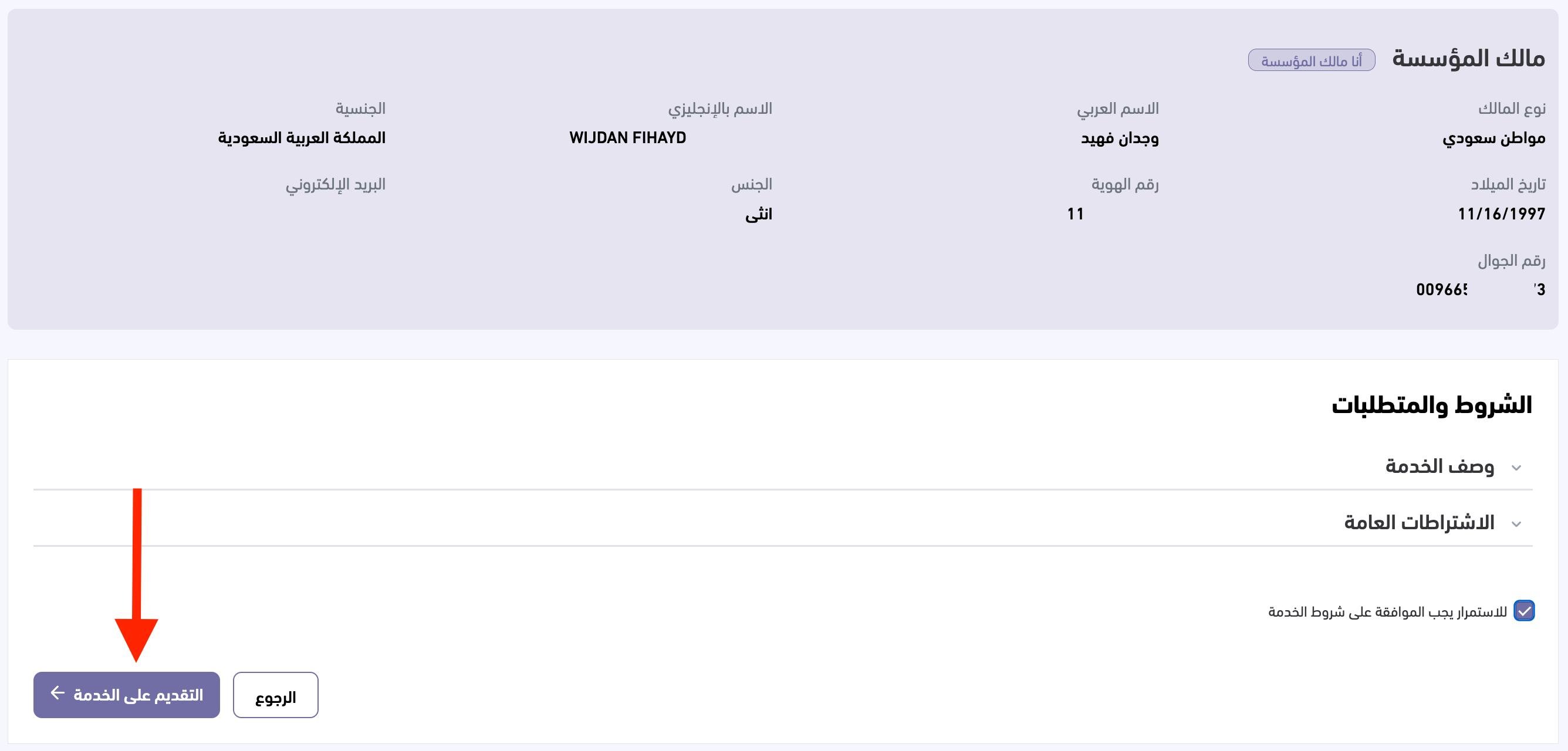
4. After signing in with Nafath, you'll return to the Saudi Business Center. Accept the terms, then click (Apply for the service) to continue.
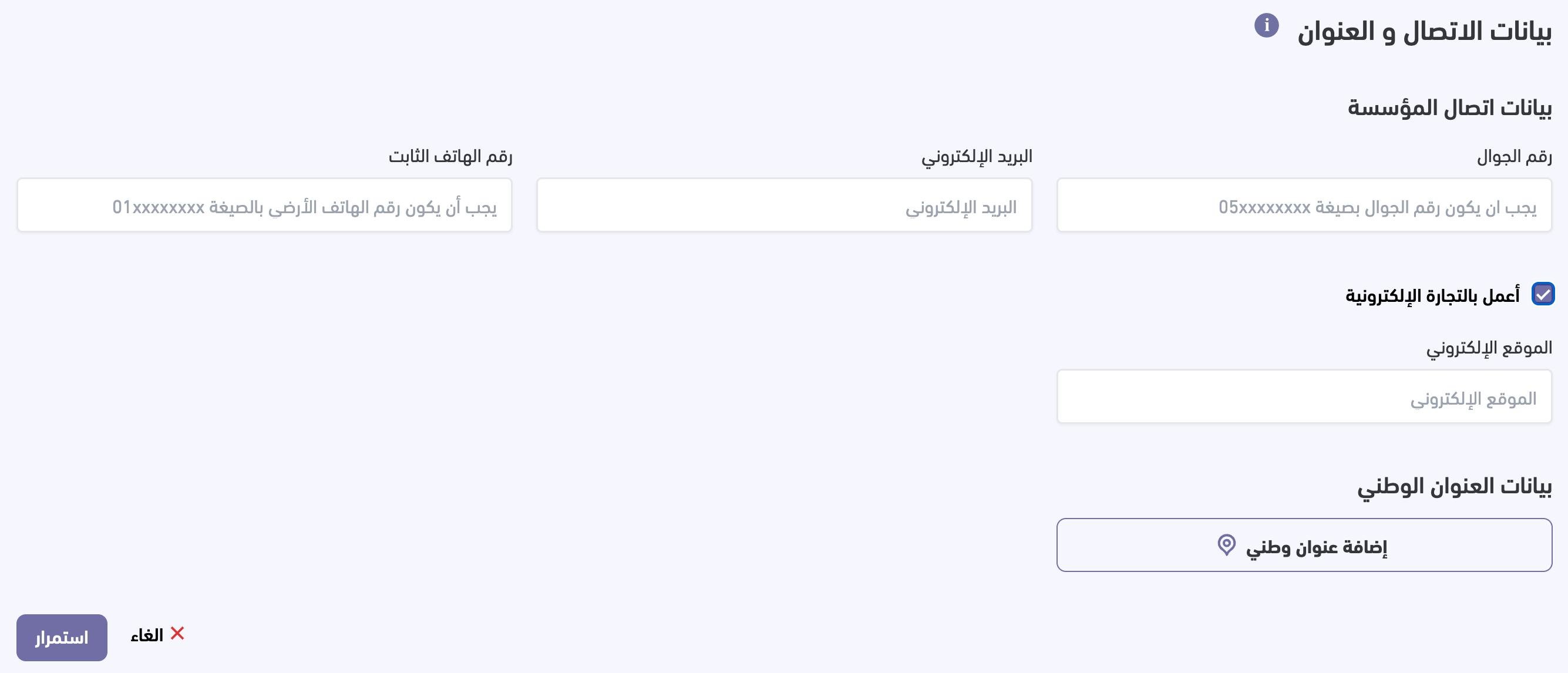
5. Your establishment details appear. Click (Continue) to edit them and register the trade name. Choose the type of trade name: a reserved name, an existing name, or a personal name.
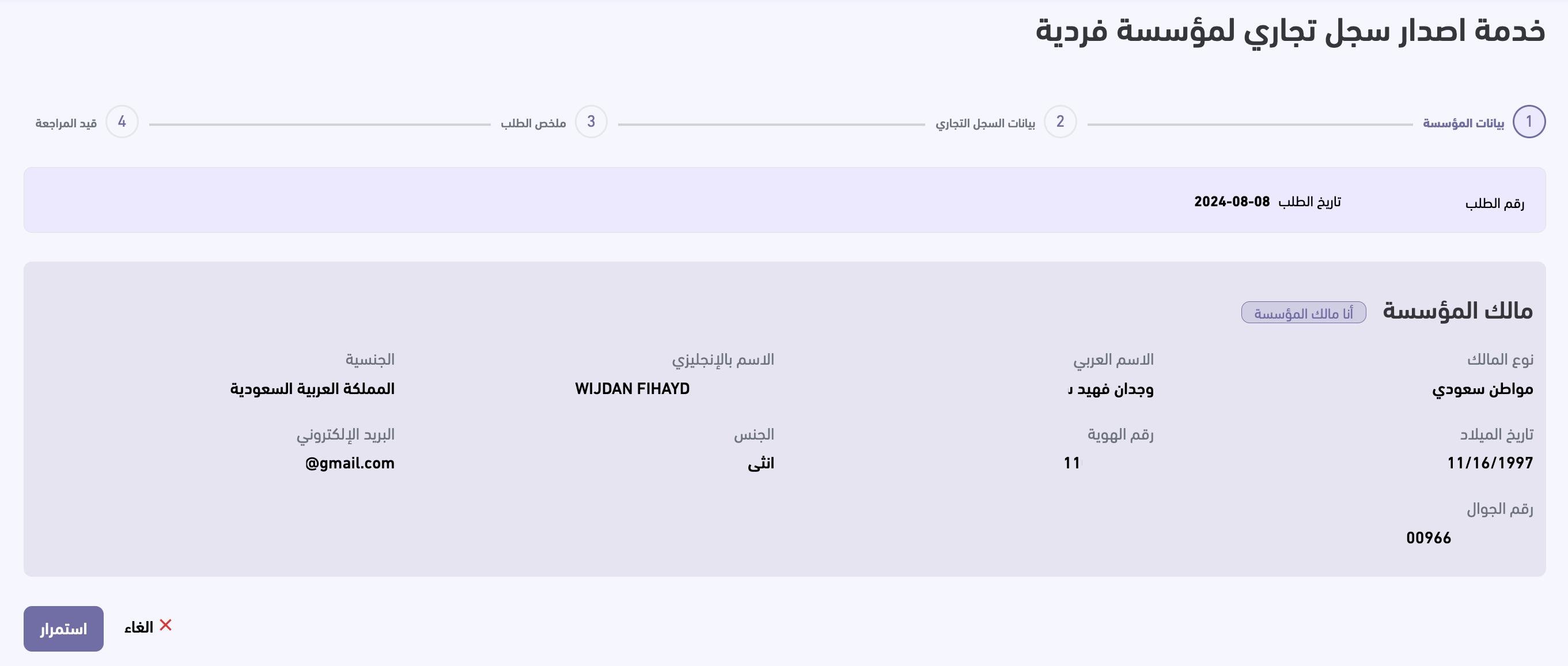
6. Select your activity at the first, second, and third levels, then click (Continue).
📝 Important notes
You can pick only one activity at the first level and one at the second level. At the third level you can pick as many as you like, as long as the activity text stays within 350 characters.
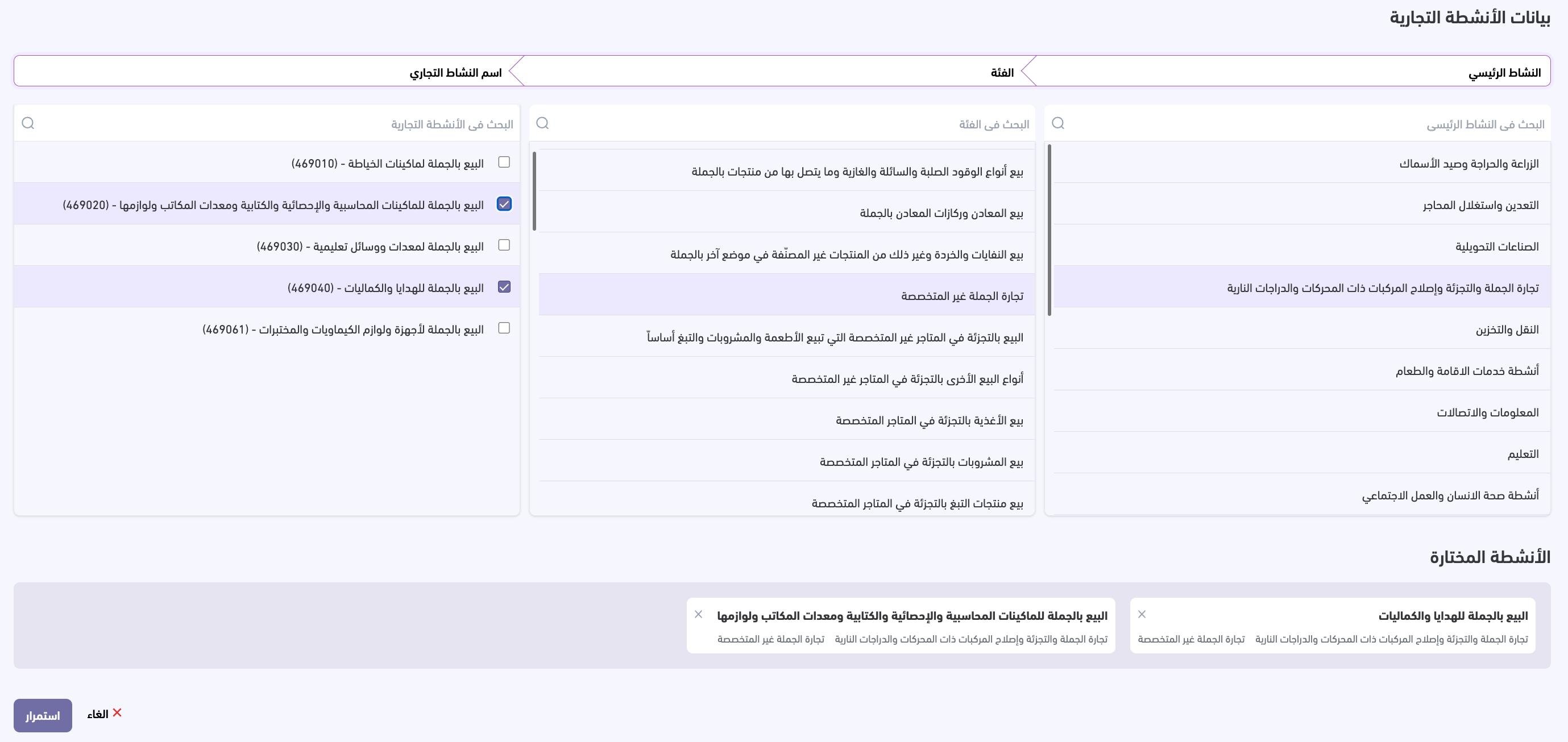
7. Set the registration period, from one year up to five years, choose the registration city, enter the capital — no less than SAR 5,000 — and set the fiscal year, then click (Continue).
📝 Important notes
The fiscal year starts from the date the establishment is entered in the commercial register. The first fiscal year ends on 8 February 2025 [Verify: the source gives a fixed date here, which appears to belong to one specific registration example rather than to every application]. After the first fiscal year, each fiscal year runs 12 months, starting the day after the previous one ends.
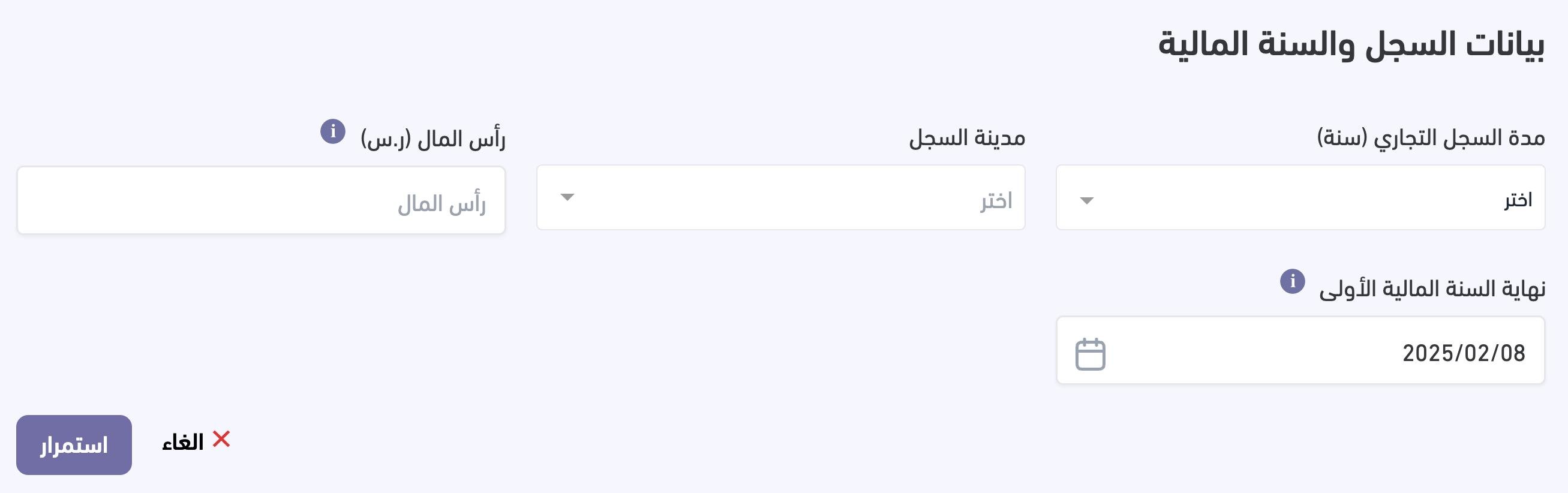
8. Enter your contact details and address, tick (I work in e-commerce), add your national address, then click (Continue).
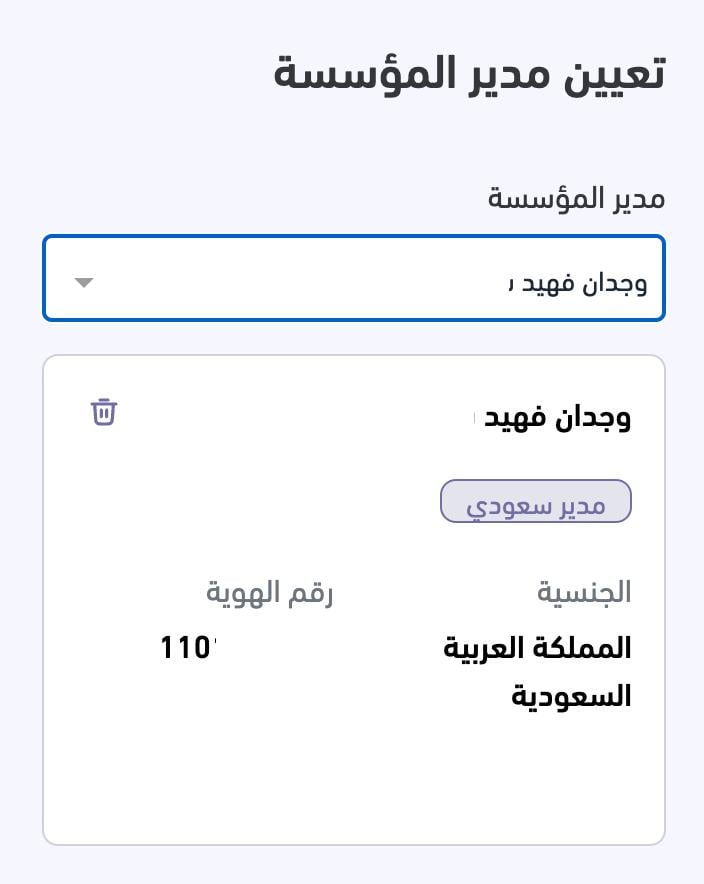
9. Appoint the establishment manager, then click (Continue).
10. A summary window appears so you can confirm everything you entered and declare that it is correct before sending. Click (Submit request).
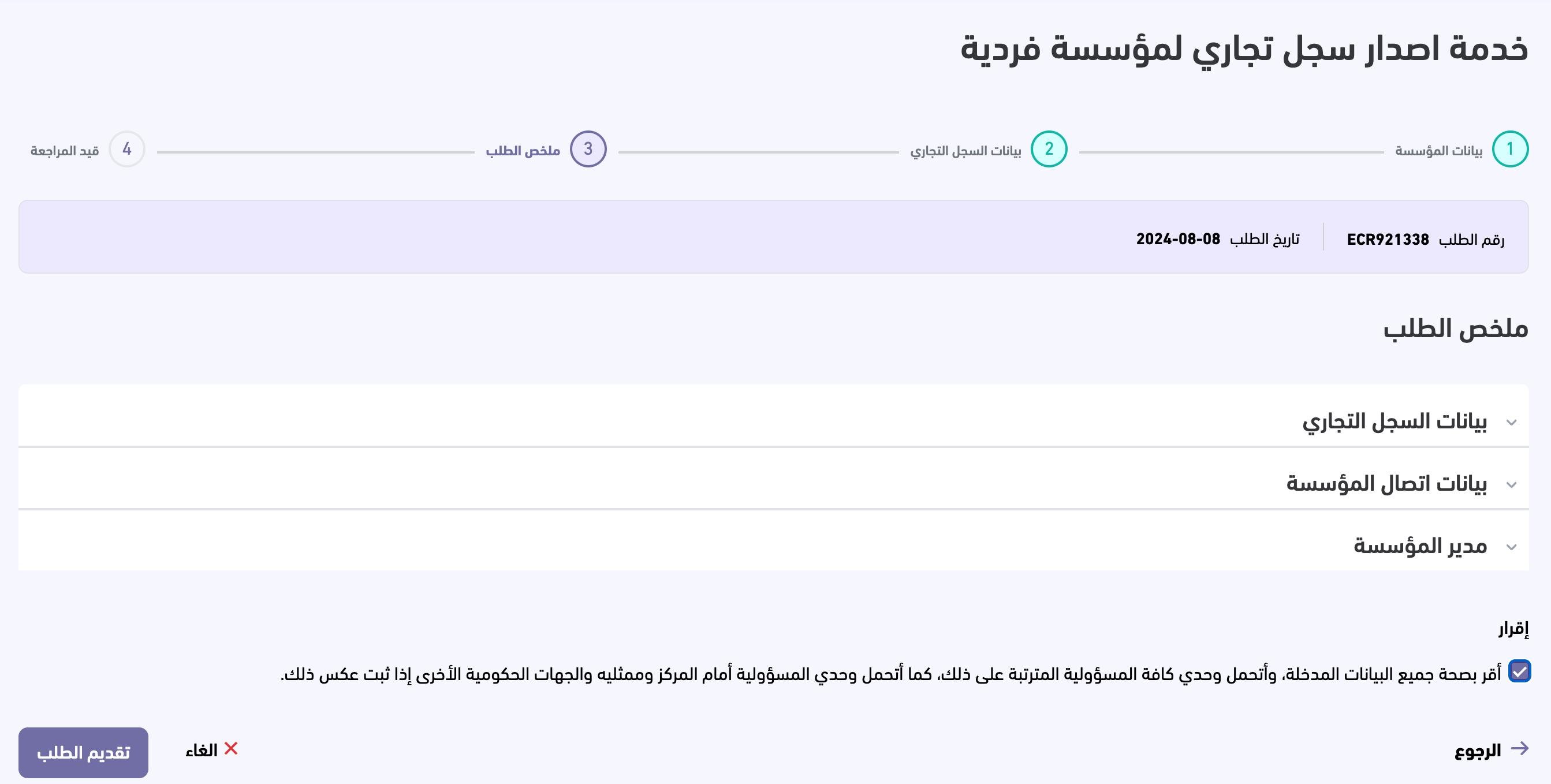
11. A payment invoice is issued and sent to your phone by SMS.
12. Pay the invoice through any of the Sadad payment channels.
13. Once the payment arrives, you can print your commercial registration without visiting a ministry branch.
You can also watch how to open an electronic commercial registration in 180 seconds.
❓ Frequently asked questions
What does a commercial registration cost?
- Issuing or renewing a main commercial registration: SAR 200 per year.
- A branch commercial registration: SAR 100 per year, for a sole establishment.
Can I open an online store without a commercial registration?
Generally, you can run a commercial activity through an online store either with a commercial registration (as a citizen, resident, or investor) or with a freelance work document (citizens only).
Does the freelance document replace a commercial registration?
The decision to issue freelance work documents applies only to individuals — citizens and government employees who have no commercial registration and want to practice a profession. If your project has an entity behind it, such as a store or a center, you need a commercial registration alongside the document.
Does having an online store affect social security benefits?
Yes. Holding a commercial registration to open an online store cuts off developed social security support. Registering on the Maroof platform, however, does not affect social security.
Does dropshipping require a commercial registration?
Yes, if you run dropshipping through an e-commerce website of your own.