Which of your customers actually see the update you just sent?
JAWAL B SMS is an SMS provider you can connect to your Salla store to send text messages to your customers. It works with commercial businesses, government bodies and organizations, charities, and financial services, and it helps you build a customer base you stay in touch with rather than one you contact once. You can also reach new audiences through the provider's own subscriber database. In this guide, you'll learn how to install the JAWAL B SMS app on your store, how to activate it, and how to make it your store's default app for text messages.
JAWAL B SMS is an SMS provider you can connect to your Salla store to send text messages to your customers. Install the app from the App Store, click (Activate app), enter your JAWAL B SMS account details, then set it as your store's default app for local text messages.
📌 Article overview
- How to install the JAWAL B SMS app
- How to activate the JAWAL B SMS app
- Frequently asked questions
🚀 How to install the JAWAL B SMS app
1. From the main menu, click (All), then under helpful tools, click (App Store).

2. Search for the app using the search field.

3. On the JAWAL B SMS app page, click (Install).
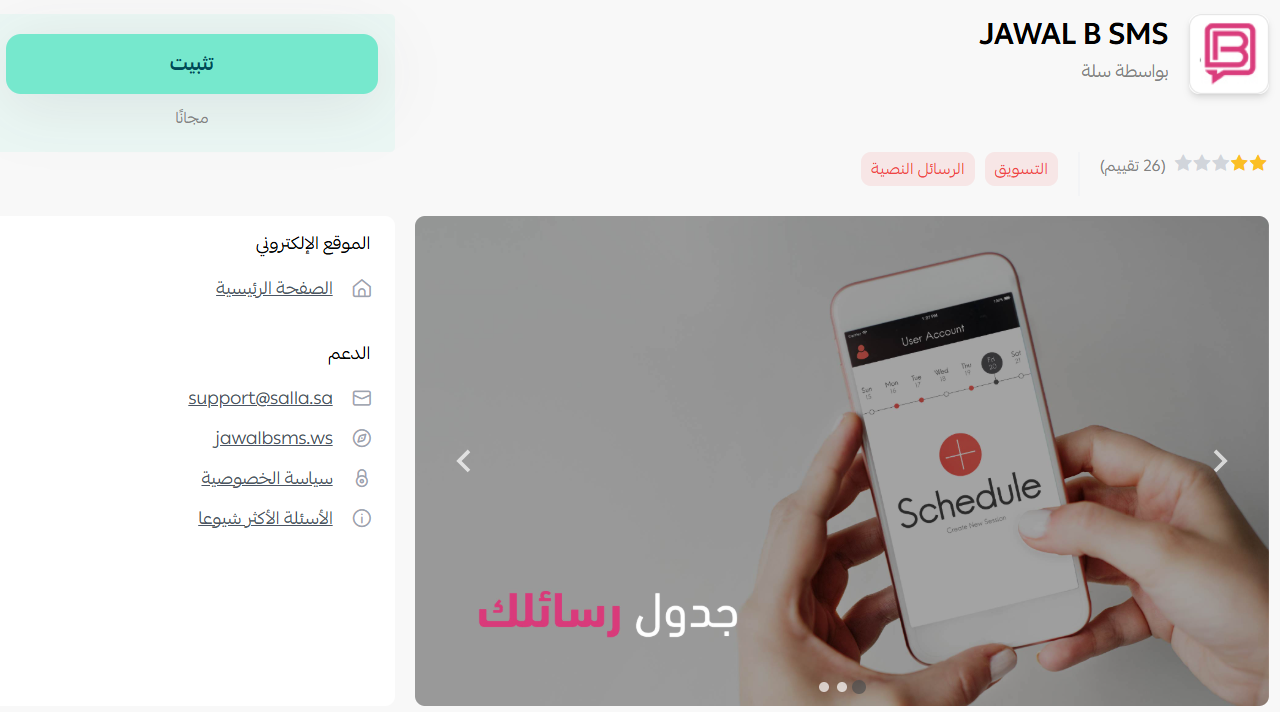
JAWAL B SMS is now installed on your store.
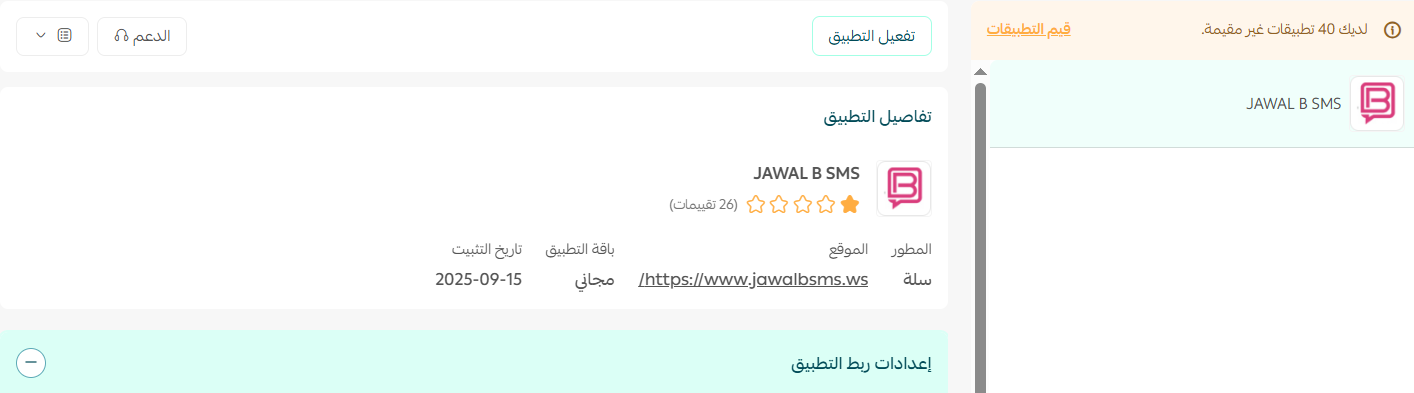
🚀 How to activate the JAWAL B SMS app
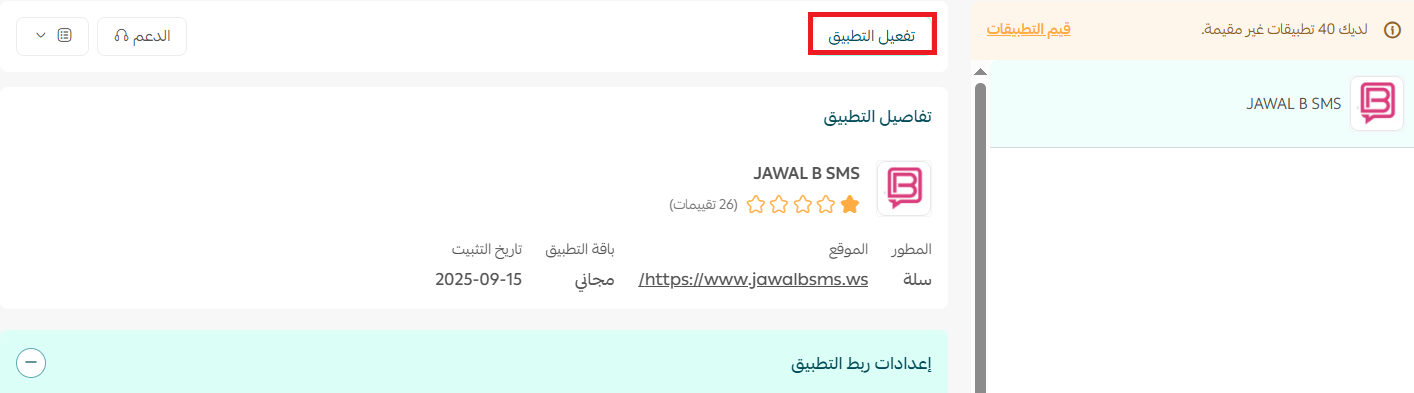
1. From the app page, click (Activate app).
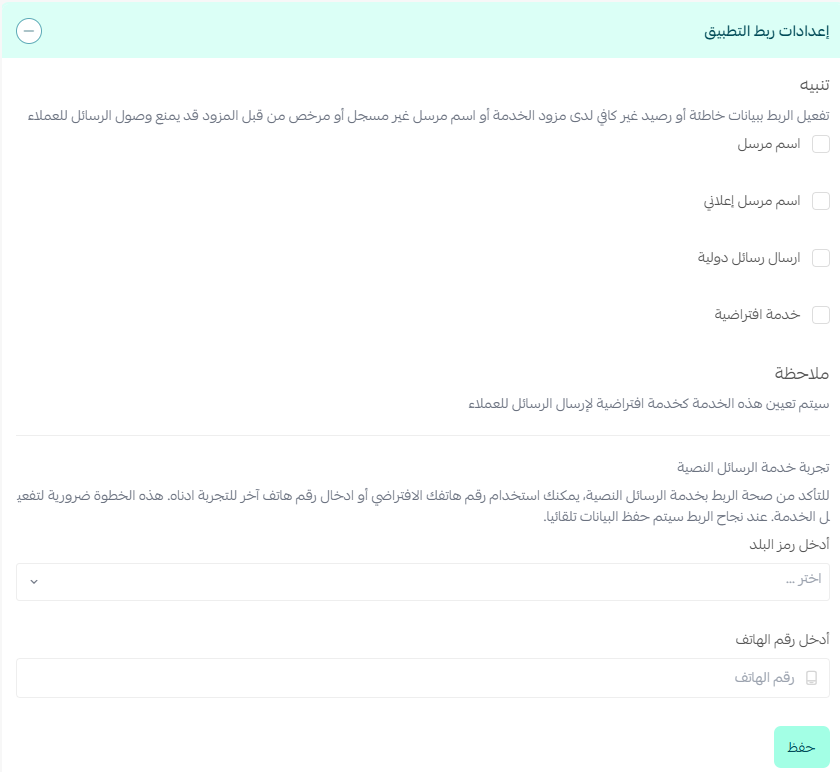
2. Enter your JAWAL B SMS account details, then click (Save).
3. Once your account details are saved, go to (Settings), then click (Customize).
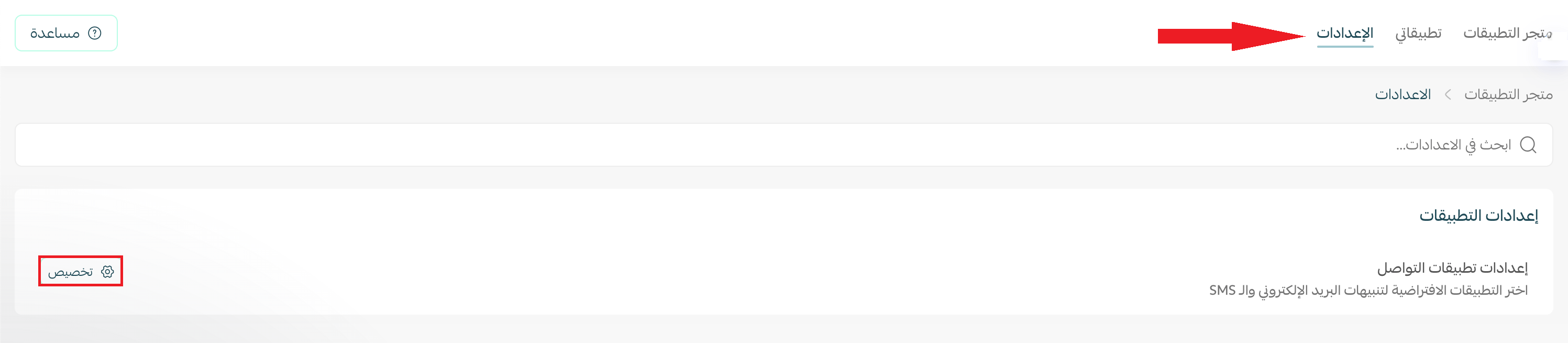
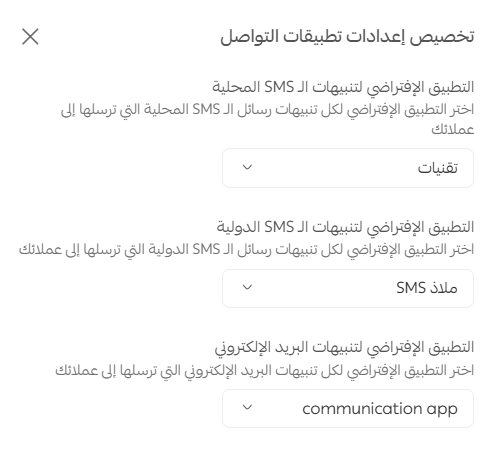
4. The communication app settings open. Choose your default app for local text messages, international notifications, and email notifications.
📝 Important notes
The default app option for email notifications only appears if you have an email notification app activated.
Frequently asked questions
❓ How do I create a JAWAL B SMS account?
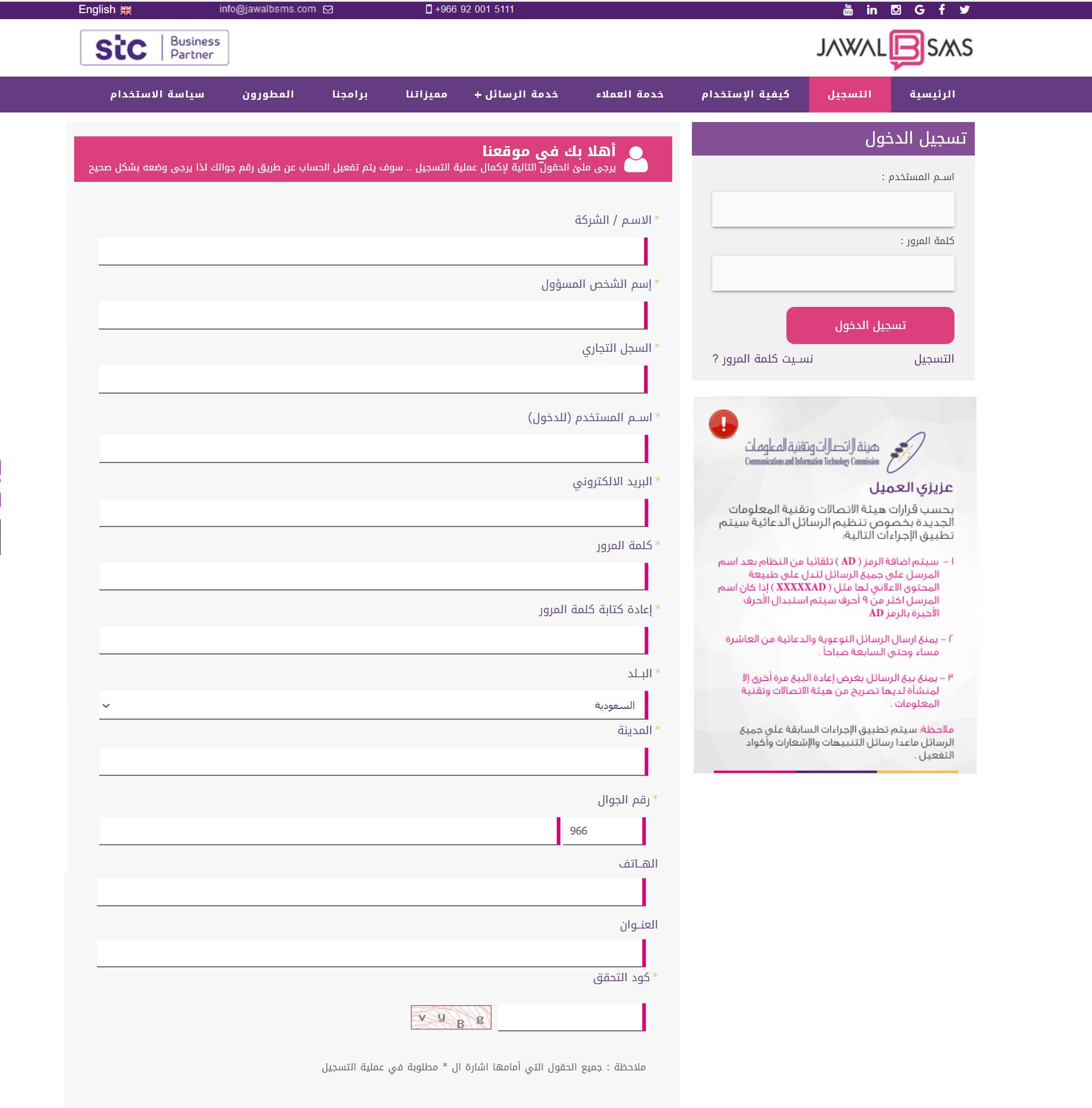
Open the JAWAL B SMS sign-up page, enter the required details, then click (Register).
📝 Important notes
The account is activated through your mobile number, so enter it correctly.
❓ How do I buy message credit?
Buy your message credit from the JAWAL B SMS website.
❓ Are the messages my store sends charged for?
Yes. Every message your store sends is charged by the service provider you are subscribed to.
❓ How do I make JAWAL B SMS my store's default SMS app?
Go to (Settings), click (Customize), then choose JAWAL B SMS as the default app for local text messages.
Text messages are hard to ignore, which is exactly why they are worth setting up properly. Connect the app, top up your credit, and your customers hear from you the moment something changes.
For more details, see the JAWAL B SMS website.