Want customers to reach relevant products faster on your storefront?
Product filter settings let you enable storefront filters that help customers narrow the catalog by supported product data such as tags, price, brand, category, or rating.
To configure product filter settings on Salla, open Products, choose Product settings, and select Filter option settings. Enable filters, then activate the criteria that fit your catalog. The source documents filters for tags, price, brand, category, and rating, plus closer search results when customers make spelling mistakes.
📌 Article overview
- Enable storefront filters
- Choose filter criteria
- Understand customer search behavior
- Review ratings and theme support
- Frequently asked questions
Related Salla resources
How to configure product filter settings on Salla
1. From the dashboard, click Products, then choose Product settings.

2. From the settings list, choose Filter option settings.

3. Enable storefront filters, then activate the criteria that fit your catalog.
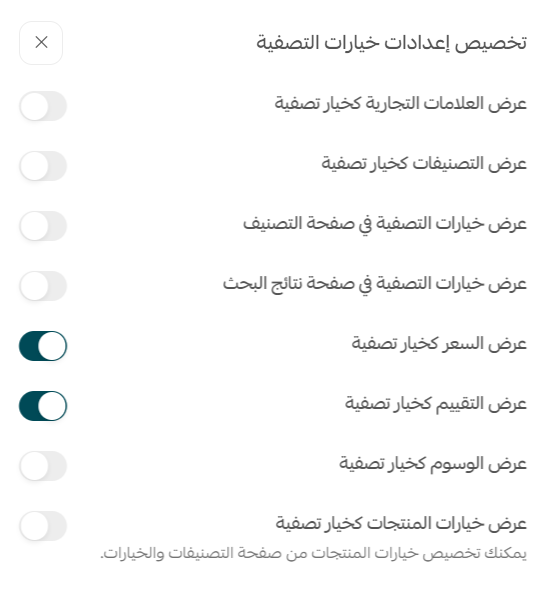
Alternative route documented in the source: From Products, click Services, choose Manage filters, then configure price, brand, category, or rating filters. The Arabic article describes both this route and Product settings → Filter option settings, so the content owner should confirm which path is current.
Choose storefront product filters
The source documents tags, price, brand, category, and rating as available filtering data. For example, enabling product-tag filtering lets customers use product tags to narrow the storefront catalog.
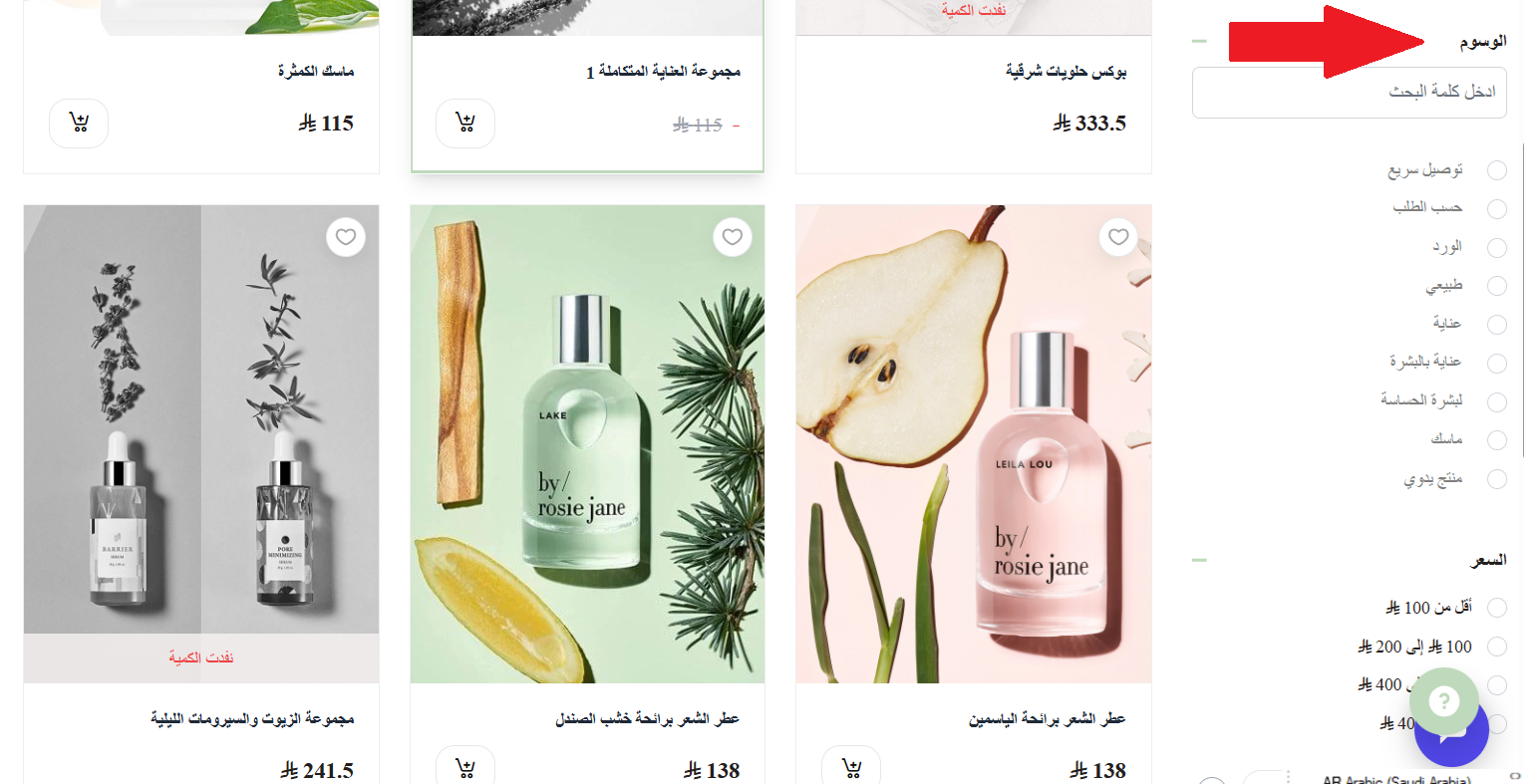
How product filtering handles customer searches
The source says the experience uses spelling-error correction to return closer matches based on product names and descriptions.
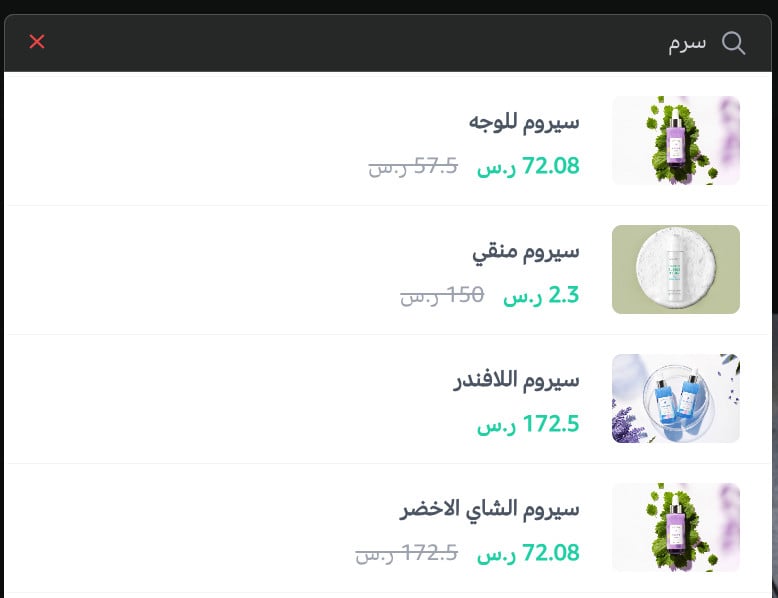
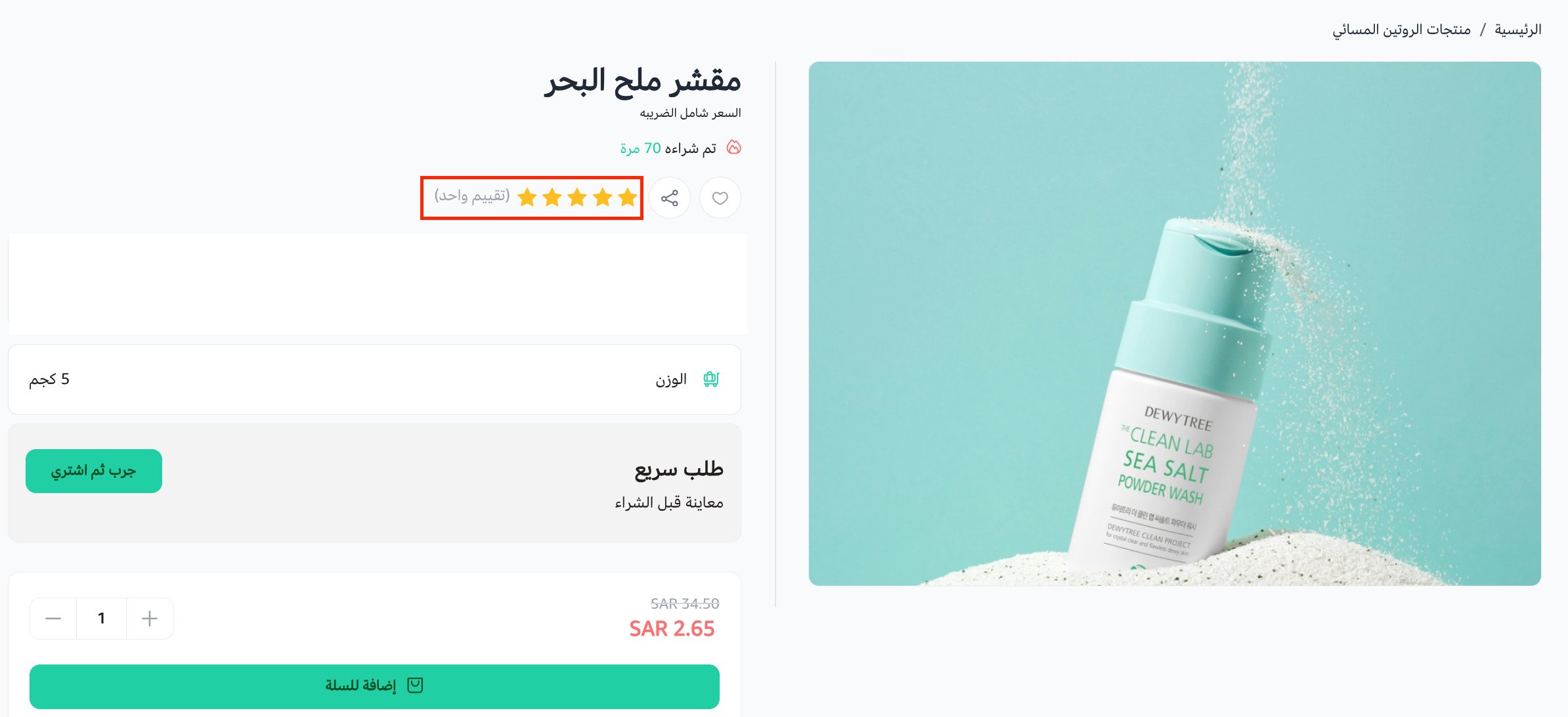
Show product ratings
The source shows ratings in a simplified product-card presentation.
Legacy themes without filter support
The source lists these older Salla themes as unsupported: Rafal, Taif, Himma, Tala, Baraa, and Lamar.
📝 Important note: The live Arabic article lists questions about option limits, displayed-filter limits, customer sorting, and supported plans but provides no answers. Those claims must be supplied by the content owner before they can be added to English.
Frequently asked questions
Which product filters does the source document?
Product tags, price, brand, category, and rating.
Does the filter experience account for spelling mistakes?
The source says it corrects spelling errors to find closer matches from product names and descriptions.
How are ratings presented?
The source shows a simplified rating presentation on the product card.
Which legacy themes are listed as unsupported?
Rafal, Taif, Himma, Tala, Baraa, and Lamar.
Does the source document another way to open filter settings?
Yes. It also lists Products → Services → Manage filters. Confirm the current dashboard path before publishing.