Shoppers can't pick your products up and examine them — your images and videos have to do that for them.
Clear visuals sell. When you add product images and videos, you give customers the confidence to buy and lift your store's sales along the way. In this guide, you'll learn how to upload, delete, reorder, and edit product images, add videos from YouTube, and write alt text that helps your products appear in search engines.
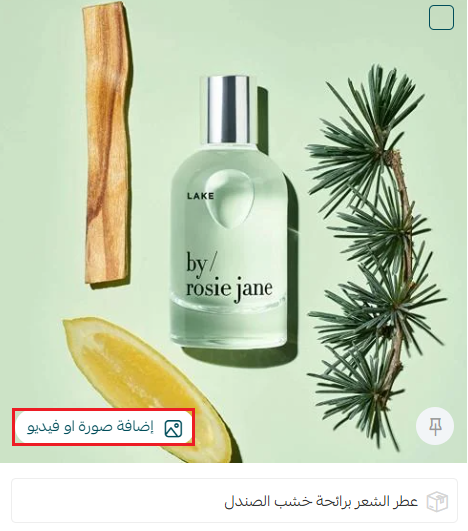
To add product images and videos on Salla, open the product page and click (Add image or video). Drag and drop images or browse them from your device, or paste a YouTube link to add a video. You can then set the main image, reorder, edit, or delete any image, and add alt text for search engines.
📌 Article overview
- Uploading product images and videos
- Deleting a product image or video
- Adding alt text for search engines
- Reordering images
- Editing images after adding them
- Frequently asked questions
👣 How to manage your product images
1. Upload product images and videos
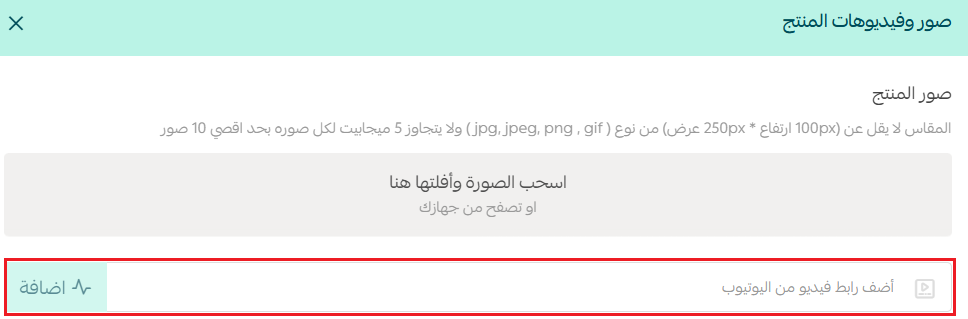
1. From the product page, click (Add image or video).
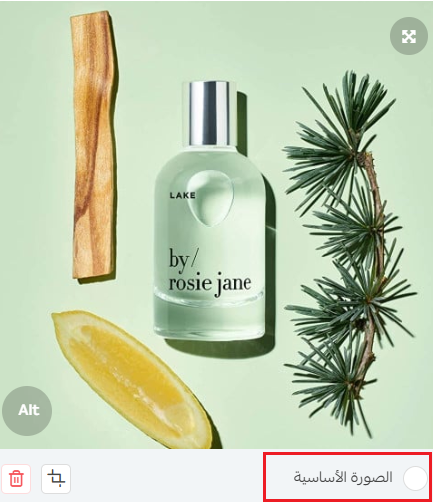
You can change the product's main image by turning on the (Main image) option under the product's images.
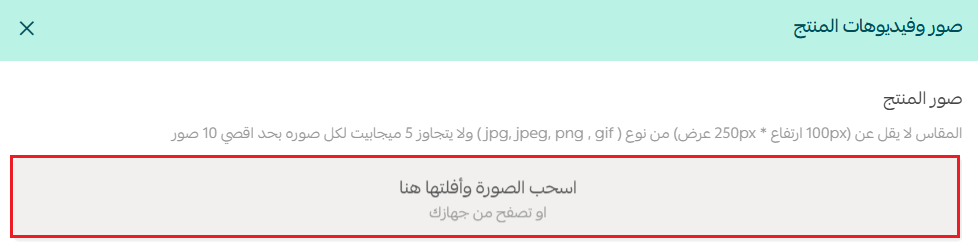
2. From the product images and videos window, click (Drag and drop the image here, or browse from your device) to browse and select the product's images.
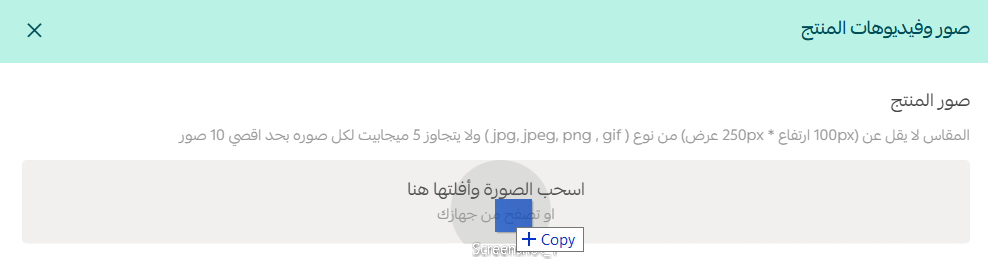
Or drag the images you want and drop them inside the (Drag and drop or browse) box to upload them as product images.
To add a video, paste the video's YouTube link in the dedicated box, then click (Add).
2. Delete a product image or video
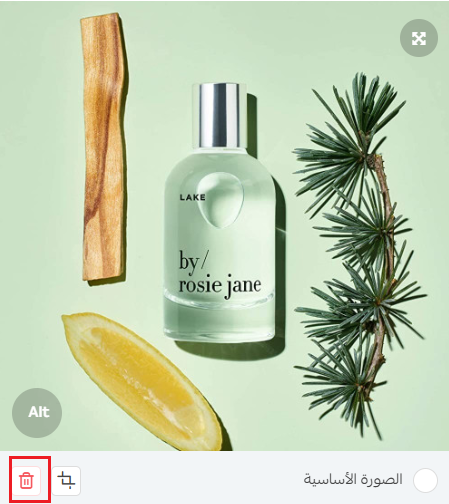
Click (Delete) under the image or video you want to remove.
3. Add alt text for search engines
Click the (Alt) button under the image or video, and type the alt text you want in the text box that appears — no longer than 70 characters.
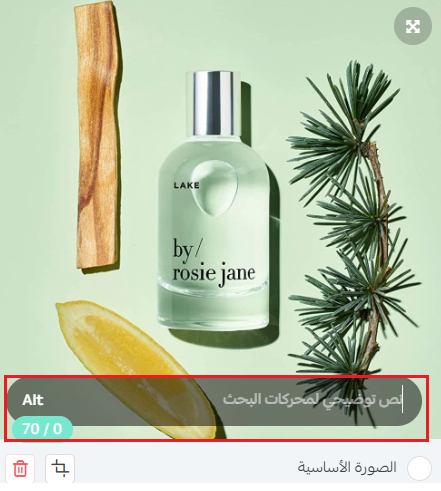
Alt text describes the image to search engines such as Google, so the image gets indexed in image search and found when people search with words that describe it.
For more details, see the basics of improving your store's visibility on search engines (SEO).
4. Reorder images
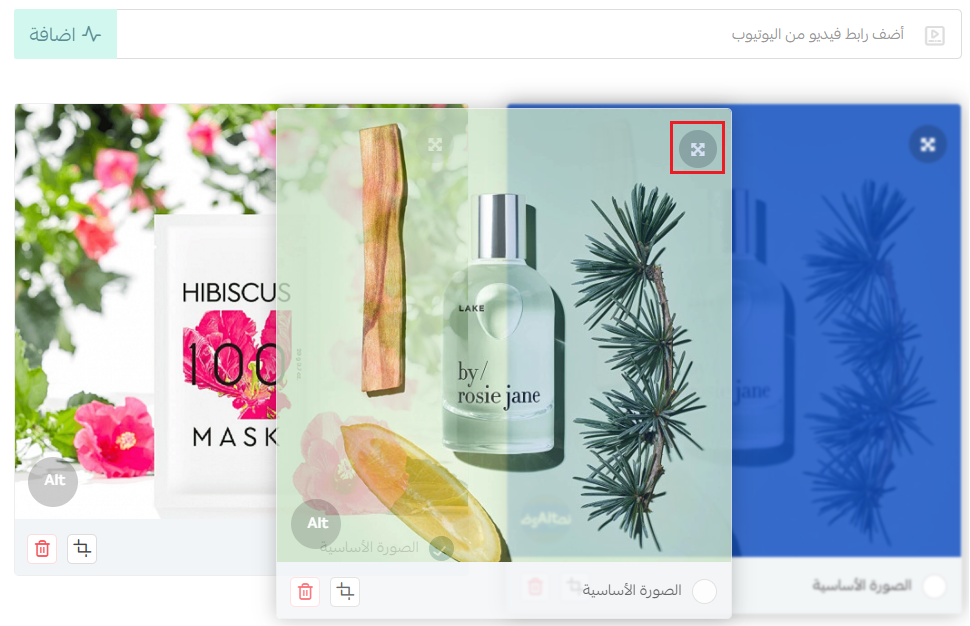
You can change the order of images by dragging and dropping them within the product images and videos page.
5. Edit an image after adding it as a product image
You can edit an image (crop it, adjust it, and more) after adding it as a product image:
1. Click the edit button under the image.

2. Use the image editing tools Salla provides — most notably cropping, professional filters, color-level adjustment, and resizing, plus placing a shape on the image.
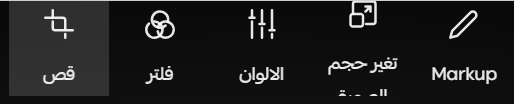
3. Click (Confirm) to save your edits, or click (Cancel) to return to the product images page without saving the changes.

Additional learning content
We suggest watching the photographing products with your phone course to discover how to capture professional shots that make your products more attractive and boost your sales. Learn lighting and composition techniques easily from anywhere, and start improving your customers' shopping experience today.

Frequently asked questions
❓ How many images can I add to a single product?
Ten images at most.
❓ Can I add animated images and set one as the main image?
Yes. You can add animated product images in GIF format.
❓ Which platform can I use as the source for a product page video?
Currently, you can add links from YouTube only.
❓ Is there a video length limit?
No, because the video is embedded through a YouTube link. However, the link must be a regular video, not a Short.
❓ Can I add more than one video to a single product?
Yes, you can.
❓ Which image file types are supported for product images?
The supported image file types are: png, jpeg, jpg, and gif.
❓ Are there specific dimensions for product images?
Preferably no smaller than 250 pixels in height and 100 pixels in width.
❓ What is the maximum file size for a product image?
The maximum product image file size is 5 MB. We recommend reducing image sizes as much as possible to keep your store fast.
Additional support resources
If you need help, don't hesitate to request support through merchant services, which offer options such as product photography, marketing video production, and product listing, along with other services such as image design and marketing video editing.