Are you finding it difficult to activate and manage payment methods in your online store?
A checkout experience without smooth, trusted payment options can lead to customer frustration, and even abandoned purchases.
In this complete guide, you’ll learn how to activate electronic payments in Salla, customize them easily, and provide your customers with a seamless payment experience that helps increase conversions and sales.
📌 Article overview
- What are electronic payments?
- How to activate electronic payments
- How to customize electronic payment settings
What are electronic payments?
Electronic Payments is a service provided by Salla that allows your store to process online transactions automatically.
It enables you to:
- Accept payments directly from customers
- Connect with supported banks and payment providers
- Complete financial transactions securely and efficiently
Activating electronic payments
To enable electronic payments in your store:
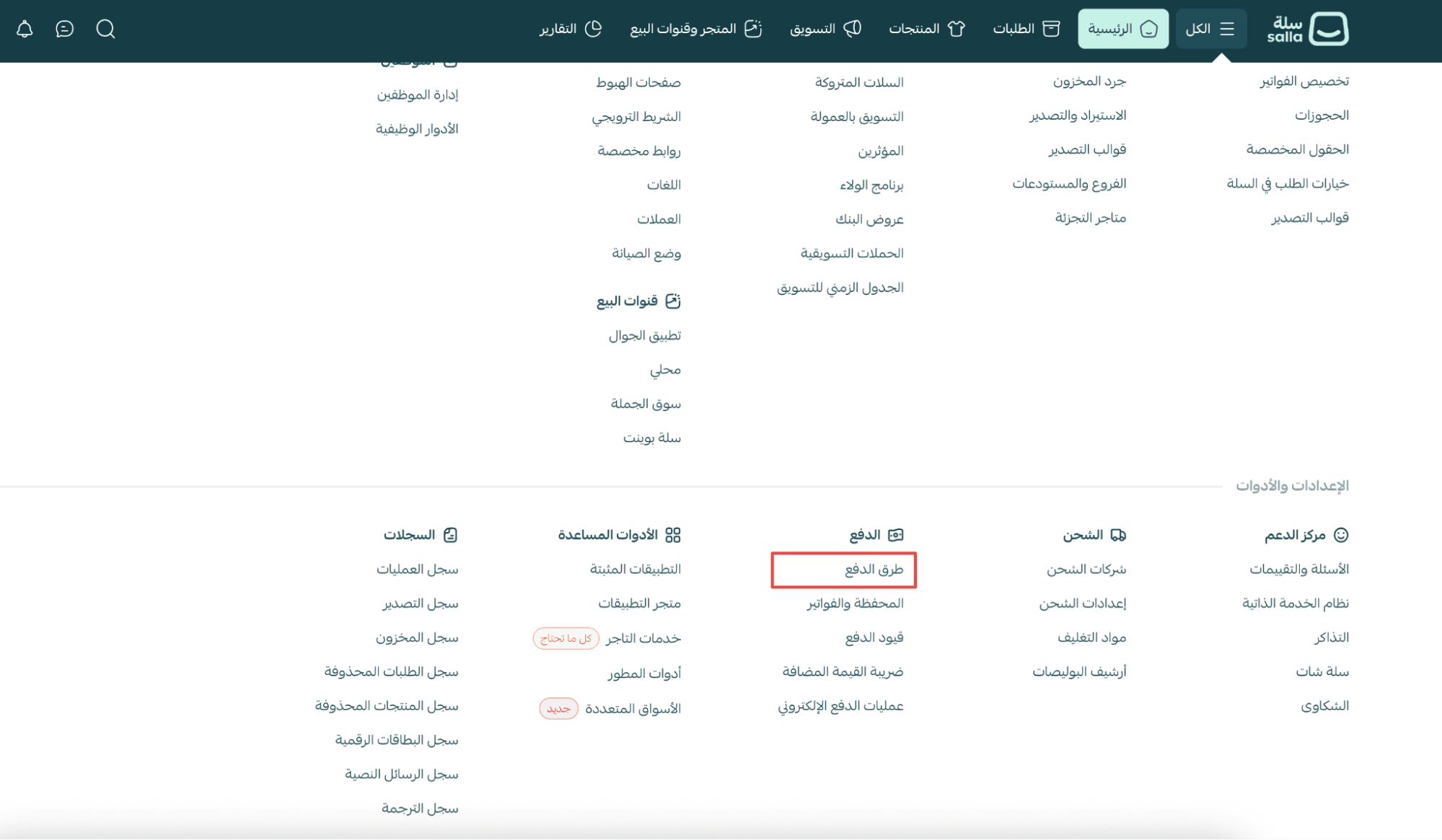
- From the main menu, go to All
Under Settings & Tools, click Payment Methods
2. In the Payment Methods tab, click Activate

3. After reviewing the Sales Policy, click: I agree to the Sales Policy

4. Once completed, electronic payments will be ready for customization.
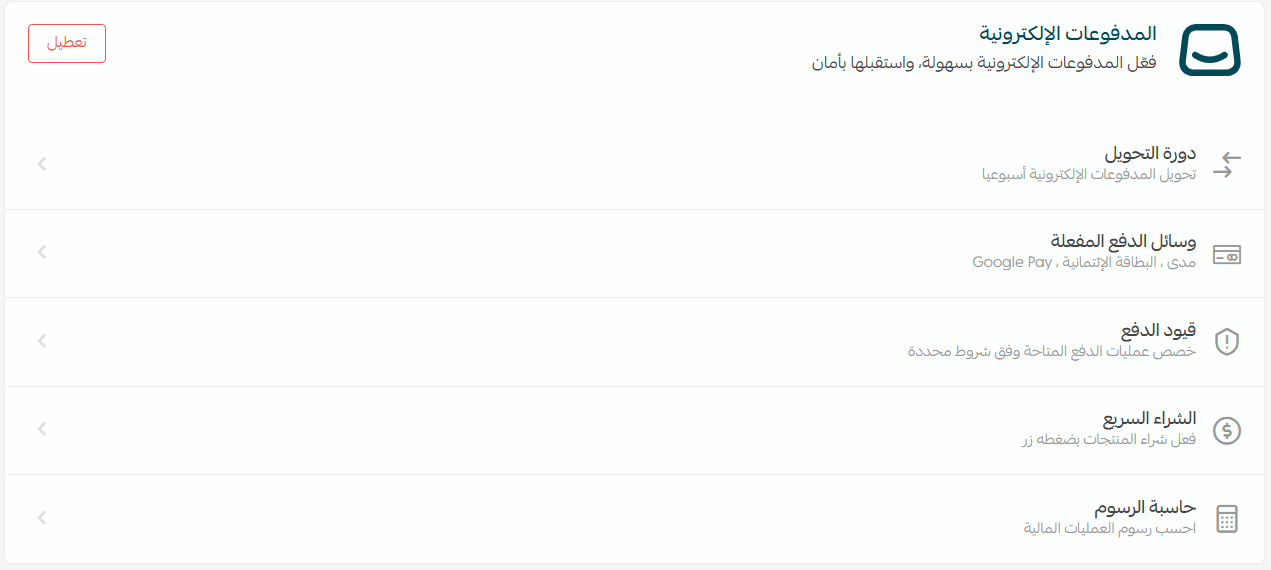
Customizing electronic payments
After activation, you can configure key settings to match your store’s needs.
The most important settings include:
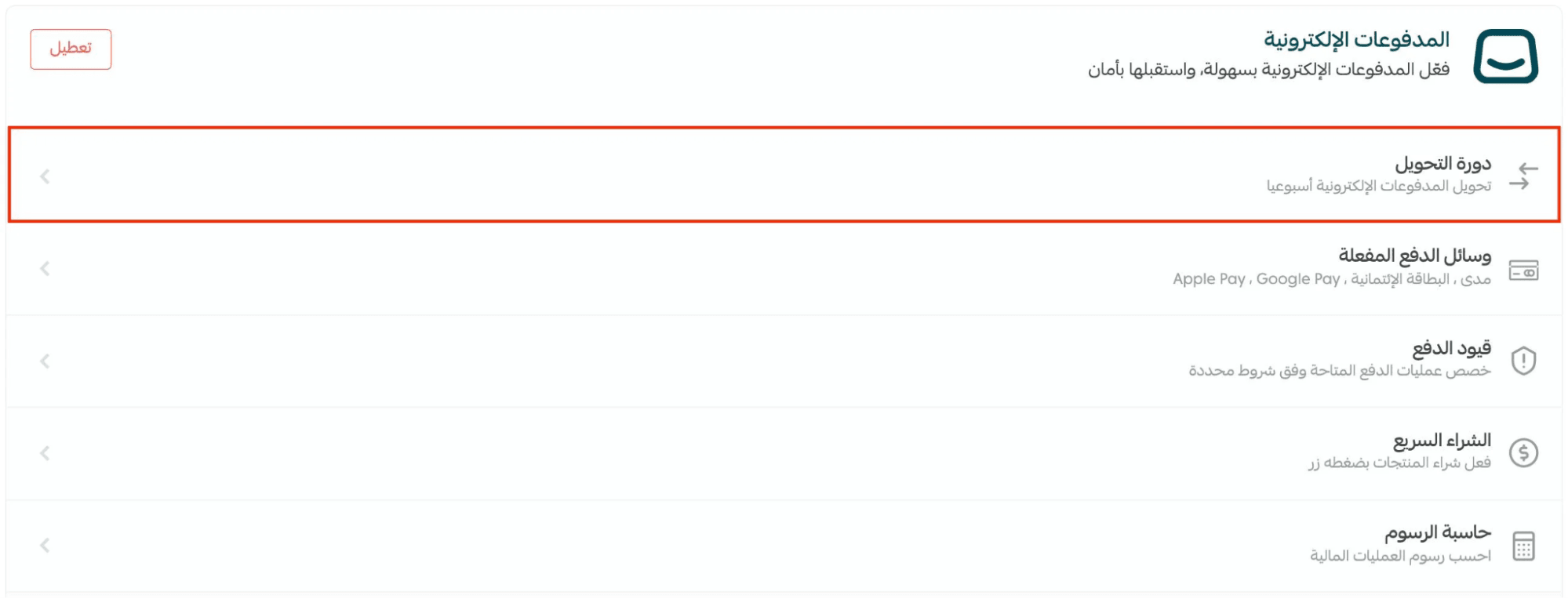
1. Payment transfer cycle
The payment transfer cycle defines how often your store’s collected online payments are transferred to your bank account.
📝 Important note: The minimum total amount required for transfer is SAR/AED 100.
To configure it:
- From the Payment Methods page
- Under Electronic Payments, click Transfer Cycle
For more details, see the Payment Transfer Cycle guide.
2. Enabled payment methods
To choose which payment options your customers can use:
- Click Enabled Payment Methods
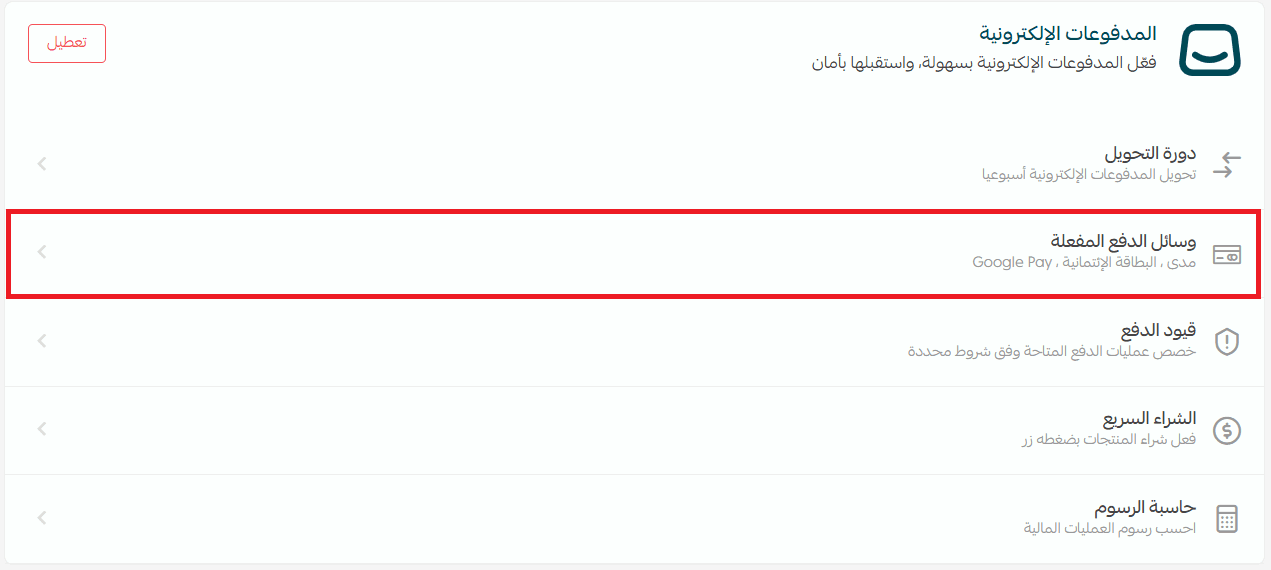
2. Turn on the payment methods you want to offer
3. Click Save
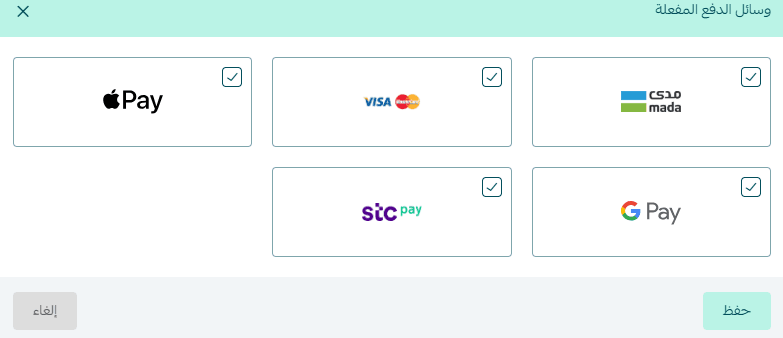
🚀 Once you activate Mada and Visa, Apple Pay will automatically be enabled.
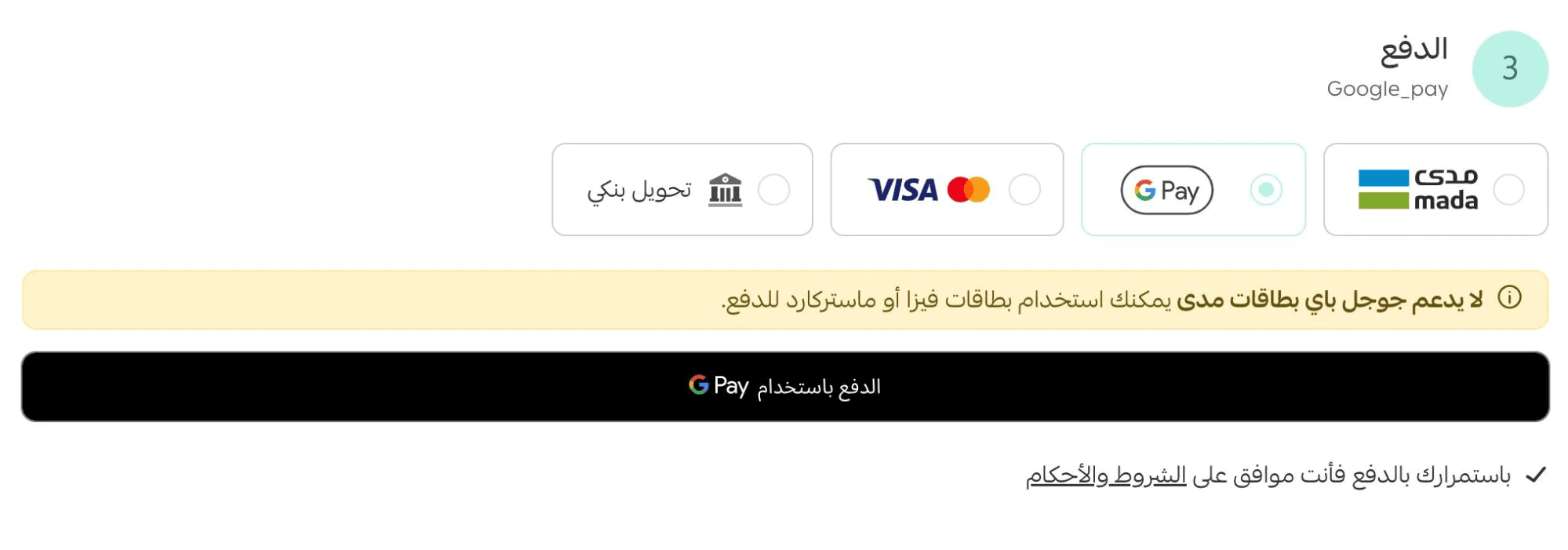
Your available payment methods will appear in the payment list.
You can also temporarily disable electronic payments at any time by clicking Disable.

Learn more here:
- Activate Apple Pay
- Activate Google Pay
- Activate stc pay
3. Payment restrictions
Payment Restrictions allow you to set smart rules, such as:
- Showing specific payment methods for certain product categories
- Hiding Cash on Delivery for new customers
- Applying payment limits based on conditions
To access this feature, click Payment Restrictions from the electronic payments settings.
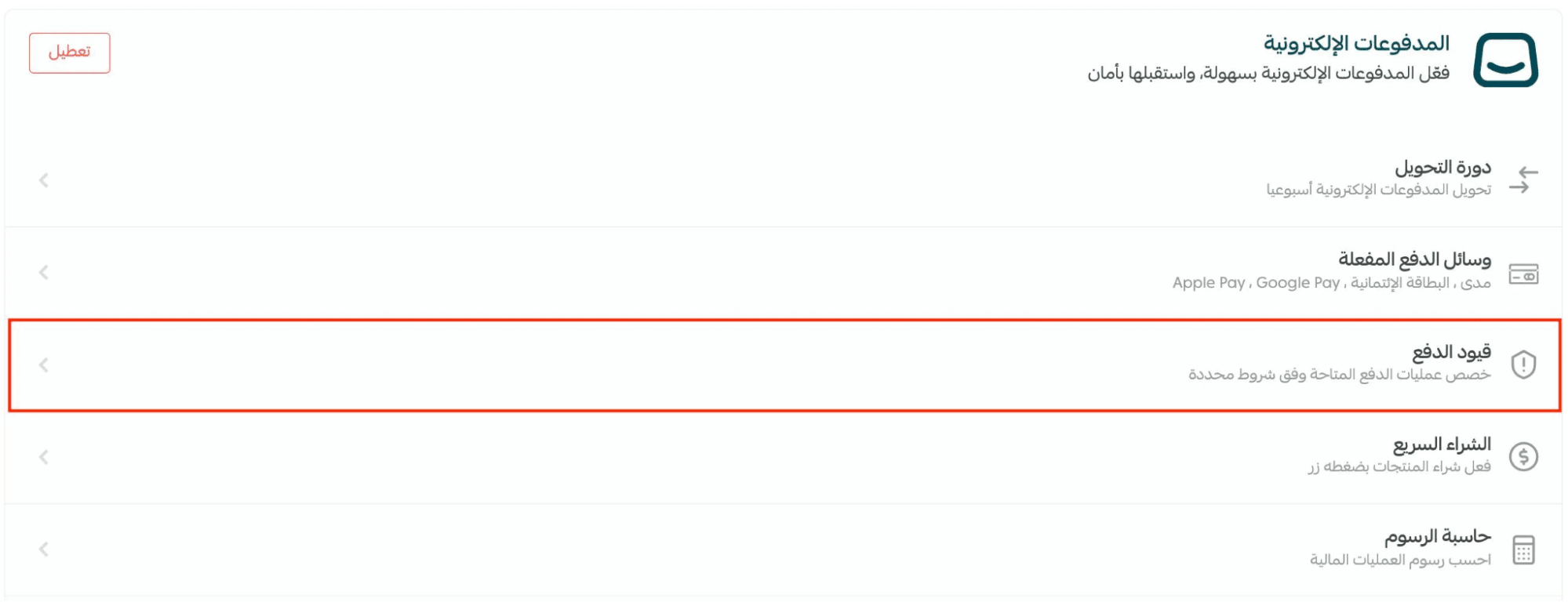
For more details, see the Payment Restrictions guide.
4. Quick purchase checkout
Enable quick purchase checkout so customers can complete purchases instantly without going through the cart page.
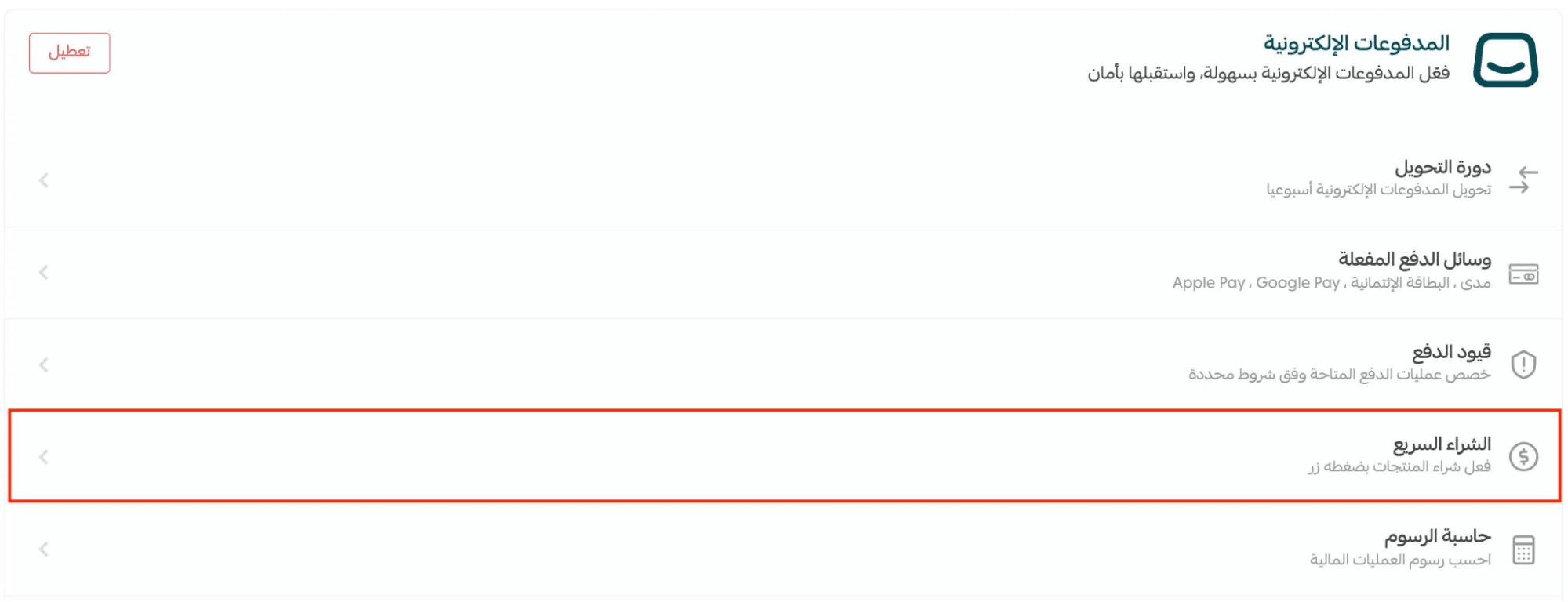
To activate:
- Turn on the One-Click Checkout option
- Click Save
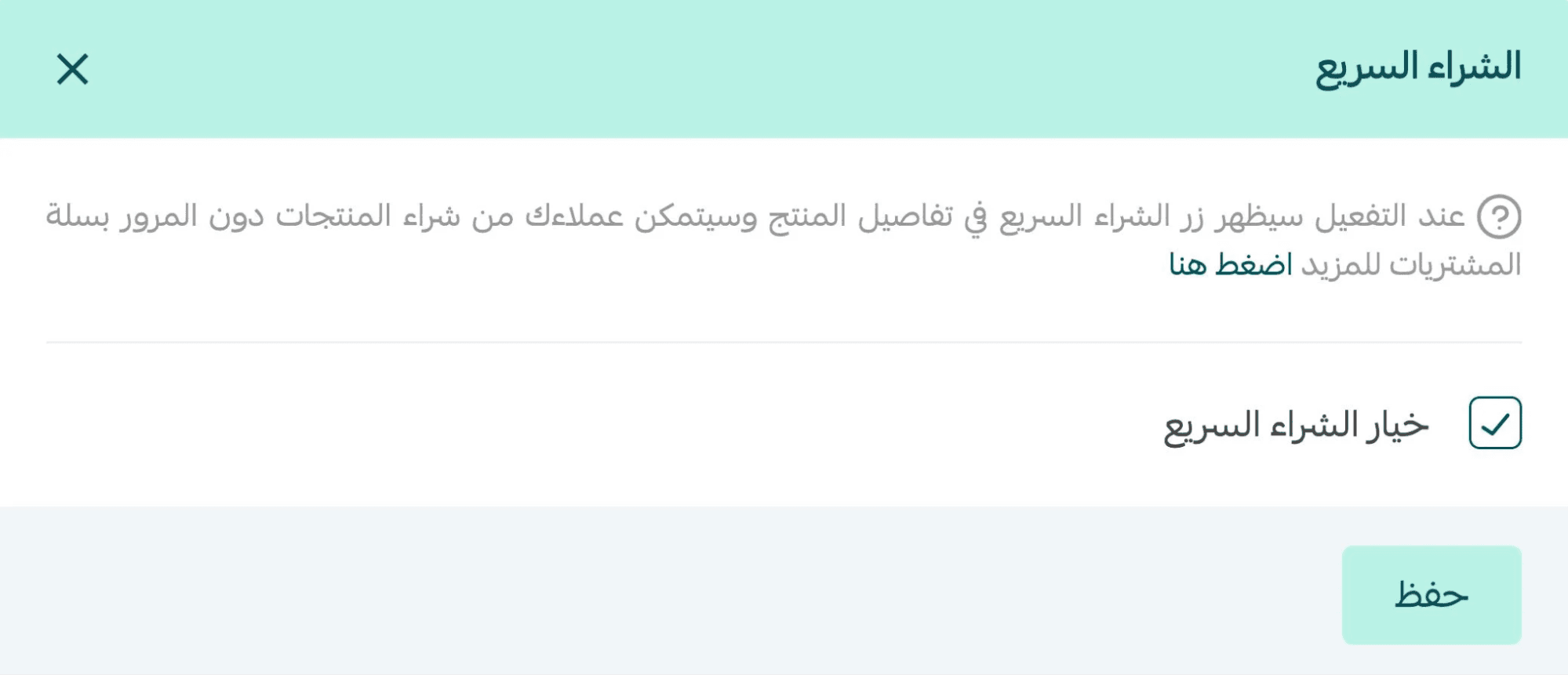
For more information, refer to the One-Click Checkout activation guide.
5. Fee calculator
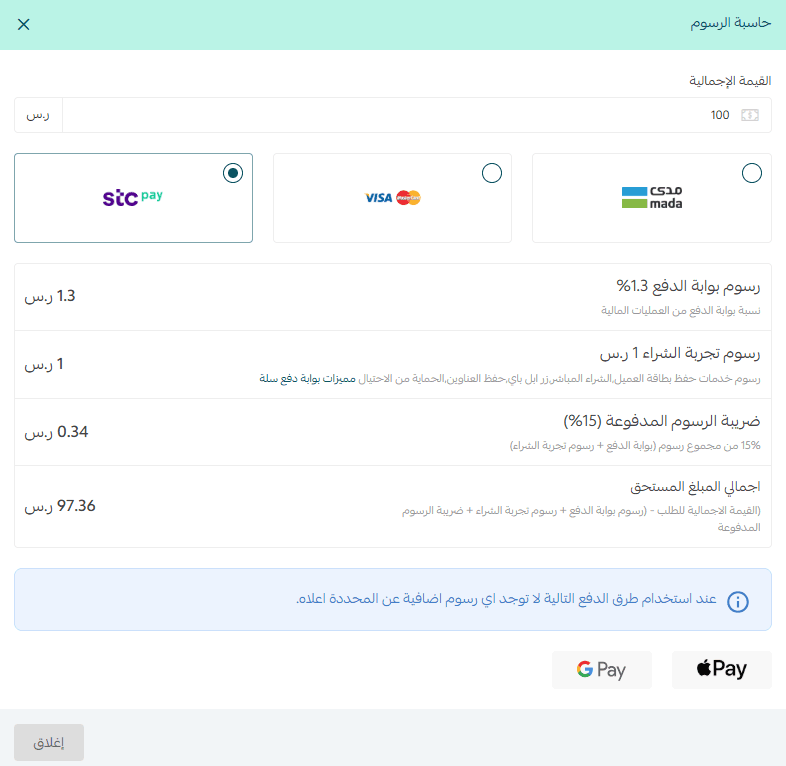
The Fee Calculator helps you estimate payment processing fees per order.
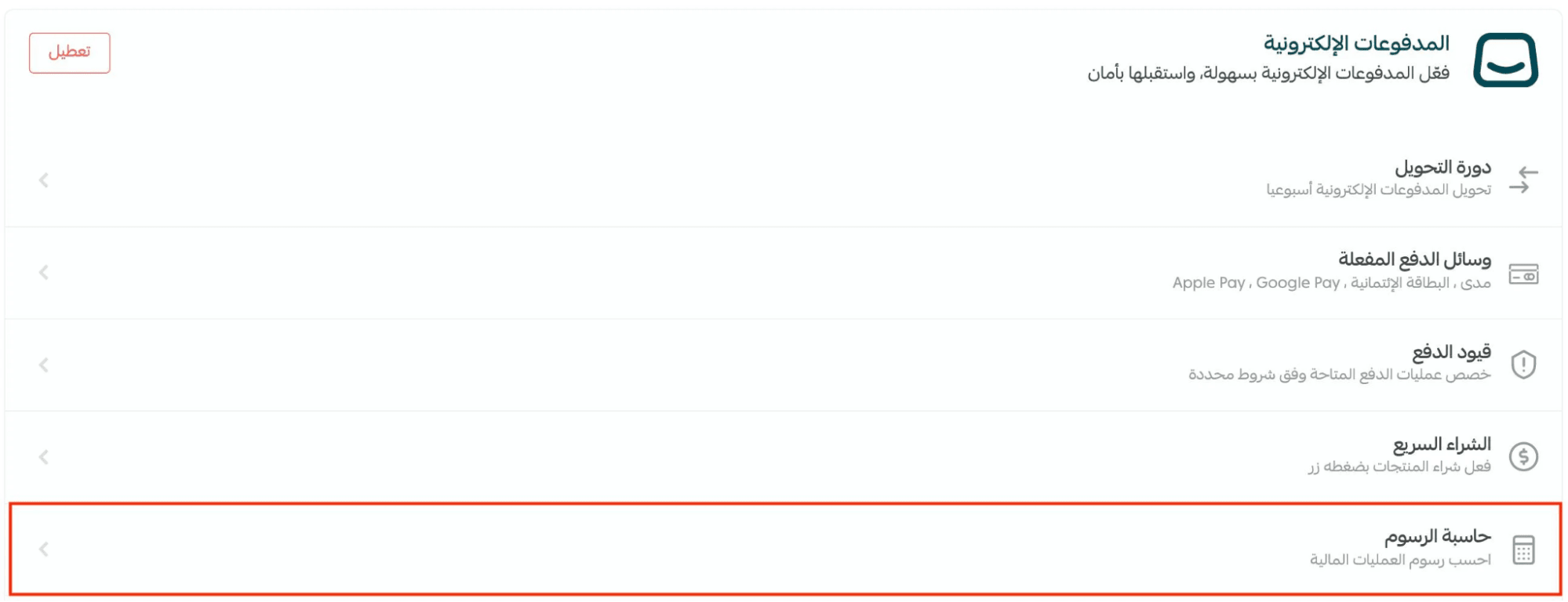
To use it:
- Enter the order value
- Select the payment method
- View the expected transaction fees instantly
Frequently asked questions
What’s the difference between the Wallet and Electronic Payments?
It’s common to confuse the two, so here’s a clear breakdown:
The Store Wallet
The Wallet is an internal balance inside your Salla dashboard used for managing store funds, such as:
- Renewing your subscription
- Purchasing shipping labels
- Transferring balances between accounts
It includes:
- Store Balance (for internal services)
- Electronic Payments Balance (transferable after settlement)
- Cash on Delivery Balance
Everything is managed directly from your dashboard, without bank interaction.
Electronic Payments
Electronic Payments are the method used to collect money from customers online through:
- Credit/debit cards
- Digital wallets
- Approved payment providers
How it works:
- Customer pays online
- Funds go into your Electronic Payments balance
- You can transfer the amount into your Wallet or withdraw it
Summary
- The Wallet is where your store funds are managed
- Electronic Payments are how customers pay before funds move into the Wallet
🚀 Merchant Services
If you need help activating payment methods, connecting payment gateways, or setting up providers like Tabby or Tamara, you can always reach out to Merchant Services, where experts can assist you with everything you need.