Who answers your customers on WhatsApp at 11pm?
Shoppers ask about sizes, delivery times, and order status at every hour, and a slow reply is often the reason a sale never closes. WhatsApp Bot AI is an AI-powered assistant that handles that side of your store for you: it replies automatically, sends order notifications, and reminds customers about the carts they left behind, all through WhatsApp. In this guide, you'll learn how to install the WhatsApp Bot AI app on your Salla store, activate it, add your customer service number, and remove the app.
WhatsApp Bot AI is an AI assistant that runs your store's WhatsApp side: automatic replies, order notifications, and abandoned cart reminders. Install it from the Salla App Store, choose a plan and pay, then open (App options), click (Activate app), turn on the WhatsApp button, and add your customer service number.
📌 Article overview
- How to install the WhatsApp Bot AI app
- How to activate and manage WhatsApp Bot AI
- Frequently asked questions
🚀 How to install the WhatsApp Bot AI app
1. From the main menu, click (All), then under helper tools, click (App Store).

2. Find the app using the search field.

3. On the WhatsApp Bot AI app page, click (Install).
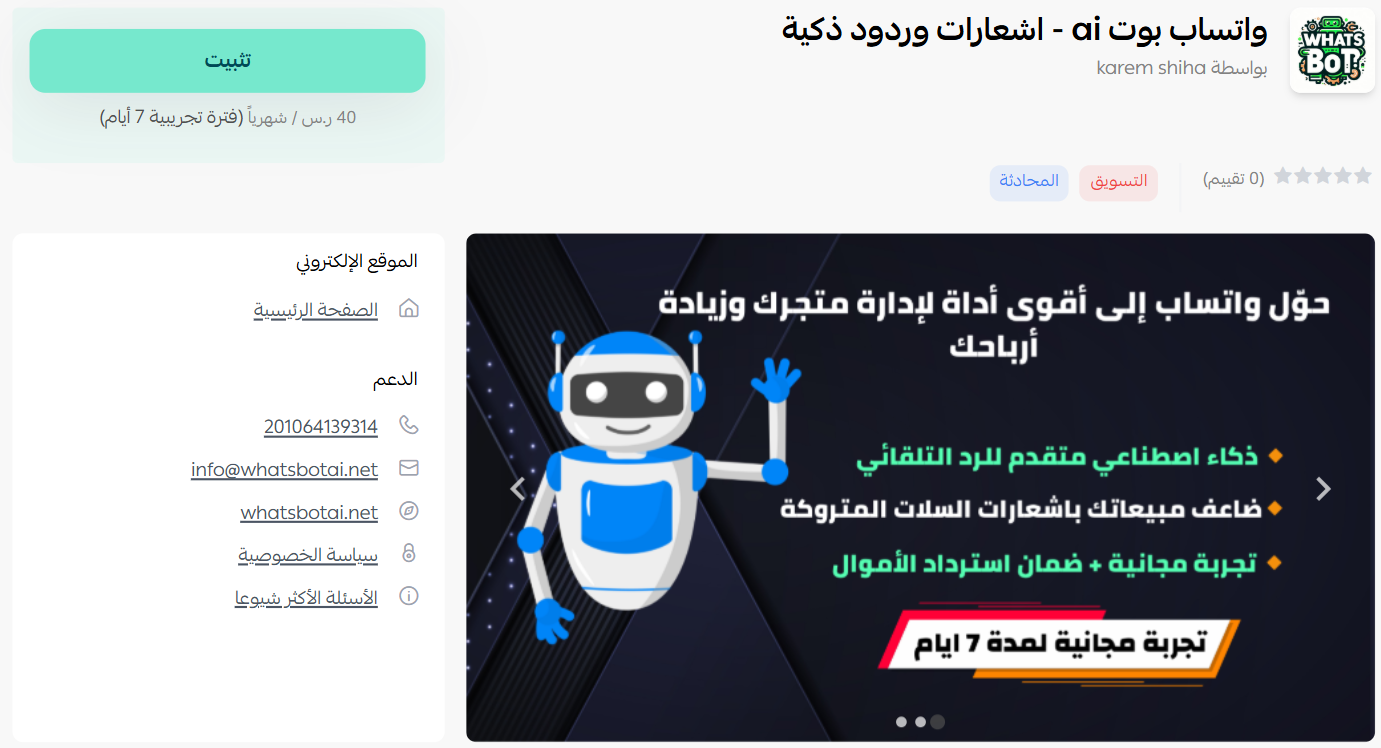
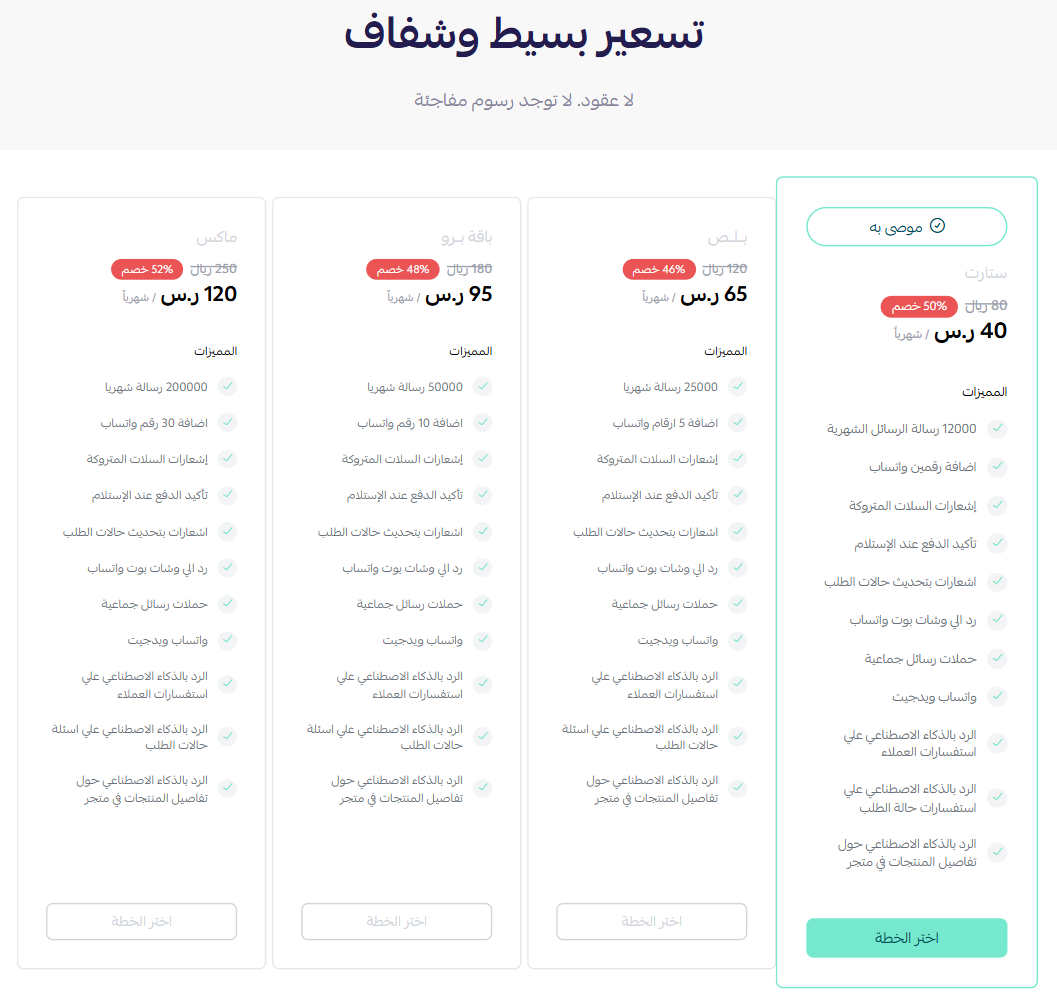
4. Choose the plan that fits your business to continue with the installation.
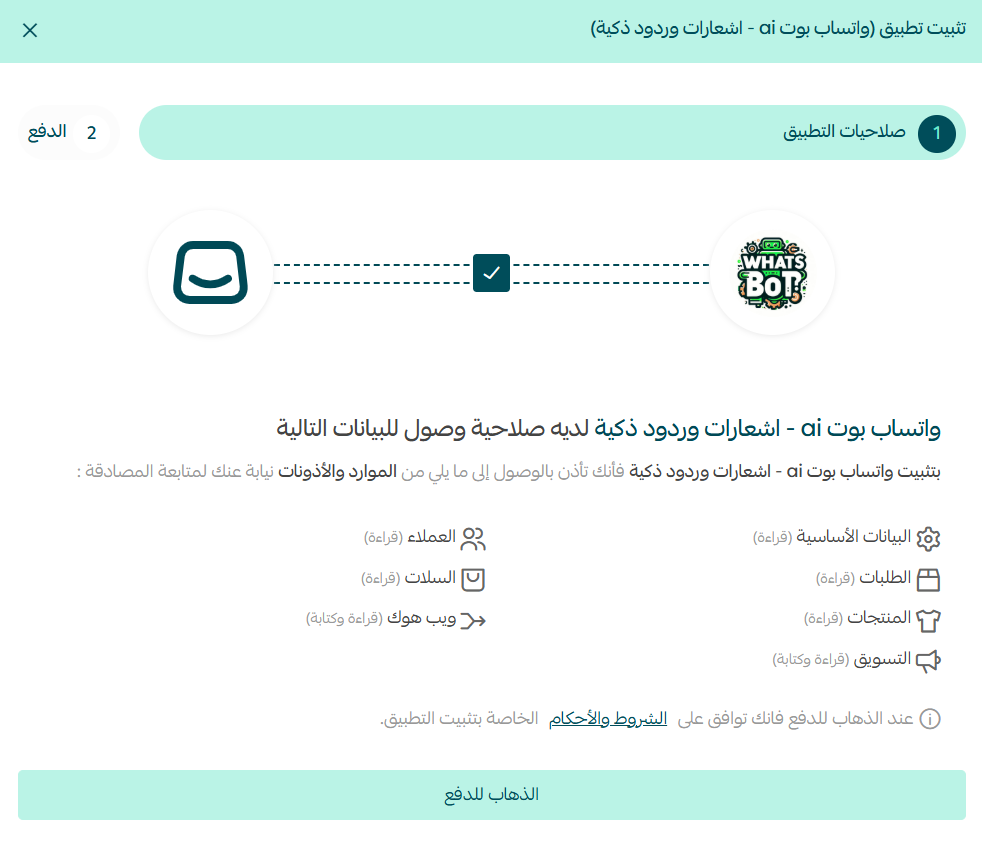
5. Review the permissions the app requests, then click (Go to payment).
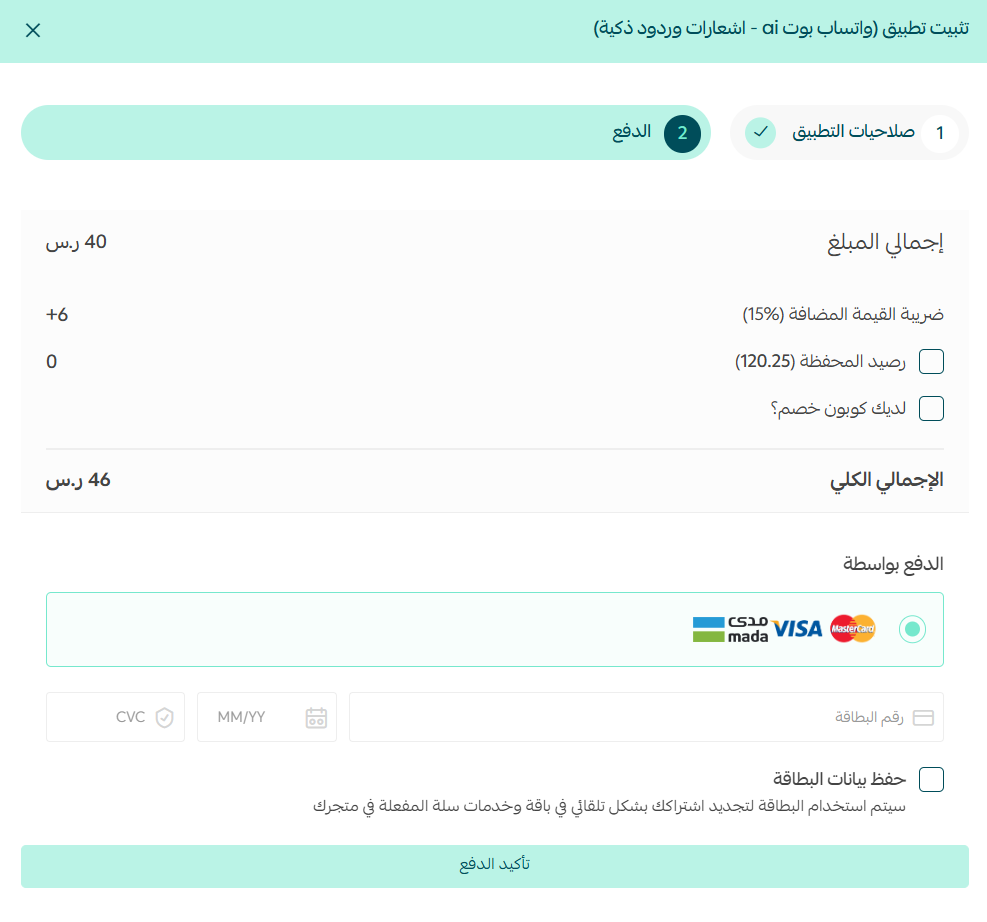
6. Complete the payment to unlock the app's features.
WhatsApp Bot AI is now installed on your store.
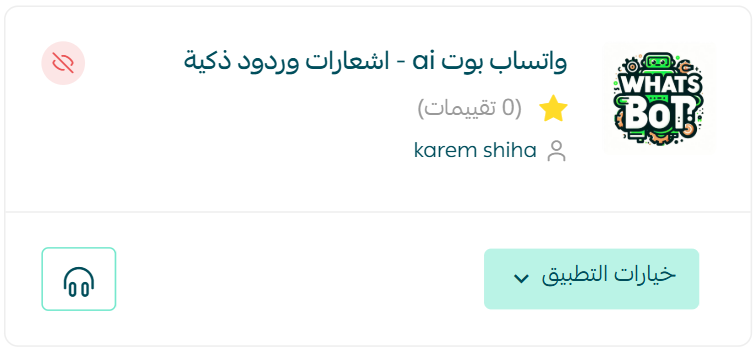
👣 How to activate and manage WhatsApp Bot AI
Activate the app
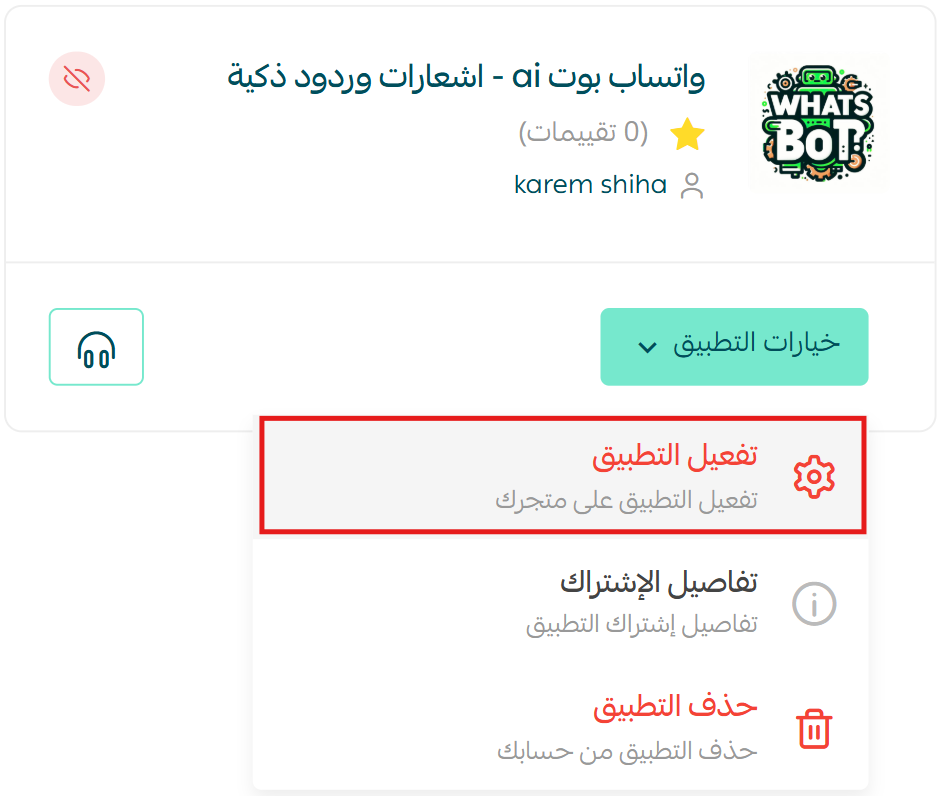
1. From the WhatsApp Bot AI app, click (App options), then click (Activate app).
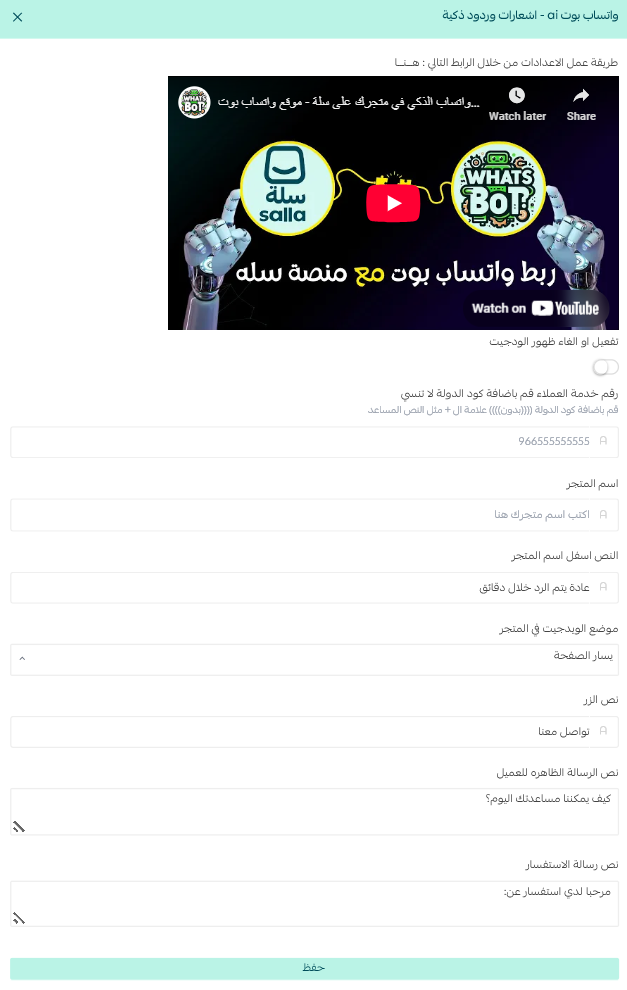
2. Turn on the WhatsApp button so it appears in your store, add your customer service phone number, then fill in the remaining details the way you want them to appear.
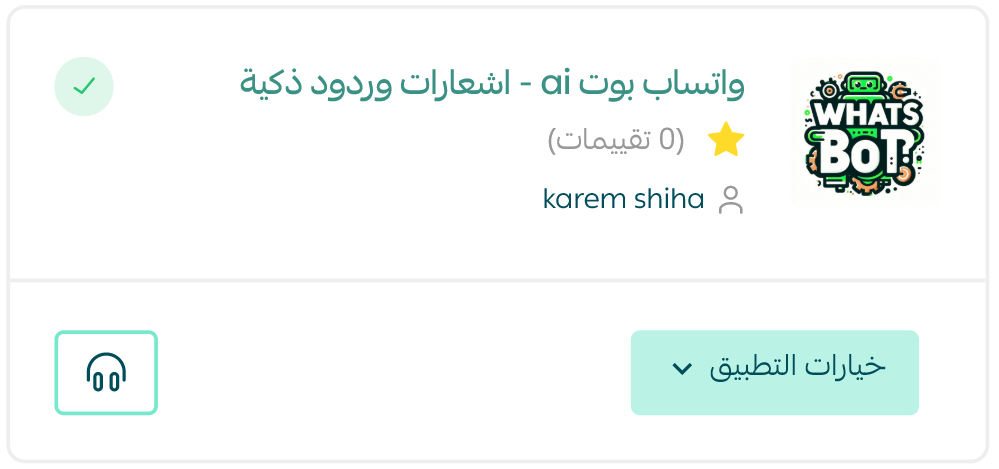
🎉 That's it. The app is active and ready to talk to your customers.
Prefer to watch it done? See the video on using WhatsApp Bot AI in your store.
Remove the app
From the WhatsApp Bot AI app, click (App options), then click (Delete app).
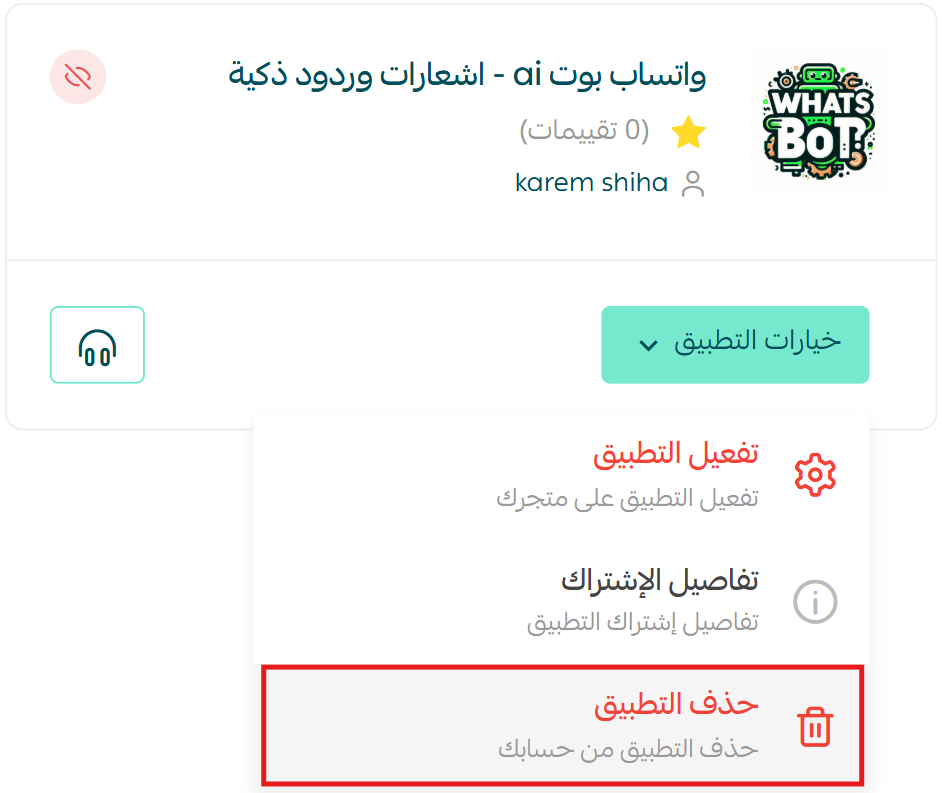
For more details, see WhatsApp Bot AI.
📝 Important notes
- WhatsApp Bot AI is a paid app. You choose a plan and complete the payment as part of the installation.
- Installing is not the same as activating. The app only starts working after you open (App options) and click (Activate app).
- The WhatsApp button in your store points at the customer service number you enter, so make sure it is a number you actually monitor.
❓ Frequently asked questions
What does WhatsApp Bot AI handle for me?
Automatic replies to customer messages, order notifications, and abandoned cart reminders, all sent over WhatsApp.
I installed the app but nothing is happening. Why?
Installation and activation are separate steps. Open (App options) on the app, click (Activate app), and turn on the WhatsApp button.
Where do I add the number customers message?
On the activation screen. Enter your customer service phone number there, along with the rest of the details you want to customize.
Do customers see anything on my store?
Yes. Once you turn on the WhatsApp button, it appears in your store so shoppers can start a conversation in one tap.
How do I remove WhatsApp Bot AI?
Open (App options) on the app and click (Delete app).
Fast answers are what separate a browsing visitor from a paying customer. Automating the first reply means you never lose one to a slow response again.