Could a bot answer your customers as well as you would, if it actually knew your business?
The Wasl app is a smart WhatsApp bot that automates your Salla store's replies using advanced artificial intelligence trained on your own business activity. Rather than firing back generic responses, it answers in a way that fits what you sell and how you operate, which is what makes an automated reply feel like a useful one. In this guide, you'll learn how to install Wasl, activate your account on its platform, and remove the app if you need to.
Wasl is a Salla App Store app that automates your store's WhatsApp replies with AI trained on your business activity. You install it from the app store, choose a plan, and complete payment. An email then arrives with your sign-in details for the Wasl platform, where you set a password and manage the bot.
📌 Article overview
- How to install and connect Wasl
- How to activate and manage Wasl
- Frequently asked questions
🚀 How to install and connect Wasl
1. From the main menu, click (All), then under helper tools, click (App Store).

2. Search for the app using the search field.

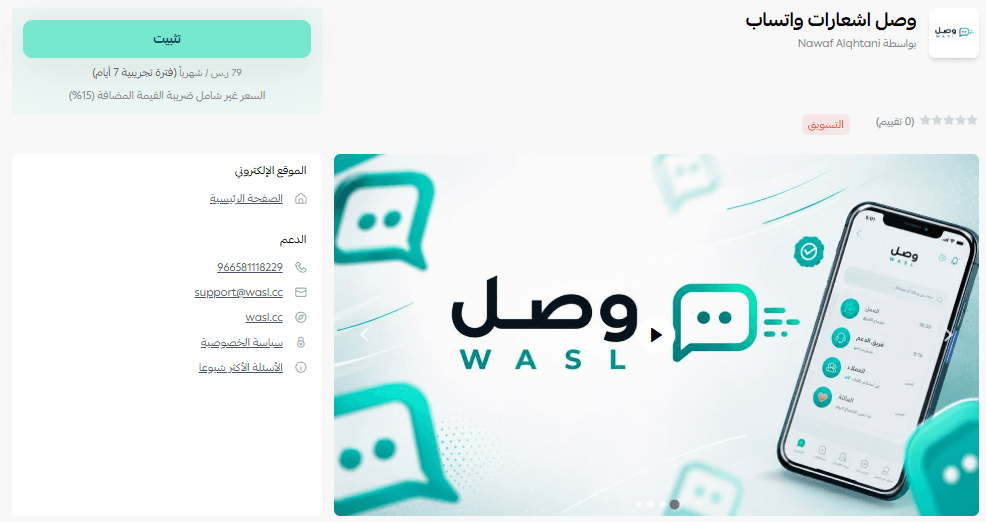
3. On the Wasl app page, click (Install).
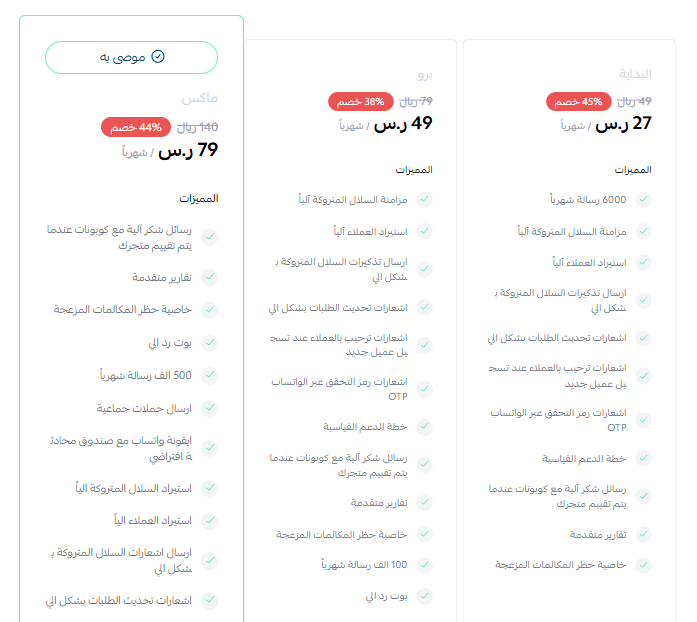
4. Choose the plan that fits your business to carry on with the installation.
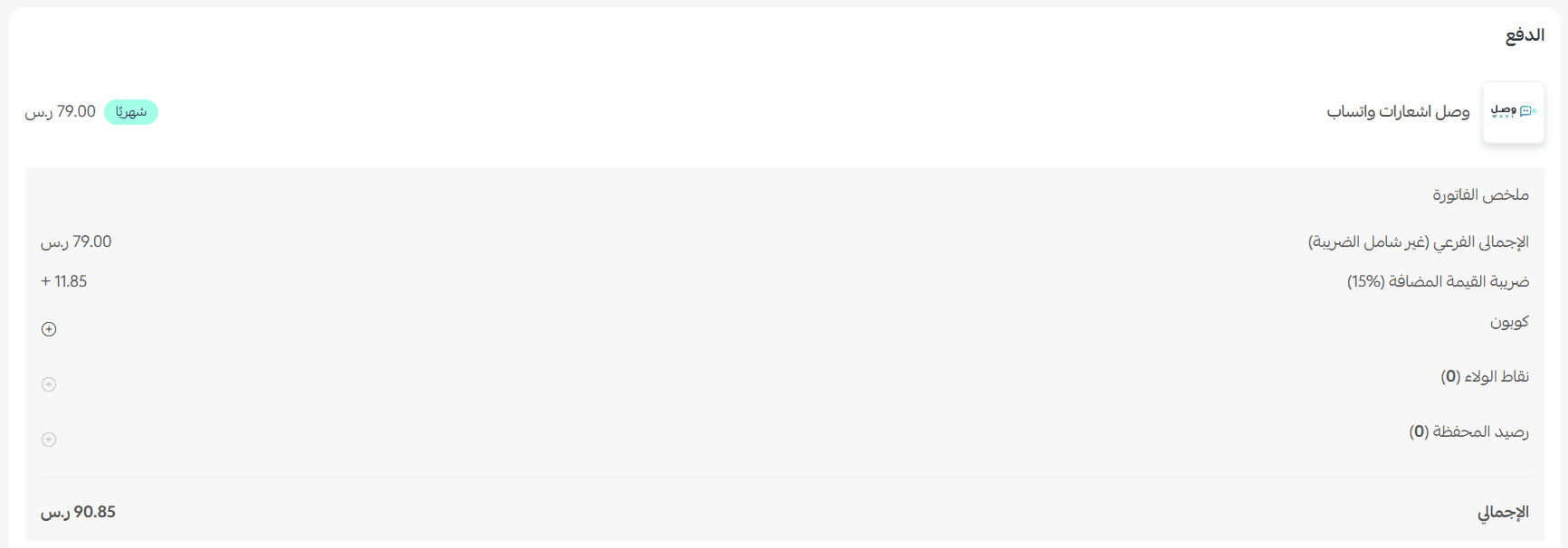
5. Complete the payment to unlock the app's features.
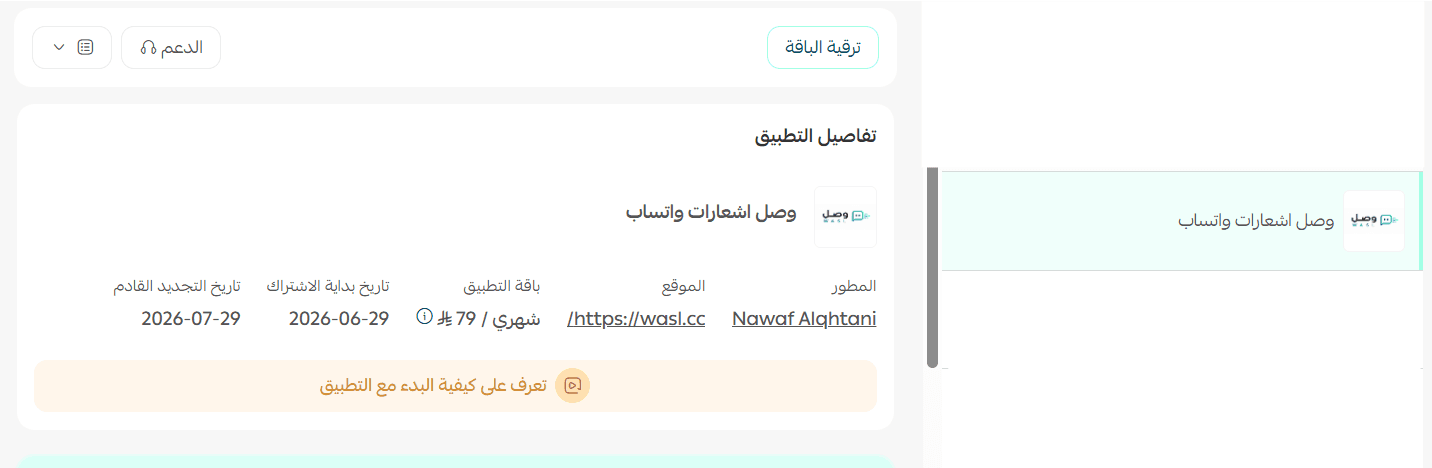
Wasl is now installed on your store.
👣 How to activate and manage Wasl
Activate the app
1. Once the app is installed, an email arrives with your sign-in details for the Wasl platform.
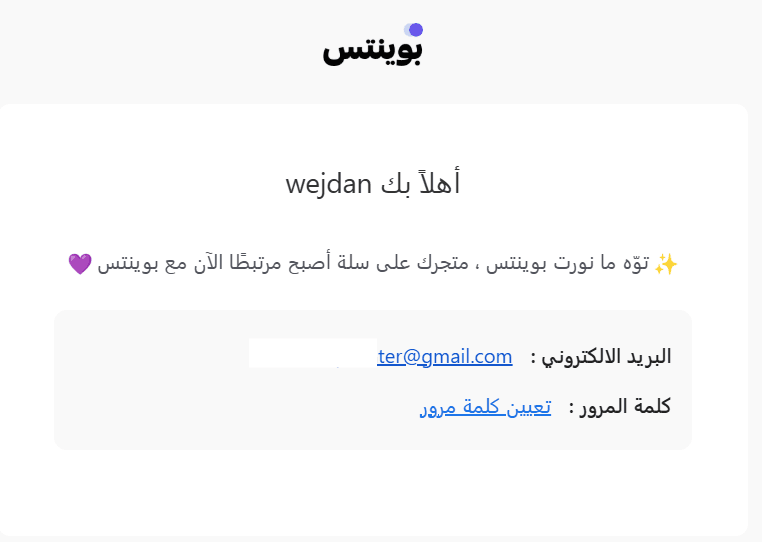
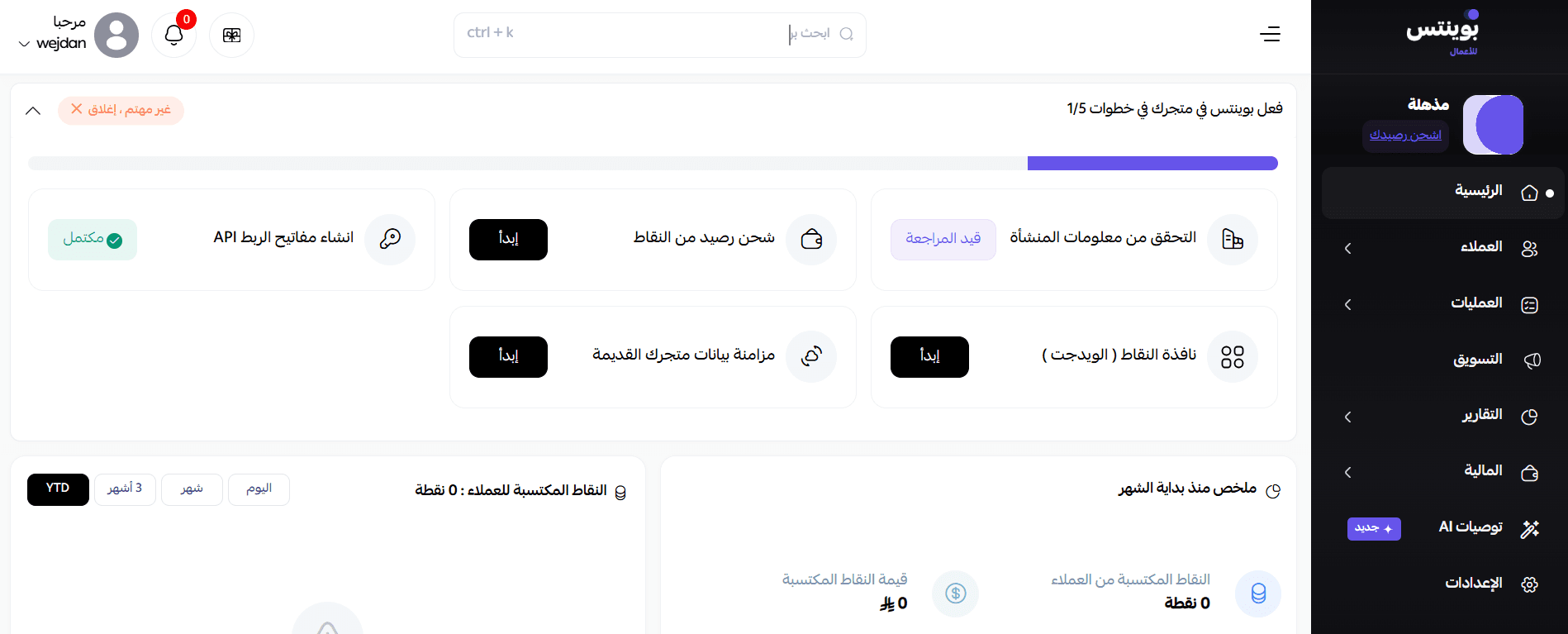
2. Set your password and sign in. You then land on the Wasl dashboard, where the app's features are ready to use.
Remove the app
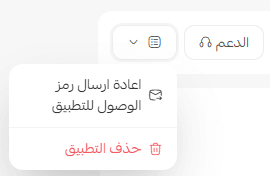
From the Wasl app, click (App options), then click (Delete app).
📝 Important notes
- Wasl is a paid app. The plan is chosen and paid for during installation.
- The bot is managed from the Wasl platform, not from your Salla dashboard, so keep the sign-in email safe.
- For more, see the Wasl FAQ page.
❓ Frequently asked questions
What makes Wasl's replies different from a standard bot?
The AI behind it is trained on your business activity, so replies reflect what your store actually sells and how it works.
Where do I get my Wasl sign-in details?
They are emailed to you after the app is installed. You set your password on first sign-in.
Do I manage the bot from my Salla dashboard?
No. Once you sign in, you are taken to the Wasl platform dashboard, and that is where the features are managed.
Can I try the app before paying?
No. You choose a plan and complete the payment as part of the installation, and the features become available after that.
Customers judge a store by how fast it answers. A bot trained on your business closes that gap without putting words in your mouth.