Do your customers hear from you the moment their order status changes?
Customers judge a store by how well it keeps them informed. Unifonic SMS is a customer engagement service that brings messaging channels, chat apps, and chatbots together, so every touchpoint in the buying journey is covered. Connected to your Salla store, it sends your order and account notifications by text using your own Unifonic account. In this guide, you'll learn how to install the Unifonic SMS app, how to activate it with your provider credentials, and how to make it your store's default messaging app.
Unifonic SMS is a Salla app that sends your store's text notifications through your Unifonic account. Install it from the App Store, click Activate app, enter your Unifonic account details, then open Settings and choose Customize to set Unifonic as the default app for local text messages.
📌 Article overview
- How to install the Unifonic SMS app
- How to activate Unifonic SMS on your store
- Frequently asked questions
🚀 How to install the Unifonic SMS app
1. From the main menu, click (All), then under helpful tools, click (App Store).

2. Search for the app using the search field.

3. On the Unifonic SMS app page, click (Install).
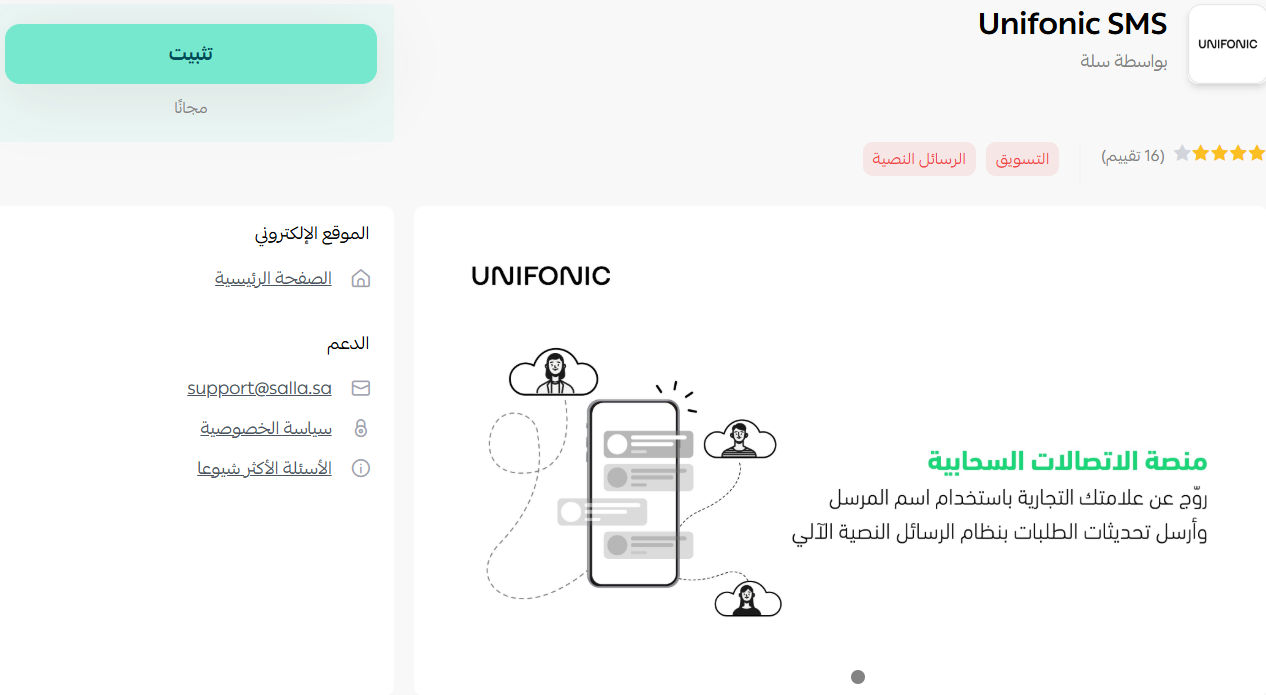
Unifonic SMS is now installed on your store.
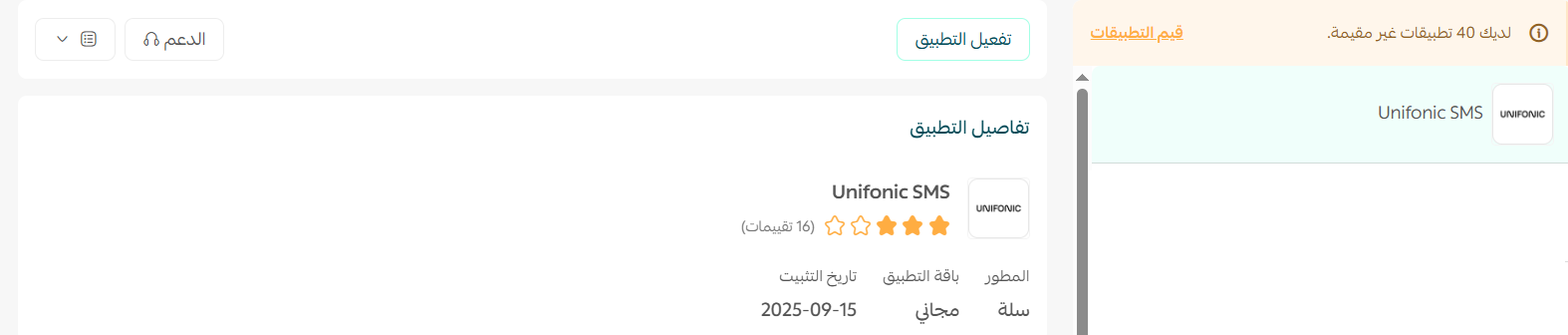
🚀 How to activate Unifonic SMS on your store
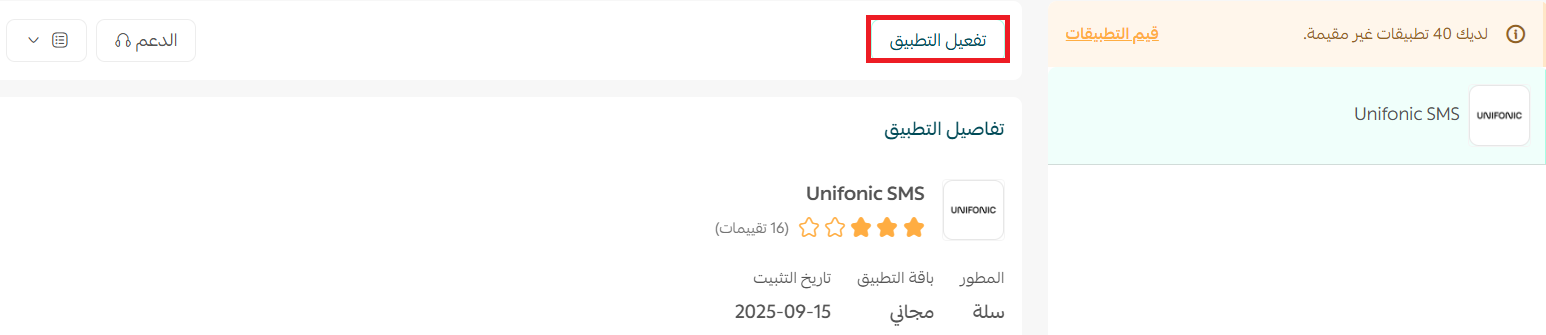
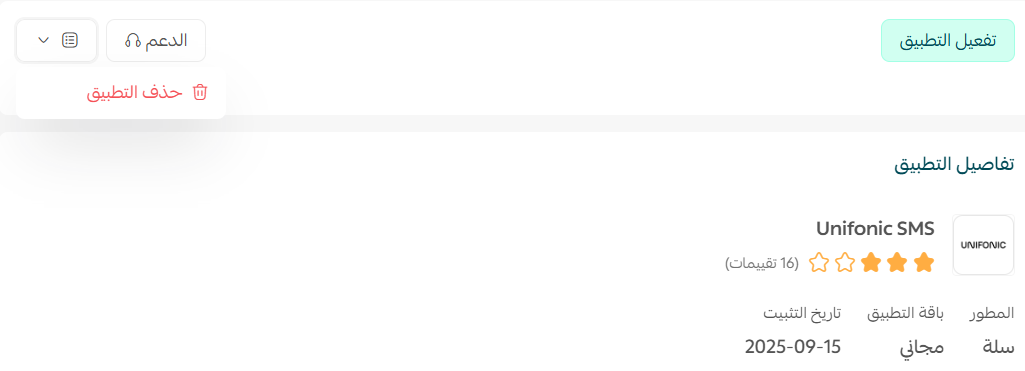
1. On the (Unifonic SMS) app page, click (Activate app).
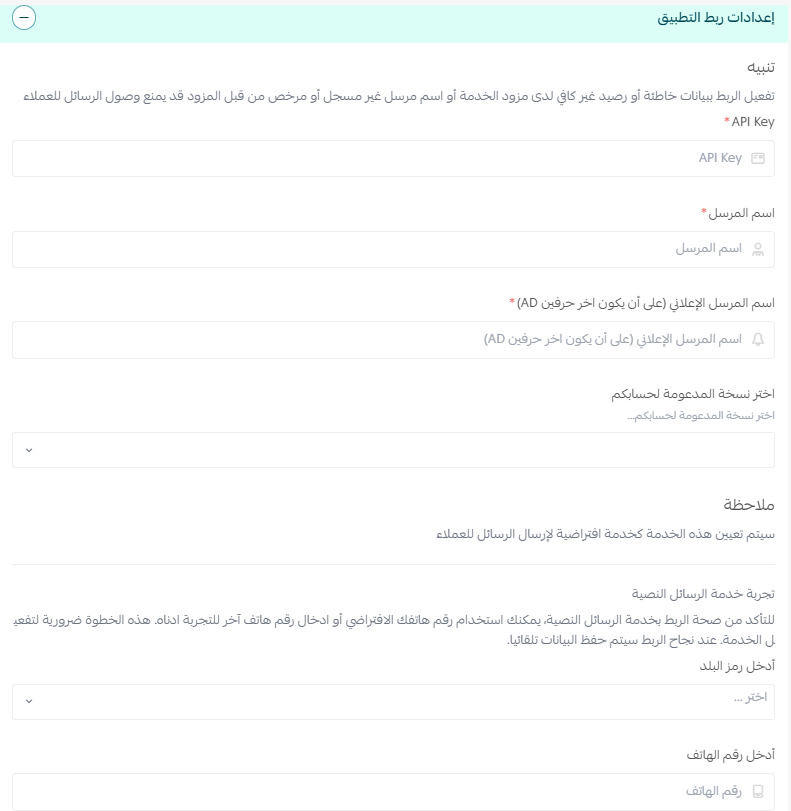
2. Enter the account details you use on the Unifonic service.
3. Once your account details are saved, go to (Settings) and click (Customize).
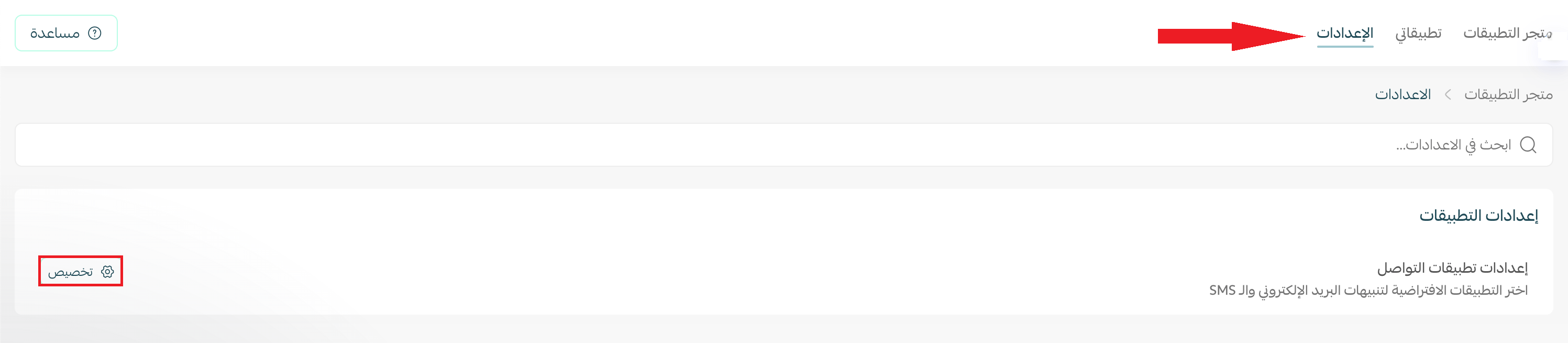
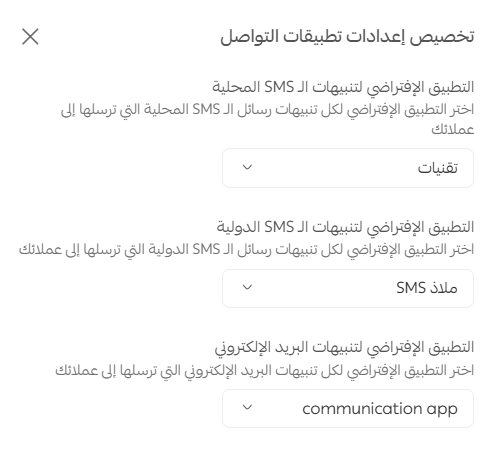
4. The communication app settings open. Choose your default app for local text messages, international alerts, and email alerts.
📝 Important note
The default app option for email alerts only appears if you already have an email notification app activated on your store.
Frequently asked questions
❓ How do I create a Unifonic account?
1. Open the Unifonic account request page and fill in your name, email, phone number, and store name. The phone number must be written in this exact format: 9665XXXXXXXX. Then click (Request an account).
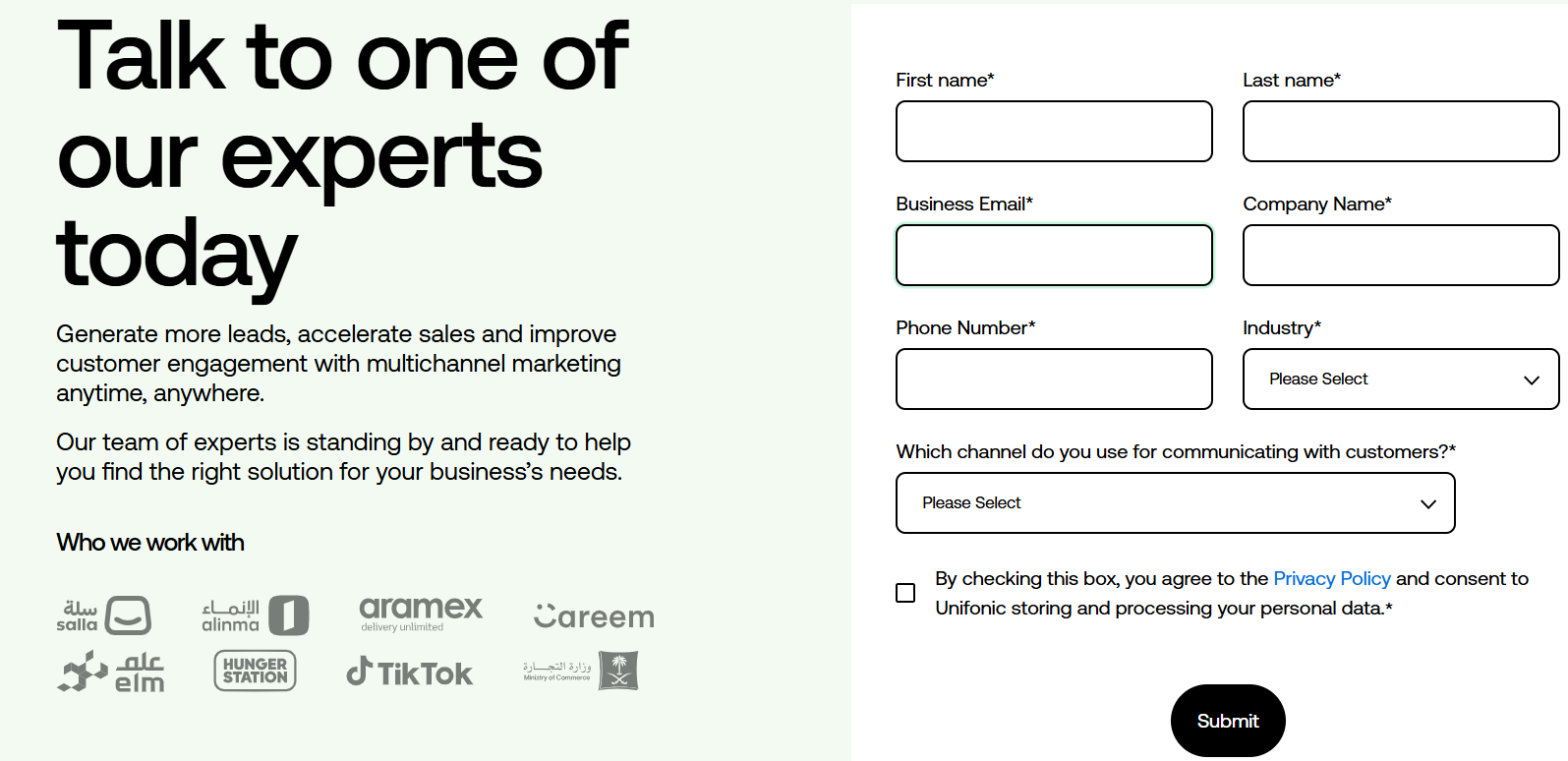
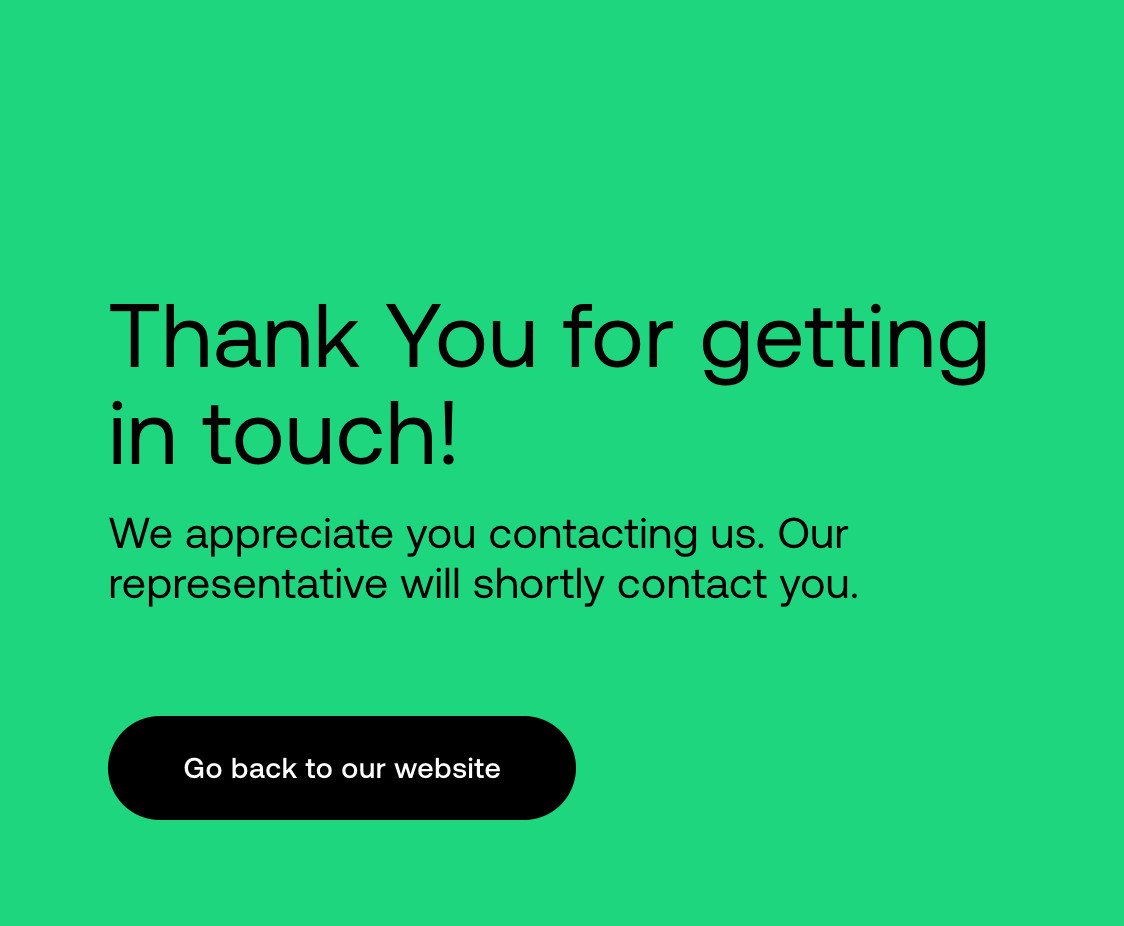
2. A member of the Unifonic team will get in touch to help you finish setting up.
❓ Do I need a Unifonic account before I activate the app?
Yes. Activation asks for the credentials of your account with the service, so request the account first and keep those details handy.
❓ Can I use Unifonic for international alerts as well?
Yes. Under Settings, click Customize, and the communication app settings let you pick a default app separately for local text messages and for international alerts.
❓ How do I remove the Unifonic SMS app from my store?
Open the Unifonic SMS app, click ( ), then click (Delete app).
Set the connection up once and your notifications keep running in the background, which is exactly where a good customer experience should sit.