Customers can now manage all their personal data from a single page, quickly and easily. This reduces friction during checkout, as their information is already saved, leading to a smoother experience and higher order completion rates.
📌 Article overview
- Customer profile editing page
- Account information
- Address management
Customer Profile Page
Customers can access and update their data easily through their account:
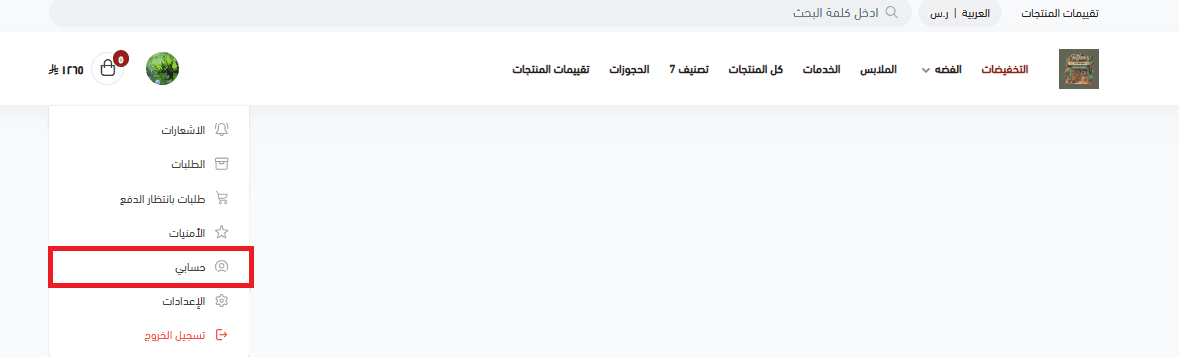
- Go to the account homepage in any Salla store they’ve previously logged into
- Click My Account
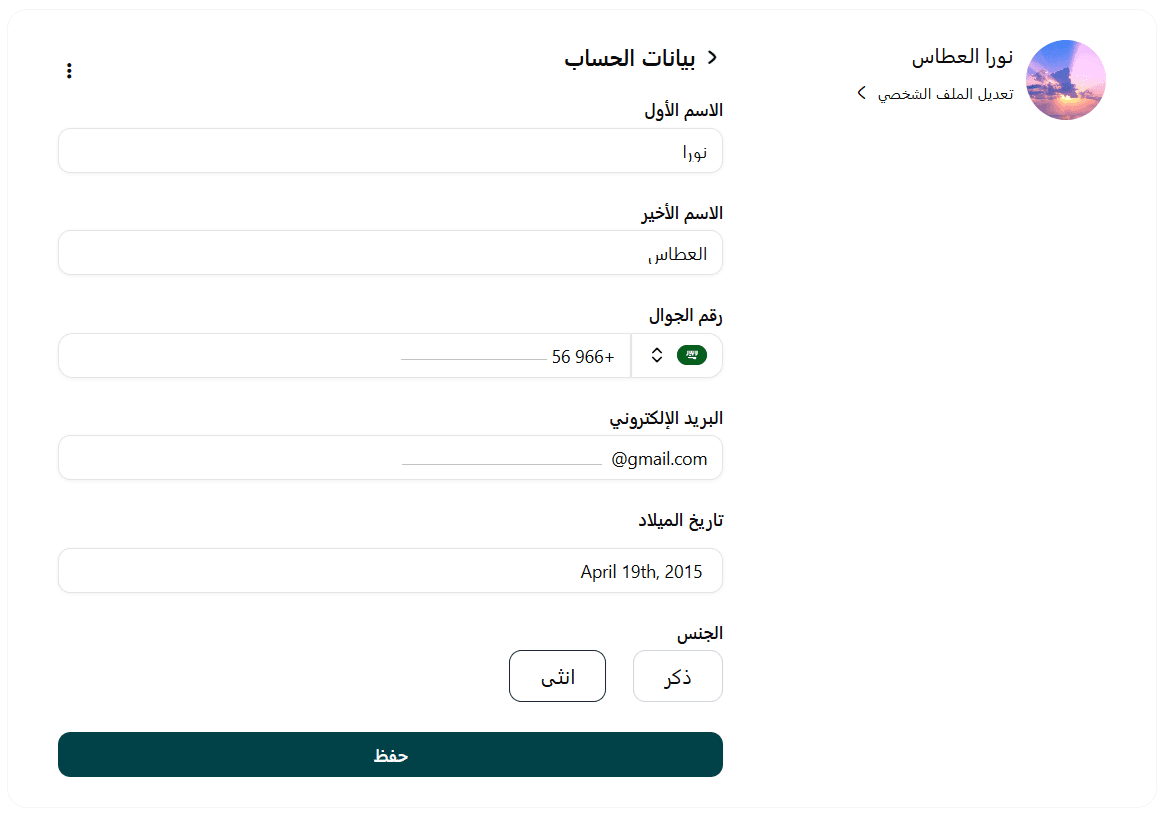
All account details will appear automatically, including:
- Name
- Date of birth
- Gender
- Phone number
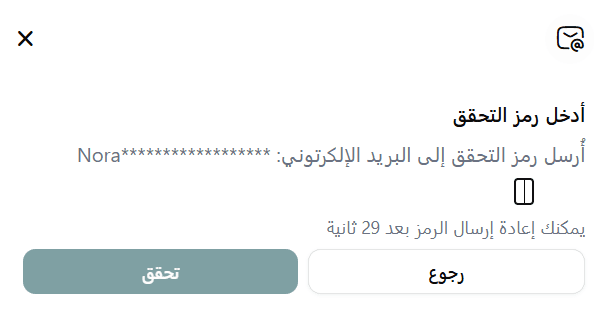
Note: When updating email or phone number, the customer must enter a verification code (OTP) before saving changes. For other fields, no verification is required.
Key insight: Any changes made to account data are automatically reflected across all Salla stores linked to the same account.
Shipping Address Management
Customers can manage their shipping addresses easily by: Clicking Manage Addresses
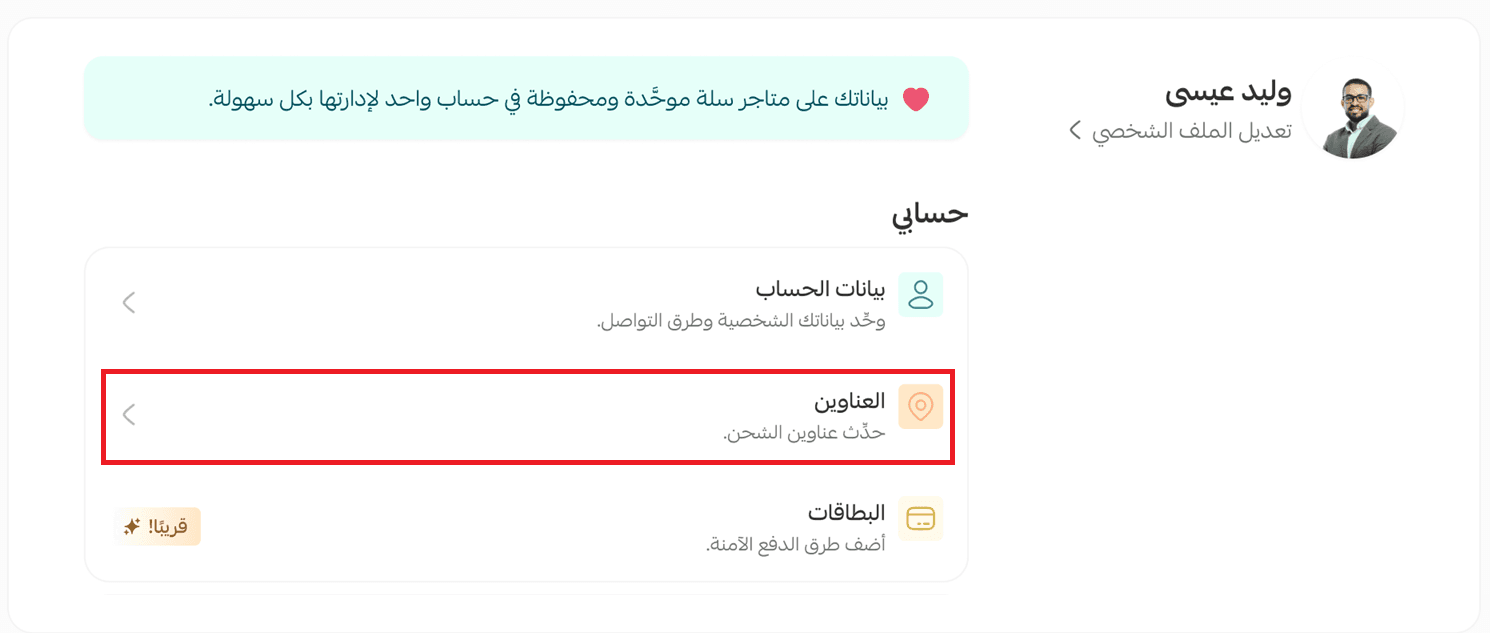
This opens the address management page.
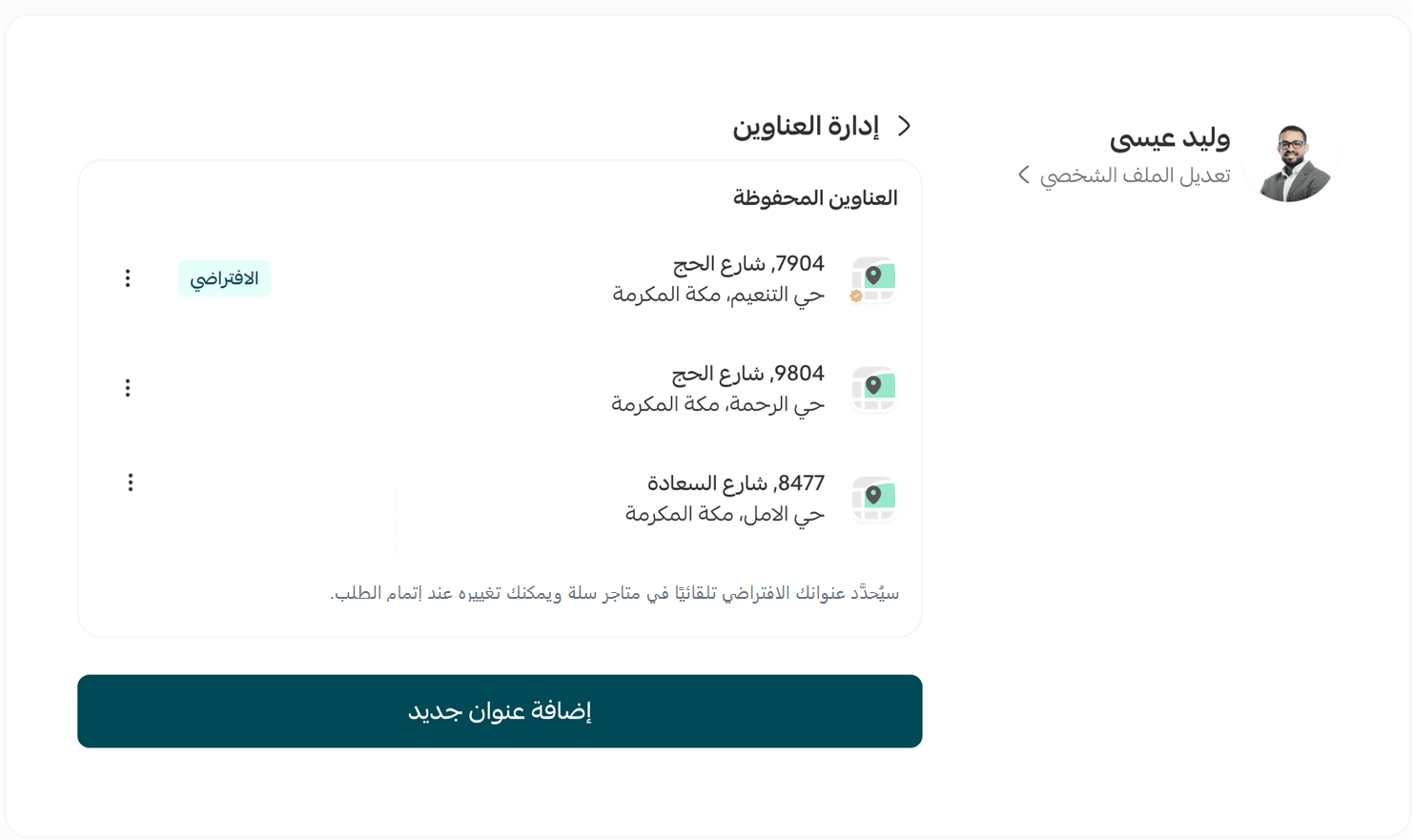
- Add a new address
- Click Add New Address
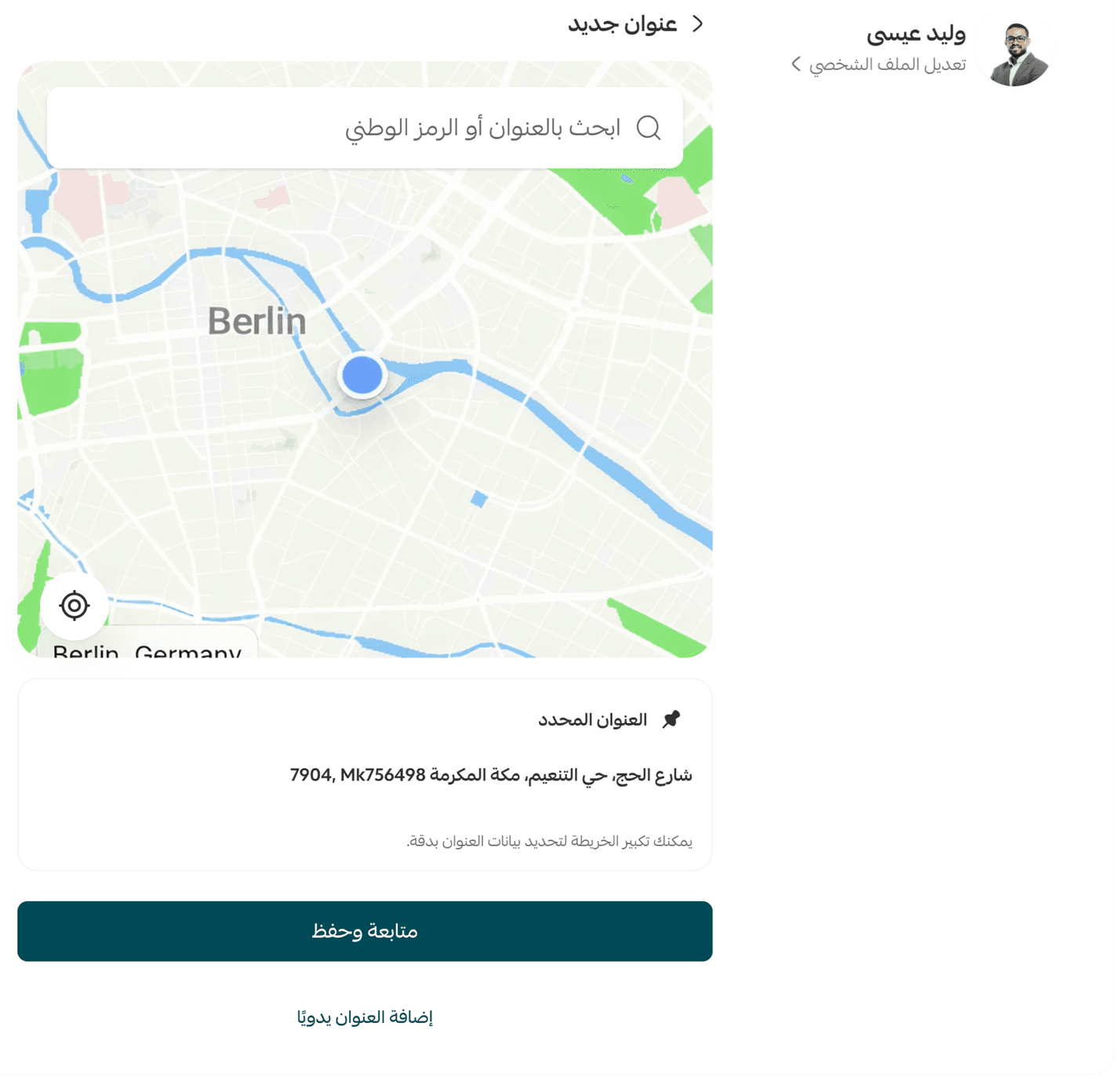
- The location appears automatically on the map
- Customer can:
- Adjust location on the map
- Or enter address manually
- Click Save
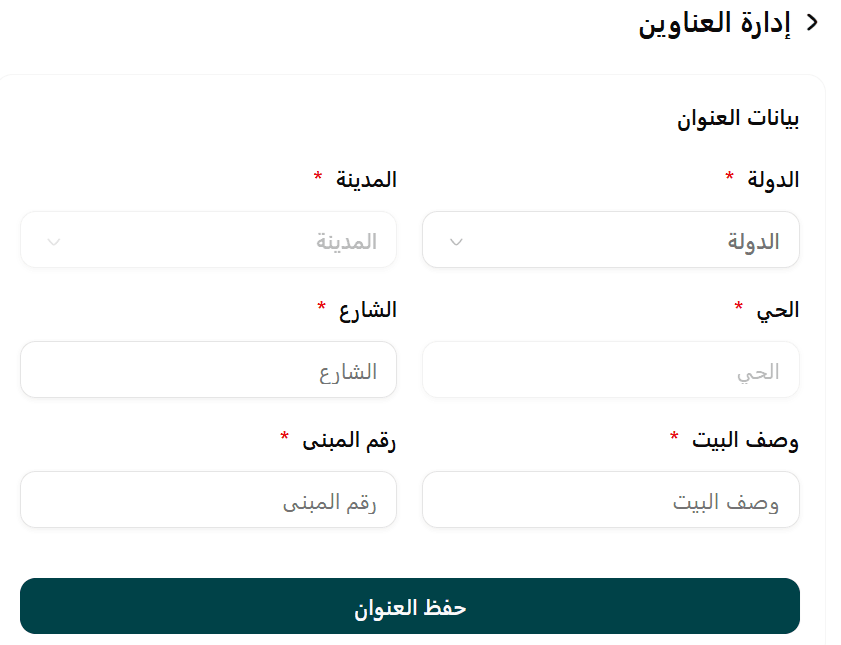
In Saudi Arabia: Customers can search using National Address (via map or form field).
2. Set a default address
- From address options → click Set as Default
The default address will be auto-filled during checkout
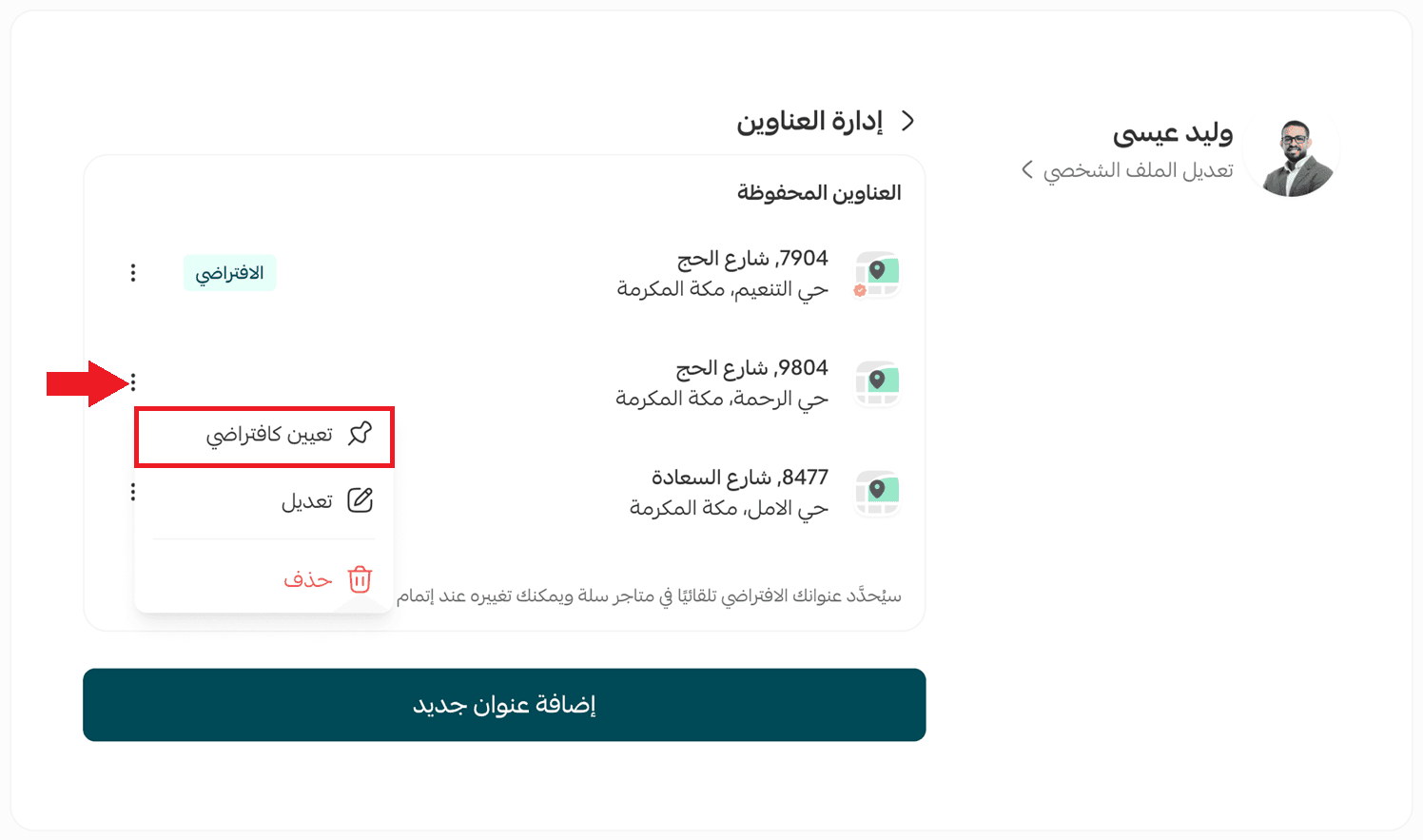
3. Edit an address
- Customers can update any saved address easily
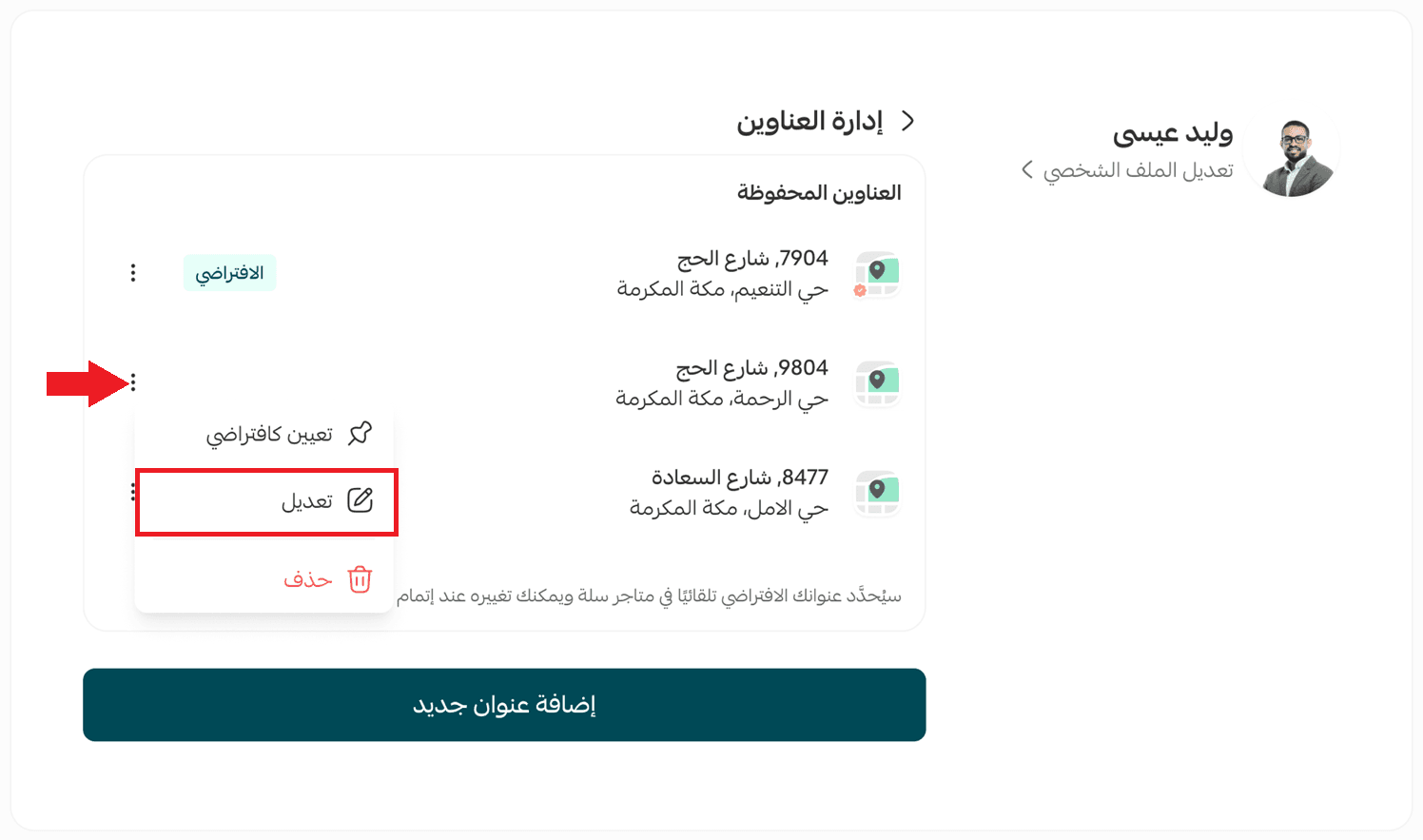
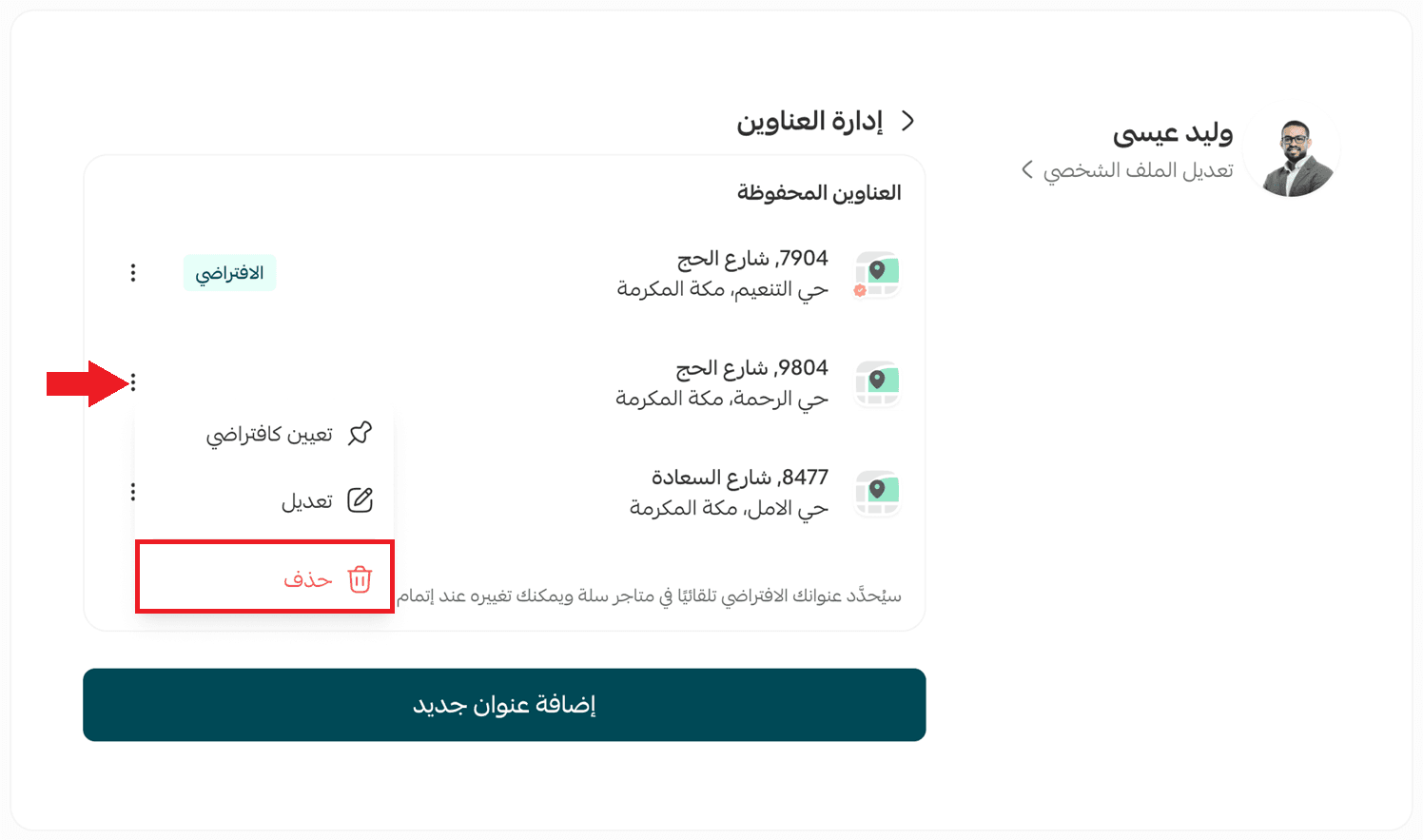
4. Delete an address
- The address is permanently deleted from all Salla stores linked to the account
Frequently asked questions
Can a customer deactivate their account across all stores?
Yes.
- From account settings → deactivate account
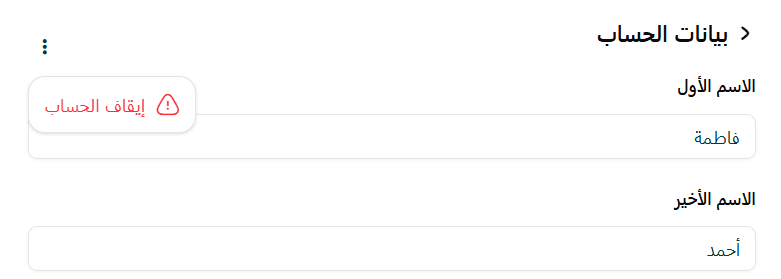
- The account would be reactivated once they log in again
- No data is deleted
- Notifications are paused during the deactivation
What language is used for displaying data?
- Arabic or English (based on store/language settings)
Can customers customize settings for a specific store?
Yes.
From Settings tab, they can:
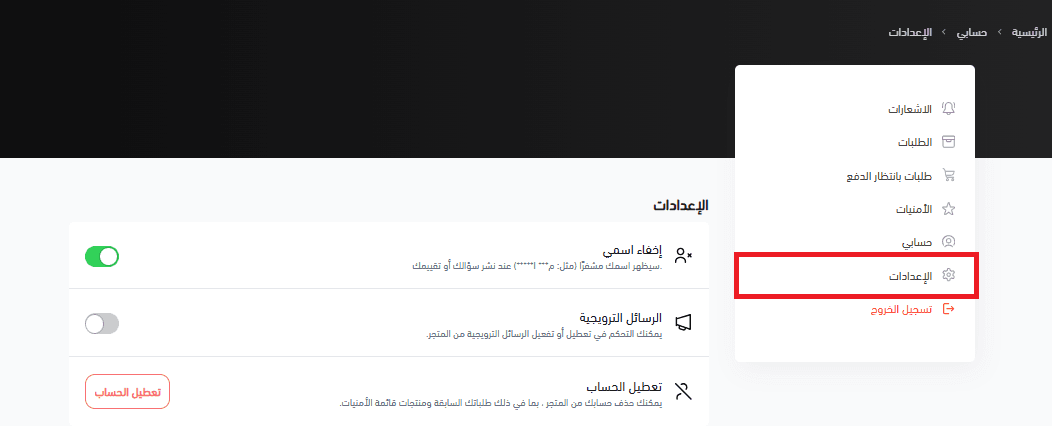
- Hide their name
- Enable/disable promotional messages
- Deactivate account (per store preferences)