Twasl Bot — WhatsApp notifications
Automated messages only work if they keep running when you close your laptop. Twasl Bot is a WhatsApp app that provides smart tools for sending automatic messages, targeting abandoned carts, and running effective marketing campaigns. It offers customizable messages, support for dynamic variables, and no need for a permanent phone connection, alongside a straightforward dashboard and ongoing technical support. In this guide, you'll learn how to connect the Twasl Bot app and how to remove it.
To connect Twasl Bot on Salla, click the More tab in the main menu, then open Installed apps. Click Browse the Salla App Store, open the Twasl Bot app page, click Install, agree to the permissions, and choose your plan. You'll then receive an email with your login details for the Twasl Bot dashboard.
📌 Article overview
- How to connect the Twasl Bot app
- Managing the Twasl Bot app
- Frequently asked questions
🚀 How to connect the Twasl Bot app on Salla
1. From the main menu, click the (More) tab, then click (Installed apps).
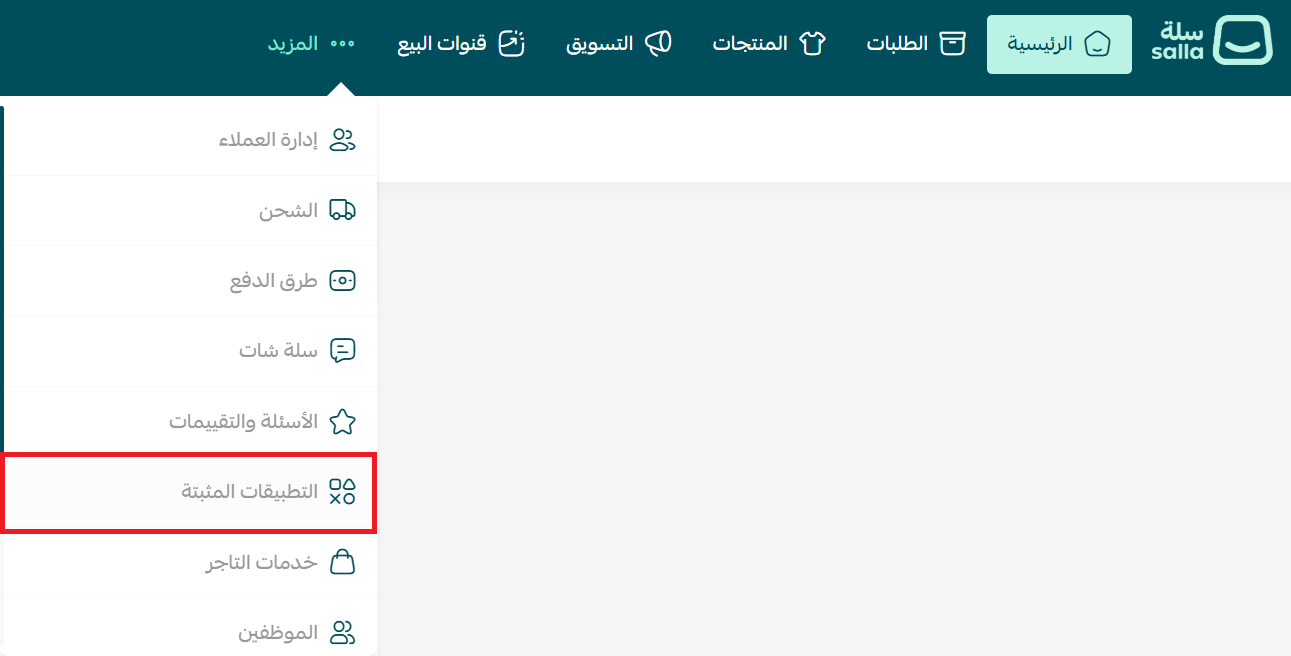
2. From the Salla App Store banner, click (Browse the Salla App Store).

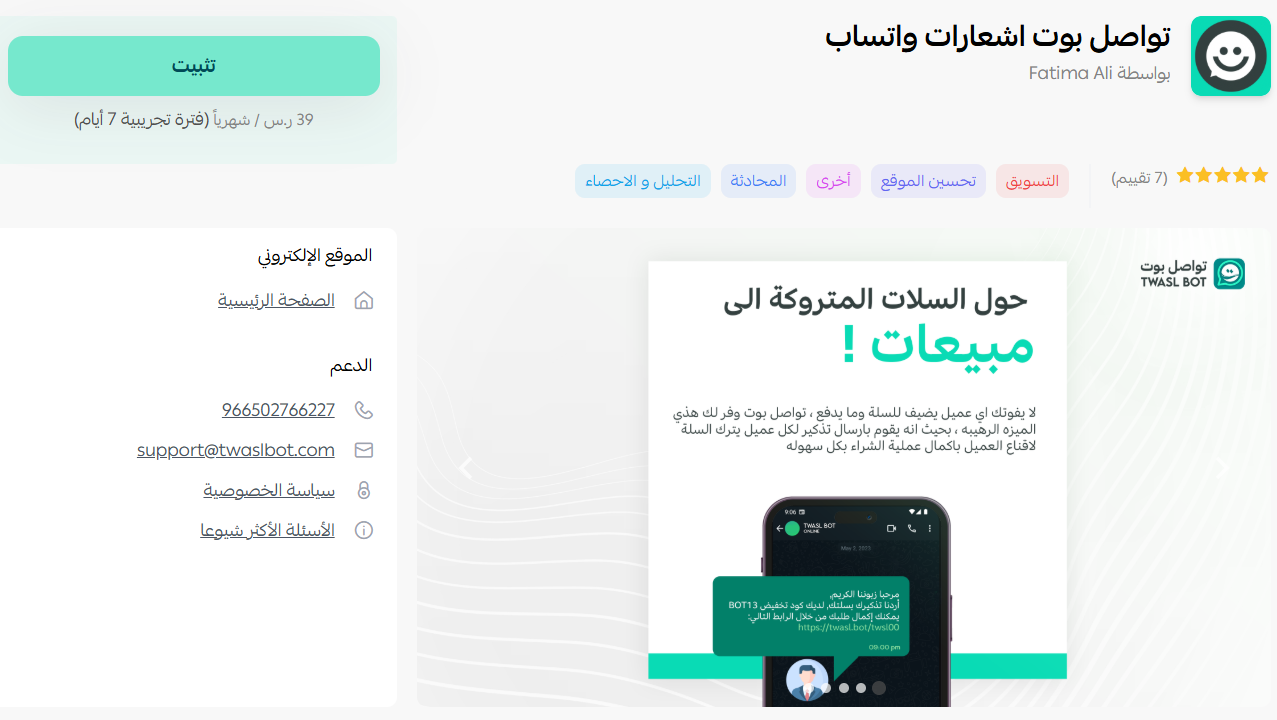
3. From the Twasl Bot app page, click (Install).
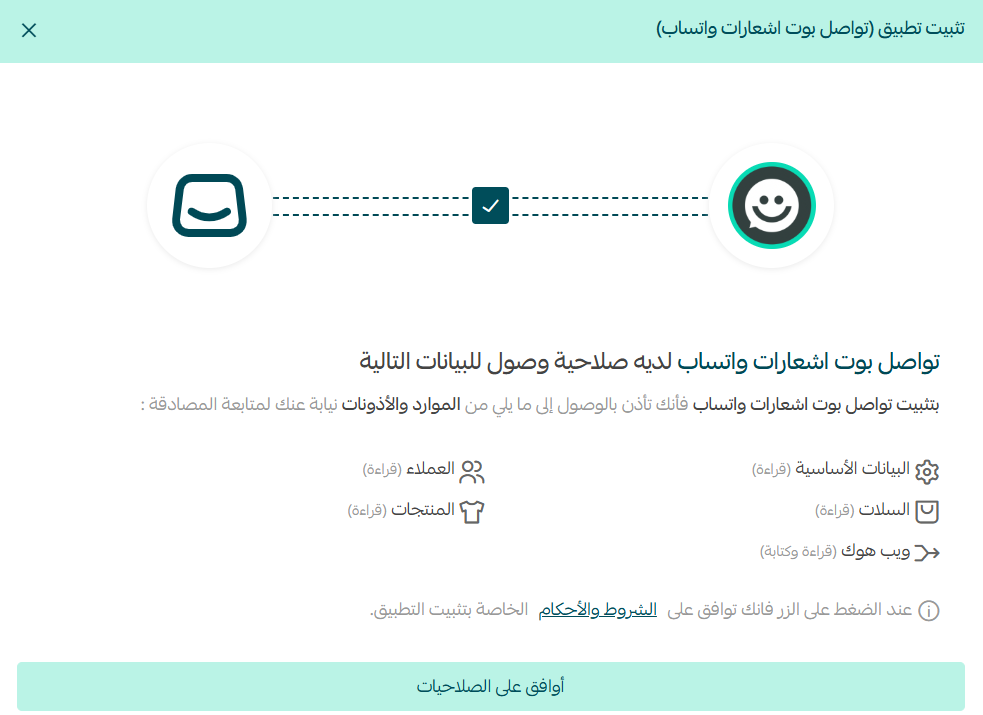
4. Review the requested permissions, then click (I agree to the permissions).
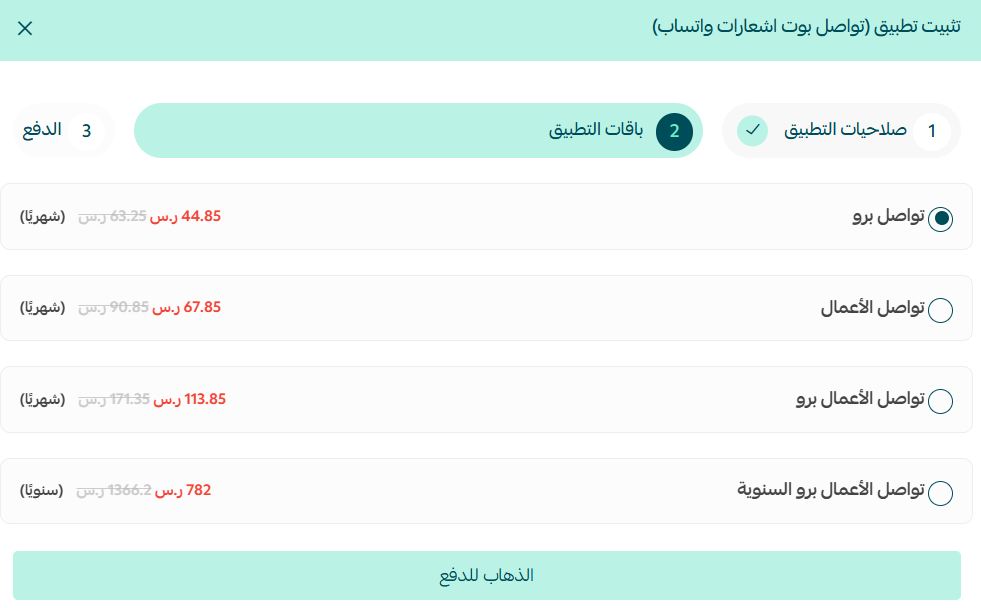
5. Choose the plan that suits your store.
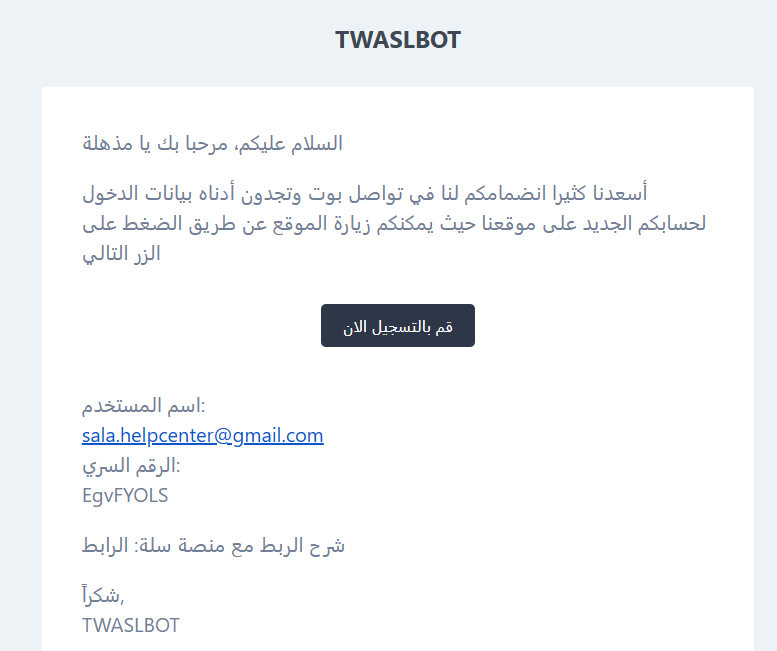
6. You'll receive an email containing the login details for your account on the Twasl Bot site.
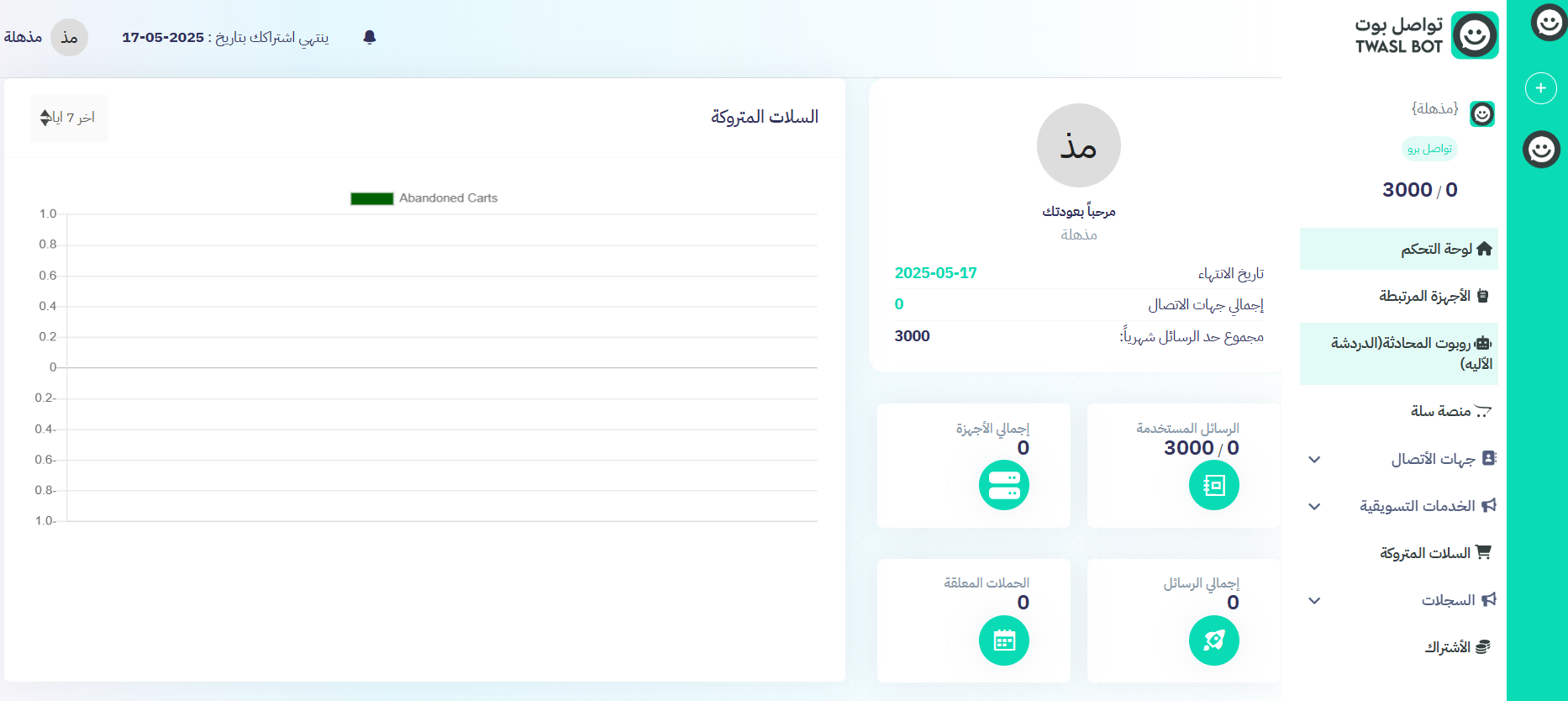
7. After signing in, you can reach your account dashboard on the Twasl Bot site.
🚀 Managing the Twasl Bot app
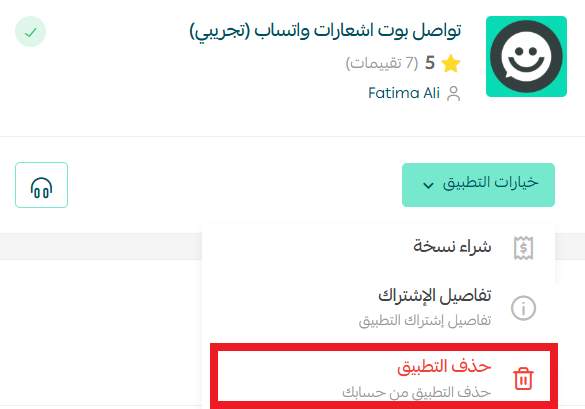
Removing the app
From the Twasl Bot app, click (App options), then click (Delete app).
Frequently asked questions
❓ Does my phone need to stay connected?
No. Twasl Bot works without a permanent connection to your phone.
❓ What can Twasl Bot send?
Automatic messages, abandoned cart reminders, and marketing campaigns, with customizable text and support for dynamic variables.
❓ Where do I manage my campaigns?
On the Twasl Bot site. After installing, you'll get an email with login details for your dashboard there.
For more detail, see the Twasl Bot app site.
Dynamic variables are what separate a useful reminder from an obvious mass message. Spend the setup time on getting the customer name and order details right, and response rates follow.