The Domain Transfer between Salla Stores feature allows you to move a domain purchased through Salla from one store to another within the platform. This is especially useful if you manage multiple stores, are restructuring your business, or need to reassign a domain to a different store.
Important requirement: The domain must have been originally purchased through Salla in order to be transferred.
📌 Article overview
- Steps to transfer a domain between two Salla stores
- What happens after the domain transfer
- Frequently asked questions
Steps to transfer a domain between two Salla stores
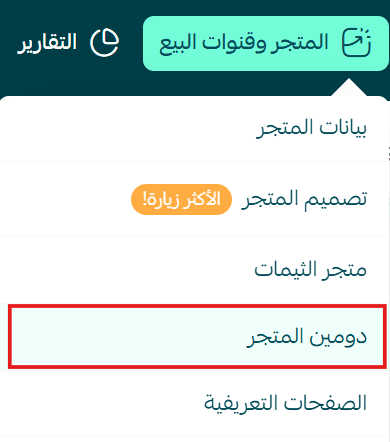
- From the main menu, go to Store and Sales Channels, then click Store Domain.
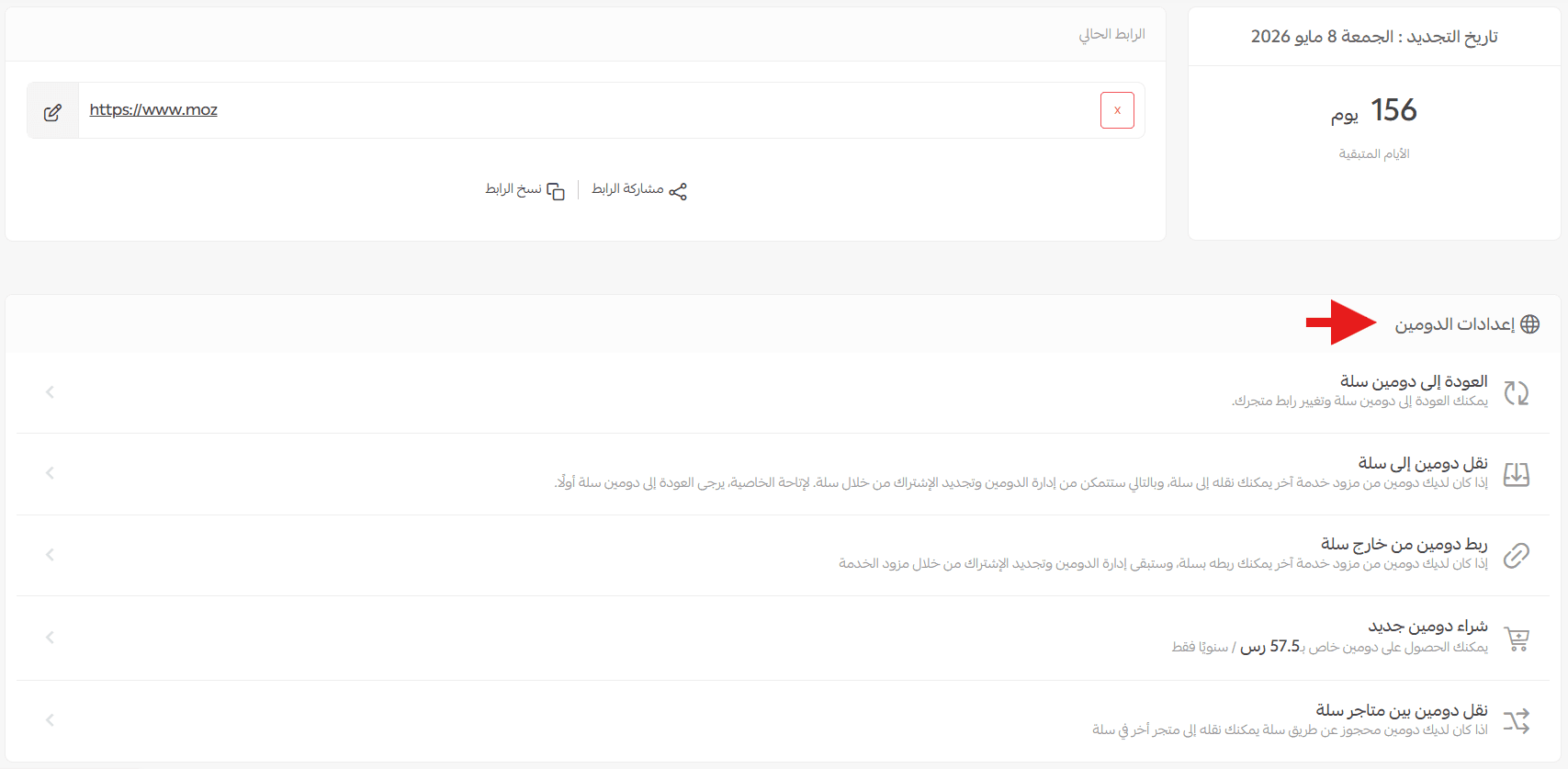
- Open the Domain tab and select Domain Settings.
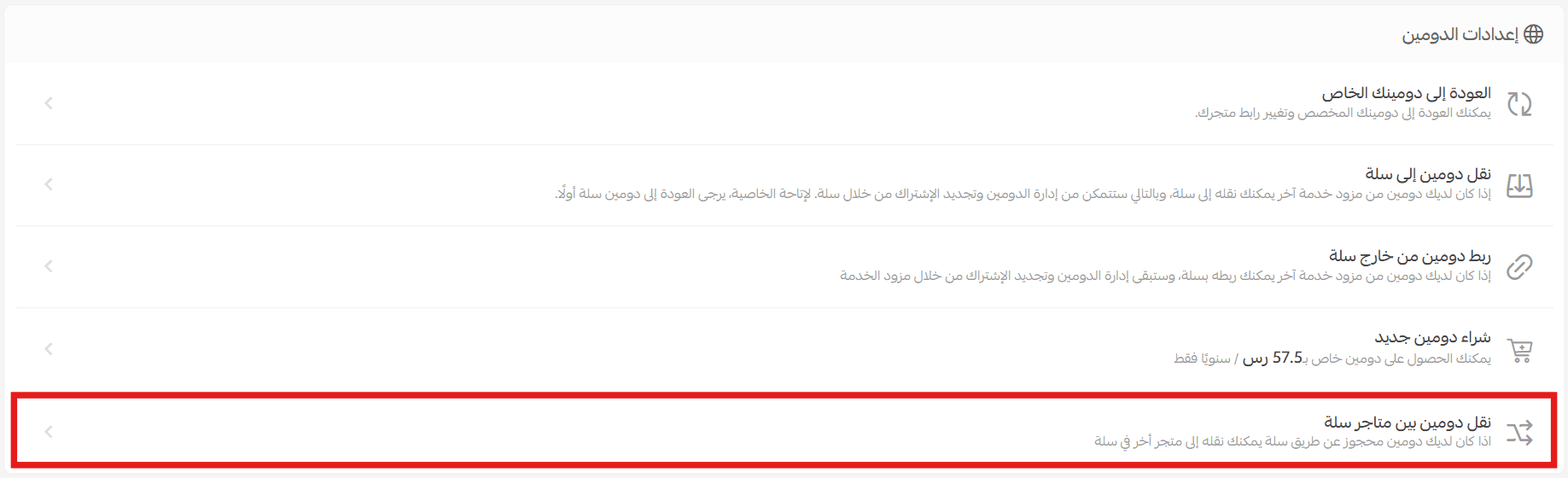
- From the Domain Settings page, click Transfer Domain Between Salla Stores.
- Enter the email address of the store owner you want to transfer the domain to, then click Search.
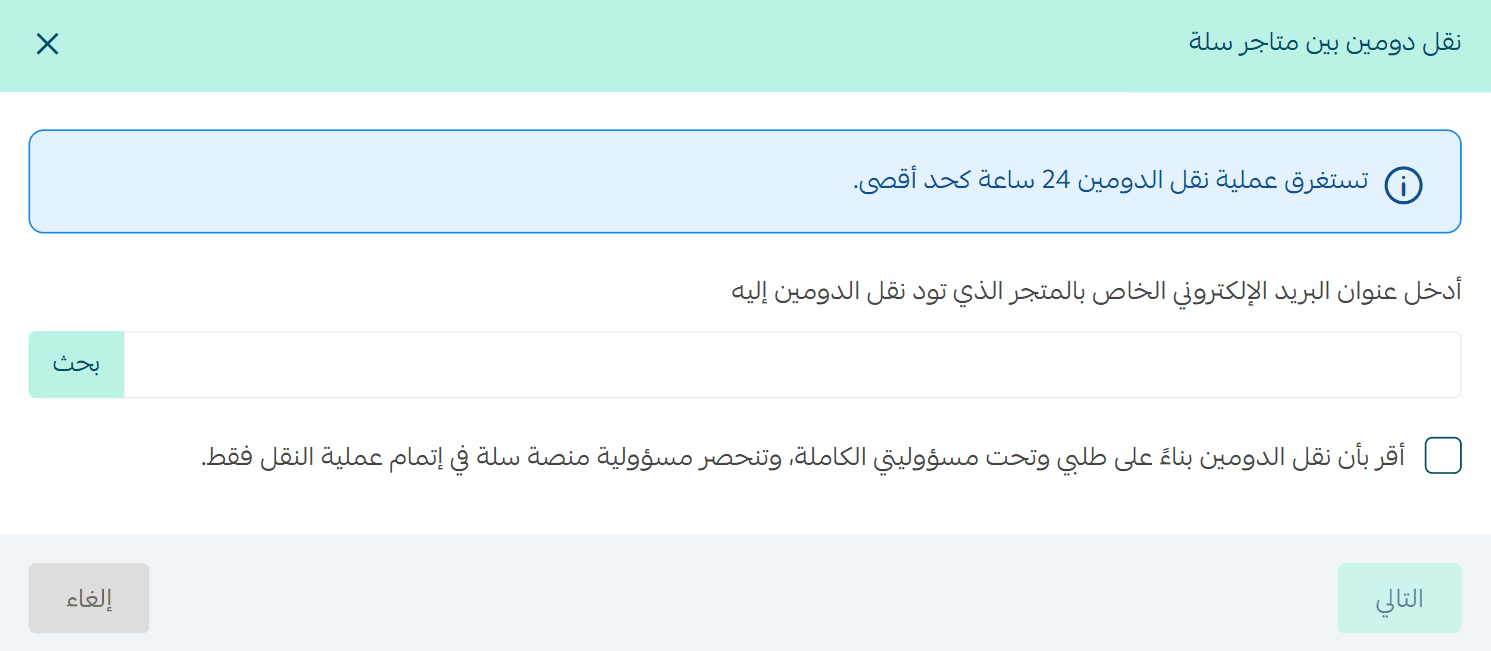
- The system will display:
- The domain to be transferred
- The destination store name
Note:
If the destination store has a different owner, this step must be repeated to verify ownership.
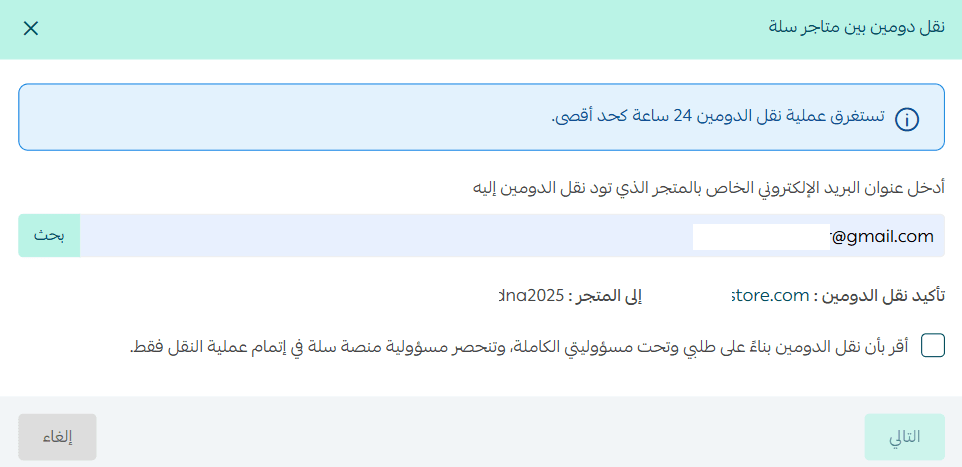
- Review the details, accept the declaration, then click Next to approve the domain transfer.
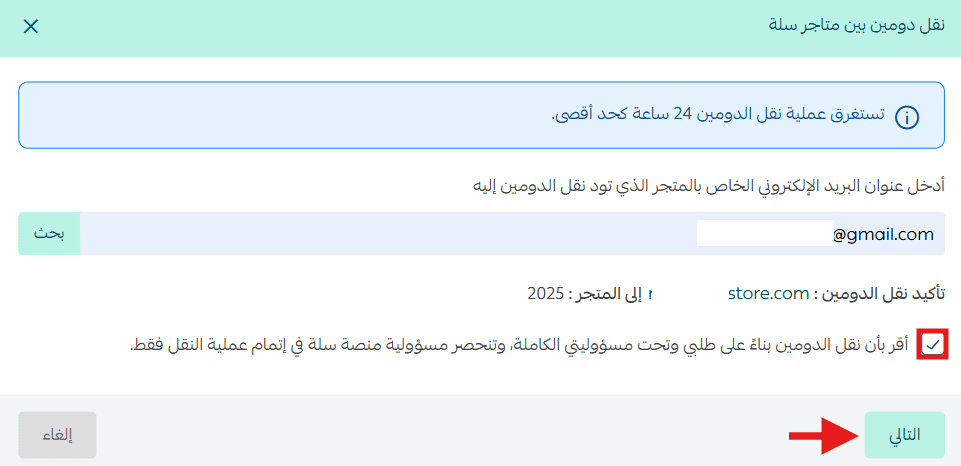
- Enter the verification code sent to the store owner’s mobile number.

Verification notes
- If both stores belong to the same owner (same mobile number), only one verification code will be sent.
- If the stores belong to different owners, two verification codes will be sent:
- One to the current store owner
- One to the new store owner
In this case, the current store owner must enter both codes.
Once the verification code is successfully entered, the domain transfer process begins.

What happens after the domain transfer
- The original store will automatically revert to its default Salla domain, such as store.salla.sa.
- The destination store will display the transferred domain immediately in its Domain Settings.
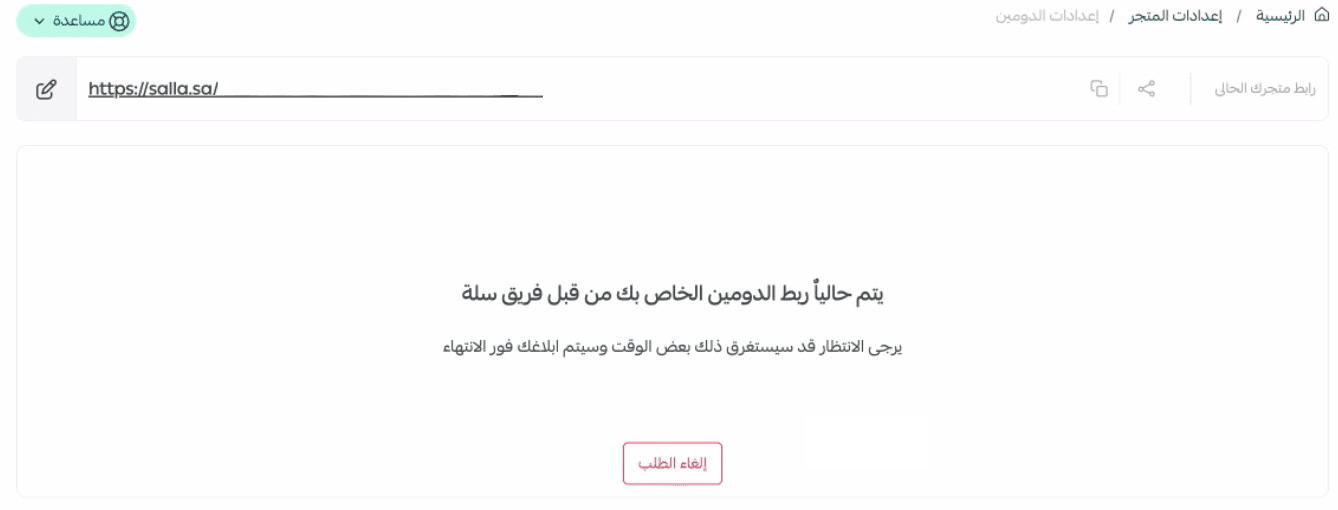
No additional setup is required.
Frequently asked questions
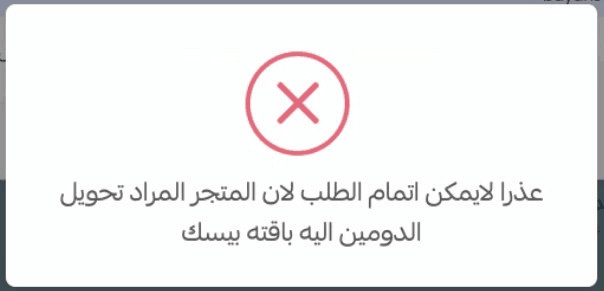
When can a domain transfer request be rejected?
If the destination store is on the Basic plan, the transfer request will be rejected.
What domain will the original store use after the transfer?
The original store will return to its default Salla domain.
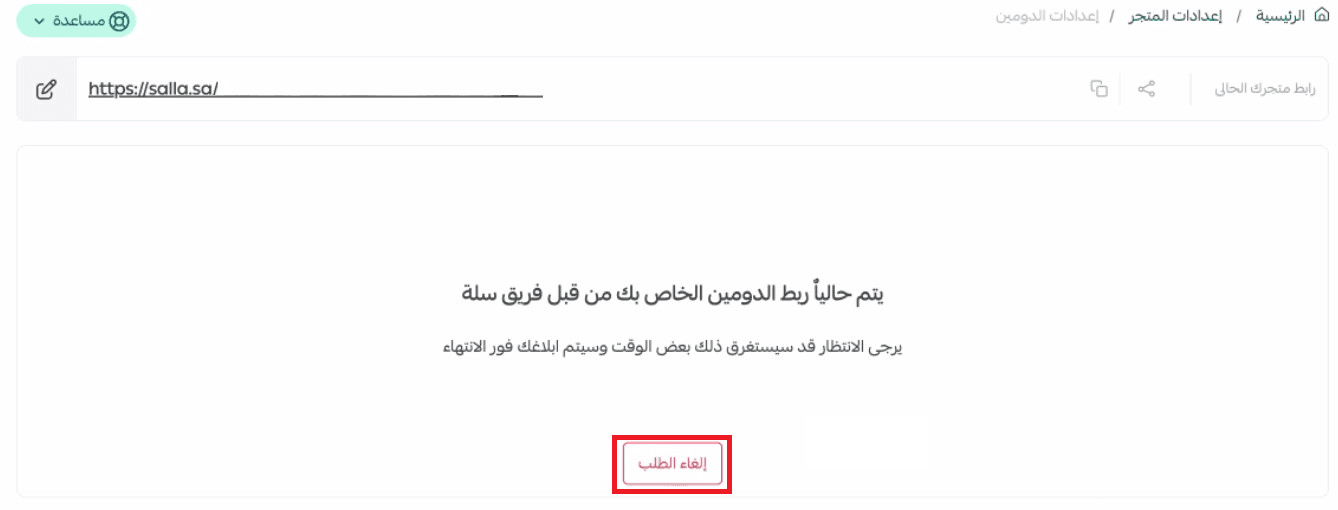
Can I cancel a domain transfer request?
Yes, but only before the transfer is completed.
There are two cases:
Cancellation by the original store owner
- Before entering the verification code, click X to cancel

- After entering the verification code, the transfer cannot be canceled from the original store
Cancellation by the destination store owner
- The destination store can cancel the transfer request before completion
Support Services
If you need assistance with domain purchasing, transferring, or connecting domains, you can rely on trusted specialists who provide professional domain services from start to finish.