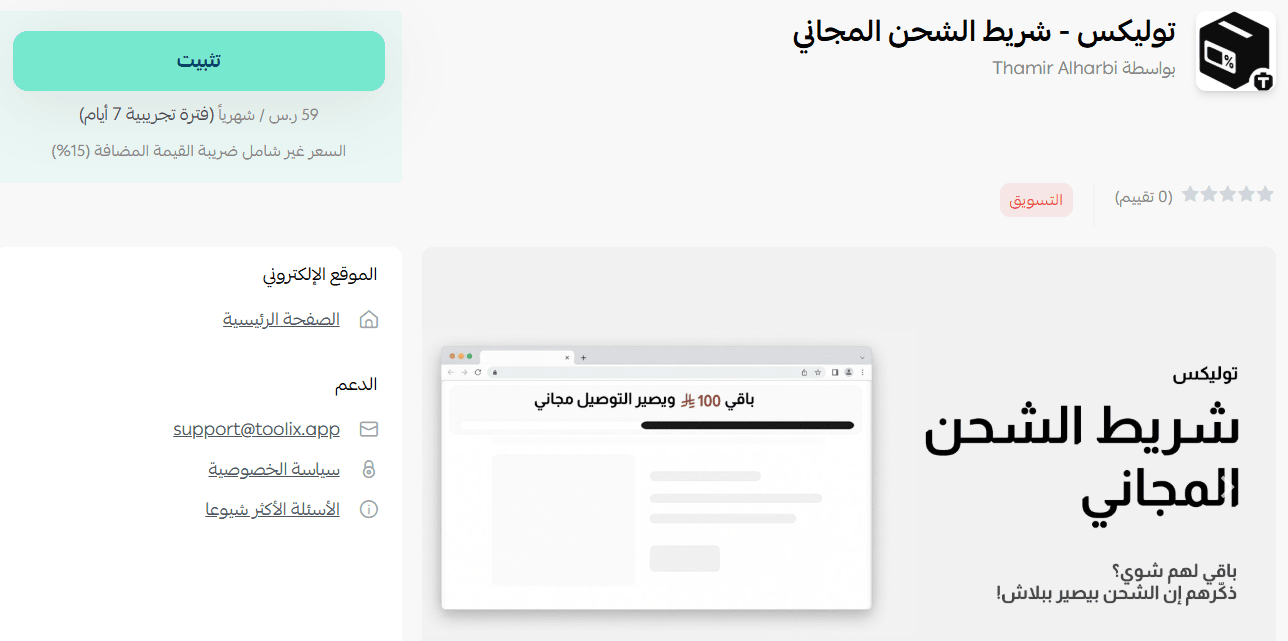
Tolix is an interactive tool that encourages customers to complete their purchases by clearly showing their progress toward the free shipping threshold in a visually engaging way.
The app helps increase conversion rates, boost average order value, and enhance the overall shopping experience in your store.
📌 Article overview
- Steps to connect the Tolix – Free shipping bar app
- Managing the Tolix – Free shipping bar app
Steps to connect the Tolix app
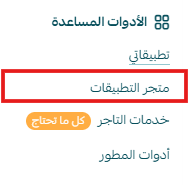
- From the main menu, click All, then under Tools, select App Store.
- Search for the app using the search bar.

- From the Tolix – Free shipping bar app page, click install.
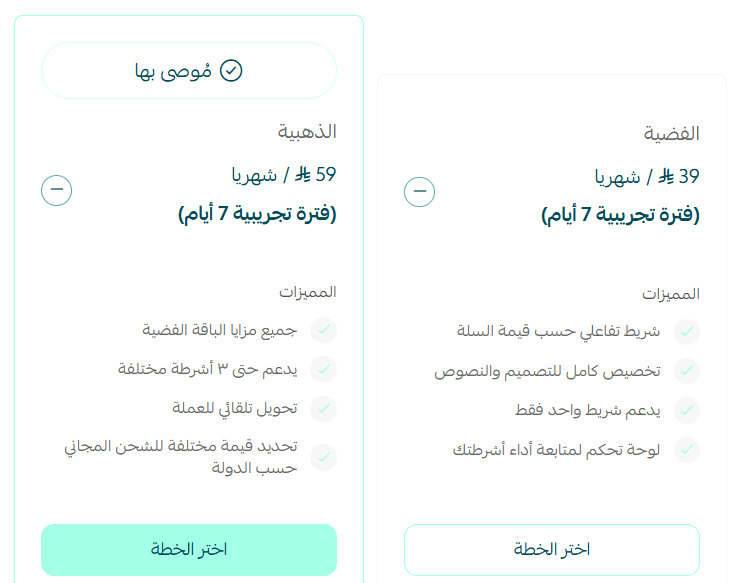
- Choose the plan that suits you, then click install app.
The app has been successfully installed!
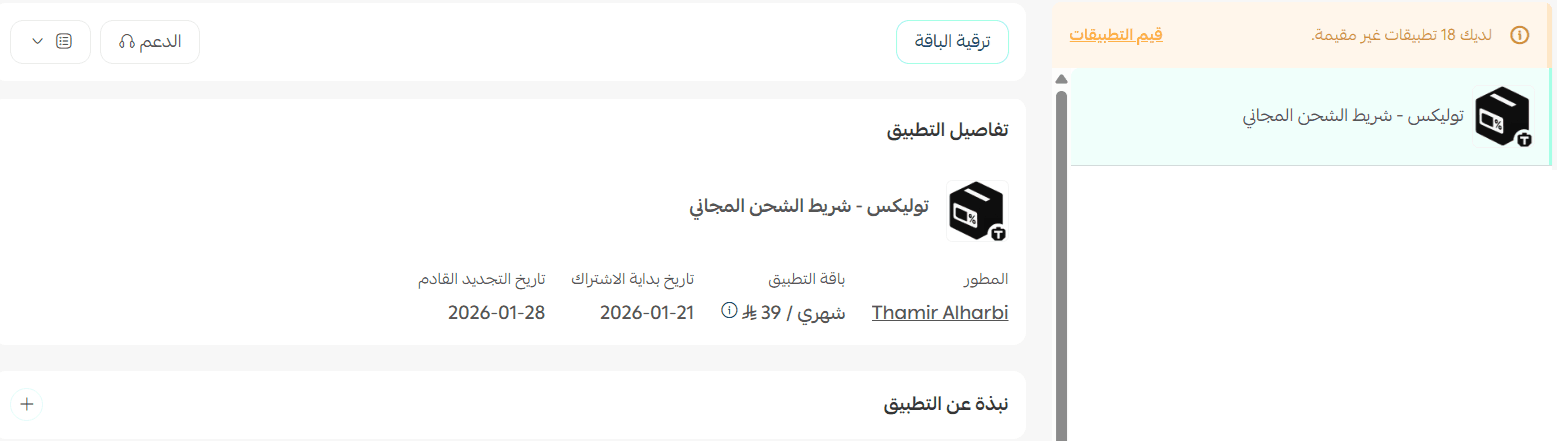
Managing the Tolix – Free shipping bar app
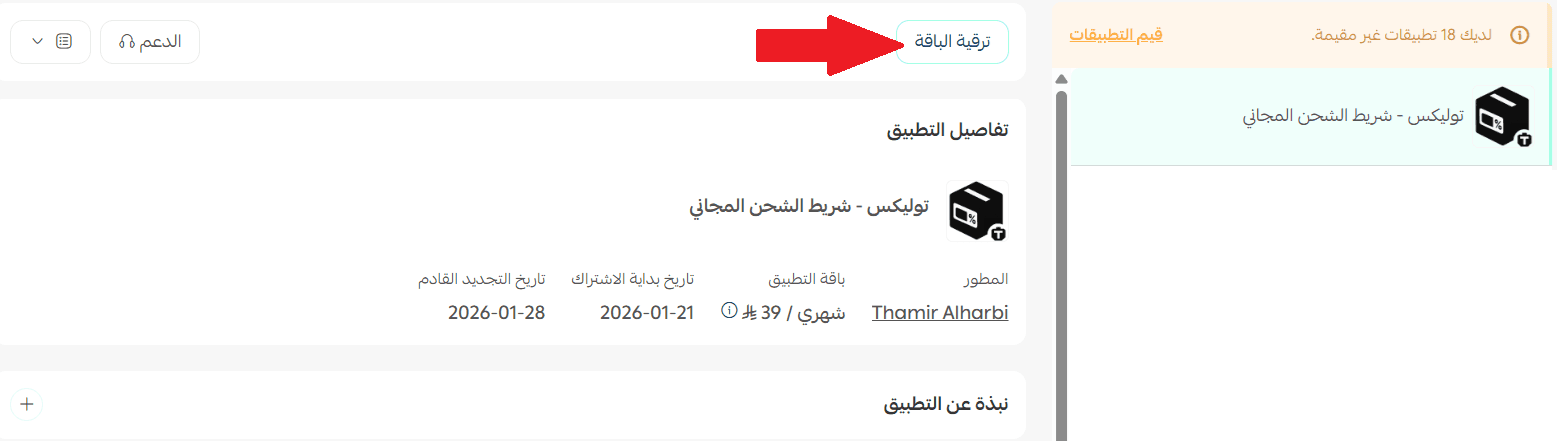
Upgrade plan
- From the app details page in your store, click upgrade plan.
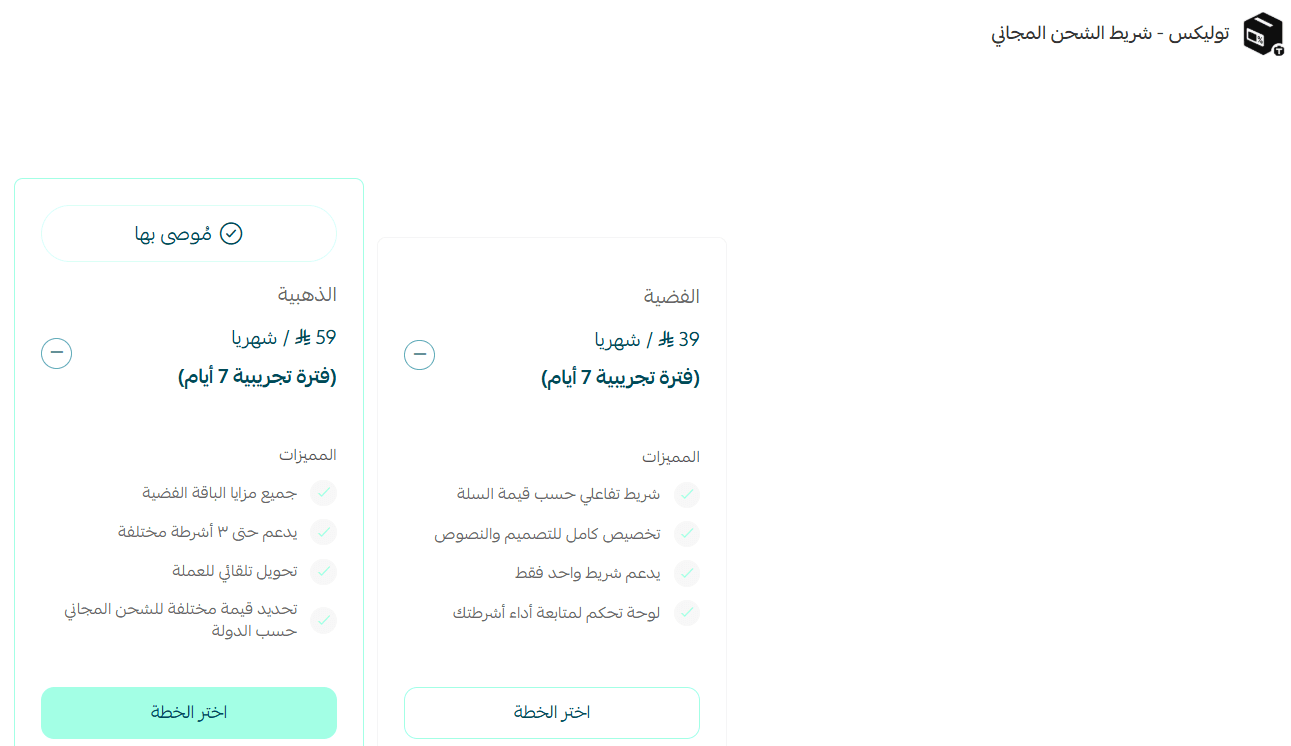
- Choose the plan that suits you, then click proceed to payment.
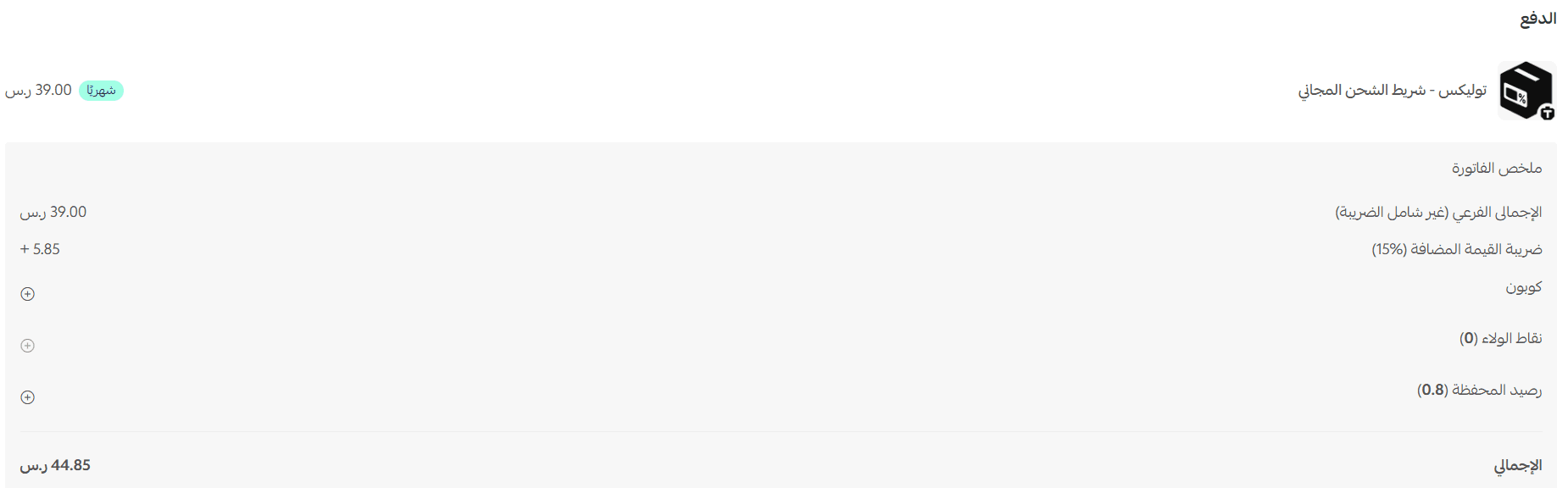
- Complete the payment details, then click confirm to upgrade your plan.
Customize the app
After installing the app, you will receive an email with your login details for the Free Shipping Bar platform.
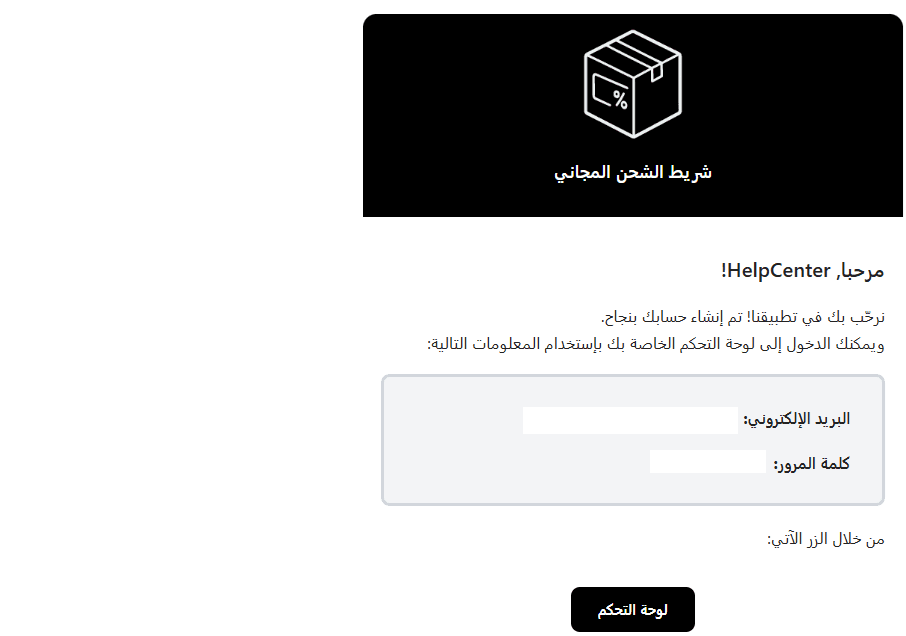
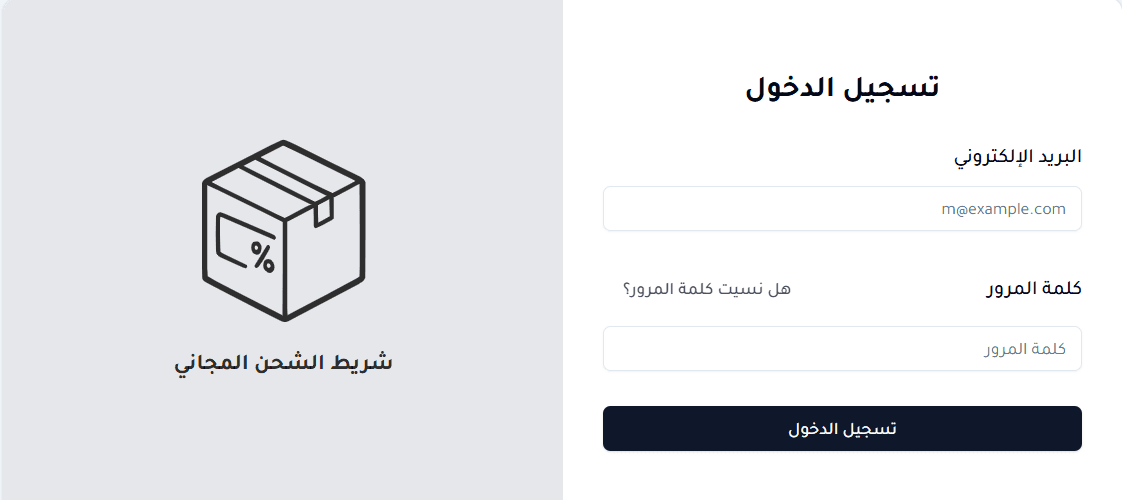
- Use the login details to access the platform.
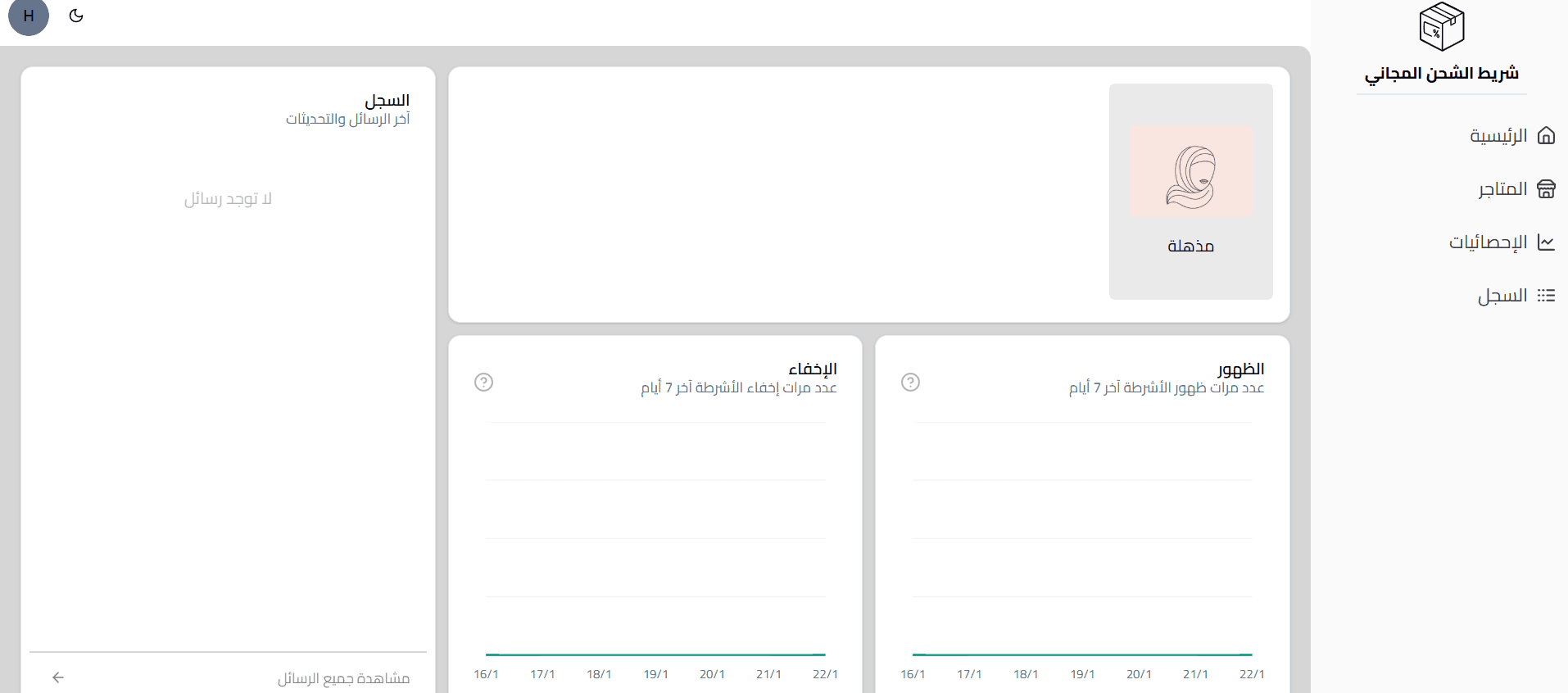
- Once logged in, the dashboard will appear, allowing you to track the bar’s performance, manage its settings, and customize it based on your store’s needs.
Delete the app
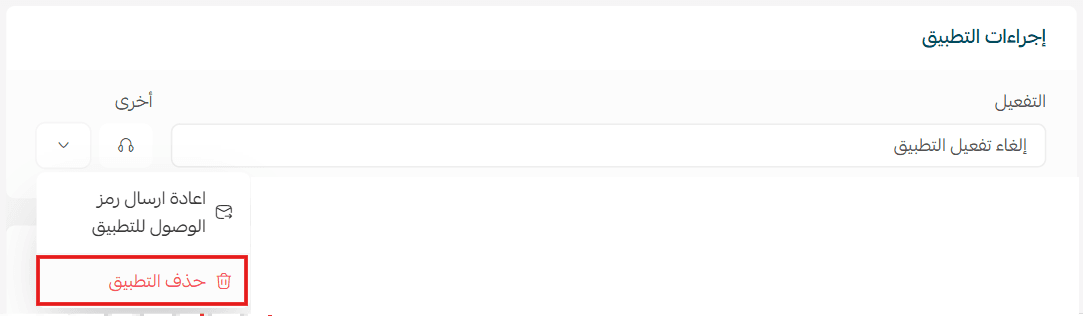
- From the app options menu, click the drop-down and tap unsubscribe.
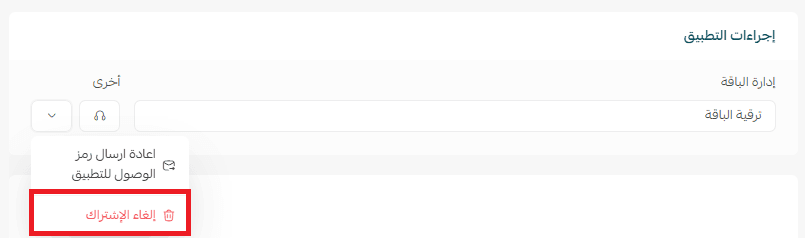
- From the same menu, click delete app.