Imagine a customer entering your online store and finding an unattractive, cluttered design. What happens next? They leave.
Improving your store’s appearance is not a luxury. It is a critical factor in attracting customers, building trust, and increasing sales.
In this guide, you will learn the practical steps and tools needed to design a professional store theme that enhances customer experience and strengthens loyalty.
📌Article overview
- Store design customization steps
- Homepage elements
- Store menus customization including header and footer
- Theme design options
- Theme customization using code
- Merchant services
- Recommended apps
- App download banner
- Theme preview management
Steps to Customize Store Design
1. Access store design
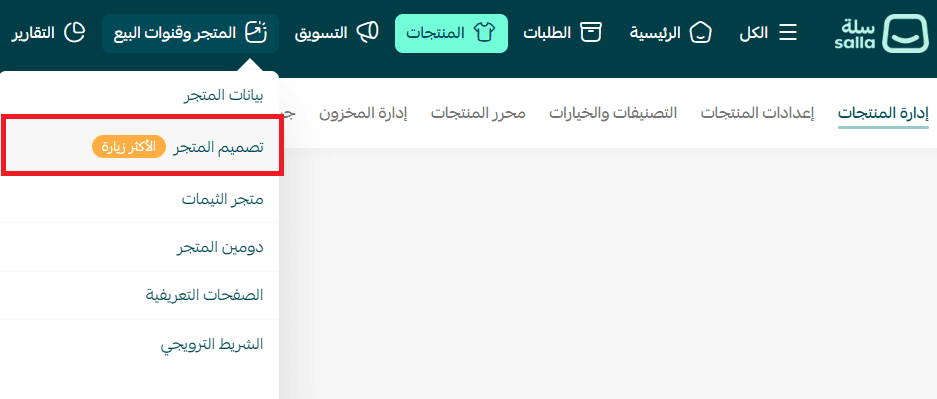
From the main menu, click Store & Channels, then click Store Design.
2. Open theme customization
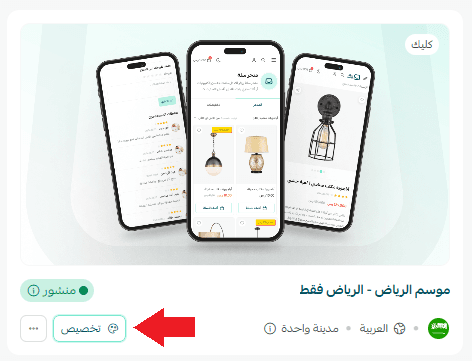
From the Store Design page, click Customize to edit the selected theme version.
3. Theme customization interface
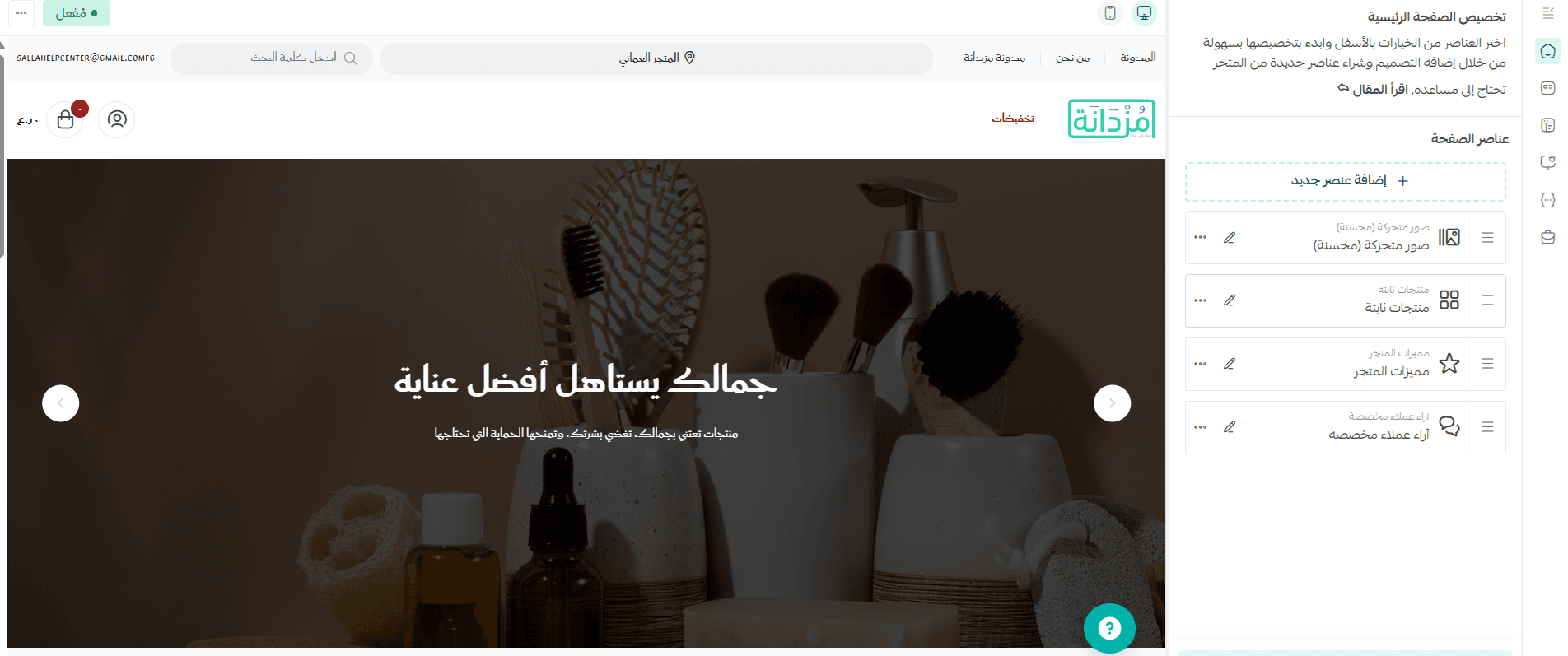
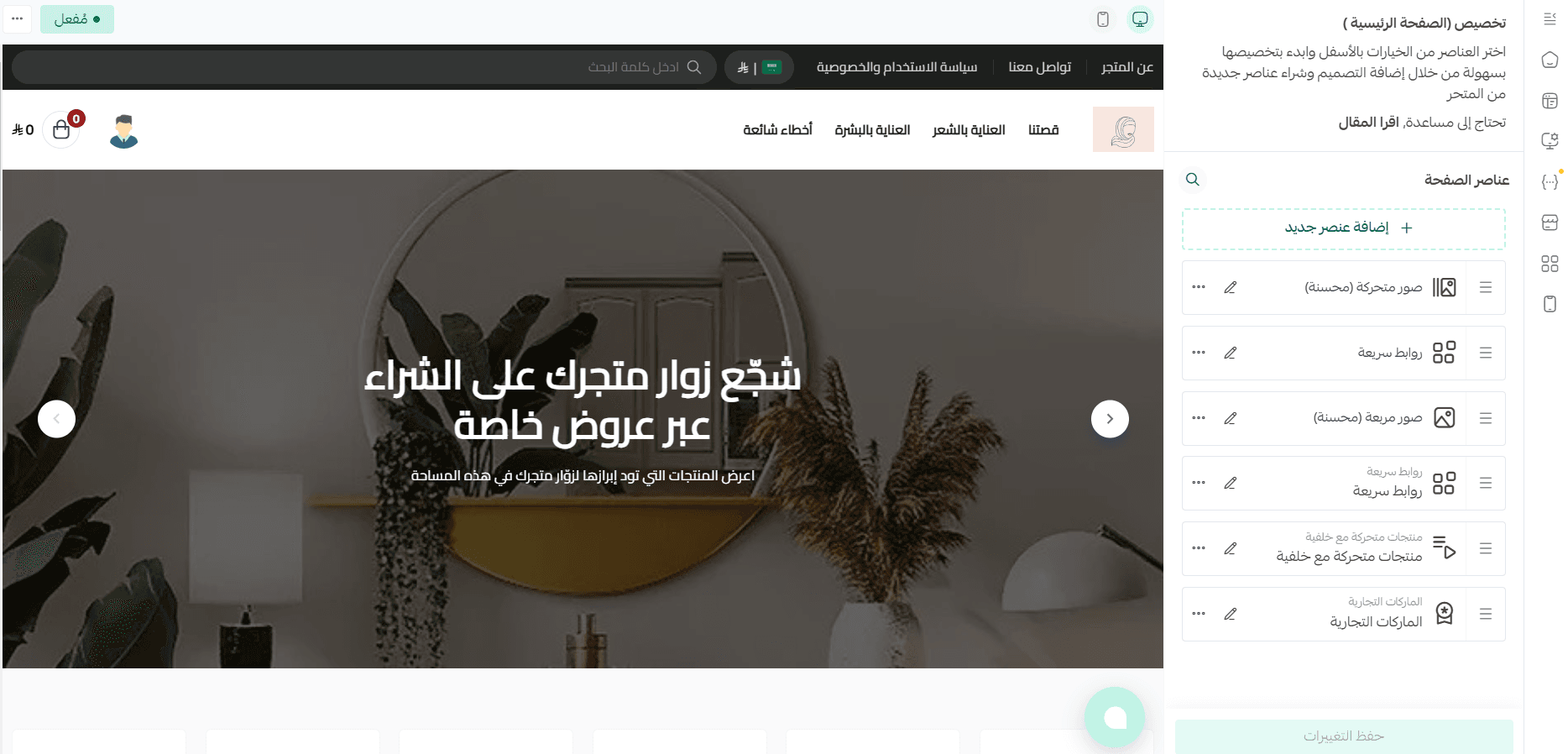
The theme customization page opens with a full set of controls and options that allow you to manage the look and structure of your store.
Homepage Elements

You can design your store homepage carefully to create a smooth and enjoyable shopping experience.
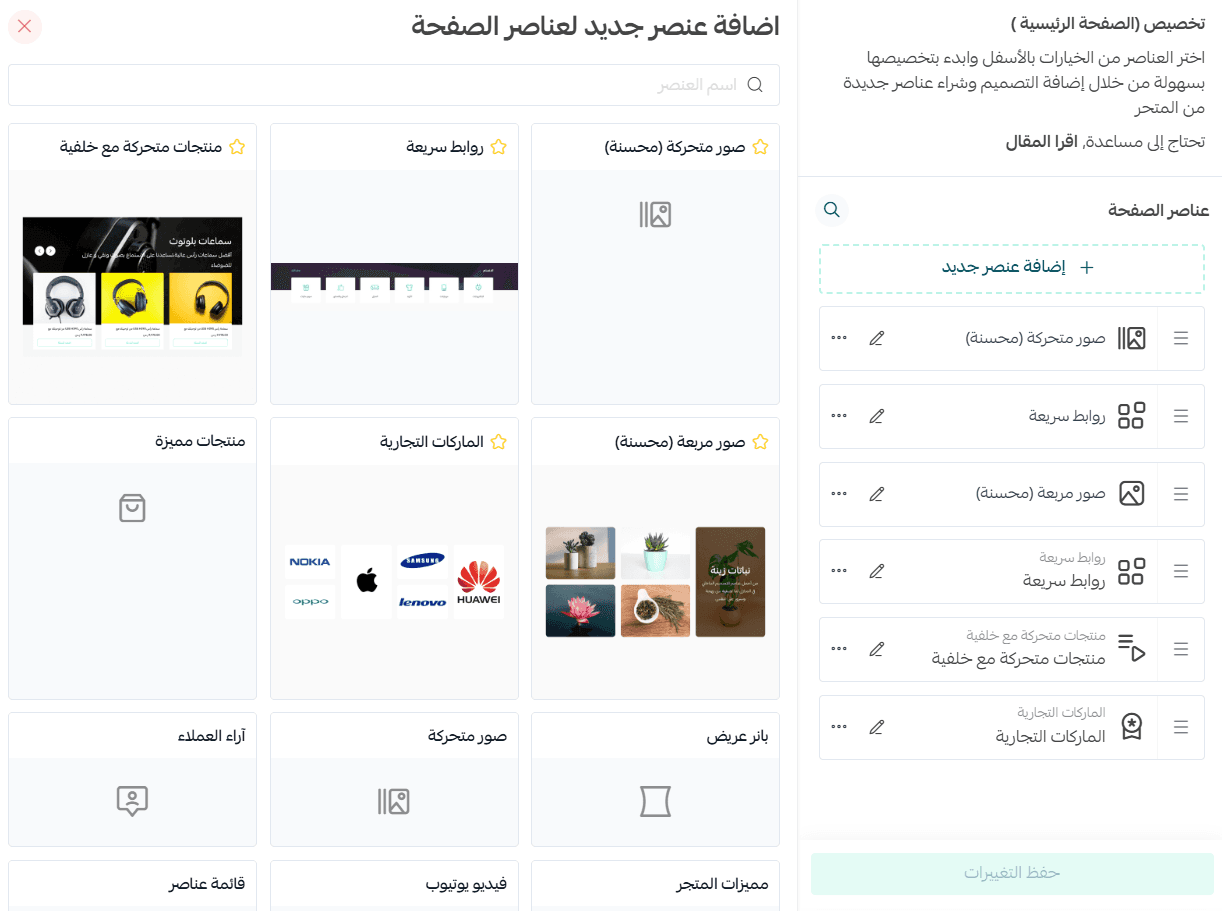
This section allows you to:
- Add new elements to the homepage
- Control and manage existing elements
For more details, refer to the guide on homepage elements management and customization.
Store Identity Customization

Customize your store identity step by step from the Store Design section.
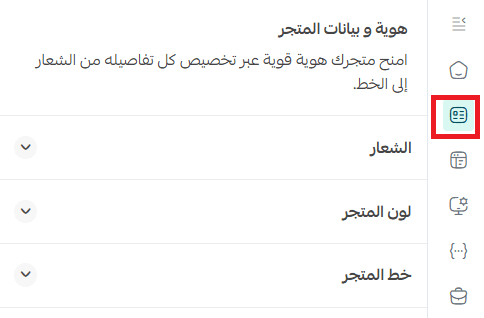
This includes brand colors, visual identity, and styling elements that reflect your store personality.
For more details, see the store identity customization guide.
Store Menus Customization

Header and Footer
Edit and organize elements in the top and bottom menus of your store pages to match your navigation needs.
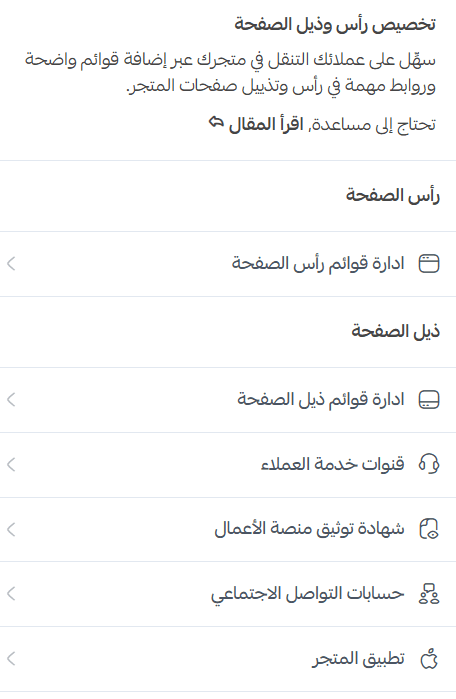
For more details, refer to the guide on customizing store menus including header and footer.
Theme Design Options

Control shared visual settings such as colors, product card layout, and other common theme elements.
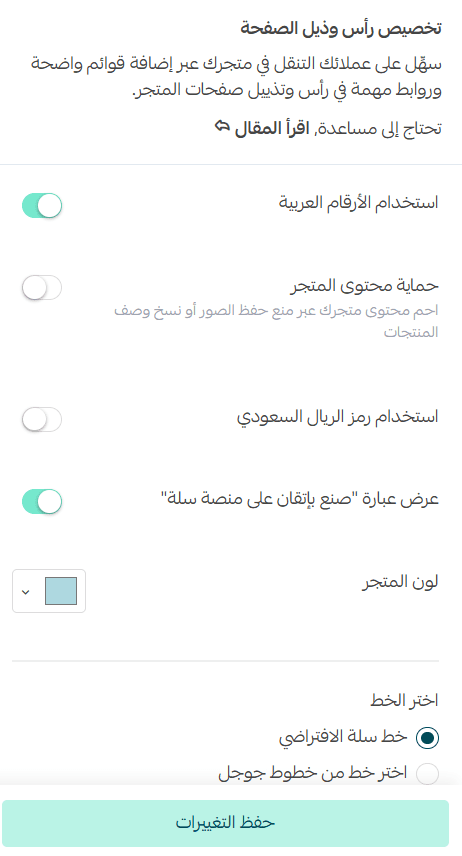
Key theme design options include:
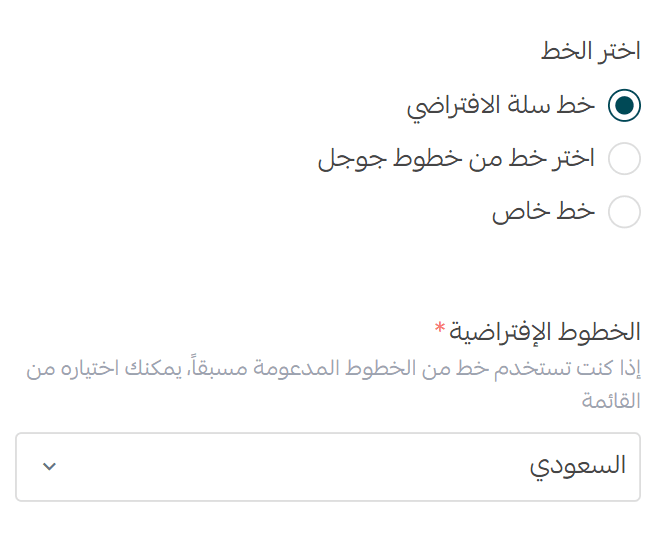
- Store font customization
A collection of fonts suitable for all store types, including the Saudi Font and First Font approved by the Saudi Ministry of Culture
- Unified product card height on homepage and categories
- Vertical product layout in fixed homepage product blocks
- Display the View All button on the homepage
- Product page options
- Sticky add to cart button and quantity selector on mobile
- Display product tags
- Product image slider layout options
- Image zoom inside the product image slider
For full details, refer to the theme design options guide.
Theme Customization Using Code

Use the CSS or JavaScript editors to modify default theme styles and behavior to match your store identity.
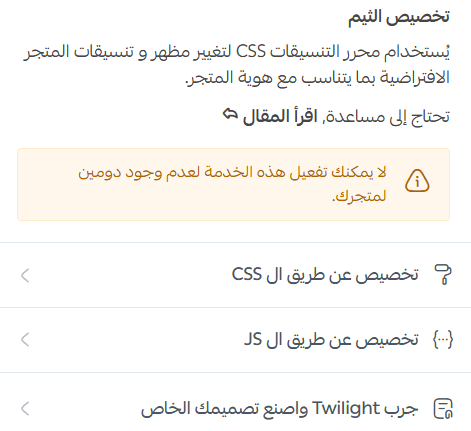
You can customize the theme using:
- CSS
- JavaScript
For more details, see the theme customization using code guide.
Additional Services
Merchant Services
Explore professional services related to theme customization and store setup provided by approved service providers.
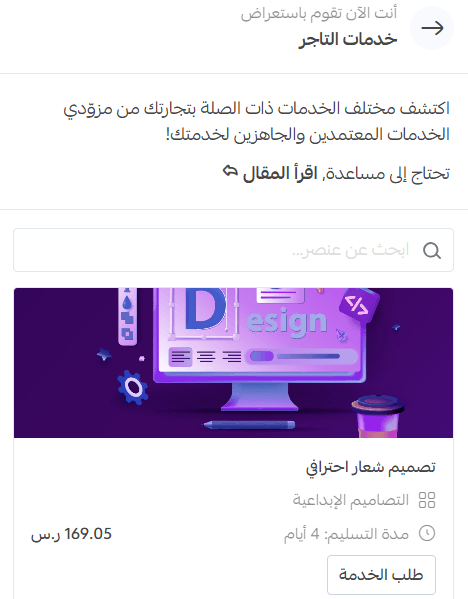
For more details, see merchant services for theme customization.
Recommended Apps
Discover curated app collections that help simplify store management, improve performance, and increase sales reach.
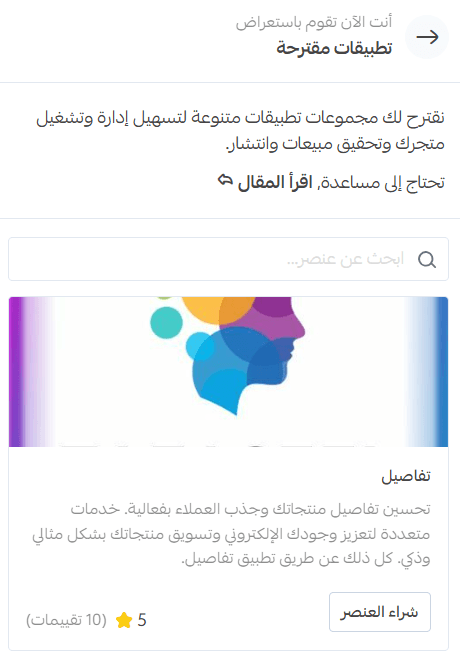
For more details, see recommended apps for store design.
App Download Banner
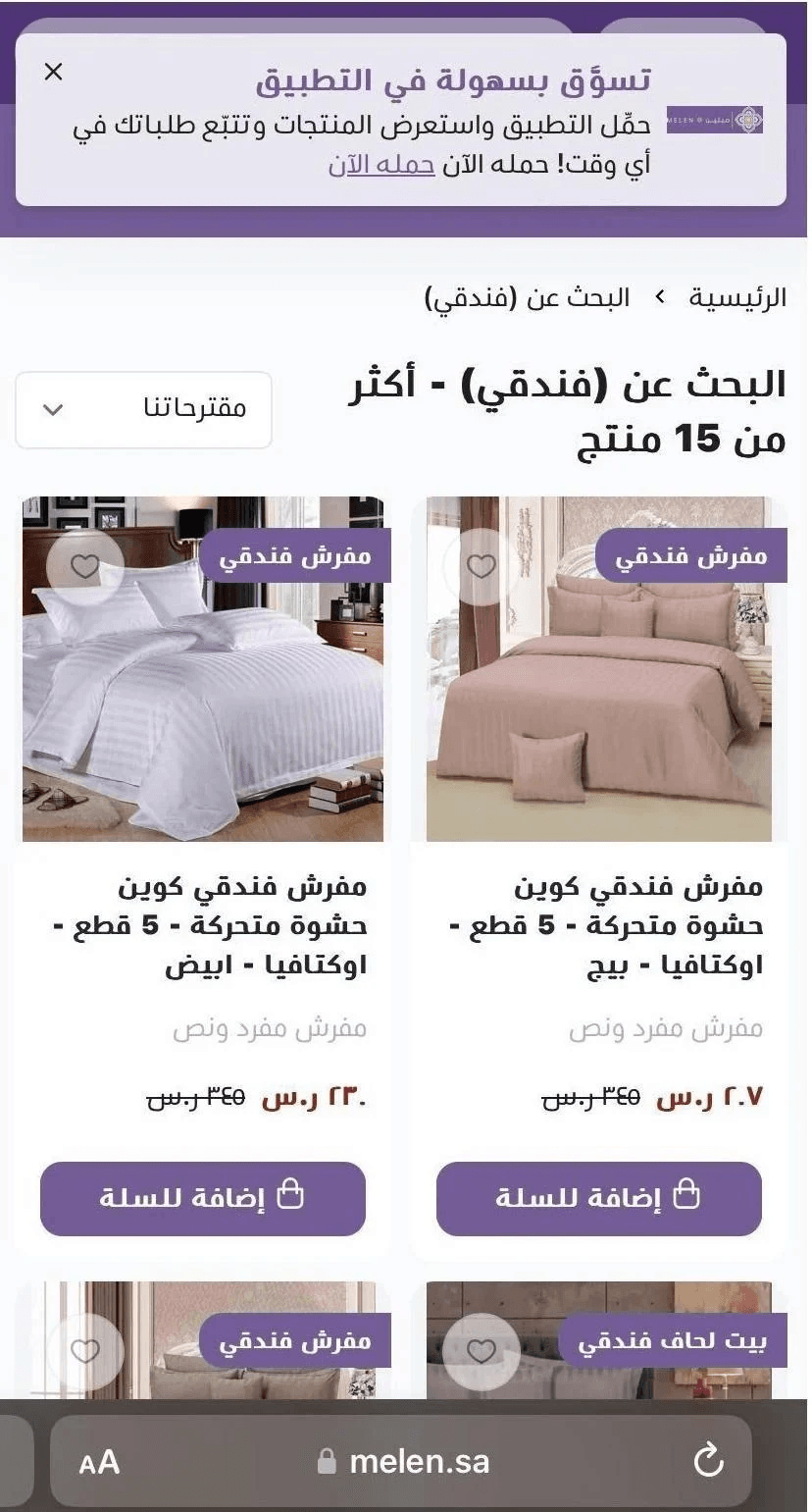
When subscribing to Salla App Maker, you can display a banner that promotes downloading your store app to mobile visitors.
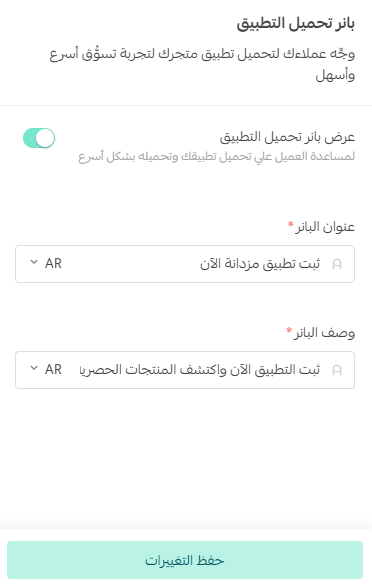
When customers browse your store through a mobile browser, the banner appears to encourage app installation and continued shopping through the app.
Theme Preview Management
After making design changes, you can preview updates instantly through the preview section.
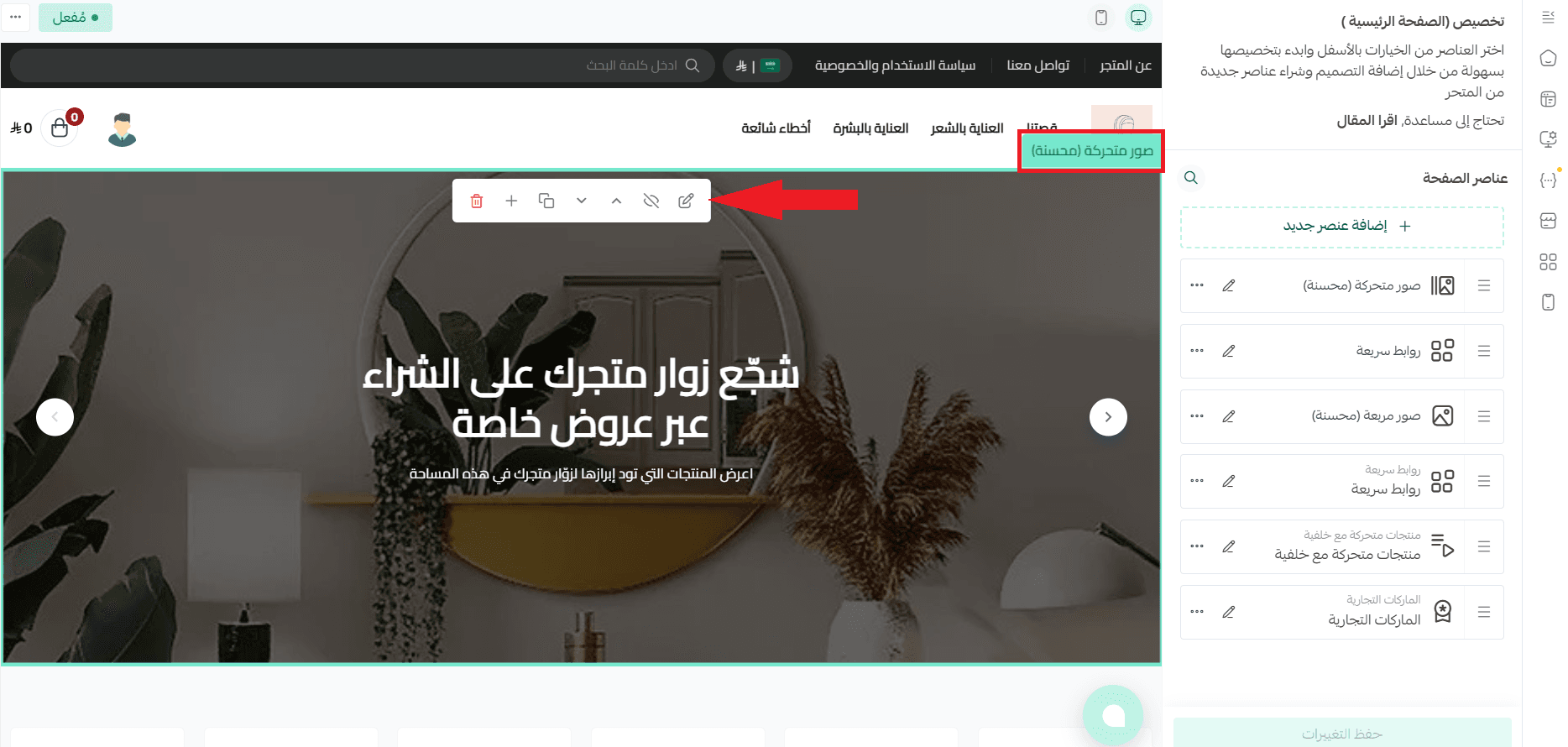
Each element added to the theme includes a control bar with:
- Edit element
- Duplicate element
- Hide element
- Delete element
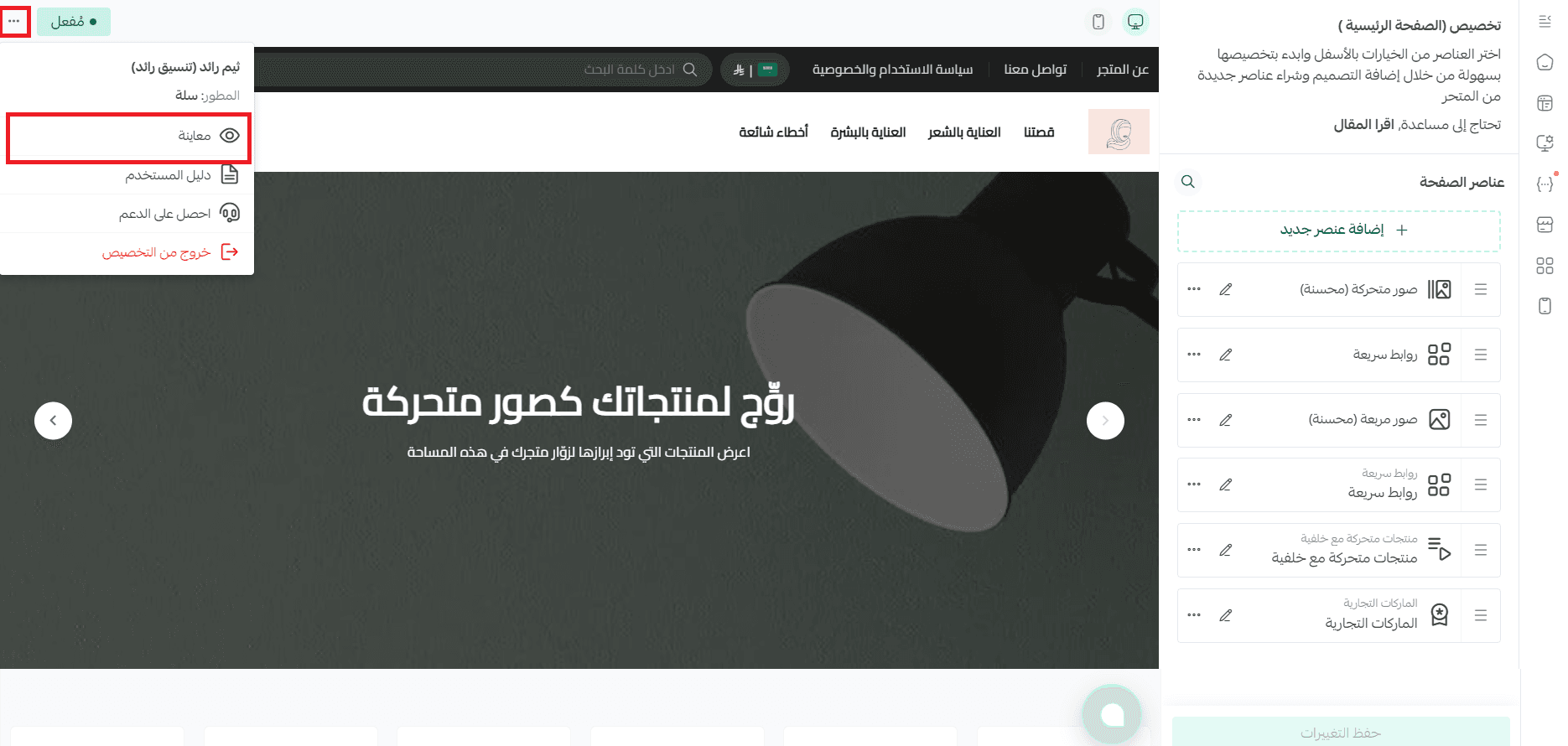
To view your store in a separate preview page, click Preview from the preview control menu.
Frequently Asked Questions
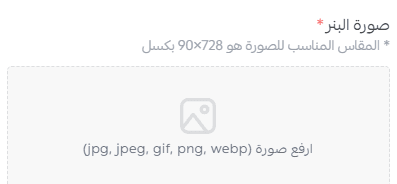
Can I upload animated GIF images in the store design?
Yes. You can upload animated GIF images when customizing themes through Salla theme elements.
Can stores on the Basic plan customize their store design?
Yes. Stores on the Basic plan can customize their store design.
Merchant Services
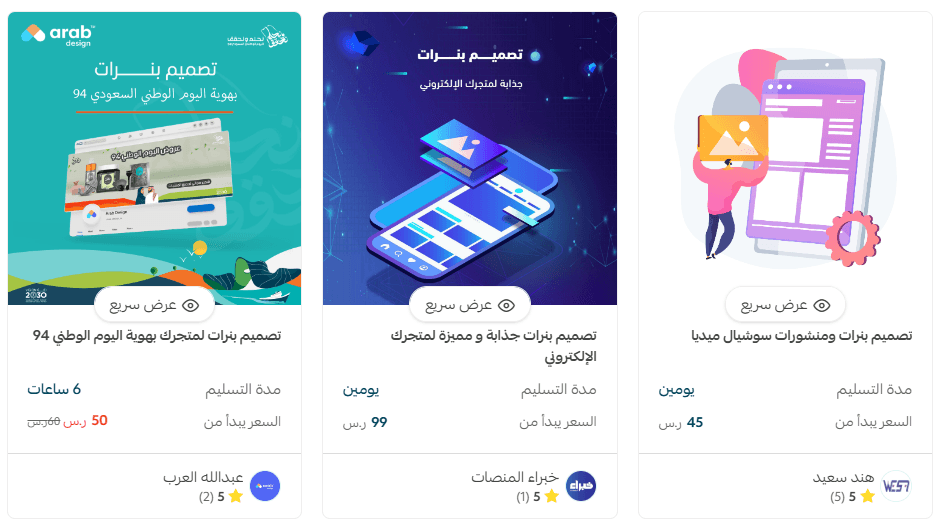
If you need help designing your store, you can use Merchant Services, which offers professional services such as:
- Logo design
- Banner and section design
- Color coordination
All services are provided by trusted Salla partners to help you build a professional store aligned with your business activity.