Sree offers integrated logistics solutions for e-commerce businesses, including warehousing, order fulfillment, and fast delivery across major cities.
It also provides additional services such as cash on delivery, custom packaging, and returns management.
📌 Article overview
- Steps to connect the Sree app
- Sree app settings
Steps to connect the Sree app
- From the main menu, click All, then under Tools, select App Store.
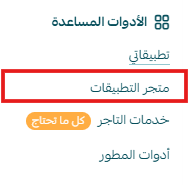
- Search for the app using the search bar.

- From the Sree app page, click install.

- The app will appear under My Apps.
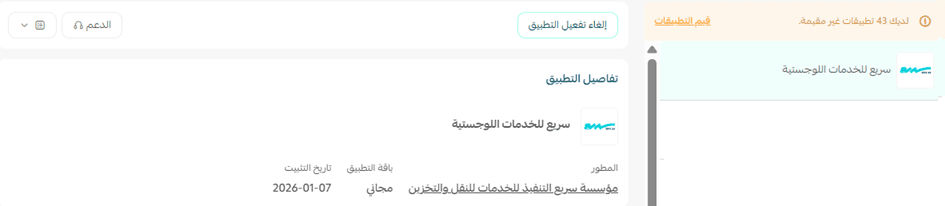
Sree app settings
- From the app page, you can add a new shipping rate.
- To set up shipping rates, go to the Shipping rates section and click Add new rate.
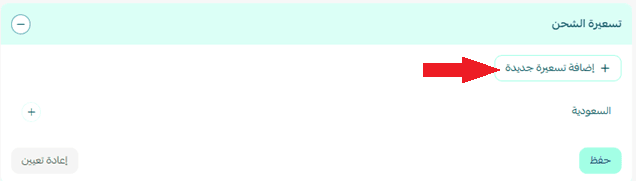
- Enter shipping rates for the required cities and regions.
- Add your shipping cost as a merchant to help calculate and display your store’s shipping-related profits.
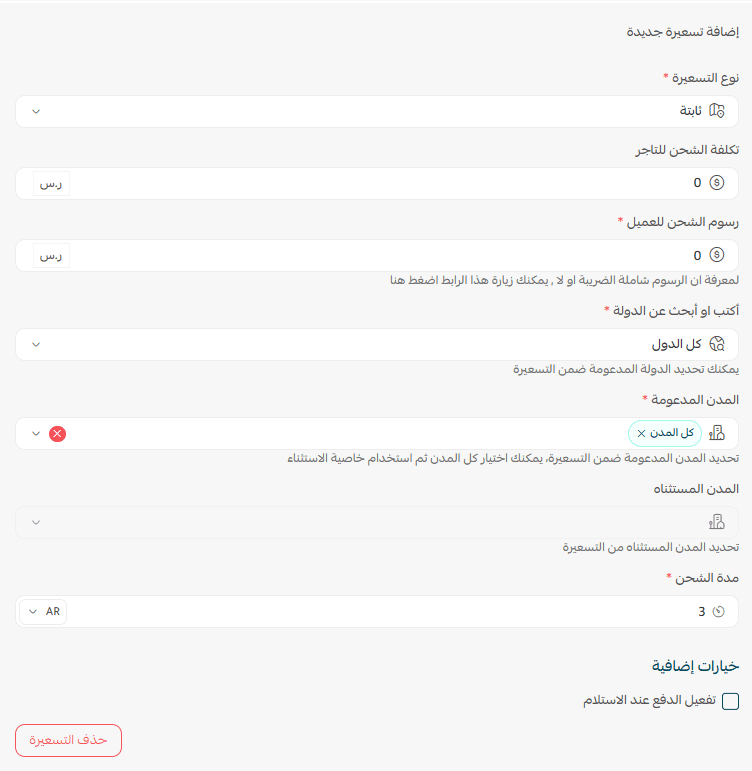
For more details about setting up shipping costs with direct integration, check out this article.
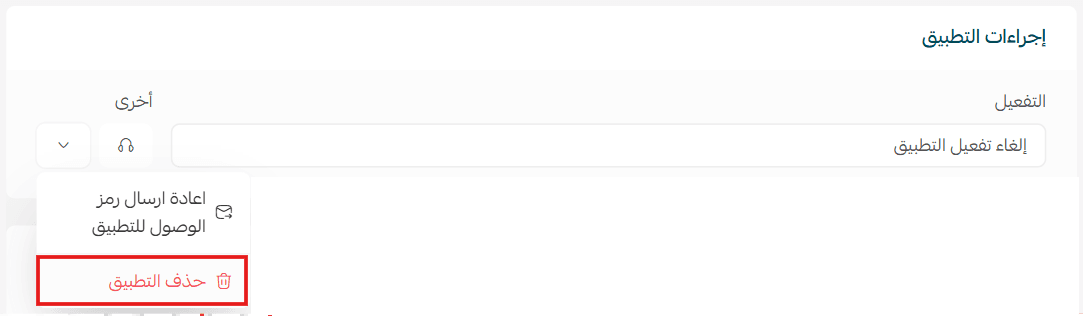
Delete the app
- From the app actions section, click more, then select delete app.