Spinning Gifts offers an interactive post-purchase experience, where eligible orders are automatically selected, and customers are invited to spin a prize wheel and win instant rewards.
The app uses smart qualification algorithms and a comprehensive dashboard to manage rewards and communication with customers via WhatsApp.
📌Article overview
- Steps to connect the Spinning Gifts app
- Managing the Spinning Gifts app
Steps to connect the Spinning Gifts app
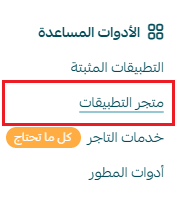
- From the main menu, click All, then under Tools, select App Store.
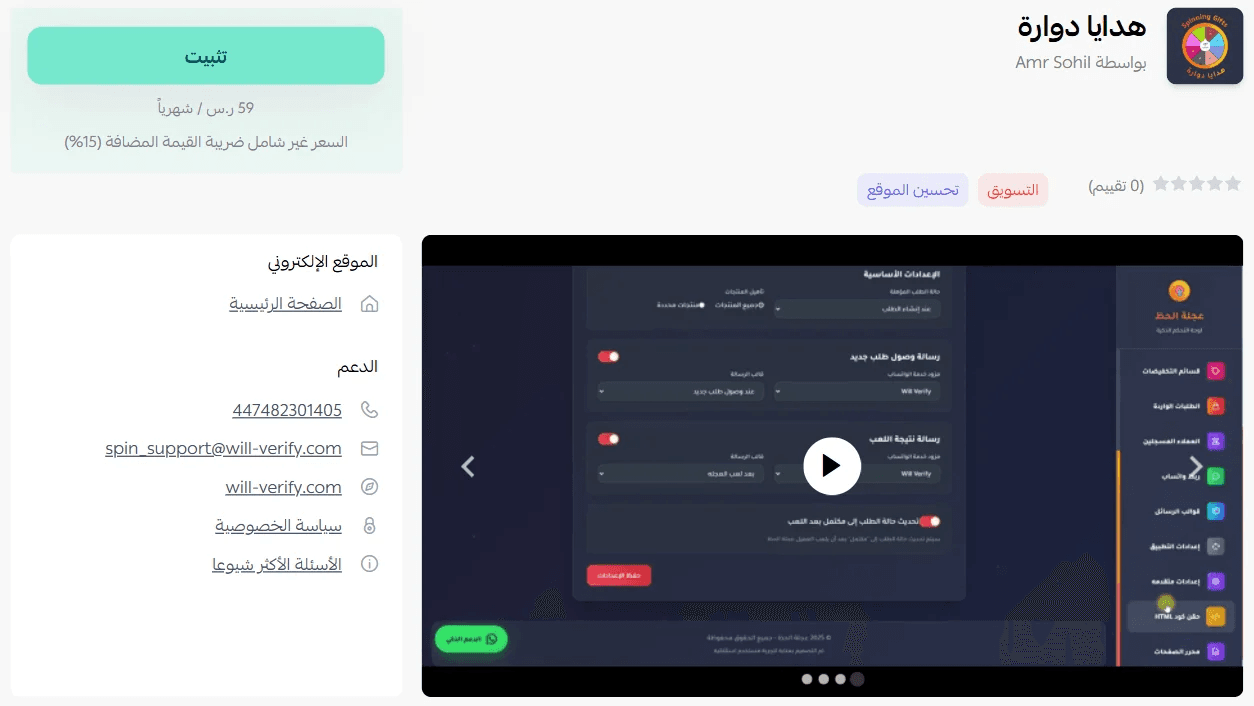
- Search for the app using the search bar.

- From the Spinning Gifts app page, click install.
- Choose the plan that suits your business to continue installation.
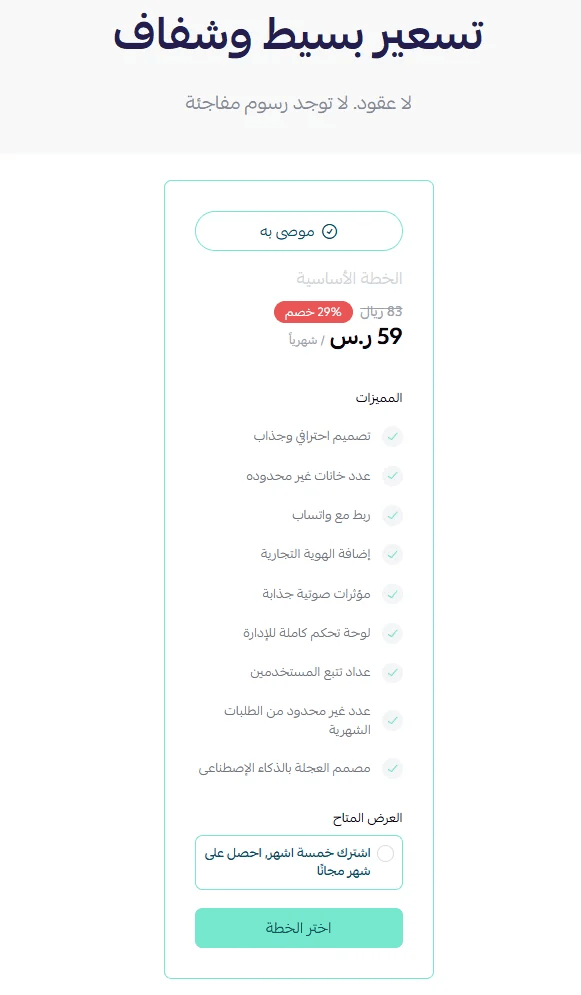
- Complete the payment process to activate the app features.
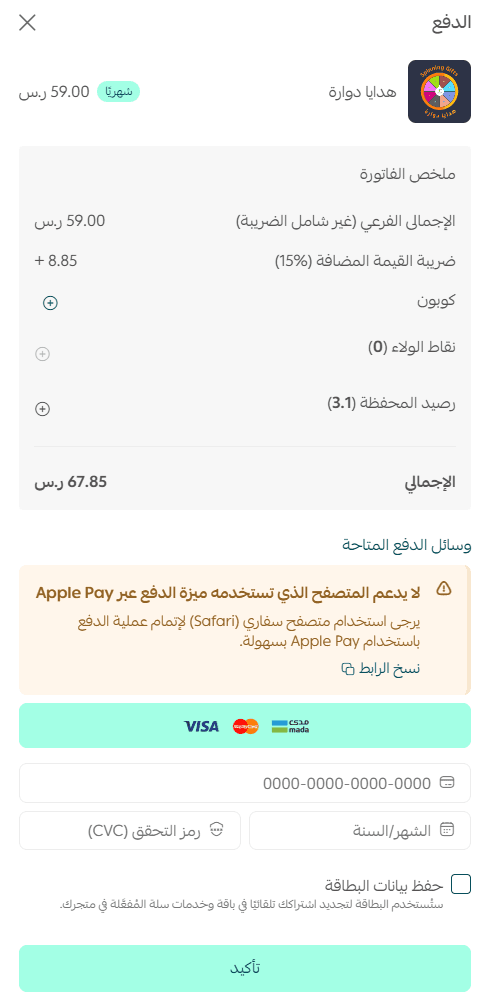
- The Spinning Gifts app is now successfully installed on your store.
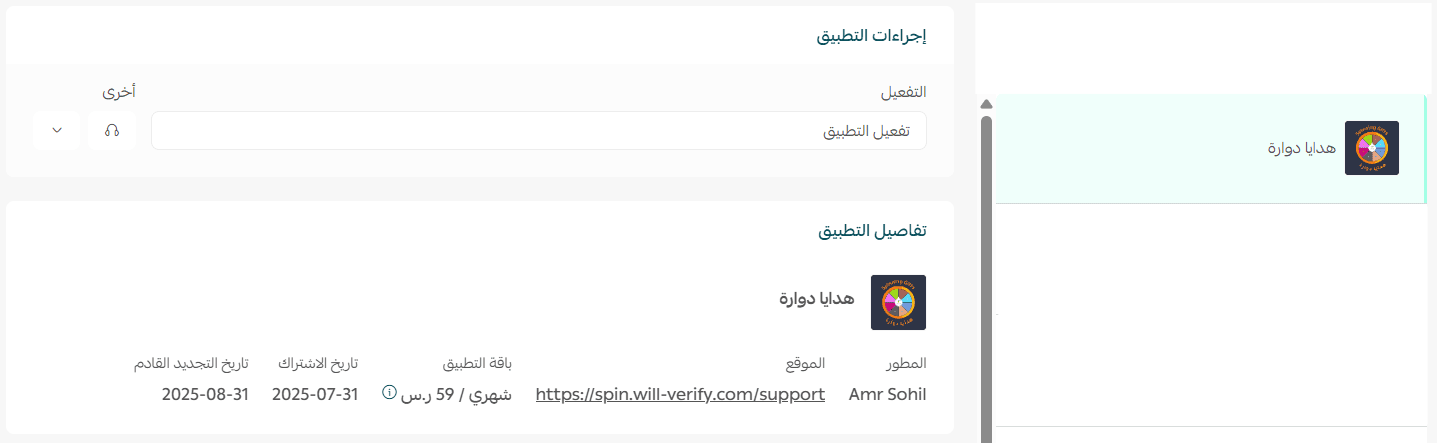
Activate the app
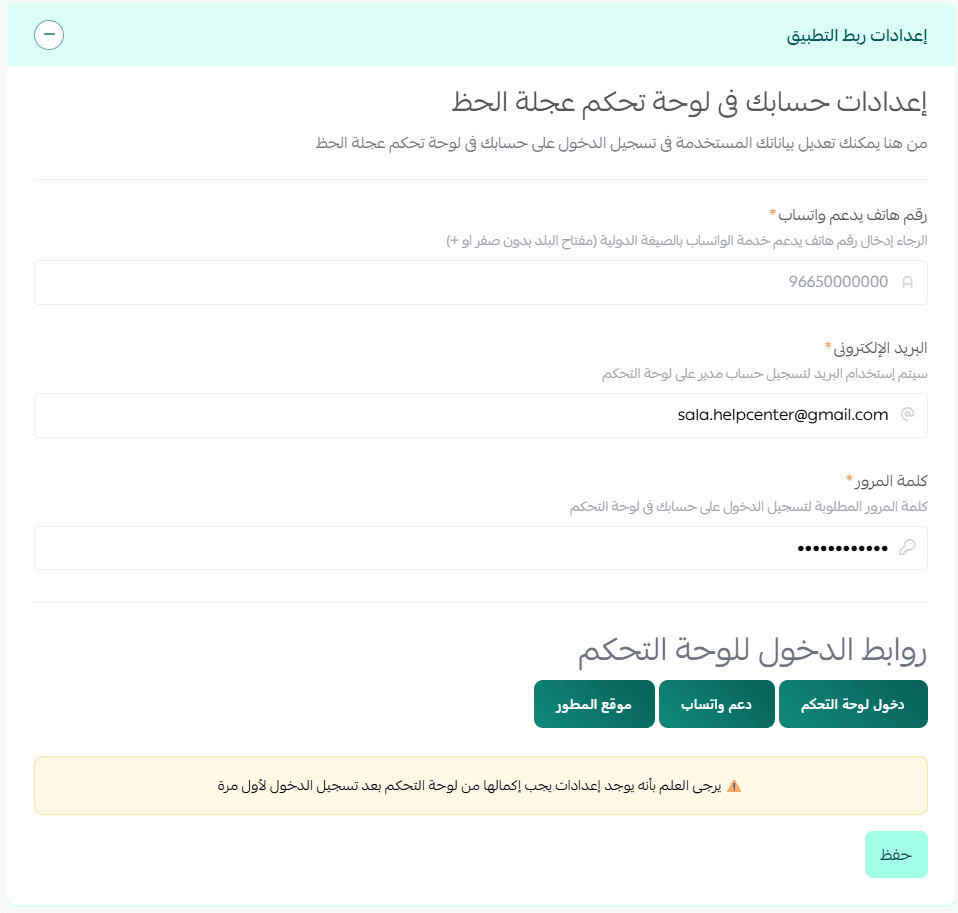
To activate the app, go to the app connection settings, enter a phone number that supports WhatsApp, then click save.
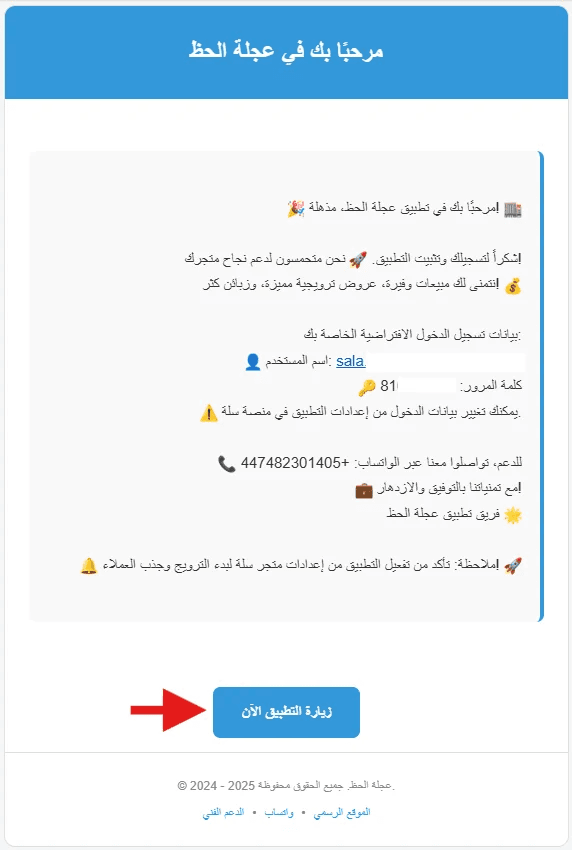
After installation, you will receive an email with your login details. Click Visit the app now.
Managing the app
Log in to the Spinning Gifts platform
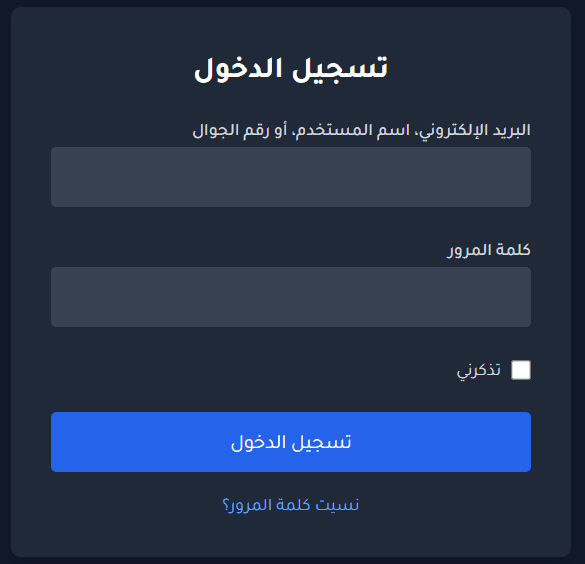
- Log in to the Spinning Gifts platform using the credentials sent to your email.
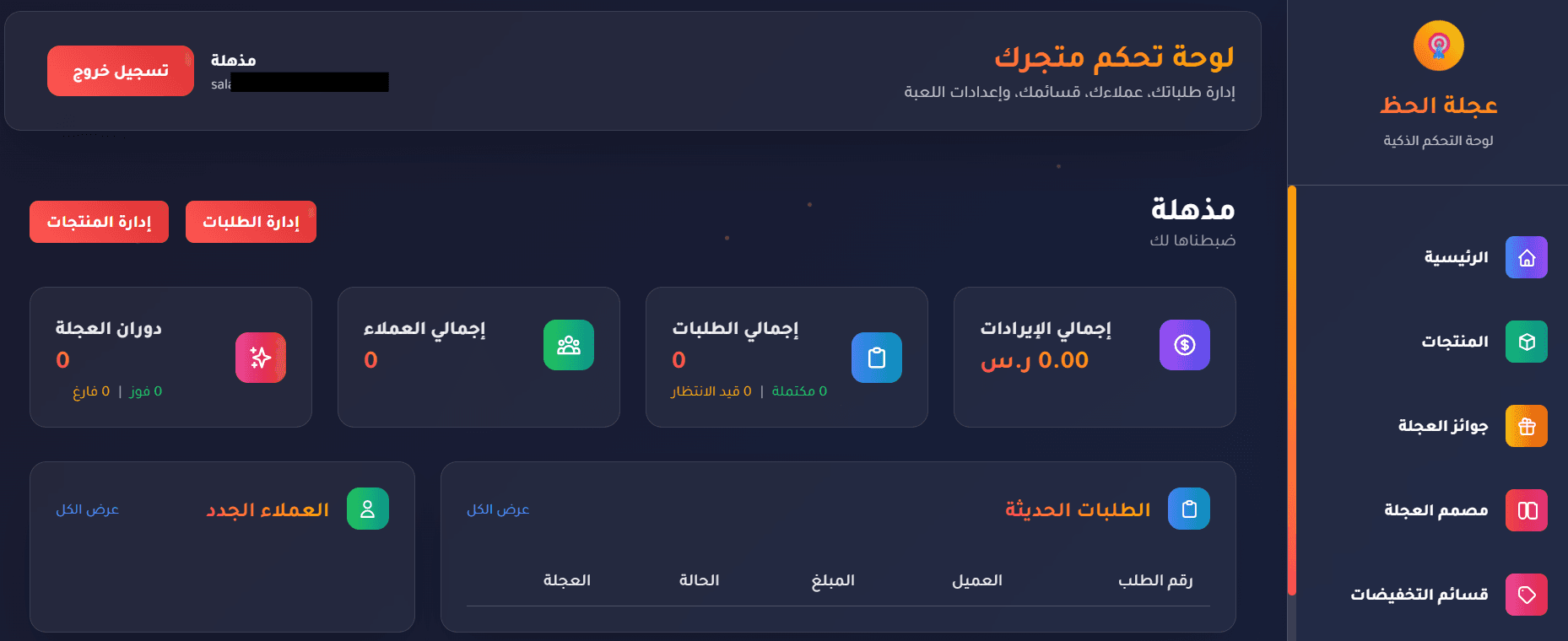
- You will be directed to the dashboard homepage, where you can select and configure the features that match your business goals.
Delete the app
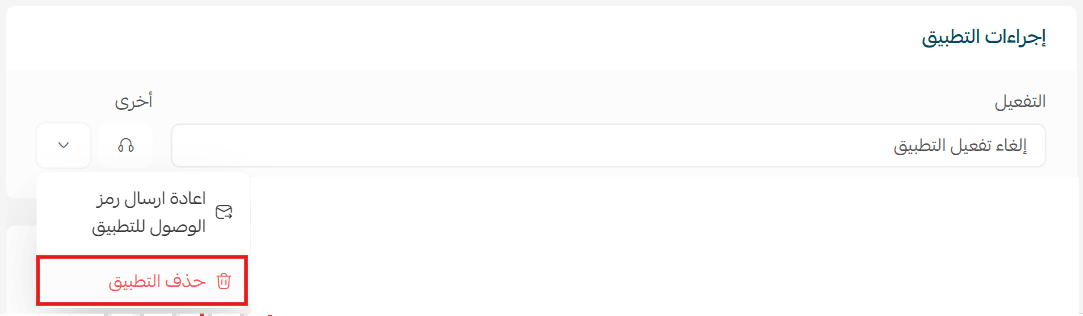
From the Spinning Gifts app page, open the options menu, then click delete app.