The Scratch Card app is an interactive tool that turns your website visitors into potential customers through a fun experience, scratching virtual cards to win discounts and exclusive offers. It also gives you full control over rewards and allows you to customize the experience to match your brand.
📌 Article overview
- Steps to connect the Scratch Card app
- Managing the Scratch Card app
Steps to connect the Scratch Card app
- From the main menu, click All, then under Tools, select App Store.
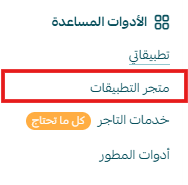
- Search for the app using the search bar.

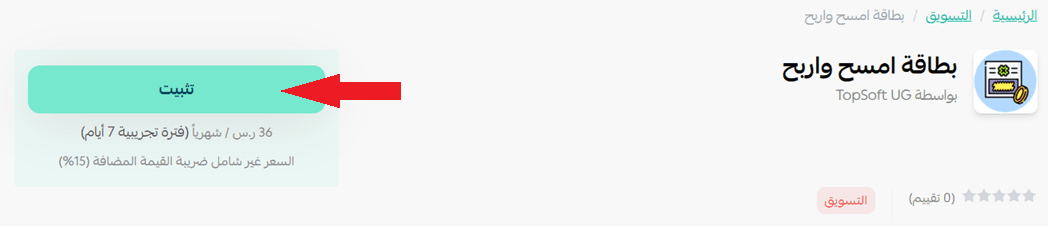
- From the Scratch Card app page, click install.
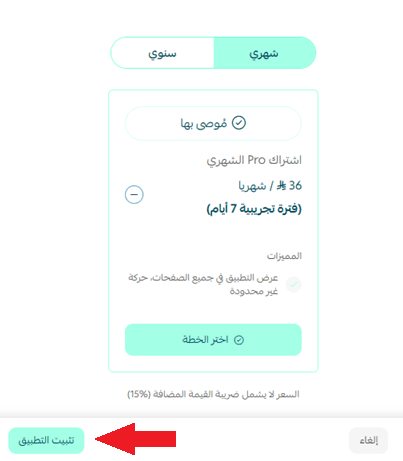
- Choose the plan that suits you, then click install app.
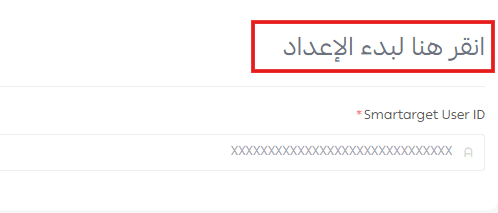
- Click “Click here” to start setup to create your pop-up.
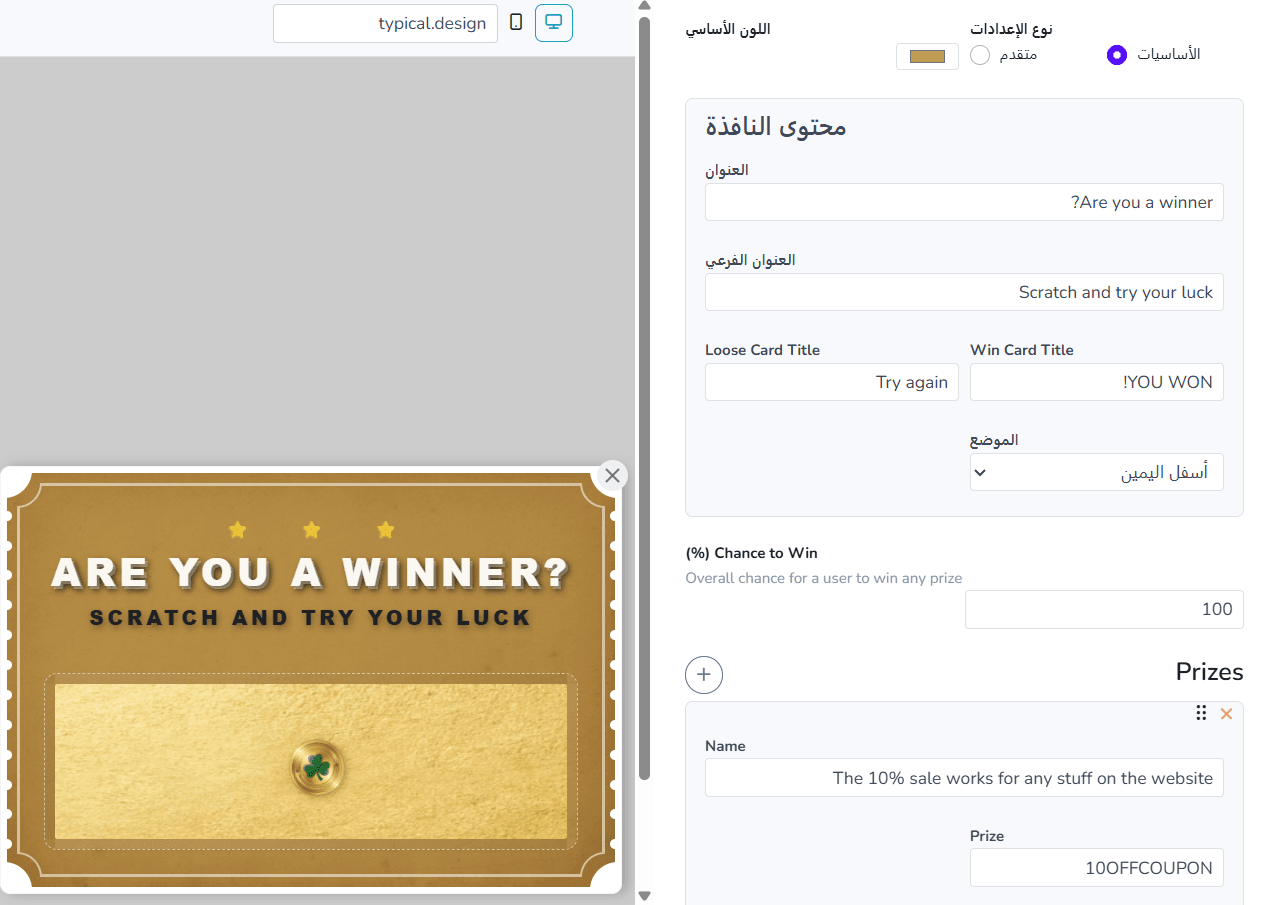
- Customize the pop-up using the available options.
- Click Connect the app to your Salla store to link it with your store.

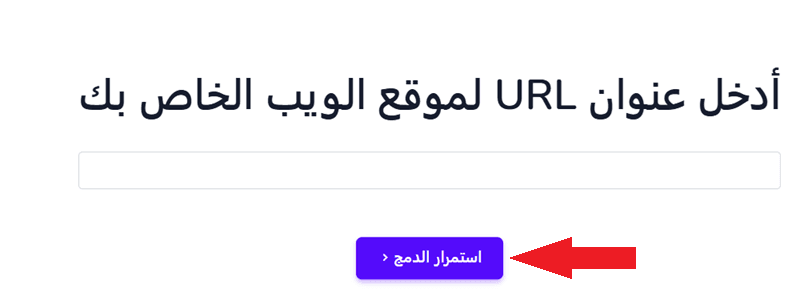
- Enter your store URL, then click continue integration.
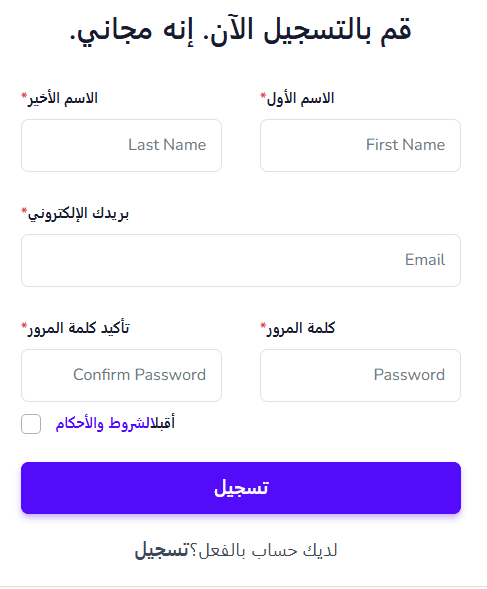
- Enter your details to create a new account on the platform.
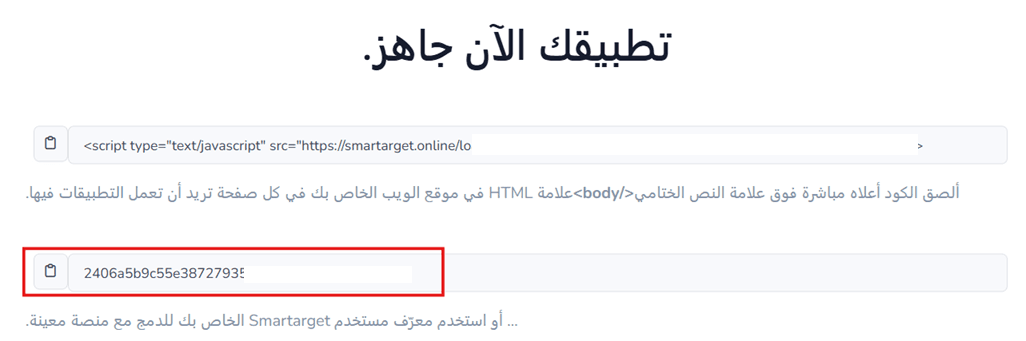
- Copy the unique identifier (ID) code to add it to your Salla store.
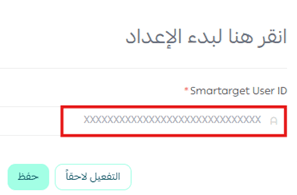
- Add the code to your store, then click save.
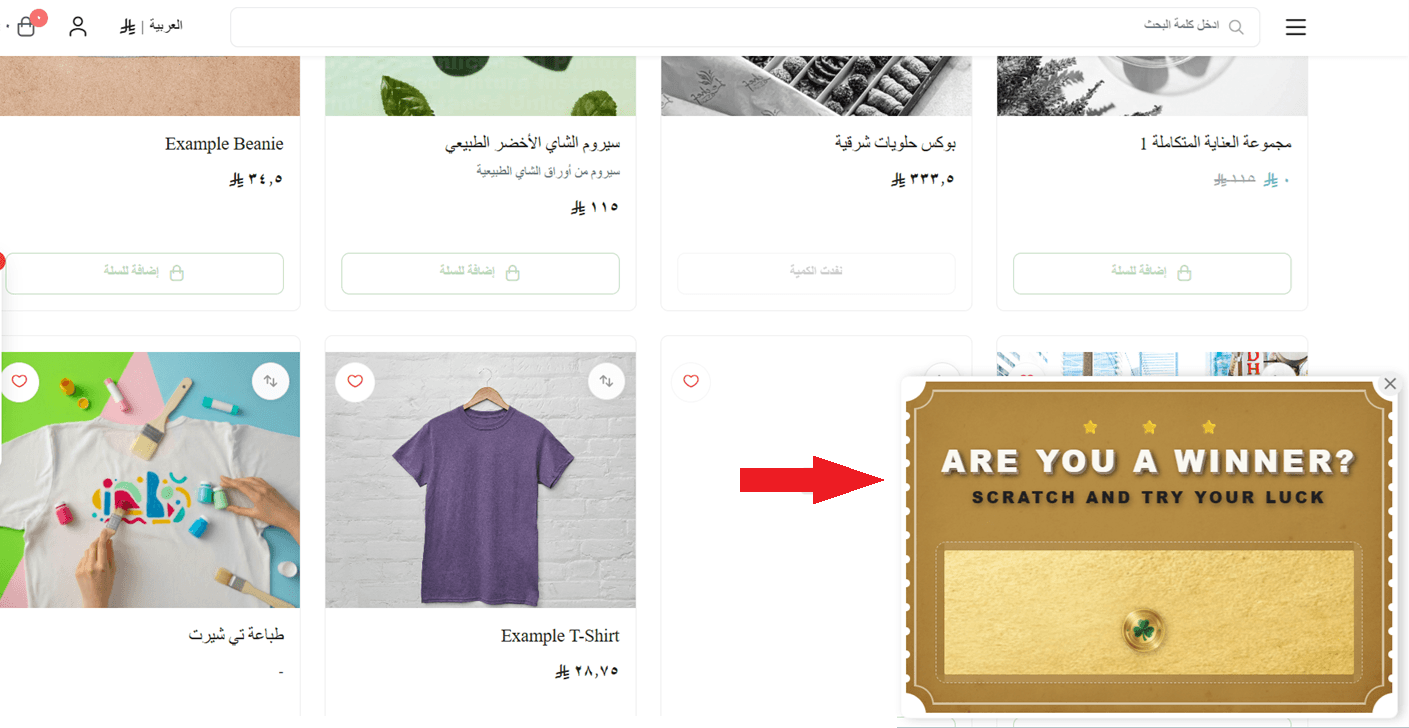
🎉 The pop-up will now appear on your store.
Managing the Scratch Card app
Upgrade plan
- From the app details page in your store, click upgrade plan.

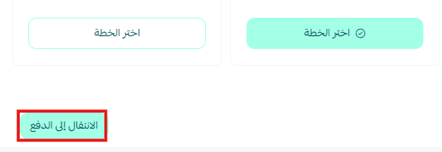
- Choose the plan that suits you, then click proceed to payment.
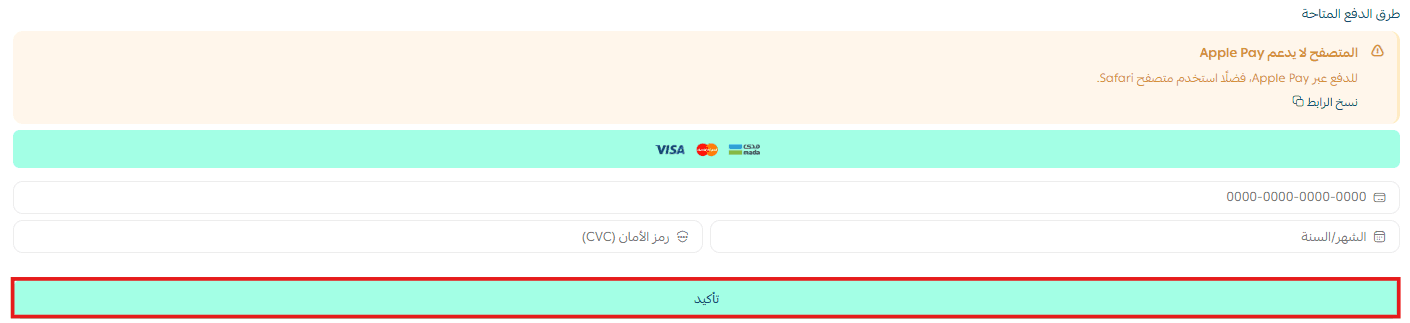
- Complete the payment details, then click confirm to upgrade your plan.
Customize the app
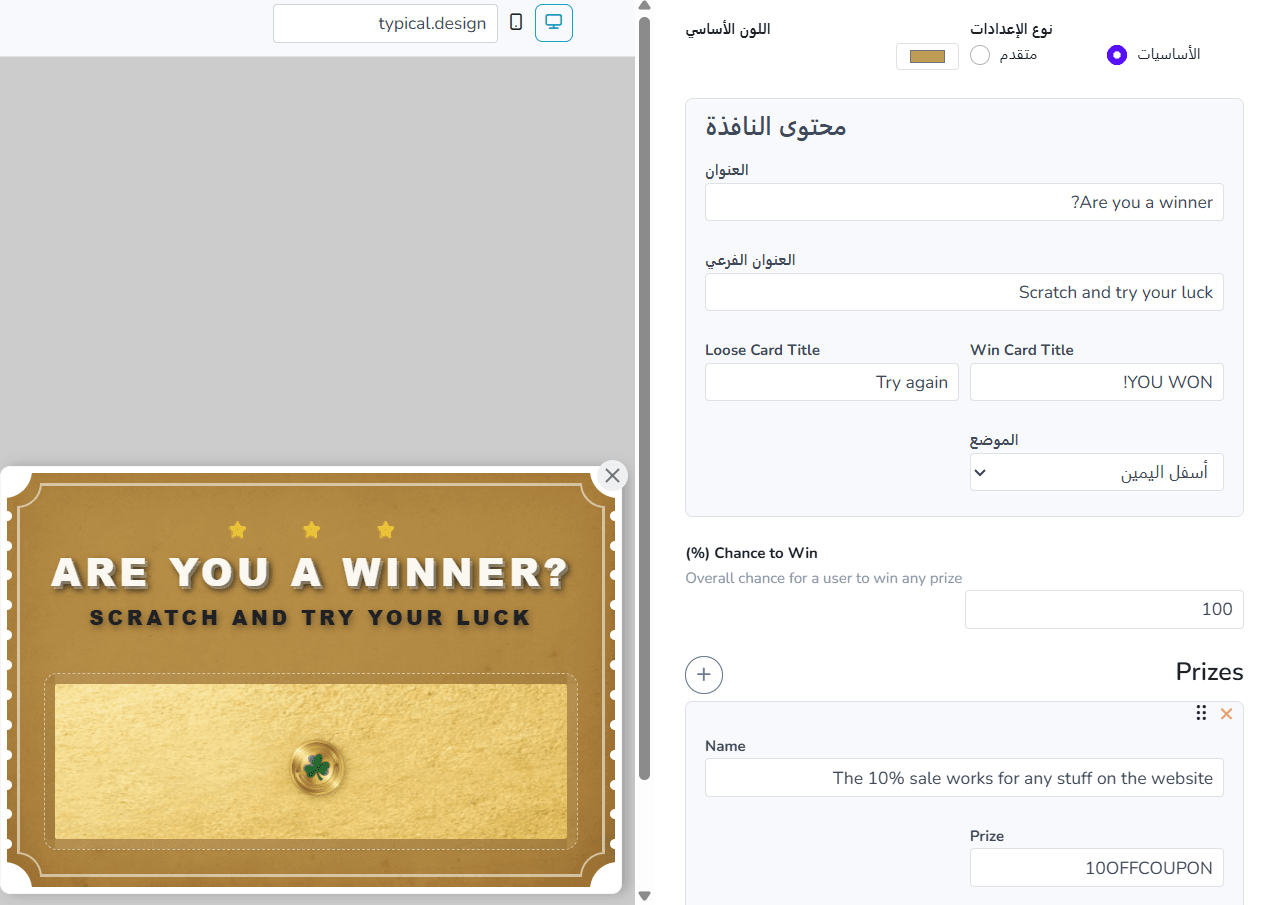
You can control and customize the pop-up directly from the Scratch Card app dashboard.
Delete the app
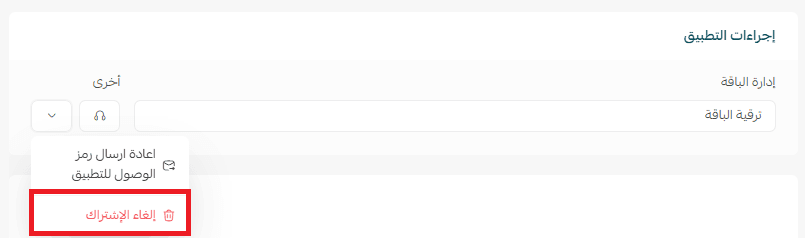
- From the app options menu, click unsubscribe, then select a reason.
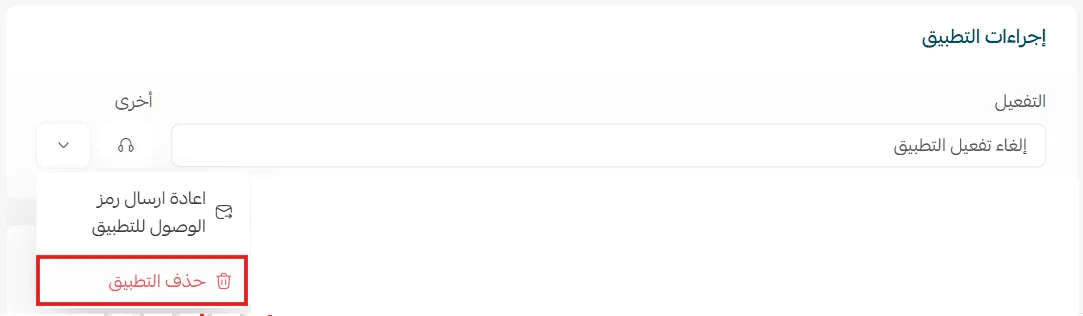
- From the app options menu, click delete app, then select a reason.
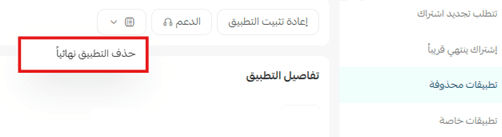
- From the deleted apps page, go to the app options and click delete app permanently to remove it completely from your store.