The SBL app provides end-to-end logistics services for e-commerce businesses, including product shipping, warehousing, packaging, order fulfillment, delivery, and returns management.
It also includes an inventory management system to help merchants monitor and control their stock efficiently.
📌Article overview
Steps to connect the SBL app
Managing the SBL app
Steps to connect the SBL App
From the main menu, click All, then under Tools, select App Store.
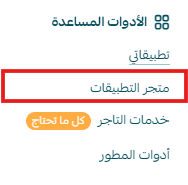
Search for the app using the search bar.

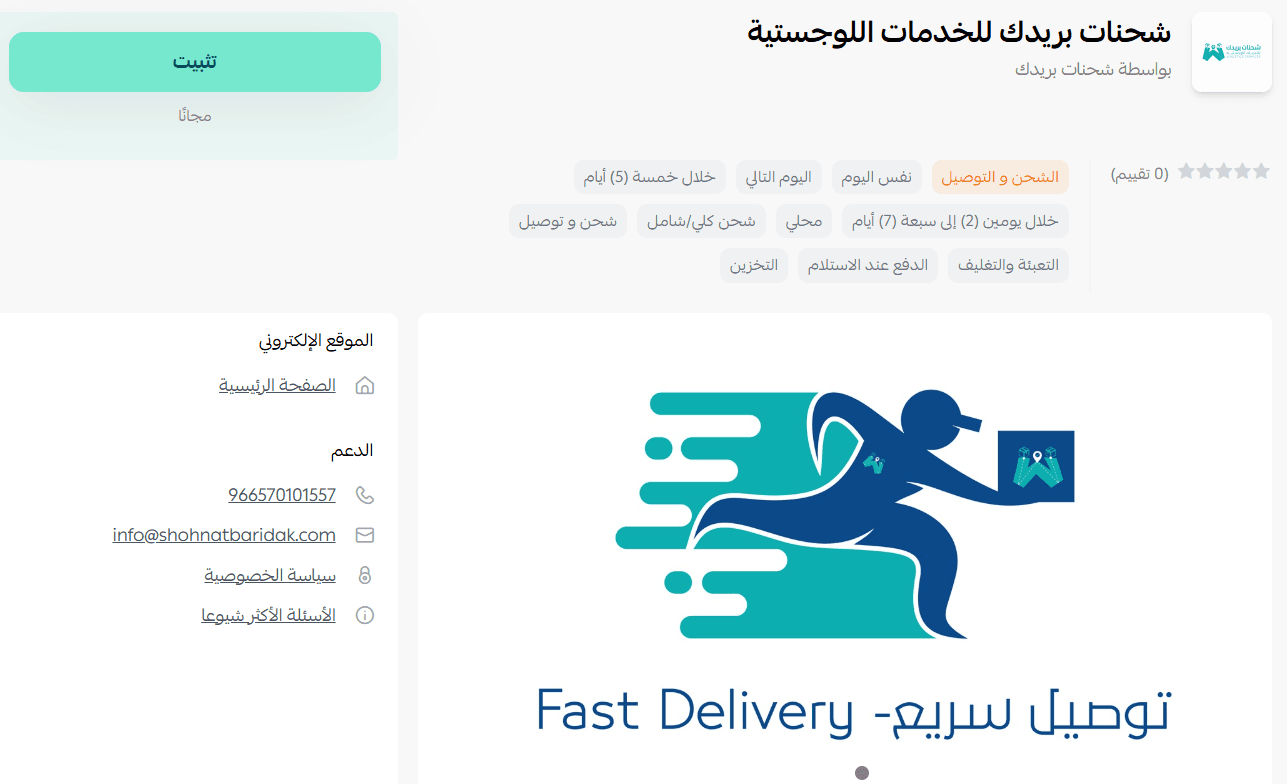
From the SBL app page, click install.
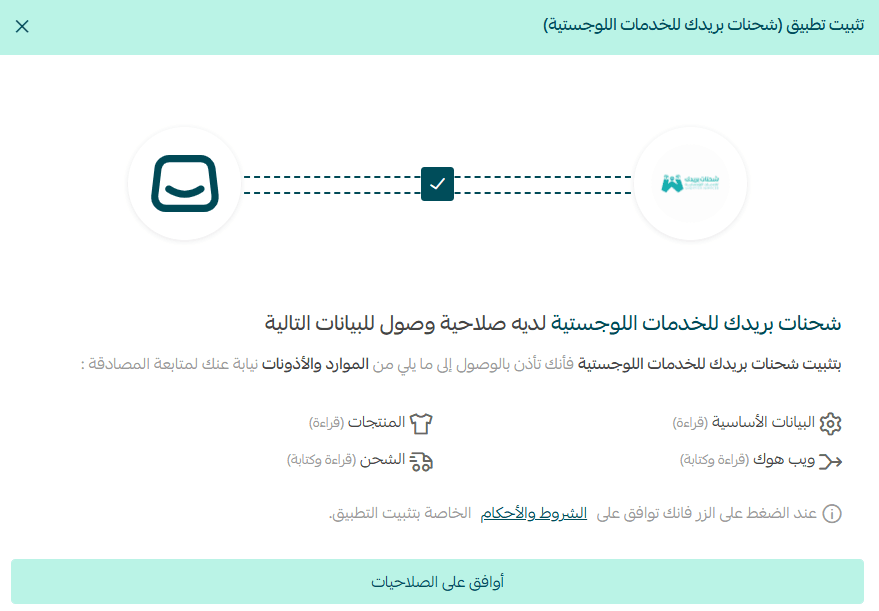
Review the required permissions, then click agree to permissions.
The SBL app is now successfully installed on your store.
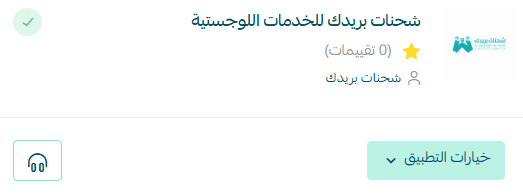
Managing the SBL app
From the My Apps page, open the app options menu and click app settings.
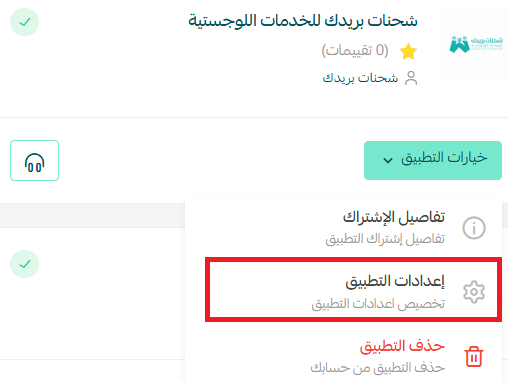
To hide the shipping provider from the checkout page, disable the app activation option.

To set up shipping rates, go to the Shipping rates tab and enter rates for the required cities and regions.
Add your shipping cost as a merchant to help calculate and display your store’s shipping-related profits.
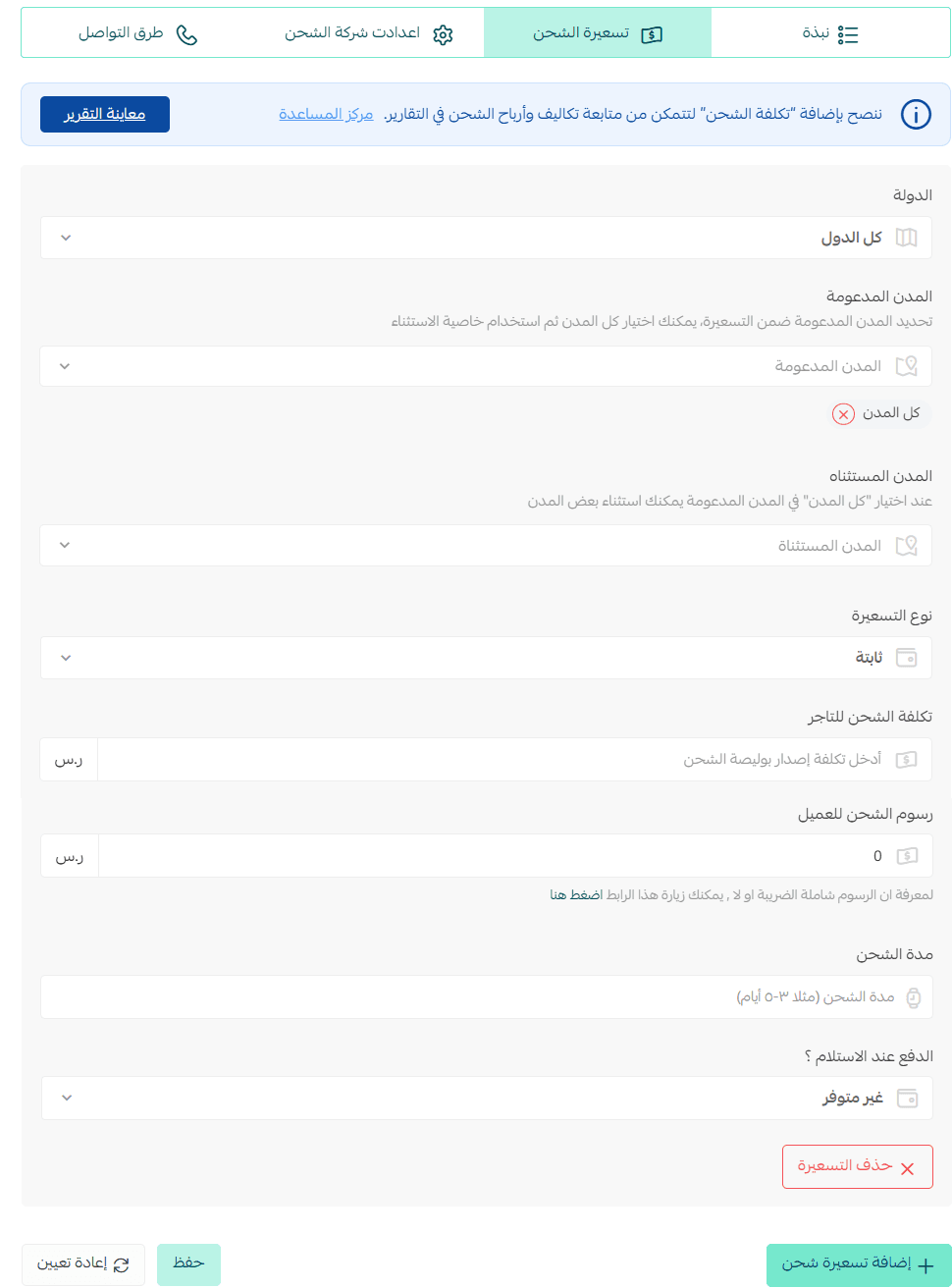
For more details about setting up shipping costs with direct integration, check out this article.
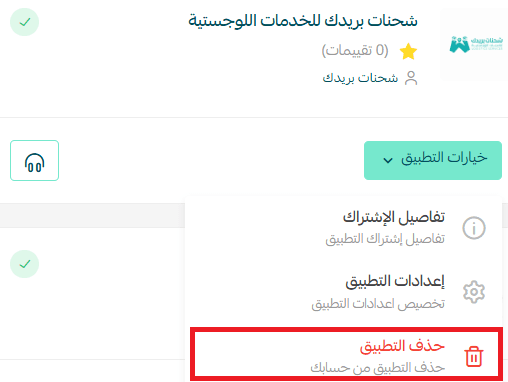
Delete the app
From the app options menu, click delete app.