Wondering what the Salla App Store actually gives you that your store doesn't already have?
The Salla App Store is where merchants extend what their store can do — shipping, accounting, messaging, marketing, and much more — without hiring a developer. Most of the questions merchants ask before installing their first app come down to trust, cost, and what happens if the app turns out to be the wrong fit. In this guide, you'll learn the answers to the questions merchants ask most about the Salla App Store.
The Salla App Store is a catalog of apps you install on your store to grow sales and improve performance. Some are built by Salla, others by developers in its community. Salla reviews every app before it is listed, some apps are free and some are paid, and you can uninstall any of them at any time.
📌 Article overview
- How the Salla App Store differs from the app builder and your store plan
- Choosing and finding the right apps
- What an app can access, and whether apps are trusted
- Paying for apps, trials, and refunds
- Removing and reinstalling an app
🎯 How the Salla App Store differs from the app builder and your store plan
❓ What is the difference between the Salla App Store, your store plan, and the app builder?
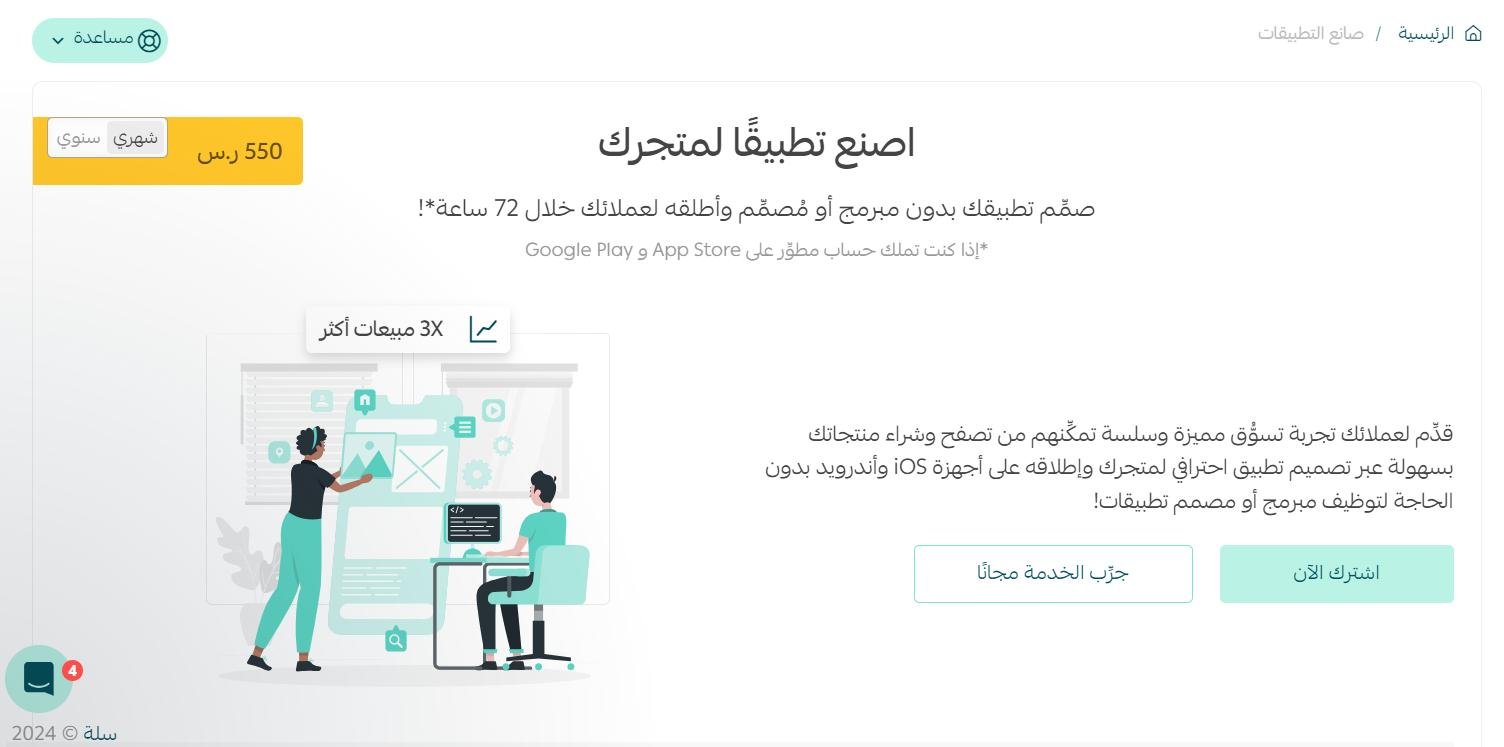
App builder: builds your store's mobile app through the Salla app builder, which lets you produce a high-quality app for your Salla store without a programmer, in under 72 hours.
Store plan: covers a range of services, chiefly:
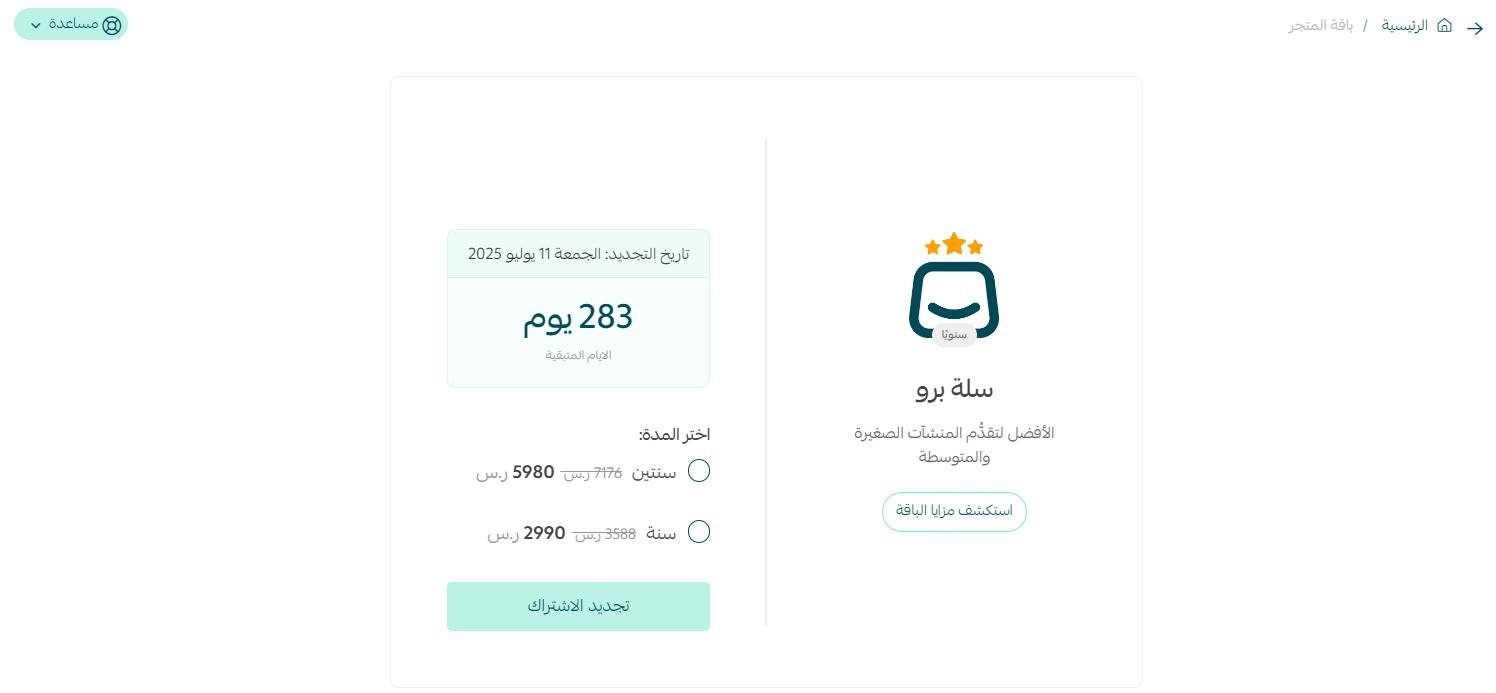
- Upgrading your current plan to Salla Plus or Salla Pro, or renewing a paid plan subscription.
- More branches, more users, instant translation for one million characters, and WhatsApp credit.
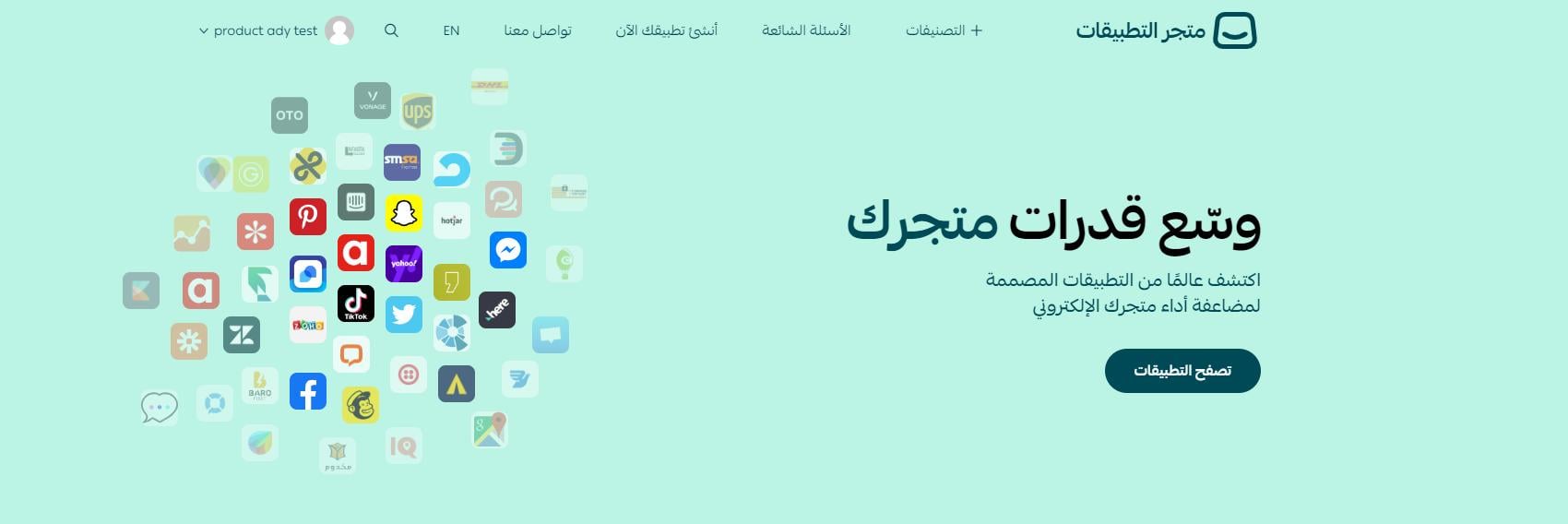
Salla App Store: offers merchants different types of apps to choose from, all aimed at growing their stores and improving performance and profitability.
These apps may be built by Salla or by another developer from the Salla developer community.
✅ Choosing and finding the right apps
❓ Which apps should I use?
The Salla App Store groups several apps under a single service, so you can pick the one that suits your store. Shipping is a good example: Salla offers a number of shipping apps, and you choose the one that matches how you ship.
❓ What are the main features of the App Store?
- A range of apps matched to what merchants actually need.
- Available to all Salla merchants, across every plan and business entity.
- A dedicated area in your store dashboard, called App store.
- A simpler, smoother interface for managing your apps.
- The ability to connect any external service privately, made available inside the merchant dashboard (previously known as API connection).
❓ How do I search for apps in the Salla App Store?
Apps are organized into categories and sub-categories, which makes it easier to find what you want. You can also use the search bar to look up a specific app.
🔒 What an app can access, and whether apps are trusted
❓ What can an app access in my store?
Every app has its own access scope and permissions, limited to the data it needs for the service it provides. You will be asked to authorize the app's scope before it is installed on your store.
❓ Are the apps trusted by Salla?
All apps are built by third-party developers, and Salla reviews and approves them. If you run into a problem while using an app, contact that service's customer support.
💳 Paying for apps, trials, and refunds
❓ Do I pay for apps?
The Salla App Store has both free and paid apps. If an app requires payment to install, you pay the amount due through your merchant platform to start using the service.
❓ If an app's trial ends, will I be charged?
No. The service stops and no fees are deducted.
❓ If an app's trial has ended, how do I pay for the app?
Once the trial is over, use your store dashboard to pay for that service. You then get full access to the service you subscribed to.
❓ If I delete a paid app, can I get back what I paid to install it?
Delete the app within seven days of installing it for the first time and you get a refund of what you paid at installation.
If you delete it after those 7 days, or delete it after installing it a second time, you cannot recover any amount you paid to install the app — whether you paid once or on a monthly subscription.
🚀 Removing and reinstalling an app
❓ If an app isn't right for me, how do I delete it?
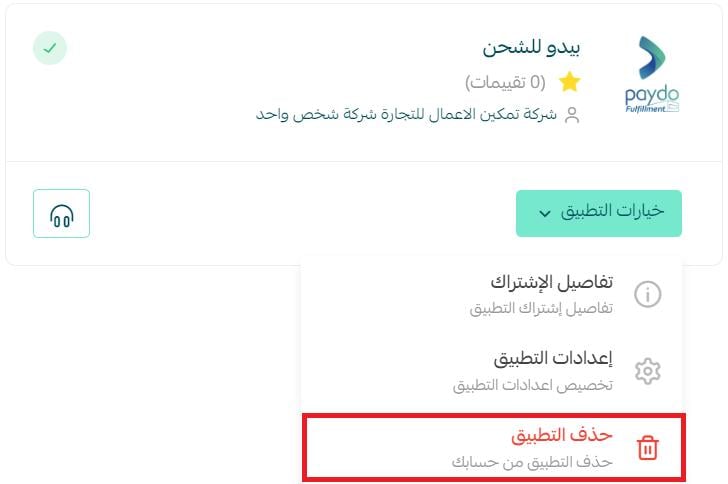
You can remove or uninstall an app directly from your store. From the Installed apps page, open the app's options menu and click (Delete app).
❓ If I deleted an app and want to reinstall it, how do I do that?
Use the App Store site to reinstall any app you want on your store.
📝 Important notes
The seven-day refund window applies only to a first installation. A second install of the same paid app is not refundable.
Review the permissions screen before you authorize an app — that is where you see exactly which store data it will reach.
Apps are cheap to try and easy to remove, so the real risk is installing more than you use. Add one app at a time, give it a fair trial, and keep only the ones that measurably move your store forward.