Reward Wheel is an interactive tool that adds a fun and engaging experience to your online store. It allows customers to spin a reward wheel to win discounts or gifts in exchange for entering their email address or mobile number.
This feature helps you increase engagement, build a marketable customer database, and encourage visitors to return and purchase again, while giving you full control over the wheel’s appearance and placement to match your store’s design.
📌 Article overview
- Steps to connect Reward Wheel
- Managing the Reward Wheel app
Steps to connect Reward Wheel
Follow these steps to install and activate the Reward Wheel app in your Salla store:
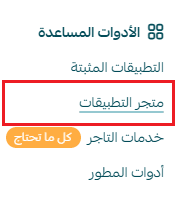
- From the main menu in your Salla dashboard, click All, then under Support Tools, select App Store.
2. Use the search field to find Reward Wheel.

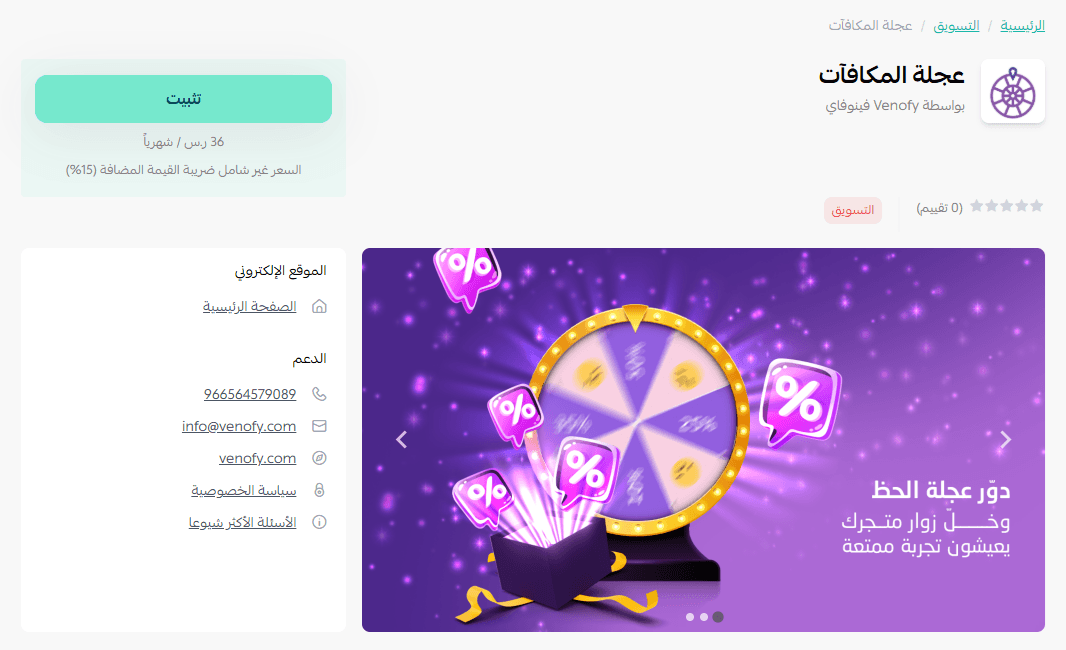
3. From the Reward Wheel app page, click Install.
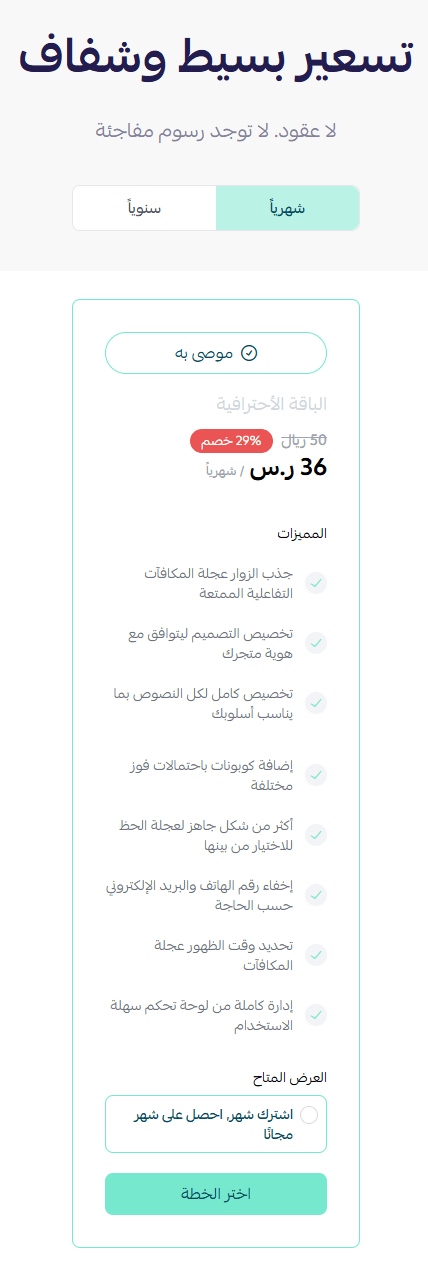
4. Choose the subscription plan that best suits your business needs to continue with the installation.
5. Complete the payment process.
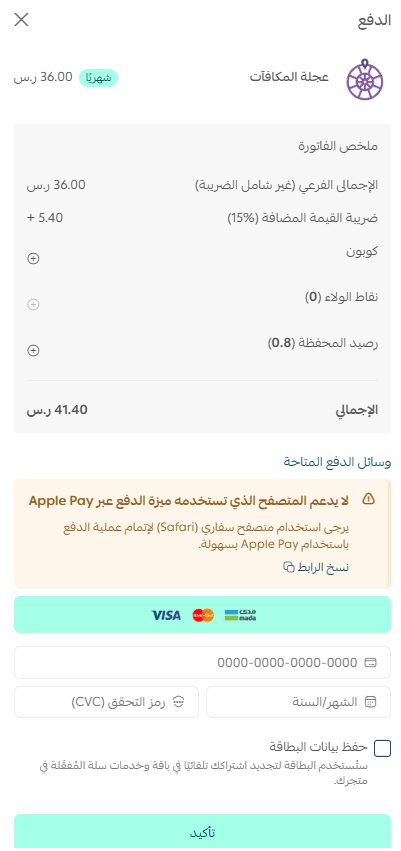
Once completed, the Reward Wheel app will be successfully installed in your store.
Accessing the Reward Wheel dashboard
After installation:
- You will receive an email containing your login credentials for the Reward Wheel platform.
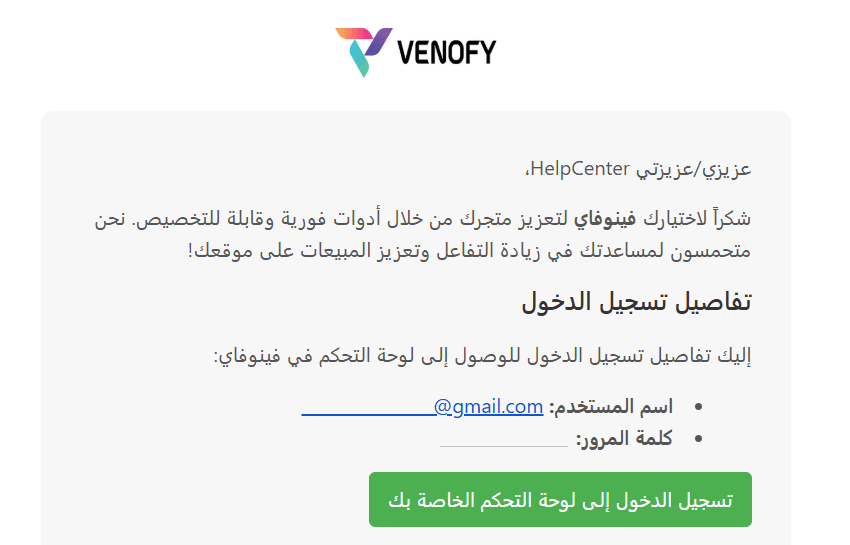
- Log in using the credentials provided in the email.
- You’ll be directed to the main dashboard.
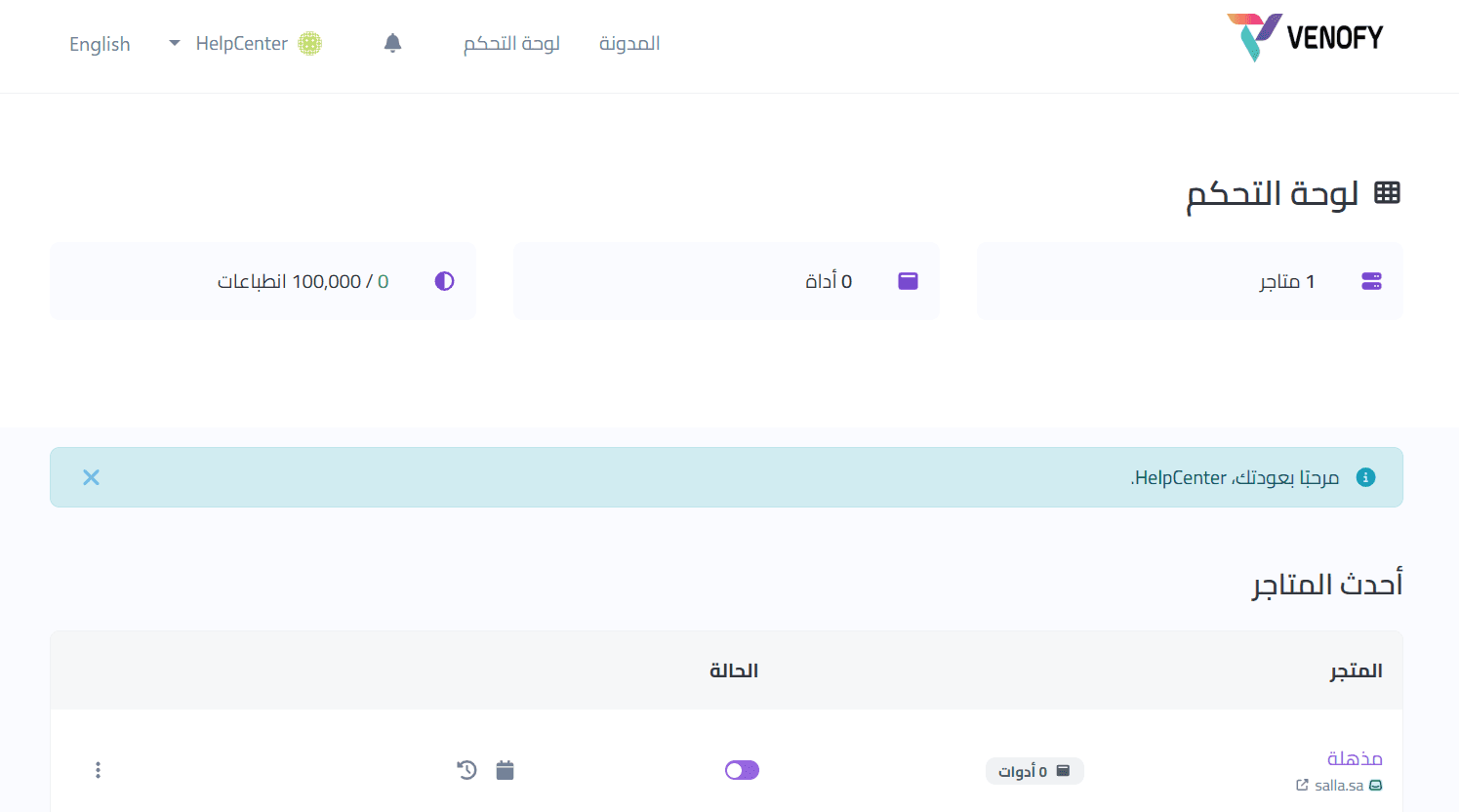
From the dashboard:
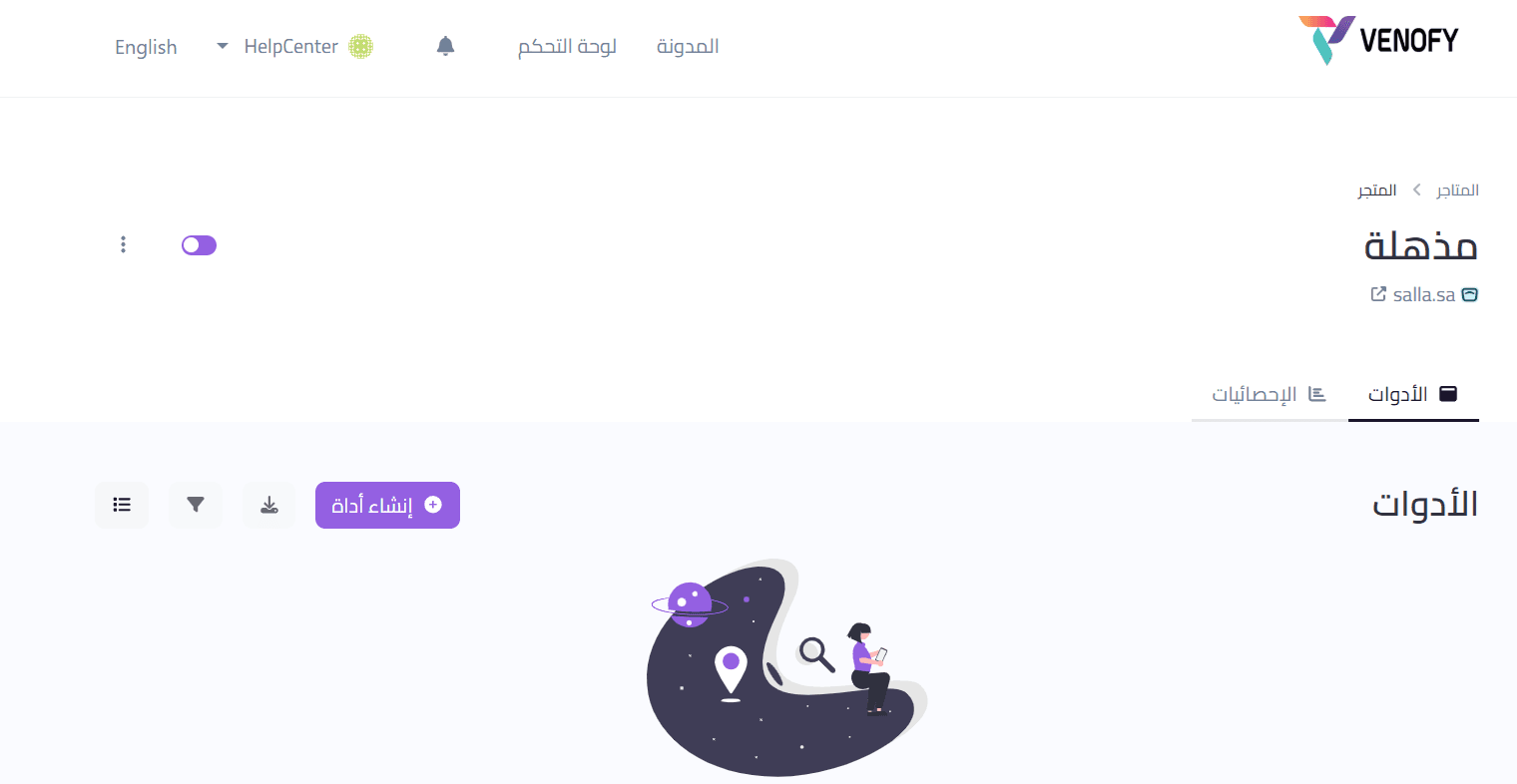
- Select your store
- Access and add various tools, including Reward Wheel and other interactive features, to your store
Managing the Reward Wheel app
Removing the app
If you want to remove the Reward Wheel app from your store:
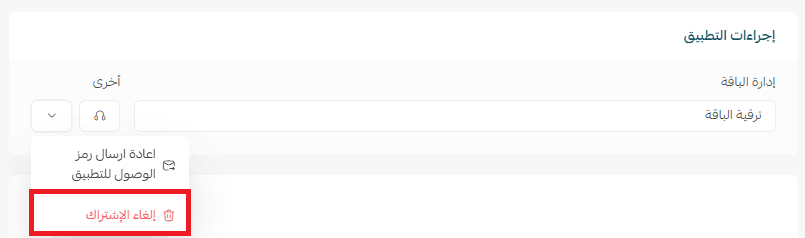
- From the Reward Wheel app, tap
- Click Cancel Subscription.

3. From the same menu, click Delete App.
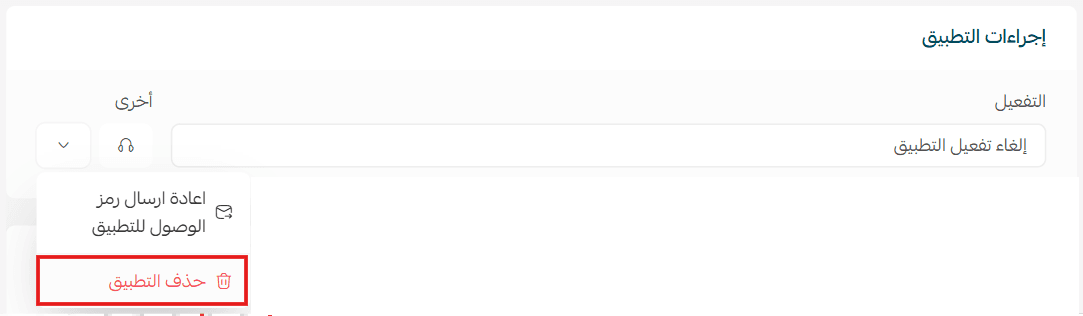
The app will then be removed from your store.
For advanced setup options, design customization, and reward configuration, refer to the Reward Wheel app documentation.
By using Reward Wheel, you turn casual visitors into engaged leads, boosting interaction, growing your customer list, and creating a more memorable shopping experience in your store.