Need a clear view of available, sold, and total stock across your catalog?
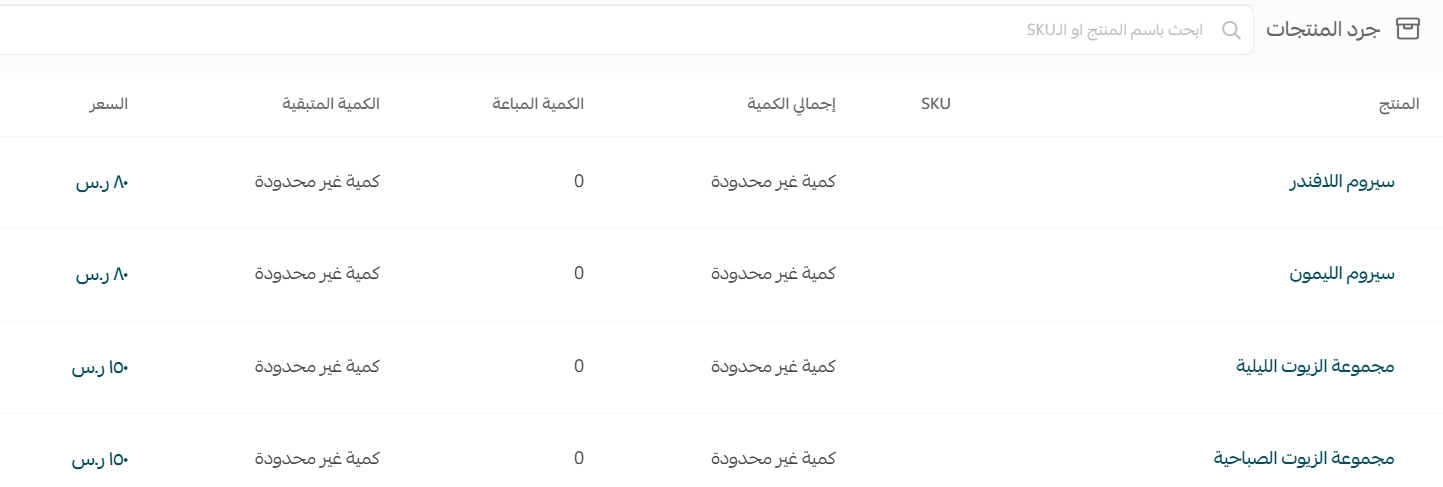
The product inventory page on Salla shows product names, SKUs, total quantities, sold quantities, available quantities, and prices, with search, filter, and export controls.
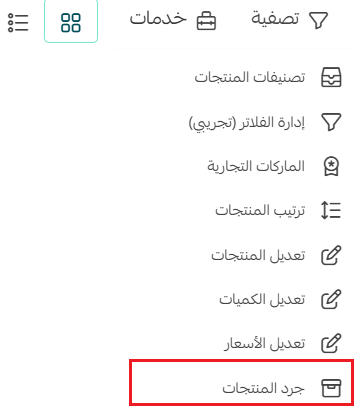
To review product inventory on Salla, open Products, click Services, and choose Product inventory. Search by SKU or part of a product name, or filter by category, brand, and product tags. You can export the current filtered inventory, and Salla sends the resulting file to the store email.
📌 Article overview
- Open product inventory
- Understand the inventory columns
- Search for one product
- Filter inventory
- Export inventory
- Frequently asked questions
Related Salla resources
How to review product inventory on Salla
1. From the dashboard menu, click Products.

2. Click Services, then choose Product inventory.
What the product inventory page shows
The inventory table includes product name, SKU, total quantity, sold quantity, available quantity, and price.
Search product inventory by SKU or name
Enter a product SKU to review its inventory, including when the product is stored in more than one warehouse. You can also enter part of the product name, then press Enter to view matching results.

Filter product inventory
1. From Product inventory, click Filter.

2. Choose the required criteria, then click Show results.
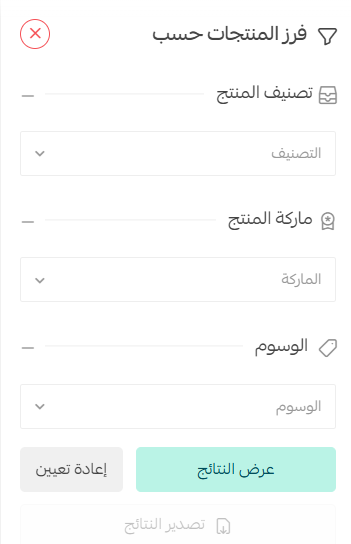
The source supports filtering inventory results by product category, brand, and product tags.
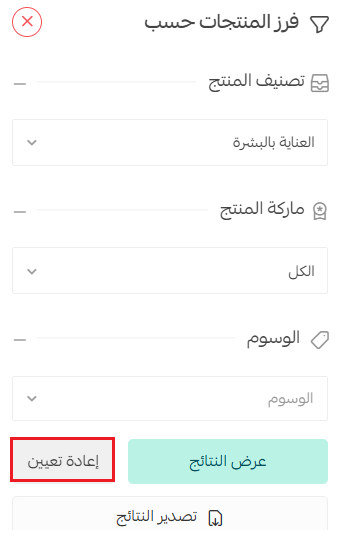
3. To choose new conditions, click Reset, then enter the replacement filters.
Export product inventory
After applying the required filters, click Export products.
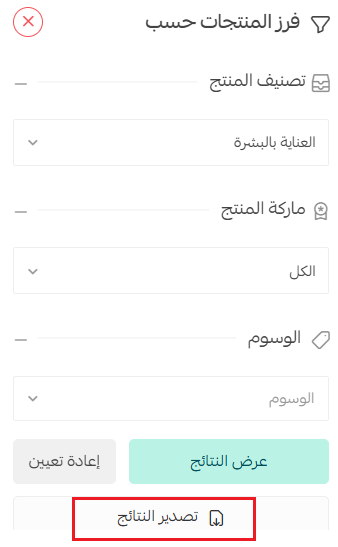
Salla sends the inventory file to the store email address.

Optional merchant service
The source links to merchant assistance for preparing a store and adding products.
في حال كنت بحاجة إلى مساعدة في إضافة المنتجات أو رفعها، يمكنك التواصل مع خدمات التاجر التي تقدم خدماتها في تجهيز المتجر ورفع المنتجات. 
Frequently asked questions
Which quantities appear in product inventory?
The source lists total, sold, and available quantities.
Can I search inventory by SKU?
Yes. You can also search with part of the product name.
Which inventory filters are available?
The source lists product category, brand, and product tags.
Can I export only filtered inventory?
Yes. Apply the criteria and click Export products. The file is sent to the store email.