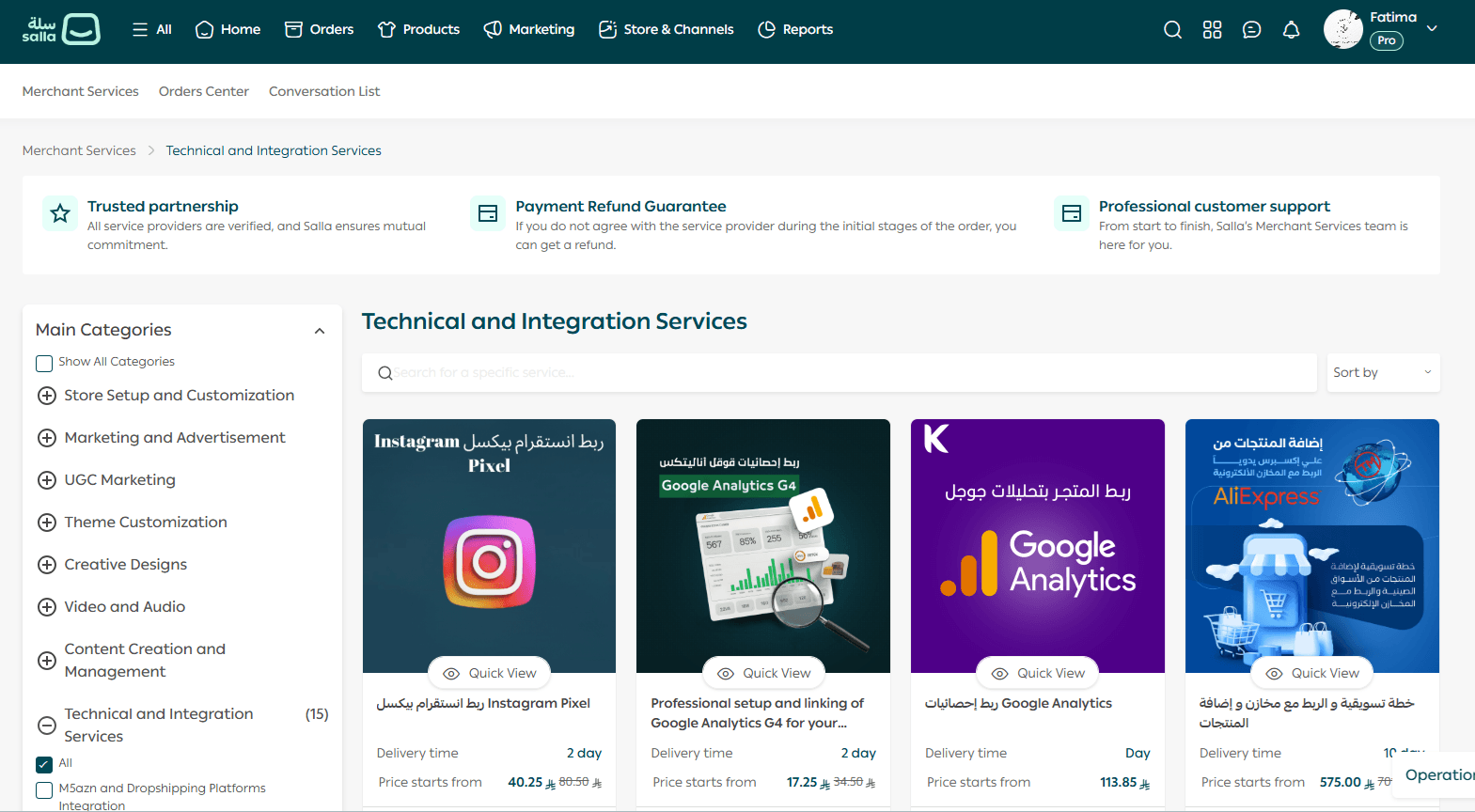
Does your online store feel unfinished, but you are not sure what to improve first?
The fastest way to upgrade your store is by using the right apps. With carefully selected apps, you can enhance your store’s design, improve the customer experience, simplify store management, and increase sales without complex setup. In this guide, you will learn how to find and install design-focused apps directly from the store customization area.
How to Access Design Apps for Your Store
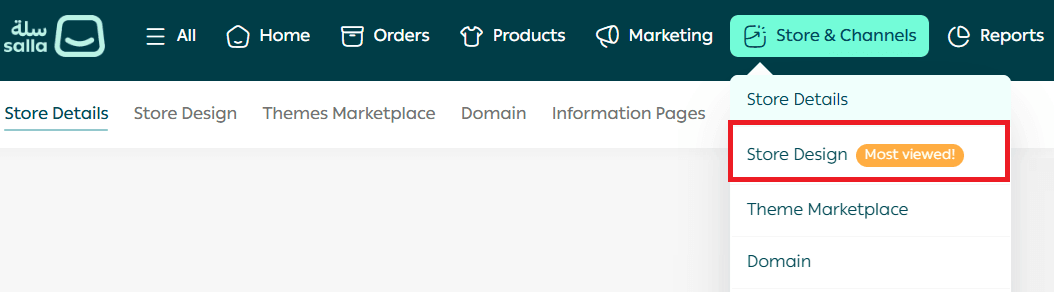
- From the main menu, go to Store & Channels, then select Store Design.
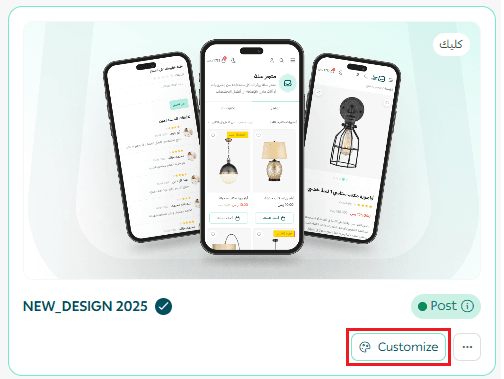
2. On the Store Design page, click Customize Theme for the active theme.
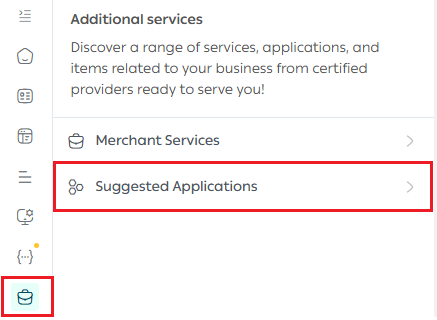
3. Inside the theme customization page, open the Recommended Apps tab.
Here, you can explore apps in two ways:
Browse the curated list of recommended apps
- Use the search bar to find a specific app by name or function
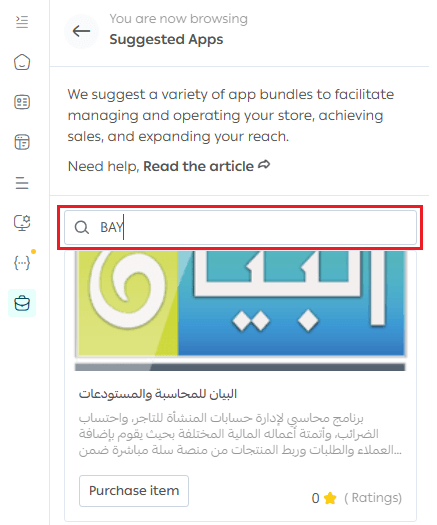
Installing an App
When you find an app that fits your store’s needs:
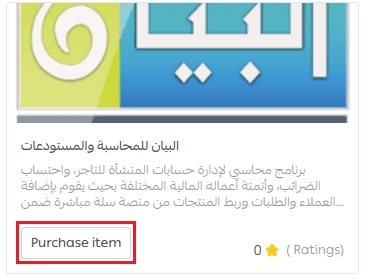
- Click Purchase Item to open the app’s page in the Salla App Store.
2. Review the app features, use cases, and compatibility.
3. Install the app if it matches your business requirements.
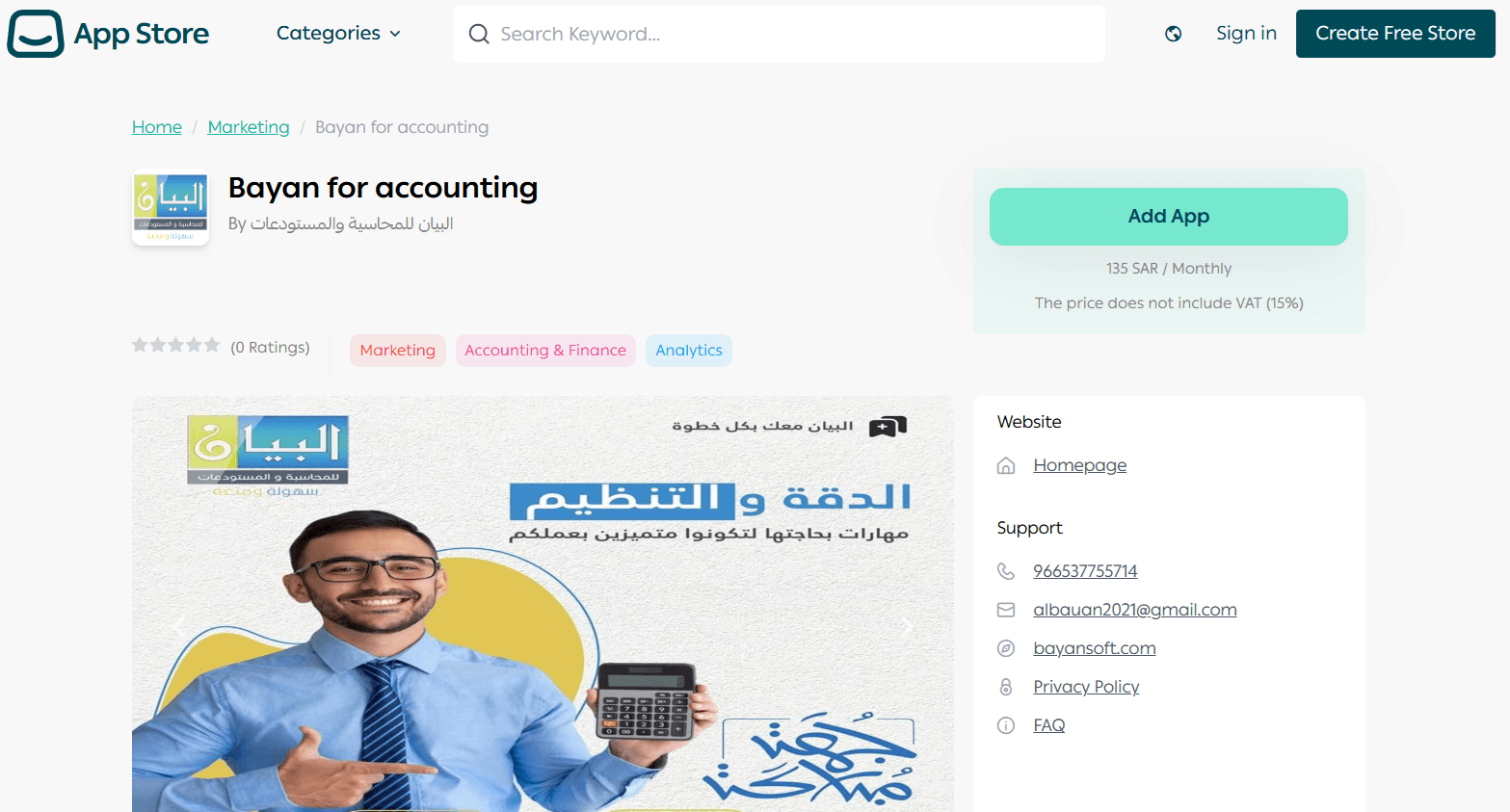
Each app is designed to help you improve specific parts of your store, whether that is layout, customer engagement, or visual presentation.
Browse the Full App Store
To explore more options, scroll to the bottom of the Recommended Apps section and click Browse All Apps.
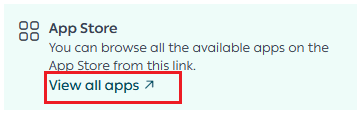
You will be redirected to the Salla App Store, where you can access the full catalog of apps available for store design, marketing, operations, and growth.