Where do your customers actually reply to you, and how long do they keep you waiting?
For most stores in the region the honest answer is WhatsApp, and the messages pile up faster than anyone can answer them. Rasi is a WhatsApp marketing and communication app for Salla merchants that runs campaigns on official WhatsApp, automates the routine messages, and puts every conversation into one inbox with an AI assistant helping you answer. In this guide, you'll learn what Rasi includes, how to install it, how to reach your Rasi account, and how to remove the app.
Rasi connects your Salla store to official WhatsApp. It runs marketing campaigns, sends automated abandoned cart and shipping messages, gathers every conversation into one inbox, and answers customers with an AI assistant, all from a single dashboard.
📌 Article overview
- What Rasi includes
- How to install Rasi on your store
- How to manage and delete Rasi
- Frequently asked questions
🚀 What Rasi includes
WhatsApp marketing: targeted campaigns that reach customers where they read.
Smart automation: automatic messages for abandoned carts and shipping updates.
Unified inbox: every conversation managed from one place.
AI assistant: instant replies around the clock, written in everyday spoken Arabic.
Direct Salla integration: your store data imports automatically, so setup is quick.
No technical skills needed: a straightforward interface backed by ongoing support.
🚀 How to install Rasi on your store
1. From the main menu, click the (More) tab, then click (Installed apps).
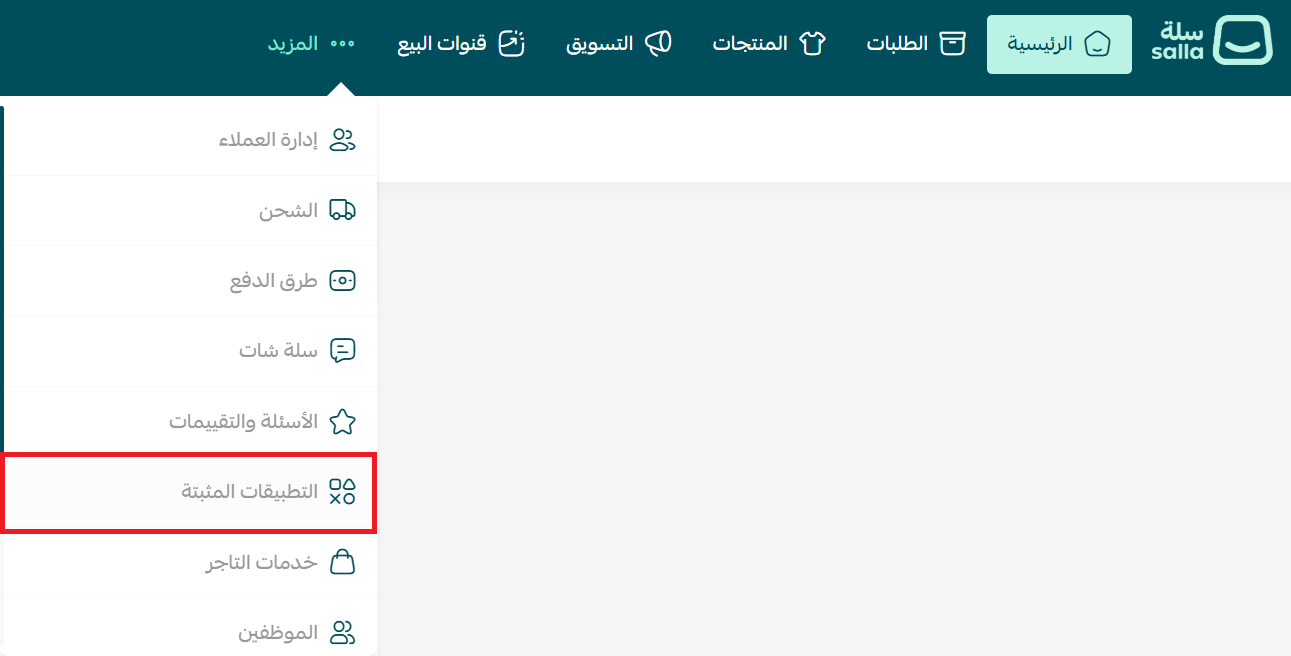
2. On the Salla App Store banner, click (Browse the Salla App Store).

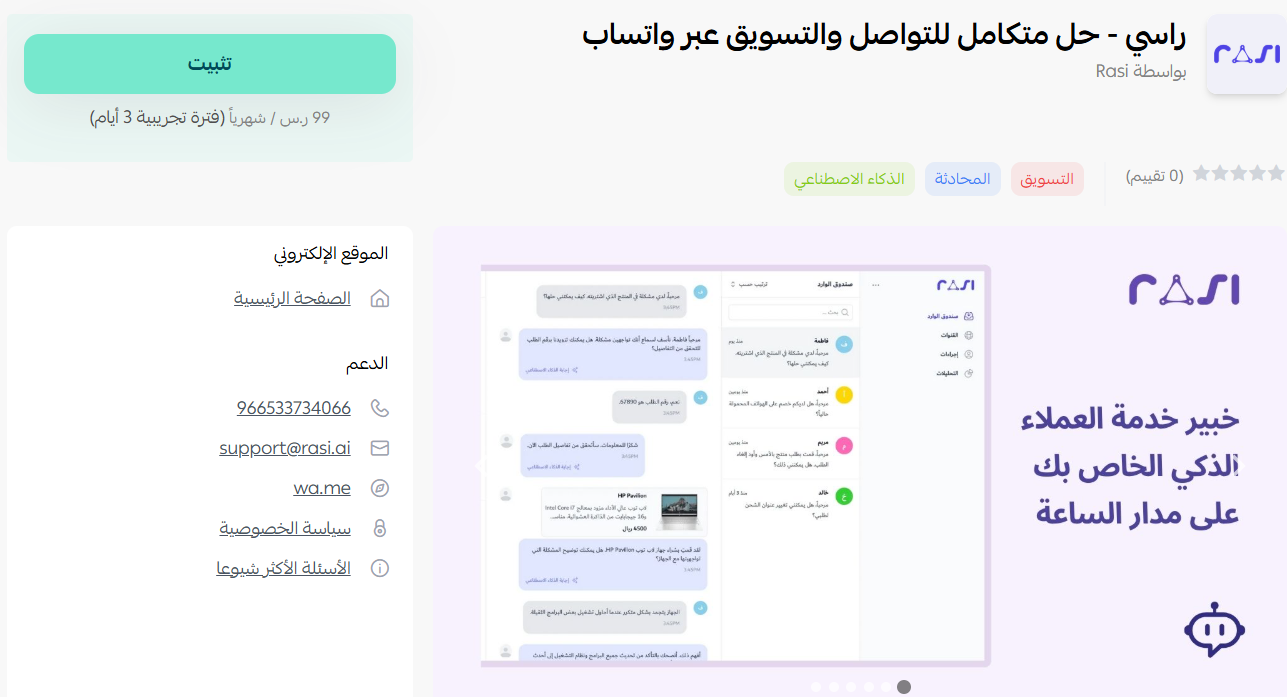
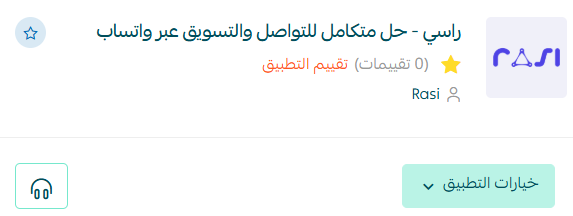
3. On the Rasi app page, click (Install).
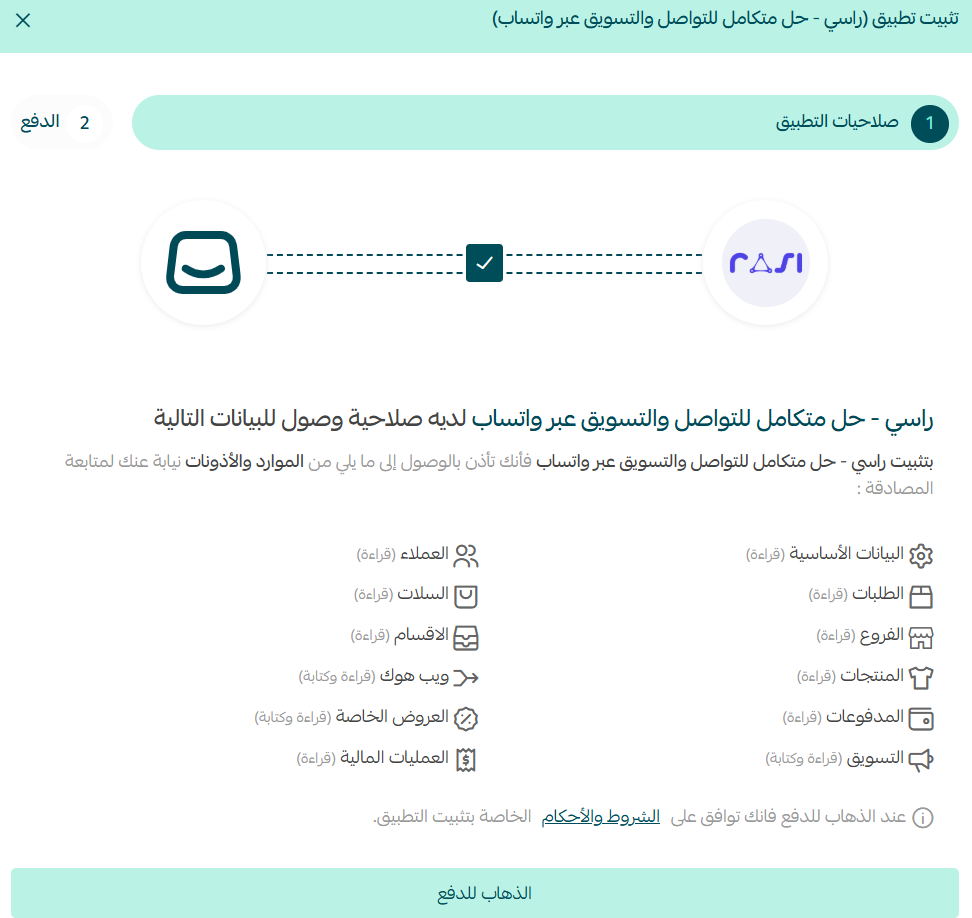
4. Review the permissions the app requests, then click (I agree to the permissions).
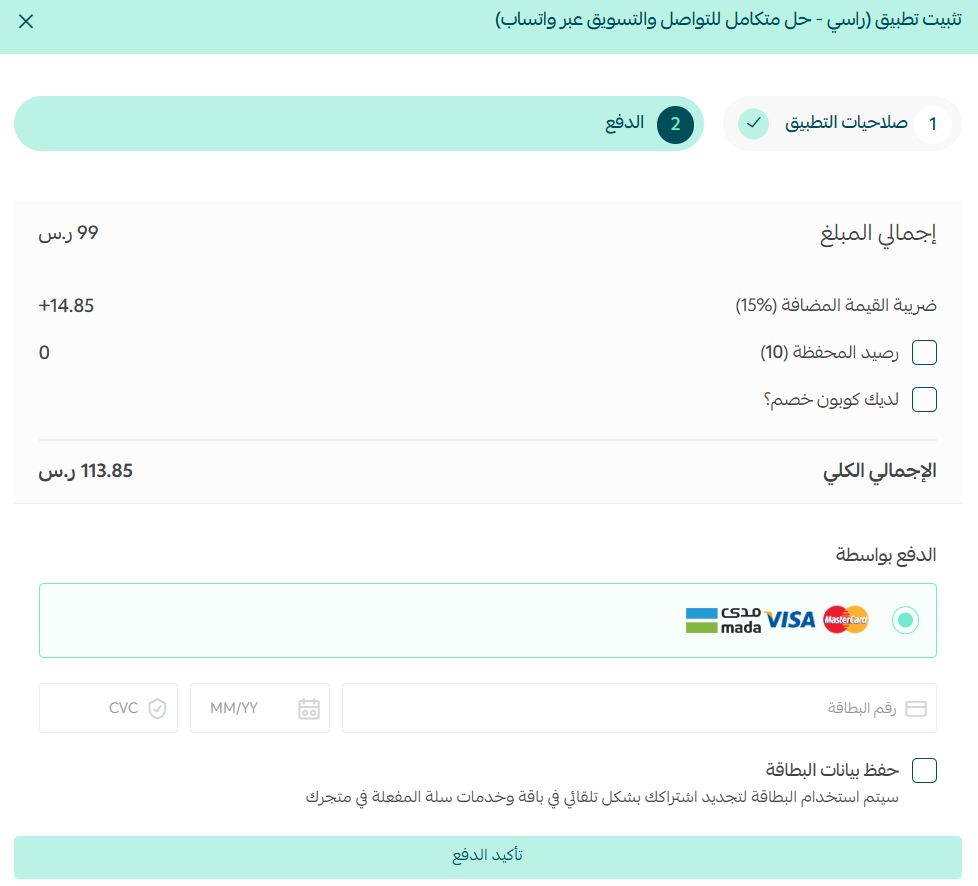
5. Complete the payment to unlock the app's features.
Rasi is now installed on your store.
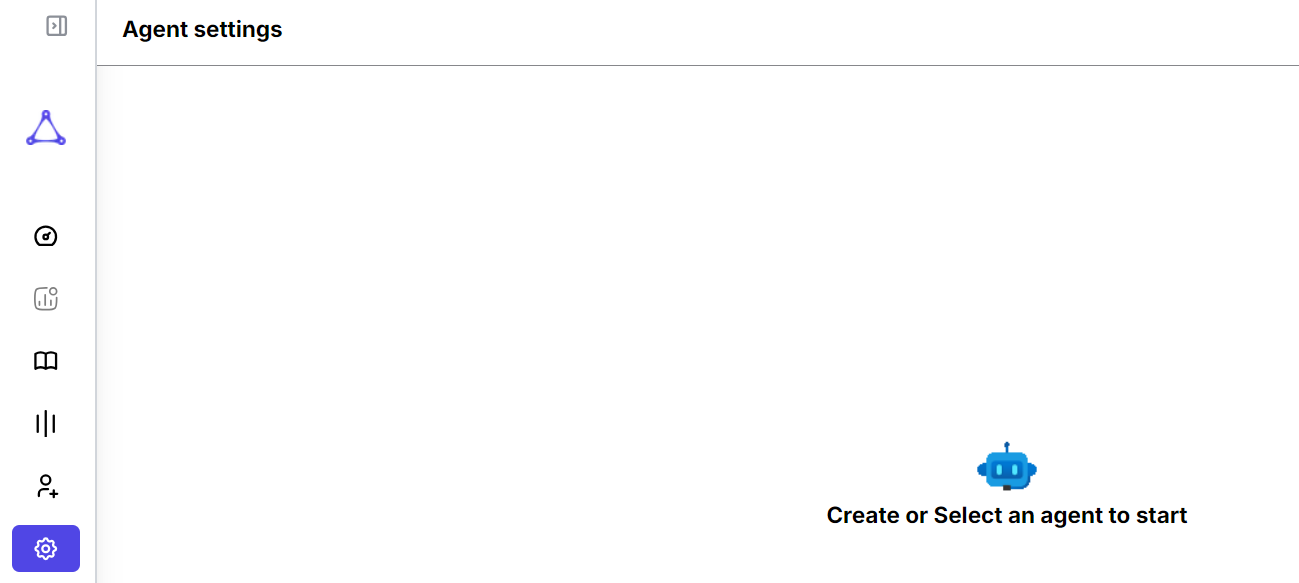
6. Check your inbox. Rasi emails you the password you'll use to sign in on their site.
From there, open your Rasi account and configure the app's settings.
📝 Important notes
Campaigns, automations, and the inbox live on the Rasi site. Installing the app is what links your store data to that account.
The AI assistant replies in everyday spoken Arabic, so review its tone before you leave it answering unsupervised.
🚀 How to manage and delete Rasi
Delete the app
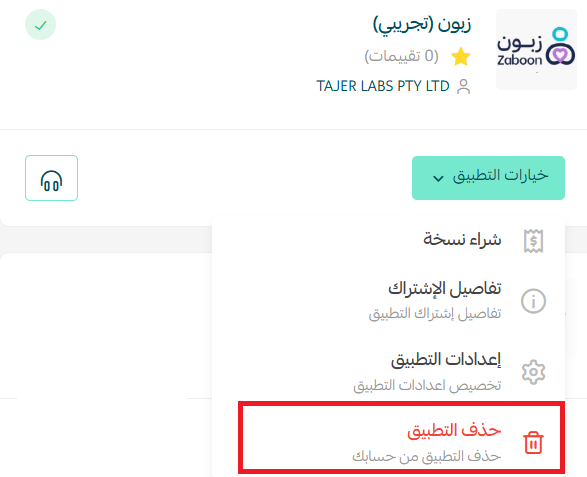
From the Rasi app, click (App options), then click (Delete app).
❓ Frequently asked questions
Which messages does Rasi send automatically?
Abandoned cart reminders and shipping notifications, sent through official WhatsApp without you triggering them.
Can I handle all my customer chats in one place?
Yes. Rasi's unified inbox brings your conversations together so you don't switch between numbers or devices.
What does the AI assistant do?
It replies to customers instantly, 24/7, in everyday spoken Arabic.
Do I need technical experience to set it up?
No. Rasi imports your store data automatically after installation, and support is available if you get stuck.
Where do I get my Rasi password?
Rasi emails it to you after installation.
For more details, visit the Rasi website.
Customers judge a store by how quickly it answers. Automating the predictable messages is what frees you to handle the ones that need a human.