How many sales do you lose because nobody followed up with the customer on WhatsApp?
Most shoppers in the region live in their WhatsApp inbox, not their email. Rasel Bot is a Salla app that puts your store where they already are: it sends order notifications, chases abandoned carts, runs marketing campaigns across WhatsApp and social channels, and uses an AI chatbot to answer common questions without you typing a reply. In this guide, you'll learn how to install Rasel Bot on your store, sign in to your Rasel Bot account, adjust the app settings, and remove the app.
Rasel Bot connects your Salla store to WhatsApp so order notifications, abandoned cart reminders, and marketing campaigns go out automatically, and a chatbot answers customers for you. Install it from the Salla App Store, approve the permissions, pick a plan, then sign in to the Rasel Bot dashboard using the emailed credentials.
📌 Article overview
- How to install the Rasel Bot app
- How to sign in to your Rasel Bot account
- How to manage the Rasel Bot app
- Frequently asked questions
🚀 How to install the Rasel Bot app
1. From the main menu, click (All), then under helper tools, click (App Store).

2. Find the app using the search field.

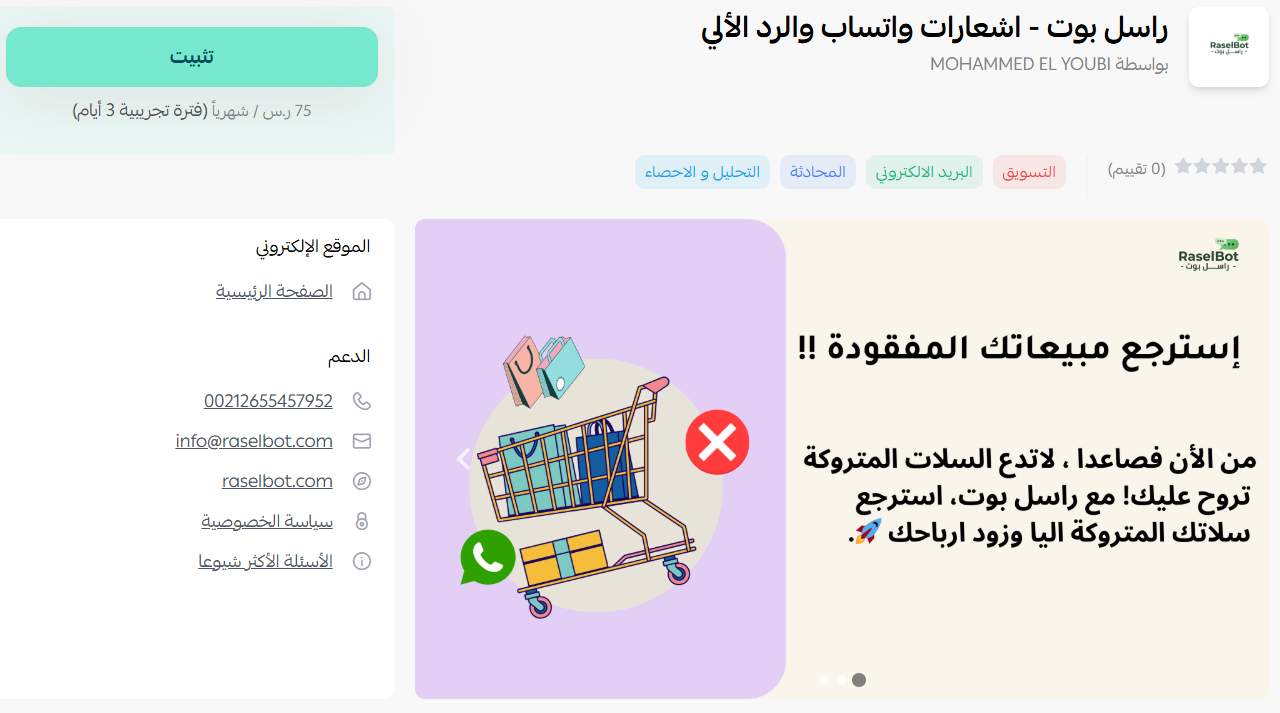
3. On the Rasel Bot app page, click (Install).
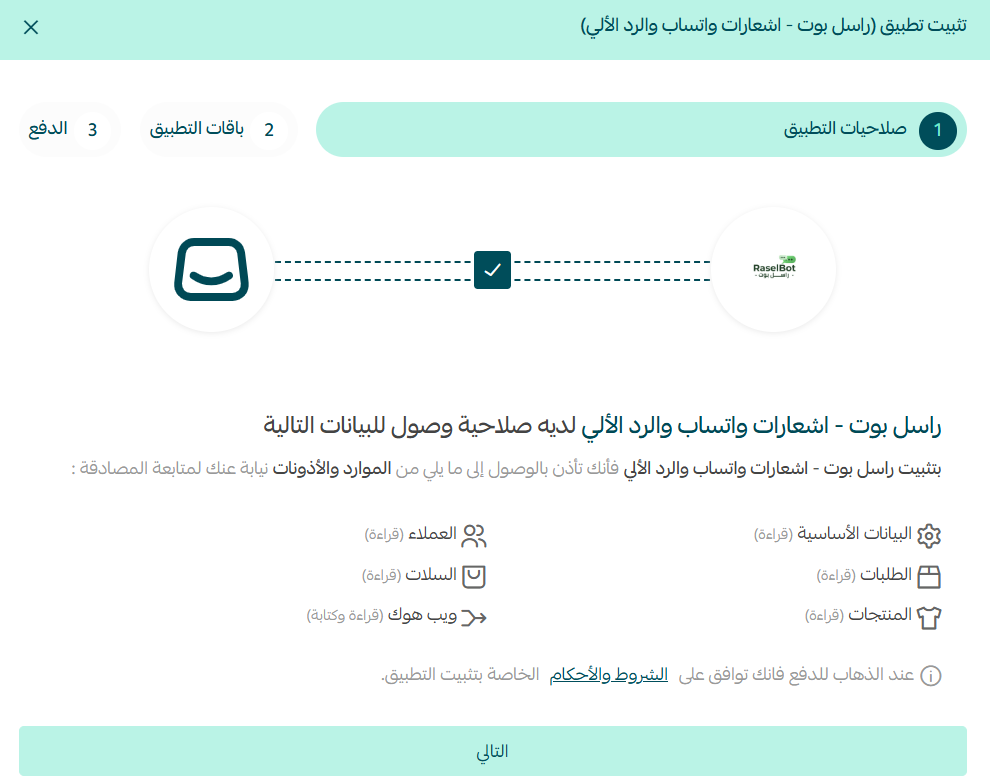
4. Review the permissions the app requests, then click (Next).
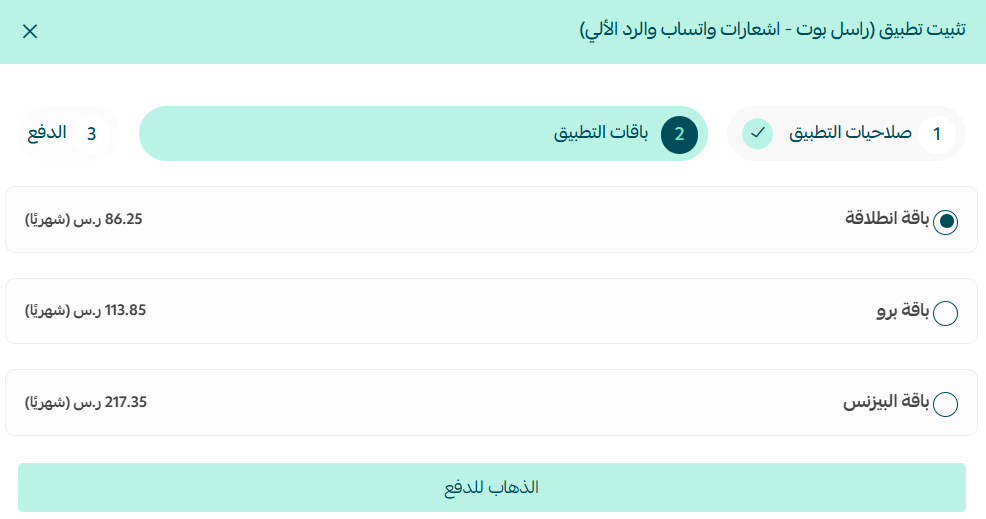
5. Choose the plan that suits your store.
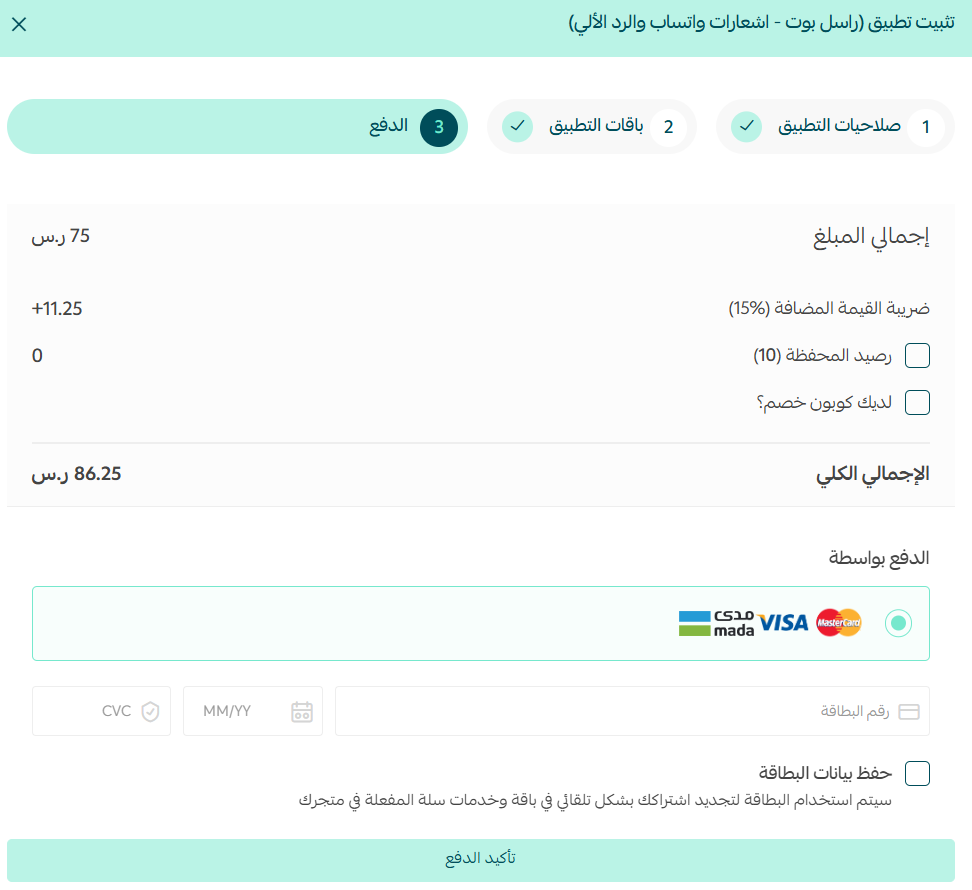
6. Fill in your details, then click (Confirm payment).
Rasel Bot is now installed on your store.
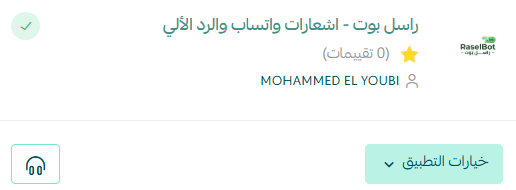
🔍 How to sign in to your Rasel Bot account
1. Check your inbox. Rasel Bot emails you the credentials for your account on the Rasel Bot website.
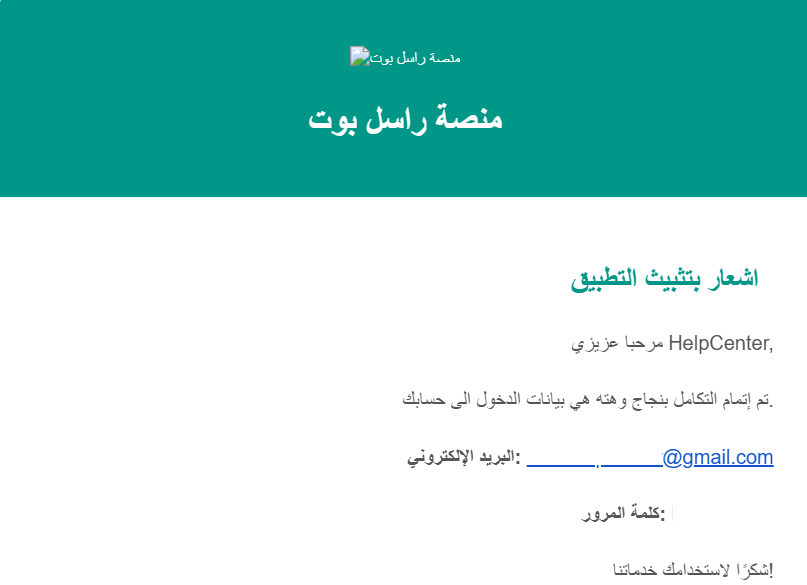
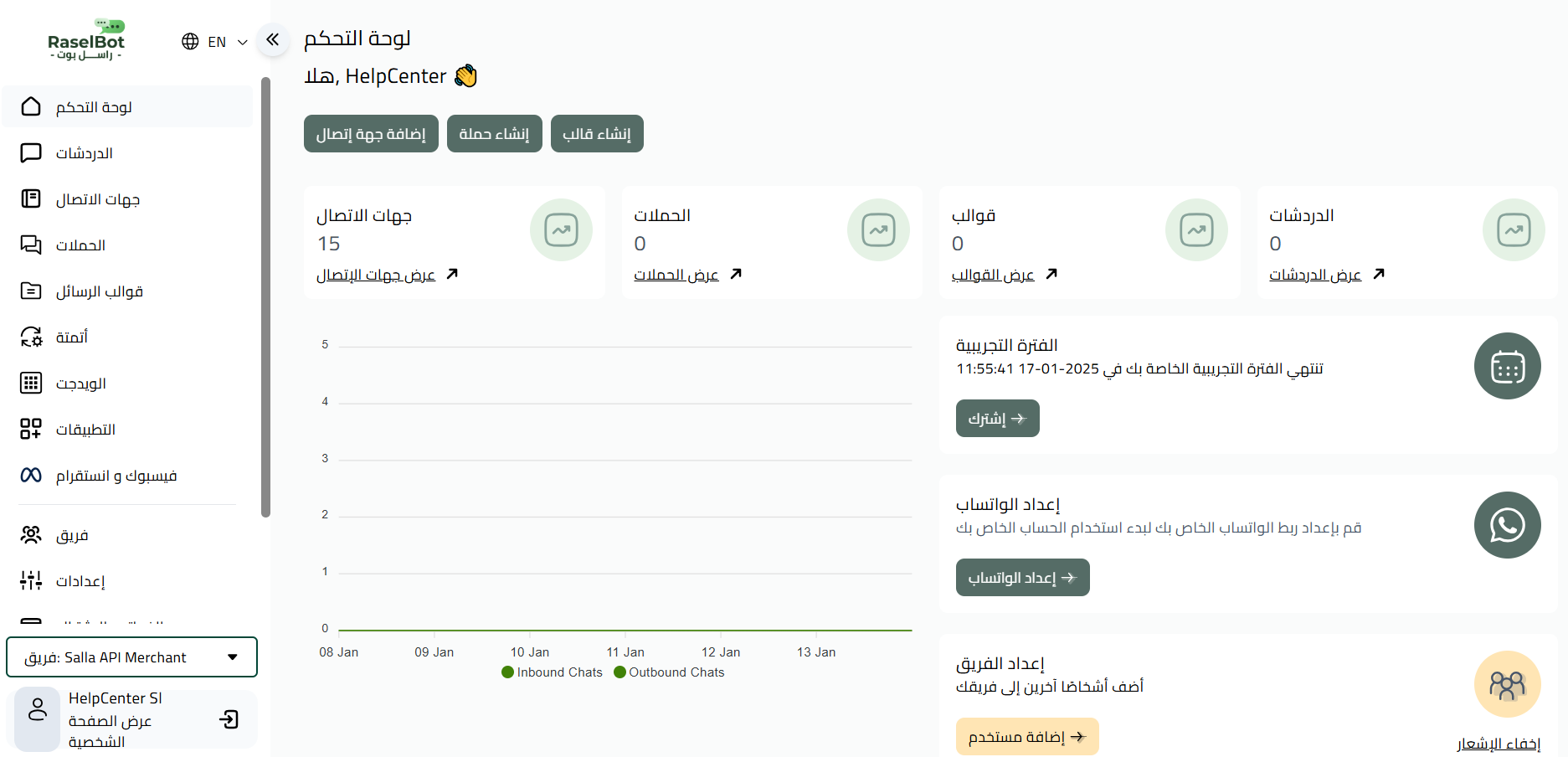
2. Sign in with those credentials. The Rasel Bot dashboard opens, and this is where you run your campaigns, notifications, and chatbot.
How to manage the Rasel Bot app
Change the app settings
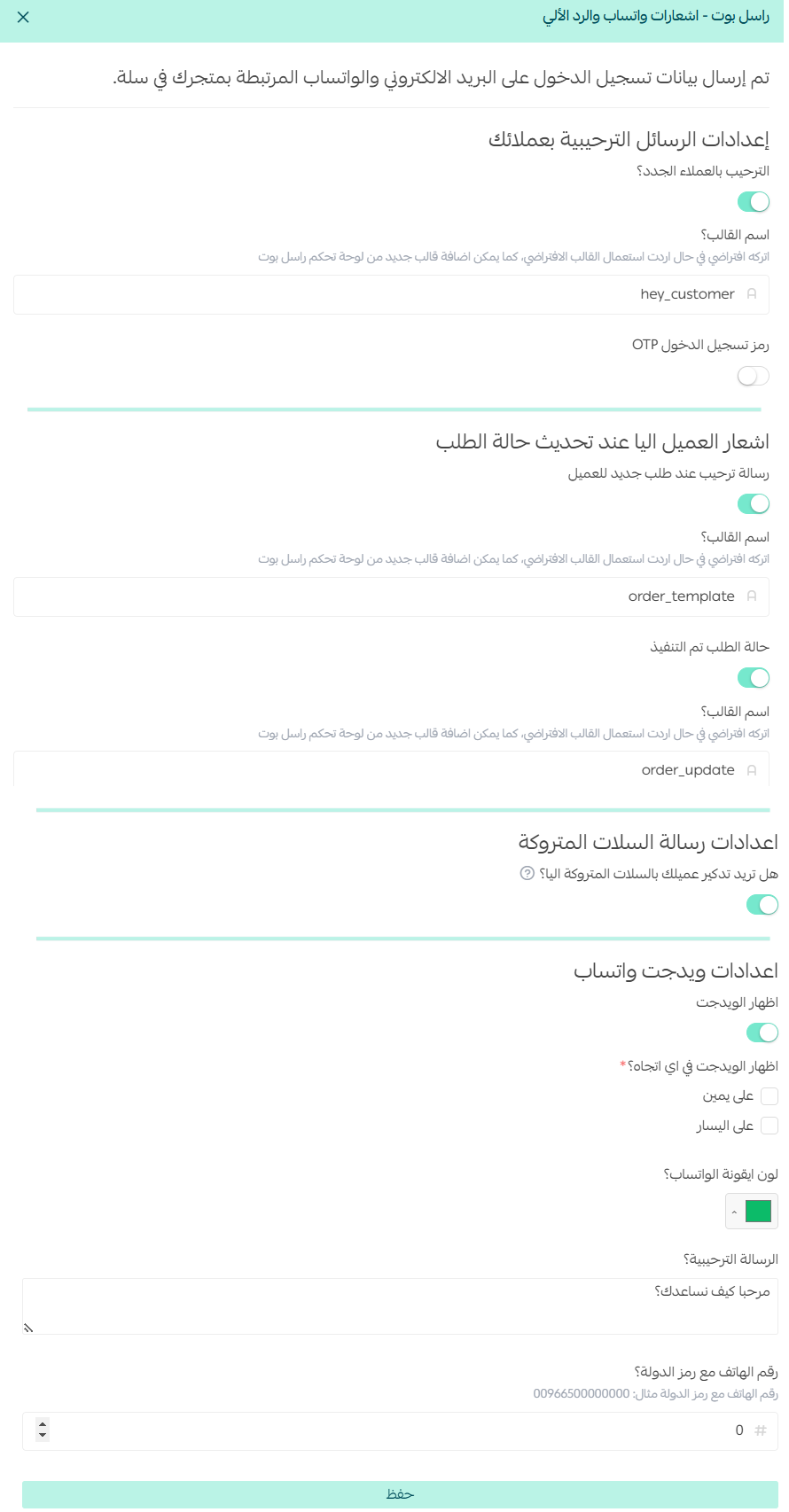
From the Rasel Bot app, click (App options), then click (App settings).
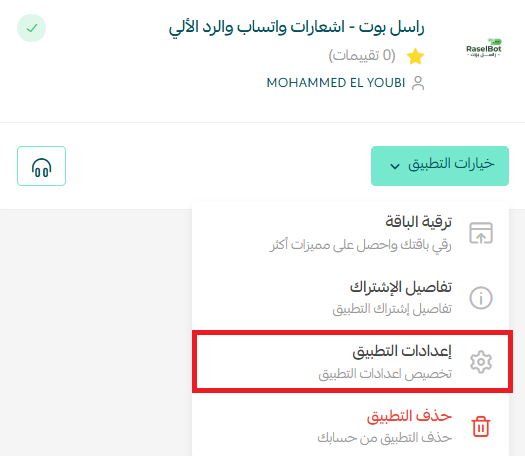
Set the options to match how your store communicates with customers, then click (Save).
Remove the app
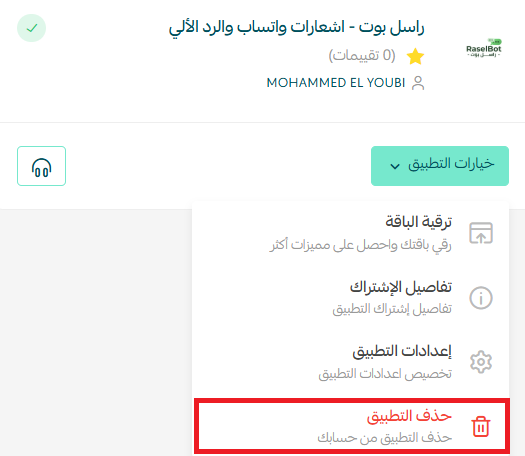
From the Rasel Bot app, click (App options), then click (Delete app).
📝 Important notes
- Rasel Bot is a paid app. You choose a plan and confirm the payment as part of the installation.
- Campaigns, notifications, and chatbot rules are configured on the Rasel Bot website, not inside your Salla dashboard, so keep the credentials email.
- Deleting the app stops the messages Rasel Bot sends on your store's behalf.
- For more details, visit Rasel Bot.
❓ Frequently asked questions
What can Rasel Bot send to my customers?
Order notifications, abandoned cart reminders, and marketing campaigns over WhatsApp and social channels, plus automated chatbot replies to incoming messages.
Where do I get my Rasel Bot login details?
Rasel Bot emails them to you after the installation is complete. Use them to sign in to the Rasel Bot website.
Where do I change what the app sends?
Open (App options) on the Rasel Bot app, click (App settings), adjust the options, and click (Save).
Do I need a separate WhatsApp tool as well?
No. Rasel Bot handles the WhatsApp side for you once it is installed and configured, including the automated replies.
How do I remove Rasel Bot?
Open (App options) on the Rasel Bot app and click (Delete app).
Customers rarely come back on their own. Automated follow-up on the channel they already use is what turns a browsed cart into a paid order.