RabehX:
An intelligent marketing platform powered by artificial intelligence, specifically designed for Salla store owners. It helps you create professional marketing campaigns automatically based on your store data, analyze product performance, and receive smart recommendations to boost your sales.
📌 Main topics of the article:
- Steps to connect with the RabehX app.
- Steps to control the RabehX app.
🚀 Steps to connect with RabehX
1. From the main menu, click (All), then from the Utilities section, click (App Store).
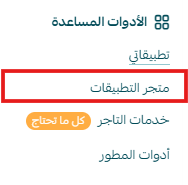
2. Search for the app using the search field.

3. From the RabehX app page, click (Install).
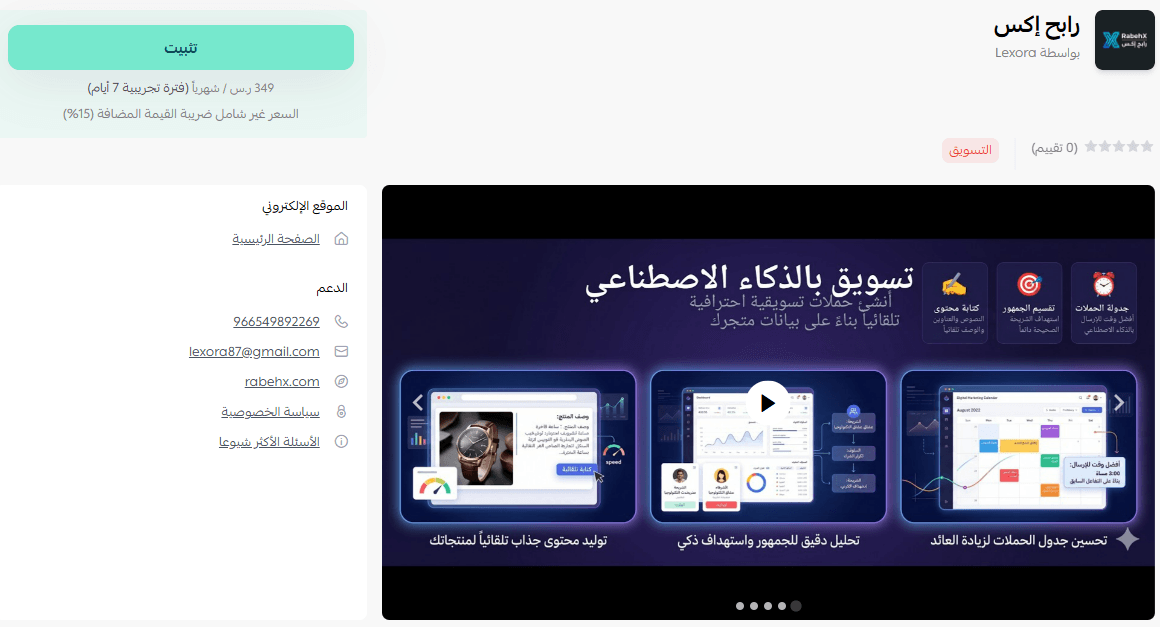
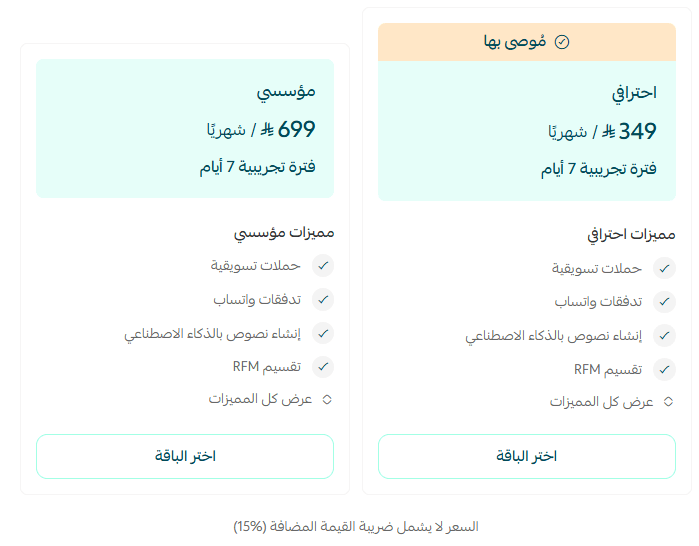
4. Choose the appropriate plan, then click (Proceed to Payment).
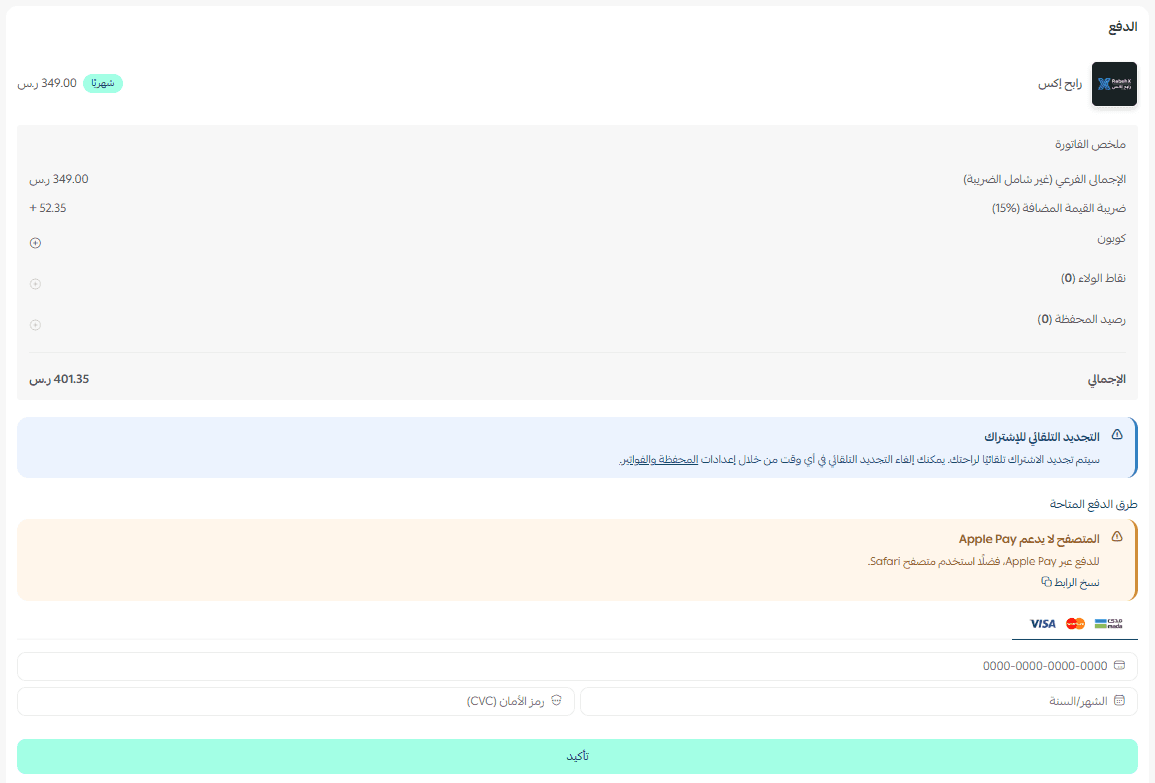
5. Complete the payment details, then click (Confirm) to install the app.
6. The app will appear in the (My Apps) section.
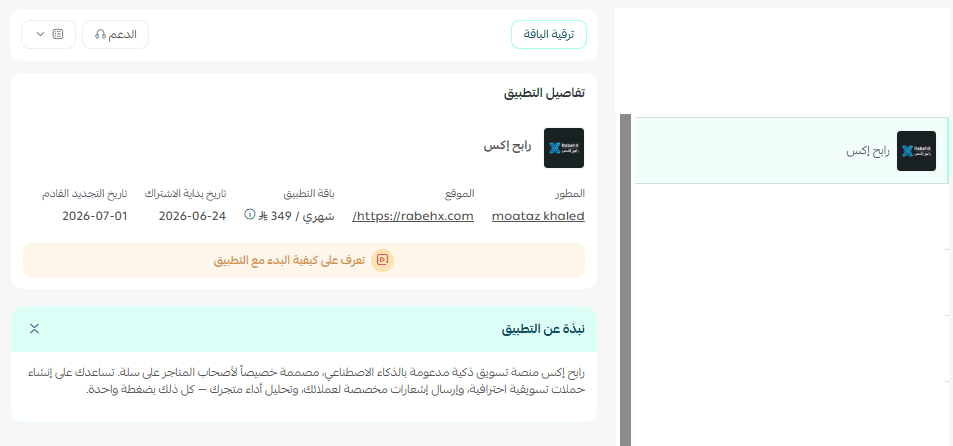
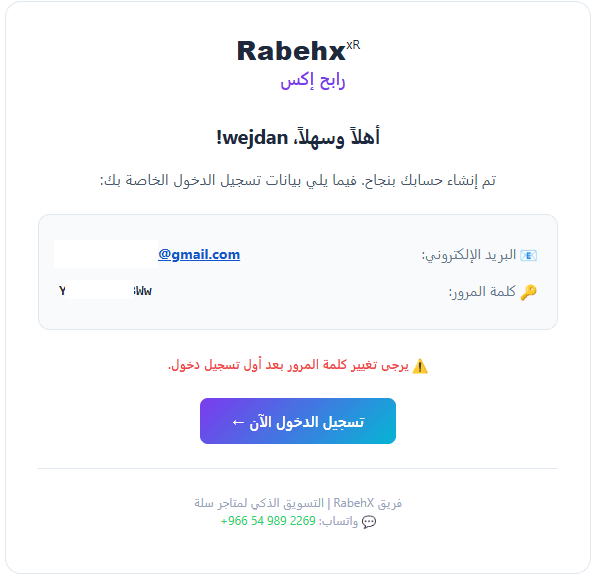
After completing the installation in your store, you will receive an email with login details. Click (Login).
🚀 App management
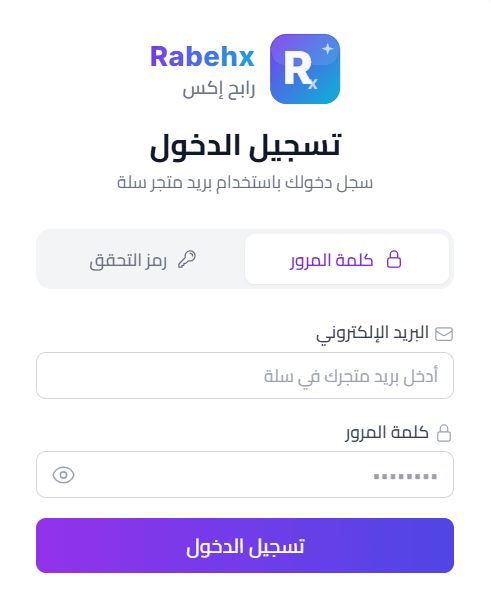
- Log in to the RabehX platform
1. Log in to the RabehX platform with the login details sent to your email.
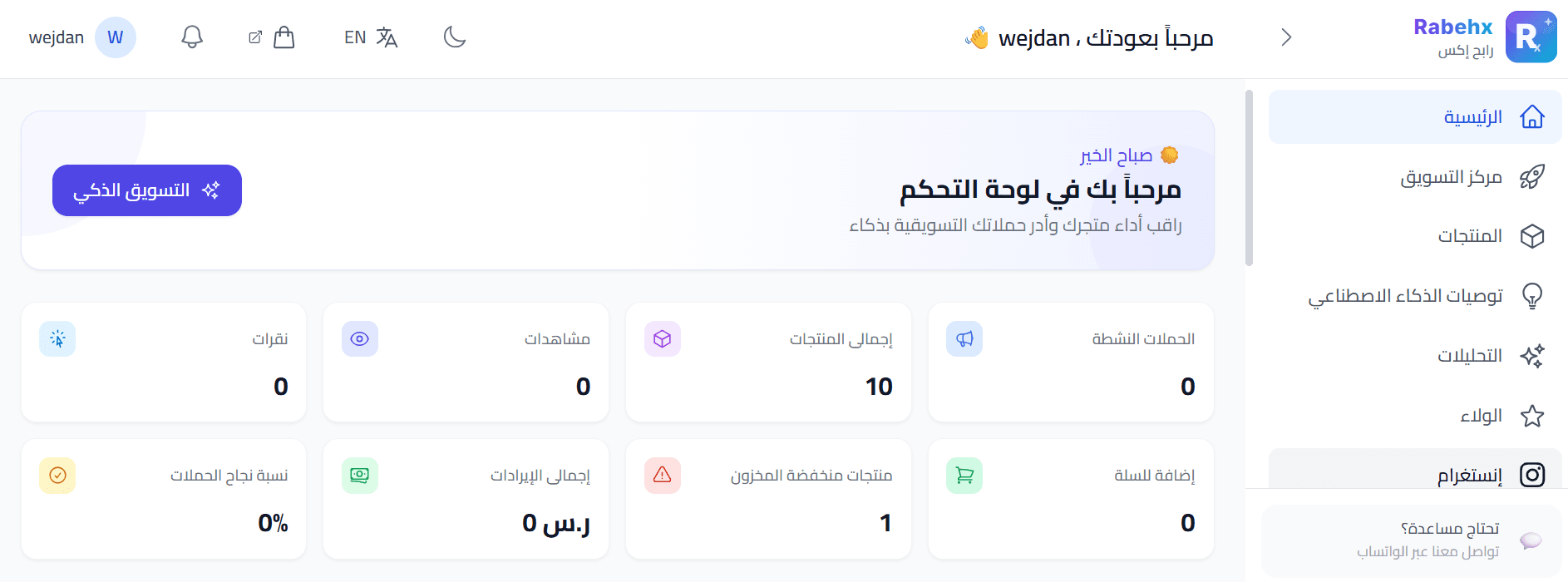
2. You will be directed to the RabehX platform homepage, and you can now start benefiting from the app's features successfully!
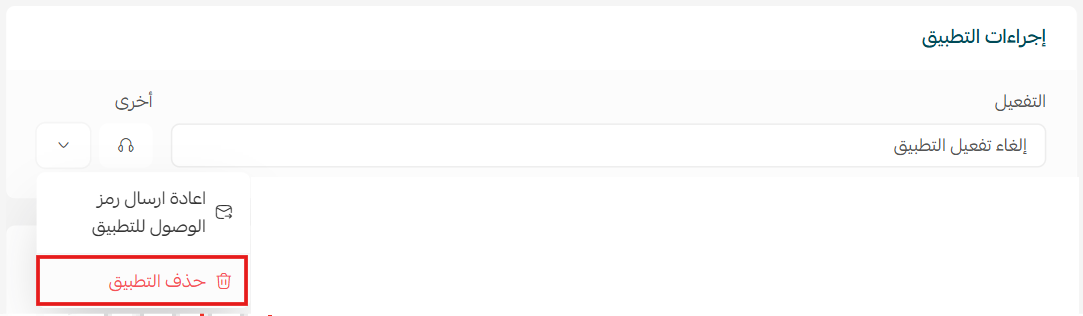
Delete the app, click (Delete App).
From the (App Actions) section, click on (More).
For more details about the RabehX app.