Do you know what your customers are really telling you when they leave a review?
Ratings pile up quickly, but reading them one at a time rarely shows you the pattern underneath. The Quartz customer reviews app is an AI platform that gathers the reviews your shoppers leave and analyzes them for you, so scattered comments turn into a clear picture of how customers behave and what they expect. Everything sits in one dashboard that connects to your store data. In this guide, you'll learn how to install Quartz, connect it to your store, and remove it if you no longer need it.
Quartz is an AI review analysis app you install from the Salla App Store. It gathers your customers' reviews, reads them for patterns, and presents the results in one dashboard, so you can see what shoppers value, where they hesitate, and what to fix next.
📌 Article overview
- What the Quartz app does
- How to connect the Quartz app to your store
- How to remove the Quartz app
- Frequently asked questions
👣 How to connect the Quartz customer reviews app to your store
1. From the main menu, click (All), then from the helper tools section, click (App Store).

2. Search for the app using the search field.

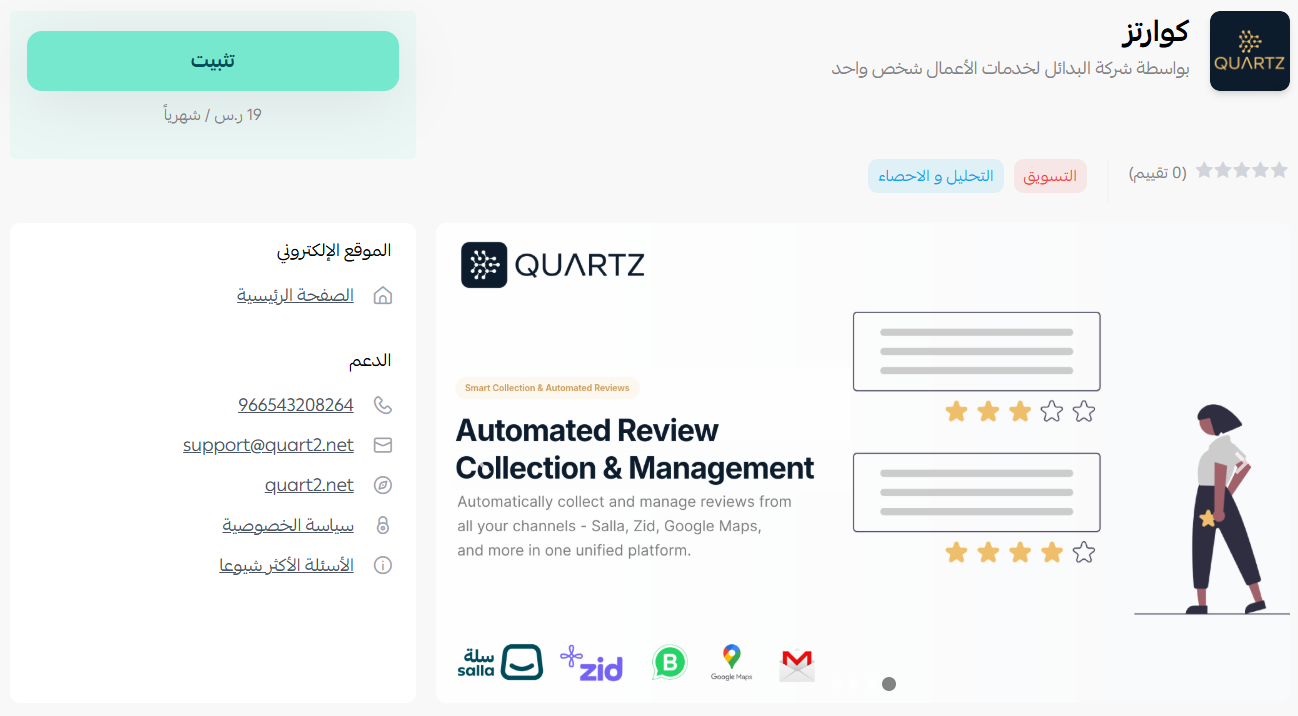
3. On the Quartz app page, click (Install).
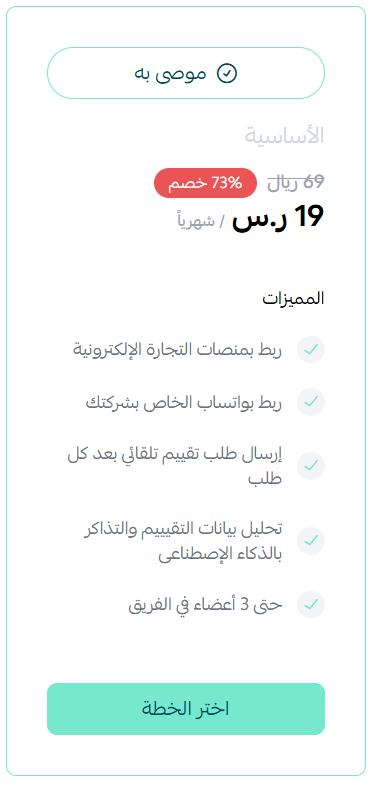
4. Review the plan on offer, then click (Choose plan).
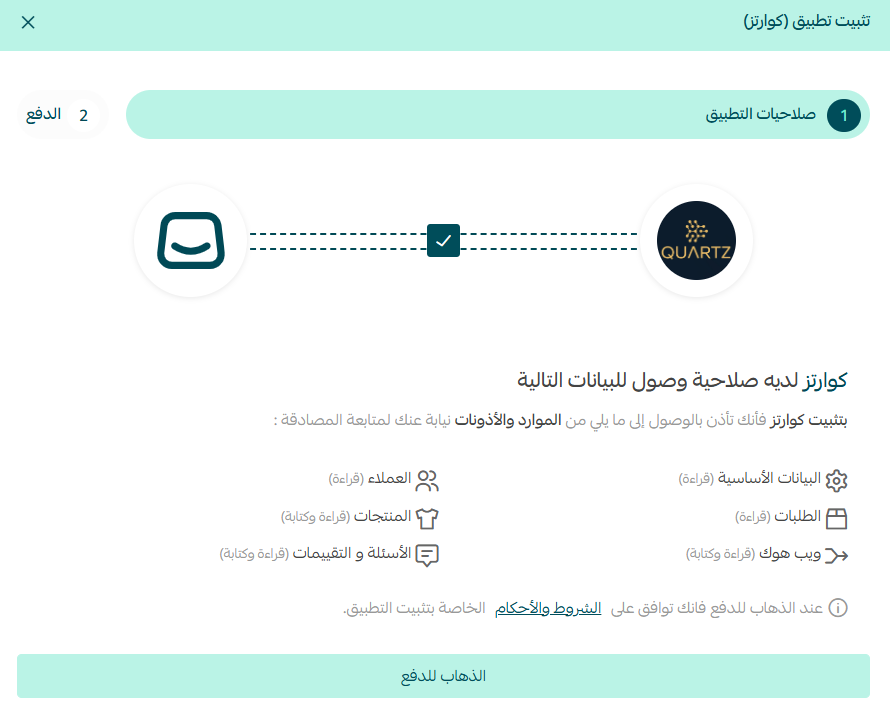
5. Check the permissions the app asks for, then click (Go to payment).
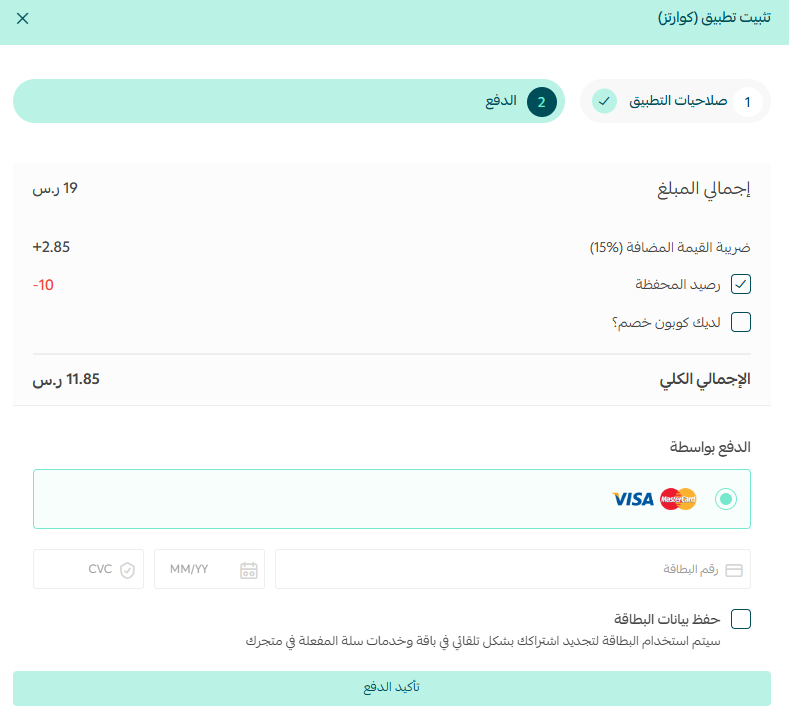
6. Complete the payment, then click (Confirm payment).
The app is now installed on your store.
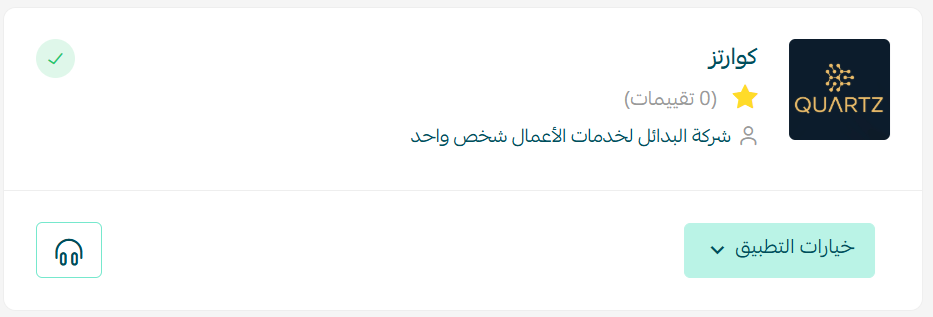
That's it. Your Quartz dashboard opens on the Quartz site, and you can manage your review analysis from there.
How to remove the Quartz app
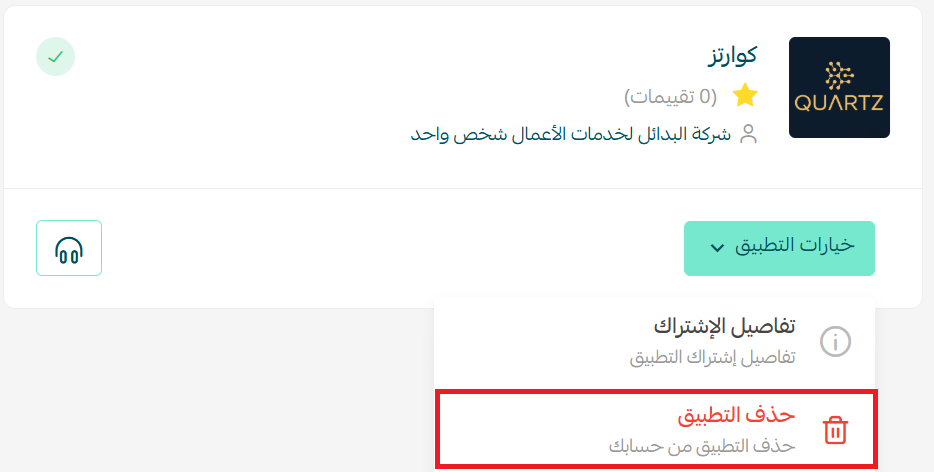
From the Quartz app, click (App options), then click (Delete app).
📝 Important notes
- Quartz is a paid app, so installing it means choosing a plan and completing payment before the connection finishes.
- The review analysis itself lives on the Quartz site, not inside your Salla dashboard.
❓ Frequently asked questions
Where do I find the Quartz app?
In the Salla App Store. From the main menu, click (All), open the App Store, then search for the app by name.
Is Quartz free?
No. During installation you choose a plan and complete payment before the app is connected to your store.
Where do I analyze my reviews after connecting the app?
In your Quartz dashboard on the Quartz site, which opens automatically once the connection is complete.
What happens to my store if I delete the app?
Deleting the app from the app options menu ends the connection between Quartz and your store.
Customer reviews are only useful when you can see the pattern behind them. Letting Quartz do that reading turns everyday feedback into decisions you can act on. For more details, visit the Quartz app page.