Qaren — compare products
A customer stuck between two similar products often resolves it by leaving. Qaren lets your customers compare similar products on a clear page that shows specifications and differences side by side. It speeds up the buying decision, improves the user experience, and lifts both conversion and sales. In this guide, you'll learn how to install the Qaren app, customize it, and remove it.
To install Qaren on Salla, click All in the main menu, then open the App Store from the helper tools section. Search for the app, open the Qaren app page, and click Install. Set the app settings and click Save — the compare icon then appears on your store's products.
📌 Article overview
- How to install the Qaren app
- Customizing the app
- Removing the app
- Frequently asked questions
👣 How to install the Qaren app on Salla
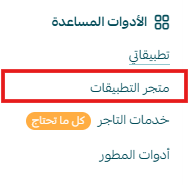
1. From the main menu, click (All), then from the helper tools section click (App Store).
2. Search for the app using the search field.

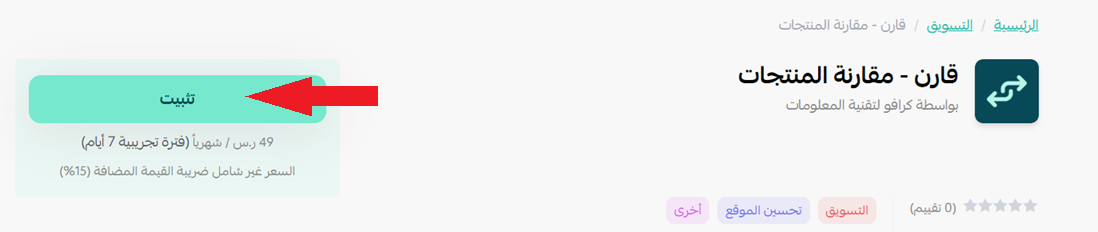
3. From the Qaren app page, click (Install).
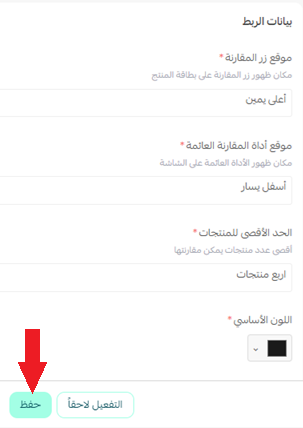
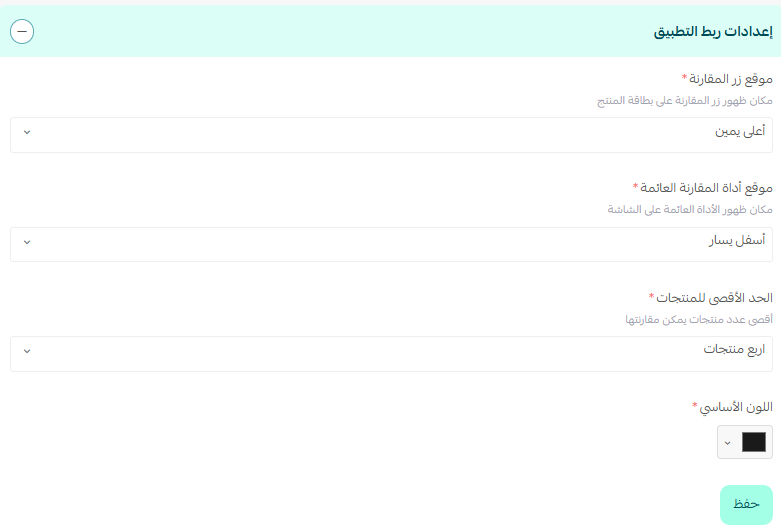
4. Set the app settings, then click (Save).
5. The compare icon then appears on your store's products.
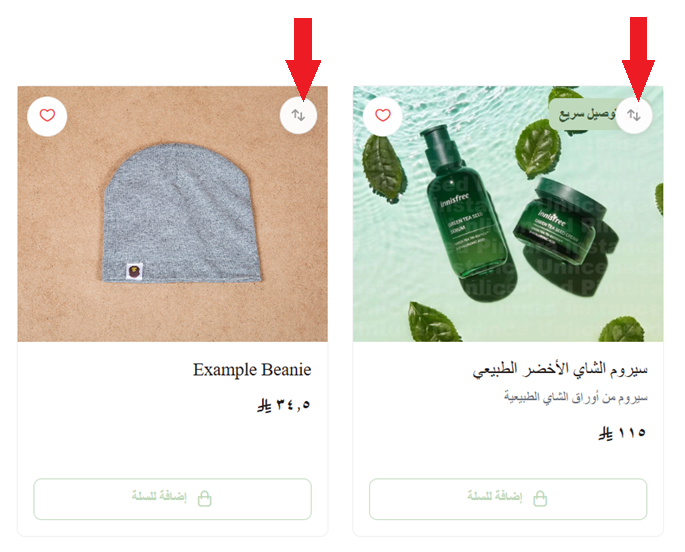
🚀 Once products are added from the compare button, the customer can pick the right one for them using the comparison table.
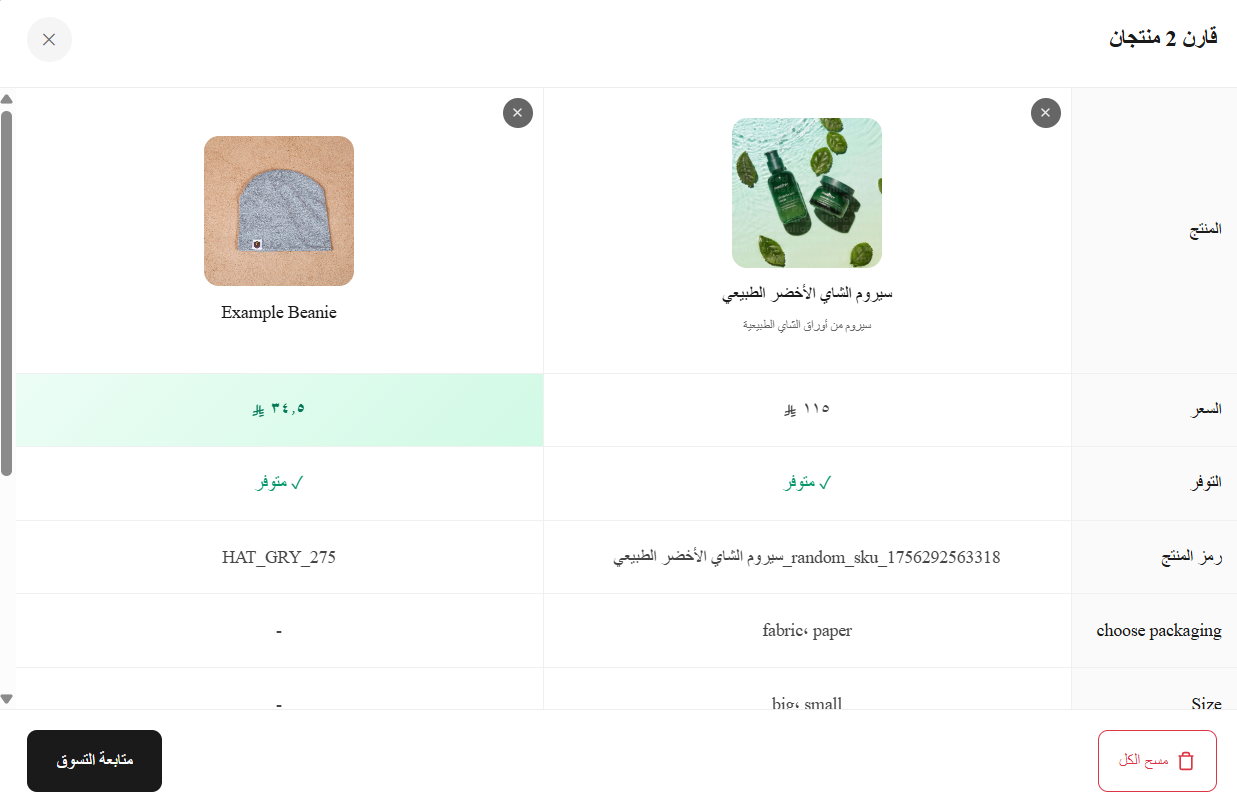
🚀 Managing the Qaren app
Customizing the app
🎯 You can control the app settings from the app details page in your store.
Removing the app
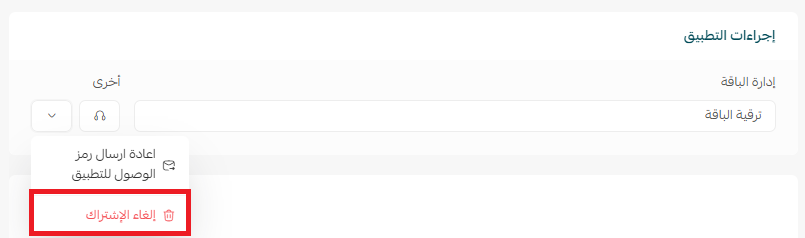
1. From the app options menu, click (Unsubscribe) and choose your reason for cancelling.
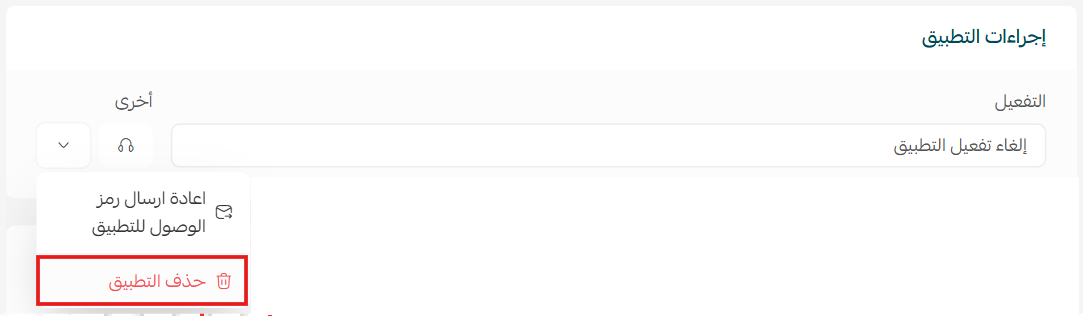
2. From the app options menu, click (Delete app) and choose your reason for deleting it.
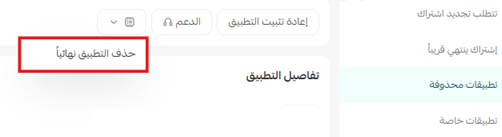
3. From the deleted apps page, open the app options menu and click (Delete app permanently) to remove it from your store for good.
Frequently asked questions
❓ What does the Qaren app do?
It lets customers compare similar products on one page, showing specifications and differences side by side.
❓ Where does the compare icon appear?
On your store's products, once you've saved the app settings.
❓ Can I change the app settings later?
Yes. Control them any time from the app details page in your store.
For more detail, see the Qaren app page.
Comparison tables help most where your range is deep and the differences are technical. If customers regularly ask you which of two products to pick, that is the range worth enabling first.