Points | Loyalty System:
A marketing tool for your store that helps increase customer loyalty and store sales by awarding points to customers for their purchases instantly within their account in the app.
📌 Main topics of the article:
- Steps to integrate with the Points app
- Manage and activate the Points app
🚀 Steps to integrate with the Points app
1. From the main menu, click (All), then from the Utilities section, click (App Store).

2. Search for the app using the search field.

3. From the Points app page, click (Install).
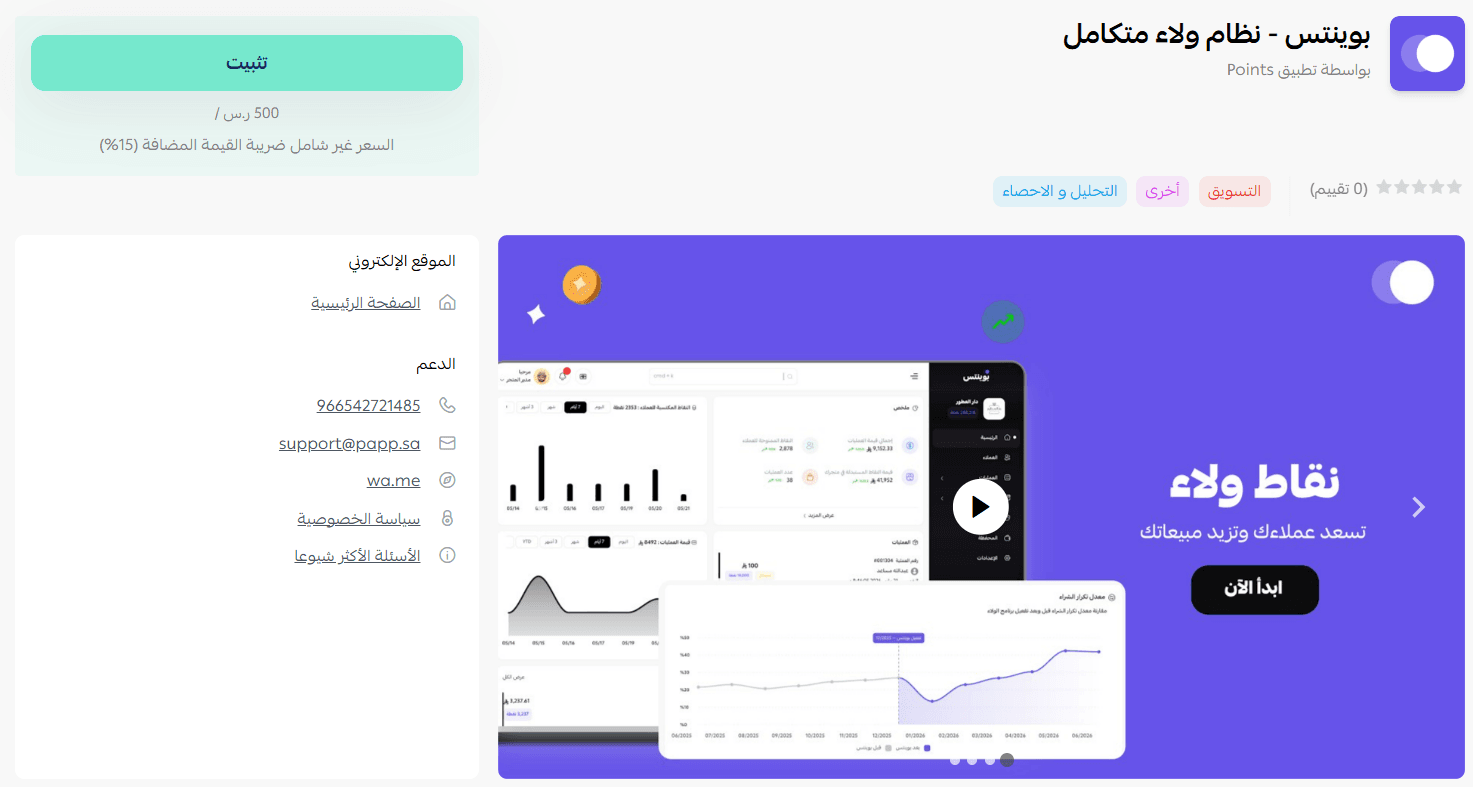
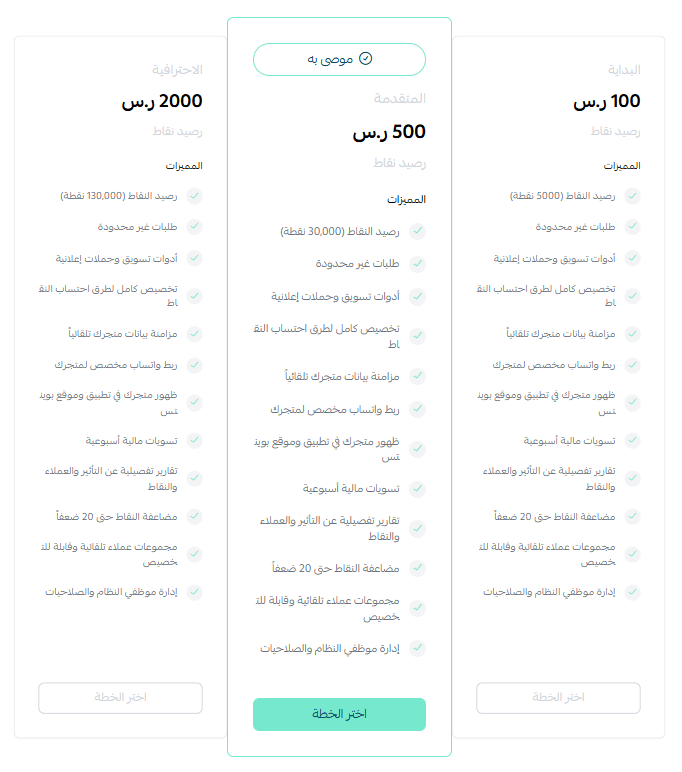
4. Choose the package that suits your business to proceed with the app installation.
5. Complete the payment process to successfully benefit from the app features.
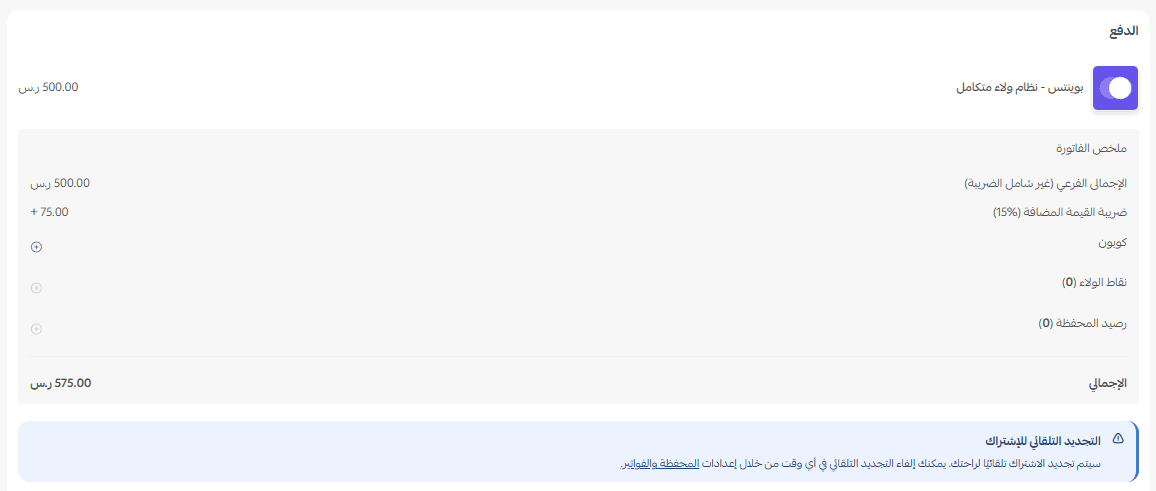
This completes the installation of the Points app on your store.
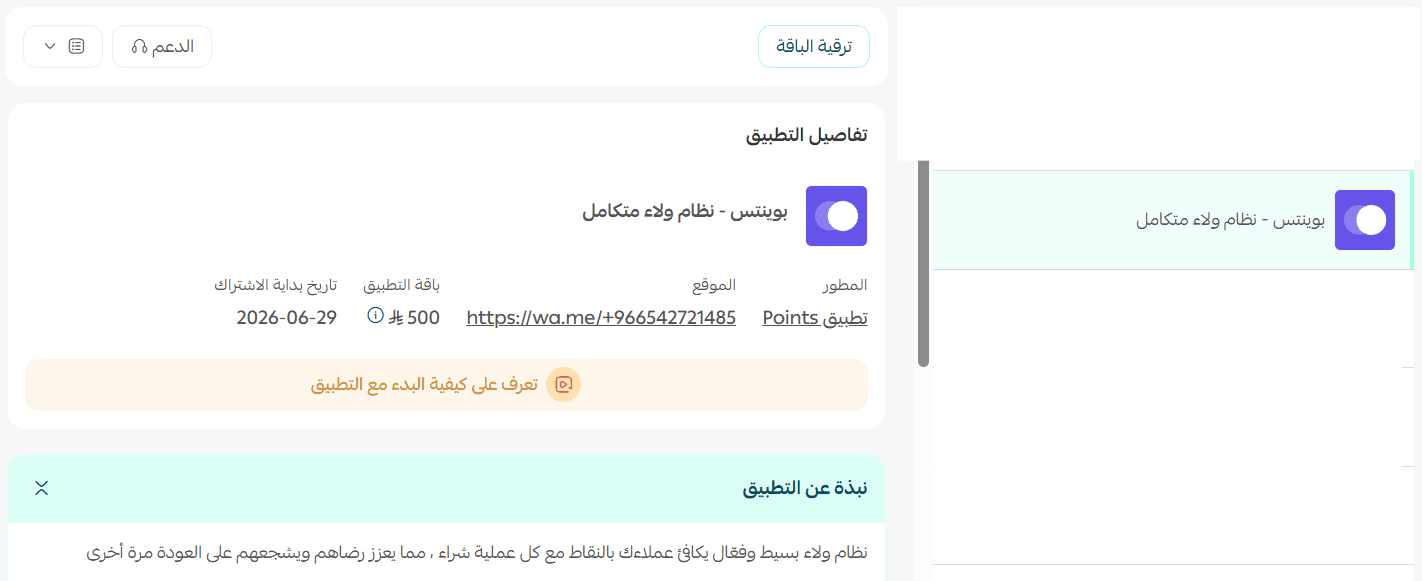
🚀 Manage and activate the Points app
- Activate the app
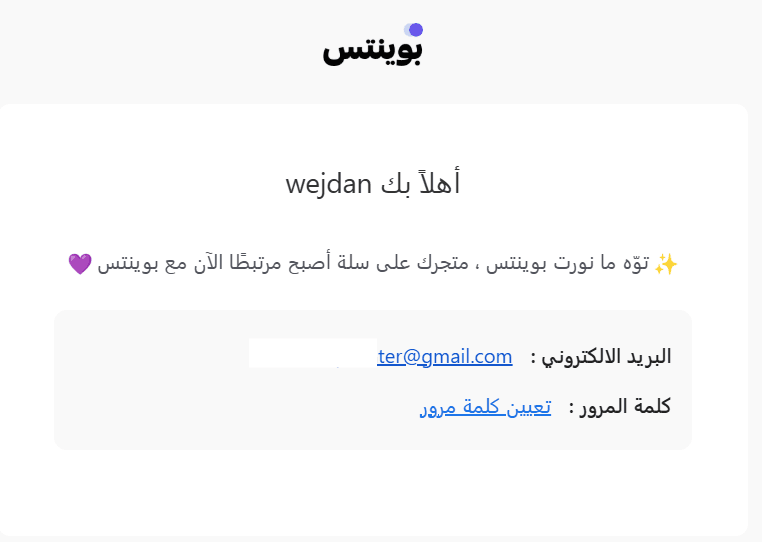
1. After installing the app, you will receive an email with your login details to the Points platform.
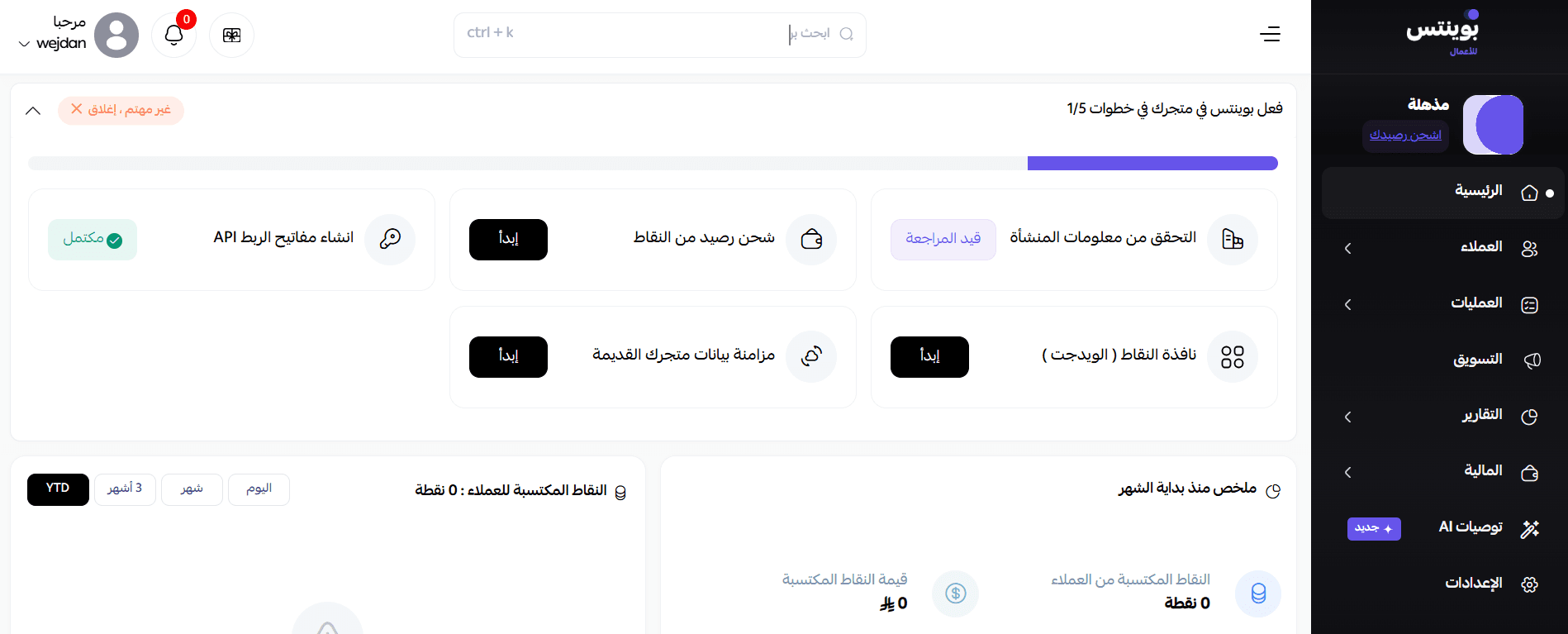
2. After setting the password and logging in, you will be directed to the Points platform dashboard to start benefiting from the features.
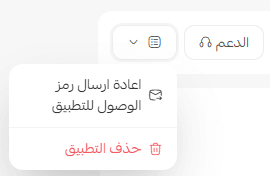
- Delete the app
From the Points app, click (App Options) then click (Delete App).
For more details about the Points app