Mystery Box Application:
A platform to enhance user experience in online stores and execute promotional campaigns like the wheel of fortune, interactive stories, and discount coupons, with support for customization and integration with e-commerce systems.
📌 Main topics of the article:
- Steps to connect with the Mystery Box application.
- Manage and activate the Mystery Box application.
🚀 Steps to connect with the Mystery Box application
1. From the main menu, click (All), then from the Utilities section, click (App Store).

2. Search for the application using the search field.

3. From the Mystery Box application page, click (Install).
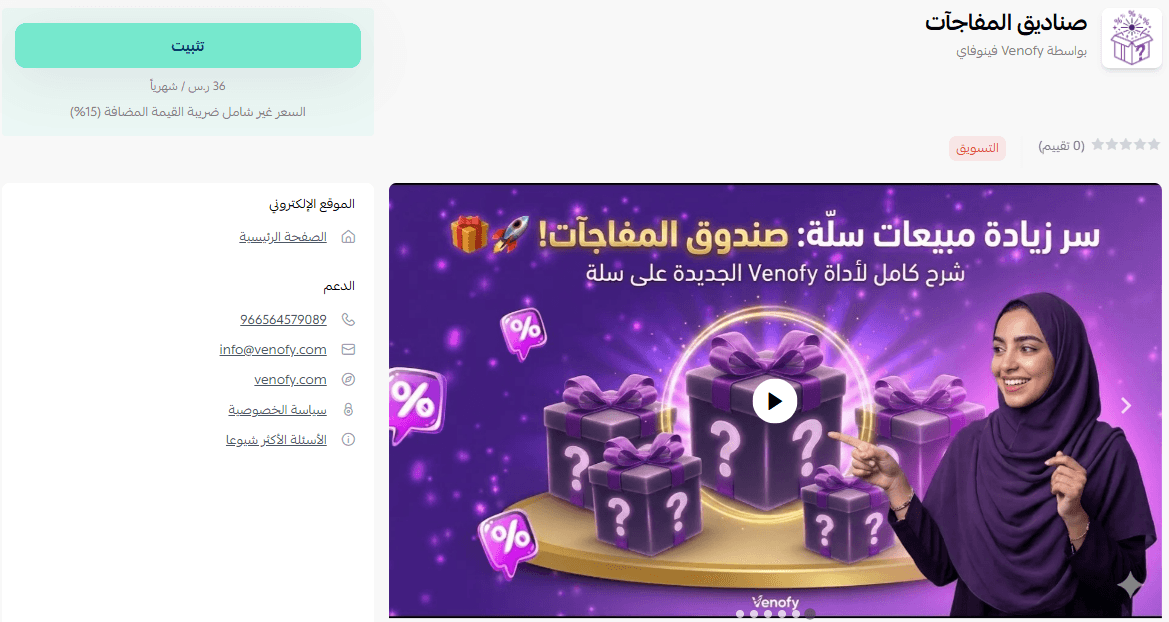
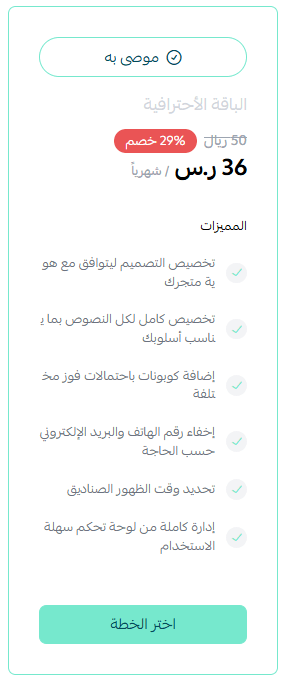
4. Choose the package that suits your business to continue installing the application.
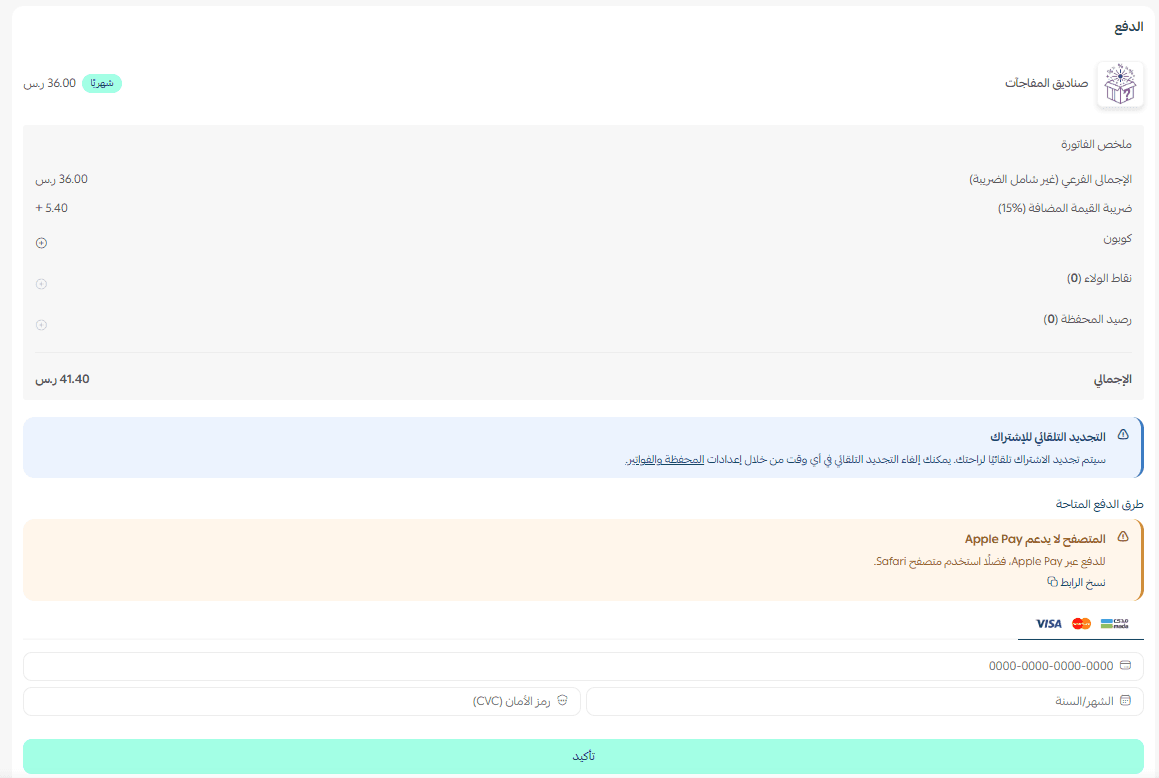
Complete the payment process to successfully benefit from the application's features.
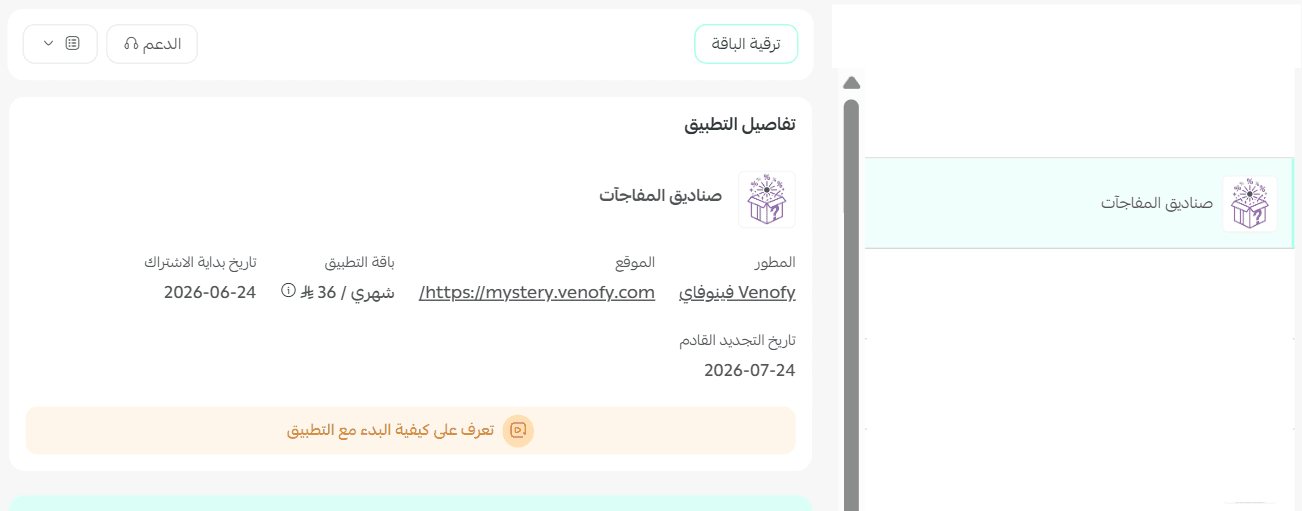
The installation of the Mystery Box application on your store is now complete.
🚀 Manage and activate the Mystery Box application
- Access the Venofy platform
1. After installing the application, you will receive an email. Click (Log in to your control panel).
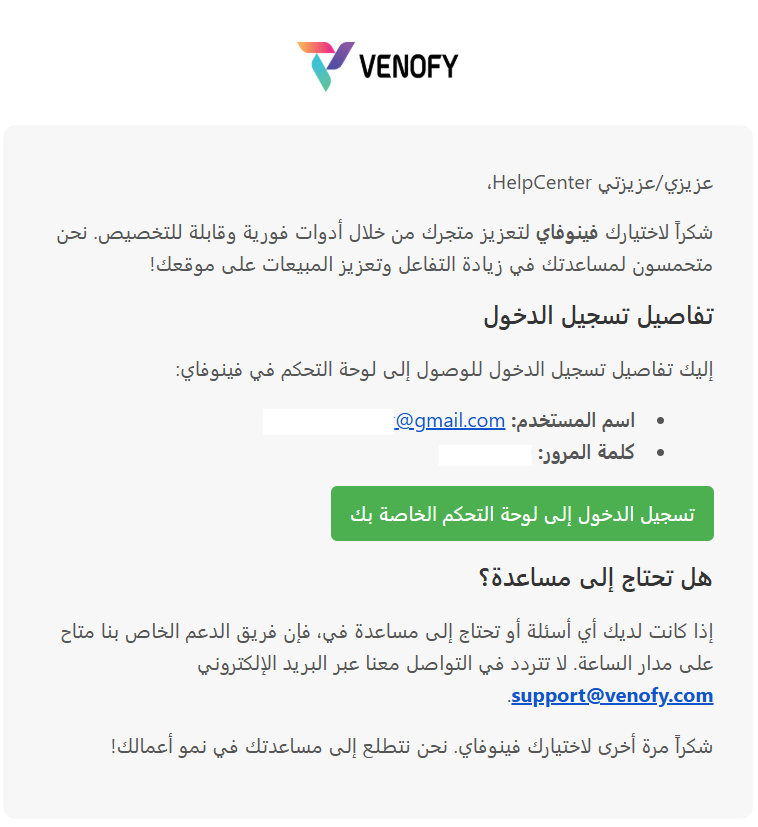
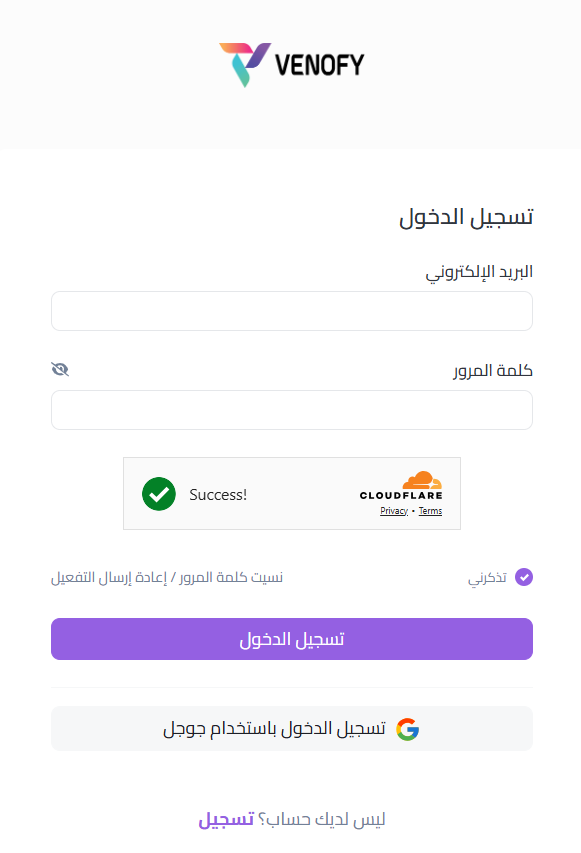
2. Log in to the Venofy platform with the credentials provided in the email.
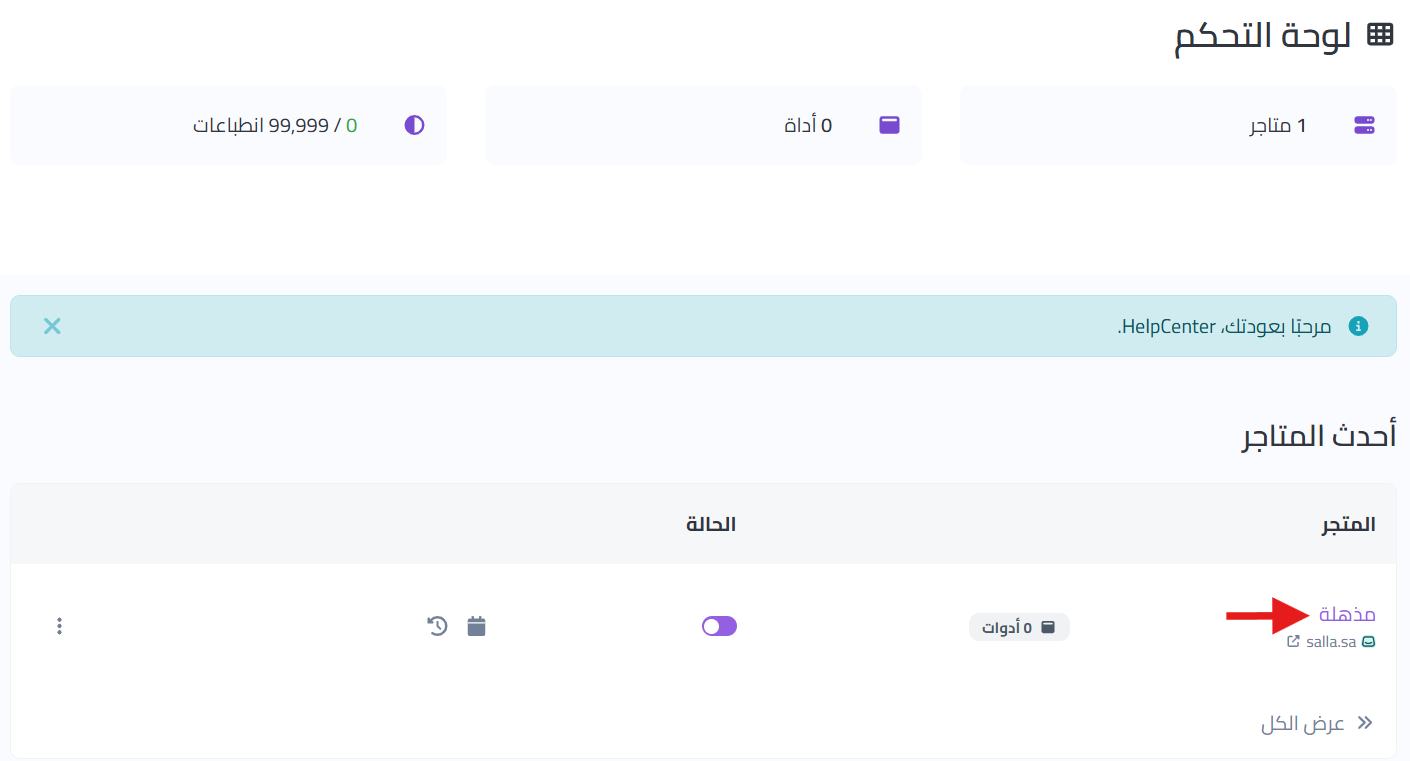
3.From the main control panel, click on the store name to start adding tools to your store.
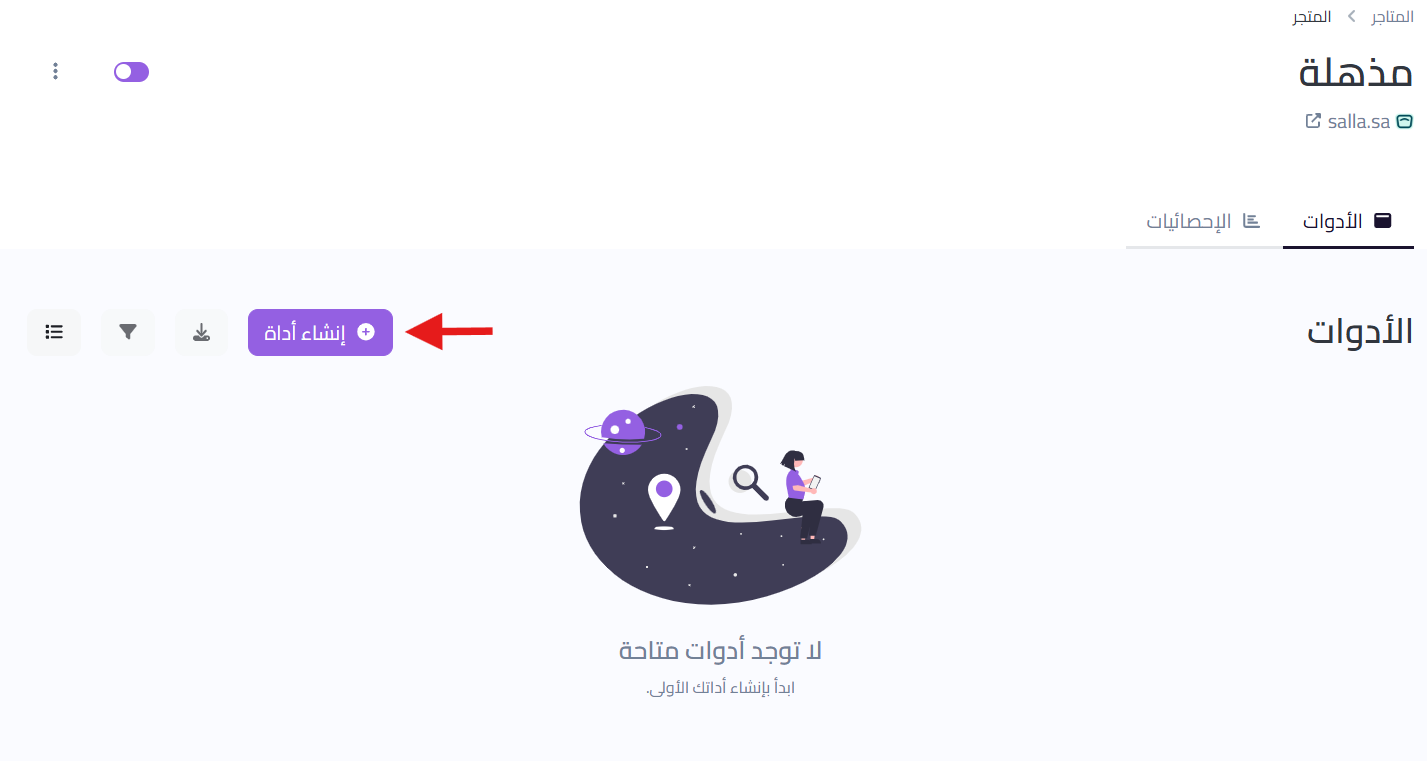
4. From the store page, click (Create Tool)
5. Select (Mystery Box) to add it to your store.
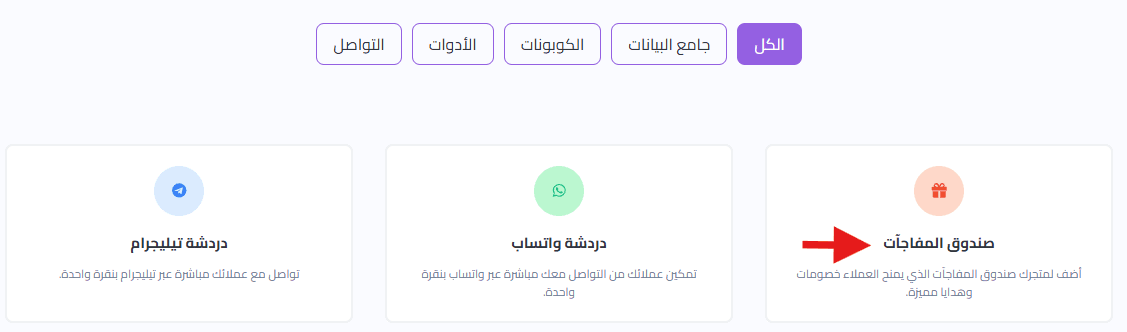
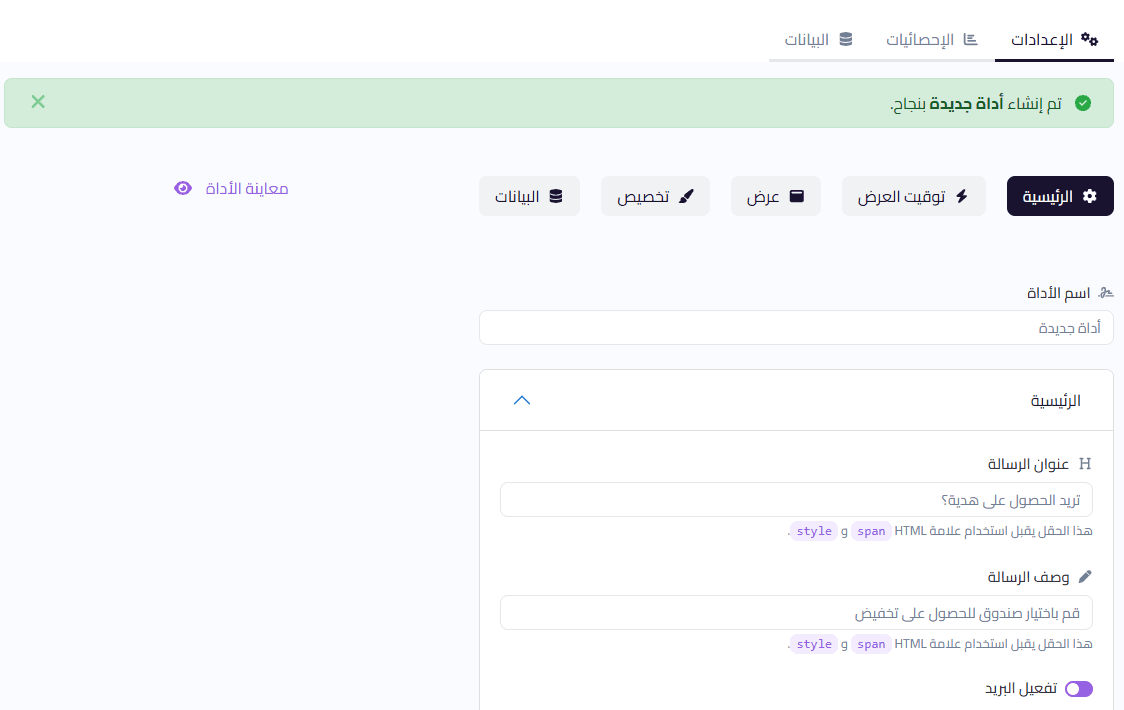
6. The tool has been added to your store! You can customize it as you wish and click (Update)
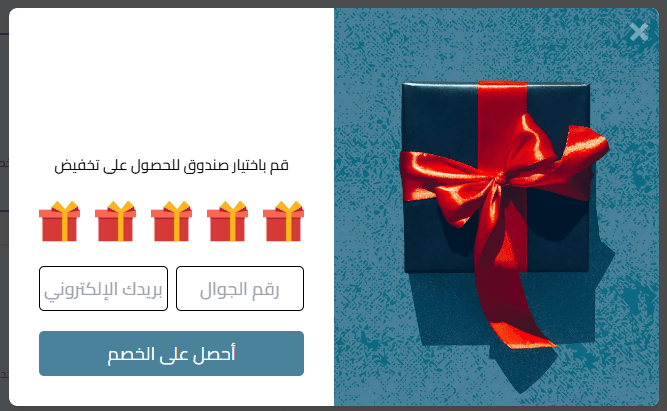
It will appear in your store like this:
- Delete the application
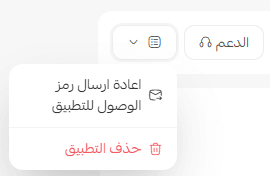
From the Mystery Box application, click (Application Options) then click (Delete Application).
For more details about Venofy