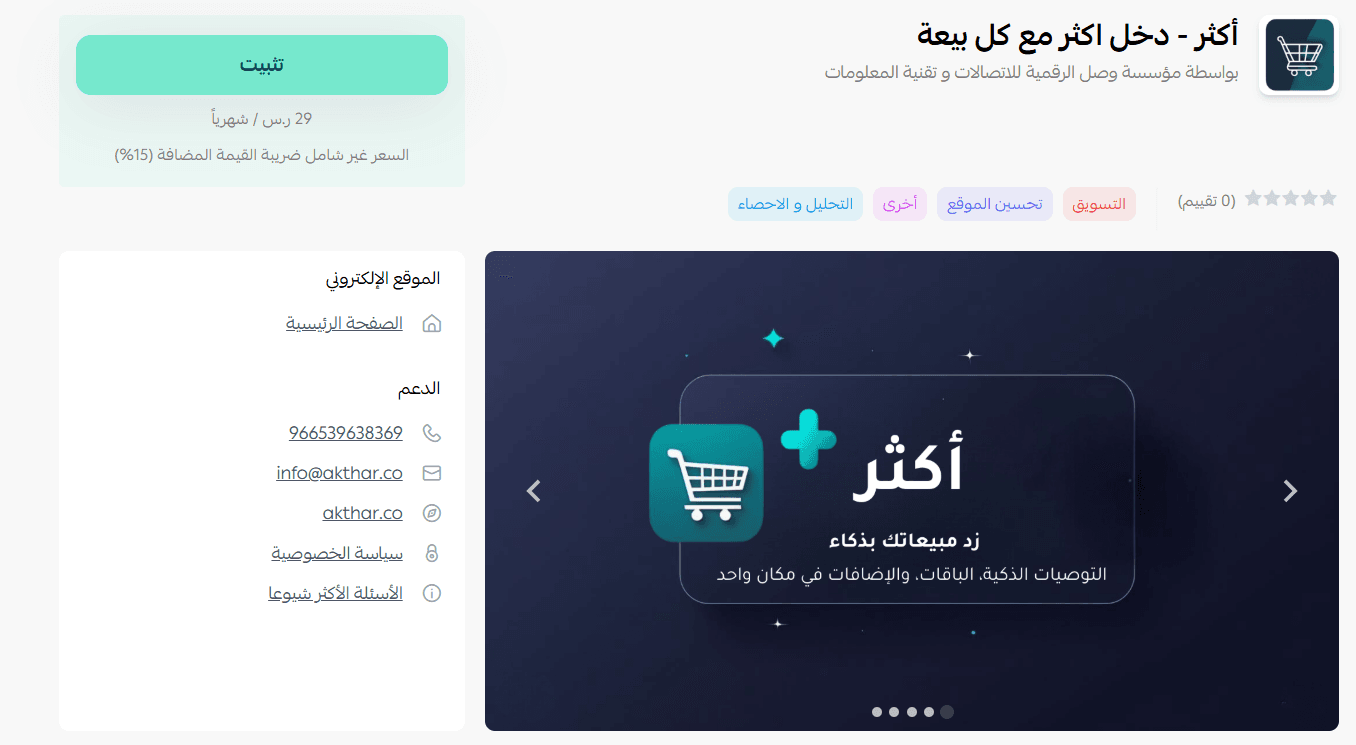
More is a simple way to boost your sales and increase your average order value.
The app intelligently suggests additional or complementary products to customers during purchase, encouraging them to add more items to their cart by recommending similar products or bundled offers at a special price.
All of this happens through an easy-to-use interface, with the app working automatically in the background to help grow your revenue without any extra effort from you.
📌 Article overview
- Steps to install and activate the More app
- Managing the More app
Steps to install and activate the More app
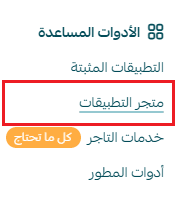
- From the main menu, click All, then under Tools, select App Store.
- Search for the app using the search bar.

- From the More app page, click install.
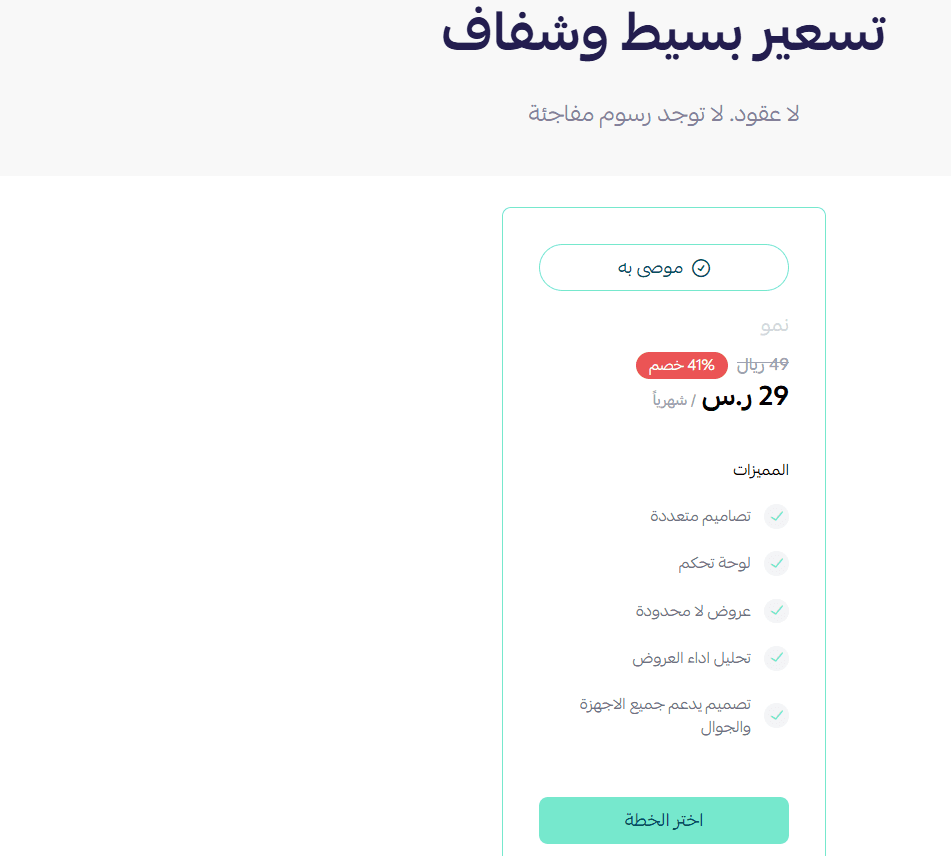
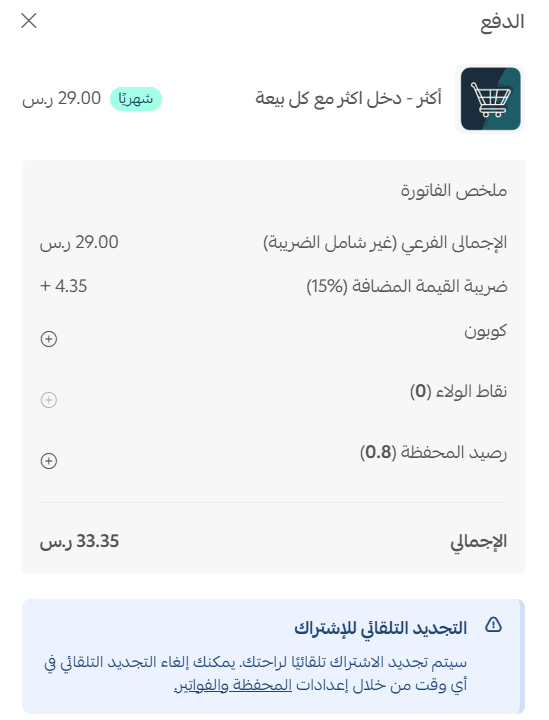
- Choose the plan that fits your business, then click proceed to payment.
- Complete the payment process.
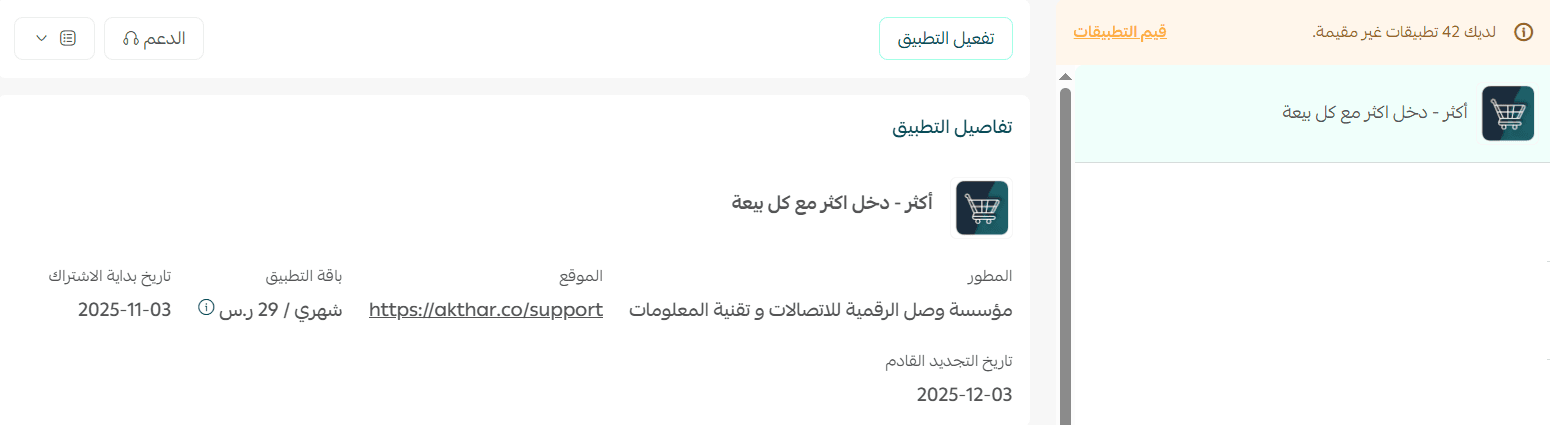
- The More app is now successfully installed on your store.
- You will receive an email from the More team with a link to the app dashboard.
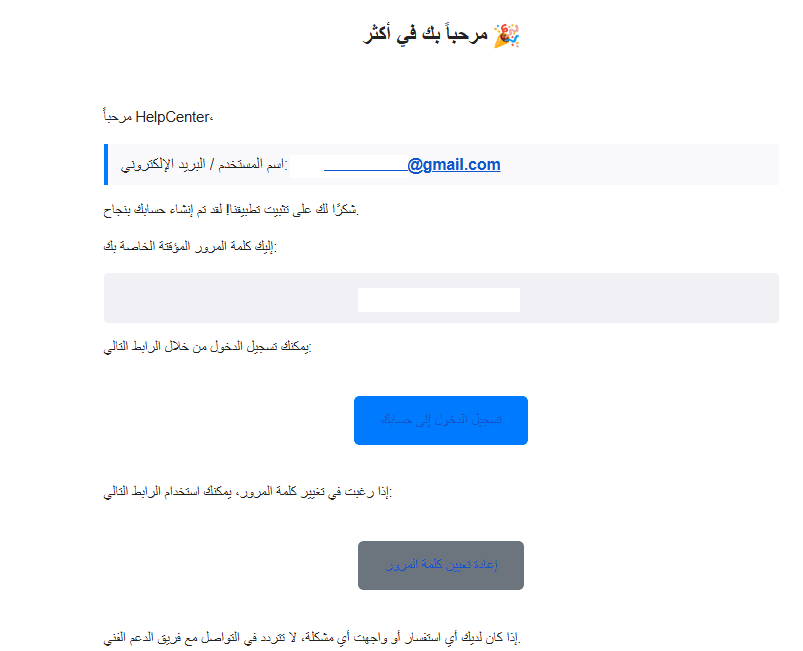
- Open the link and log in using your account details.
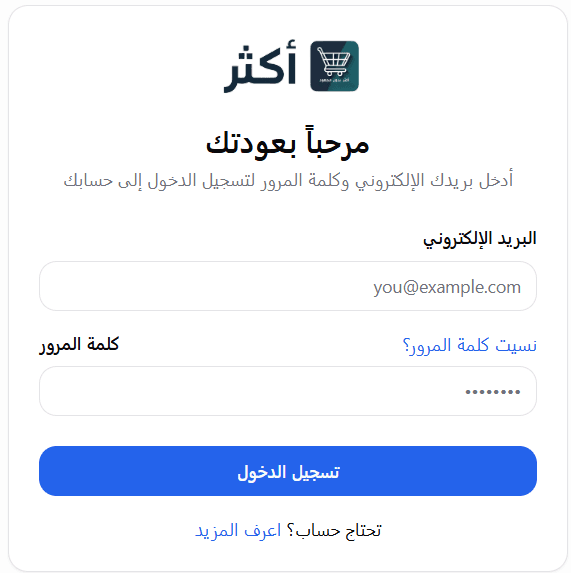
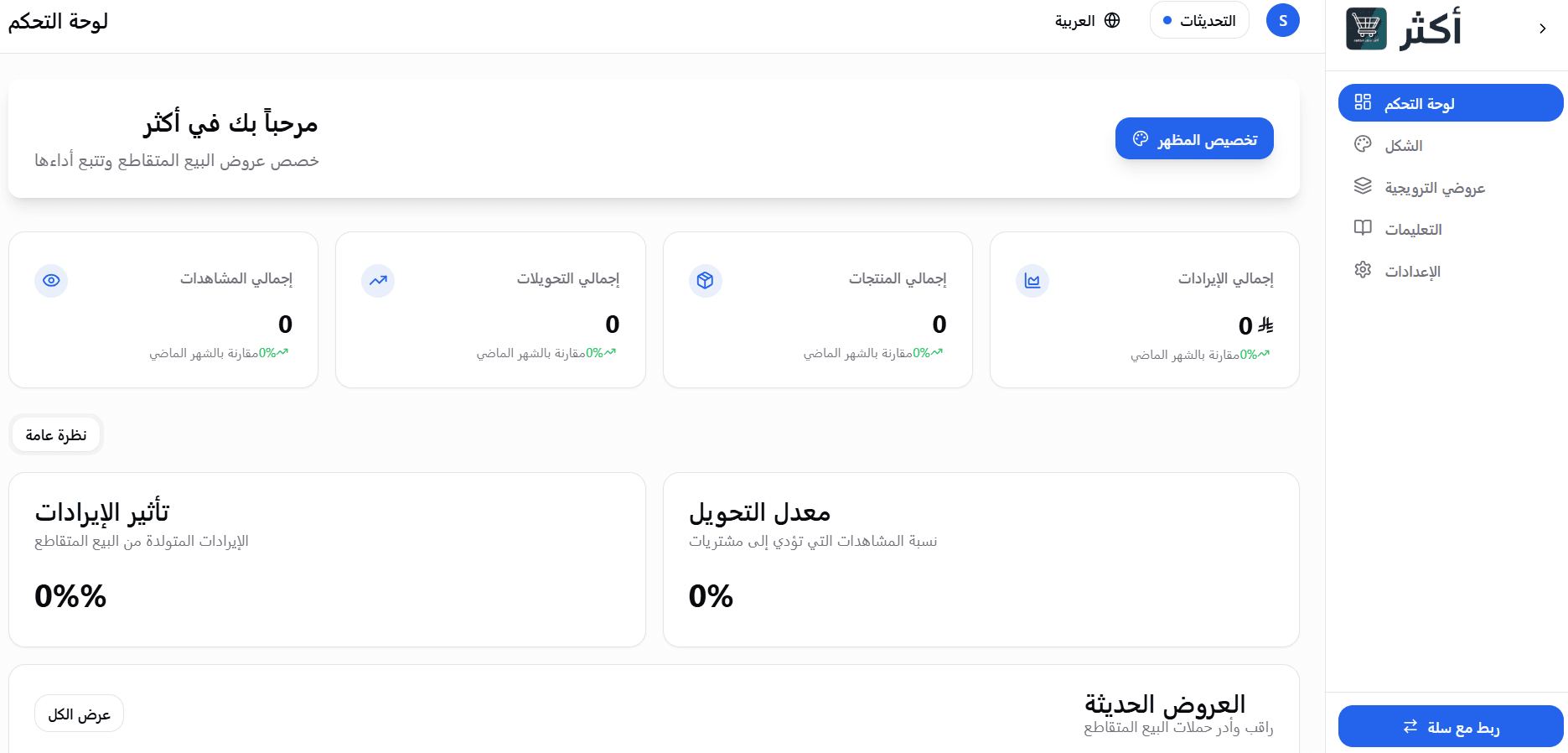
- Once logged in, you will be redirected to the dashboard homepage.
Managing the More app
Delete the app
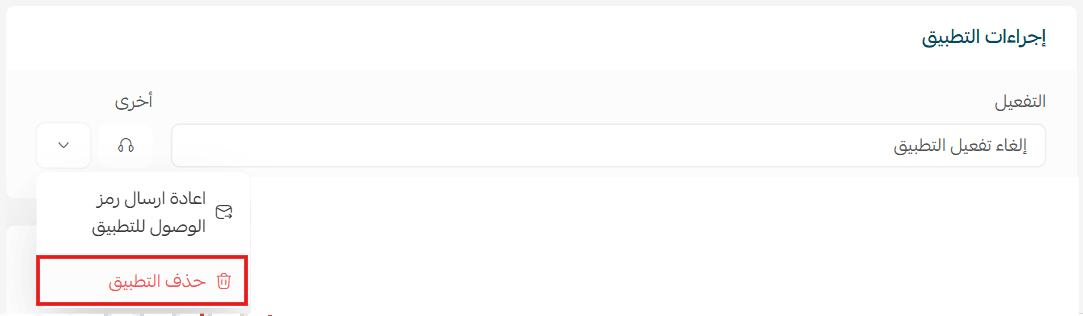
- From the app options menu, click unsubscribe.
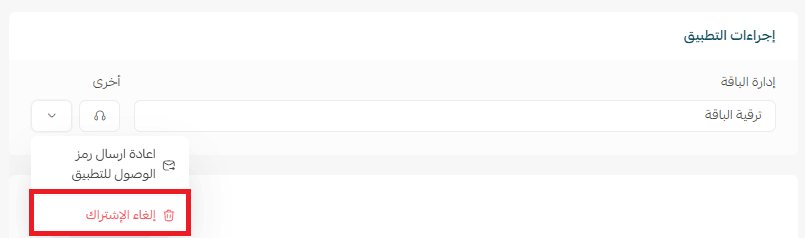
- From the same menu, click delete app.