Mohssilh
Online merchants struggle to track profit and expenses accurately, because the data sits in different places and the accounting work is fiddly. Mohssilh is a smart cloud system that provides full automation and instant reports, giving you accurate financial management while saving you time and effort. In this guide, you'll learn how to connect the Mohssilh app, sign in to the platform, and cancel your subscription.
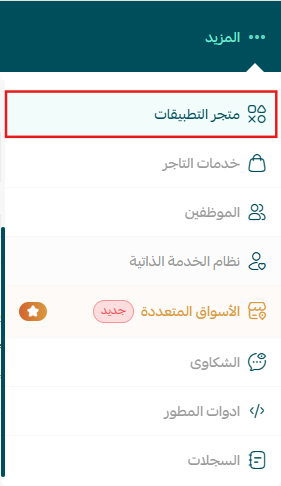
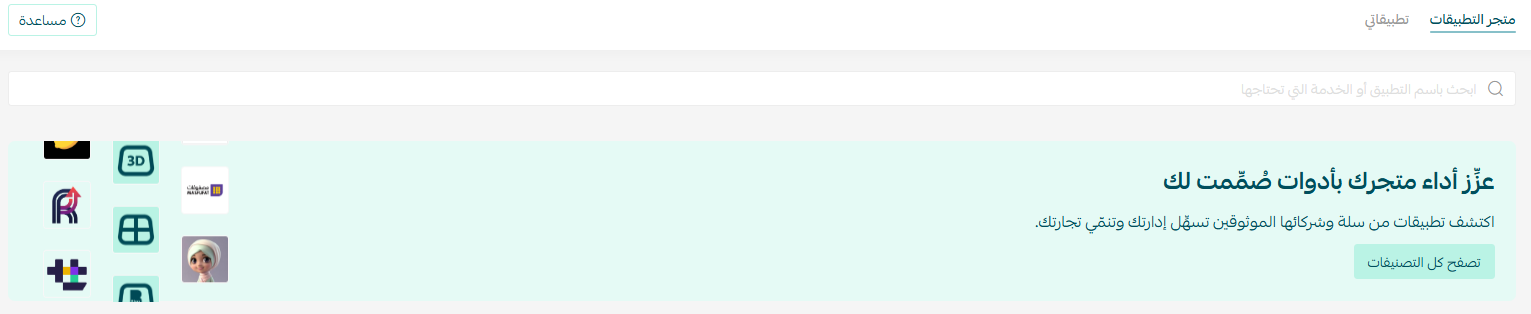
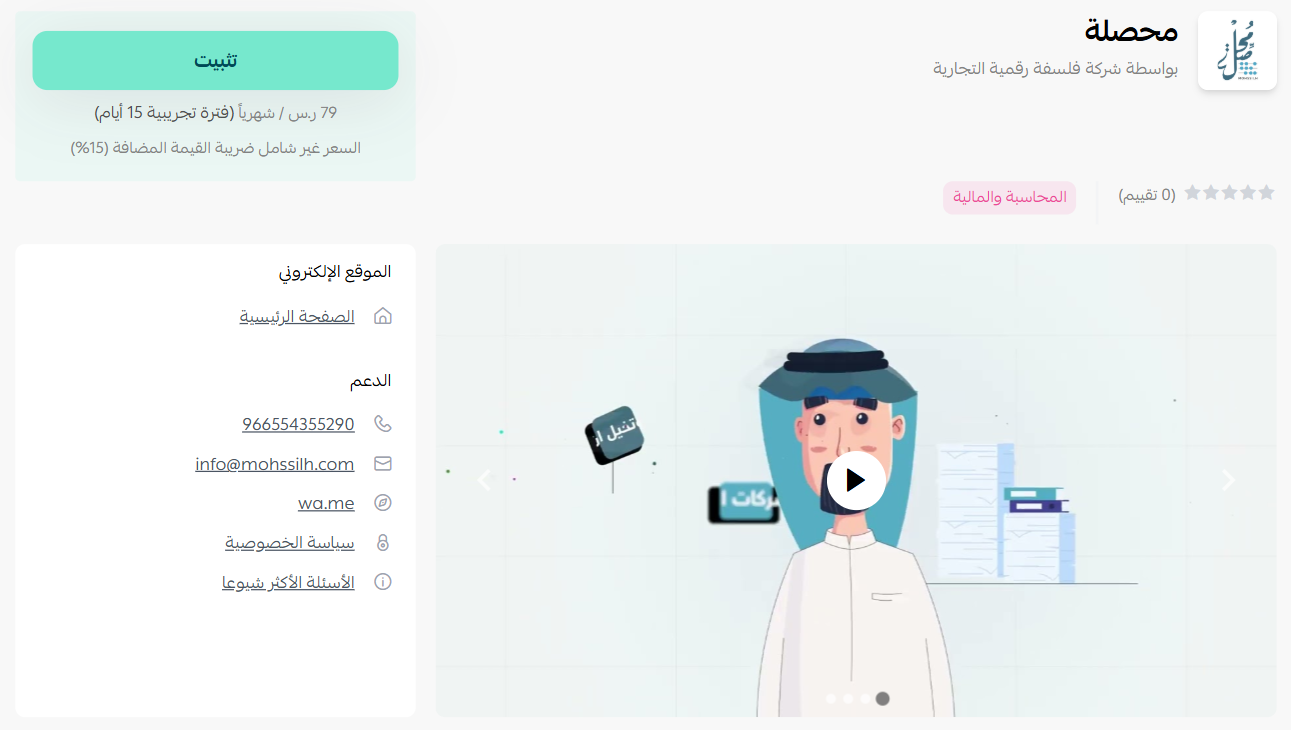
To connect Mohssilh on Salla, click the More tab in the main menu, then open the App Store. Click Browse all apps, open the Mohssilh app page, click Install, choose your plan, and complete the payment. You'll then receive an email with your login details for the Mohssilh platform.
📌 Article overview
- How to connect the Mohssilh app
- Signing in to the Mohssilh platform
- Cancelling your subscription
- Frequently asked questions
🚀 How to connect the Mohssilh app on Salla
1. From the main menu, click the (More) tab, then click (App Store).
2. From the App Store tab, click (Browse all apps).
3. From the Mohssilh app page, click (Install).
4. Choose the plan that fits your business to continue with the installation.
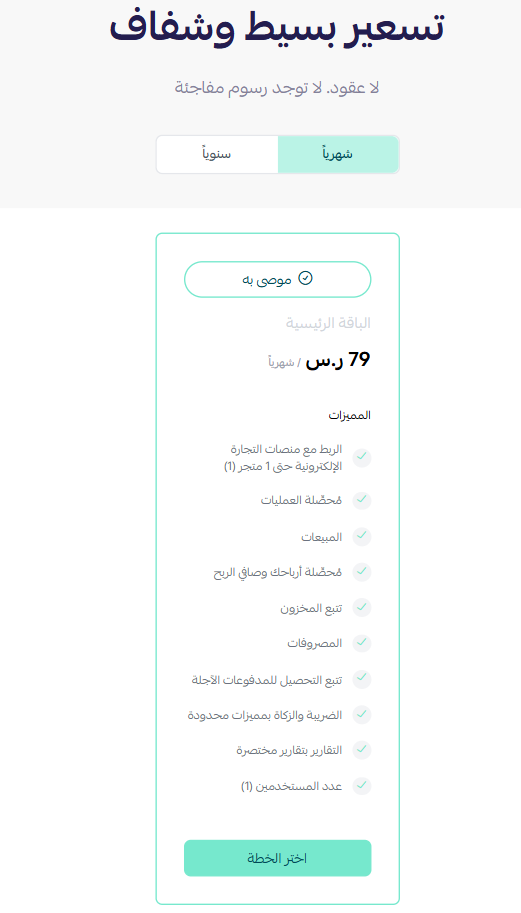
5. Complete the payment to activate the app's features.
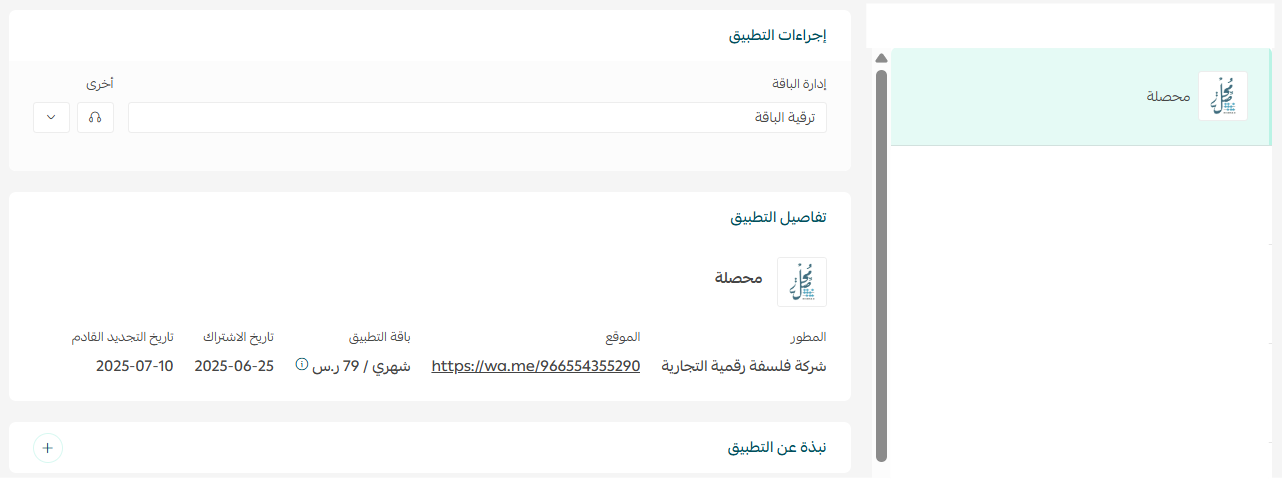
The Mohssilh app is now installed on your store.

Once installation finishes, you'll receive an email containing your login details.
🚀 Signing in to the Mohssilh platform
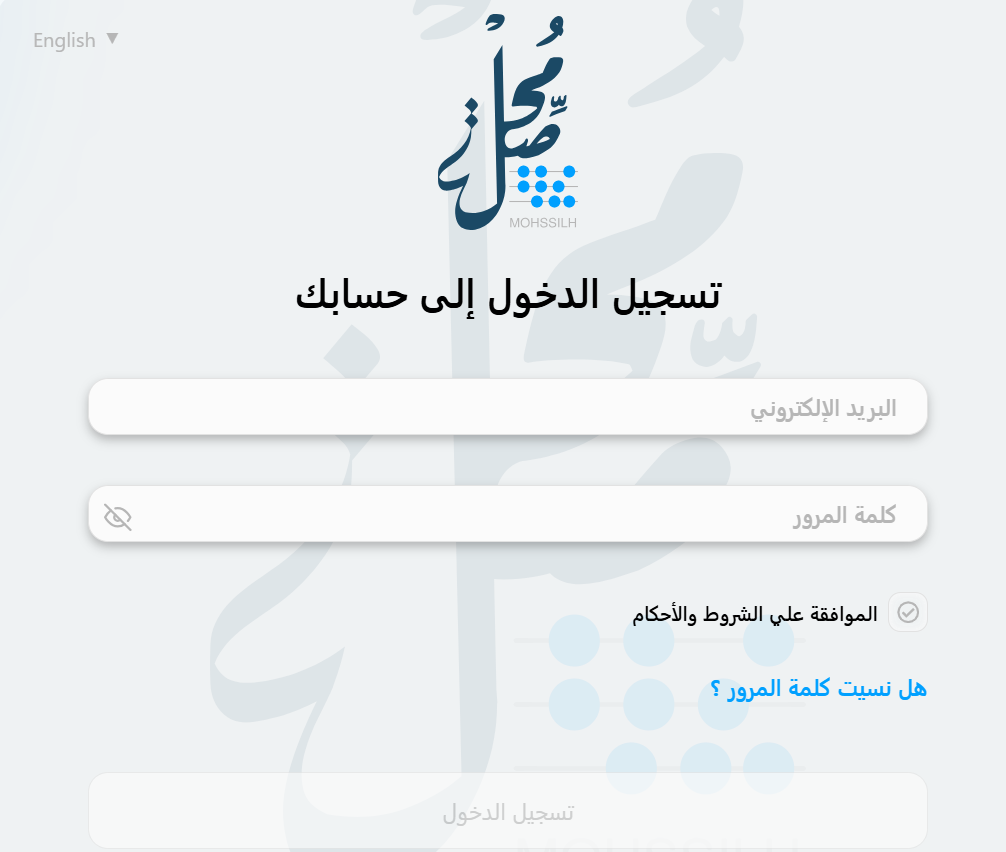
1. Sign in to the Mohssilh platform using the login details sent to your email.
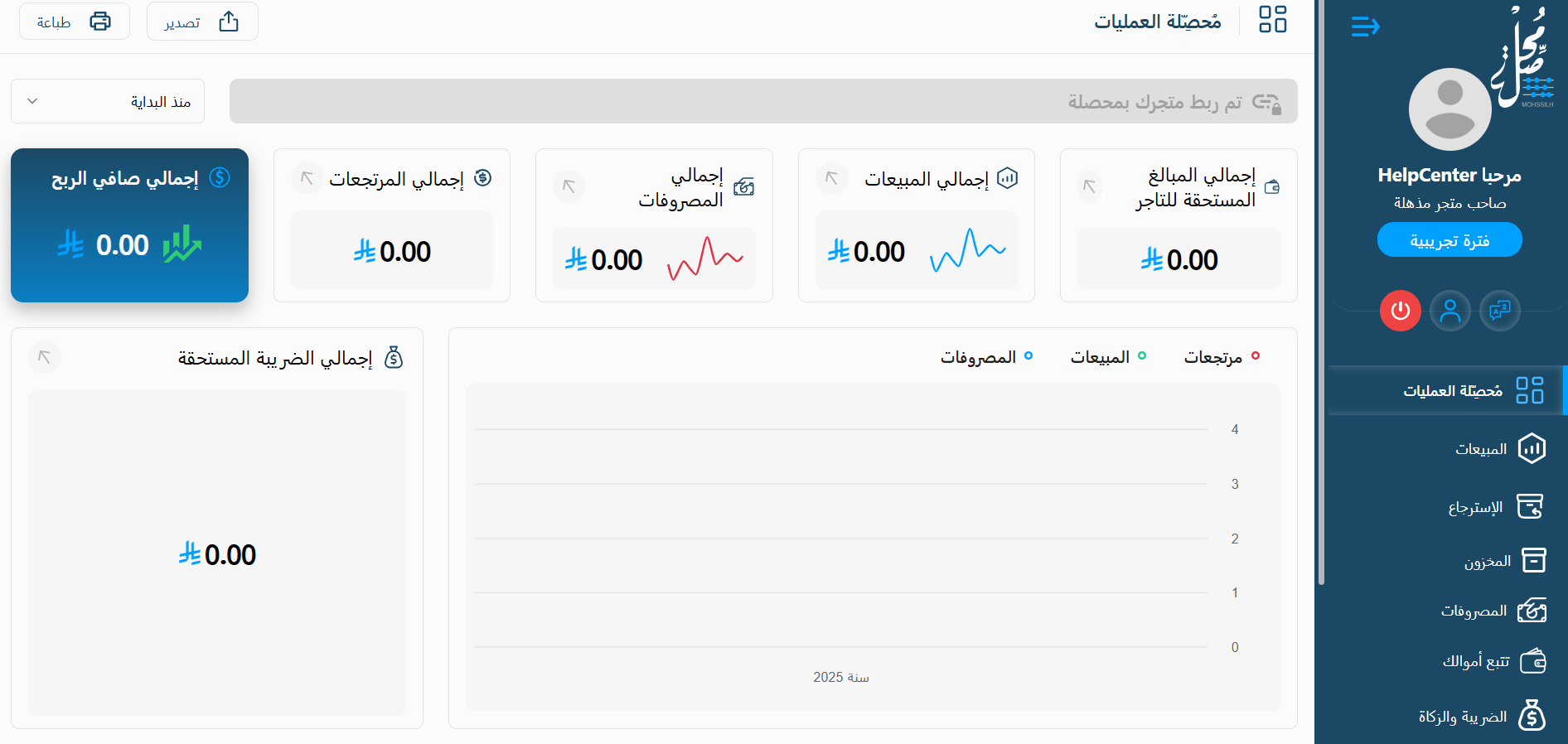
2. Once you sign in, you're taken straight to the Mohssilh home page, where you can review an overview of your store's financial performance.
Cancelling your subscription
From the Mohssilh app, click ( ) then click (Unsubscribe).

Frequently asked questions
❓ What problem does Mohssilh solve?
It brings scattered financial data together and automates the accounting work, so tracking profit and expenses stops being manual.
❓ Where do I get my login details?
By email, sent once installation on your store completes.
❓ How do I cancel my subscription?
Open the Mohssilh app, click the options icon, then click Unsubscribe.
For more detail, see the Mohssilh site.
Instant reporting changes what you can react to. Profit you can see weekly is something you can still influence; profit you discover at year-end is just history.