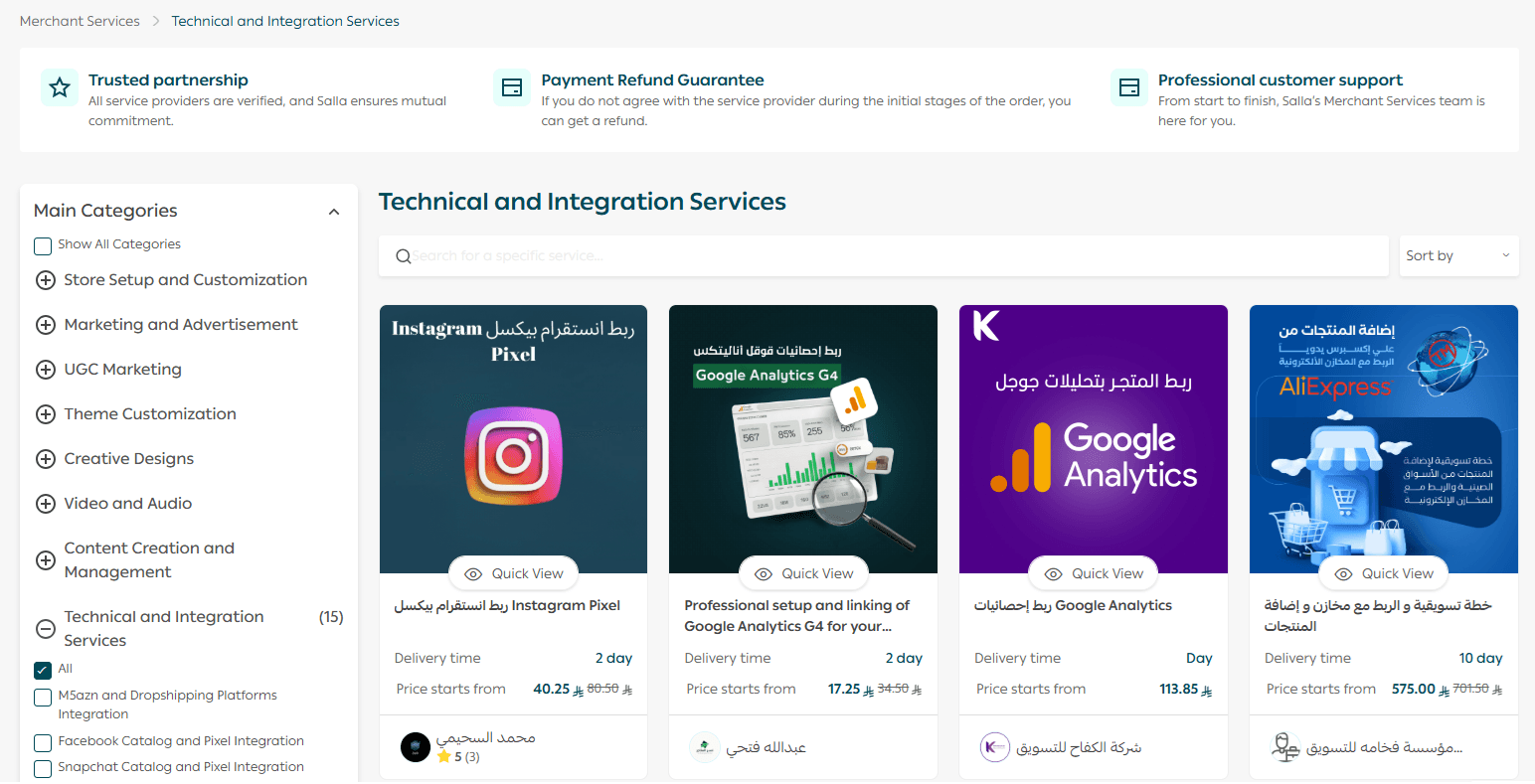
Do you feel that your store design needs a professional touch, but you do not have the technical expertise to do it yourself? No worries. With Merchant Services, you can easily customize your store theme through approved service providers who specialize in design and user experience. In this guide, you will learn how to access these services and request the right customization to give your store a more polished and attractive look.
🚀 How to Access Merchant Services from Theme Customization
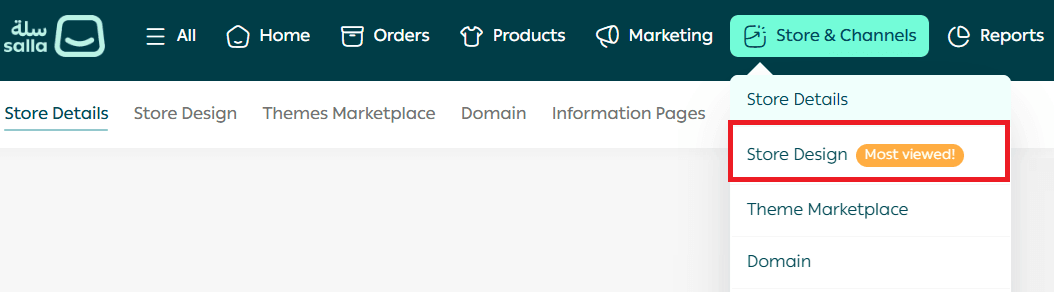
- From the main menu, go to Store & Channels, then click Store Design.
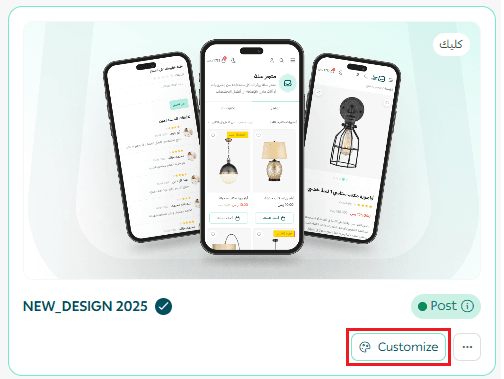
2. From the Store Design page, click Customize Version to edit the selected theme version.
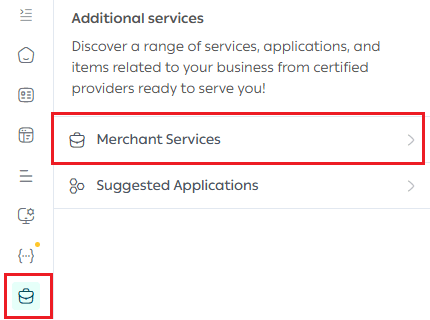
3. On the customization page, open the Merchant Services tab.
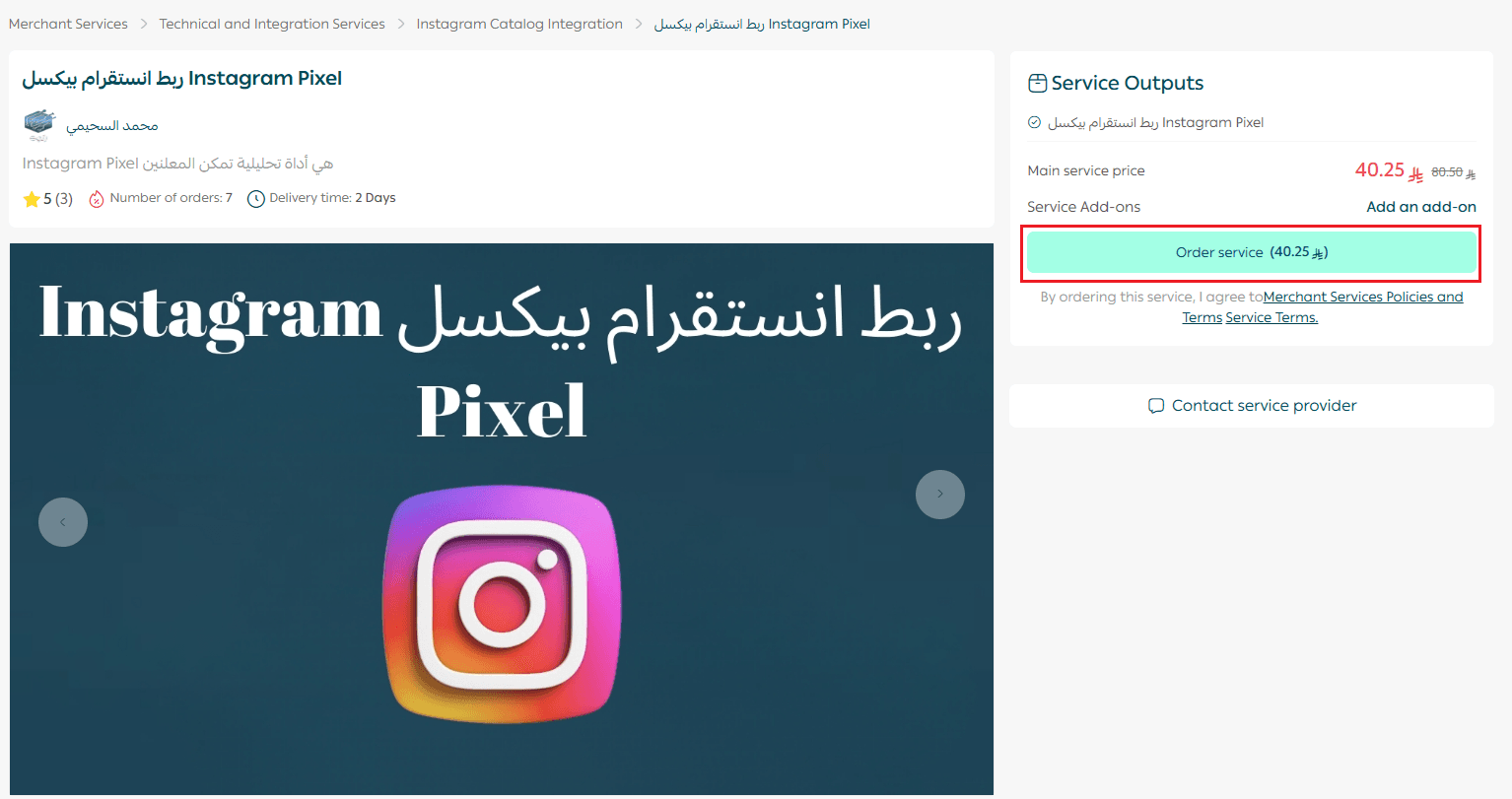
4. Browse the available services and click Request Service for the option that fits your needs.
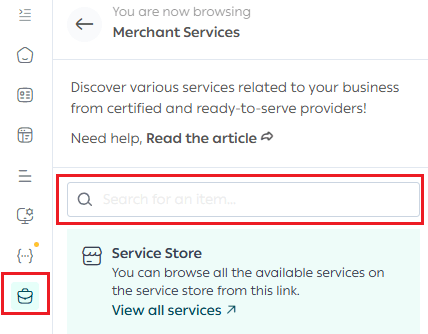
5. Review the service details carefully to make sure it matches your requirements, then complete the request.
✨ With Merchant Services, you can transform your store’s appearance without technical complexity, and rely on trusted professionals to deliver a high quality, conversion focused design.