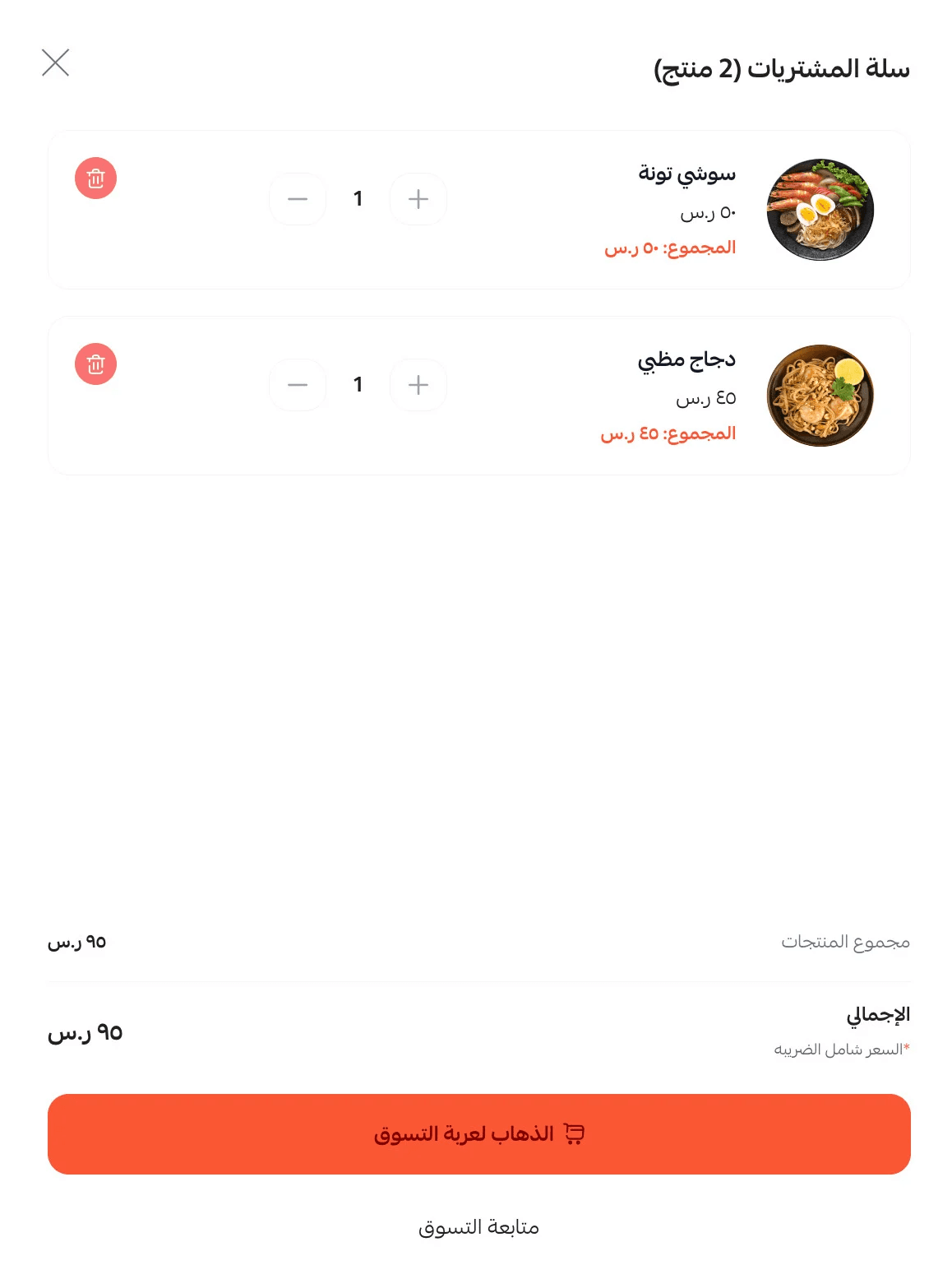
The Menu Theme features a simple and professional design tailored for restaurants and food businesses. It presents products in a smooth, menu-like format and includes essential information such as working hours, location, and contact details, making it easier for customers to explore and place orders quickly.
📌 Article overview
- Steps to install the Menu Theme
- New elements added to the theme
Steps to install the Menu Theme
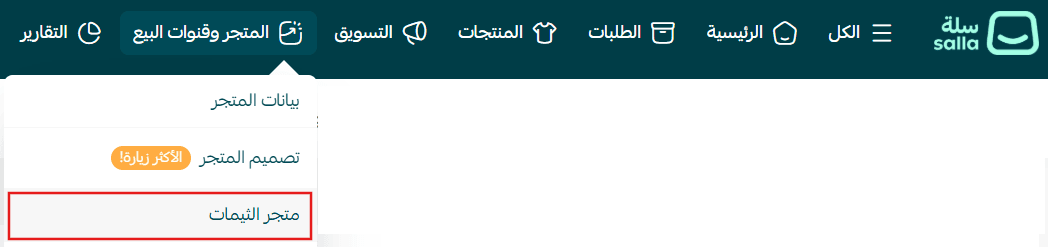
- From the main menu, click (Store & Channels) → (Theme Store)
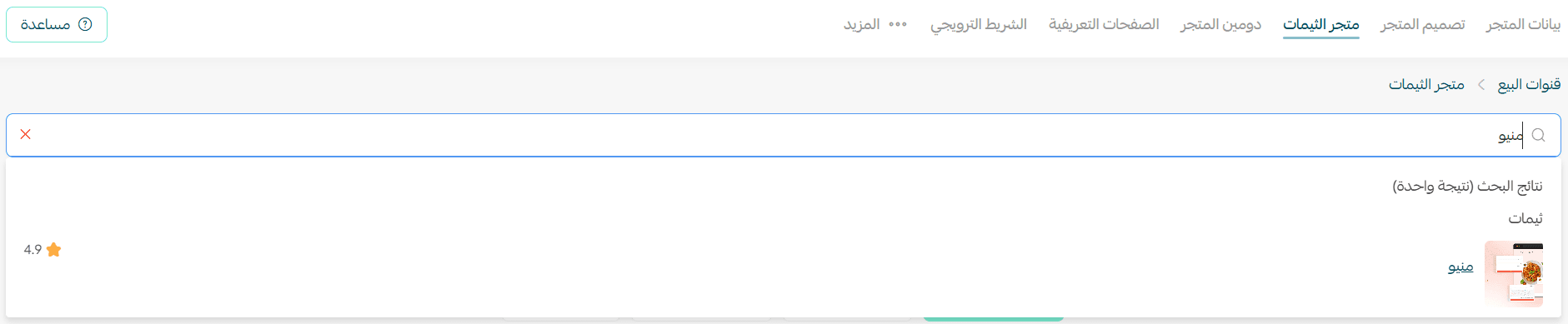
2. Search for Menu Theme, then select it from the results
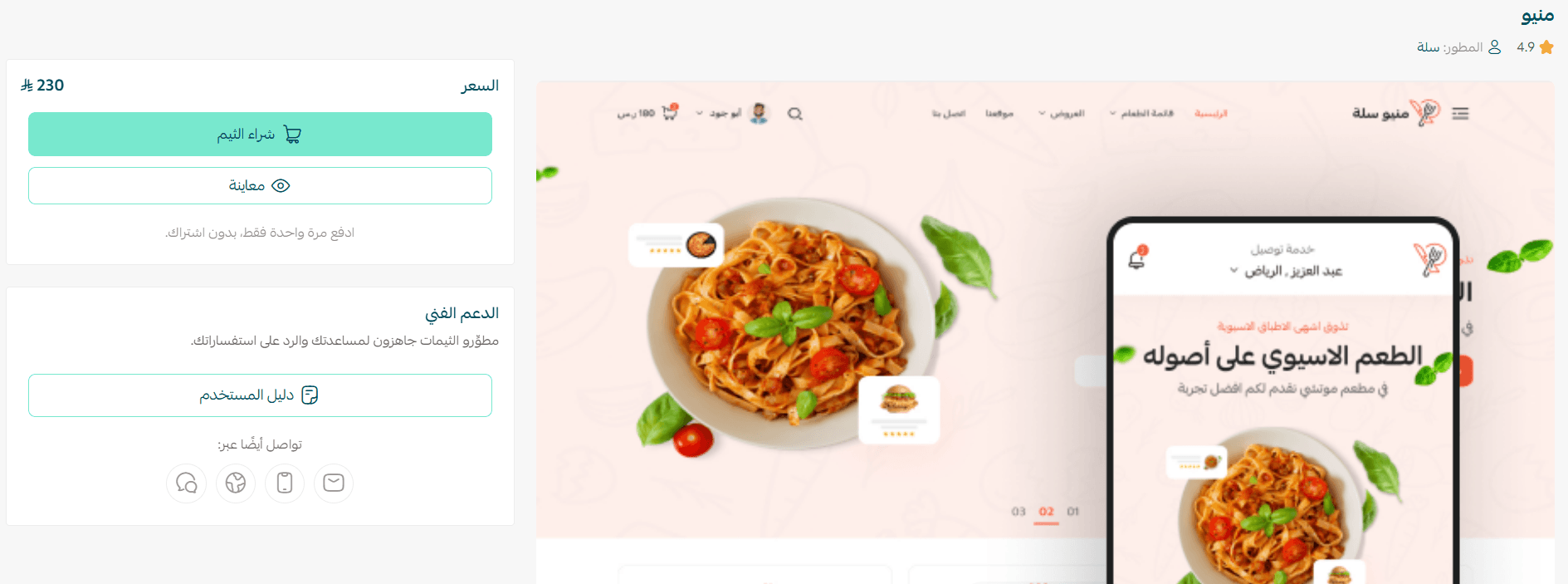
3. Open the theme details page and click (Purchase), then complete checkout
4. After installation, go to Store Design → select the theme → click (+ New Theme Copy from Default)
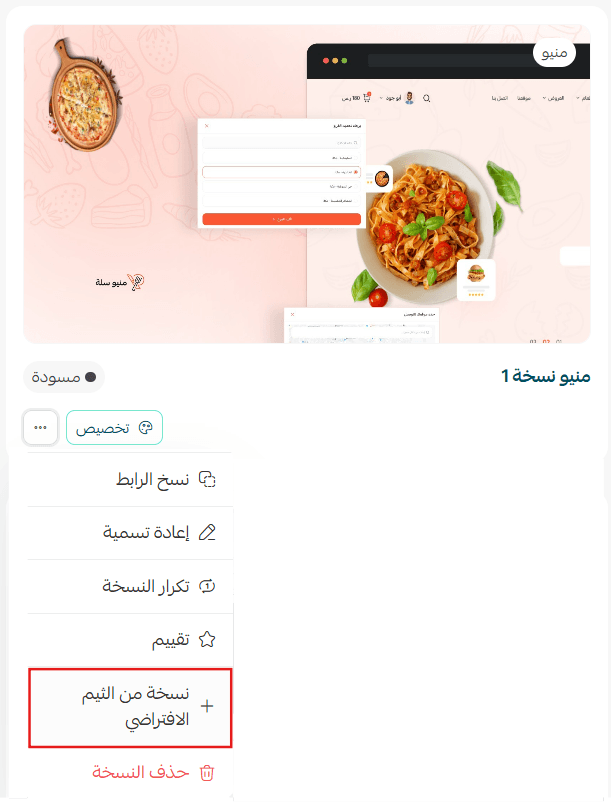
You can then customize the theme copy as needed and preview your store from the customization page.
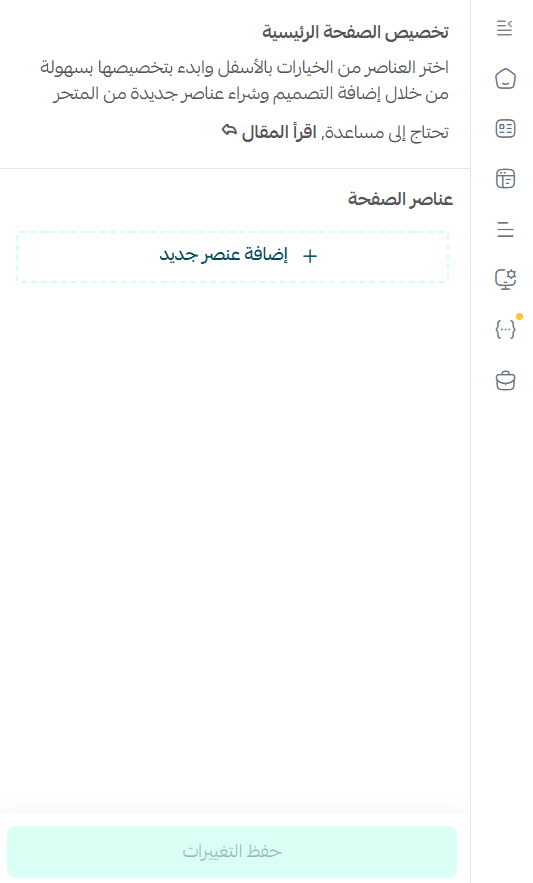
Preview a store using the Menu Theme
Make your store more attractive and professional, and provide a seamless shopping experience that boosts customer loyalty and order completion.
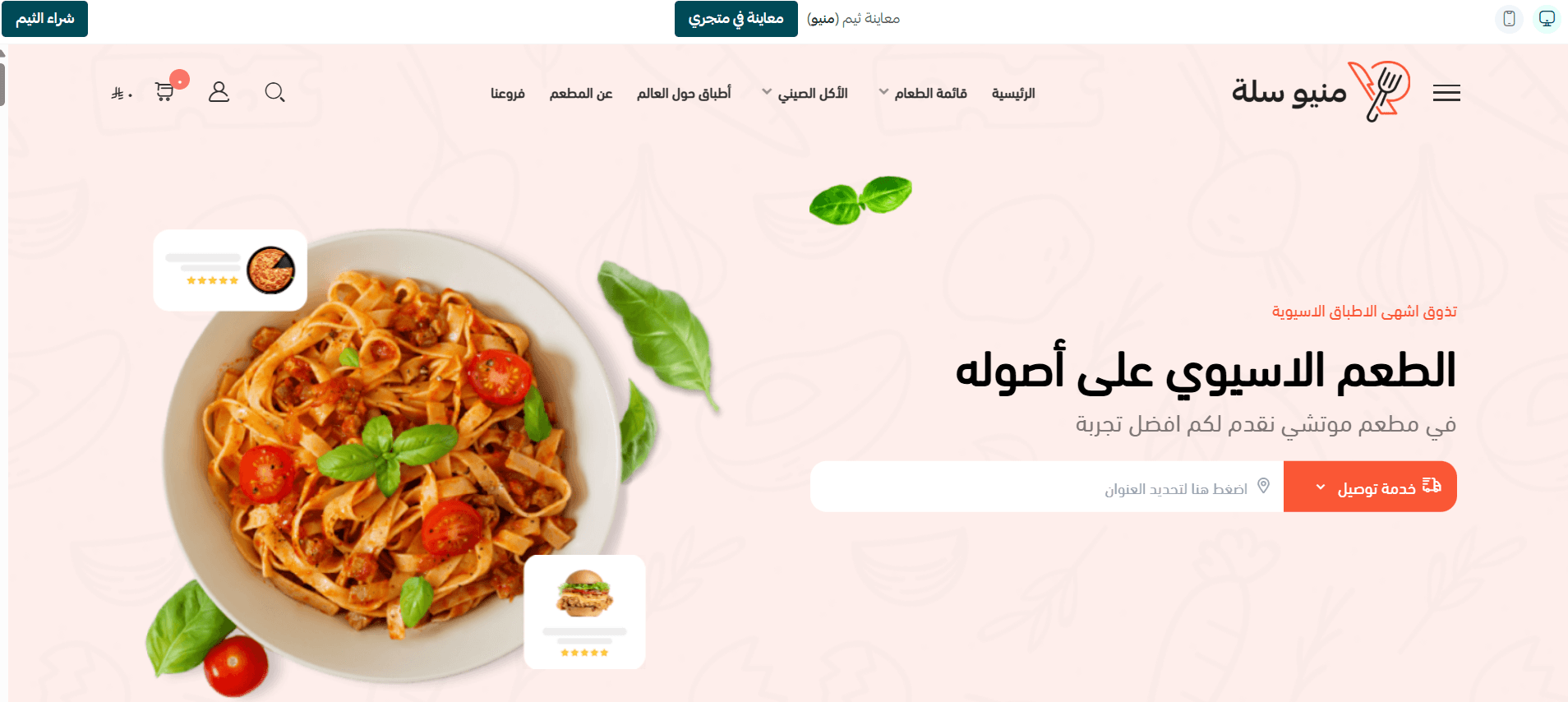
New elements
The theme includes new elements designed to enhance professionalism and attract customers.
To add them:
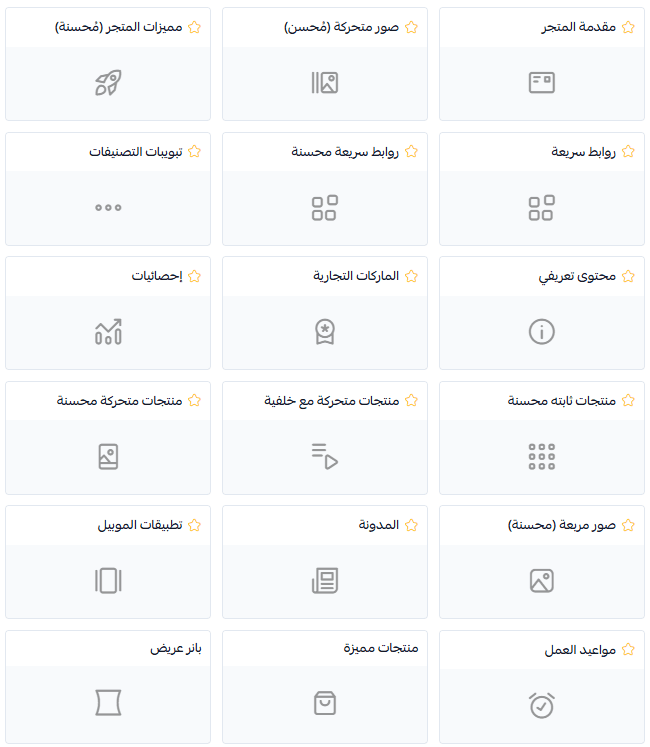
- Go to theme customization → (Page Elements)
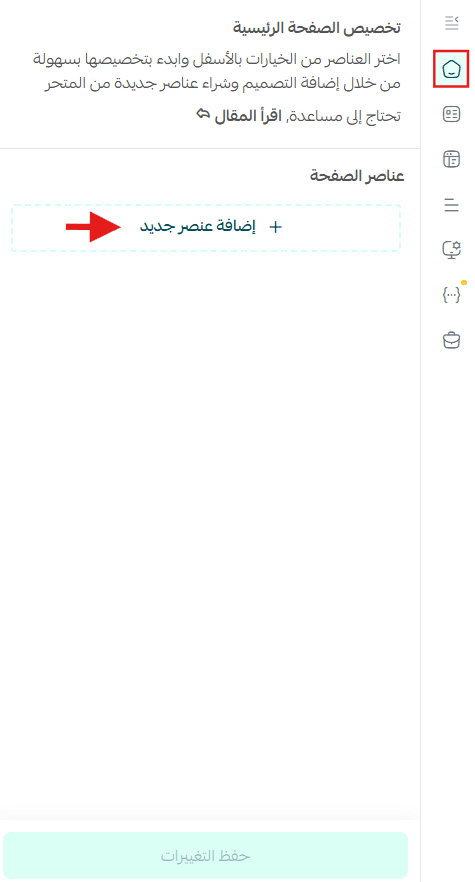
- Select from the available elements list
New theme-specific elements are marked with a ⭐
Frequently asked questions
What are the exclusive features of the Menu Theme?
- Comprehensive restaurant information
Add elements like menu sections, working hours, location, and contact details to help customers easily access information - Easy ordering experience
Customers can place orders for pickup or delivery - Marketing tools
Use high-quality images and videos, display customer reviews, and highlight special offers - Mobile-optimized design
Fully responsive with a smooth experience across all devices - Branch pickup option
Customers can browse branches and select the nearest one for pickup - Custom delivery experience
Customers can choose a saved address or pinpoint their location via map
Are there changes to the product page or product display?
Yes, including:
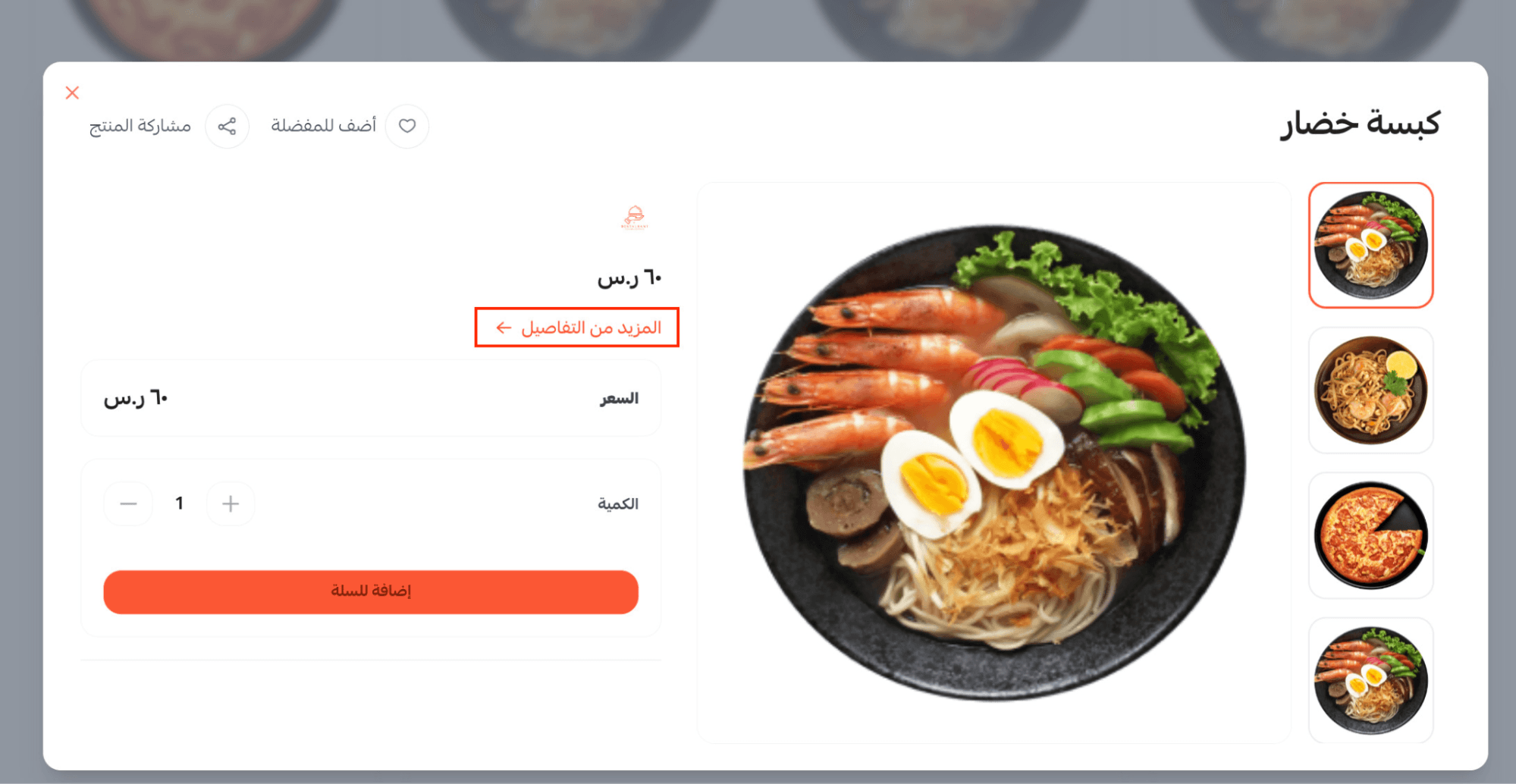
- Quick view when clicking on a product, with a “More details” option for full view
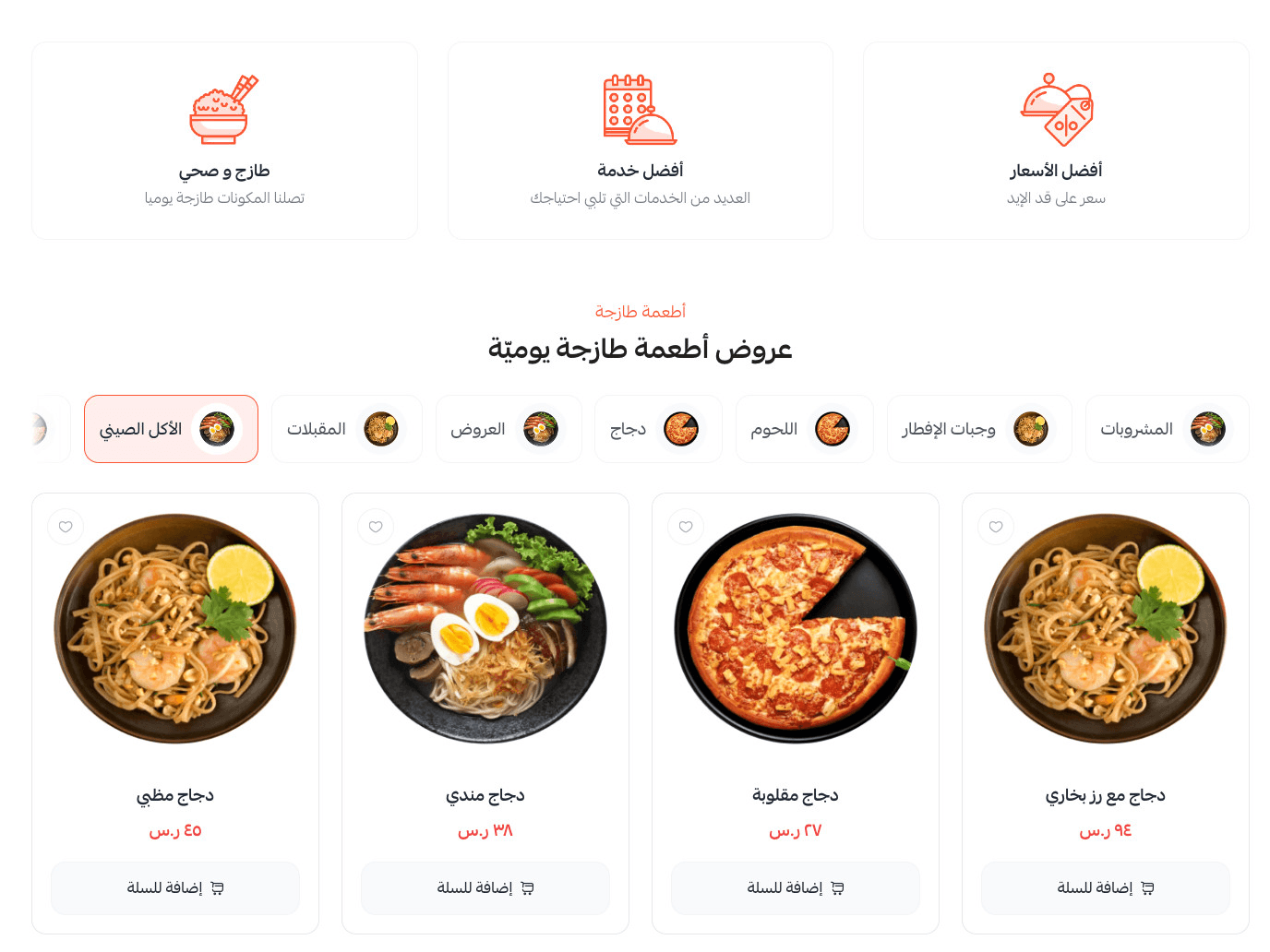
- A menu-style layout that appears after the homepage
- A mini cart that allows customers to quickly review added products