What if your best customers paid you upfront for the privilege of shopping with you?
Paid memberships flip the usual discount logic: instead of cutting prices for everyone, you sell access to better prices and better treatment. Membership Pluss lets your Salla store build and run that program, with tiers your customers subscribe to and benefits you decide. In this guide, you'll learn what the app offers, how to install it on your store, how to set up your membership tiers, and how to remove the app if you need to.
Membership Pluss is a Salla app for creating and managing paid membership programs. You can offer tiers such as silver and gold, each carrying exclusive benefits: special discounts, premium perks, and a better overall experience for members. Customers subscribe to a tier, and you manage memberships, subscriptions, and members from one dashboard.
📌 Article overview
- How to install Membership Pluss on your store
- How to manage and activate Membership Pluss
- Frequently asked questions
👣 How to install Membership Pluss on your store
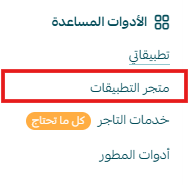
1. From the main menu, click (All), then under the helper tools section, click (App Store).
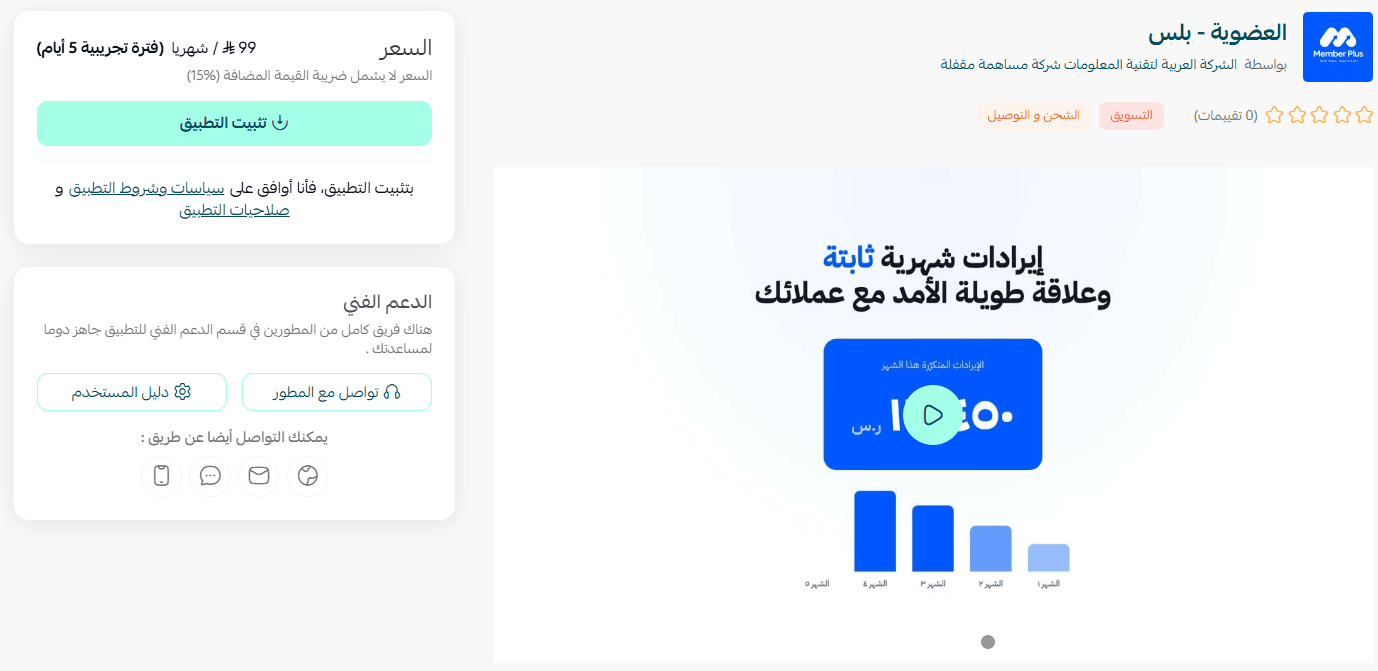
2. On the Membership Pluss app page, click (Install).
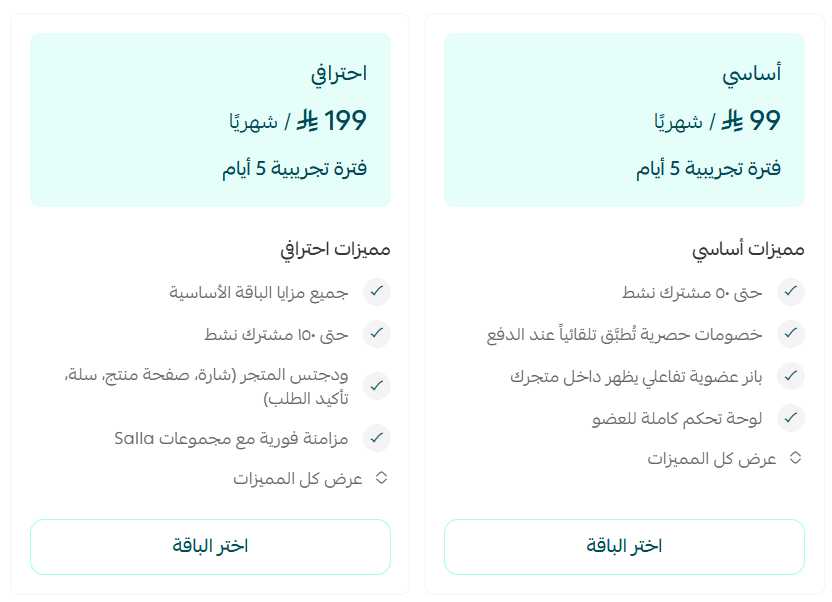
3. Choose the plan that fits your store, then click (Install app).
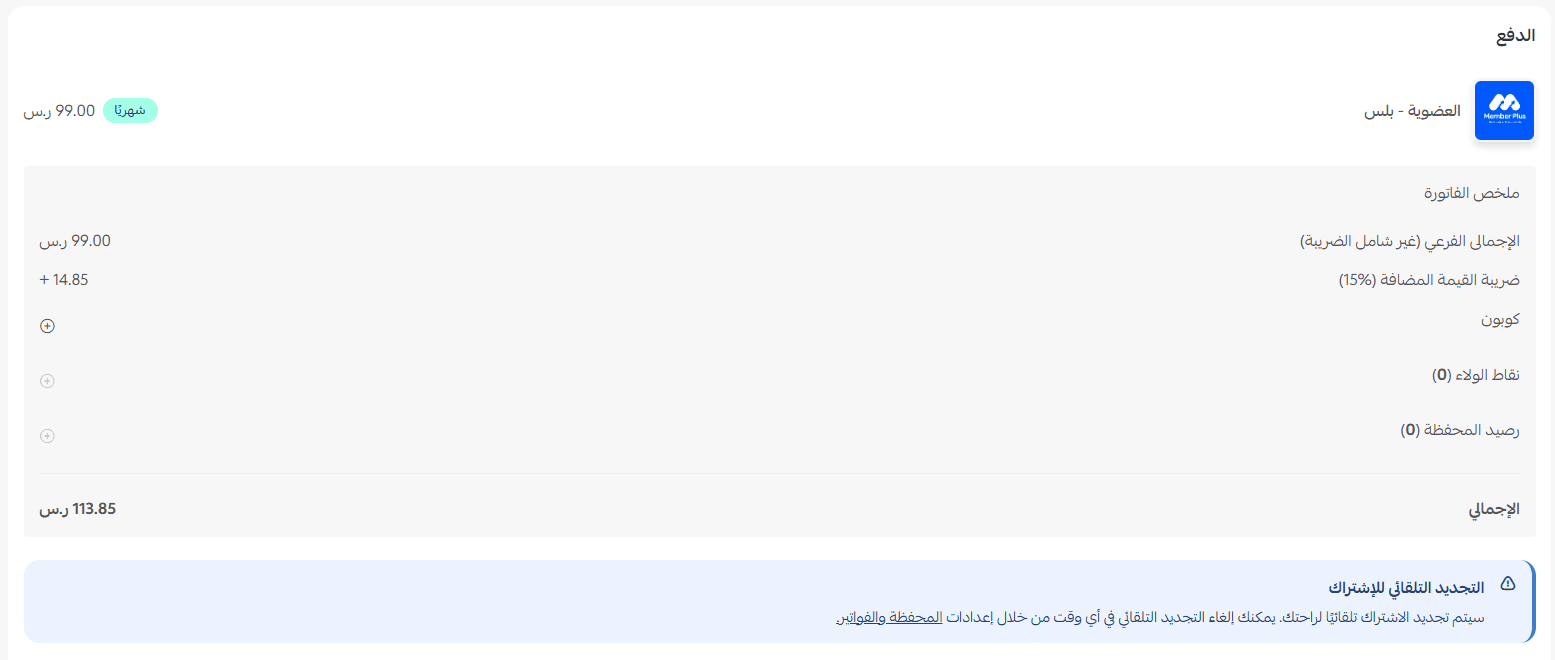
Complete the payment to unlock the app's features.
Membership Pluss is now installed on your store.
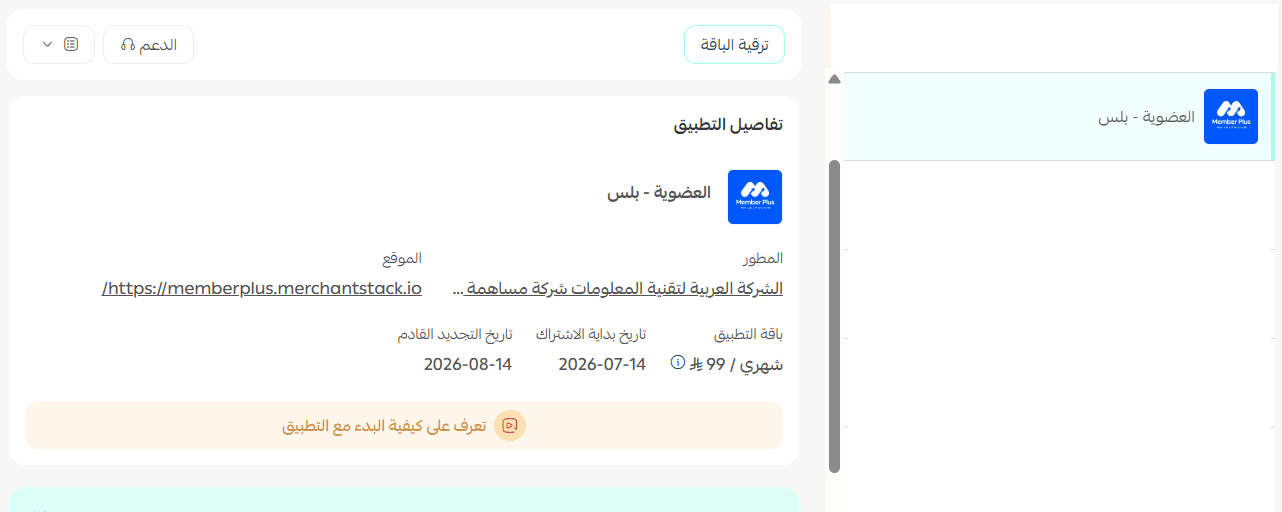
🚀 How to manage and activate Membership Pluss
Sign in to the Membership Pluss platform
1. After the app is installed, open the email you receive and click (Activate account).
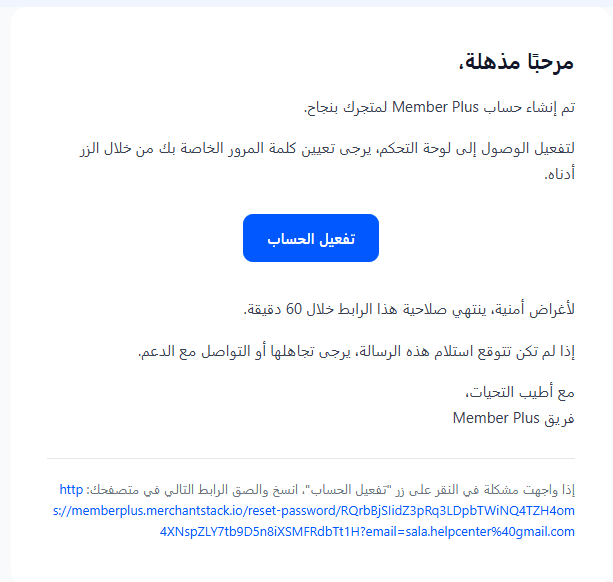
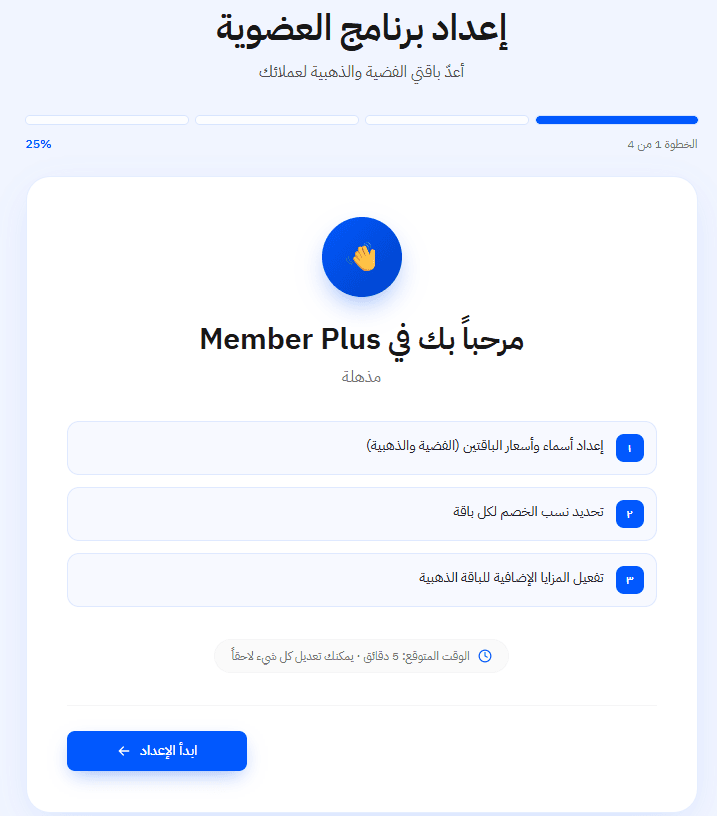
2. Sign in to the Membership Pluss platform and start building the membership program you want to offer your customers.
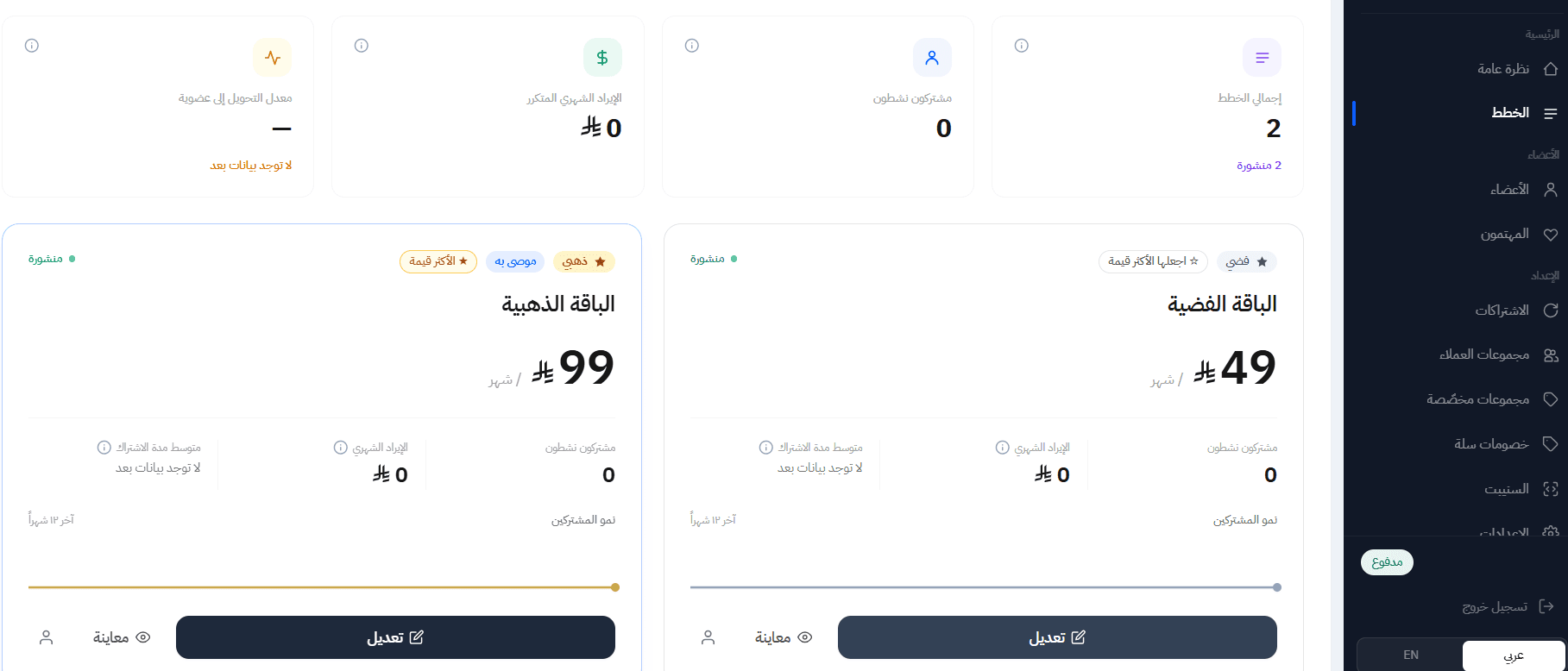
3. From the main dashboard, edit your memberships, review subscriptions, and follow your members.
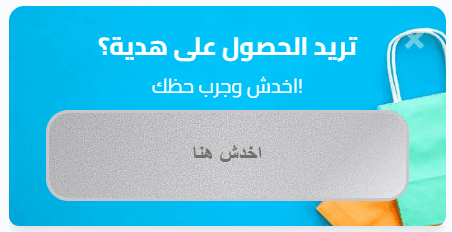
Here is how the membership appears to shoppers in your store:
Delete the app
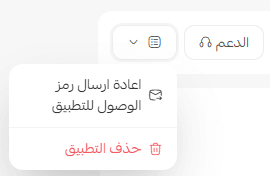
Open Membership Pluss, click (App options), then click (Delete app).
📝 Important notes
Your membership tiers are built on the Membership Pluss platform, not inside the Salla dashboard, so activate the account from the email before you start setting them up.
For more details, visit the Membership Pluss page.
❓ Frequently asked questions
What kind of memberships can I offer?
Paid tiers, such as a silver membership and a gold membership. You decide what each tier includes and what customers pay to join it.
What benefits can members receive?
Exclusive benefits tied to the tier: special discounts, premium perks, and an improved shopping experience for anyone who subscribes.
Where do I set up and edit the program?
On the Membership Pluss platform. Activate your account from the email you receive after installation, sign in, and use the main dashboard to edit memberships, check subscriptions, and follow your members.
Will customers see the membership in my store?
Yes. Once the program is set up, the membership is displayed to shoppers in your storefront, where they can subscribe.
How do I remove Membership Pluss from my store?
Open the app in your store, click (App options), then click (Delete app).
A membership program is a promise you have to keep every time a member shops. Price the tiers so the perks stay affordable, and paying customers turn into recurring revenue.