Getting a customer to place their first order is one thing. Giving them a reason to come back is another.
The loyalty program is a paid Salla app that lets you build a complete points system for your store. Customers collect points and exchange them for rewards you define — a free product, a discount coupon, or free shipping — and you decide how many points each reward costs, how points are earned, and how long they stay valid. Detailed reports then show you how customers are spending their points and who is collecting the most. In this guide, you'll learn how to read your loyalty reports and how customers redeem points for rewards.
To review your loyalty reports, click (Reports) in your dashboard's side menu, pick a date range, open the (Loyalty program) tab, choose the sub-report you want, and click (View). Customers redeem their own points from the cart or the checkout page by clicking (Redeem now).
📌 Article overview
- How to view your loyalty points reports
- How customers redeem loyalty points for store rewards
- Frequently asked questions
For more details, see activating the customer loyalty program.
👣 How to view your loyalty points reports
1. From the side menu of your dashboard, click (Reports).

2. Pick the report date from the list.

3. Click (Loyalty program) in the tab bar.
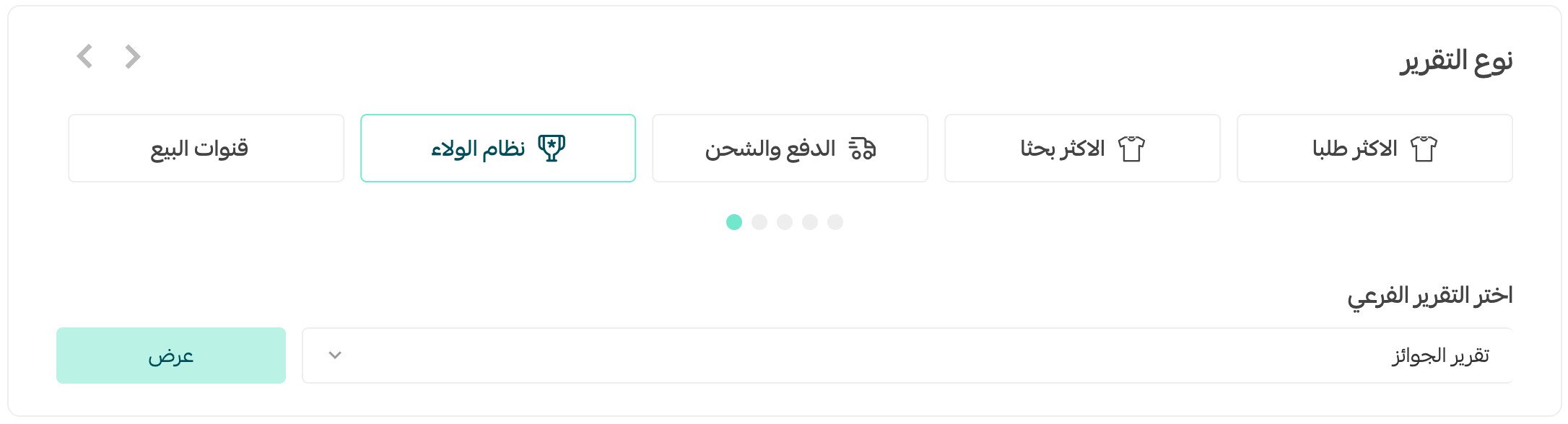
4. Choose the sub-report you want to see, then click (View).

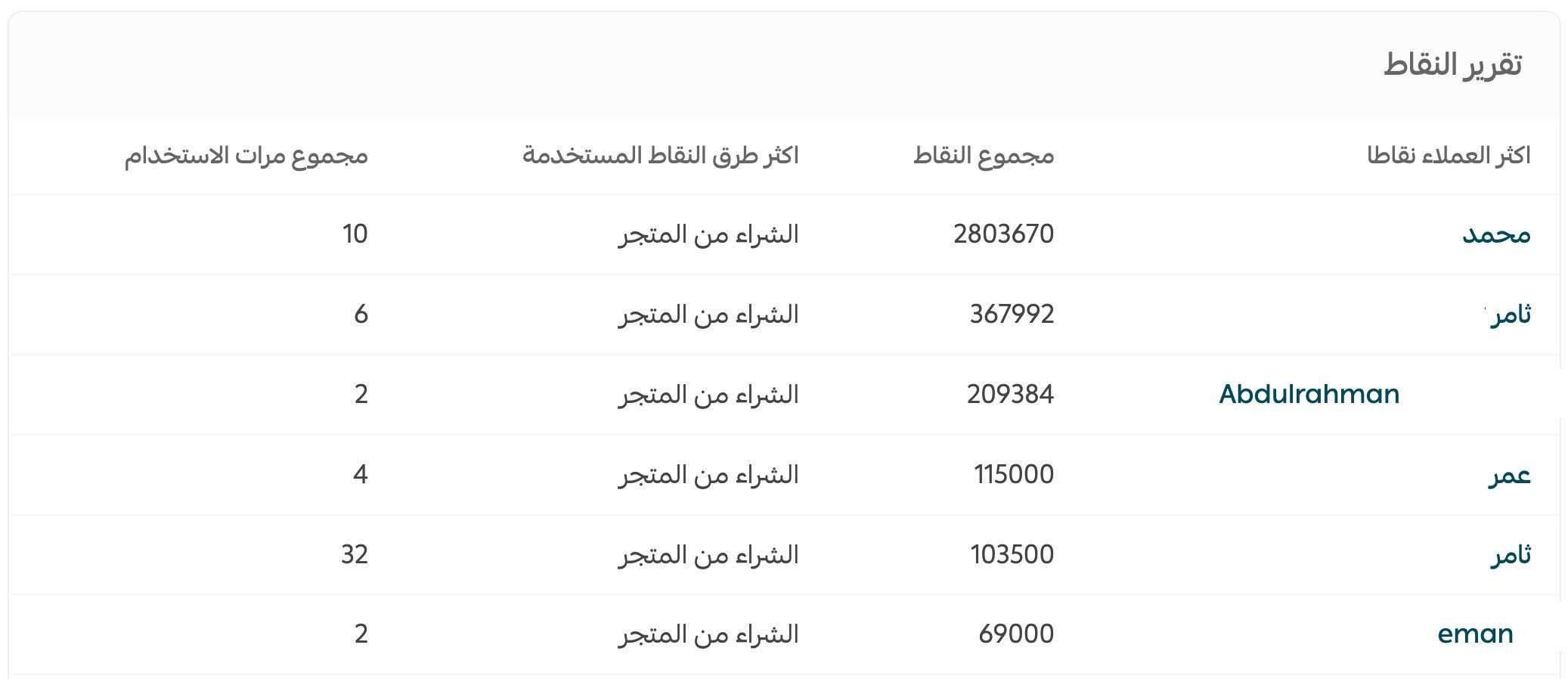
The loyalty points report looks like this.
It shows the customers with the most points and each one's total, along with the most-used ways of earning points across everyone enrolled in your loyalty program, and how many times each method was used.
The loyalty rewards report looks like this.
It shows the most-requested rewards, how many times each reward was used, and the total sales generated through rewards.

✅ How customers redeem loyalty points for store rewards
When a customer has points, they appear in the shopping cart or on the checkout page, and the customer redeems them by clicking (Redeem now).
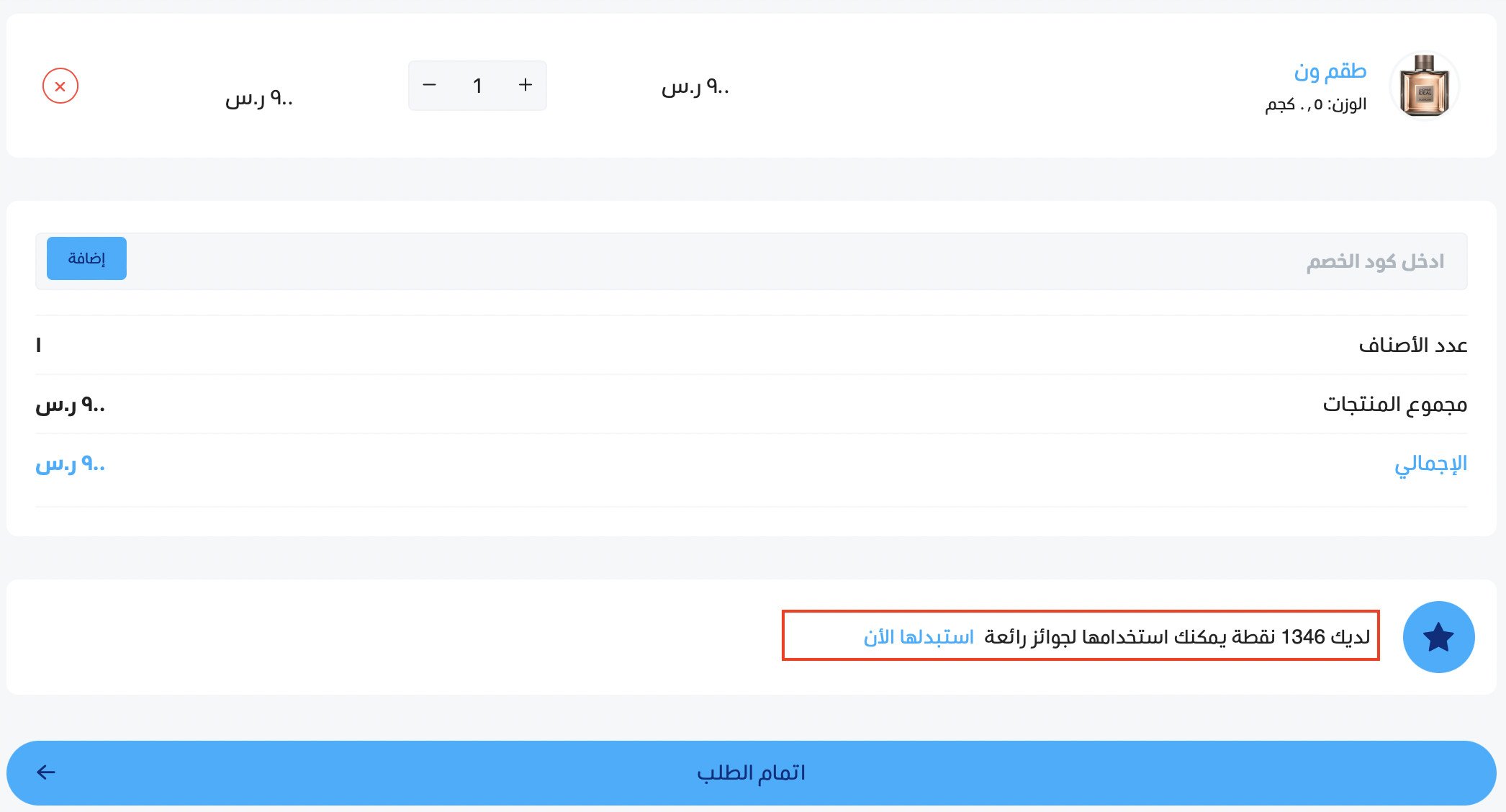
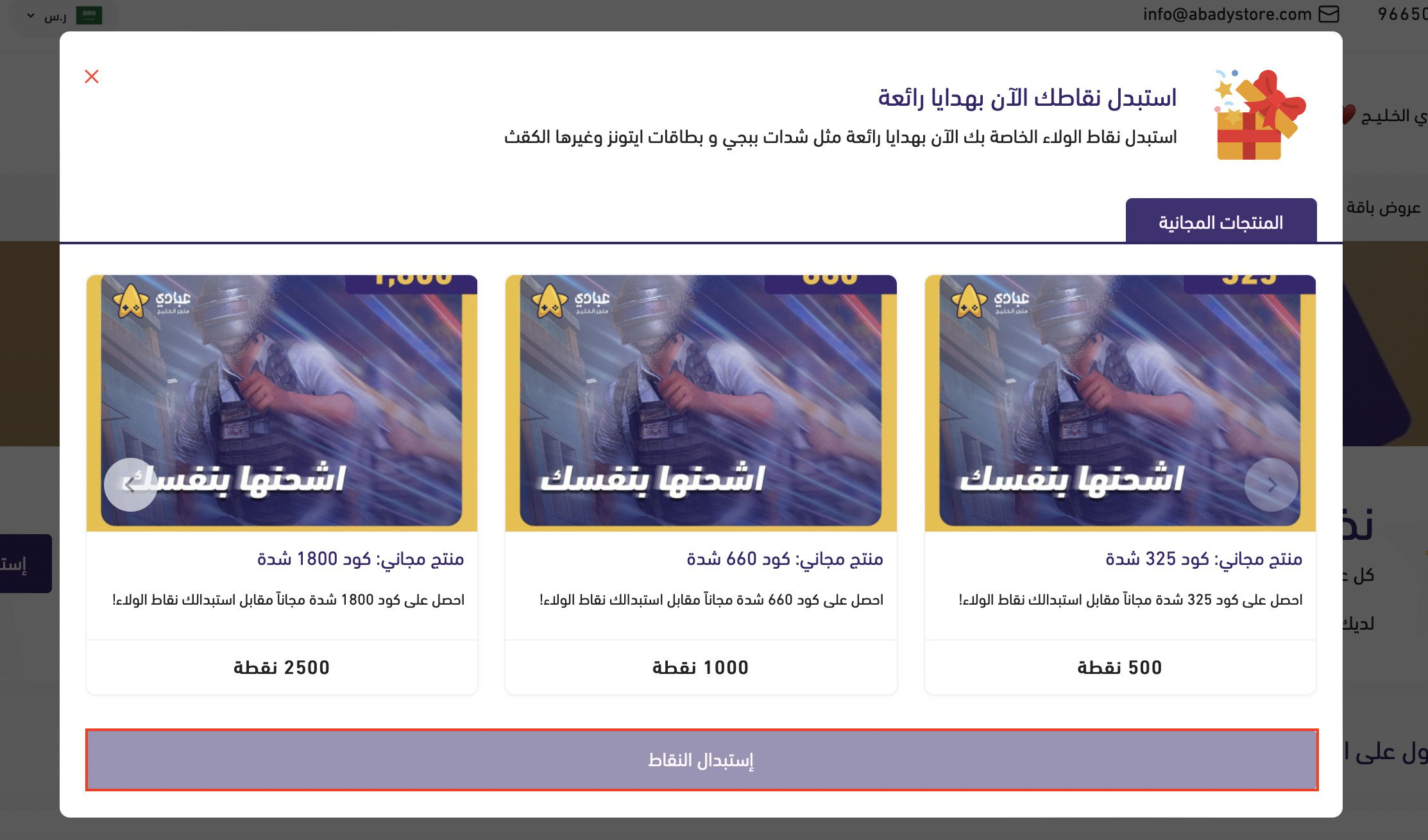
A pop-up opens where the customer picks a reward. Clicking (Redeem points) adds the free product to the cart.
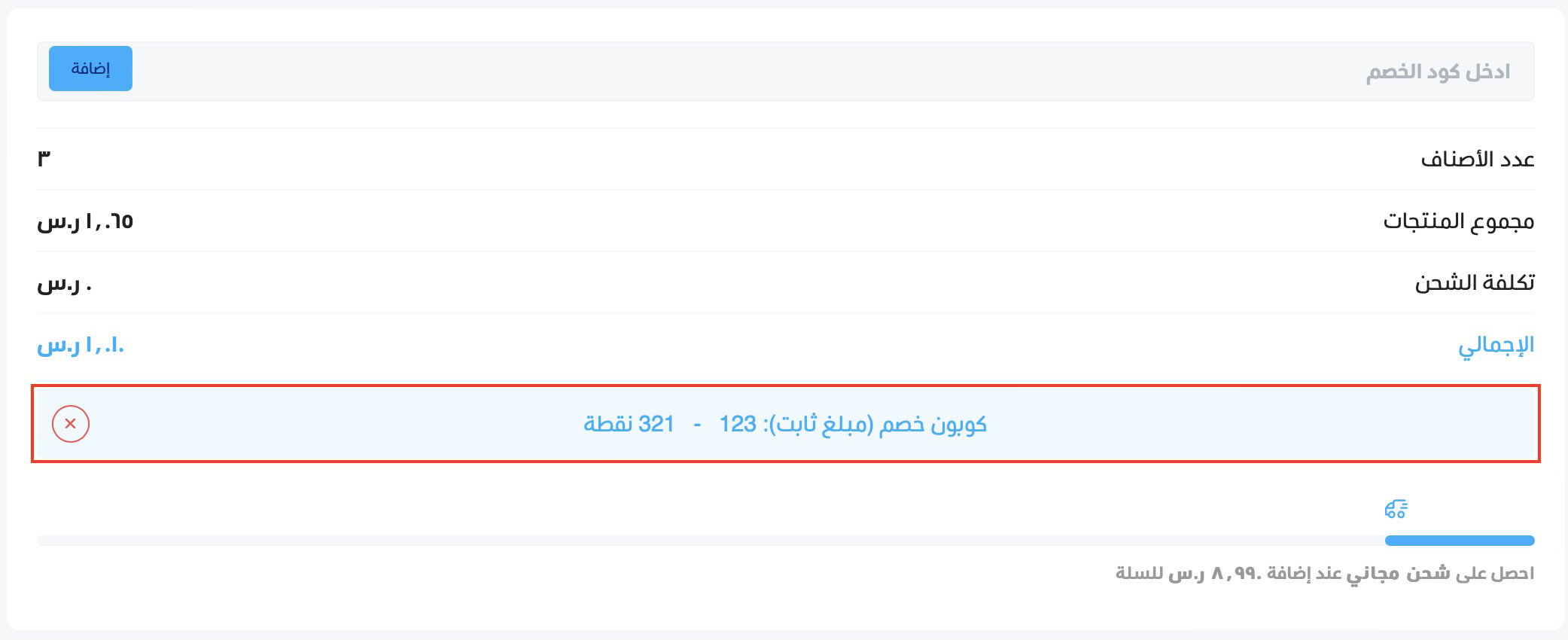
If the customer picks a discount coupon instead, it appears on the checkout page like this.
For more questions, see the loyalty program FAQ.
💡 Example: to drive engagement and lift your sales, you can work with influencers by multiplying loyalty points. When a follower uses the influencer's code or link, the customer earns double points on completing a purchase or visiting the store.
For more details, see creating an influencer marketing campaign.
❓ Frequently asked questions
What can customers exchange their points for?
For the rewards you set up: a free product from your catalog, a discount coupon, or free shipping.
Do I control how many points a reward costs?
Yes. You set the number of points each reward requires, how customers earn points, and how long those points stay valid.
Where do customers see their loyalty points?
In the shopping cart and on the checkout page, where a (Redeem now) button appears whenever they have points available.
What do the loyalty reports tell me?
The points report shows your top point collectors and the earning methods customers use most. The rewards report shows which rewards are requested most, how often they're used, and the sales that came through them.
Is the loyalty program included in my plan?
No, it's a paid app from Salla that you add to your store.