Lenkwhats is a WhatsApp-based app that enables automated interaction with your store visitors through welcome messages, discount codes, and abandoned cart reminders.
It also offers a simple referral system that encourages customers to invite others in exchange for rewards.
📌 Article overview
- Steps to connect the Lenkwhats app
- Managing the Lenkwhats app
Steps to connect the Lenkwhats App
- From the main menu, click All, then under Tools, select App Store.
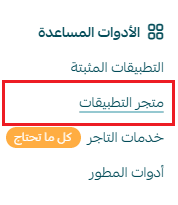
- Search for the app using the search bar.

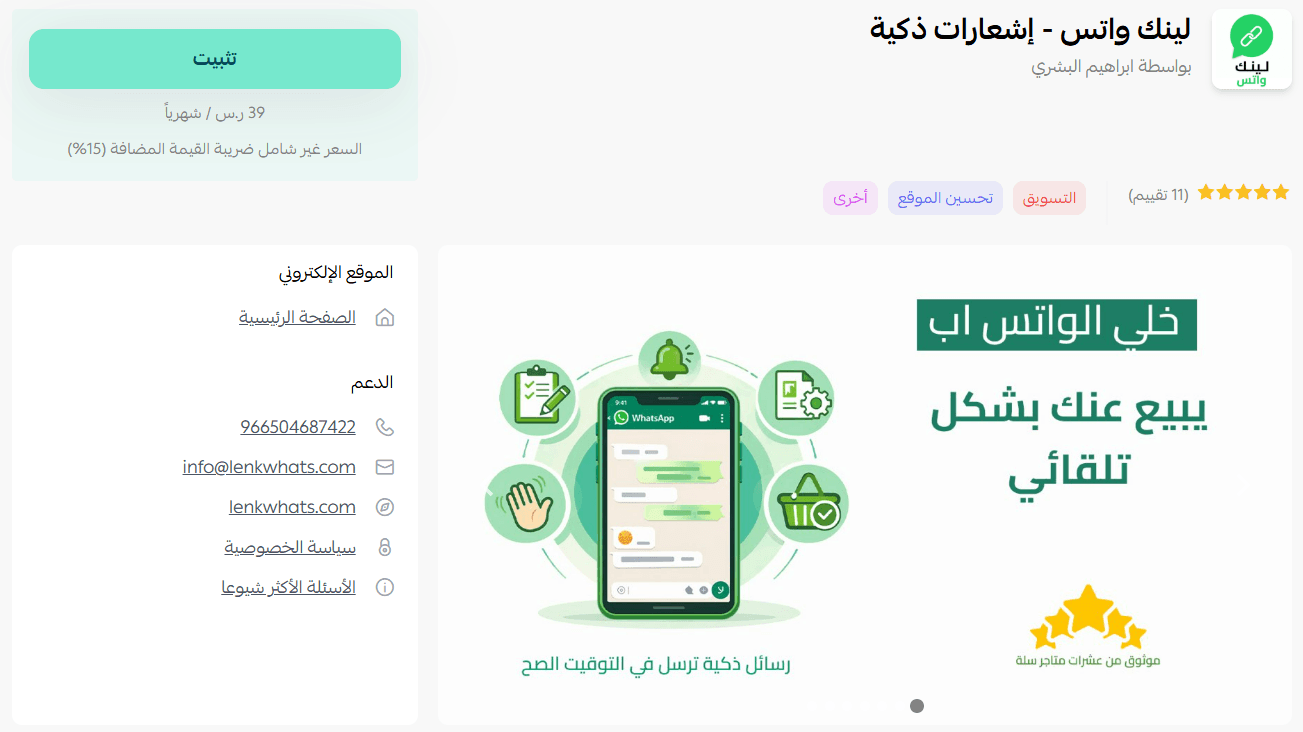
- From the Lenkwhats app page, click install.
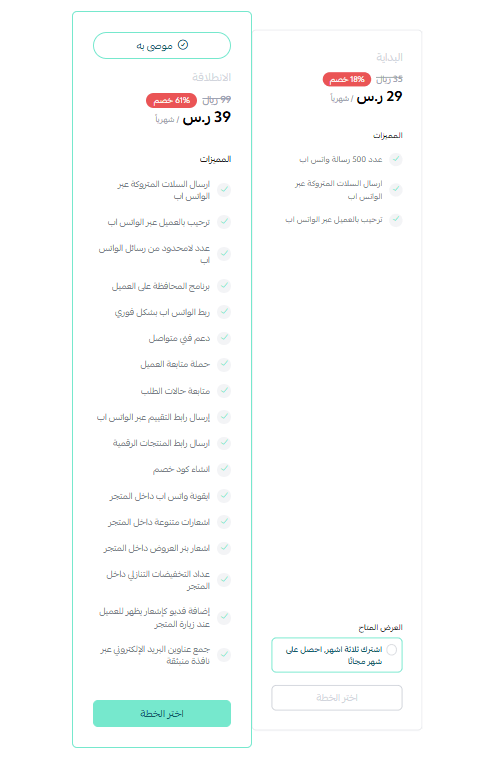
- Choose the plan that suits your business to continue installation.
- Complete the payment process to activate the app features.
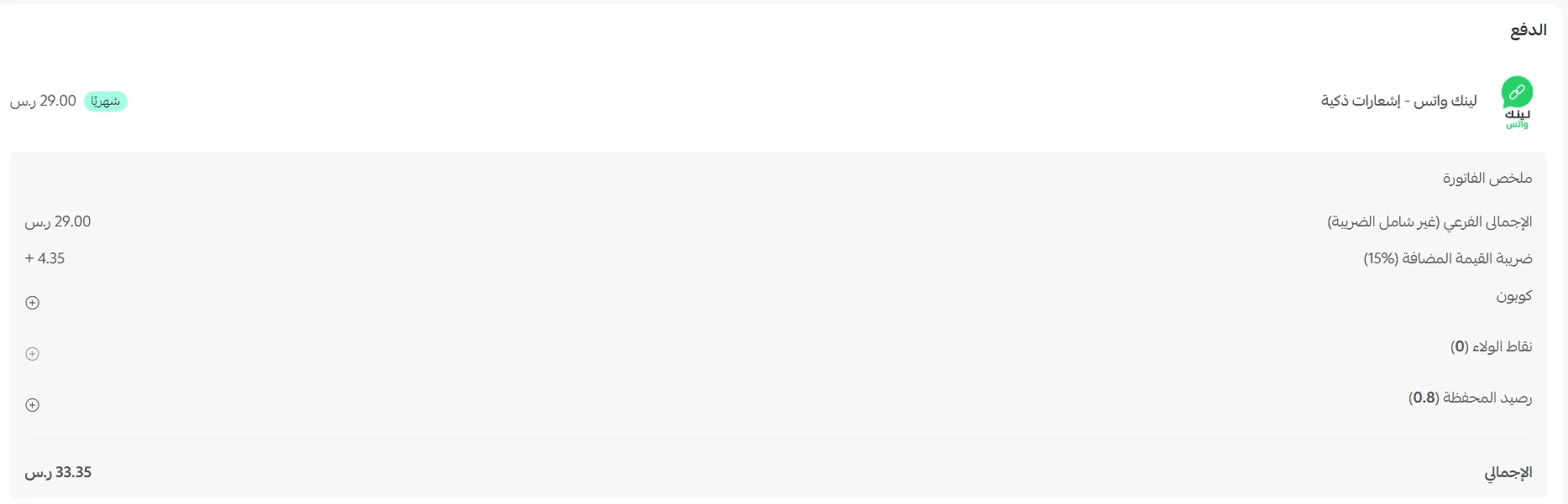
- After completing the payment, the Lenkwhats app will be successfully installed on your store.
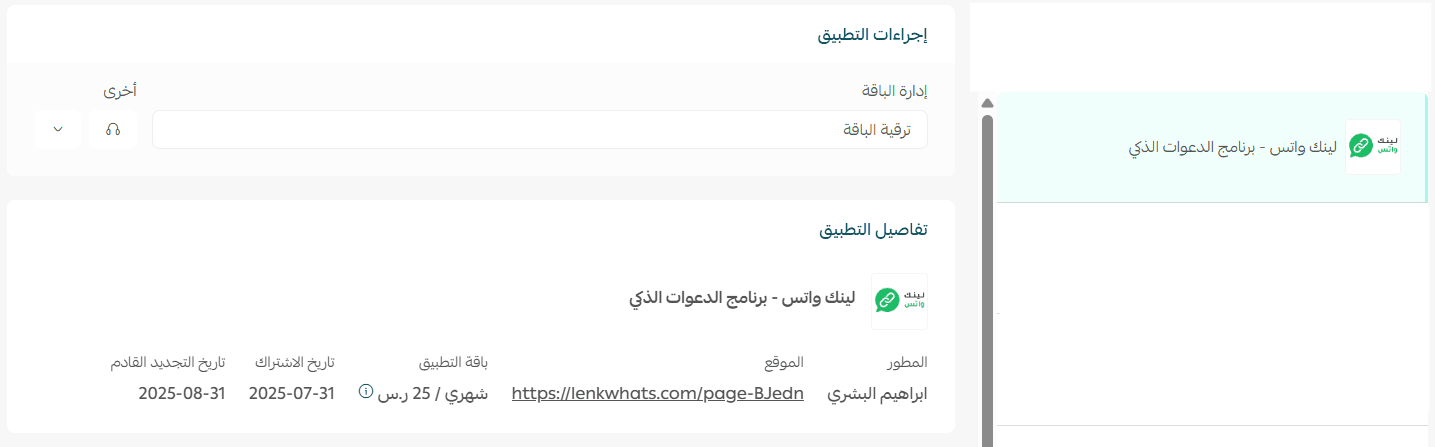
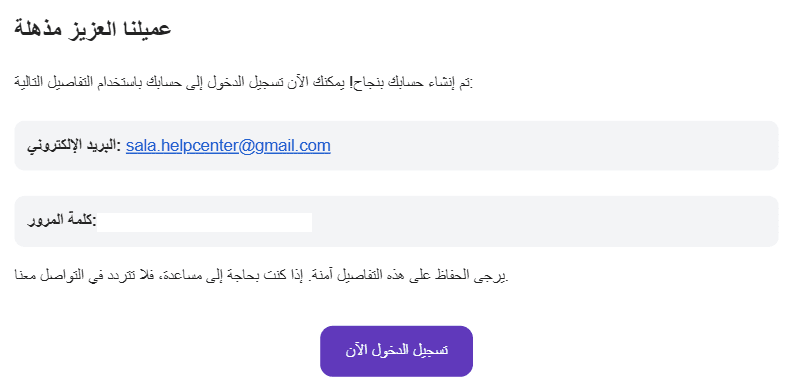
After installation, you will receive an email with your login details. Click Log in.
Managing the app
Log in to the Lenkwhats Platform
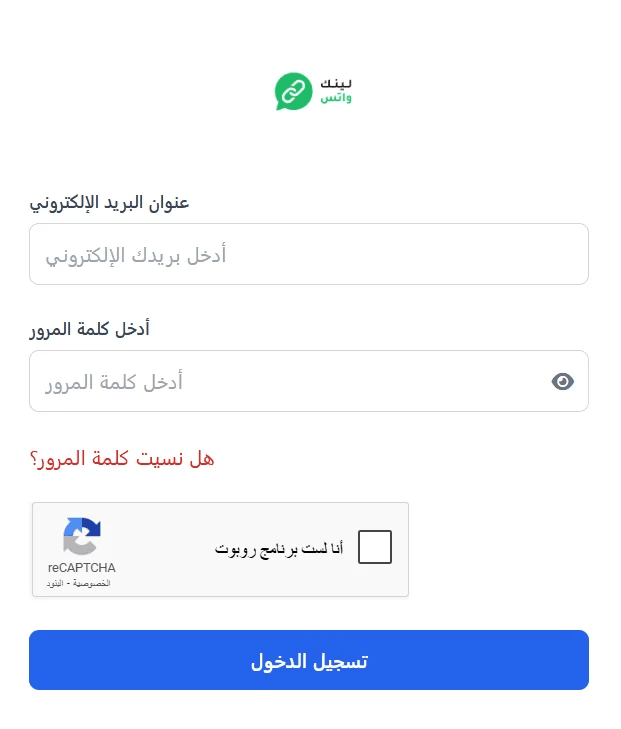
- Log in to the Lenkwhats platform using the credentials sent to your email.
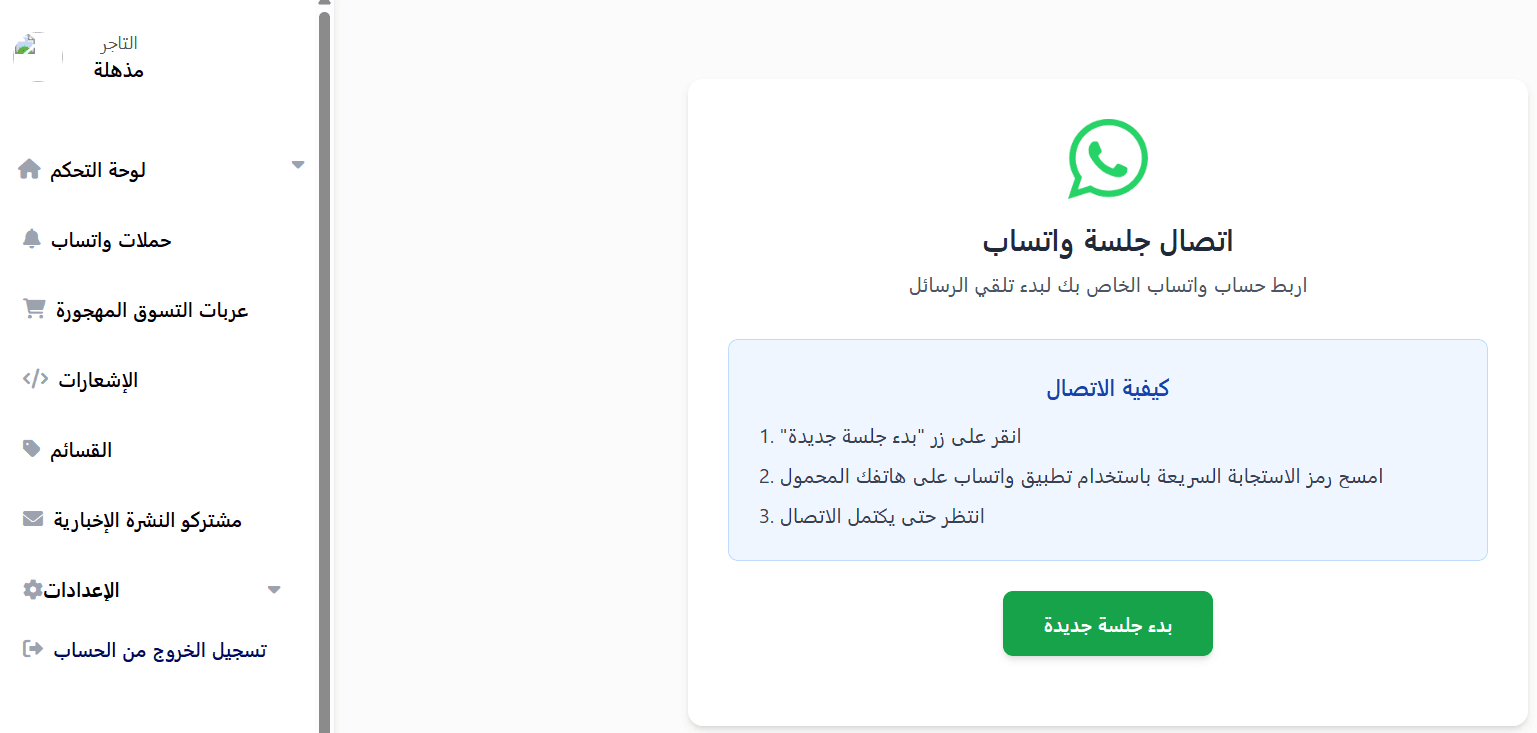
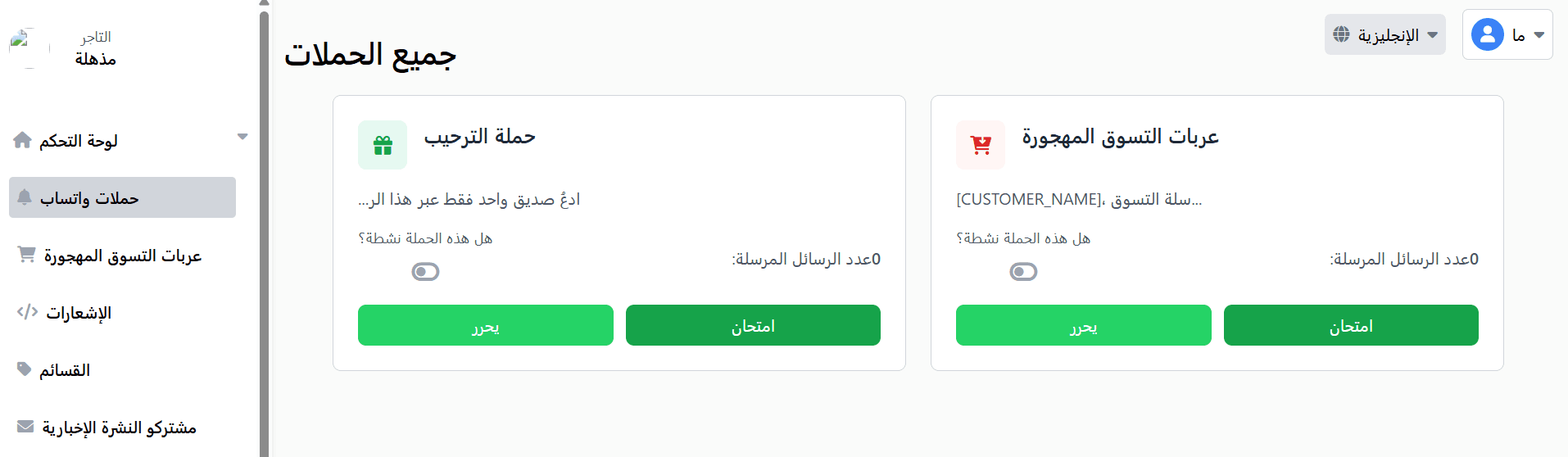
- You will be redirected to the dashboard homepage. Start by connecting your WhatsApp account by clicking Start a new session.
You can now start using the Lenkwhats app features successfully!
Unsubscribe
From the Lenkwhats app page, open the app options menu, then click unsubscribe.
