Iram is a comprehensive logistics platform that supports e-commerce businesses with warehousing, order fulfillment, and delivery services.
It offers direct system integration to receive orders in real time, along with tools that allow merchants to monitor inventory, track shipments, and manage operations easily and effectively.
📌 Article overview
- Steps to connect the Iram app
- Managing the Iram app
Steps to connect the Iram app
- From the main menu, click All, then under Tools, select App Store.
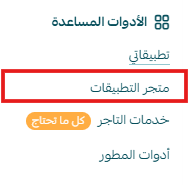
- Search for the app using the search bar.

- From the Iram app page, click install.

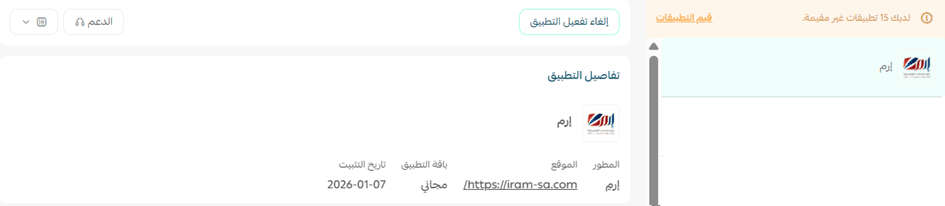
- The app will appear under My Apps.
Managing the Iram app
- From the app page, you can add a new shipping rate.
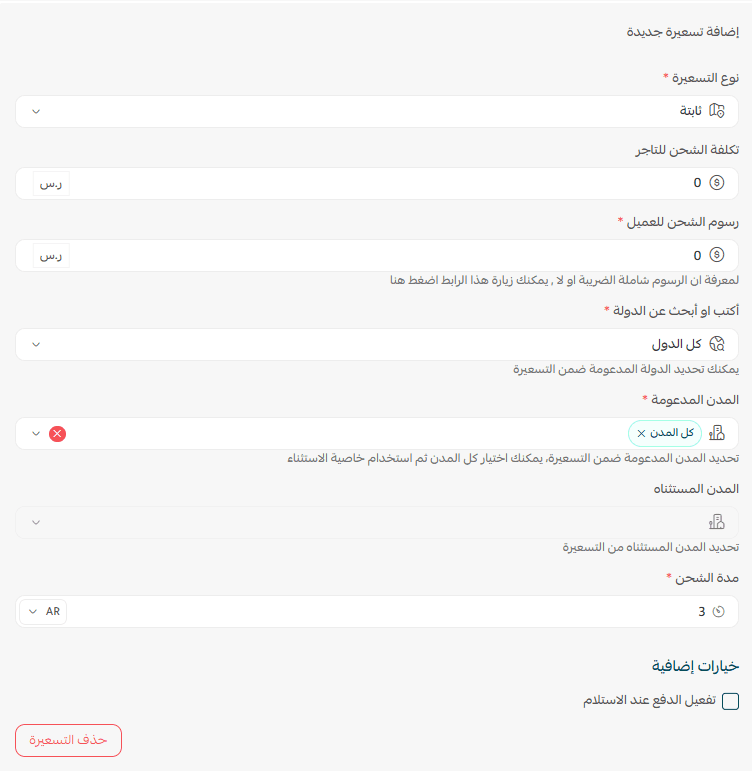
- To set up shipping rates, go to the Shipping rates section and click Add new rate.
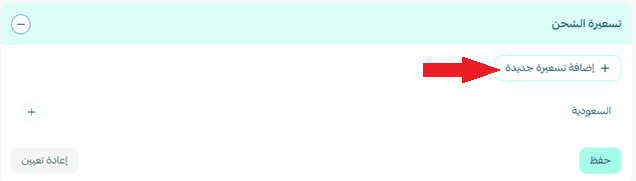
- Enter shipping rates for the required cities and regions.
- Add your shipping cost as a merchant to help calculate and display your store’s shipping-related profits.
For more details about setting up shipping costs with direct integration, check out this article.
Delete the app
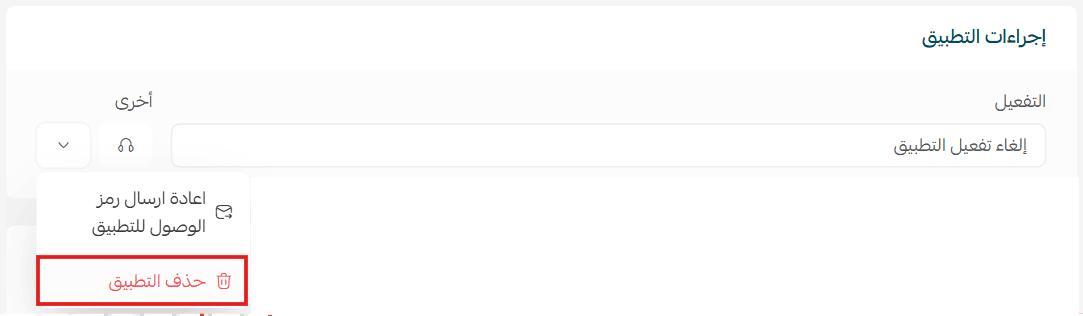
- From the app actions section, click more, then select delete app.