Looking for a simple storefront theme that keeps the focus on your products?
The Click Theme uses a flexible, Instagram-inspired design aimed at merchants getting started with e-commerce. The source highlights dark mode, quick view, performance, brand display, and search visibility. In this guide, you'll learn how to install, preview, and customize its available header, footer, and design settings.
To use the Click Theme, open the Theme Store, select the theme, and complete the installation flow shown on its details page. After installation, customize the theme from Store Design, choose the header elements you want to show, configure footer options such as dark mode and logos, then preview the storefront before applying your changes.
📌 Article overview
- How to install and preview the Click Theme
- How to customize the header and footer
- Available design settings
- Frequently asked questions
🚀 How to install the Click Theme
1. From the dashboard side menu, click (Theme Store).
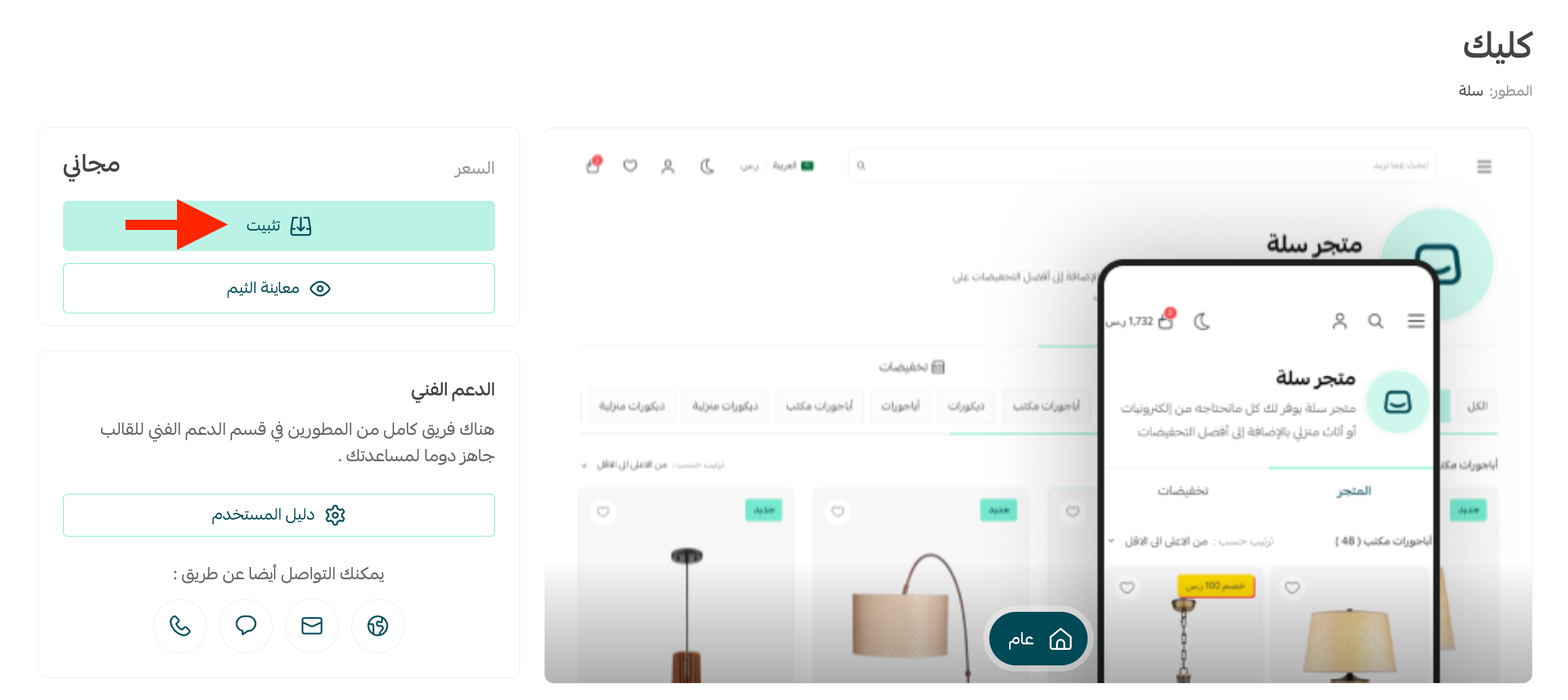
2. From the details page for the Click Theme, follow the displayed installation or purchase action. [Verify: the source labels the theme free and shows an Install button, while the current public guide describes a Purchase and checkout flow.]
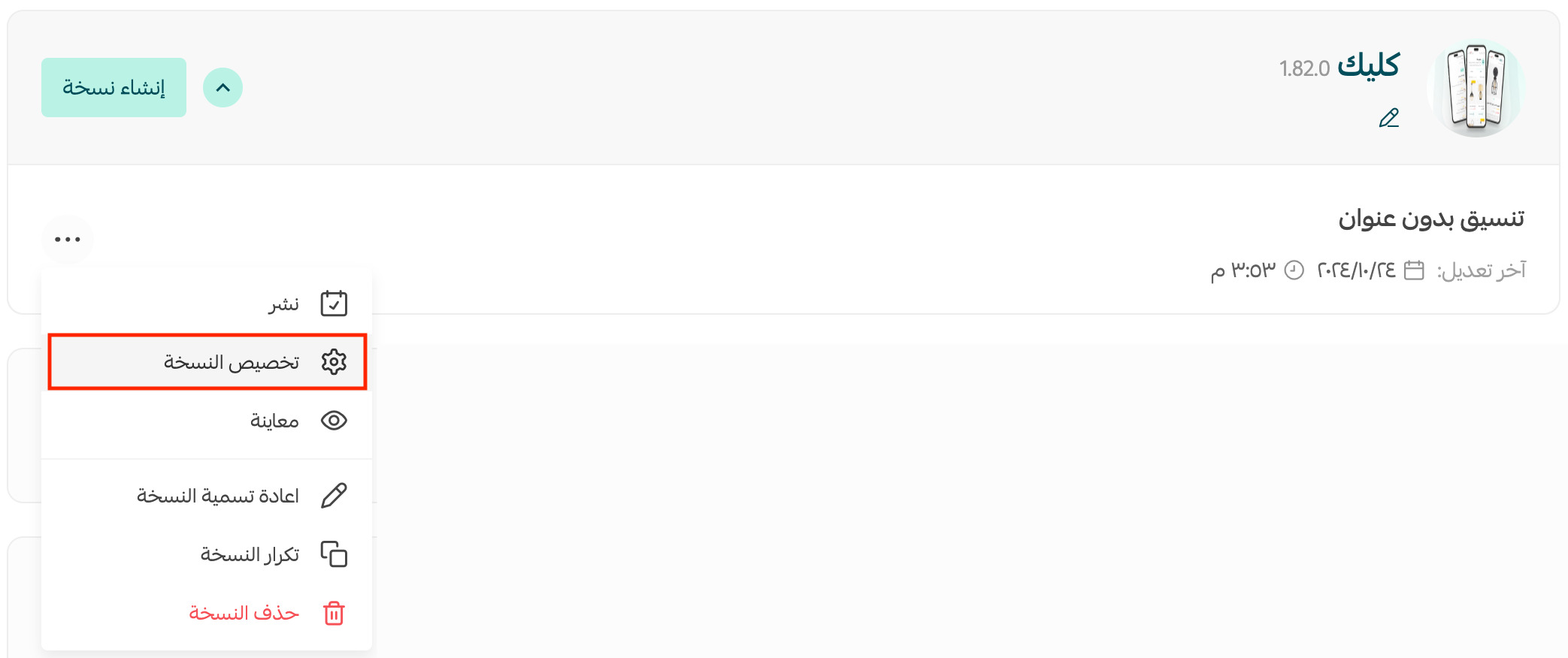
After installation, open (Store Design) and customize the theme to suit your store.
Preview your storefront from the theme customization page before applying the design.
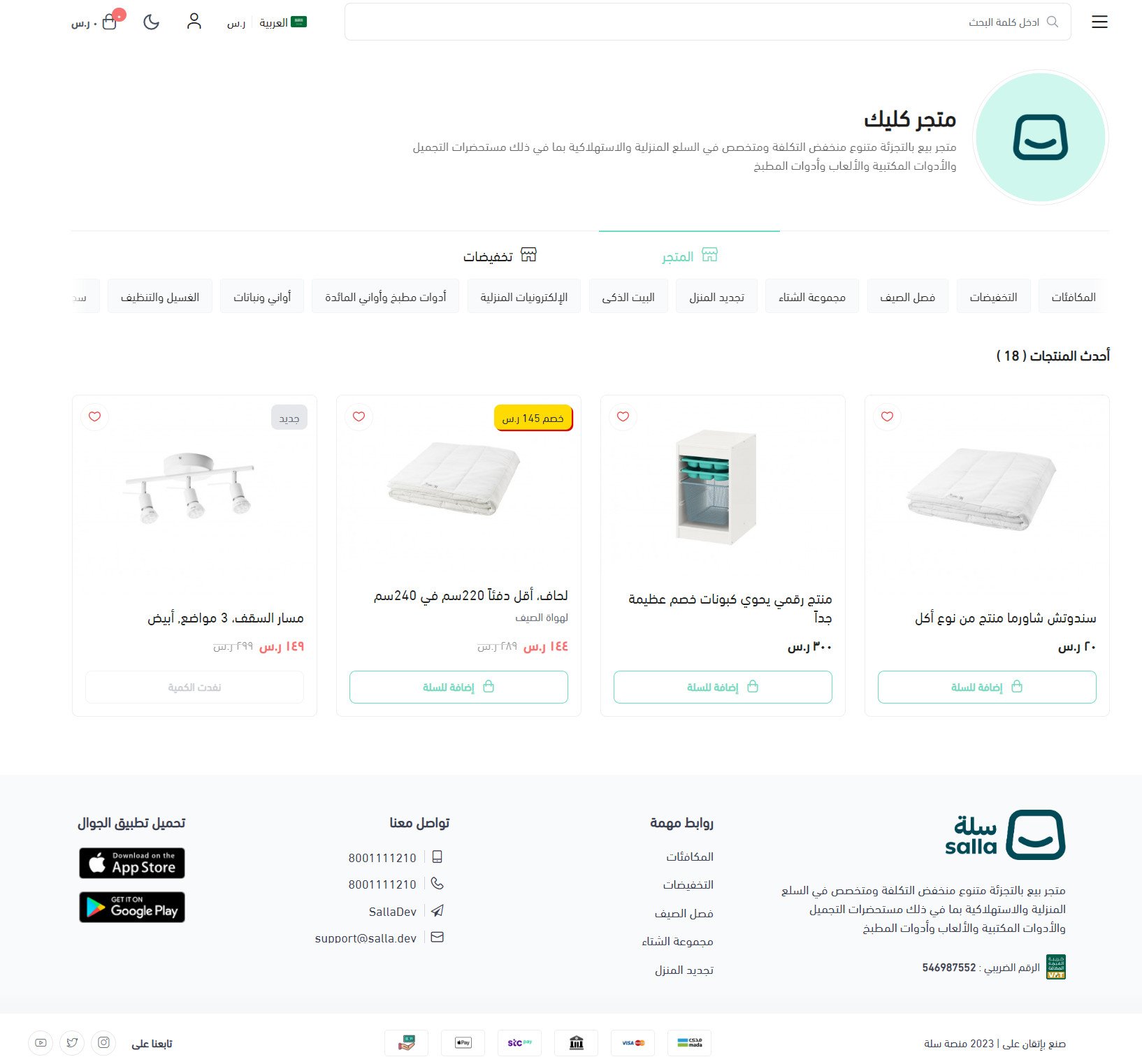
You can also open the source's Click Theme preview store. [Verify: replace this analytics-tagged developer preview with a stable showcase URL.]
For more details, see:
- managing the Theme Store and Store Design
- customizing your store design
⚙️ How to customize the Click Theme header and footer
Header options
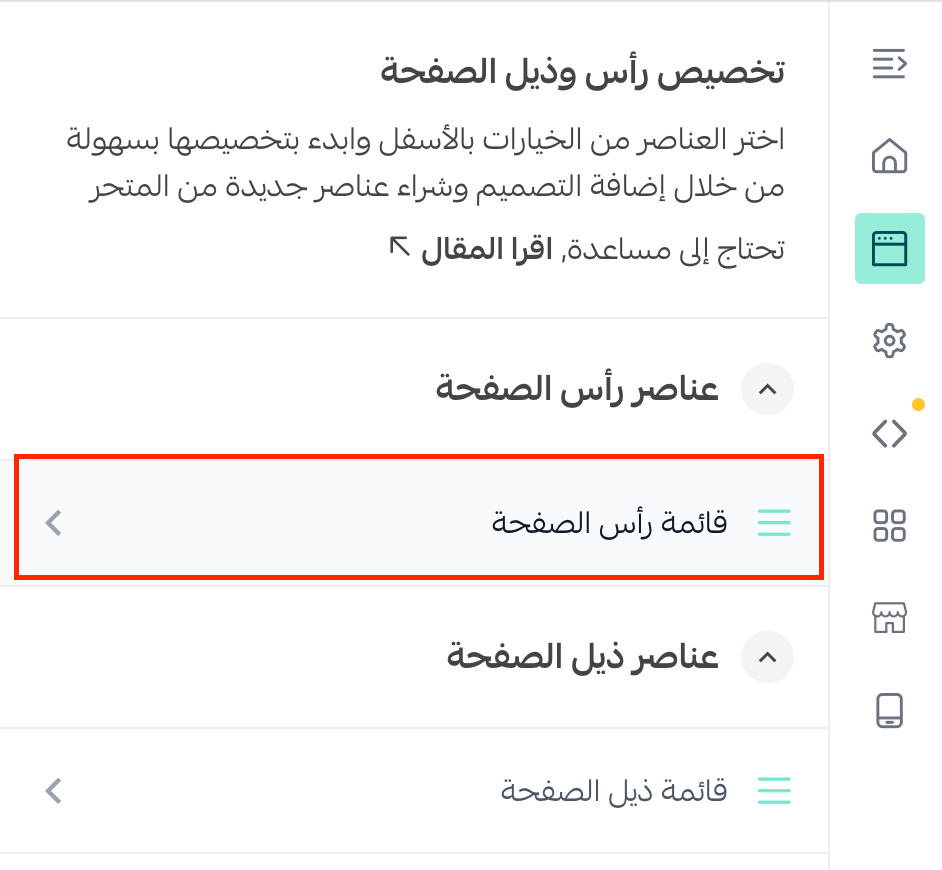
1. From the Click Theme customization page, open (Header and footer), then click (Header menu).
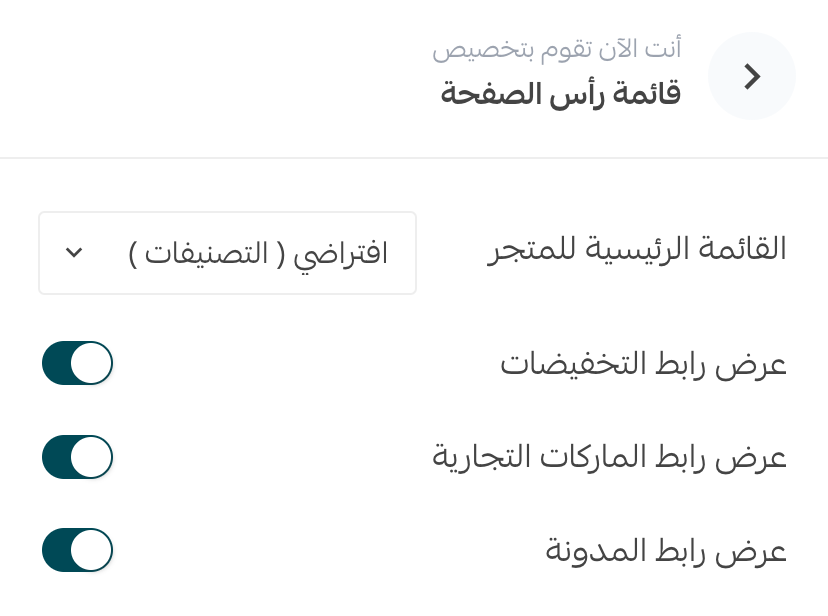
2. Select the elements you want to show at the top of your storefront.
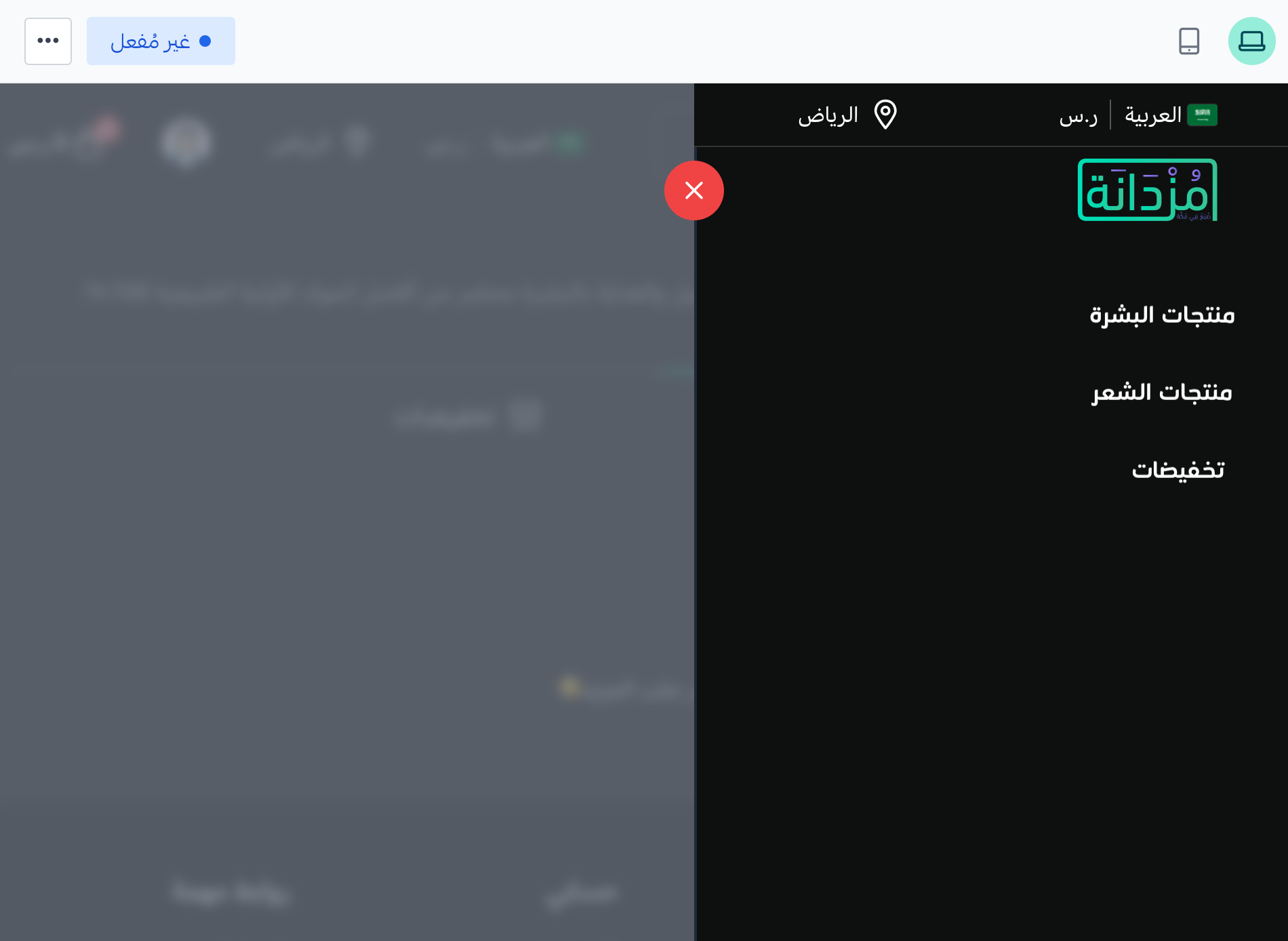
The selected elements appear in the storefront's main menu when you preview it.
Footer options
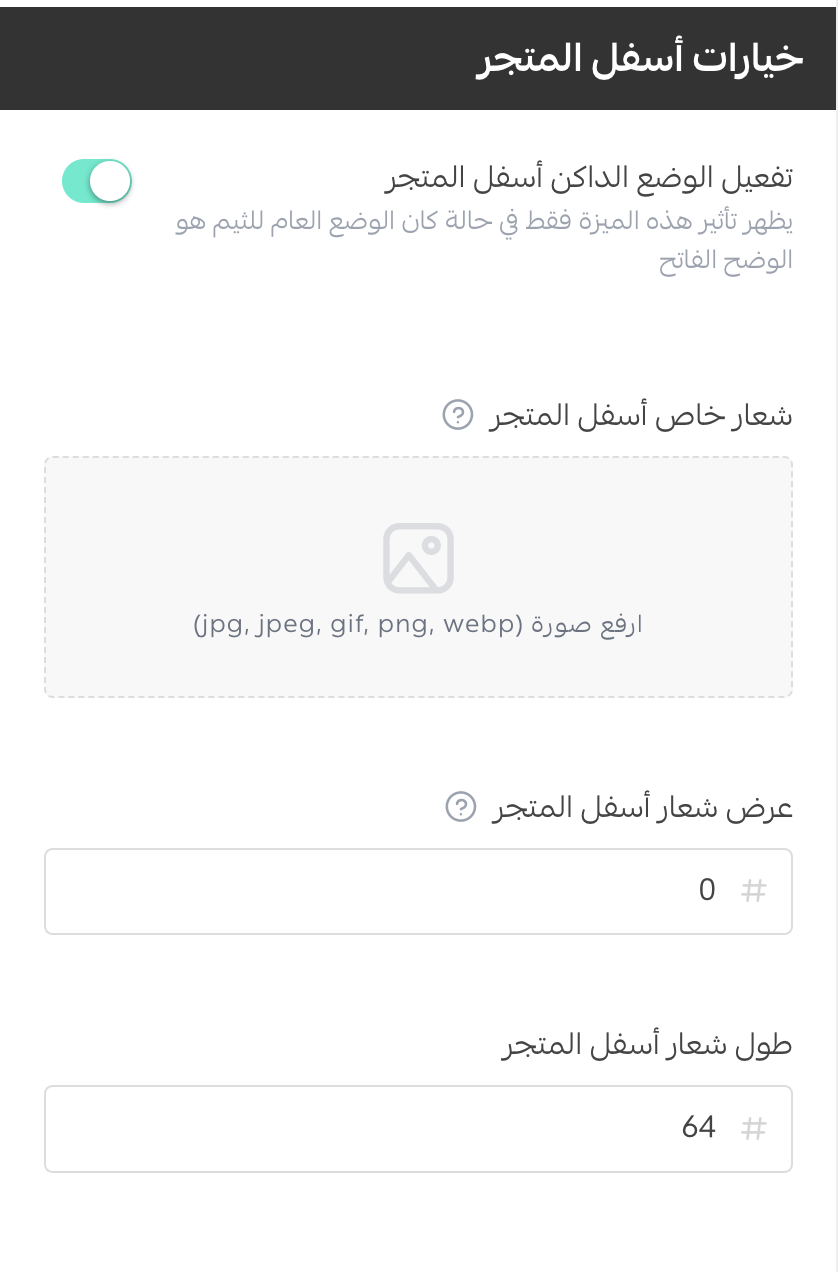
From (Design options), open (Footer options). The source says you can:
- Enable or disable dark mode.
- Set separate logos for the header and footer and control their sizes.
For more details, see customizing the homepage.
🎨 Click Theme design settings
The Click Theme supports store-design settings that you can adjust to suit your storefront.
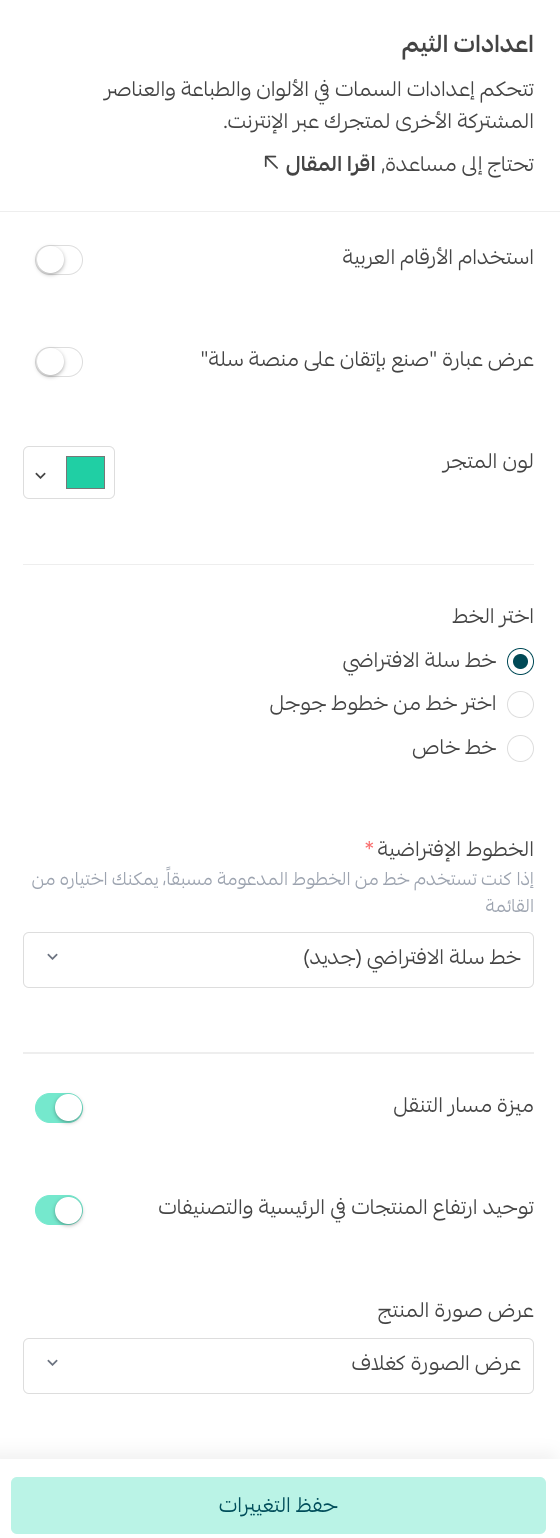
📝 Important note: Products with the Donation product type do not appear in the Click Theme.
❓ Frequently asked questions about the Click Theme
What are the main benefits of the Click Theme?
The source lists these benefits:
1. A simple, flexible shopping and purchase experience.
2. Straightforward theme customization.
3. Quick view and dark mode support.
4. Fast performance.
5. Brand display support.
6. Color and font customization.
7. Support for modern SEO standards intended to improve search visibility.
[Verify: performance and SEO outcomes depend on store content, configuration, integrations, and measurement; confirm the current supported feature set.]
The source also describes Click as a minimal theme with no configurable homepage elements, focused on product display. [Verify: reconcile this wording with the configurable header, footer, colors, fonts, and other design settings.]
Can donation products appear in the Click Theme?
No. The source states that products using the Donation product type do not appear in this theme.
Can I enable dark mode?
Yes. Open (Design options), then use (Footer options) to enable or disable dark mode.
How can I preview the Click Theme?
Use the preview available from the theme customization page to review the storefront before applying your changes.
Additional support resources
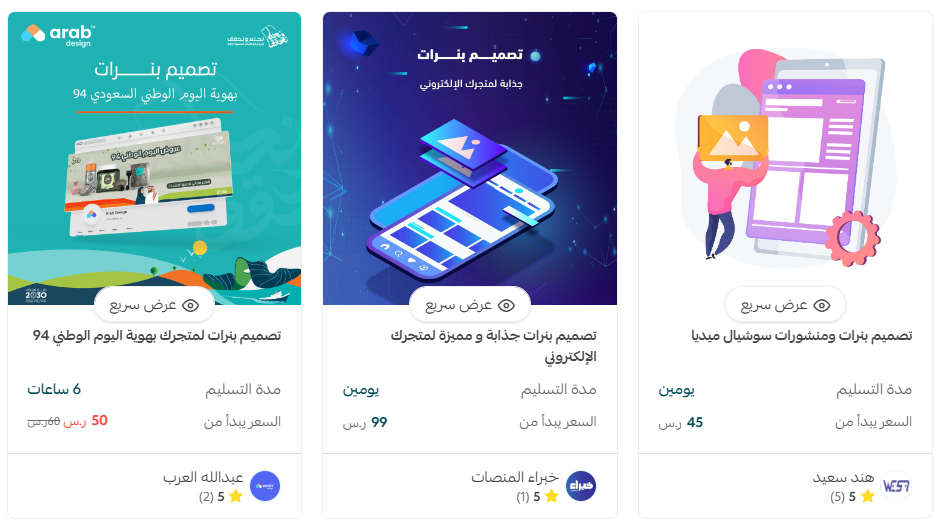
If you need help designing your store, you can use Merchant Services, which connects merchants with verified Salla service providers.
The source also links to logo, banner, divider, and color-coordination services. [Verify: this source URL is malformed and must be replaced before publication.]
Other learning resources
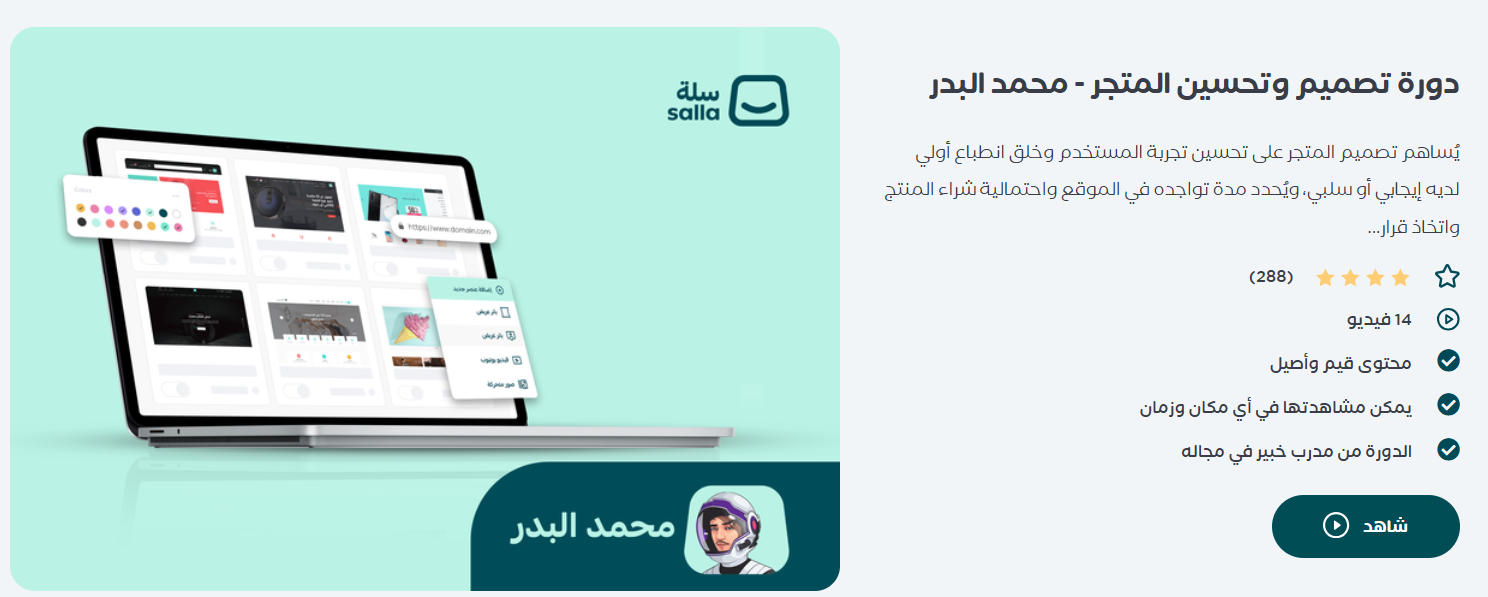
Learn with trainer Mohammed Al-Badr how to improve the customer experience and create an engaging online store design that helps visitors make purchase decisions.
📝 Important notes
The current public Click Theme guide uses a newer purchase, checkout, and theme-copy flow than this source. Compare every step and screenshot with the current interface before publication.
The source's free-pricing statement, feature list, performance and SEO claims, preview URL, and external support links require review.