Instacart — Instagram display and integration
The content you already post on Instagram is doing work your store isn't benefiting from. Instacart connects your store to your Instagram account's photos and videos automatically, lets you customize how they display, and links products to that content. Visitors get an interactive feed inside your store that updates on its own. In this guide, you'll learn how to connect the Instacart app, finish activation, and manage your subscription.
To connect Instacart on Salla, click All in the main menu, then open the App Store from the helper tools section. Search for the app, open the Instacart app page, click Install, choose your plan, and complete the payment. You'll then receive an email to sign in to the Instacart platform and configure your settings.
📌 Article overview
- How to connect the Instacart app
- Managing the Instacart app
- Frequently asked questions
🚀 How to connect the Instacart app on Salla
1. From the main menu, click (All), then from the helper tools section click (App Store).
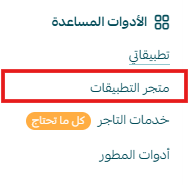
2. Search for the app using the search field.

3. From the Instacart — Instagram display and integration app page, click (Install).
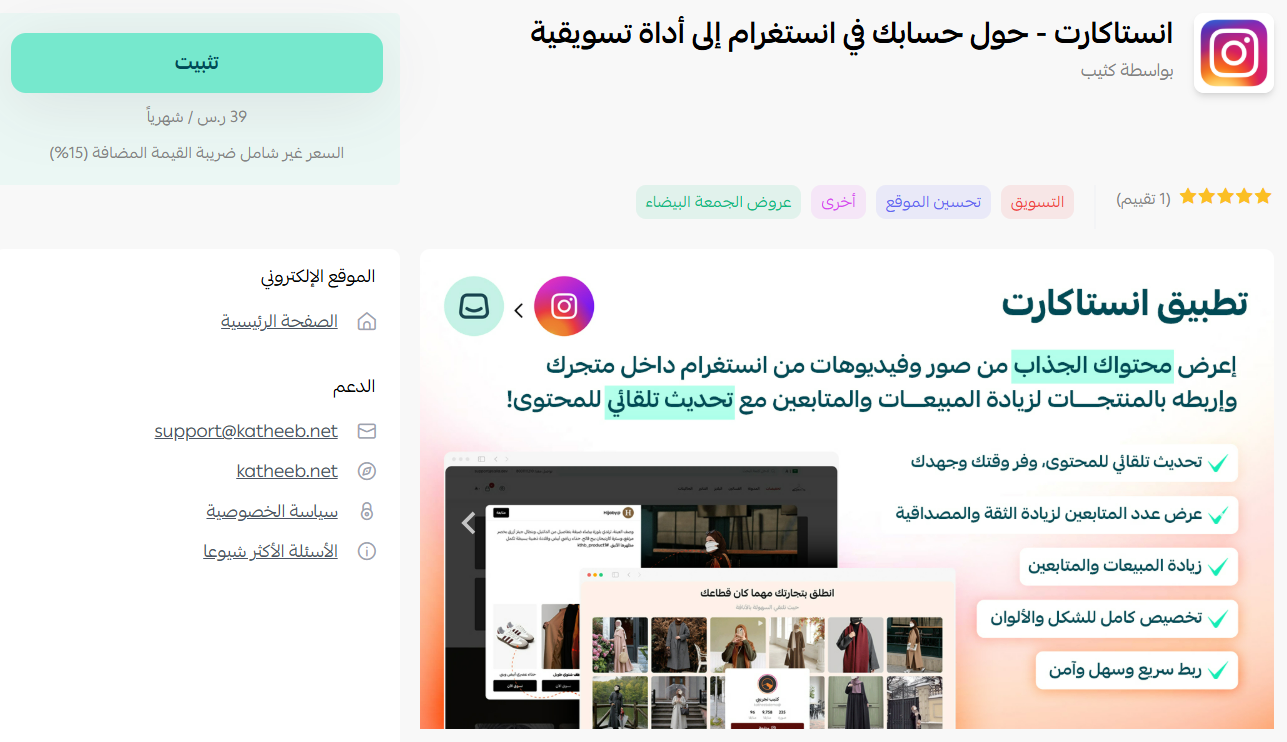
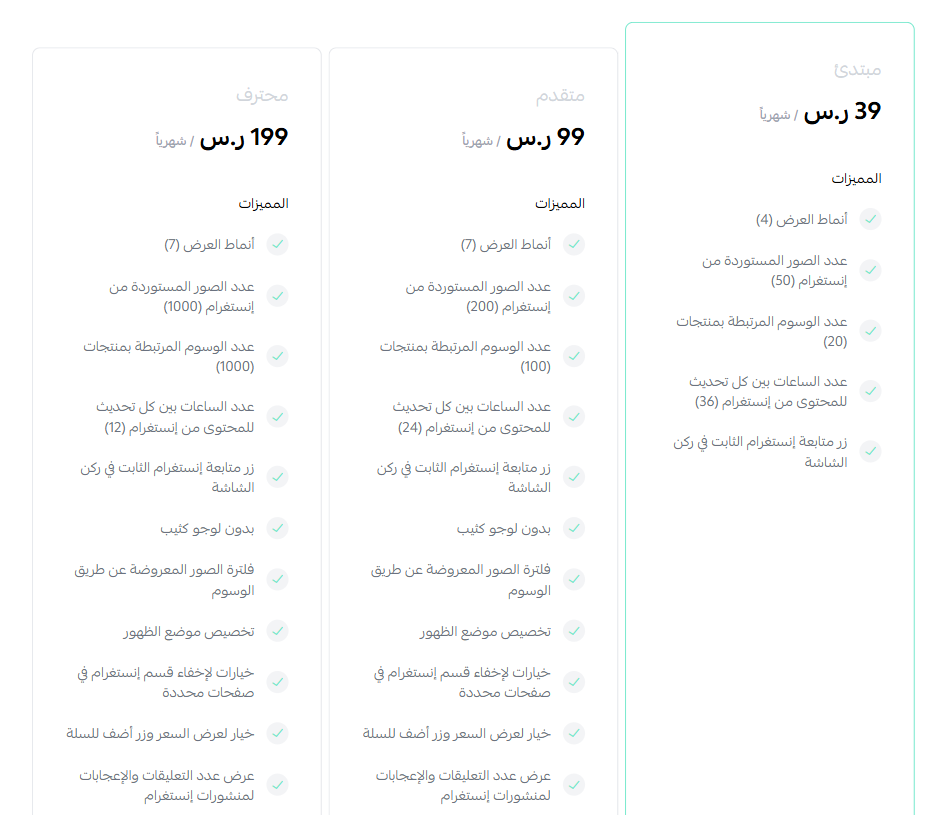
4. Choose the plan that fits your business to continue with the installation.
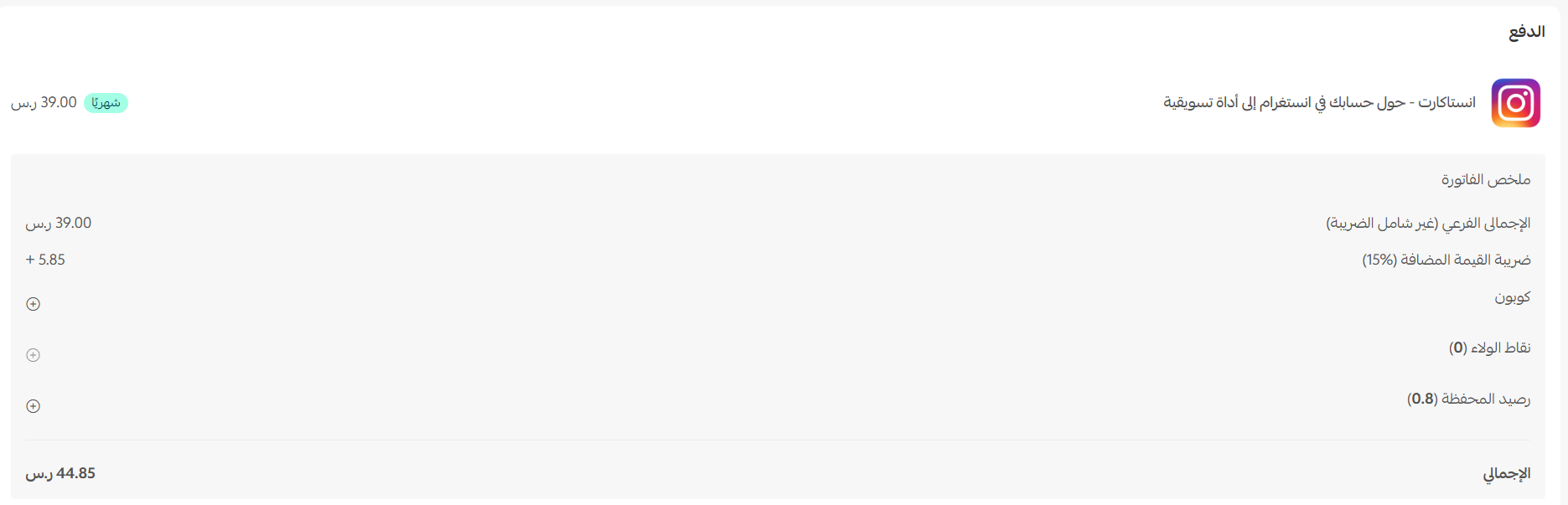
Complete the payment to activate the app's features.
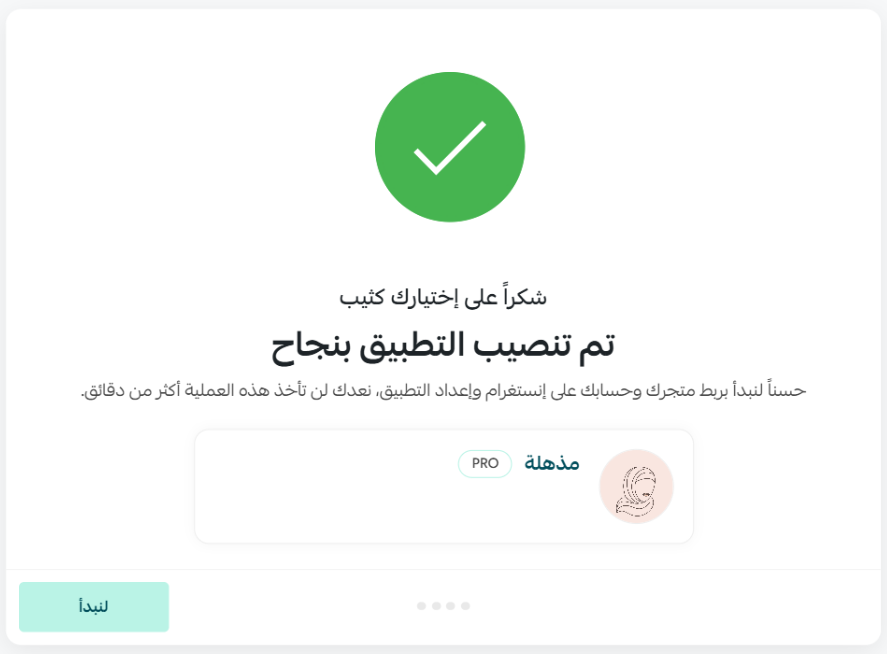
The Instacart app is now installed on your store. Next, finish the activation steps.
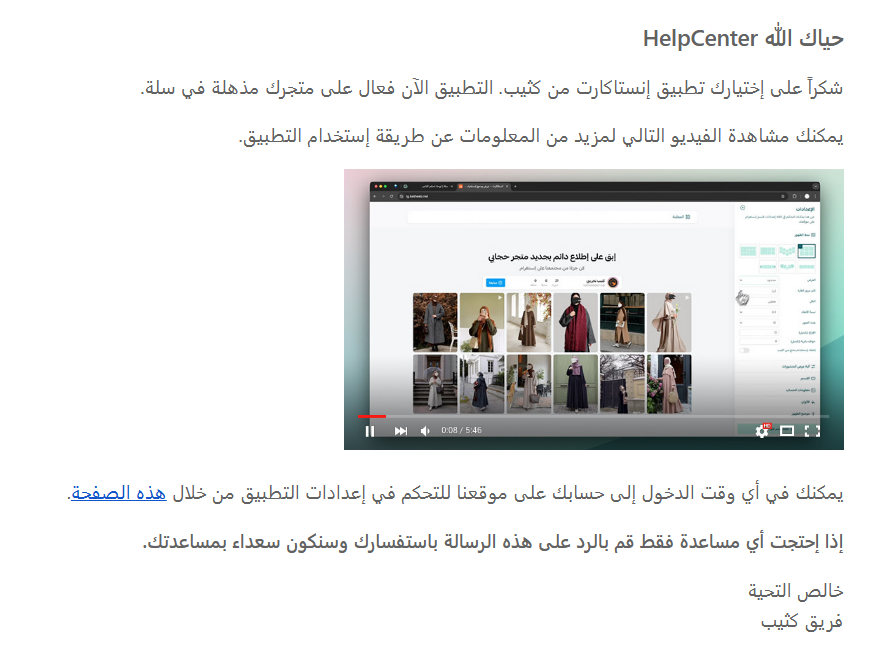
You'll receive an email with a link to sign in to the Instacart platform.
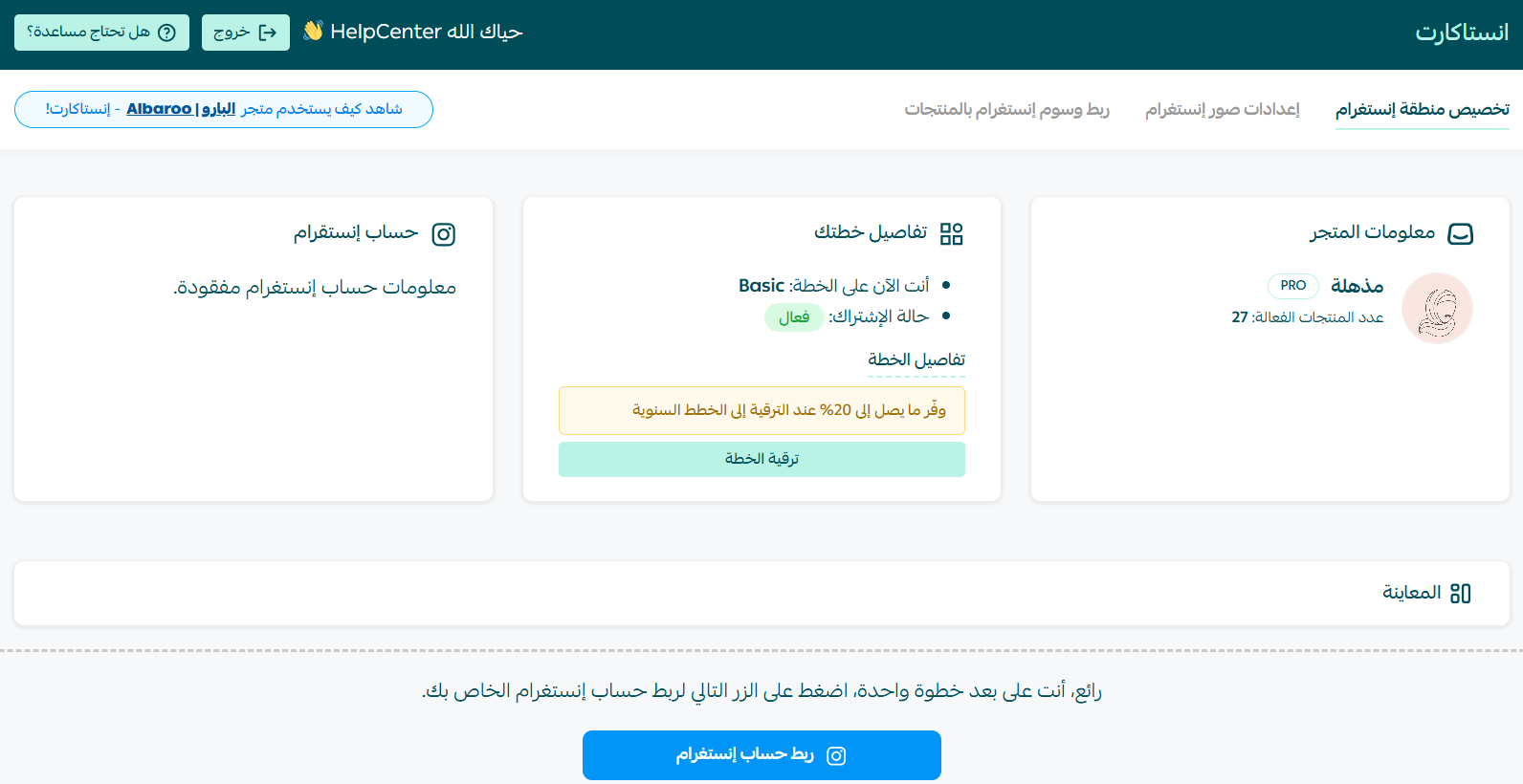
You'll be taken to the Instacart dashboard, where you can start configuring your Instagram image settings or linking Instagram tags to products.
🚀 Managing the Instacart app
Cancelling your subscription
From the Instacart app, click (App options), then click (Unsubscribe).

Frequently asked questions
❓ What does the Instacart app do?
It links your store to your Instagram photos and videos automatically, lets you customize how they display, and connects products to that content — all updating on its own.
❓ Is the app ready to use straight after payment?
Not quite. After payment you still need to complete the activation steps, then sign in to the Instacart platform using the link emailed to you.
❓ How do I cancel my subscription?
From the Instacart app, click App options, then click Unsubscribe.
For more detail, see the Instacart app documentation.
Social content earns its keep twice when it lives on your product pages as well as your feed. Link the posts that already sell well, and browsing visitors get the proof they were looking for without leaving your store.