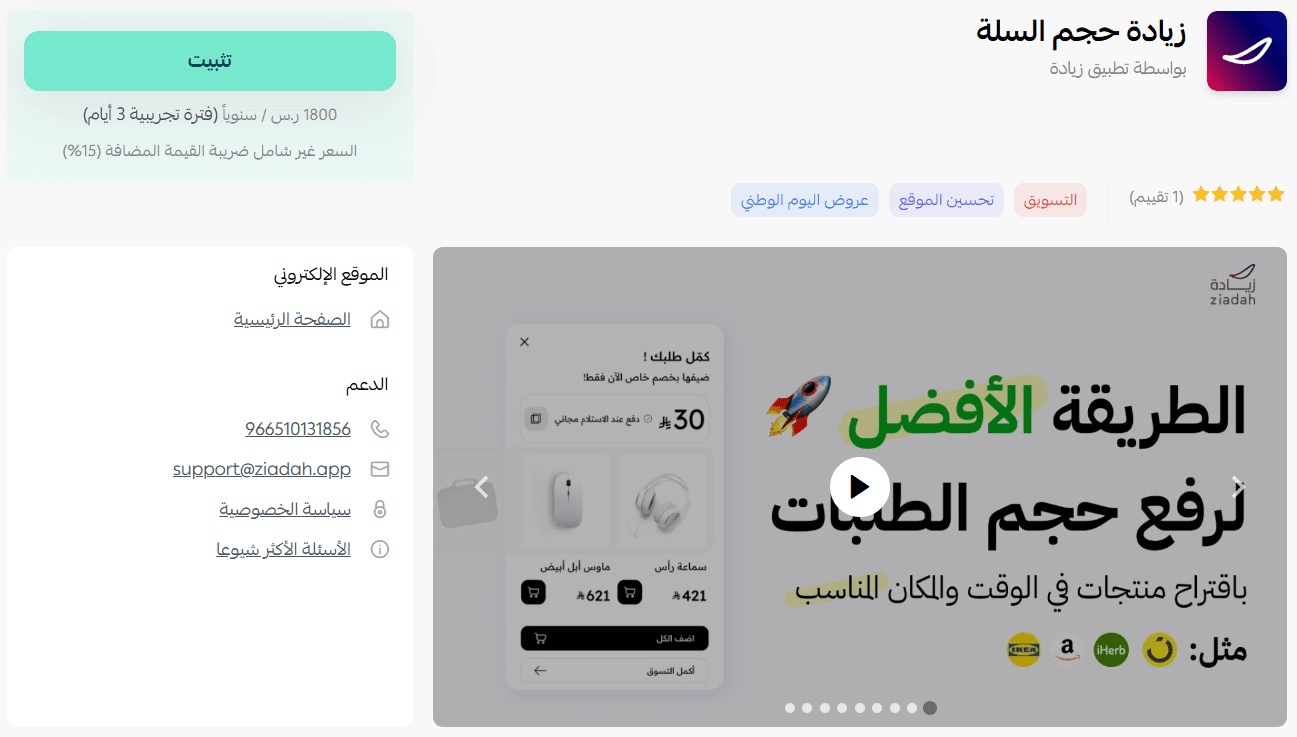
Ziadah helps you increase your average order value by suggesting additional products to customers as they browse your store.
It enhances the shopping experience by making it easier for customers to discover relevant items, while automatically displaying recommendations in multiple locations across your store.
The app also tracks customer interactions and intelligently presents product suggestions at the right moments.
📌 Article overview
- Ziadah app features
- Steps to install and activate Ziadah
- Managing the Ziadah app
Ziadah app features
The app offers a range of features, including:
- Tracking customer behavior inside your store
- Suggesting additional products that customers can easily add to their cart
- Displaying recommended products in multiple locations across the store
- Controlling when recommendations appear (e.g., add to cart, product page view, store visit, checkout, product removal)
Key benefits:
- Improve the customer experience by offering relevant product suggestions tailored to each interaction inside your store
- Ability to display recommendations with or without discounts, across up to 10 different placements—not just when adding to cart
How the app works:
- Tracks customer activity inside your store
- Identifies key events (such as adding a product to the cart or visiting a product page)
- Displays a recommendation popup, allowing customers to quickly add suggested items to their cart
- Activation is completed by selecting a plan and logging into the Ziadah platform to configure product recommendations
Steps to install and activate Ziadah
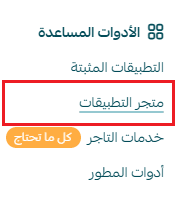
- From the main menu, click All, then under Tools, select App Store.
- Search for the app using the search bar.

- From the Ziadah app page, click install.
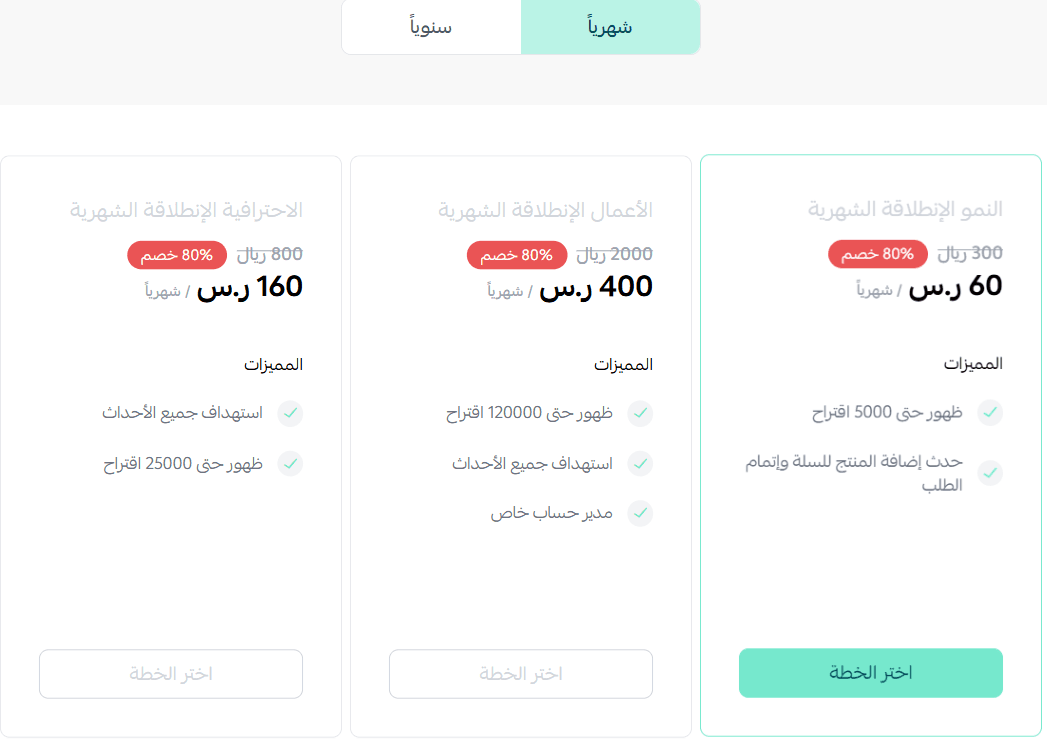
- Choose the plan that suits your business to continue installation.
- Complete the payment process.
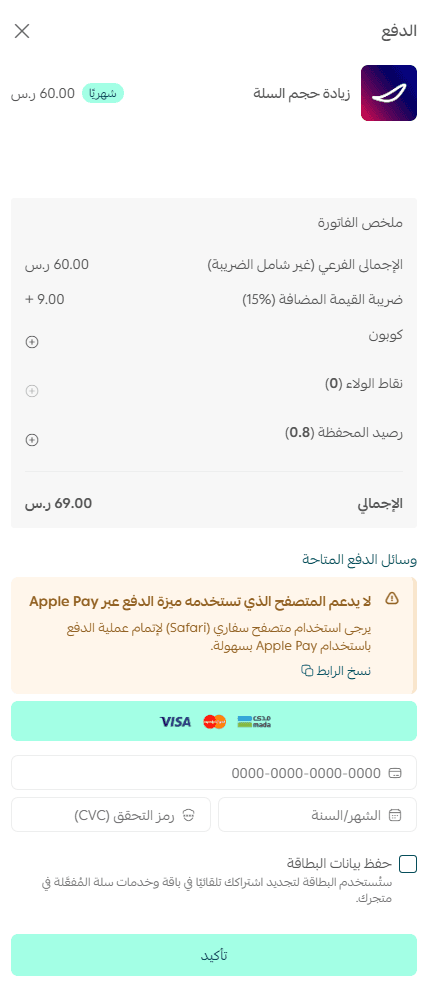
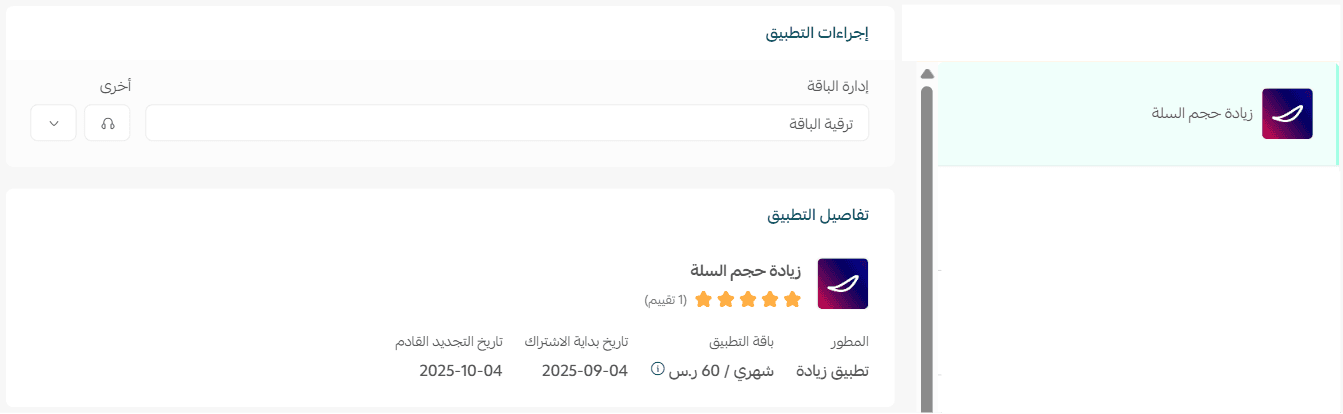
The Ziadah app is now successfully installed on your store.
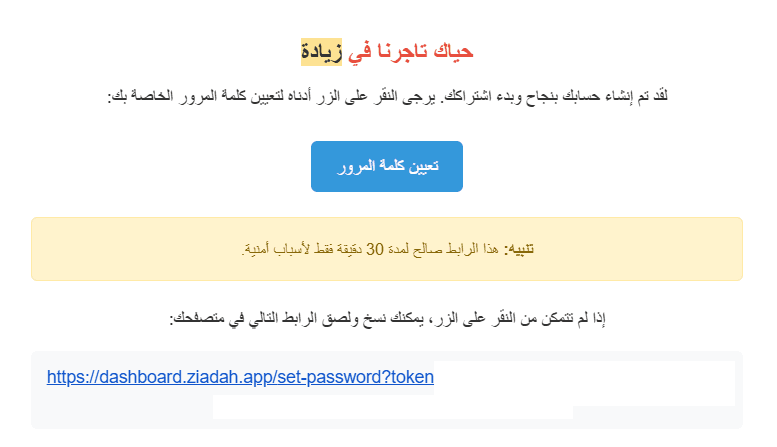
After installation, you will receive an email to set your account password on the Ziadah platform.
Managing the Ziadah app
Delete the app
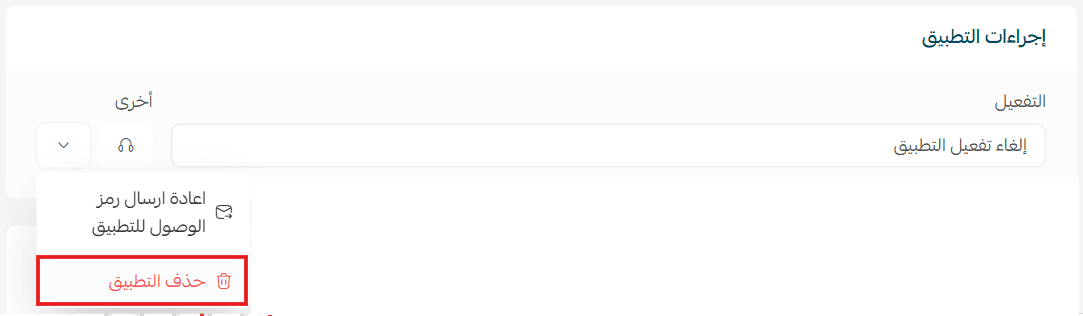
From the Ziadah app page, open the options menu, then click delete app.