Does your storefront still look like every other store using the same default layout?
The Imtiaz theme is a Salla theme built for stores that want a more finished look without touching code. It supports the multilingual feature in full, and it adds homepage components you can arrange yourself: an animated image gallery, daily deals, a blog section, an FAQ block, statistics, and a set of other tools. In this guide, you'll learn how to buy and apply the Imtiaz theme, what each new component does, and how the theme changes your product pages.
The Imtiaz theme is a paid Salla theme with full multilingual support and a set of homepage components: an animated gallery, daily deals, a blog, an FAQ block and statistics. Buy it from the store design page, then customize the components from the theme customization screen.
📌 Article overview
- What the Imtiaz theme gives your store
- How to apply the Imtiaz theme
- Frequently asked questions
🎯 What the Imtiaz theme gives your store
Imtiaz supports the languages feature in full, and adds components that make a store look more professional: an animated image gallery, daily deals, a blog, an FAQ section, statistics, and a range of other tools and features.
🚀 How to apply the Imtiaz theme
1. From the side menu of your dashboard, click (Store design).

2. On the store design page, click (Show more themes).
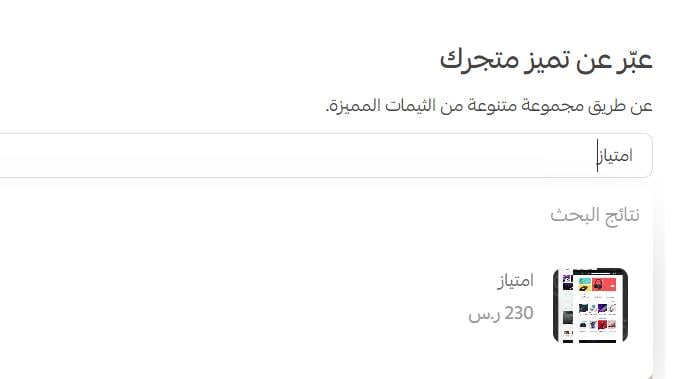
3. On the Imtiaz theme page, click (Buy), then complete the payment.
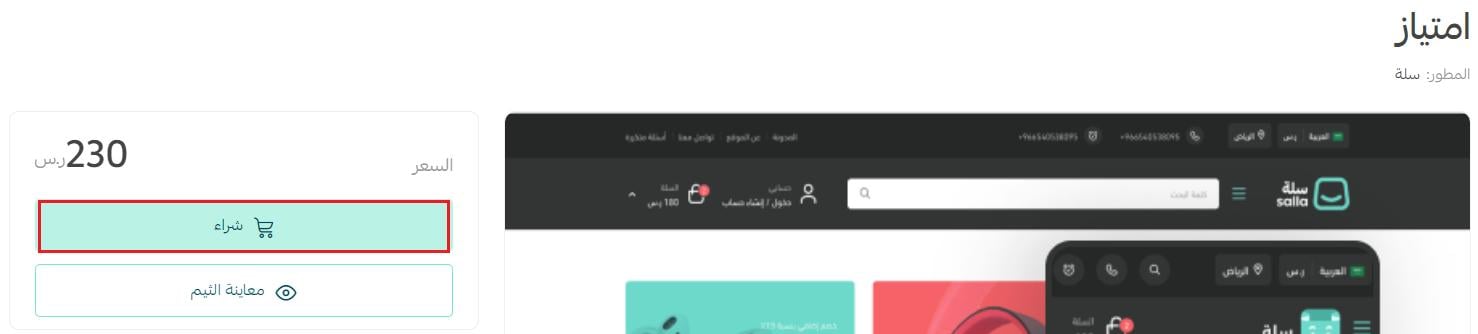
4. Once the theme is installed, customize it from the store design page.
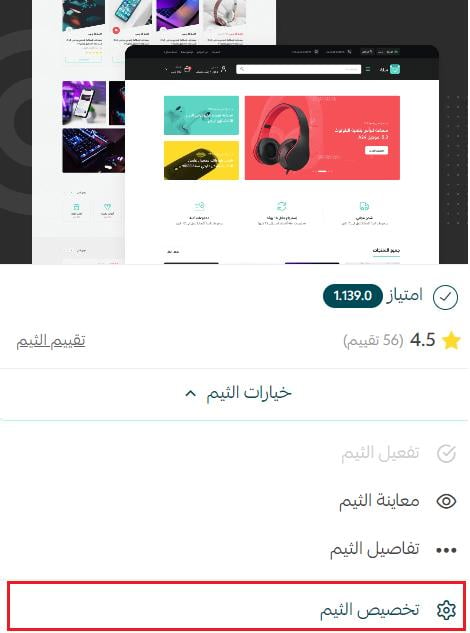
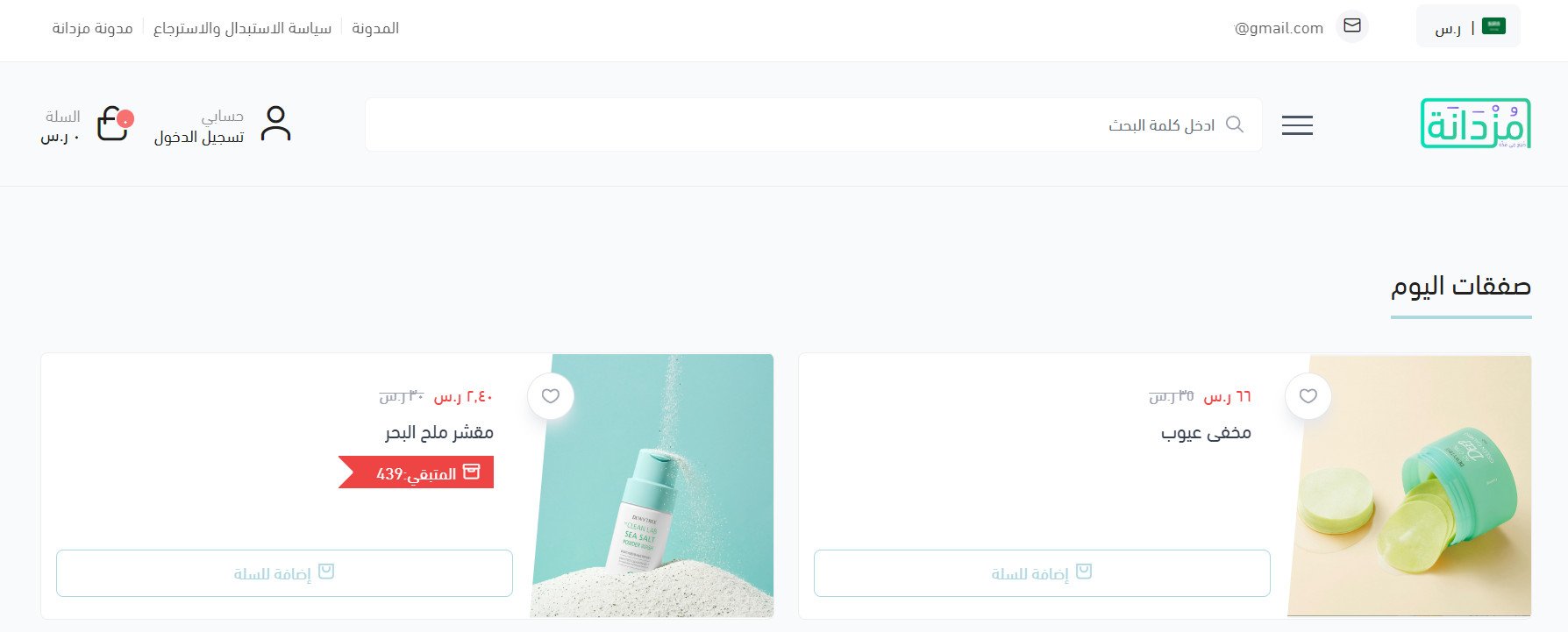
You can preview how your store will look with the theme applied from the theme customization page.
📝 Important notes
- To see it in action first, view a demo store using the Imtiaz theme.
- For more details, see managing the theme store and your store design.
- For more details, see customizing your store design.
❓ Frequently asked questions
Does Imtiaz add anything to the header and footer?
Yes, three things:
1. The main site menu supports a mega menu, so a dropdown can show sub-links and specific products.
2. You can show a newsletter component in the footer.
3. You can show a map in the footer.
For more details, see customizing your homepage.
What new components does Imtiaz add?
Imtiaz adds several components that lift the look of your store. To add them, go to the Imtiaz customization page and click (Homepage components).
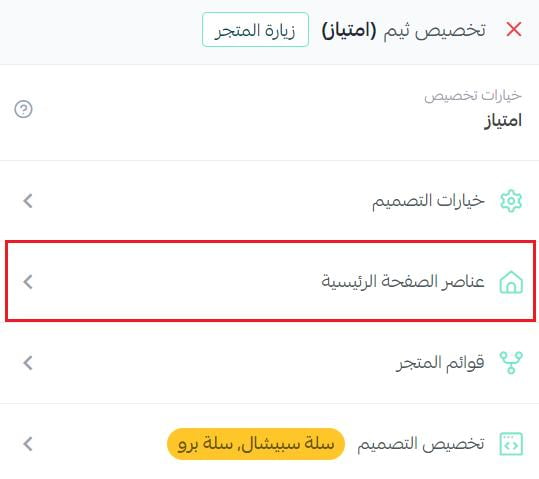
Then click (Add new component).
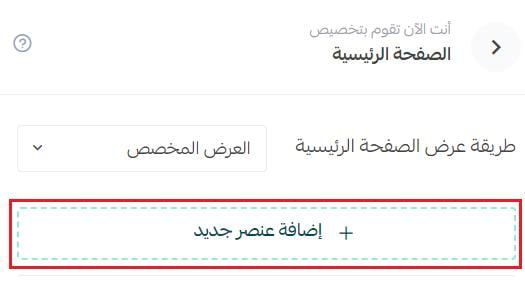
The components available to add then appear:
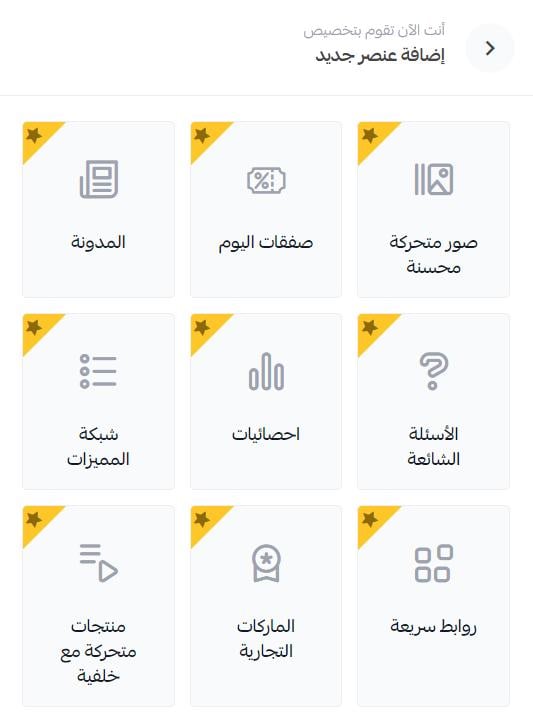
Here is how each one is set up.
1. Blog

Enter the blog section title and choose which articles to show from your blog list.
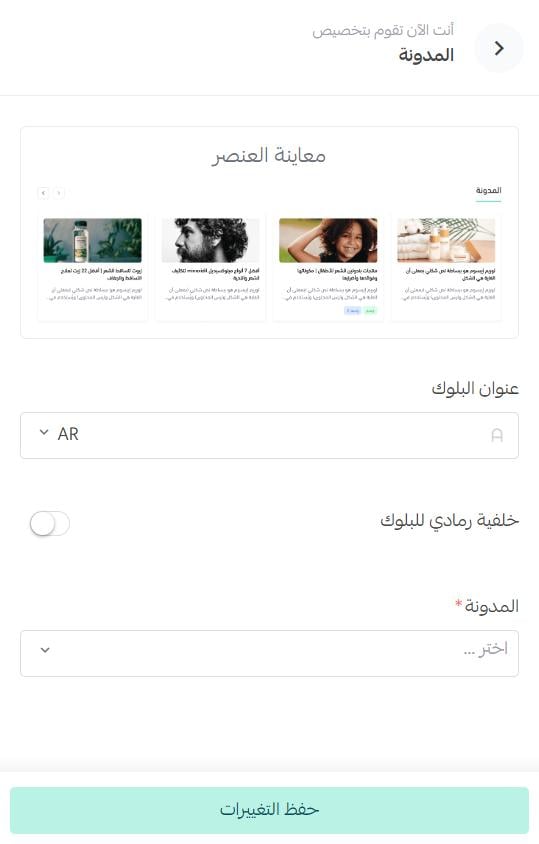
The blog then appears in your store like this:
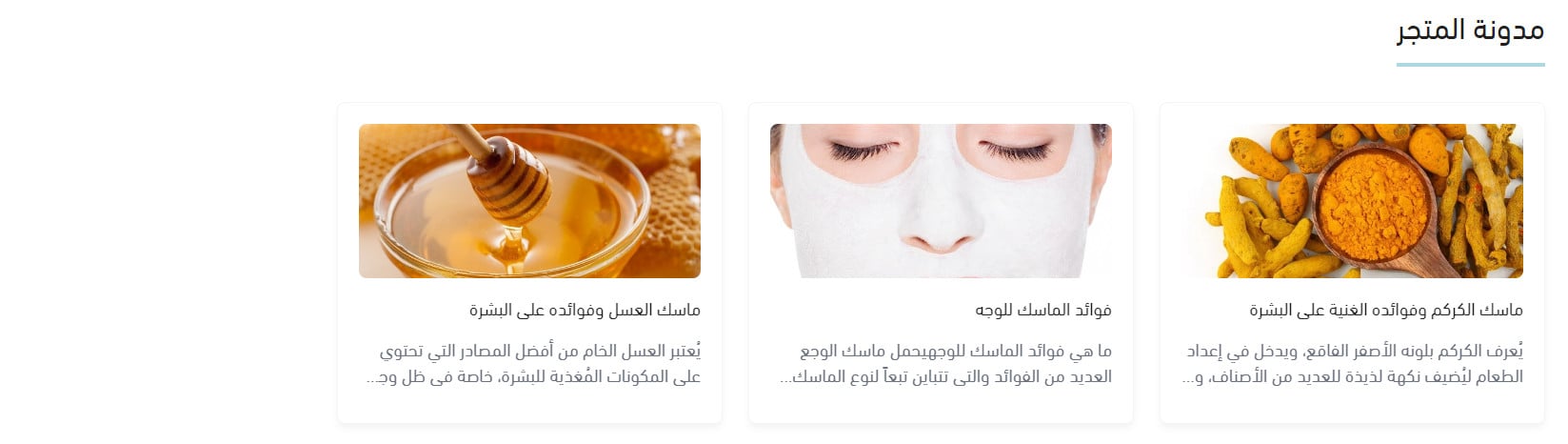
For more details, see managing your store's blog on Salla.
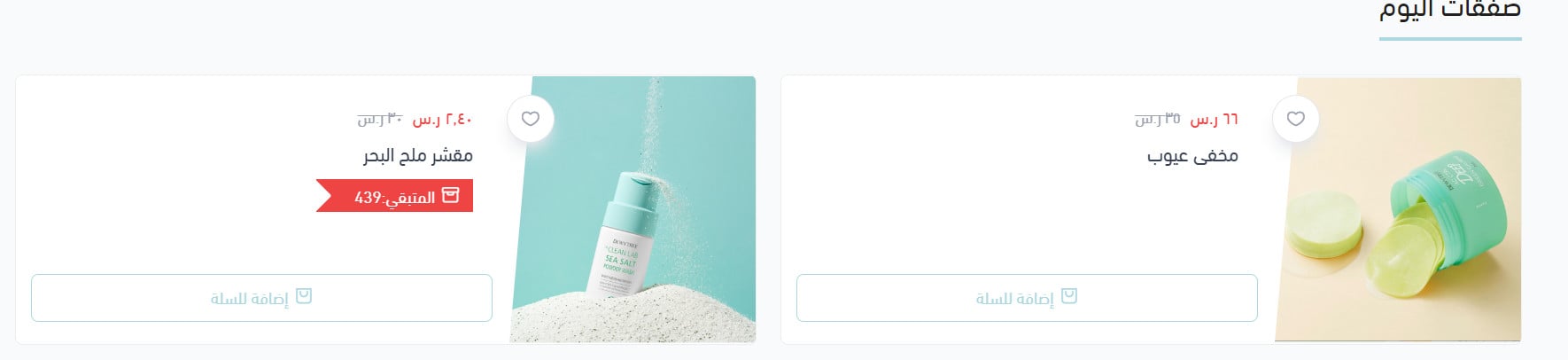
2. Daily deals

Enter the deals section title and choose the products to feature in it.
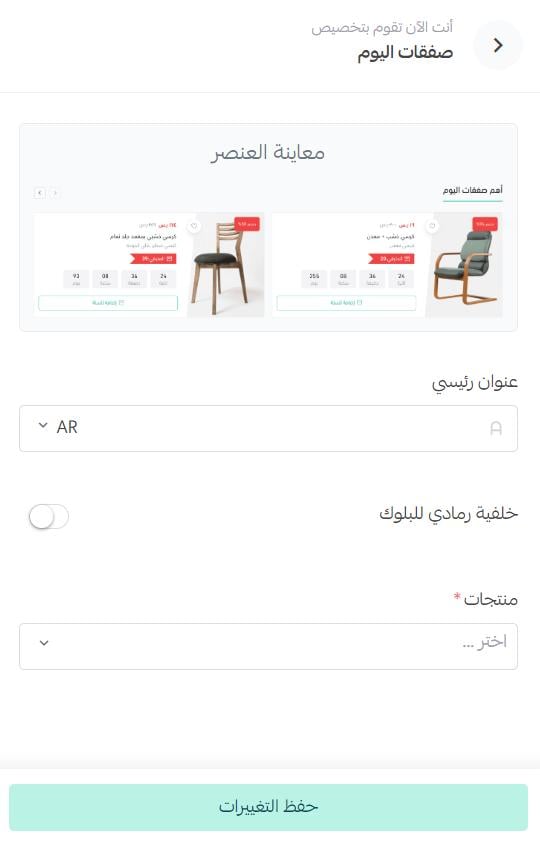
The deals then appear in your store:
3. Enhanced animated images
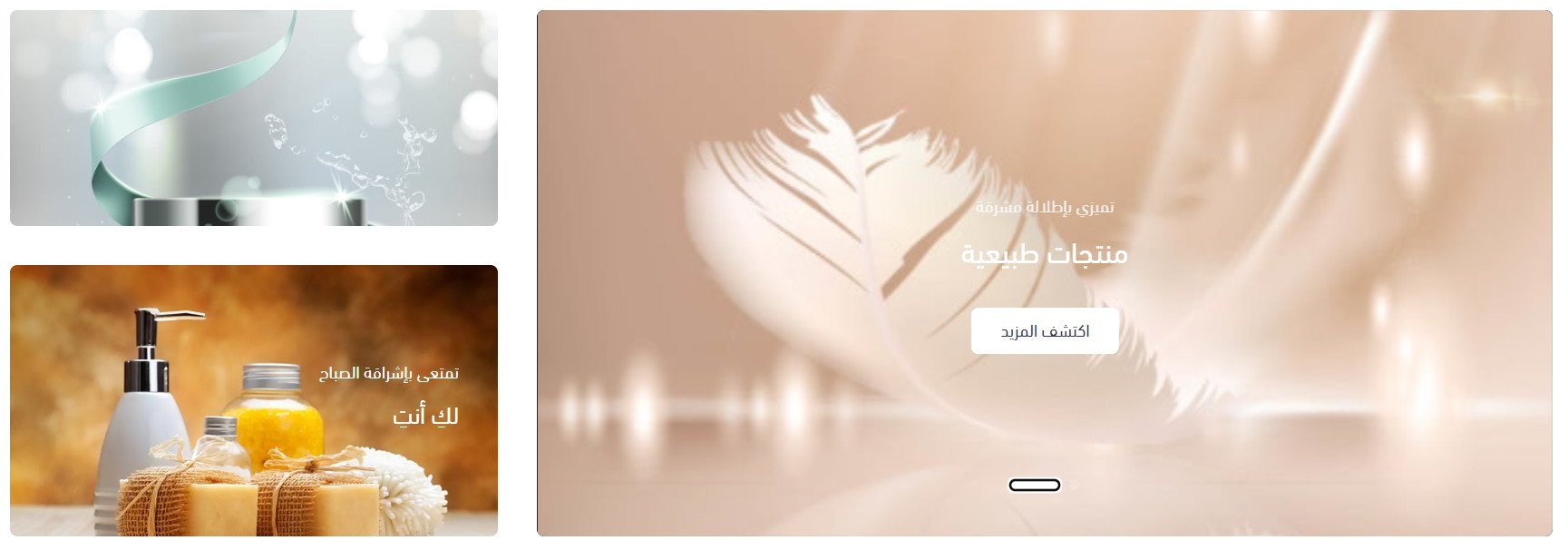
This component adds a full-width animated hero gallery, and you can place one or two banners beside it. Enter the banner background (at least one image), the main heading, the supporting text, and the button text and link.
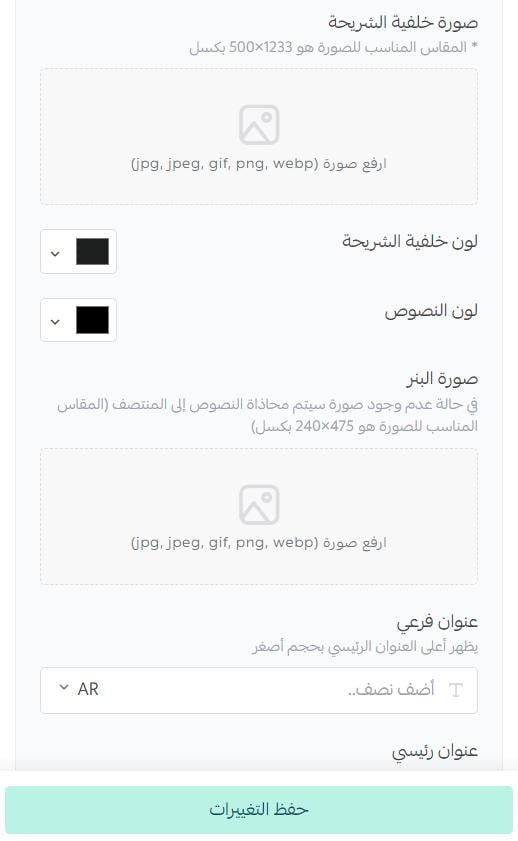
The supporting text sits on the image at a smaller size than the main heading, with an entrance animation that gives the gallery a bit of polish.
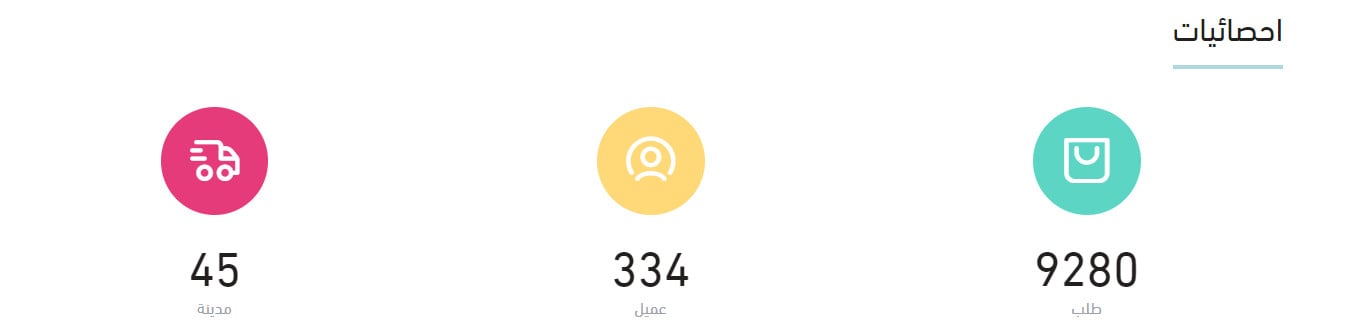
4. Statistics
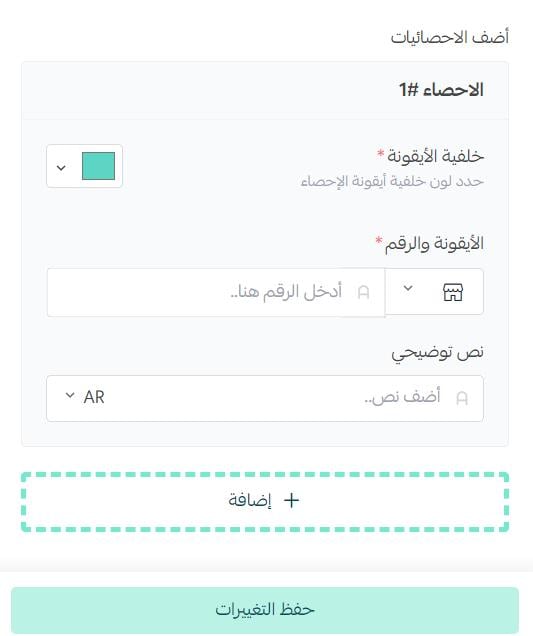
Choose the icon shape and color, enter the number, then enter the caption.
The statistics then appear in your store like this:
5. Frequently asked questions

Enter the section title, then add your questions and their answers.
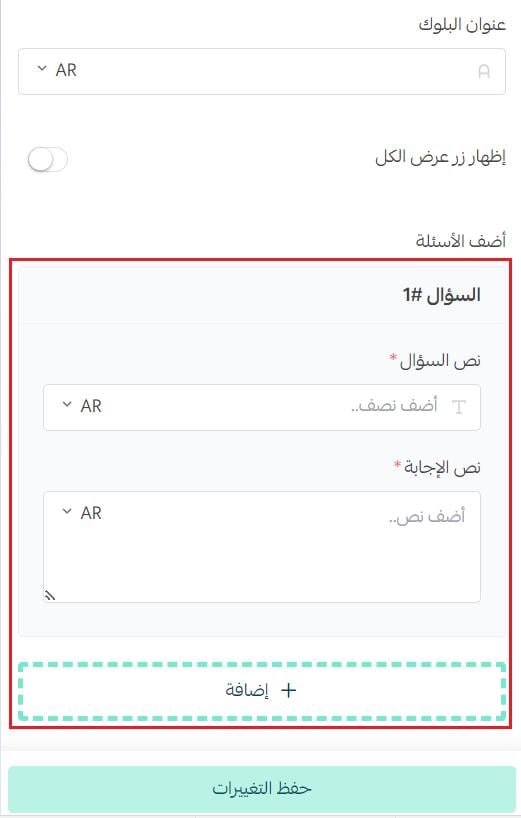
The FAQ section then appears in your store like this:

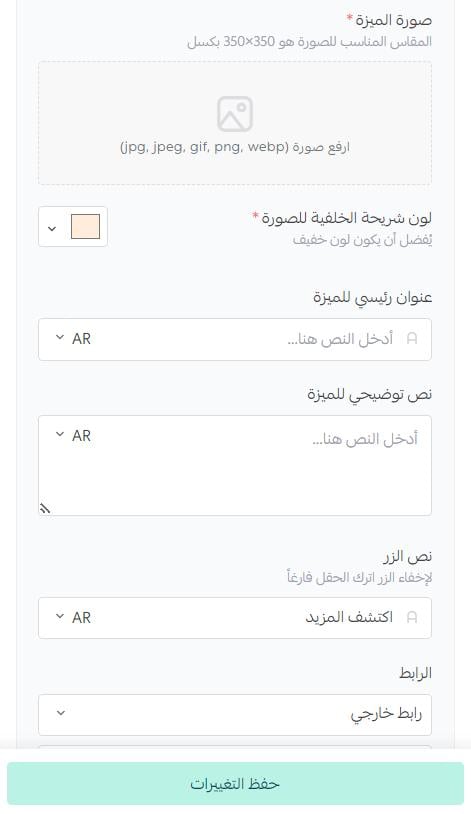
6. Features grid
Enter the feature's main heading and supporting text, choose the feature image and the background slide color, and add the call-to-action button text and its link.
The features list displays in one of two layouts.
1. Features grid in a vertical layout.
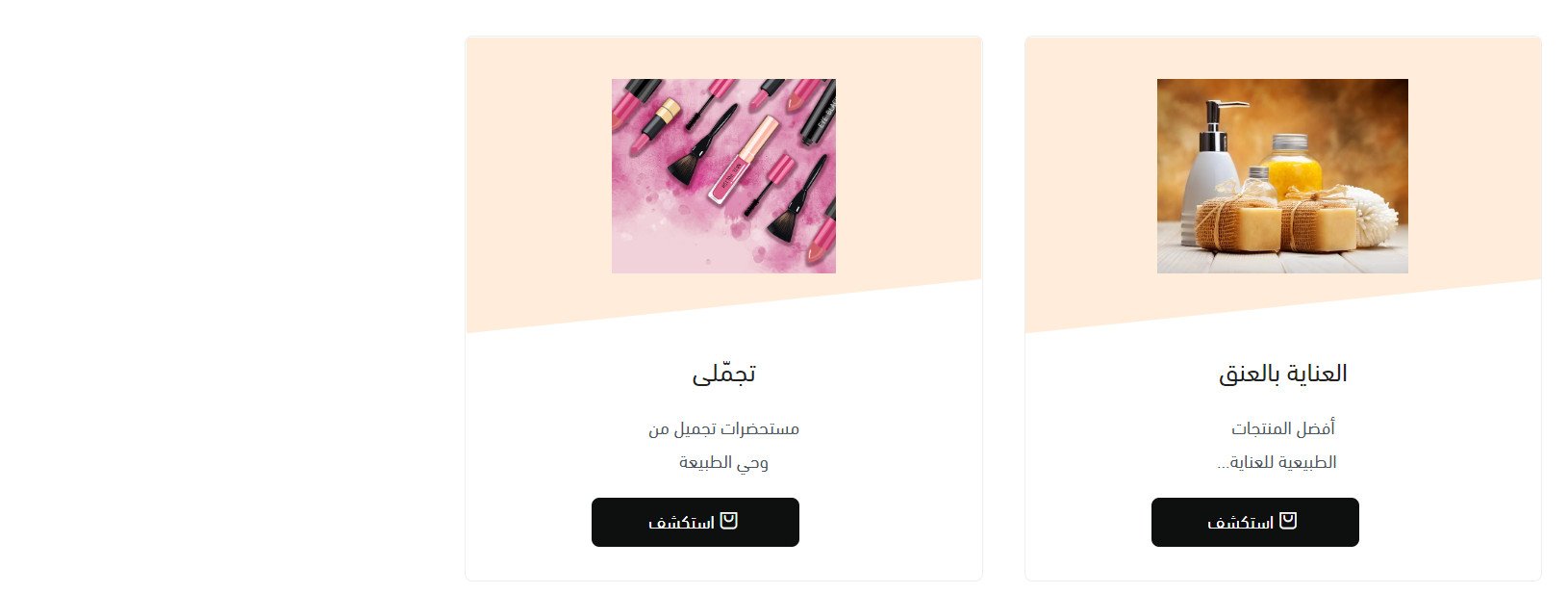
2. Features grid in a horizontal layout.

Imtiaz also improves three existing components.
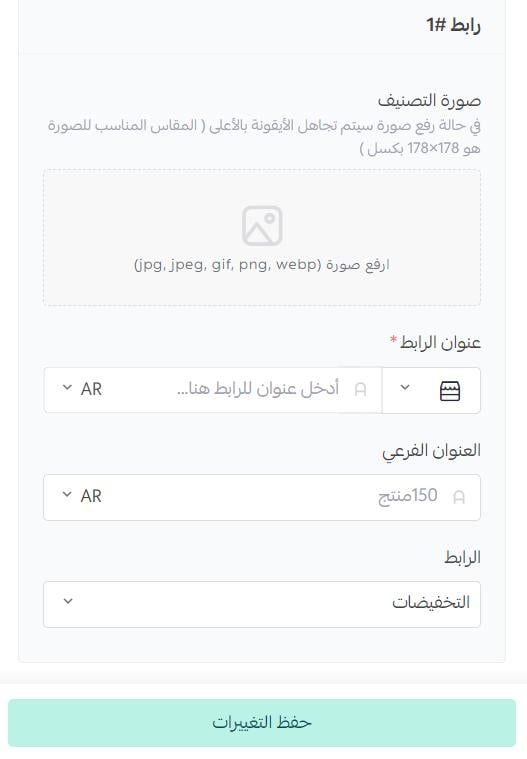
1. Quick links
Choose the link icon, write its title, and choose the link type.
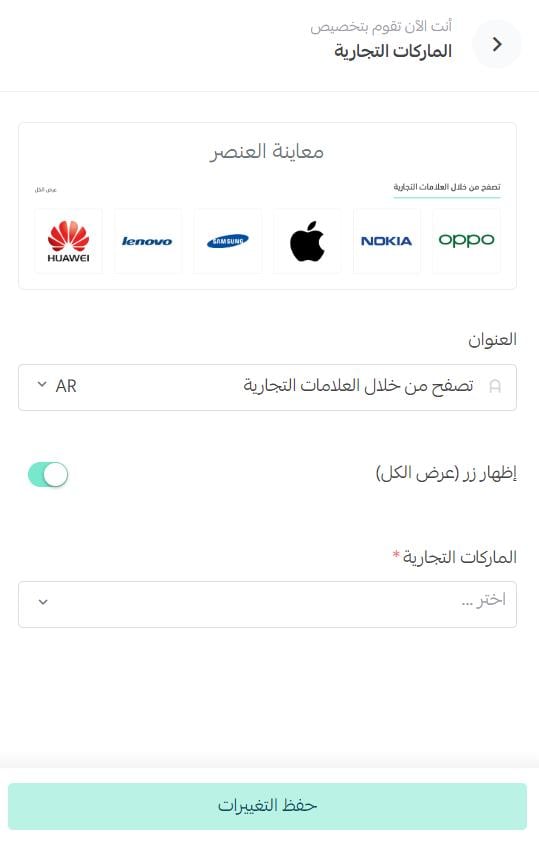
2. Brands

Enter the section title, then choose the brands whose logos you want to show.
3. Product gallery with background
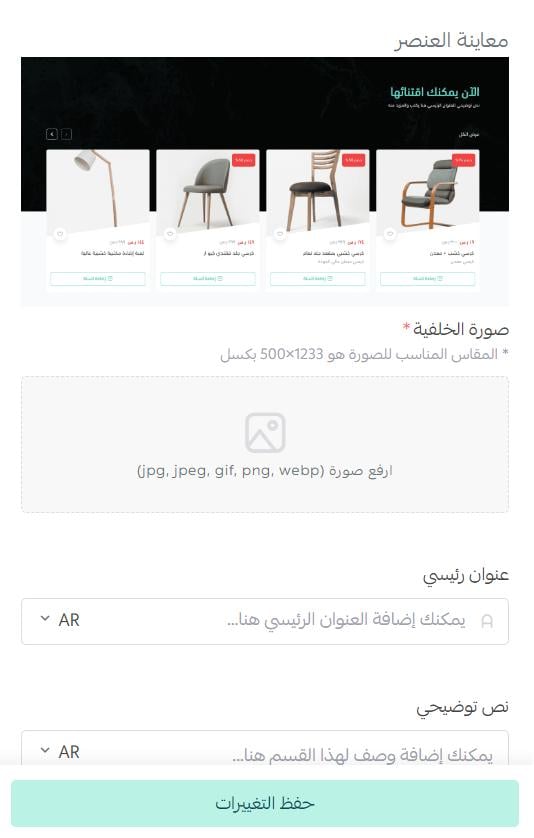
Choose the fixed background image, write the main heading and supporting text for the product set, then choose the product set you want the component to show.
Does Imtiaz change the product page or the way products display?
Yes, in several ways:
- The product image gallery is wider, so product photos stand out more.
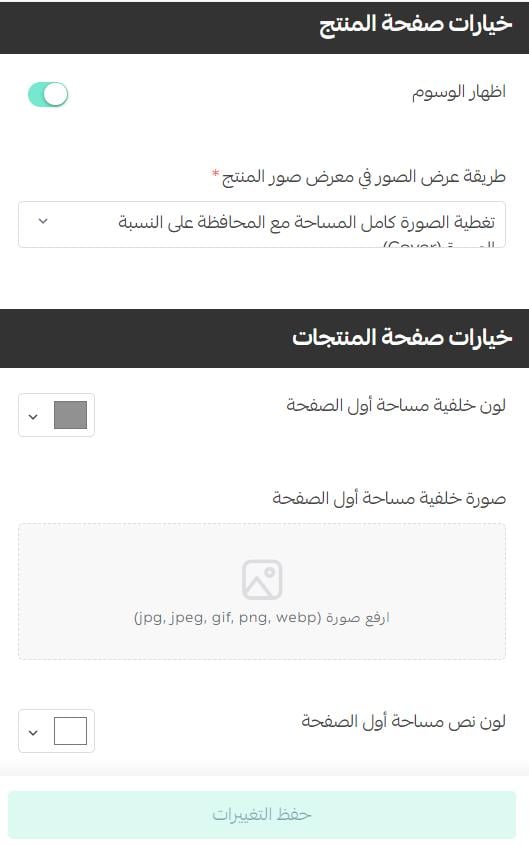
- You can control how product images display inside that gallery.
- A sticky bar at the bottom of the product page keeps the key details in view: the product image, category, name, price, quantity and the add-to-cart button.
- Tags can be shown or hidden.
- You can customize the product listing pages (category, tag, offers and so on), including a dedicated background for the top of the page, a background color and a text color of your own.
These sit in the theme design options:
A theme is worth the money when it saves you from asking a developer for every small change. Imtiaz puts the pieces most stores want on the homepage into settings you can edit yourself.