If you want to transfer your products from the Zid platform to Salla, you can easily import them without having to re-enter them manually. This feature allows you to transfer product data and track the import status from one place.
📌 Main topics of the article:
- Import products from Zid platform
Import products from Zid platform
1. From the main menu, click (Products).

2. Click (Import from platforms).

3.Select the Zid platform, then click (Next).

4. Add the necessary data to upload the file, then click (Next).
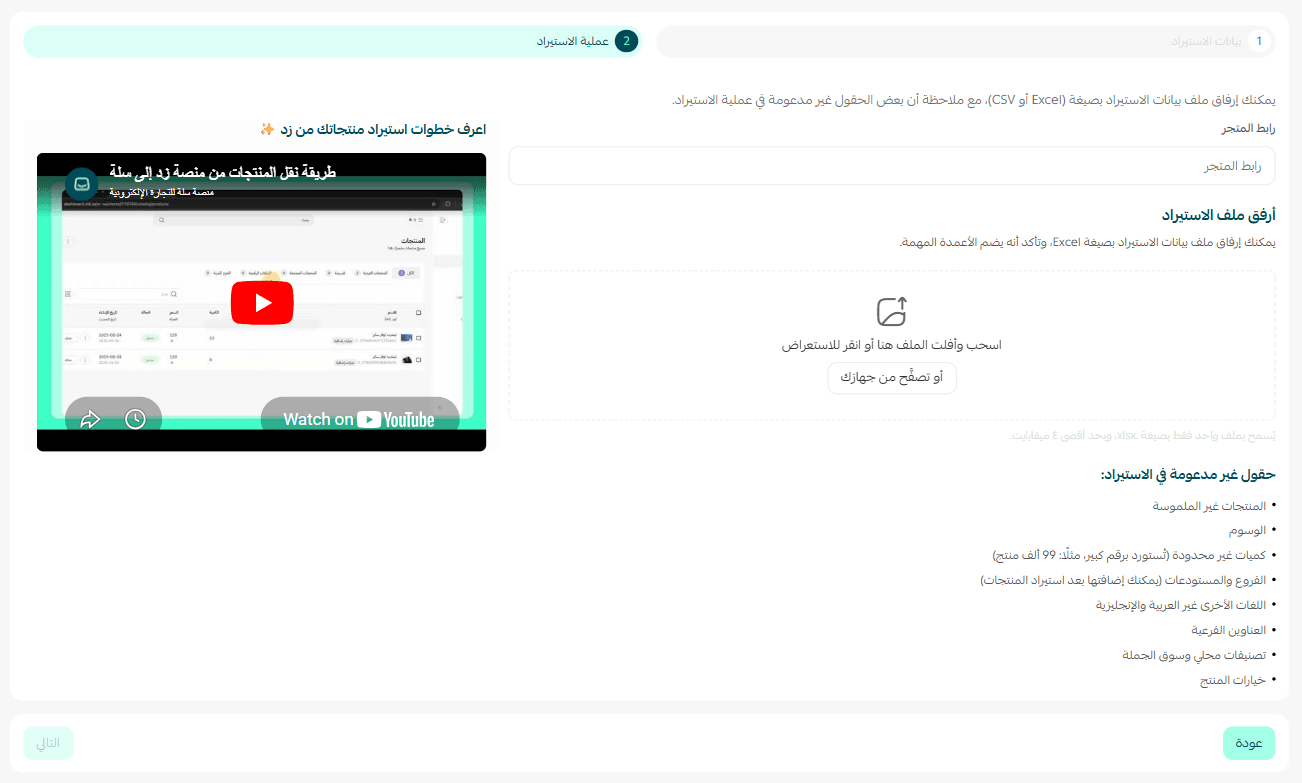
Phase one: Import the product file from Zid
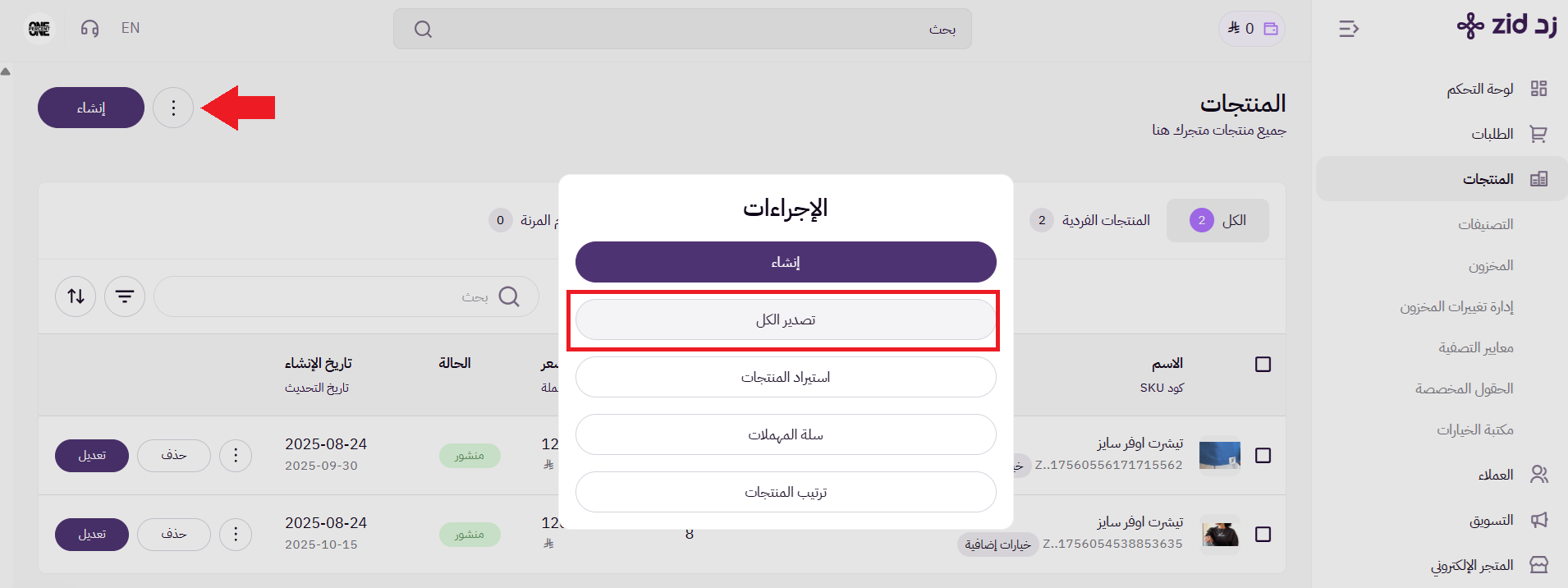
From the products page, click ( ⋮ ) and from the actions page, click (Export all).
On the export requests page, click (Download) your product file from Zid.

Phase two: Import products by attaching the Excel file
1. Enter your store link on Zid, and attach the product file you imported from Zid without making any modifications to it.
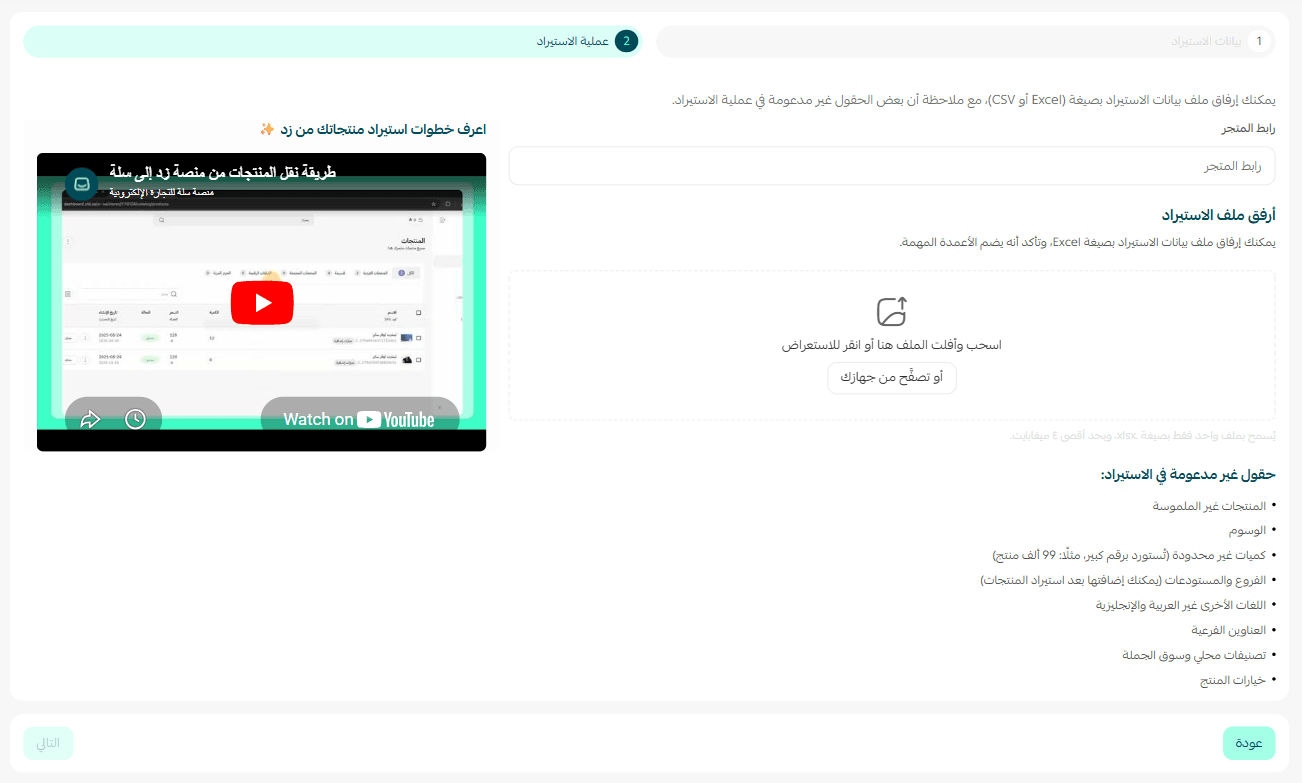
⏳ Be patient until the products are fully imported from the file.

Review the import file results, including the items successfully imported and those that failed.

The imported products will appear on the products page.

Frequently asked questions
❓ If I have more than one branch or warehouse, where will the imported products from another platform be?
Imported products from other platforms will be in the default branch, so make sure to check the default branch before starting the import process.

For more details on adding and managing branches and warehouses
❓ Are digital product contents like codes and PDF files imported?
Currently, the import system supports importing only tangible products from external platforms.
Digital products or any other type of intangible products are not supported in the import process.
💪 Start transferring your products from Zid to Salla with ease, and benefit from a faster transition experience without the need to manually re-enter data.