The Easy Discount Bundles app allows you to create quantity-based offers to increase your average order value. It helps you organize bundles, track their performance through analytics, and apply them across different types of products.
📌 Article overview
- Steps to connect the Easy Discount Bundles app
- Managing the Easy Discount Bundles app
Steps to connect the Easy Discount Bundles app
- From the main menu, click All, then under Tools, select App Store.
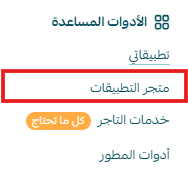
- Search for the app using the search bar.

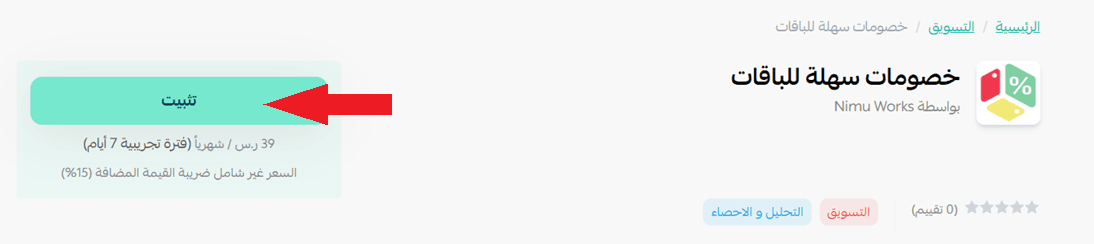
- From the Easy Discount Bundles app page, click install.
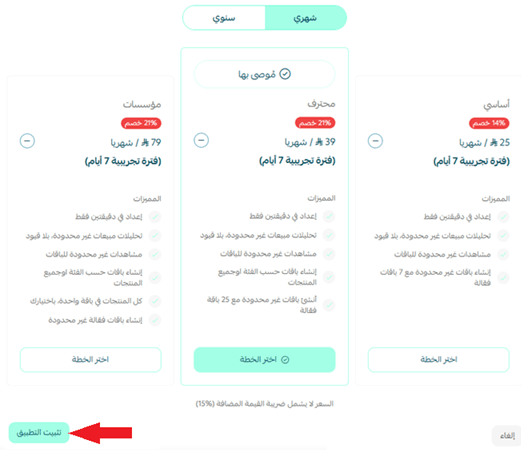
- Choose the plan that suits you, then click install app.
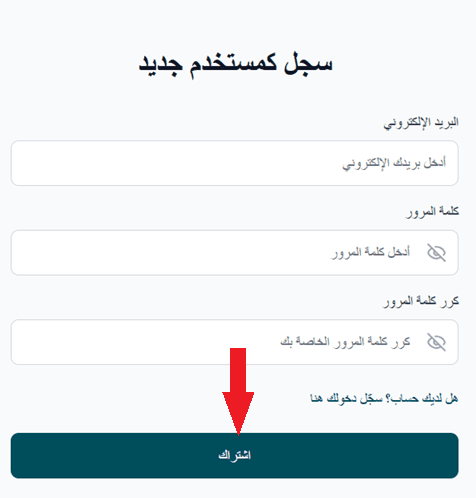
- Enter your details to create a new account on the Easy Discount Bundles website, then click subscribe.
- The Easy Discount Bundles dashboard will appear, where you can create and manage your offers.
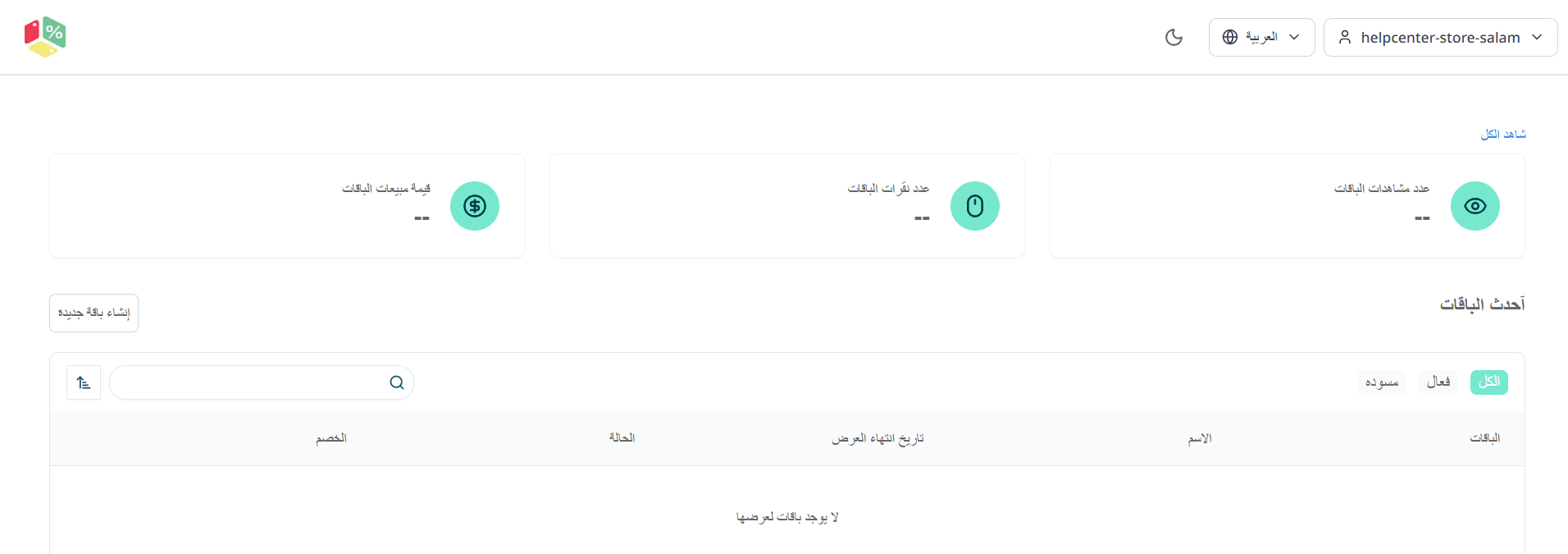
- Create your bundle by clicking Create new bundle.

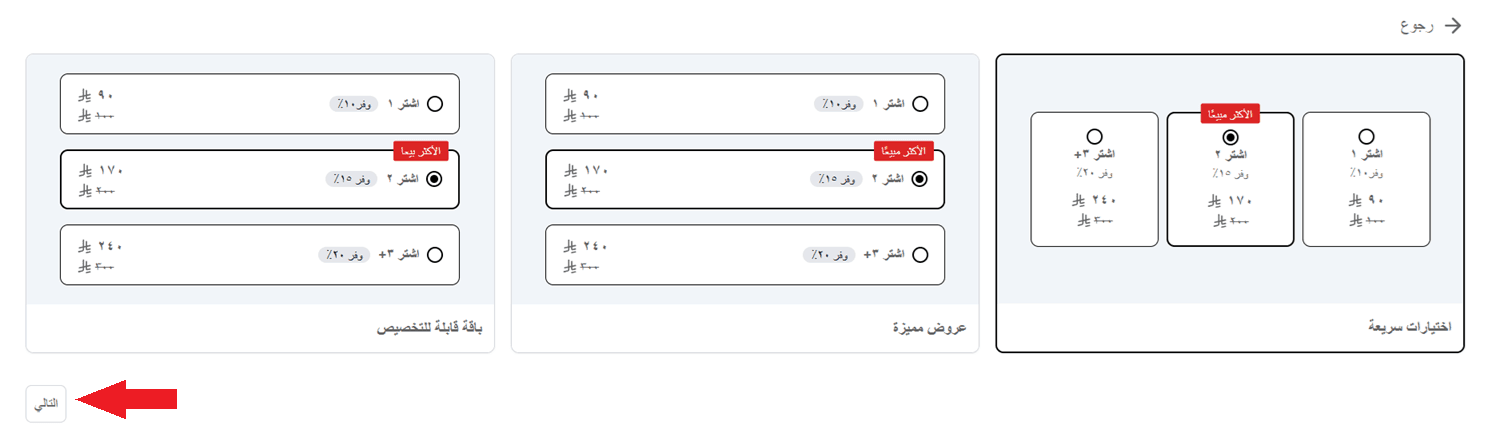
- Select the bundle, then click next.
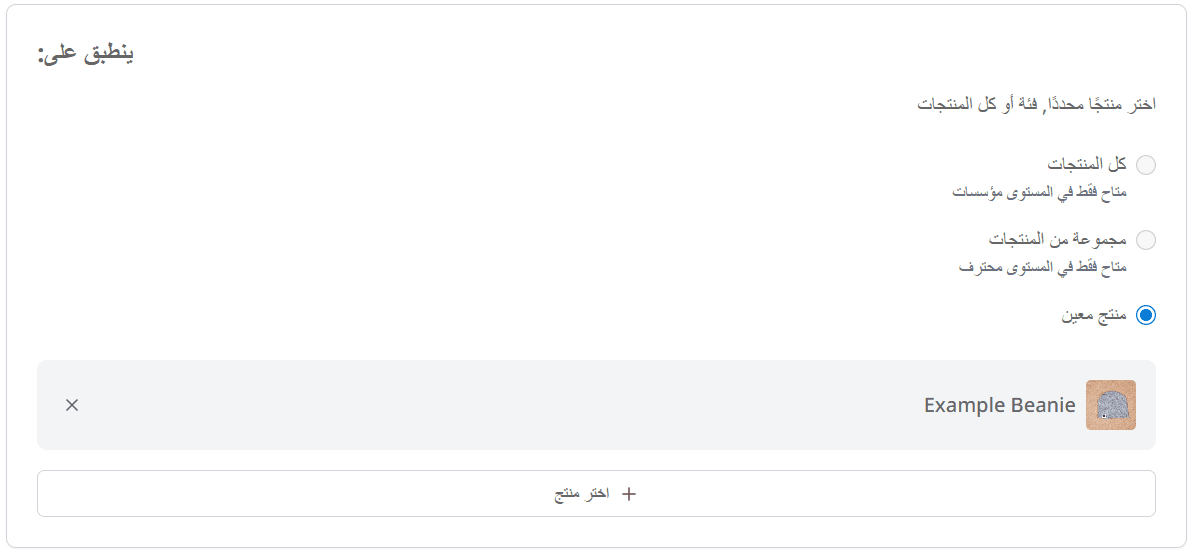
- Choose the products and set the discount details, then click create.
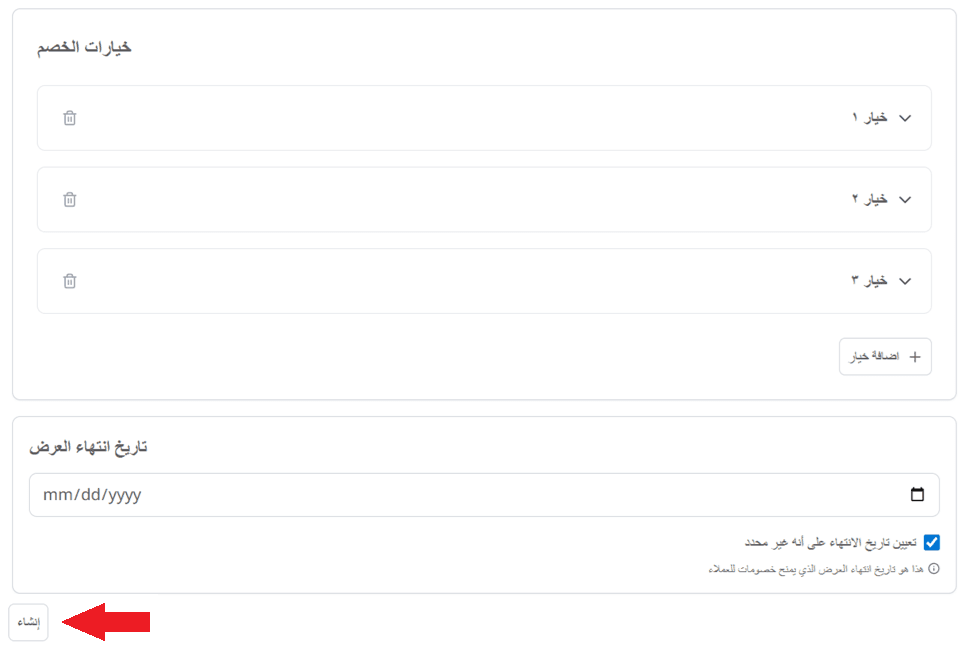
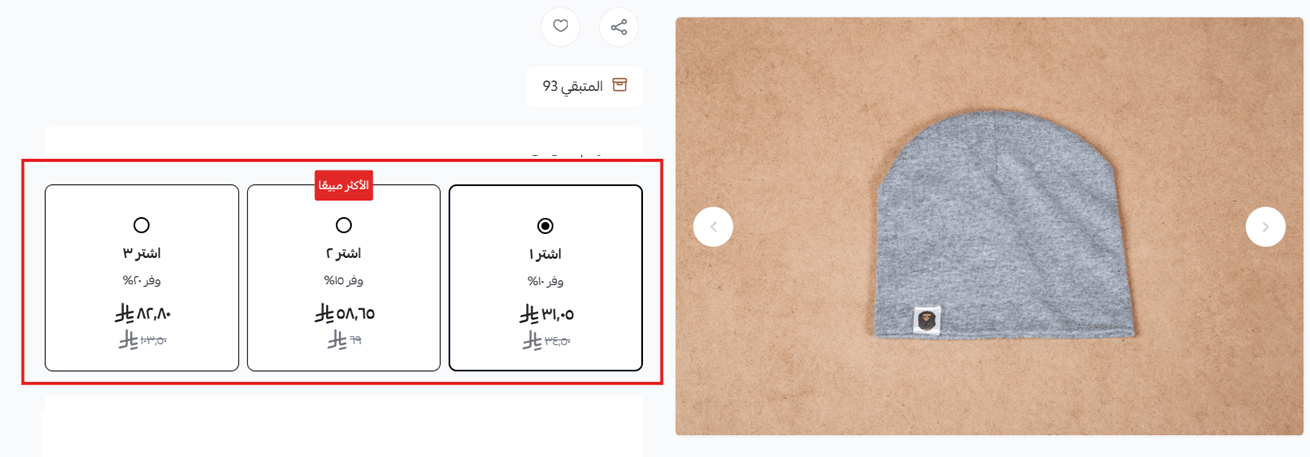
- The offer will be created and displayed in the Easy Discount Bundles dashboard.

🎉 The offer options will appear directly on the product page in your store.
Managing the Easy Discount Bundles app
Upgrade plan
- From the app details page in your store, click upgrade plan.

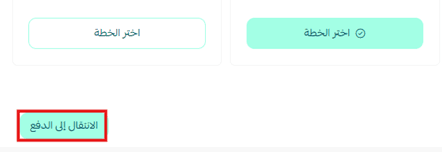
- Choose the plan that suits you, then click proceed to payment.
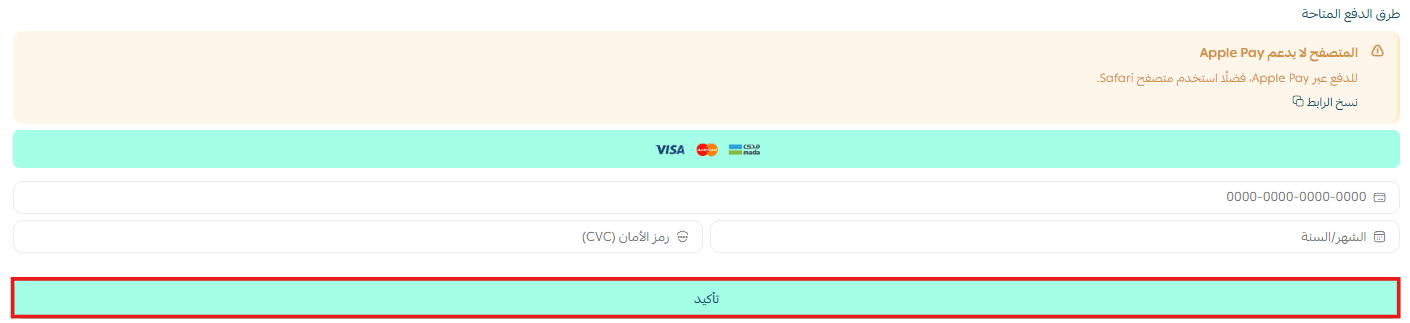
- Complete the payment details, then click confirm to upgrade your plan.
Customize the app
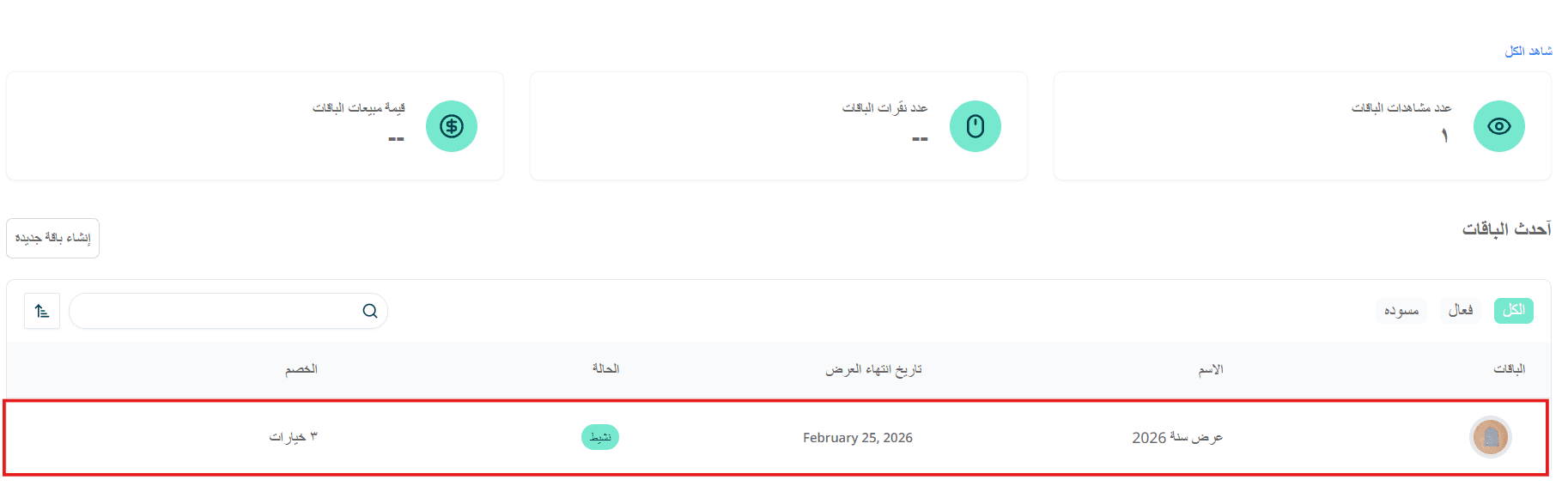
You can manage and control your offers directly from the Easy Discount Bundles dashboard.
Delete the app
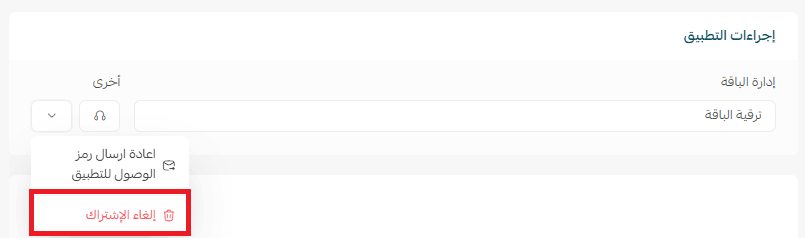
- From the app options menu, click unsubscribe, then select a reason.
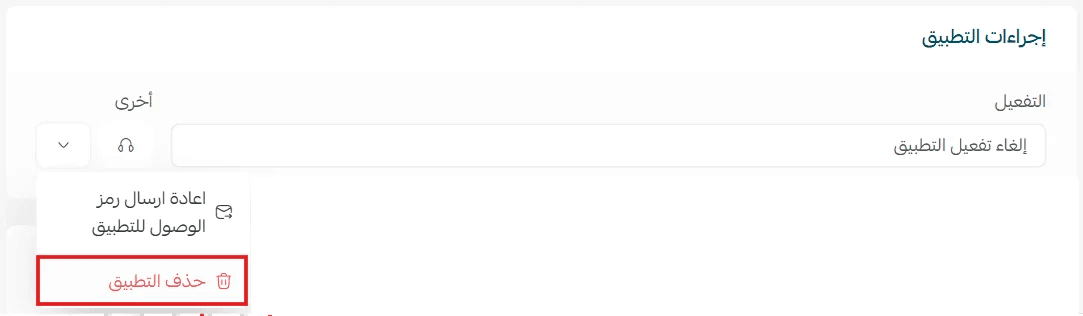
- From the app options menu, click delete app, then select a reason.
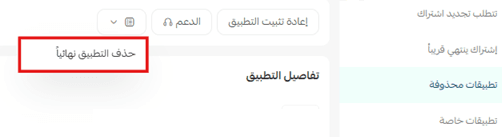
- From the deleted apps page, go to the app options and click delete app permanently to remove it completely from your store.