Tired of delivery drivers calling customers to ask where their house is?
With the customer map location feature on Salla, your customers pin their exact address on a map instead of typing it out by hand. Delivery reps and shipping companies get precise coordinates without back-and-forth calls, and some carriers (such as Barq) even calculate the delivery cost based on the distance. In this guide, you'll learn what the feature does, how to activate it, and how it looks from your customer's side.
To let customers set their location on a map, go to (Store settings) from your Salla dashboard's side menu, click (Store options), then click (Set) next to the customer address method. Configure the address type, map service, and house description field, then click (Save).
📌 Article overview
- What is the customer map location feature?
- How to activate the feature
- Frequently asked questions
🎯 What is the customer map location feature?
This feature saves your customers time and effort: instead of entering their address manually, they simply pick their location on a map. It also helps delivery reps and shipping companies speed up deliveries without needing to contact customers, and it lets certain shipping companies (such as Barq) calculate the delivery cost based on the distance.
🚀 How to activate the feature
1. From the side menu of your dashboard, click (Store settings).
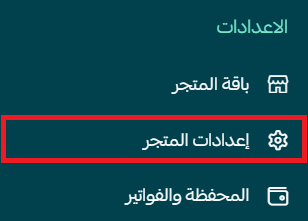
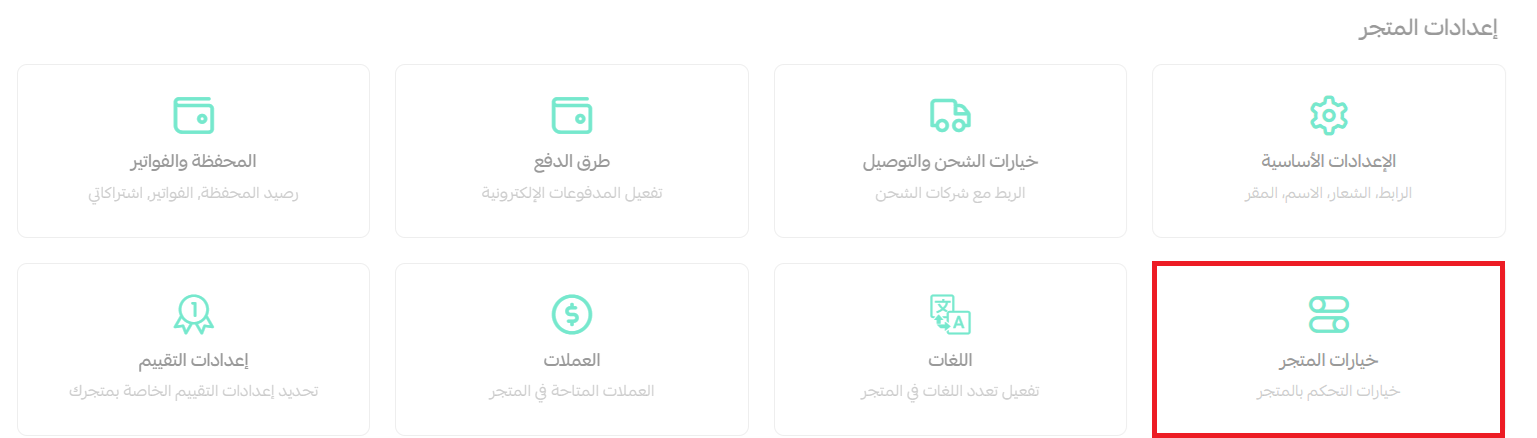
2. Click (Store options).
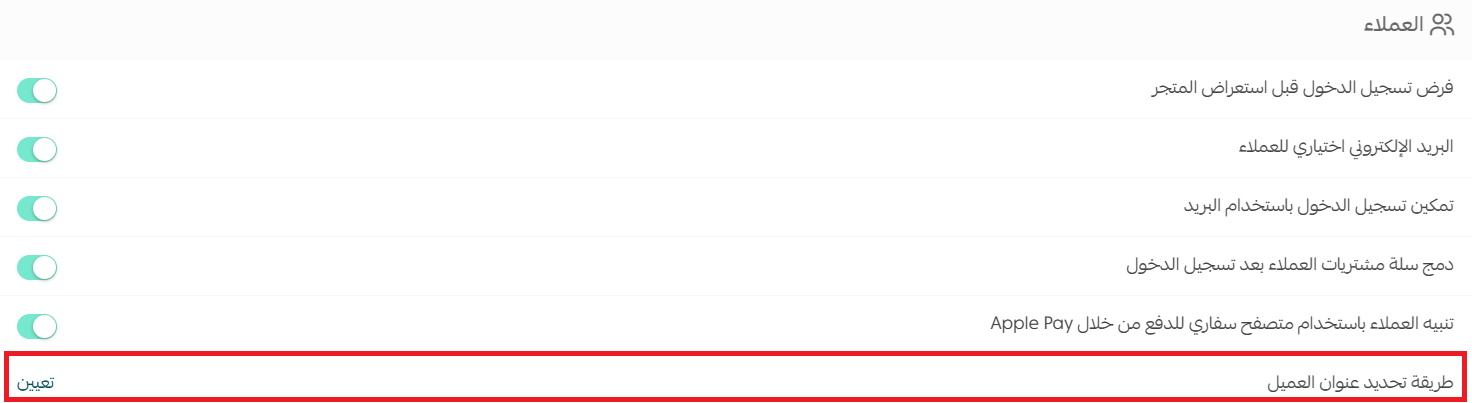
3. Next to the customer address method option, click (Set).
4. Adjust the feature options, then click (Save).
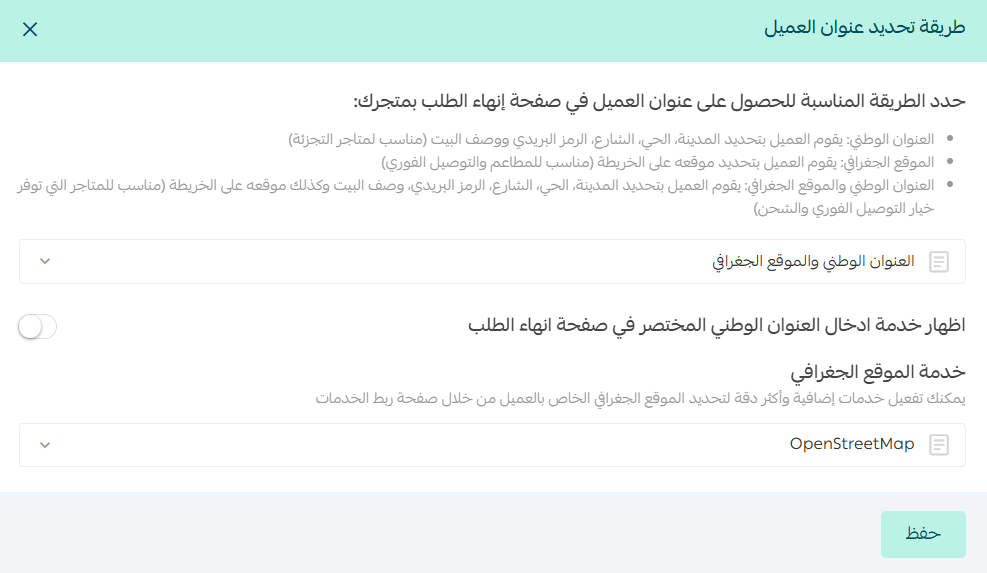
1. Choose the type of address you want to collect from your customers: the national address only, the map location only, or both.
2. If the map location is one of your preferred options, pick the mapping service to use — such as Google Maps, HERE, or LocationIQ — depending on which location services you have activated on the services integration page in your store.
3. Decide whether the house description field in the shipping address is optional or required for the customer to fill in.
❓ Frequently asked questions
Is the customer's location saved for their next purchase?
Yes. The saved location is available the next time the customer places an order.
As a merchant, what is the difference between Google Maps, HERE, and LocationIQ?
These services differ in the accuracy of the location they pin and in what the service costs.
How does a customer set their address from the map?
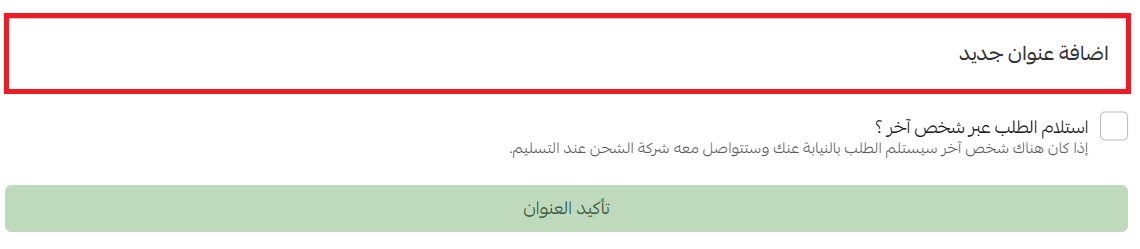
At checkout, when the customer reaches the delivery and pickup address step, they can select a previously saved address or add a new one as follows:
1. Add a new address, then click the (Set address from map) button.
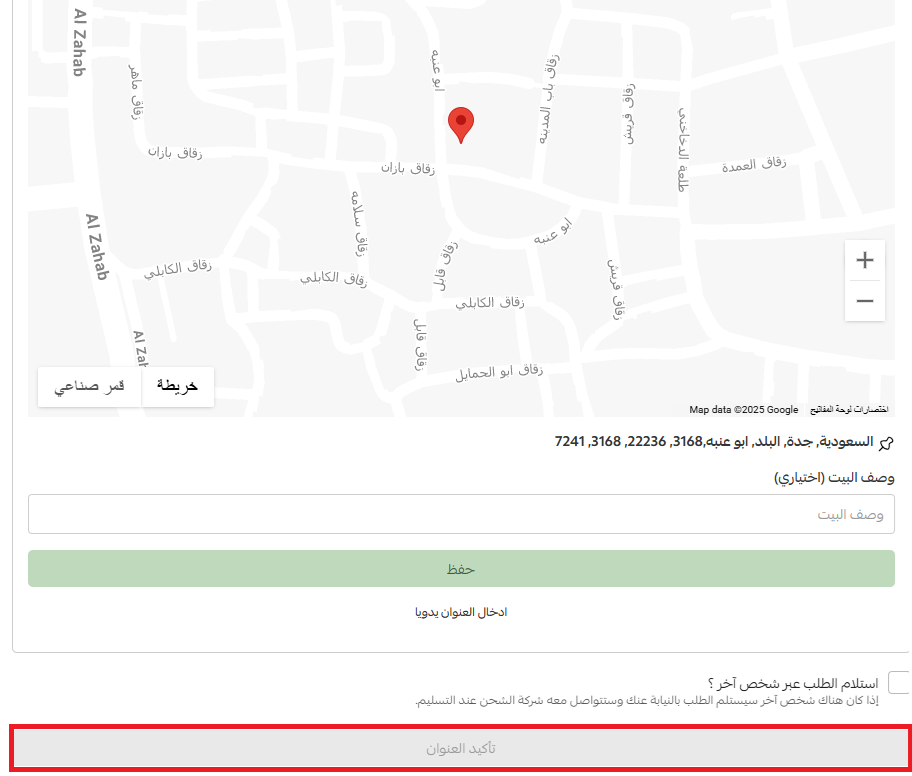
2. Pin the location on the map, then click the (Confirm address) button.
Which plans include this feature?
The customer map location feature is available on the Plus and Pro plans.
A precise pin on a map means fewer failed deliveries, fewer support calls, and faster shipping — a small setting that makes every order smoother for you and your customers.